Sylius: AbortMigrationException on fresh install with postgres
| Q | A
| ---------------- | -----
| Bug report? | yes
| Feature request? | no
| BC Break report? | no
| RFC? | no
| Sylius version | 1.0.0
| Posgres verison | 9.6.5
| Host | Distributor ID: Ubuntu
Description: Ubuntu 17.04
Release: 17.04
Codename: zesty
Station : HPDV7 (646 bits)
| PHP Version | PHP 7.1.10
How to reproduce
Setup postgres :
$ su postgres
$ psql
# create user sylius LOGIN PASSWORD '1234';
# create database sylius OWNER sylius;
# create database sylius_dev OWNER sylius;
In app/config/parameters.yml:
parameters:
    database_driver: pdo_pgsql
    database_host: 127.0.0.1
    database_port: 5432
    database_name: sylius
    database_user: sylius
    database_password: 1234
   ...
Setup sylius
Follow the standard installation procedure :
$ wget http://getcomposer.org/composer.phar
$ php composer.phar create-project sylius/sylius-standard project
$ cd project
$ yarn install
$ yarn run gulp
$ php bin/console sylius:install
Result
[Doctrine\DBAL\Migrations\AbortMigrationException]
Migration can only be executed safely on 'mysql'.
 programaths
All 16 comments
Any information on this issue? 1.0 milestone failed?
 nicholasruunu
on 16 Nov 2017
nicholasruunu
on 16 Nov 2017
I am getting this error too. Does this mean that Sylius isn't compatible with PostgreSQL?
 it-all
on 13 Mar 2018
it-all
on 13 Mar 2018
This is the workaround I used in a fresh Sylius-Standard project:
- Remove all migrations from
app/migrations bin/console doctrine:migrations:diffbin/console doctrine:migrations:migrate- Profit(?)
 teohhanhui
on 5 Apr 2018
teohhanhui
on 5 Apr 2018
@teohhanhui this way works only for a fresh installation, migrations often include more complicated, hand-made transformations to make upgrades effortless.
 pamil
on 6 Apr 2018
pamil
on 6 Apr 2018
Overall, to properly support PostgreSQL we would need to run tests on both databases and provide additional fixtures, which is something we don't have enough resources to do right now. The solution here might be to start up a community project providing support for PostgreSQL-based migrations made by people who actually use it.
pamil
on 6 Apr 2018
As long as Sylius doesn't use any MySQL-specific features or depend on any quirks of MySQL, things should work fine on PostgreSQL. Migrations could be adapted by the users themselves. :laughing:
I think it's worth having a section in the docs about using a different DBMS, because currently it's claimed that you could use something else like PostgreSQL, but the user is left hanging.
teohhanhui
on 6 Apr 2018
@teohhanhui it looks like there's an incompatibility referenced in #7978.
it-all
on 6 Apr 2018
@it-all Thanks for the heads up.
teohhanhui
on 6 Apr 2018
Having the same issue :(
 Codealist
on 30 Jul 2018
Codealist
on 30 Jul 2018
@Codealist Please try the workaround above: https://github.com/Sylius/Sylius/issues/8853#issuecomment-379024893
teohhanhui
on 30 Jul 2018
Hello,
I am a Symfony developer and I am in love with the project :heart_eyes_cat: already..
The Migrations scripts are just a bunch of lazy dumps of Mysql database statements and the $schema argument of the component is not in use which would allow installation on any Doctrine-supporting infrastructure.
I would like to fix this and make a pull request to merge it for the future generations.
Would you be OK with this?
I would just need information on how we should do this. I am think to simply edit the Migrations/VersionXXX.php and use DBAL for creating tables and all that is needed.
p.s. I have not tried the workaround yet...
 andriusdj
on 29 Mar 2019
andriusdj
on 29 Mar 2019
i'm a symfony developer for many years ago
i get same issue
here is how i resolve it
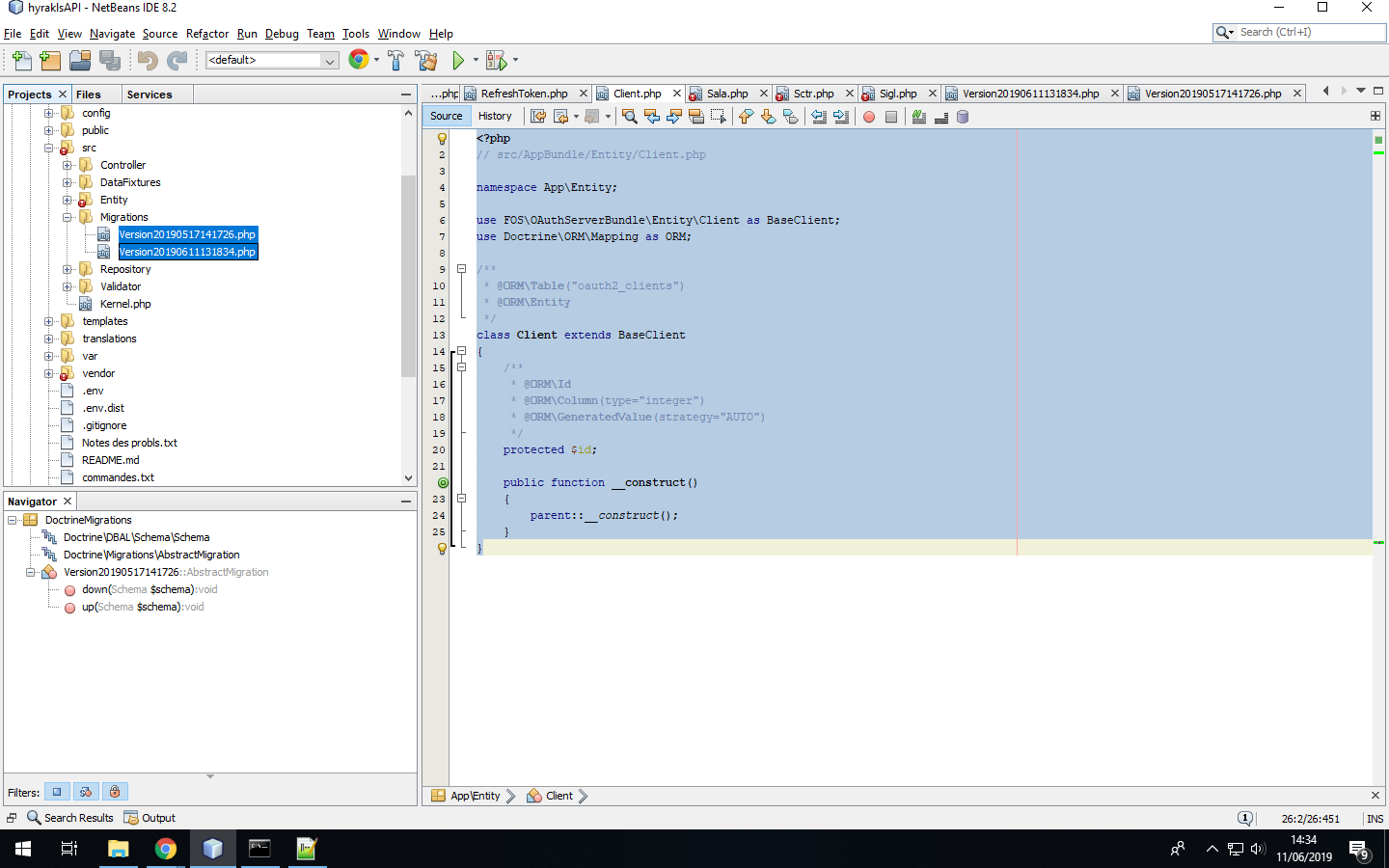
1-go to migration directory in the project under src remove all migration files
2-generate new migration file using "php bin/console make:migration"
3-finaly do this "php bin/console doctrine:migration:migrate"
this works for me :)
 omarbg
on 11 Jun 2019
omarbg
on 11 Jun 2019
This issue has been automatically marked as stale because it has not had any recent activity. It will be closed in a week if no further activity occurs. Thank you for your contributions.
![stale[bot] picture](https://avatars.githubusercontent.com/in/1724?v=4&s=40) stale[bot]
on 30 May 2020
stale[bot]
on 30 May 2020
Issue to be reopen, as version 1.8.0 include migrations for mysql only from the packages, so the workaround here is not applicable :/
 storm1er
on 16 Sep 2020
storm1er
on 16 Sep 2020
I confirm, switching to mysql in the meantime
 3kynox
on 25 Jan 2021
3kynox
on 25 Jan 2021
Hey @storm1er and @3kynox. Can you try fix provided here: https://github.com/Sylius/Sylius/issues/11851#issuecomment-764952143?
 lchrusciel
on 28 Jan 2021
lchrusciel
on 28 Jan 2021
Related issues
 mezoni
·
3Comments
mezoni
·
3Comments
 crbelaus
·
3Comments
crbelaus
·
3Comments
 loic425
·
3Comments
loic425
·
3Comments
 stefandoorn
·
3Comments
stefandoorn
·
3Comments
stefandoorn
·
3Comments
stefandoorn
·
3Comments
Most helpful comment
Issue to be reopen, as version 1.8.0 include migrations for mysql only from the packages, so the workaround here is not applicable :/