Survey-library: How can set some formula/calculation ?
Are you requesting a feature, reporting a bug or ask a question?
What is the current behavior?
What is the expected behavior?
How would you reproduce the current behavior (if this is a bug)?
Provide the test code and the tested page URL (if applicable)
Tested page URL:
Test code
your_code_here
Specify your
- browser:
- browser version:
- surveyjs platform (angular or react or jquery or knockout or vue):
- surveyjs version:
 lalitkhanna
All 22 comments
@lalitkhanna Could you please describe your task? It is unclear now, what you are trying to achieve.
Thank you,
Andrew
 andrewtelnov
on 20 Jun 2017
andrewtelnov
on 20 Jun 2017
@andrewtelnov , Lets say you've ans based on that you want to do some calculation .i.e.
Question1 : Did you go London ?
Ans : Yes or No ( If yes then your score 5 if No then 0)
Next Question2 : Do you know English ?
Ans : Yes or No (If Yes then score 5 if No then 0)
Based on inputs, we will calculate the score after finish the survey.i.e. Your total score is ...
Hope this will help you.
Thanks
Lalit
lalitkhanna
on 21 Jun 2017
You can process survey results on onComplete event:
survey.onComplete.add(function(survey) {
        // survey.data contains survey results
        // here you can place your code to make necessary calculations, e.g. score
});
 tsv2013
on 21 Jun 2017
tsv2013
on 21 Jun 2017
Thanks, What about if I want to calculate on run time means whenever user is choosing option, he/she is getting his/her result.
Thanks
Lalit
lalitkhanna
on 21 Jun 2017
You can use onValueChanged event. The event is fired when the question value is changed. It can be done via UI by a user or programmatically on calling setValue method.
So you can update score on each answer.
tsv2013
on 21 Jun 2017
@lalitkhanna if I'm not wrong you may use onValueChanged event just like so:
survey.onValueChanged.add(function (sender, options) {

var questionName = options.name;
var newValue = options.value;

//console.log("ON VALUE CHANGED CALLED - QUESTION_NAME - " + questionName);
//console.log("ON VALUE CHANGED CALLED - NEW_VALUE - " + newValue);

});
 brydko
on 21 Jun 2017
brydko
on 21 Jun 2017
Good shot, @Kuhax !
tsv2013
on 21 Jun 2017
Great!! Coming on Survey Editor.. Can we create a control in Editor which can be simply use for this purpose ?
Thanks
Lalit
lalitkhanna
on 21 Jun 2017
Or Create a property in existing control, which can calculate this ?
Thanks
Lalit
lalitkhanna
on 21 Jun 2017
@lalitkhanna What do you mean by creating a control? You may add a new property and it will be in the editor and you will be able to use it in run-time:
//add a property to the base question class and as result to all questions
Survey.JsonObject.metaData.addProperty("questionbase", {name: "score:number", default: 0});
Here is the full docs about adding a property: http://editor.surveyjs.io/examples/addproperties.html#code
Thank you,
Andrew
andrewtelnov
on 21 Jun 2017
I beleive we can show score in any place of the survey. But this will require some coding. We'll help you to implement it.
tsv2013
on 21 Jun 2017
Thanks @andrewtelnov , @tsv2013,@Kuhax
This is great help for me.
I got an idea to implement my solution & will come back if I'll have any challenges.
Thanks
Lalit
lalitkhanna
on 21 Jun 2017
Good luck, Lalit! Please feel free to contact us in case of any further questions!
tsv2013
on 21 Jun 2017
Thanks!!
lalitkhanna
on 21 Jun 2017
I didn't find Survey.JsonObject (object) in JS file,Can you please let me how we need to create this object &
which section I need to initialize ?
Thanks
Lalit
lalitkhanna
on 21 Jun 2017
You should add to your html page link to the Survey.JS library. This is described in the library documentation.
For instance if you are using jQuery platform, you should add the following line:
<script src="https://surveyjs.azureedge.net/0.12.17/survey.jquery.min.js"></script>
tsv2013
on 21 Jun 2017
You can open any example on the surveyjs.org site, lets say Product Feedback survey page and click "Edit in Plunker" button. You will be redirected to the Plunker playground where you can play with our code.
tsv2013
on 21 Jun 2017
Trying hard to reach Plunker, not sure right now some issue is running on site.
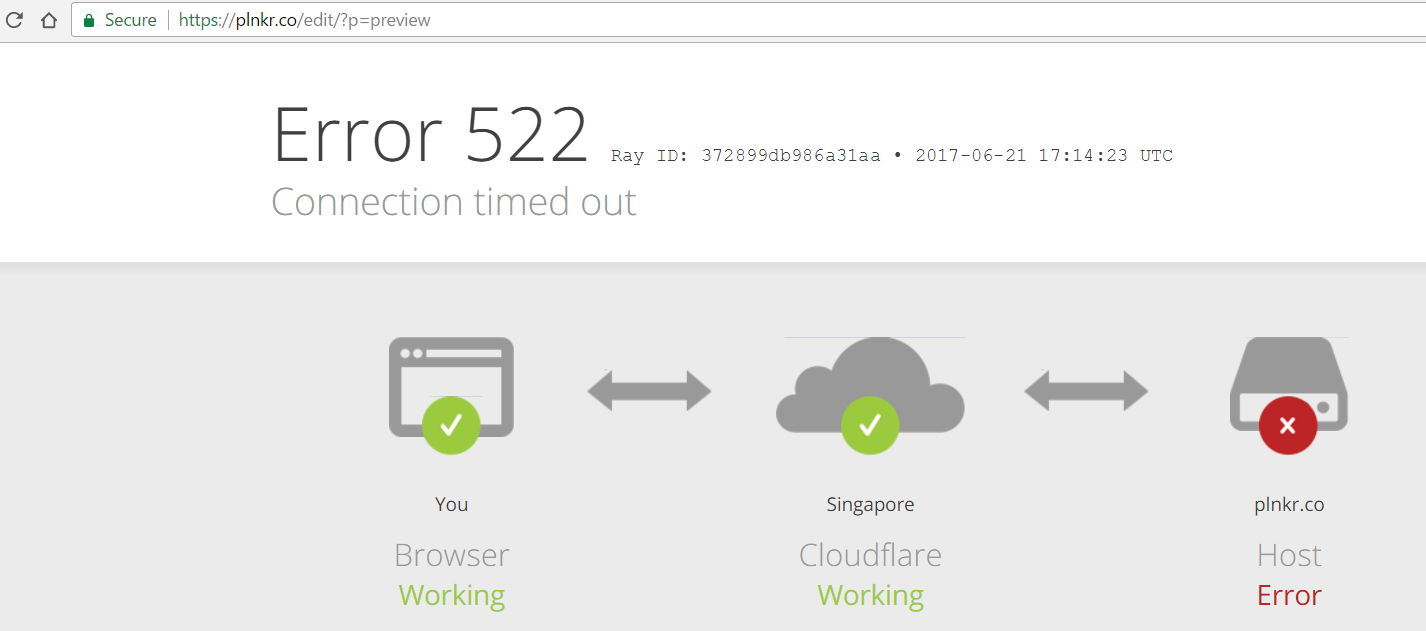
Thanks
Lalit
lalitkhanna
on 21 Jun 2017
@lalitkhanna plnkr.co is ok now, could ypu check it please?
 dmitrykurmanov
on 22 Jun 2017
dmitrykurmanov
on 22 Jun 2017
No reply for several months. I am closing the issue.
andrewtelnov
on 10 Sep 2017
Regarding this quote:
@lalitkhanna What do you mean by creating a control? You may add a new property and it will be in the editor and you will be able to use it in run-time:
//add a property to the base question class and as result to all questions
Survey.JsonObject.metaData.addProperty("questionbase", {name: "score:number", default: 0});
Here is the full docs about adding a property: http://editor.surveyjs.io/examples/addproperties.html#codeThank you,
Andrew
… it would appear the linked-to example is broken. When I try to change item values using the embedded surveyjs editor on that page, a JavaScript error is logged to the console:
Uncaught TypeError: __WEBPACK_IMPORTED_MODULE_1_survey_knockout__.Base.isValueEmpty is not a function
    at SurveyNumberPropertyEditor.SurveyPropertyEditorBase.onkoValueChanged (propertyEditorBase.ts:178)
    at a.vc.gb (propertyEditorBase.ts:39)
    at Function.notifySubscribers (knockout.js:37)
    at Function.fa (knockout.js:40)
    at c (knockout.js:40)
    at Object.Ea (knockout.js:61)
    at HTMLInputElement.l (knockout.js:101)
    at HTMLInputElement.dispatch (jquery?v=FVs3ACwOLIVInrAl5sdzR2jrCDmVOWFbZMY6g6Q0ulE1:1)
    at HTMLInputElement.y.handle (jquery?v=FVs3ACwOLIVInrAl5sdzR2jrCDmVOWFbZMY6g6Q0ulE1:1)
I'm assuming this is merely an issue with that particular example page, and I'm not sure if this warrants a separate ticket or not.
 avium
on 29 Sep 2017
avium
on 29 Sep 2017
@avium Yes, there was a bug in v0.12.29.. We have fixed it. The current version is 0.12.30
Thank you,
Andrew
andrewtelnov
on 30 Sep 2017
Related issues
 halexiev-hedgeserv
·
4Comments
halexiev-hedgeserv
·
4Comments
 testweird123
·
4Comments
testweird123
·
4Comments
 Zucka
·
4Comments
Zucka
·
4Comments
 enricribas
·
3Comments
enricribas
·
3Comments
 xiuzhen1103
·
4Comments
xiuzhen1103
·
4Comments