Surge: GUI Blurry when mixing Retina and Non-Retina displays on MacOS on Launch
What I saw:
Build and validate AU
Launch Logic and bring up Surge GUI
At initial zoom (whatever I have set as default) % some of the text in the GUI that has been converted to outlines still looks uggo.
Zoom up to 125% text look nice and crisp
Zoom back to 100% now text look nice and crisp there as well.
Its almost like at the initial load of GUI its falling back to bitmaps then on scale switching over to the .svg assets. Would that even be possible?
Regardless, once Im down on the machine I was seeing this on Ill open an issue with screenshots.
baconpaul [8:09 AM]
Oh ha I bet I ignore the pixel density on the initial zoom
That would explain what you see at least
Or more accurately set it before I have a window so I get back a “1”
So it’s using svg but not retina in initial state - probably more fallout from the initial zoom dance fix
If you can reproduce please just add that comment to the issue and I’ll look when I’m back!
Oh nope I anticipated that!
https://github.com/surge-synthesizer/surge/blob/d6de8aed3e47a01da676059c69f06beb24b0272e/src/mac/DisplayInfoMac.mm#L32
src/mac/DisplayInfoMac.mm:32
```float defaultBackingScale = 2.0;```
surge-synthesizer/surge | Added by GitHub
Well vacay is good enough that my in my head debugging is now rusty :)
 itsmedavep
All 11 comments
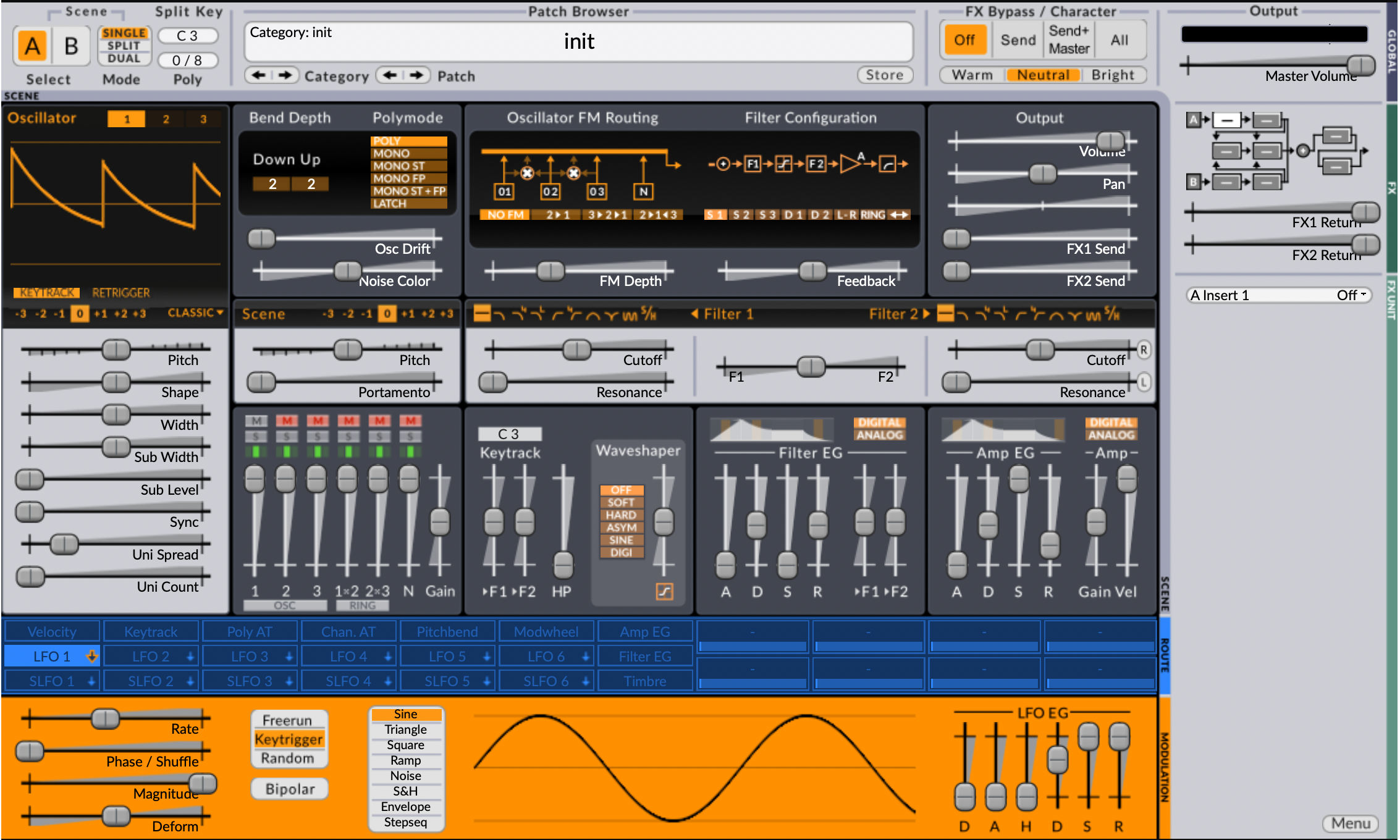
Compare the patch "Category" text to the OSC labels.
In the attached screen I have set 125% zoom as my default BUT this also happens if I set to 100% by default.
*edit for clarity.
itsmedavep
on 11 Jul 2019
Thanks. Super clear.
 baconpaul
on 11 Jul 2019
baconpaul
on 11 Jul 2019
So I can't reliably reproduce this but in debugging I did find a bit of uninitialized memory in the cache handler for the offscreen draws which I think may be the problem. Should have a new nightly soon with the memory fix in place. If that works for you we can close this. If not I'll make a branch for you with some debug prints.
baconpaul
on 11 Jul 2019
OK @itsmedavep can you try this with latest master at your convenience?
baconpaul
on 11 Jul 2019
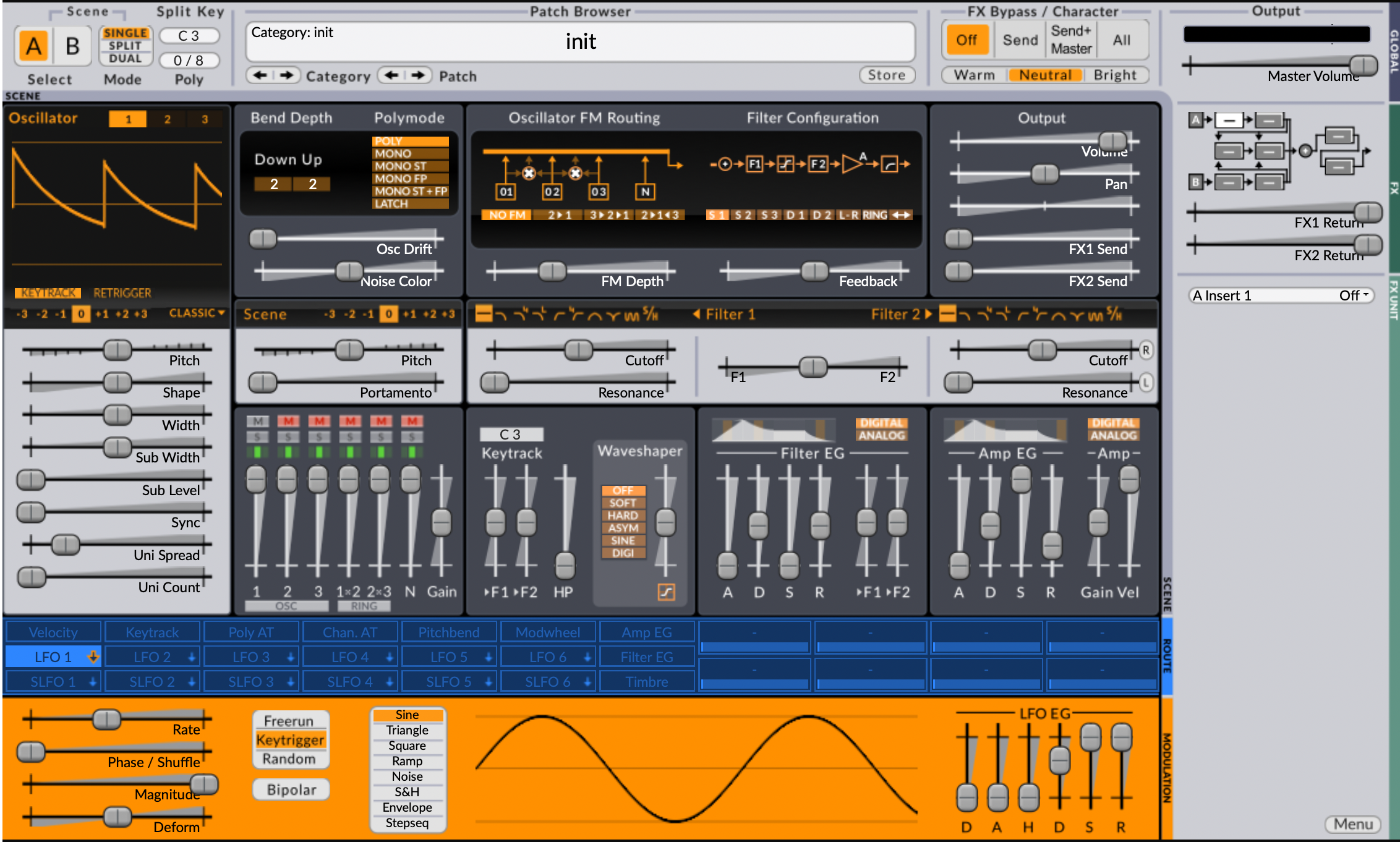
I was able to try this out. Im still seeing the issue.

itsmedavep
on 13 Jul 2019
Ok then! So let me make you a branch with some debug prints in it and we can see what they say.
baconpaul
on 13 Jul 2019
Ok @itsmedavep I pushed a version with debugging information for you. It's on baconpaul branch blur-for-dave-952
As a reminder here's how you check it out
git remote add baconpaul https://github.com/baconpaul/surge
git fetch baconpaul
git checkout baconpaul/blur-for-dave-952
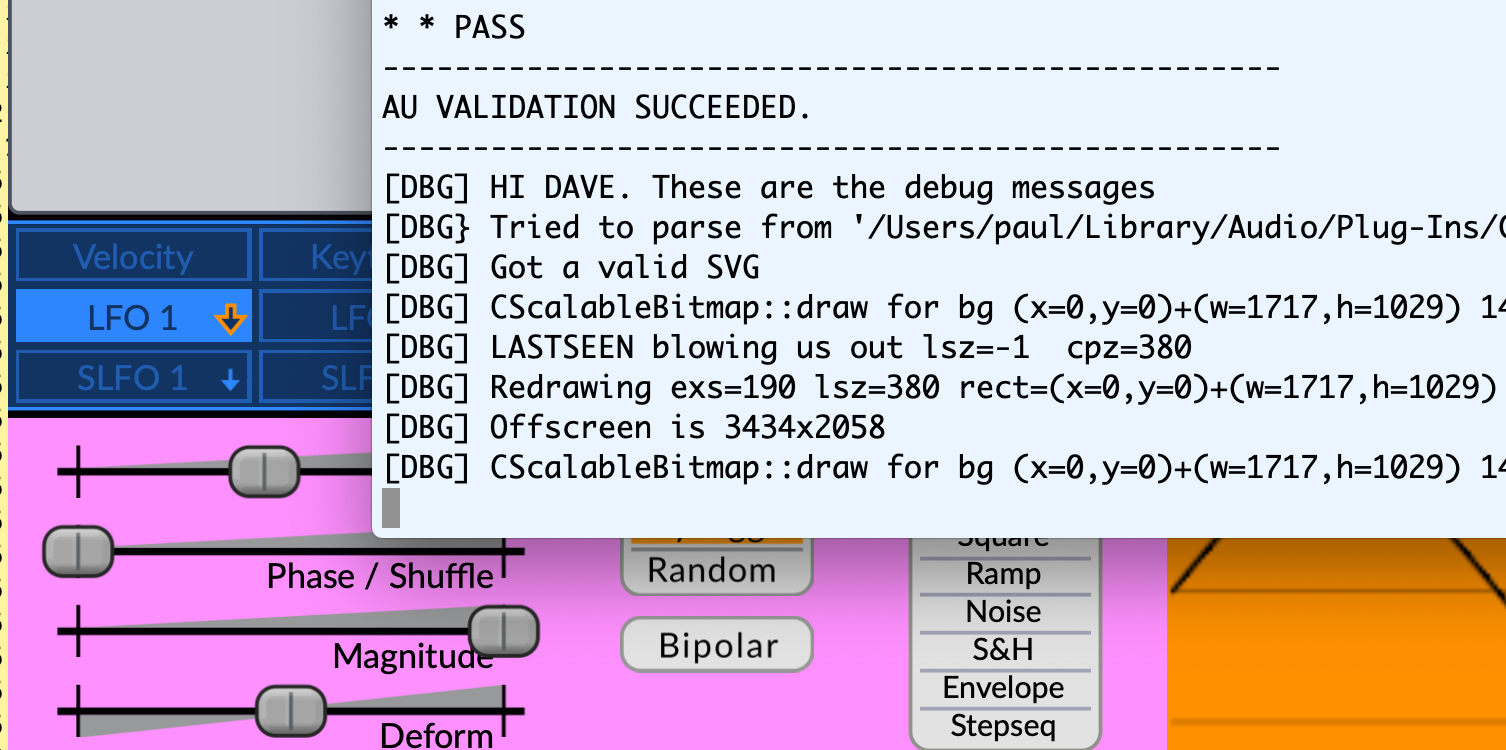
then do a clean build and build. If you build successfully you should see a chunk of the UI go pink. Cool. Screenshot below.
Now you need to run a host with the terminal output captured. Easiest way to do this is just run logic from the terminal then add a surge.
/Applications/Logic\ Pro\ X.app/Contents/MacOS/Logic\ Pro\ X
from the terminal will start logic with logic attached. You will then see output when you open surge that looks like the [DBG] messages in the screenshot below. (That was run in Hosting AU but it works in Logic too; I just checked).
Do your various resizes and copy and paste the DBG statements over to me? In Hosting AU just now I saw this:
[DBG] SurgeGUIEditor::setZoomFactor(190)
[DBG] SurgeGUIEditor::setZoomFactor post fun sets zoomFactor=190
[DBG] SurgeGUIEditor::setZoomFactor(190)
[DBG] SurgeGUIEditor::setZoomFactor post fun sets zoomFactor=190
[DBG] HI DAVE. These are the debug messages
[DBG} Tried to parse from '/Users/paul/Library/Audio/Plug-Ins/Components/Surge.component/Contents/Resources/svg/bmp00102.svg'
[DBG] Got a valid SVG
[DBG] SurgeGUIEditor::setZoomFactor(190)
[DBG] SurgeGUIEditor::setZoomFactor post fun sets zoomFactor=190
[DBG] CScalableBitmap::draw for bg (x=0,y=0)+(w=1717,h=1029) 140411688635680
[DBG] LASTSEEN blowing us out lsz=-1  cpz=380
[DBG] Redrawing exs=190 lsz=380 rect=(x=0,y=0)+(w=1717,h=1029)
[DBG] Offscreen is 3434x2058
[DBG] SurgeGUIEditor::setZoomFactor(190)
[DBG] SurgeGUIEditor::setZoomFactor post fun sets zoomFactor=190
[DBG] CScalableBitmap::draw for bg (x=0,y=0)+(w=1717,h=1029) 140411688635680
[DBG] CScalableBitmap::draw for bg (x=129,y=131)+(w=143,h=25) 140411688635680
[DBG] SurgeGUIEditor::setZoomFactor(180)
[DBG] SurgeGUIEditor::setZoomFactor post fun sets zoomFactor=180
[DBG] CScalableBitmap::draw for bg (x=0,y=0)+(w=1627,h=975) 140411688635680
[DBG] LASTSEEN blowing us out lsz=380  cpz=360
[DBG] Redrawing exs=180 lsz=360 rect=(x=0,y=0)+(w=1627,h=975)
[DBG] Offscreen is 3254x1950
[DBG] CScalableBitmap::draw for bg (x=122,y=124)+(w=135,h=24) 140411688635680
[DBG] CScalableBitmap::draw for bg (x=122,y=124)+(w=135,h=24) 140411688635680
baconpaul
on 14 Jul 2019
TY! Ill get some time to try this out today (in a couple hours). Ill report back later.
itsmedavep
on 14 Jul 2019
Dave and I have figured out that this happens when you have a mac with one retina and one non-retina display. Clearly somewhere in the startup path we choose the wrong screen so use the 1x rather than 2x resolution.
baconpaul
on 15 Jul 2019
@itsmedavep this one is a bit tricky to fix (need to re-scan backing store at one point). Mind if I bump it to 1.6.3? Let me know if that's a problem.
baconpaul
on 20 Aug 2019
I'll survive!
itsmedavep
on 20 Aug 2019
Related issues
itsmedavep
·
9Comments
baconpaul
·
7Comments
 sense-amr
·
4Comments
sense-amr
·
4Comments
 mortfell
·
8Comments
mortfell
·
8Comments
 esaruoho
·
10Comments
esaruoho
·
10Comments