Surge: Frequency display for cutoffs
Cutoffs are modeled as integer sliders and convert to frequencies with formulae like 440 * 2 ^ ( n / 12 ) implying n=0 is A4 -> 440 hz.
So when we show frequencies in the filter cutoff tooltips we could show the nearest note. So you would see something like
"281.2hz (~C#4)"
and then can tune your filters on frequency or on note.
Low priority obviously but would have answered a question that @esaruoho asked me on slack.
 baconpaul
All 9 comments
Oooh I just noticed unit conversion.h already has get_notename
baconpaul
on 2 Feb 2019
This one seems fairly straightforward. If I were to attempt a change anything to watch out for? I’m away from the code so can’t check right now.
Is the work here essentially taking current frequency from the slider, doing unit conversion on it and then concatenating the strings in the slider “drags” label display?
 itsmedavep
on 4 Apr 2019
itsmedavep
on 4 Apr 2019
That’s correct and the formatting is done in thebparamrter for ct-frequency. There’s a pitch to note function too somewhere
baconpaul
on 5 Apr 2019
Note if we make this change it will now echo into surge-rack also; so need to be a teensy bit careful
baconpaul
on 16 Jun 2019
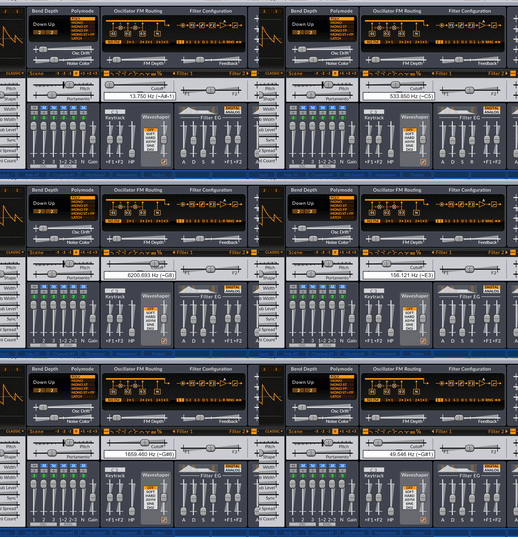
Could it be possible to make it so that the spacing is constant when changing frequency? Right now whether there is a "#" symbol in front of a note or not makes the whole frequency's horizontal position jittery when changing the cutoff value and it makes it hard to read:
 VincyZed
on 25 Jan 2020
VincyZed
on 25 Jan 2020
Easy
baconpaul
on 25 Jan 2020
Oh darn it. Not so easy. Since we don't use a monospace font the # kerns wider than ' ' so it still bounces even when I put a space in. Will ponder.
baconpaul
on 25 Jan 2020
My rough plan is to have the tool top contain a hard tab (\t) and have the infowindow widget do something smart with that. Or maybe special case the () to put a constant space around them. Something gross and hacky like that in the UI paint method basically is the only way to get it to align properly.
baconpaul
on 25 Jan 2020
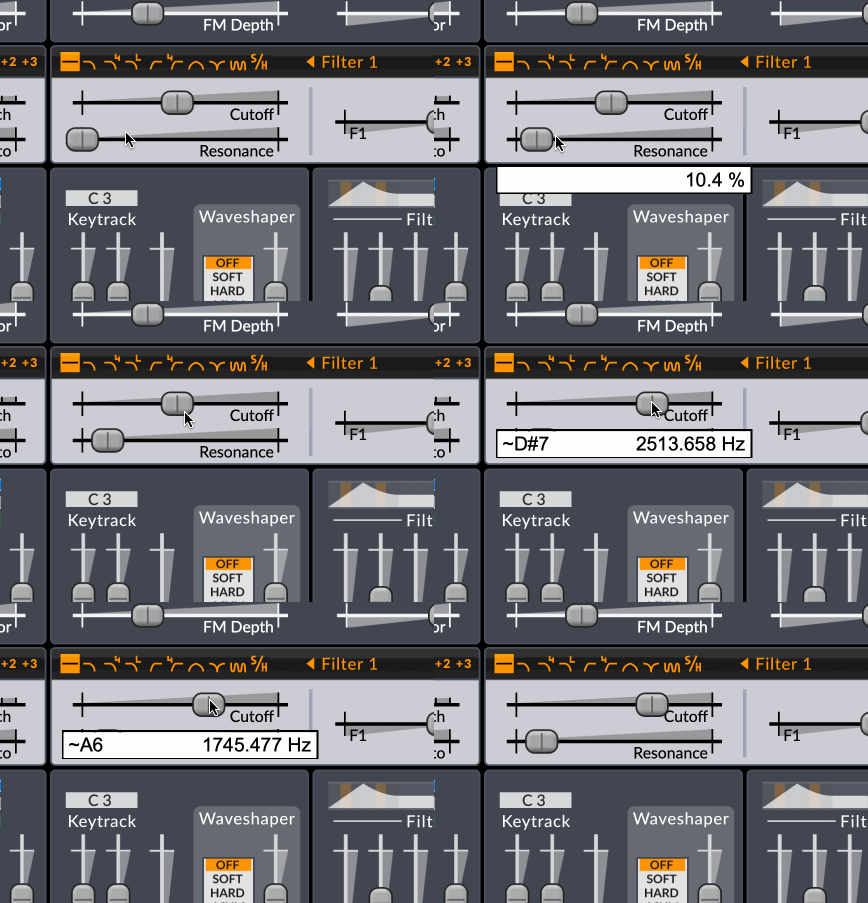
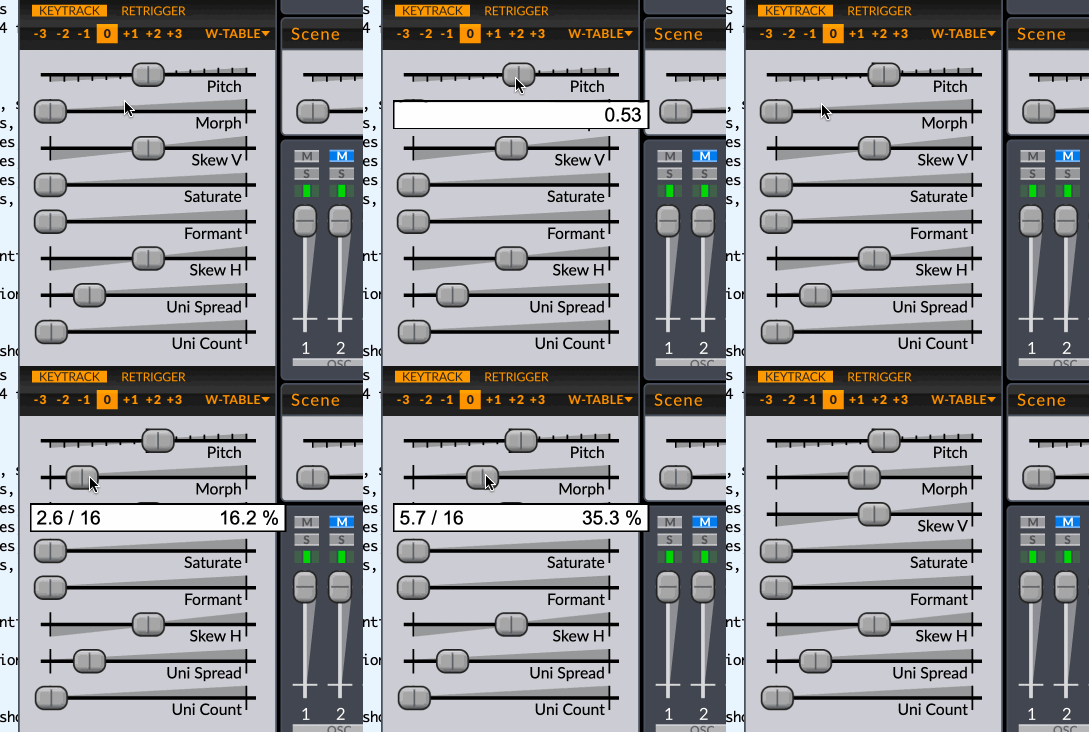
In the end I did the right thing rather than a gross hack. Any parameter can now advertise an alternate text for itself which isn't in the DAW string but is displayed in the info window. I put the pitch and the wavetable position there. Here's some gifs.
baconpaul
on 26 Jan 2020
Related issues
 tank-trax
·
9Comments
baconpaul
·
5Comments
baconpaul
·
7Comments
tank-trax
·
9Comments
baconpaul
·
5Comments
baconpaul
·
7Comments
 mxmilkiib
·
7Comments
mxmilkiib
·
7Comments
 sense-amr
·
10Comments
sense-amr
·
10Comments