Suitecrm: Custom Dashboard Logo and Favicon
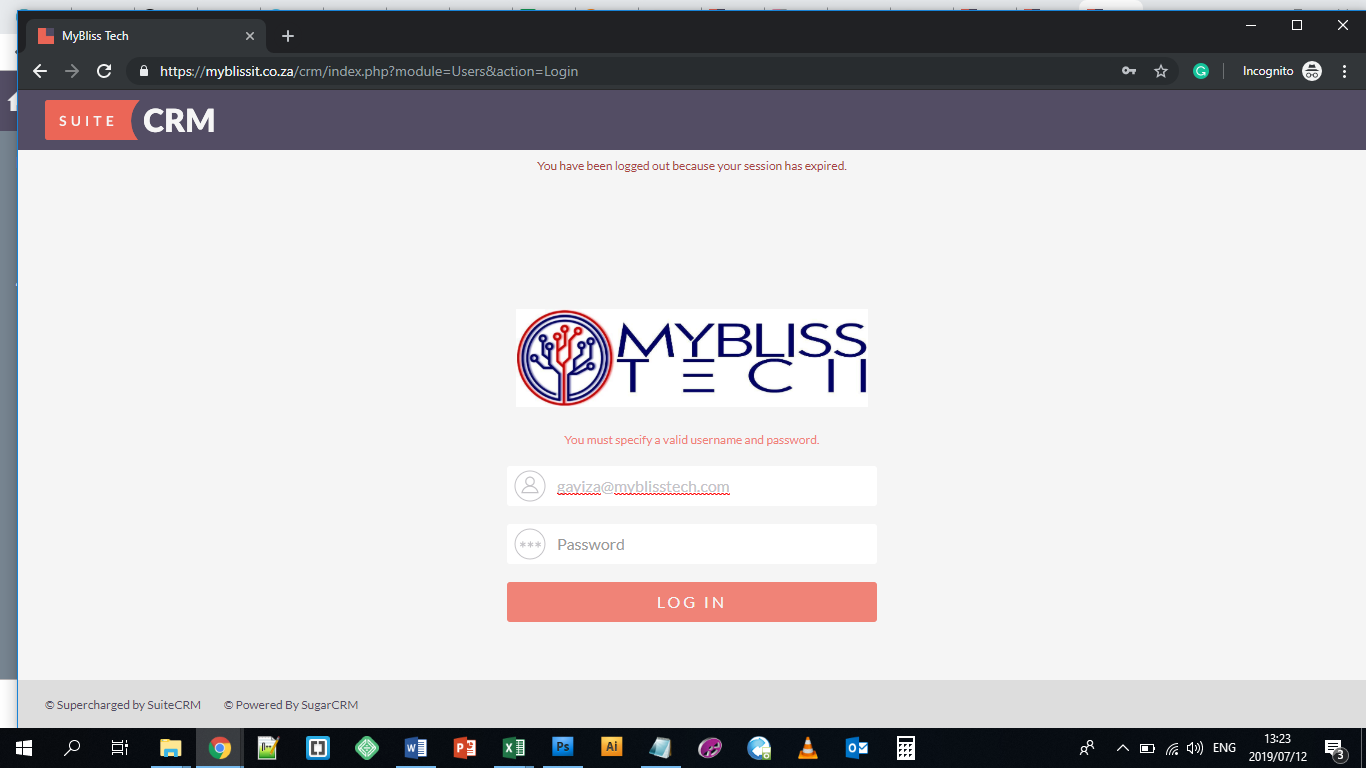
Hi, Can someone assist with how I can replace the SuiteCRM Logo on the top left of the dashboard and on the favicon?
I thought uploading custom logo via System Settings would solve the dashboard logo issue but it does not.
 MyBlissIT
All 4 comments
Hi @MyBlissIT
This question may be more suited to the Community Forums. We use GitHub primarily for the reporting of Core SuiteCRM bugs and leave general questions and setup specific issues to the forums.
But to answer this anyway, you wouldn't be able to do this through the settings. A simple way to accomplish this would be to replace the themes/SuiteP/images/p_login_logo.svg (Or delete it and replace the p_login_logo.png). For the favicon, you would be replacing include/images/sugar_icon.ico.
 Dillon-Brown
on 12 Jul 2019
Dillon-Brown
on 12 Jul 2019
For reference, we do have the favicon raised as a suggestion here: https://trello.com/c/zk1okQAh/10-feature-to-override-favicon-sugariconico so it's possible that it may get added as a feature in a future release.
Dillon-Brown
on 12 Jul 2019
Hi Dillion, your fix worked perfectly on the favicon but it refuses to work on the dashboard logo. I even deleted both .svg and .png files but the SuiteCRM logo still appears
MyBlissIT
on 14 Jul 2019
@MyBlissIT If you deleted both those files then it's most likely something in the browser cache. I would try a hard refresh and you should see the logo disappear.
Dillon-Brown
on 15 Jul 2019
Related issues
 darouca
·
3Comments
darouca
·
3Comments
 tech-ch1
·
3Comments
tech-ch1
·
3Comments
 connorshea
·
3Comments
connorshea
·
3Comments
 ArturoBurela
·
3Comments
ArturoBurela
·
3Comments
 sasha2002
·
3Comments
sasha2002
·
3Comments