Subtitleedit: Request for dark mode for user interface
Searched all the way through the interface for a dark theme and found there were none! Would like to request this for a future update. Staring at the interface for hours, dark is much easier on the eyes. Thank you in advance!
 dvjrickkraft
All 19 comments
It's there, but it's hidden because it's incomplete.
You can find it in the settings file:
<UseDarkTheme>False</UseDarkTheme>
As I said, it's incomplete and doesn't look good as @niksedk didn't finish working on it.
 OmrSi
on 27 Jul 2019
OmrSi
on 27 Jul 2019
Wow, cool! I'll try that for now. Looking forward to this in the future! For others who Google this, the settings file is located at "C:Users%yourpcname%AppDataRoamingSubtitle Edit"
BTW use Notepad++ to edit, I used Wordpad and it reset everything :'(
While it may not look 'pretty' in its current state, it's certainly very useable! Really awesome, thanks so much!!!
dvjrickkraft
on 27 Jul 2019
The most compatible way to open the location of the settings file,
- Press Win+R to open the Run dialogue
- Enter
%APPDATA%\Subtitle Editin the Run dialogue - Click OK to open the folder in Explorer
The settings file is named Settings.xml.
 xylographe
on 27 Jul 2019
xylographe
on 27 Jul 2019
This theme looks nice: https://github.com/SubtitleEdit/subtitleedit/issues/3960#issue-556943511
 niksedk
on 20 Feb 2020
niksedk
on 20 Feb 2020
I'd like to bump this, it's coming up to a year 😃 This is the only program we use for video production, really awesome, frame accurate results, too! Thanks for your consideration!
Rick Novlesky, Techspin
dvjrickkraft
on 2 Jul 2020
It's there, but it's hidden because it's incomplete.
You can find it in the settings file:
<UseDarkTheme>False</UseDarkTheme>
As I said, it's incomplete and doesn't look good as @niksedk didn't finish working on it.
Do you change then FALSE to TRUE? Because I did it and nothing changed in the interface.
I just installed the penumbra theme from the 3960 feed and it looks nice, though I'm not sure how to set the background dark in SE itself.
 evayor
on 7 Jul 2020
evayor
on 7 Jul 2020
Yes, a proper dark theme would really make the user experience a whole lot better.
 Splike
on 8 Jul 2020
Splike
on 8 Jul 2020
A dark theme would be very nice indeed.
 daveout
on 29 Oct 2020
daveout
on 29 Oct 2020
indeed :eyes:
 lolawithl
on 24 Nov 2020
lolawithl
on 24 Nov 2020
It's very hard to make a nice dark theme with Winforms (the window framework SE uses), as some controls do not support this very well or at all.
We're are giving it a try in latest beta: https://github.com/SubtitleEdit/subtitleedit/releases/download/3.5.18/SubtitleEditBeta.zip
See Options - Settings - Font - Dark theme
And still, this Windows theme might work better for you: https://github.com/SubtitleEdit/subtitleedit/issues/3960#issue-556943511
niksedk
on 18 Dec 2020
@niksedk Thank you so much.
This one seems to be the portable version. Do you have an installed version?
Please let me know how to enable List view/Source View options.
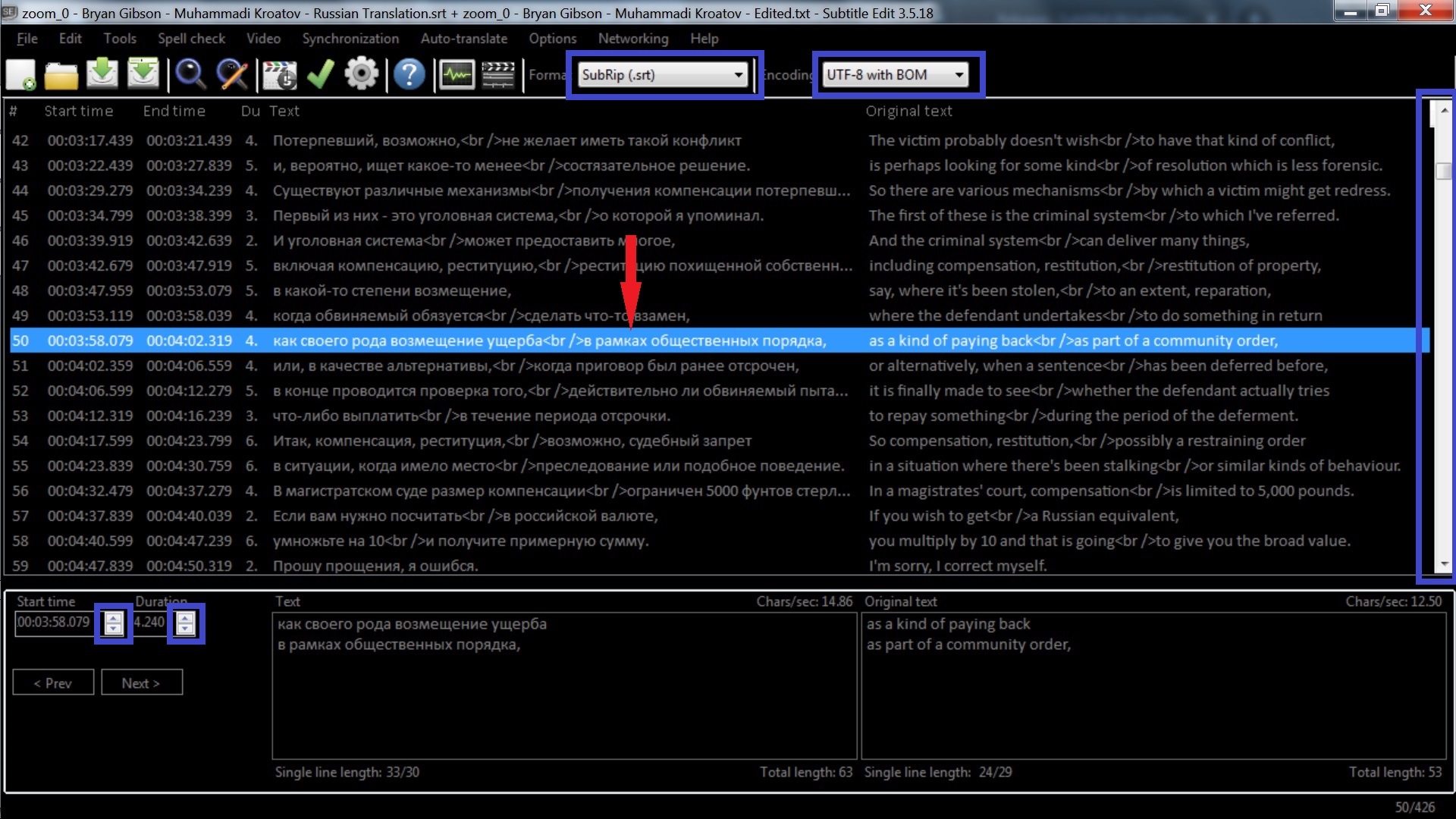
I've switched it to black and it's almost perfect) There are still white sections (Format, Encoding, etc.) but they are not a big deal.
Please let me know if there's a way to change the following colors:
- active selected text & background.
- inactive selected text & background.
- selected text and background in the text box.
If there isn't, can you add the option to choose the text & background colors (at least just the background color) of these sections?
Also, do you have a Payoneer account? Paypal doesn't work in my country.
 MuhammadiJK
on 19 Dec 2020
MuhammadiJK
on 19 Dec 2020
@MuhammadiJK This is still a work in progress. We'll do our best to improve it as much as possible.
I've fixed the "Format, Encoding" section, but it hasn't been merged yet:

Please let me know how to enable List view/Source View options.
Right-click in the list view, then Go to source view, or you use the default shortcut F2, you can also change that from the settings:
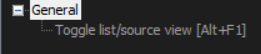
You can change ListViewUnfocusedSelectedColor from the settings file.
OmrSi
on 19 Dec 2020
@MuhammadiJK
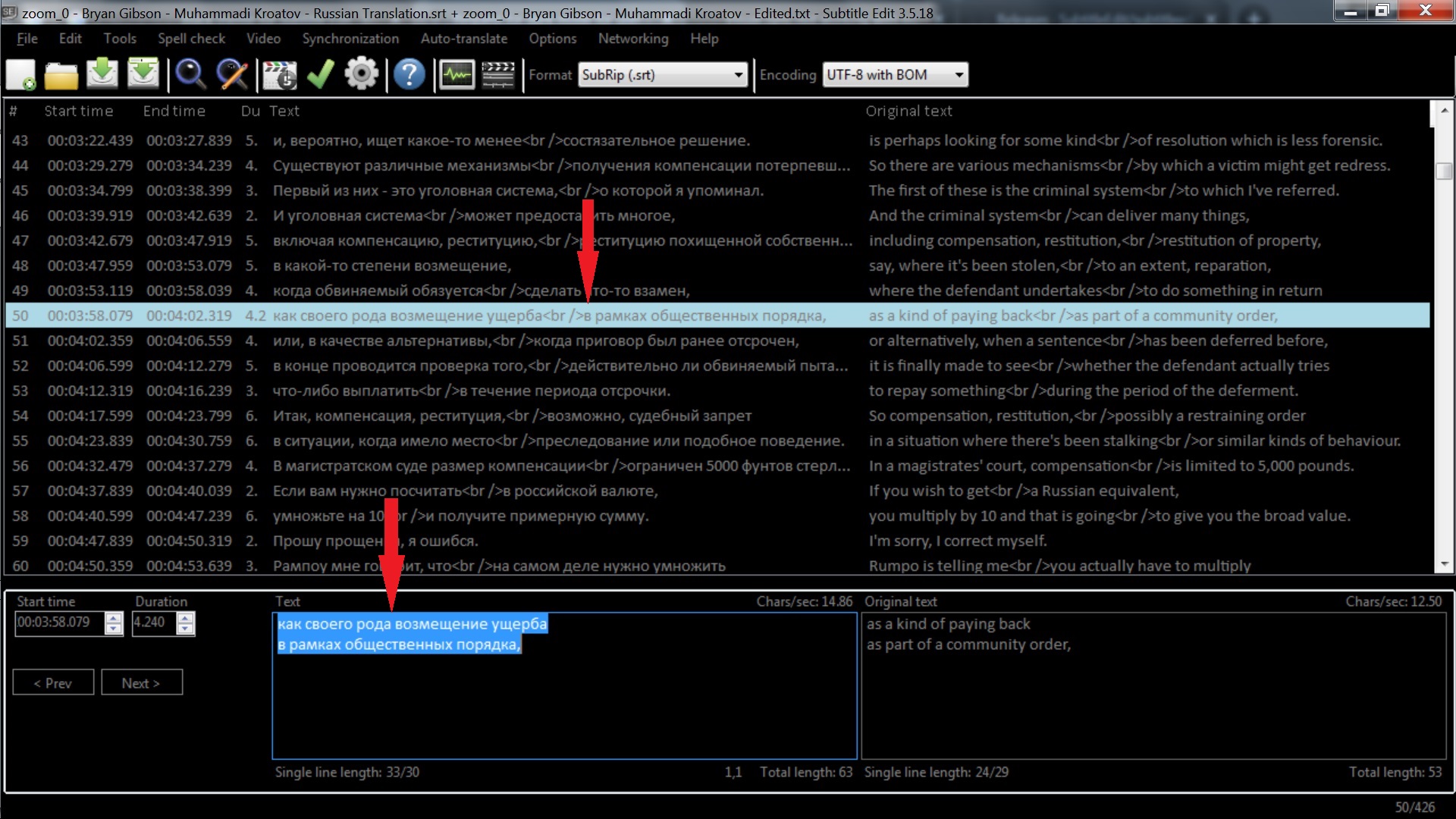
I've chosen dark theme & changed the Subtitle background color to black.
Your dark theme changes it back to brown. Please find attached the screenshots.
This is also fixed.
OmrSi
on 19 Dec 2020
This is a question for everyone, do you the ListView looks better with or without the gridlines?
OmrSi
on 19 Dec 2020
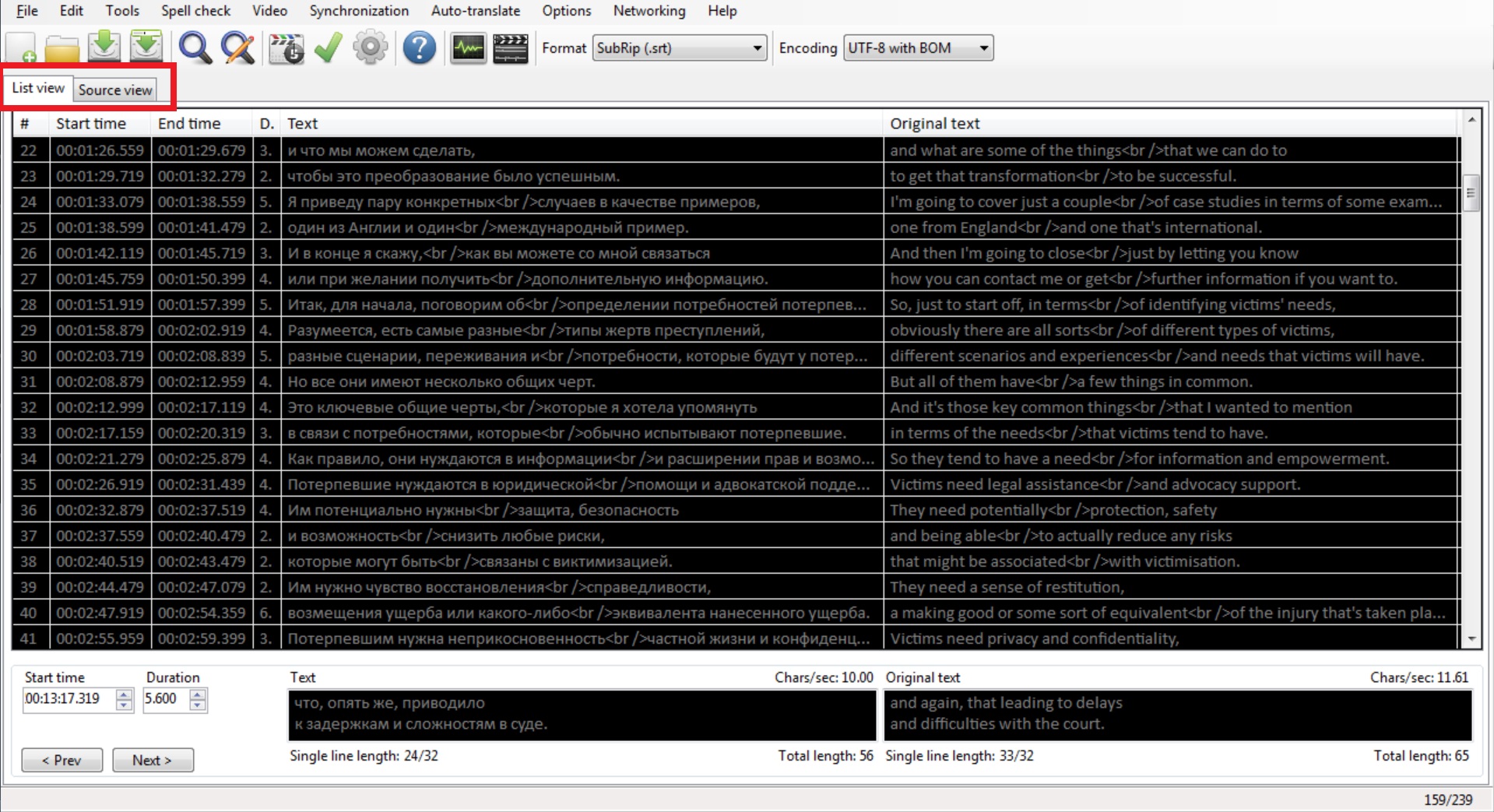
What I mean is that in previous versions there's a list/source view option in the left top part.
How can I enable it in the Beta version?
I definitely don't need gridlines & lots of other white lines.
It'll be great if you'll make all white lines black in dark theme to make them invisible for those people who'll choose black Back color.
MuhammadiJK
on 19 Dec 2020
What I mean is that in previous versions there's a list/source view option in the left top part.
How can I enable it in the Beta version?
This is gone, you can only do it from the right-click menu or via shortcut.
It was causing issues with the dark theme.
OmrSi
on 19 Dec 2020
You can switch to source view via F2 (or right-click on choose Go to source view).
Omitting the tab control give a few extra lines - and the tab control don't look good with dark theme.
EDIT: he, OmrSi was faster :)
niksedk
on 19 Dec 2020
All my function keys are the global keys performing other operations.
Having List/Source view was a really useful feature.
It'll be great if you'll give an option to enable List/Source view in the settings for those who need it.
MuhammadiJK
on 19 Dec 2020
It wasn't turning black. It was like this:

Also, the tab control is removed completely, so I think there can't be an option to activate it in the settings.
OmrSi
on 19 Dec 2020
Related issues
 taxen
·
6Comments
taxen
·
6Comments
 NoRRt
·
6Comments
taxen
·
6Comments
OmrSi
·
6Comments
OmrSi
·
6Comments
NoRRt
·
6Comments
taxen
·
6Comments
OmrSi
·
6Comments
OmrSi
·
6Comments
Most helpful comment
It's very hard to make a nice dark theme with
Winforms(the window framework SE uses), as some controls do not support this very well or at all.We're are giving it a try in latest beta: https://github.com/SubtitleEdit/subtitleedit/releases/download/3.5.18/SubtitleEditBeta.zip
See Options - Settings - Font - Dark theme
And still, this Windows theme might work better for you: https://github.com/SubtitleEdit/subtitleedit/issues/3960#issue-556943511