Storybook: Addon centered breaks story display in Docs mode
Describe the bug
When adding addDecorator(centered) to preview.js, the display of the story in the Docs tab is silently ignored and I am instead presented with a blank slate.
To Reproduce
Append addDecorator(centered) to preview.js as is done here:
import { addDecorator, addParameters } from '@storybook/react'
import { withA11y } from '@storybook/addon-a11y'
import centered from '@storybook/addon-centered/react'

import '../src/Styles/_global.scss'

addDecorator(centered)
addDecorator(withA11y)

addParameters({
  backgrounds: [
    { name: 'light', value: '#eff0f9', default: true },
    { name: 'dark', value: '#392b64' },
  ],
})
Expected behavior
The component should render, ideally centered, even when embedded in the Docs page.
Screenshots
If applicable, add screenshots to help explain your problem.
Canvas with centered :100:
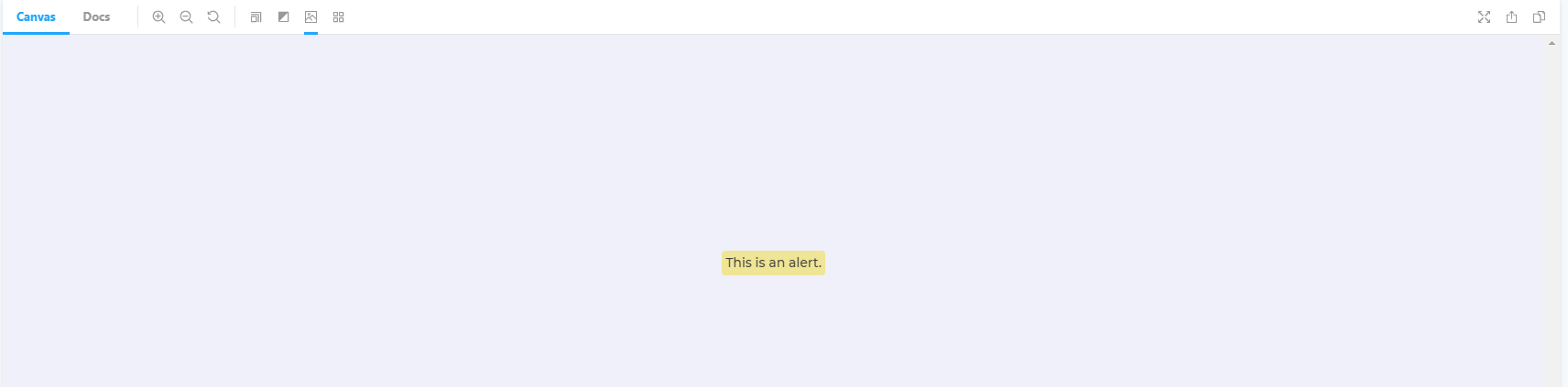
Docs with centered 👎

Canvas without centered 👎

Docs without centered 💯

System:
Environment Info:
System:
OS: Windows 10 10.0.18362
CPU: (12) x64 Intel(R) Core(TM) i7-8750H CPU @ 2.20GHz
Binaries:
Node: 12.16.1 - C:\Program Files\nodejs\node.EXE
npm: 6.13.4 - C:\Program Files\nodejs\npm.CMD
Browsers:
Edge: 44.18362.449.0
Additional context
Potential workaround: apply addon-centered only to Canvas tab. Is this easily achievable?
 jgarplind
All 2 comments
@jgarplind starting in storybook 6.0 we're deprecating addon centered and we have a built-in layout parameter that controls the layout:
Give that a try?
 shilman
on 23 Mar 2020
shilman
on 23 Mar 2020
Closing as dupe to #7227
shilman
on 23 Mar 2020
Related issues
 sakulstra
·
3Comments
shilman
·
3Comments
sakulstra
·
3Comments
shilman
·
3Comments
 tomitrescak
·
3Comments
tomitrescak
·
3Comments
 oriSomething
·
3Comments
oriSomething
·
3Comments
 rpersaud
·
3Comments
rpersaud
·
3Comments