Spreed: Error accessing camera/video makes it impossible to chat or schedule calls
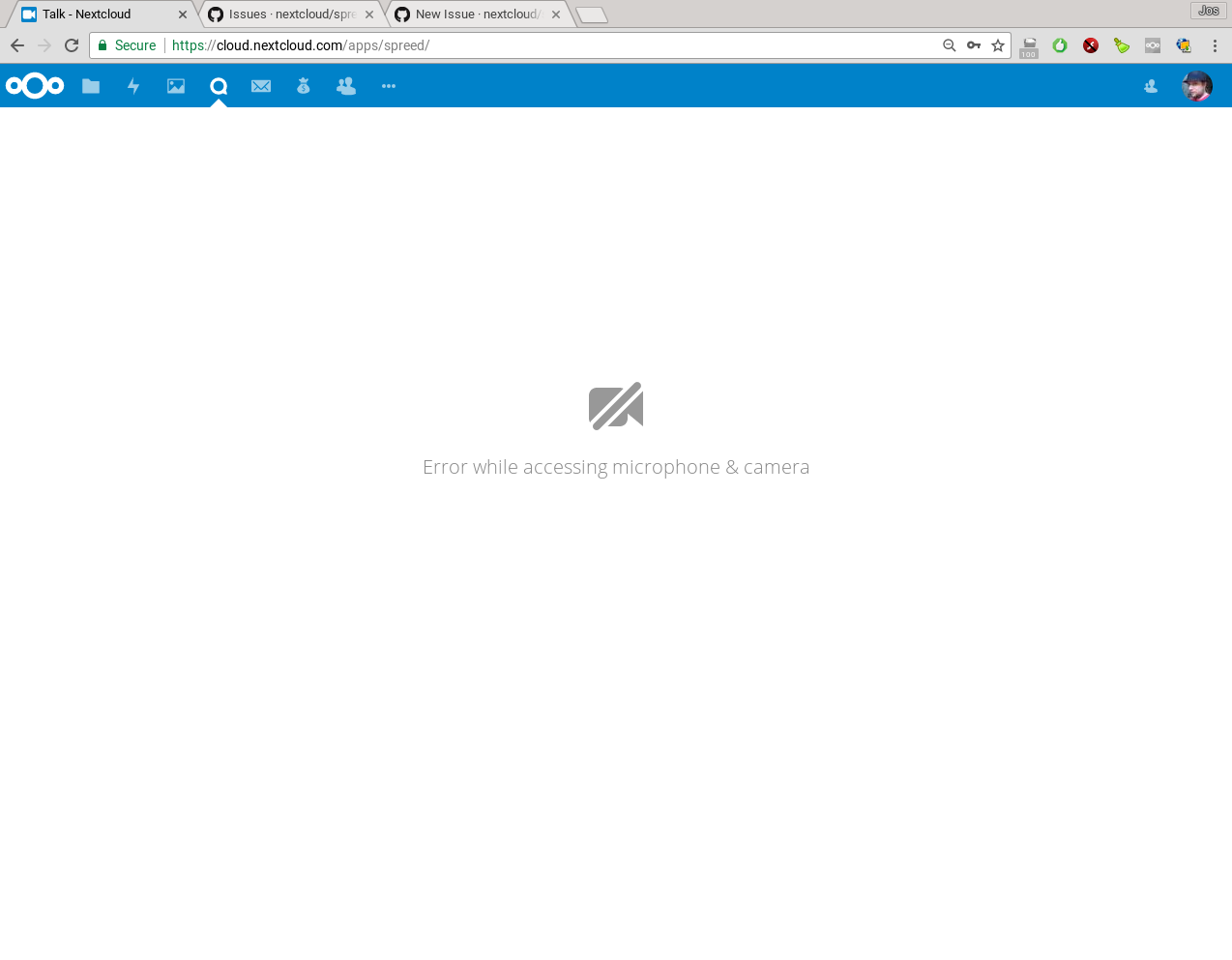
My browser frequently seems to somehow lose access to the webcam and microphone so I am regularly blocked from accessing spreed. restarting my browser solves it, but I tend to dislike doing that as I have 20+ browser windows spread over 6 desktops ;-)
The problem is that I can't see my list of calls, create a new public call or even participate by chat in an existing one. The 'no mic/cam' screen blocks EVERYTHING. That is really a bit over the top - I'd still like to chat even on a system with no mic/camera!
 jospoortvliet
All 4 comments
Yeah, the problem is how the app was build back then. WebRTC requires the media permission, until recently apart from calling there was not much possible.
The "bug" you see there, could also be that in any other browser window you have a tab open which requested your media already. In this case no other window can request it anymore and you see this error. When it happens again, try to check if the control LED of your camera is on (if you have one).
But yeah, totally agree and for 4.0 (Nextcloud 14) we should try to make to changes for the overall usage:
- Require the permissions only when calling, so you can join a chat room on multiple instances at the same time.
- Allow multiple chats in parallel (currently when you open a second room/call, you are kicked out of all existing stuff). This was okay so far, since for media it doesn't even work otherwise. But for chat multi-tab support sounds like a good feature.
 nickvergessen
on 8 Jan 2018
nickvergessen
on 8 Jan 2018
Resolved with #619
nickvergessen
on 22 Mar 2018
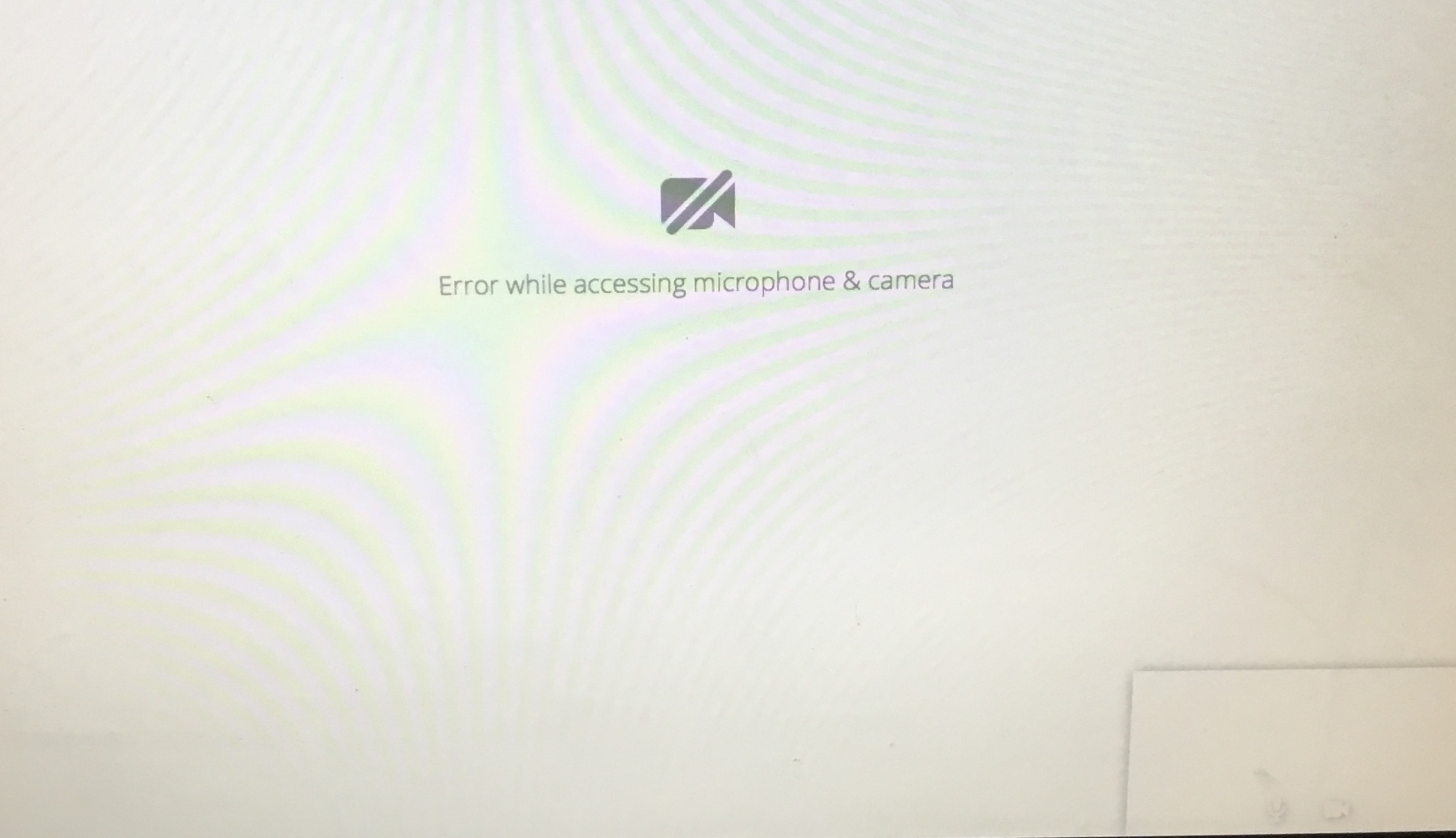
I just tried using Talk for the first time on two different instances of Nextcloud Stable 13.0.1 in latest build of Safari 64-bit on MacOS Sierra (fully updated) and ran into this exact screen.
 sunjam
on 14 Apr 2018
sunjam
on 14 Apr 2018
Yeah we didnt release a new version yet
nickvergessen
on 14 Apr 2018
Related issues
 danxuliu
·
3Comments
danxuliu
·
3Comments
 georgehrke
·
3Comments
georgehrke
·
3Comments
 ChristophAGietl
·
4Comments
ChristophAGietl
·
4Comments
 MarcoZehe
·
4Comments
MarcoZehe
·
4Comments
 PVince81
·
4Comments
PVince81
·
4Comments
Most helpful comment
Yeah, the problem is how the app was build back then. WebRTC requires the media permission, until recently apart from calling there was not much possible.
The "bug" you see there, could also be that in any other browser window you have a tab open which requested your media already. In this case no other window can request it anymore and you see this error. When it happens again, try to check if the control LED of your camera is on (if you have one).
But yeah, totally agree and for 4.0 (Nextcloud 14) we should try to make to changes for the overall usage: