Sp-dev-fx-webparts: React Visio - Visio file which has link -link is not working
Authors
@hugoabernier
Expected or Desired Behavior
I have Visio file which has links to some shapes, so when user click on it, it should open the page linked to it.
Observed Behavior
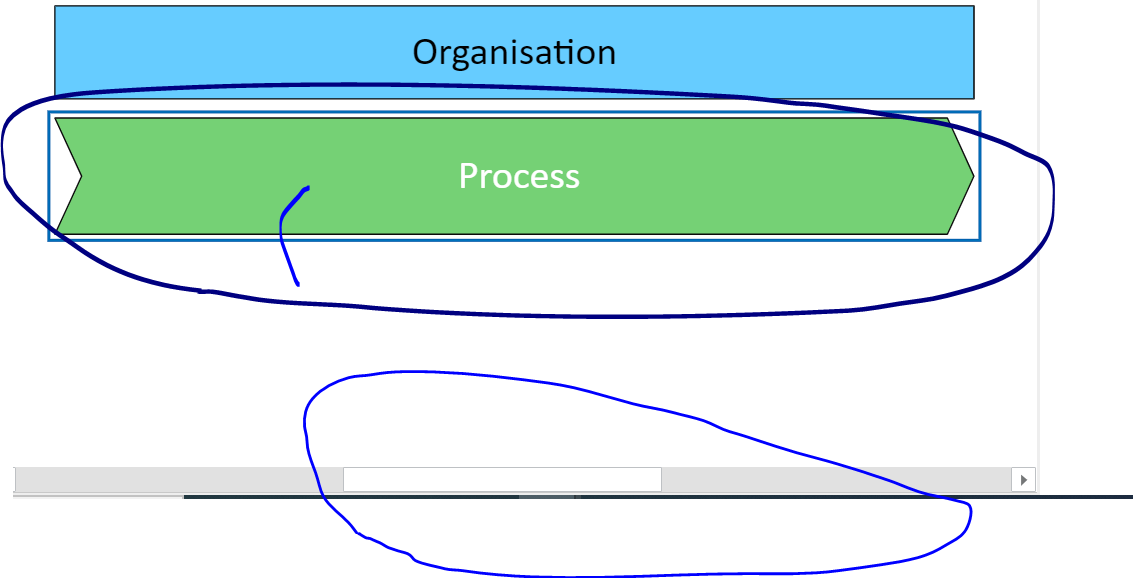
It doesn't work. Instead it highlighted the selected are by blue color.
Some Visio file get horizontal scrollbar though diagram is not too big
Steps to Reproduce
Steps to reproduce the behavior:
- Go to Page where you have added Visio Sample webpart
- Configure Visio file which has some links attached
- save the changes
- try to click on the shapes which has link
 kanchankumbhar2
All 9 comments
Thank you for reporting this issue. We will be triaging your incoming issue as soon as possible.
![msftbot[bot] picture](https://avatars2.githubusercontent.com/in/26612?v=4&s=40) msftbot[bot]
on 4 Dec 2020
msftbot[bot]
on 4 Dec 2020
Hi @kanchankumbhar2,
I'll check it out.
@hugoabernier You can assign this one to me 👍
 Abderahman88
on 4 Dec 2020
Abderahman88
on 4 Dec 2020
I think that the webpart works.
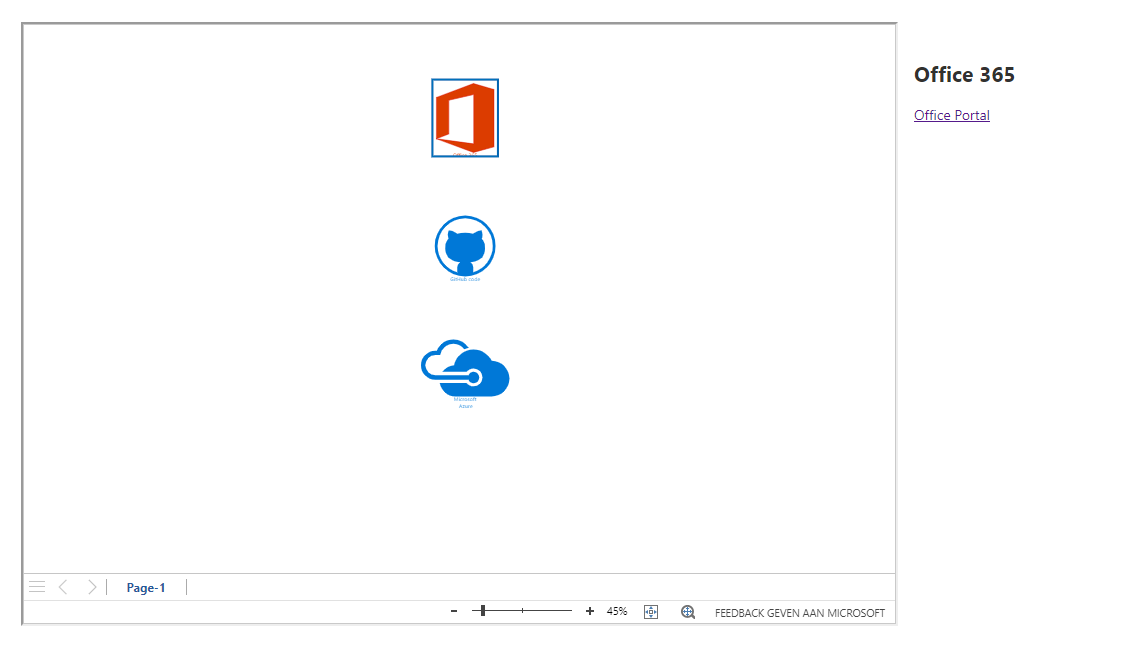
The hyperlinks are shown on the right-hand side of the iframe.
I think this was done for a reason by the creator of the webpart.
@joelfmrodrigues Can you fill in?
Abderahman88
on 4 Dec 2020
@Abderahman88 I think the functionality topic starter refers to was implemented in the latest version of Visio API?
The sample web part seems to simply reference the previous one, if I am not mistaking.
This piece I mean:
https://github.com/pnp/sp-dev-fx-webparts/blob/eb5869e045fc0aaca157a4d55ff3b48039da5adb/samples/react-visio/config/config.json#L14-L18
I have a similar project DiagramFrame, the links seems to be working fine, but it refers to the office-js instead.
Hope to bring it to the AppSource... It has "File Browser" and some other small goodies compared to the sample, like settings for the start page, zoom, etc. Somewhat similar to the old classic "Visio Viewer" web part. Please note that it installs Visio API as a node module (office-js) and does not use "externals" reference. I think this could be the difference, but not 100% sure.
 nbelyh
on 4 Dec 2020
nbelyh
on 4 Dec 2020
Hi,
@Abderahman88 is correct, the web part renders the links on a panel that is displayed on the right side as this was a feature of the solution I created for a client at the time. It was never created to open the links by clicking on the shape or to mimic the classic Visio Viewer. In this case the solution was used to navigate between a large number of process diagrams that had lot's of data embedded in shapes and was displayed on the right side of the page.
@kanchankumbhar2 if you scroll to the right, can you see the links rendered on a right panel? The solution contains a sample Visio file that you can upload to a document library and use for testing.
You can see on @Abderahman88 screenshot that a panel is displayed on the right and contains the name of the selected shape and the hyperlinks defined inside the shape.
Please remember this is not a polished solution and was only intended to demonstrate a use case.
@nbelyh your solution looks really nice 👍 I can't remember if the node module was already available when I created the sample, but as the code was originally ported from a non SPFx solution that could not contain npm modules, it wouldn't be an option for me anyway.
 joelfmrodrigues
on 4 Dec 2020
joelfmrodrigues
on 4 Dec 2020
@joaojmendes Yes, exactly, I think the node module with visio API simply did not exist in 2018
nbelyh
on 4 Dec 2020
@nbelyh I'm not the awesome @joaojmendes 😁 This sample would be perfectly polished and ready for production deployment if it was done by him 😊
joelfmrodrigues
on 5 Dec 2020
@Abderahman88 I think the functionality topic starter refers to was implemented in the latest version of Visio API?
The sample web part seems to simply reference the previous one, if I am not mistaking.This piece I mean:
https://github.com/pnp/sp-dev-fx-webparts/blob/eb5869e045fc0aaca157a4d55ff3b48039da5adb/samples/react-visio/config/config.json#L14-L18I have a similar project DiagramFrame, the links seems to be working fine, but it refers to the office-js instead.
Hope to bring it to the AppSource... It has "File Browser" and some other small goodies compared to the sample, like settings for the start page, zoom, etc. Somewhat similar to the old classic "Visio Viewer" web part. Please note that it installs Visio API as a node module (office-js) and does not use "externals" reference. I think this could be the difference, but not 100% sure.
kanchankumbhar2
on 7 Dec 2020
This really work like magic 👍
Thank you so much, really appreciated.
kanchankumbhar2
on 7 Dec 2020
Related issues
 Brentless
·
5Comments
Brentless
·
5Comments
 Abiman194
·
3Comments
Abiman194
·
3Comments
 JenniferUN
·
3Comments
JenniferUN
·
3Comments
 parmira5
·
4Comments
parmira5
·
4Comments
 MaxDaxDax
·
4Comments
MaxDaxDax
·
4Comments
Most helpful comment
@Abderahman88 I think the functionality topic starter refers to was implemented in the latest version of Visio API?
The sample web part seems to simply reference the previous one, if I am not mistaking.
This piece I mean:
https://github.com/pnp/sp-dev-fx-webparts/blob/eb5869e045fc0aaca157a4d55ff3b48039da5adb/samples/react-visio/config/config.json#L14-L18
I have a similar project DiagramFrame, the links seems to be working fine, but it refers to the office-js instead.
Hope to bring it to the AppSource... It has "File Browser" and some other small goodies compared to the sample, like settings for the start page, zoom, etc. Somewhat similar to the old classic "Visio Viewer" web part. Please note that it installs Visio API as a node module (office-js) and does not use "externals" reference. I think this could be the difference, but not 100% sure.