Sp-dev-fx-webparts: React Visio Web part not able to set the url properties
Sample (which sample are you having trouble with)
Authors
@joelfmrodrigues
Expected or Desired Behavior
After running gulp serve,It should allow to add the visio embed sample web part and should able to edit the properties to set the visio file URL
Observed Behavior
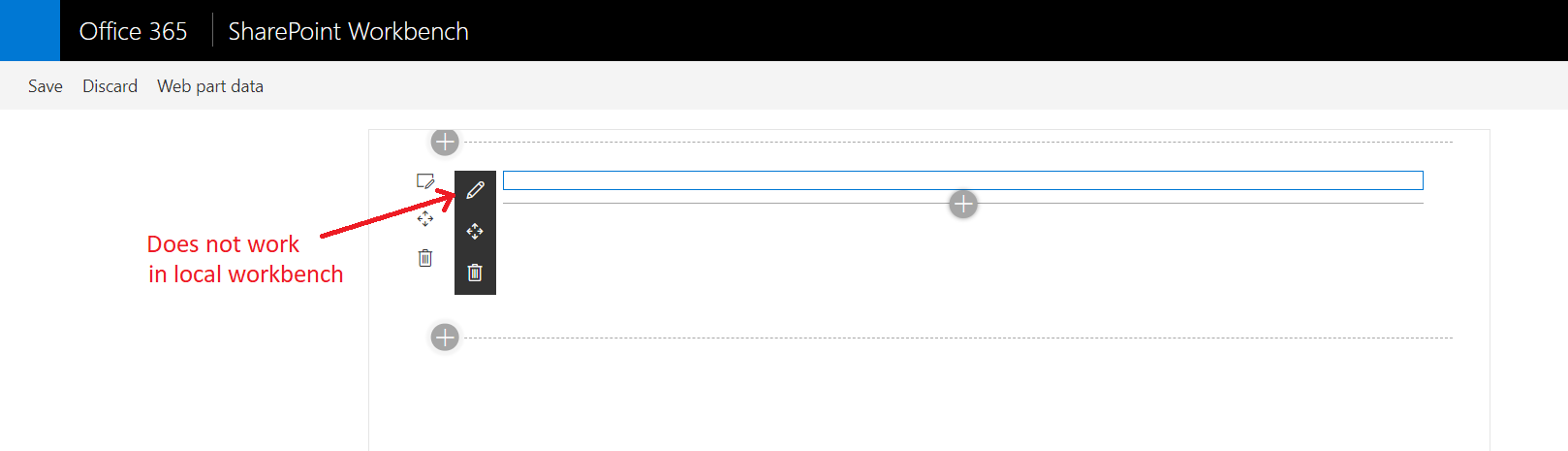
After running gulp serve,It is allowing to add the visio embed sample web part, but after adding web part when I click on edit properties nothing is happening
Steps to Reproduce
Steps to reproduce the behavior:
- Download the source code from here
- open the solution in Visual Studio code
- Run npm install
- Run gulp serve
5.Add the web part on workbench page and try to edit the properties of it
Environment Details (Development & Target environment)
- OS: Windows 10
- Target Environment: SharePoint Online
- Framework: Node.js v6/v8/v10/v12
- Tooling: VS Code and SPFx v1.10.0
 kanchankumbhar2
All 5 comments
Thank you for reporting this issue. We will be triaging your incoming issue as soon as possible.
![msftbot[bot] picture](https://avatars2.githubusercontent.com/in/26612?v=4&s=40) msftbot[bot]
on 4 Nov 2020
msftbot[bot]
on 4 Nov 2020
@kanchankumbhar2 thank you for filling the issue, but I'm not the author of this sample. You may get better results by tagging the actual author.
 hugoabernier
on 4 Nov 2020
hugoabernier
on 4 Nov 2020
@kanchankumbhar2 thank you for filling the issue, but I'm not the author of this sample. You may get better results by tagging the actual author.
Ya thank you. I have updated the Author
kanchankumbhar2
on 4 Nov 2020
@kanchankumbhar2 The webpart does not work in the local workbench.
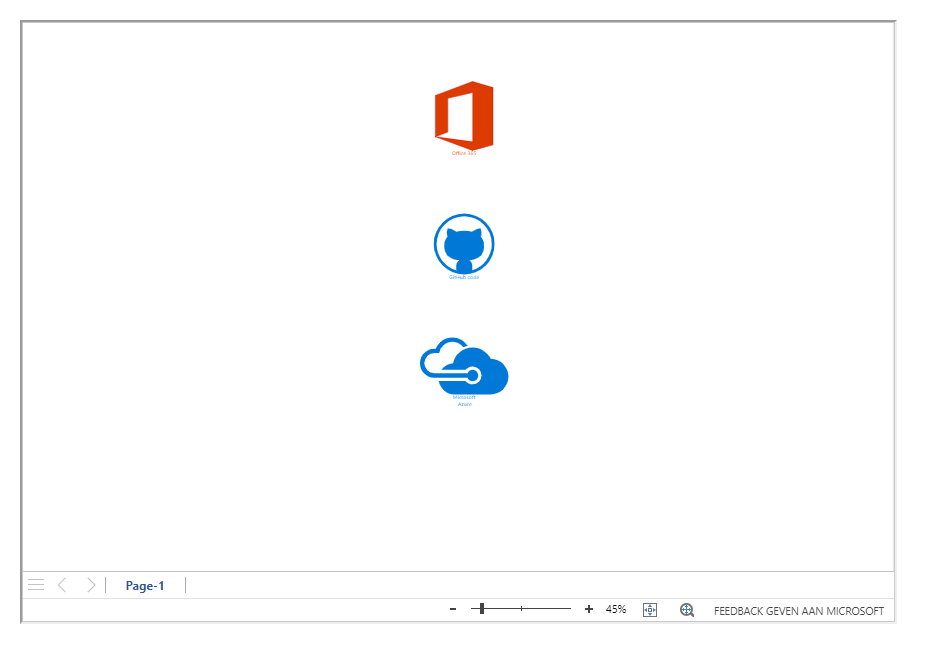
If hosted on a SP-page, it works.
 Abderahman88
on 6 Nov 2020
Abderahman88
on 6 Nov 2020
@kanchankumbhar2 I hope that @Abderahman88's response helped you resolve this issue.
I'll mark the issue as closed, but don't hesitate to provide additional comments or open a new issue if you have additional issues with the solution.
hugoabernier
on 6 Nov 2020
Related issues
 Abiman194
·
3Comments
Abiman194
·
3Comments
 MaxDaxDax
·
4Comments
MaxDaxDax
·
4Comments
 PathToSharePoint
·
4Comments
PathToSharePoint
·
4Comments
 floriemoulin
·
4Comments
floriemoulin
·
4Comments
 russgove
·
4Comments
russgove
·
4Comments