Snipe-it: After update to Version v4.3.0 Check in emails not working
Please confirm you have done the following before posting your bug report:
- [x] I have enabled debug mode
- [x] I have read checked the Common Issues page
Describe the bug
After update to Version v4.3.0 Check in emails not working
Expected behavior
When we tick mark the option check in email at category, it used to work now after the update emails not triggering after check in.
Want to back this issue? Post a bounty on it! We accept bounties via Bountysource.
 Raj22223
All 46 comments
Emails to whom? The admin, or the user that's had an asset checked in?
Also, please don't delete the issue template questions in the future. They're there for a reason.
 snipe
on 3 May 2018
snipe
on 3 May 2018
Not Sure if it is related but I am having page with "Whoops, looks like something went wrong." only during checkin. Checkin email is not sent.
All good for checkout.
All was good with previous version.
The log is empty with no error or message.
Can this be caused because I made some manual change to the email template (Some additional text and footer)?
 sysnoo
on 3 May 2018
sysnoo
on 3 May 2018
Just to update the issue. Mine was due to slack. Disabling it and all good
sysnoo
on 3 May 2018
@snipe check in email was not generated to both user as well as admin. Check out emails are working fine.
And my apologies delete the issue template questions ( I am new to this).
Raj22223
on 4 May 2018
I can't reproduce this - emails are firing for checkin and checkout for me.
snipe
on 4 May 2018
I tried with most of the categories, its not working for me, I am doing any thing wrong.
To get check in emails the following should be enabled right ?
- Tick mark "Send email to user on checkin"
- Email Alerts Enabled
Raj22223
on 4 May 2018
The category checkbox should be all you need. Are you sure the person its assigned to has an email address associated, and that email address is valid?
snipe
on 4 May 2018
_Are you sure the person its assigned to has an email address associated, and that email address is valid?_
Yes i am the person assigned and the email address is correct, to the same, I am receiving Check out emails, but not the check-in emails. this is happening after the upgrade
Raj22223
on 4 May 2018
I've the same issue.
The email works during user registration, but not at asset check in.
Seems system doen't send email (I checked the smtp).
 TheBags
on 11 May 2018
TheBags
on 11 May 2018
5523
Raj22223
on 11 May 2018
Again, I can't reproduce this at all.
snipe
on 11 May 2018
Having the same issue with Emails not being sent upon checkin. This did not occur in previous versions. Started upon update to 4.3.0
 clmaliwat
on 21 May 2018
clmaliwat
on 21 May 2018
Okay, well I'm going to need screenshots here or something. As I've said, I can't reproduce it, and if I can't reproduce it, I can't fix it.
snipe
on 21 May 2018
Also can anyone pull the latest from master and tell me if you see it there as well?
snipe
on 21 May 2018
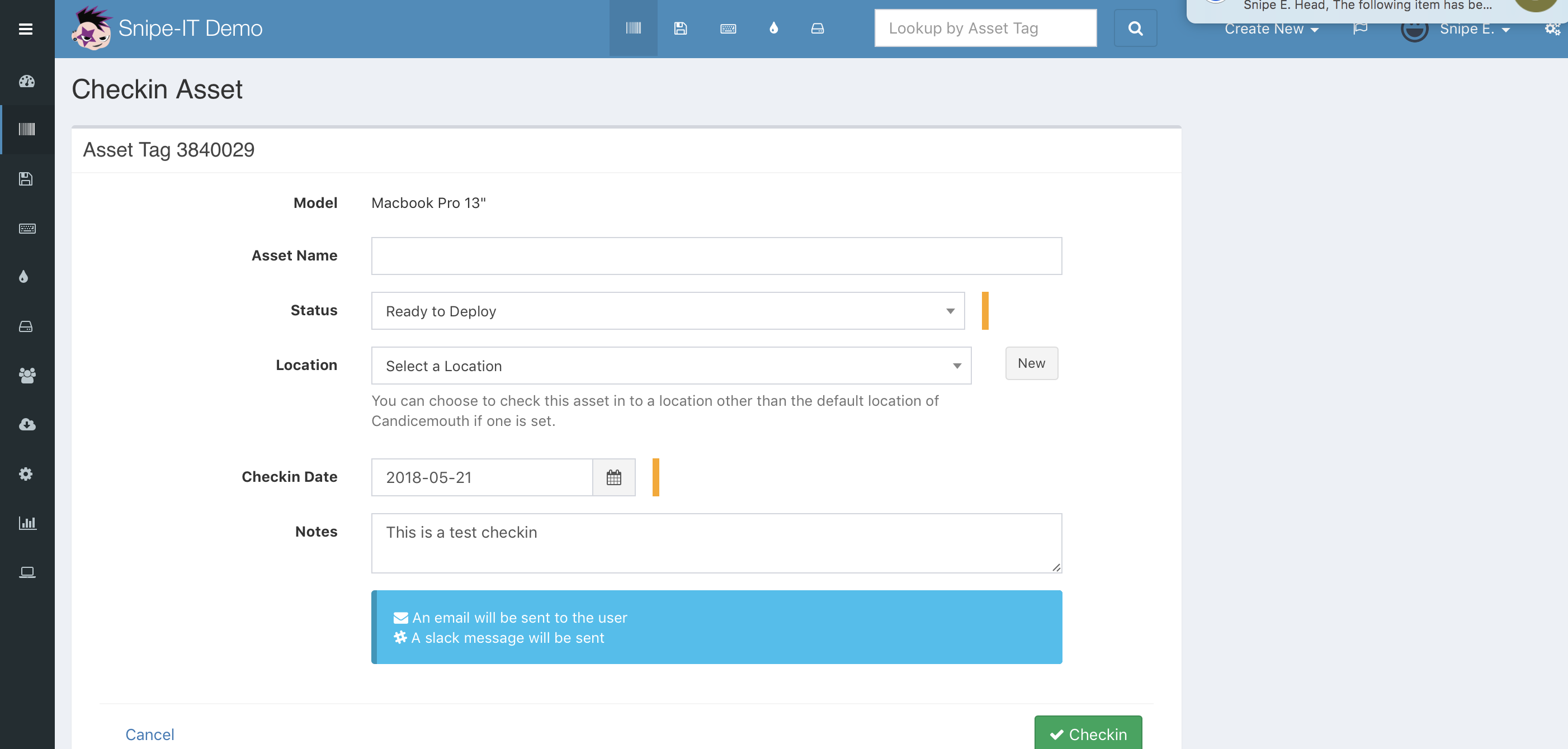
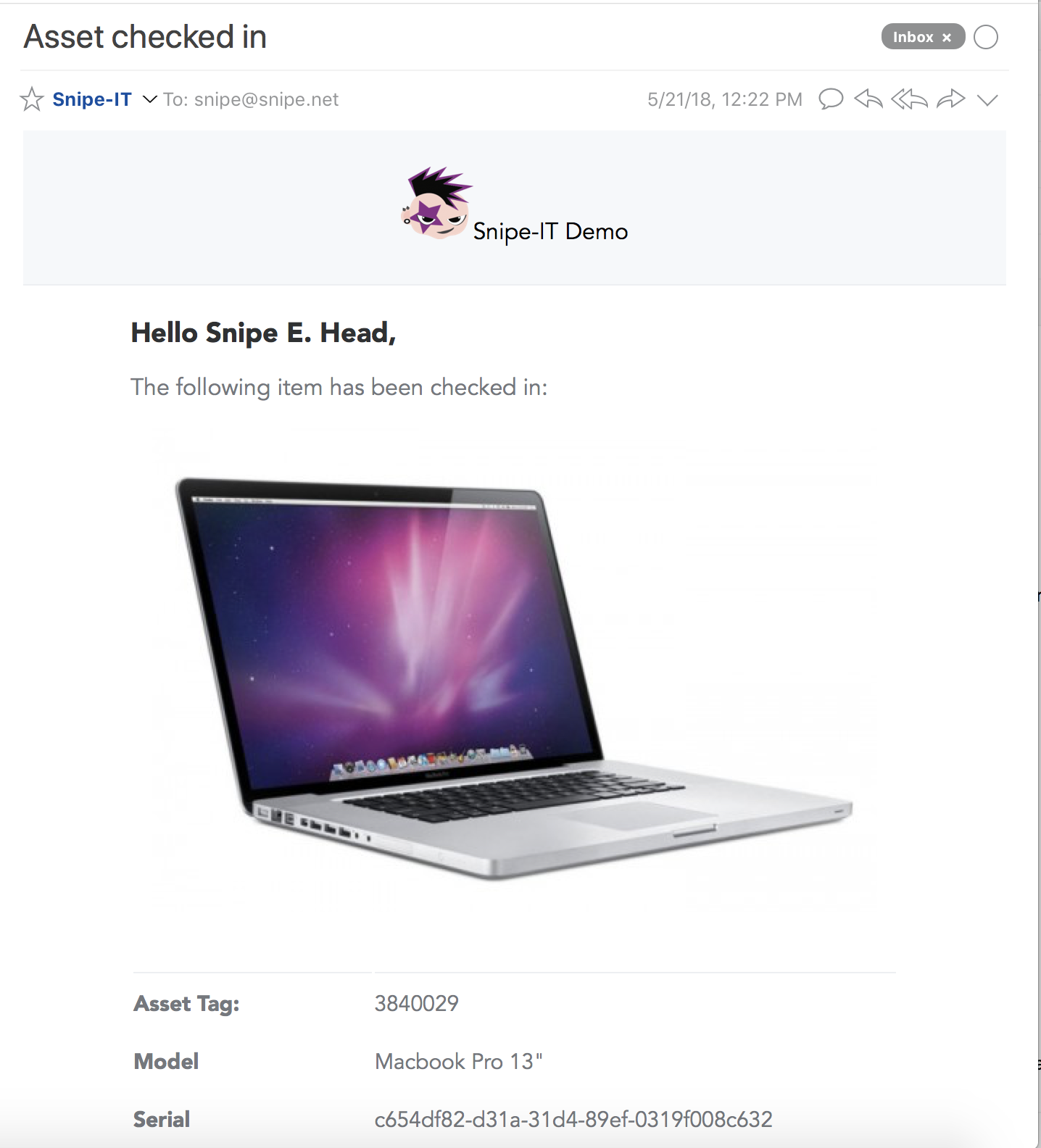
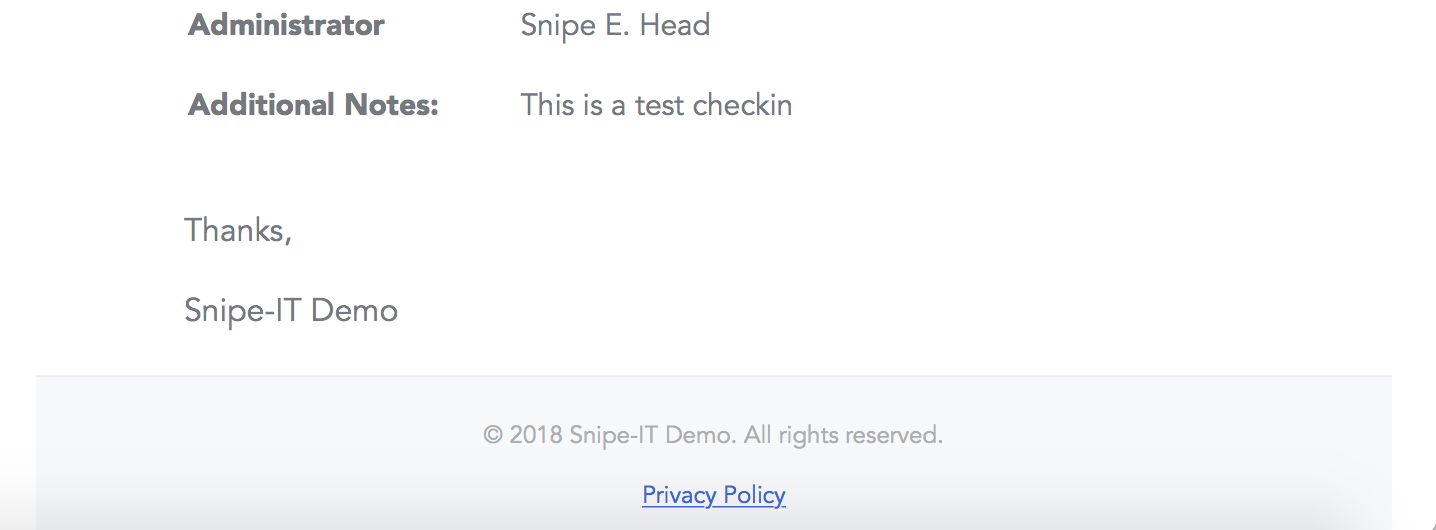
snipe
on 21 May 2018
Here are a group of screenshots: https://drive.google.com/drive/folders/1WBXiYgCsb4RTituoH7x5G2J6XZmdE8Um?usp=sharing
clmaliwat
on 22 May 2018
@clmaliwat that error is telling you it's a Gmail relaying error - that doesn't have anything to do with Snipe-IT.
The IP address you registered in the G Suite SMTP relay service setting doesn’t match domain of the account this email is being sent from. If you are trying to relay mail from a domain that isn’t registered in your Googles Apps account, you must configure your mail server either to use SMTP AUTH to identify the sending domain or to present one of your domain names in the HELO or EHLO command. See SMTP Relay service setting for more information.
snipe
on 22 May 2018
Did not start happening until update. I confirmed all SMTP relay settings from my side and all authentication is proper. I never changed my .env settings either.
clmaliwat
on 22 May 2018
@clmaliwat you're welcome to roll back to 4.2.0, but this isn't something we changed. Gmail is notoriously difficult to relay mail through, which is why we recommend against it, and instead suggest using sendmail or a third-party service.
snipe
on 22 May 2018
What’s the recommended roll back procedure?
clmaliwat
on 22 May 2018
Depends how you installed it. But again, I'd be surprised if this fixes anything, as we didn't make any changes to the way we auth with the mail server. Why not just use sendmail and bypass trying to talk to Gmails servers?
snipe
on 22 May 2018
MAIL_DRIVER=smtp
MAIL_HOST=smtp.gmail.com
MAIL_PORT=587
[email protected]
MAIL_PASSWORD=XXXXXXXX
MAIL_ENCRYPTION=tls
[email protected]
MAIL_FROM_NAME='Snipe-IT'
MAIL_REPLYTO_NAME='Snipe-IT'
MAIL_REPLYTO_ADDR='[email protected]'
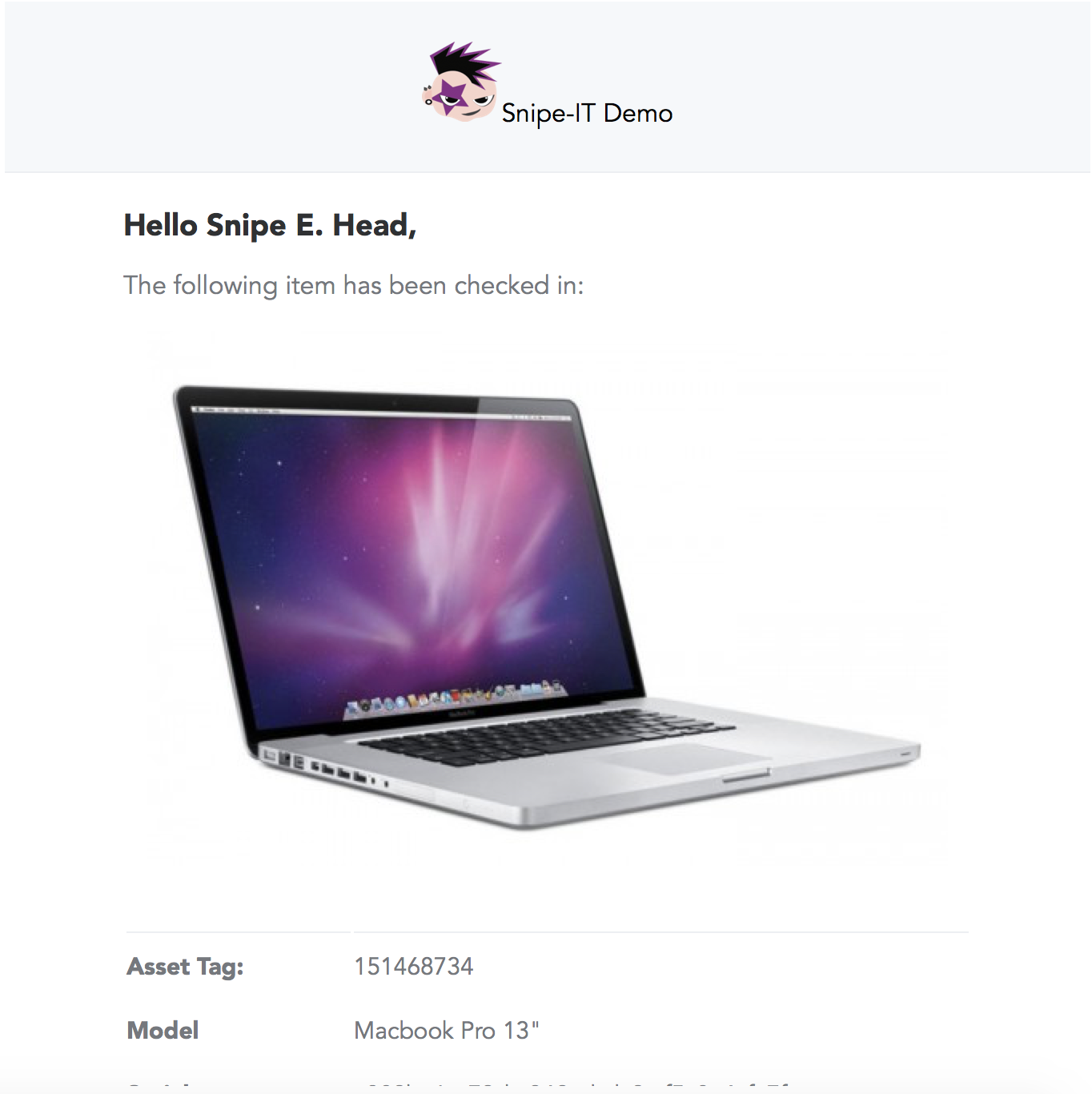
I just tested with these settings, and it works as expected. Why are you using smtp-relay?
snipe
on 22 May 2018
(Snipe.Net is a Gsuite email domain)
snipe
on 22 May 2018
I had set it up as SMTP relay to not have to use an authenticated user and instead authenticate the public IP address of my server, which I do with many of my apps/devices that only send Email.
I just tested with an authenticated G Suite user and it's still not sending Email.
clmaliwat
on 22 May 2018
I just tested with an authenticated G Suite user and it's still not sending Email.
Anything in your logs?
You're sure you checked SPAM folder, etc? The only other suggestion I have is to recheck the account settings for "less secure" permissions, etc. https://snipe-it.readme.io/docs/configuration#section-using-gmail
Ultimately though, we didn't change anything with how Gmail/Gsuite works in this version.
snipe
on 22 May 2018
Yes, Spam folder was checked multiple times over to no avail. Account does already have less secure options. I trust that you did not make any changes to G Suite SMTP validation because well, you can check that code fairly easily. It's just really strange.
Thanks for the support. I really appreciate the quick responses.
clmaliwat
on 22 May 2018
So I just re-installed my environment to the current version. Now the test Email sends fine when generating from https://url/admin/settings, but when performing checkin and checkout, users do not receive an Email.
clmaliwat
on 22 May 2018
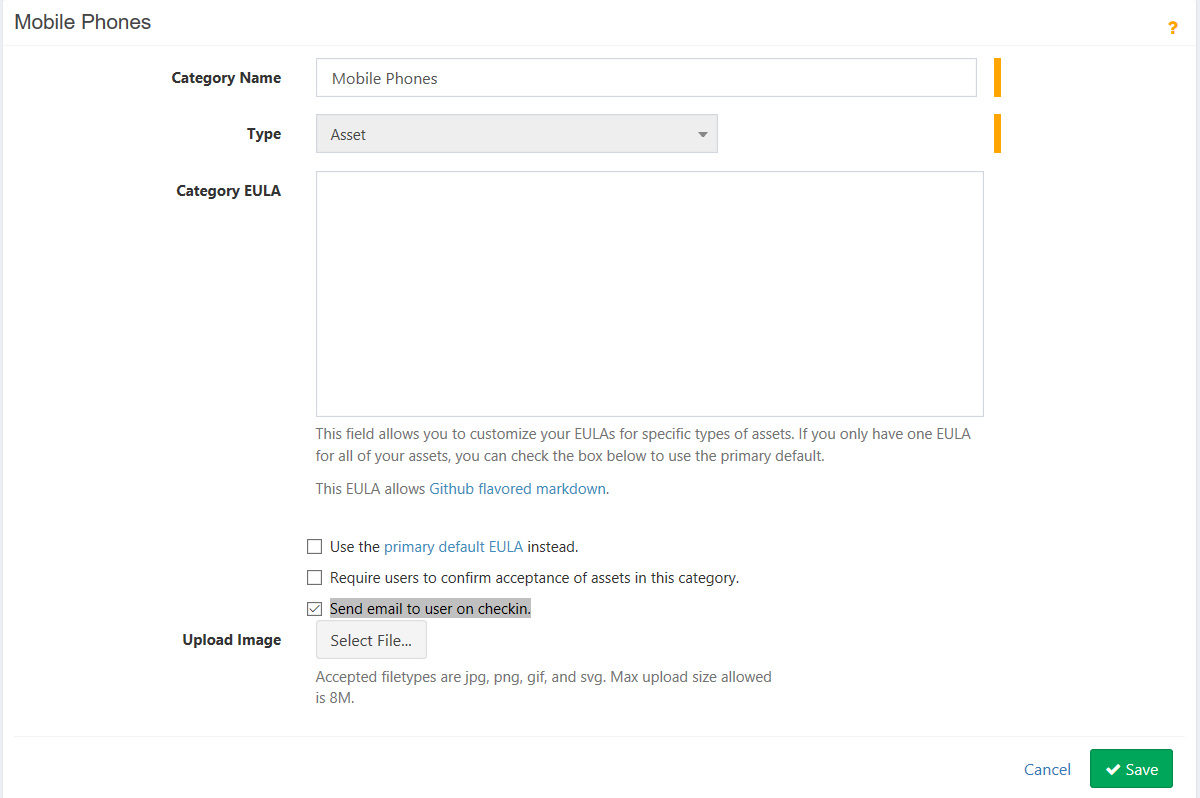
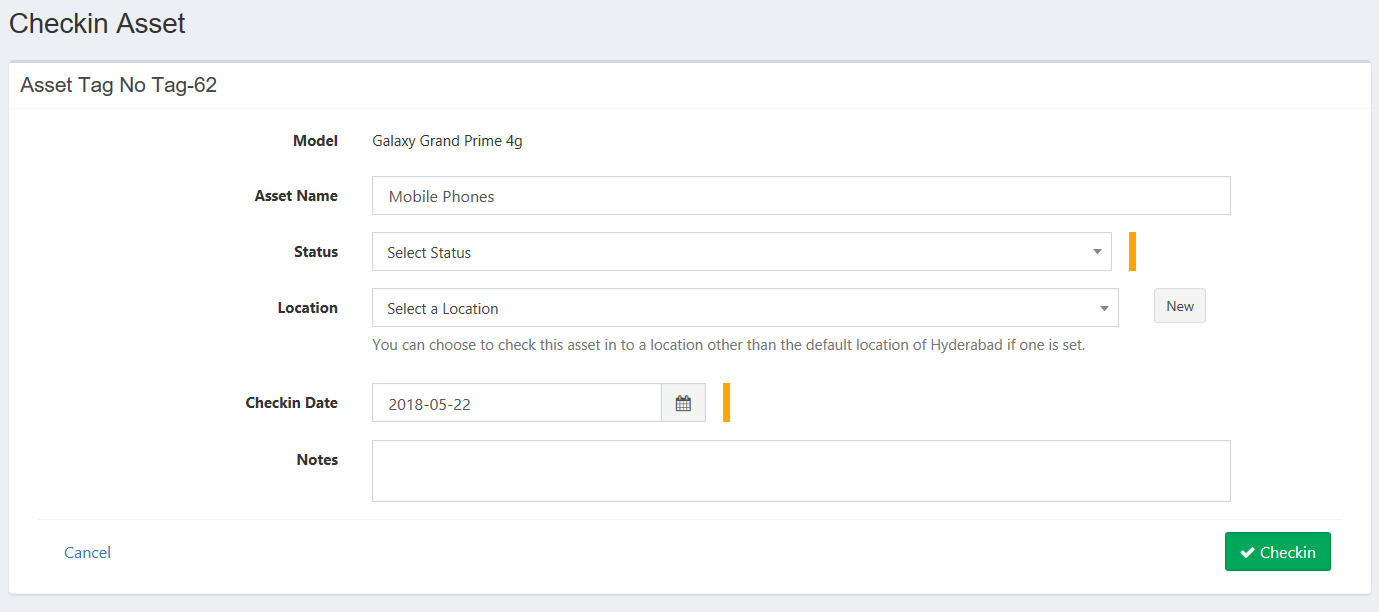
@snipe one thing I noticed, when there is tick mark for "Send email to user on checkin" under categories at the Check in page it should show the notification at the bottom as shown on the screen shot above right, but here the notification message is not displayed and check in email not triggered .
For me check out emails are working.
Tested on Version v4.4.1 - build 3636 master ( with Gmail SMTP) same issue still cant send check in emails
Raj22223
on 22 May 2018
I still have the same problem.
Snipeit send email at user creation but not at asset checkin/out.
looking at exim log (in tail), I can't see call during checkout/checkin.
The only generated email are the user registration one:
2018-05-22 15:03:53 1fL6xD-0001xn-GF => [email protected] R=smarthost T=remote_smtp_smarthost H=smtp-relay.sendinblue.com [185.107.232.248] X=TLS1.2:ECDHE_RSA_AES_128_GCM_SHA256:128 CV=yes DN="OU=Domain Control Validated,OU=EssentialSSL Wildcard,CN=*.sendinblue.com" A=cram_md5 C="250 Message queued as <[email protected]>"
2018-05-22 15:03:53 1fL6xD-0001xn-GF Completed
Seems like no "send email" event was generated.
TheBags
on 22 May 2018
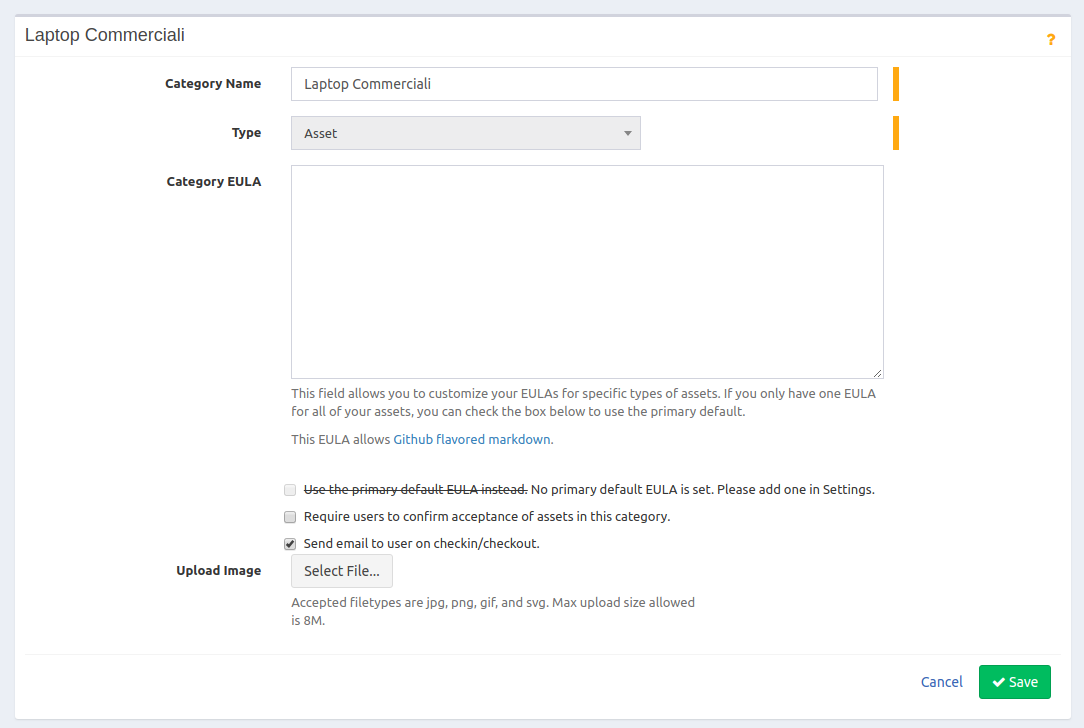
I don't have the blue box as in your example when I made a checkin

Every categories has the "send emailto user on checkin/checkout" selected
Tnx,
Giovanni
TheBags
on 22 May 2018
That's pretty much what I'm dealing with now.
clmaliwat
on 22 May 2018
@clmaliwat is the issue resolved for you after the roll back ?
Raj22223
on 24 May 2018
@Raj22223 I installed a new instance with the current version and now Emails are "generally working," but not checkin Emails. I'm pretty much in the same boat as @TheBags
clmaliwat
on 24 May 2018
a recap:
- Create account email --> works
- Scheduled alert email --> works
- CheckIn/Out email --> _not working_
Version v4.4.1 - build 3636 (master)
Giovanni
TheBags
on 25 May 2018
v4.4.1 here, I have a similar issue. If the category has Acceptance Emails switched on, then the user will get Check-in/check-out emails. If Acceptance Emails are switched off, then Check-in/Check-out emails are not generated.
 D3nsha
on 29 Jun 2018
D3nsha
on 29 Jun 2018
Probably @D3nsha found the problem.
On monday I'll check if it works.
Obviously the "Acceptance Emails" should be not connected with checkin/out emails.
Giovanni
TheBags
on 30 Jun 2018
Yep, this is definitely it. I just tested.
"Require users to confirm acceptance of assets in this category" is coupled with "Send Email to User on checkin/checkout"
If "Require users to confirm acceptance..." is not checked, the "Send email to user..." does not work, as @D3nsha has mentioned.
clmaliwat
on 2 Jul 2018
Yes, Even the same happened for me I Just tested.
"Require users to confirm acceptance of assets in this category" is coupled with "Send Email to User on checkin/checkout"
@snipe could you please look in to this. Thanks in advance.
Raj22223
on 6 Jul 2018
To add to this, I just tested with a fresh/new install of v4.4.1 - build 3636 and can confirm that in order for the notifications to be sent for checkin/checkout, the option "Require users to confirm acceptance of assets in this category" must be enabled along with "Send Email to User on checkin/checkout".
 mrjohnjones
on 9 Jul 2018
mrjohnjones
on 9 Jul 2018
@snipe could you please check this
Raj22223
on 10 Jul 2018
Can anyone confirm if this has been fixed in 4.5.0?
mrjohnjones
on 10 Jul 2018
@mrjohnjones I just tested 4.5.0 build 3701, and the issue persists.
clmaliwat
on 11 Jul 2018
That's correct - if a fix were issued, this ticket would have been updated and it would have been noted in the release notes.
snipe
on 11 Jul 2018
This should be fixed on develop now and will be in the next release.
snipe
on 17 Jul 2018
Thank you :dancer:
TheBags
on 17 Jul 2018
Hi,
My email configuration fine, test email function is working fine and users are able to receive when any assets are check out to them, but i need my admin to receive the notifications for every check in and check out. this is not working for me, Kindly advise.
I have enabled email alert and Send email to user on checkin/checkout for all categories.
SnipeIT - Version v4.7.8
 Mafeercm
on 6 Dec 2019
Mafeercm
on 6 Dec 2019
Related issues
 Rungea96
·
4Comments
Rungea96
·
4Comments
 sbenoit89
·
5Comments
sbenoit89
·
5Comments
 laTruffe79
·
4Comments
laTruffe79
·
4Comments
 Neor5804
·
3Comments
Neor5804
·
3Comments
 mauroaltamura
·
5Comments
mauroaltamura
·
5Comments
Most helpful comment
This should be fixed on develop now and will be in the next release.