Skiasharp: SKWidget for GTK# (on Linux) is rendering kind of slow
Description
This is a continuation of #462 . That ticket's main issue has been solved, but it's been reported that the rendering of the SKWidget, on such events such as a window/widget resize are slow and produce flickering. See for example:
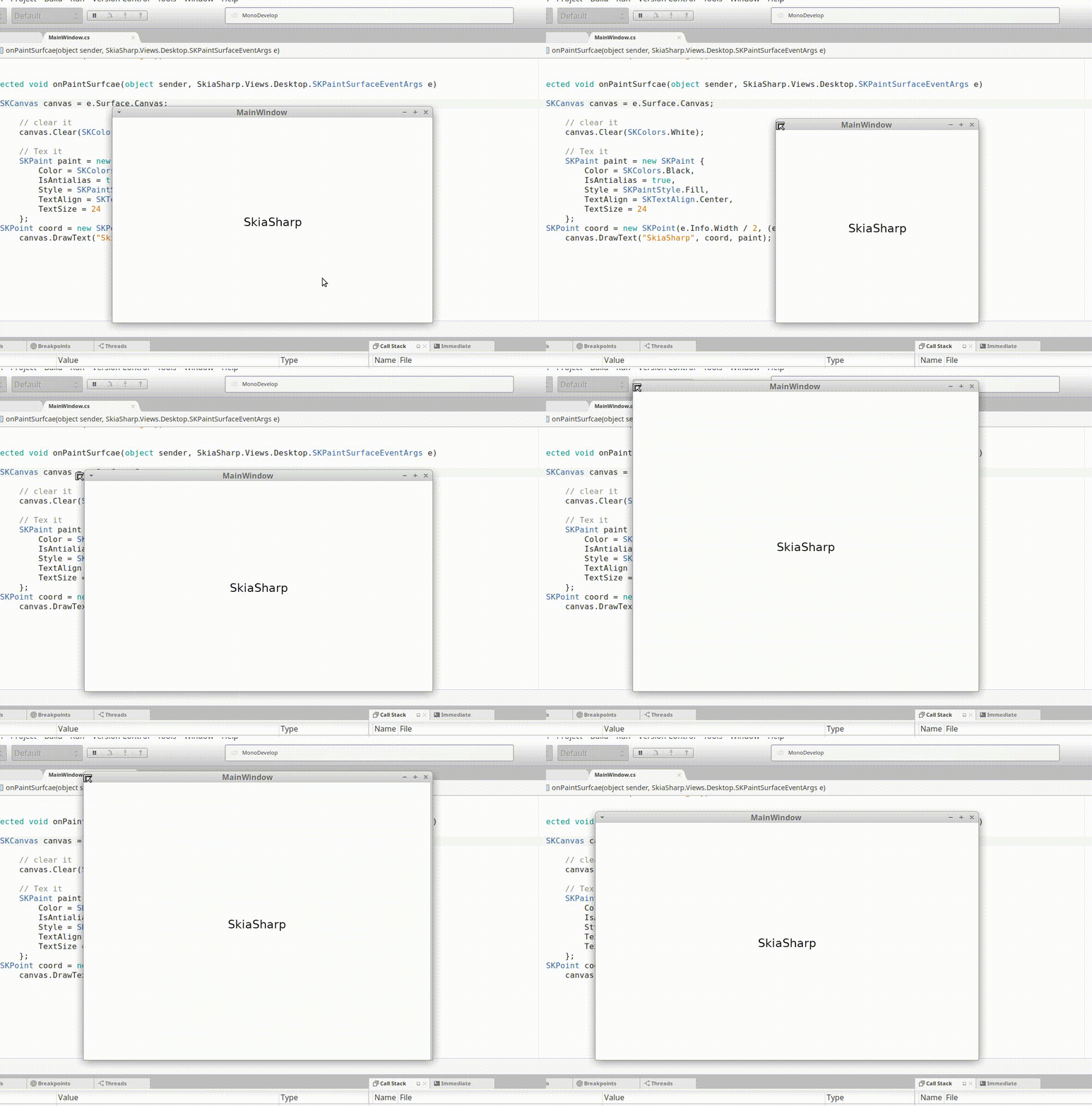
(This is using SkiaSharp 1.60.1 off of NuGet, and the linux .so files from this project's release page).
Code
The code used is the same one as here: https://github.com/mono/SkiaSharp/blob/master/samples/Basic/Gtk/SkiaSharpSample/MainWindow.cs
The only different that I applied to (in that widget) is in the GUI designer, I set the Box Layout child properties of the SKWidget to auto fill=false, expanding=true, fill=true.
Expected Behavior
Should be MUCH smoother, such as when using Cairo for rendering. In fact, Skia typically renders faster than Cairo.
Actual Behavior
[see above GIF]
 define-private-public
All 12 comments
@mattleibow
define-private-public
on 28 May 2018
Thanks for this, I will have a look and see what can be done.
 mattleibow
on 28 May 2018
mattleibow
on 28 May 2018
Okay, did a little other testing. It's something with the PaintSurface event, or whatever it connected in the pipeline. I wrote a program that used a StopWatch and a Timer object to try to queue up a bunch of draws for an animation (~60 FPS). The flickering is still happening.
The Skia drawing code itself is rendering in under a millisecond (very, very fast), but it's all of that update/event logic around it that makes it slow.
I was looking into creating an OpenGL context, have Skia render to it (or have it render to a texture and display that), but I'm not sure how easy that might be. Mono's GtkGLArea bindings seem to be a tad old: https://github.com/mono/gtkglarea-sharp
define-private-public
on 31 May 2018
While this article is more Cairo focused, it might provide some insights:
https://cairographics.org/threaded_animation_with_cairo/
Smooth animation should be possible:
https://www.youtube.com/watch?v=Ri5R5eozUC8
define-private-public
on 31 May 2018
Hey, I'd like to report a bit of an update: I have been able to get some smooth animation working with SkiaSharp, and the SKWidget, but it still has some issues. Here is my code:
// Author:       Benjamin N. Summerton <https://16bpp.net>
// Description:  X
using System.Threading;
using Gtk;
using SkiaSharp;

public partial class MainWindow : Gtk.Window
{
    public int Value = 75;

    public MainWindow() : base(Gtk.WindowType.Toplevel)
    {
        Build();

        // Half a second from bootup, run an animation at 60 FPS
        Timer timer = new Timer((object state) => timerExe() ,null, 500, (1000 / 60));
    }

    protected void OnDeleteEvent(object sender, DeleteEventArgs a)
    {
        Application.Quit();
        a.RetVal = true;
    }

    protected void timerExe()
    {
        Value += 1;
        Value = Value % 100;
        this.skwidget1.QueueDraw();
    }

    protected void onPaint(object sender, SkiaSharp.Views.Desktop.SKPaintSurfaceEventArgs e)
    {
        SKCanvas canvas = e.Surface.Canvas;

        // Clear the canvas
        canvas.Clear(SKColors.White);

        // Setup paint
        SKPaint paint = new SKPaint
        {
            Color = SKColors.Black,
            IsAntialias = true,
            Style = SKPaintStyle.Fill,
        };

        double value = (Value / 100.0) * 360;
        using (SKPath path = new SKPath())
        {
            path.AddArc(new SKRect(50, 50, 300, 300), 0, (float)value);
            canvas.DrawPath(path, paint);
        }
    }
}
This is probably not the 100% best way to do animation with SkiaSharp & GTK#, but it at least works a little and is a good place to start off of. Though, I do want to note I have the equivalent code w/ Cairo based rendering though.
This still suffers from some flicker, but not as much. Also, sometimes the animation will just cut out, and you're left with a still frame. Dragging the window around will also produce flicker. I have not noticed these problems with the Cairo version.
define-private-public
on 9 Jun 2018
If you can, please take a look at this: https://github.com/mono/SkiaSharp/pull/550
If it's good to you, I'd really appreciate a minor release on NuGet, as I have a project that's using this library, and needs this smooth animation ability.
define-private-public
on 14 Jun 2018
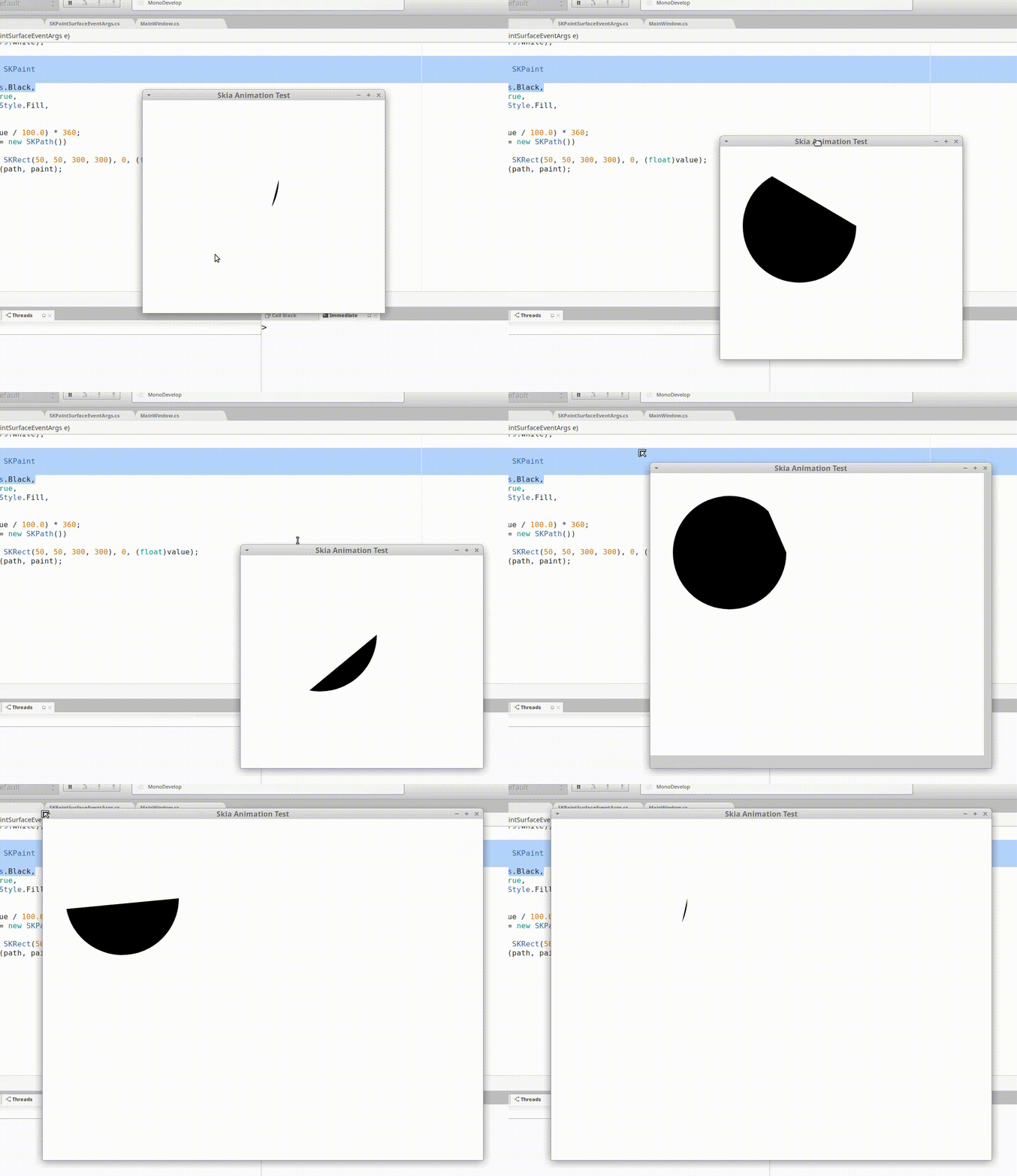
Here's what it looks like now. This is on par with the equivalent drawing in Cairo:
define-private-public
on 14 Jun 2018
@define-private-public It is building now and I will try and get it into the v1.60.2 release this week.
mattleibow
on 14 Jun 2018
As a side note, I've noticed that you have this "create image/drawing objects in the drawing function" going on in the other platforms as well. e.g.:
You're probably going to want to go through all of the platform specific Views and make adjustments like in the PR I posted. This is probably going to be a tedious pain in the butt, but it's going to be well worth it and make rendering stuff with SkiaSharp much nicer (and desirable) for your end users.
define-private-public
on 14 Jun 2018
Thanks. I created an issue so we don't loose this.
mattleibow
on 14 Jun 2018
Would it be possible to get the v1.60.2 release out soon? I'm working on a part of my software right now which needs these improvements.
define-private-public
on 23 Jun 2018
@define-private-public I have just pushed out the release and should be available on NuGet. Here are the release notes and all the links: https://github.com/mono/SkiaSharp/releases/tag/v1.60.2
mattleibow
on 28 Jun 2018
Related issues
 PieroCastillo
·
3Comments
PieroCastillo
·
3Comments
 IainS1986
·
3Comments
IainS1986
·
3Comments
 vlkam
·
3Comments
vlkam
·
3Comments
 joreg
·
4Comments
joreg
·
4Comments
 joshminor
·
3Comments
joshminor
·
3Comments