Site-kit-wp: Dashboard error: Incorrect locale information provided
Some users have encountered a dashboard error on their screen after updating to the latest version of Site Kit. Error as seen below:
Site Kit encountered an error

Incorrect locale information provided

in WPAnalyticsDashboardWidgetOverview
in NewComponent
in FilteredComponent
in FilteredComponent
in WithFilters(WPDashboardHeader)
in div
in WPDashboardModules
in div
in WPDashboardMain
in ErrorHandler
in GoogleSitekitWPDashboard
Related WordPress Support Topics:
- https://wordpress.org/support/topic/invalid-language-tag-after-updating-to-1-6-0/
- https://wordpress.org/support/topic/incorrect-locale-information-provided/#post-12598130
Additional information:
- Occurred after updating from 1.5.1 to 1.6.0
- Changing language settings resolved this issue for one user on thread
- Awaiting additional information
_Do not alter or remove anything below. The following sections will be managed by moderators only._
Acceptance criteria
- No errors are raised in the browser when using a variant of a locale. E.g.
de_DE_formal(Sie)

- No errors are raised in all major browsers
Implementation Brief
- Update
getLocaleto always return the locale in the formatxx-XX(the first two segments only) either from browser or Site Kit source - Add unit tests for this case
- That the locale is properly returned
- That no errors are raised by
numberFormatwhen a variant locale is set (beforegetLocaleis called)
- Finish & merge #1313
QA Brief
- Set WP locale to formal Deutsch (see below) and update local translations to install

- Setup Site Kit and visit dashboard (requires some statistics to display, such as in Search Console)
- Ensure no errors are raised in the console
- Test with all major browsers including minimum supported versions of each if possible
Changelog entry
- Fix bug where using a WordPress locale with a third segment (e.g. formal variant) would cause JavaScript errors on some screens.
 jamesozzie
All 12 comments
I can confirm the same issue after testing. Steps to reproduce
- Occurs with German formal language set (as users in WP support form suggest)
- Occurs on plugin install (version 1.6.0), not just update
- Occurs with only SC module set
- Not possible to view main dashboards, see below
Switching language in general settings results in dashboard loading as expected.

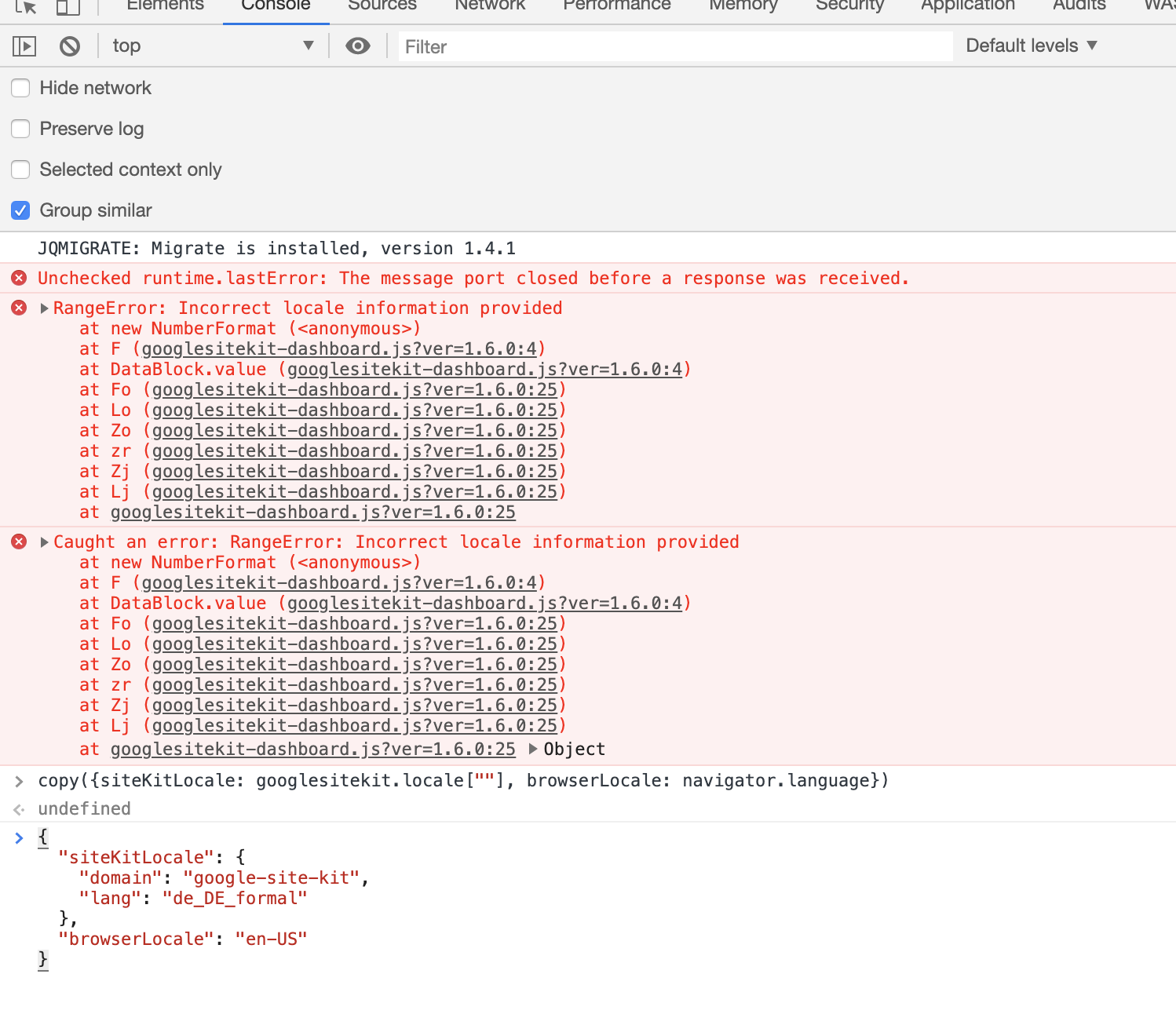
jamesozzie
on 30 Mar 2020
Thanks for the detailed report @jamesozzie 👍
I was able to reproduce this as well, although I did not see the full screen error, but that may be an environmental difference.
Escalating this to Execution 🚀
 aaemnnosttv
on 30 Mar 2020
aaemnnosttv
on 30 Mar 2020
@aaemnnosttv I'm not sure about our intended use-case for this locale (currently only Intl.NumberFormat) supporting these more customized locales. Does e.g. de-DE-formal result in a number formatted after German conventions - or should we rather strip the extra suffix to force this to de-DE, which surely would work?
 felixarntz
on 30 Mar 2020
felixarntz
on 30 Mar 2020
@felixarntz
There are two language variants for German in WordPress. The difference between the two variants is the formal address in German.
Example German: "Bist Du sicher?" (de_DE) or "Sind Sie sicher?" (de_DE_formal). Means in English: Are you sure?
Numbers are formatted in the same way in both variants (according to German conventions). This has nothing to do with the locale of PHP or the OS. It only affects the translation.
 dwolke
on 30 Mar 2020
dwolke
on 30 Mar 2020
@dwolke I'm German too, so I know that part :)
My question was rather related to: Are the conventions that WordPress uses for these more specific locales a standard? If they are not and if it's something that WordPress made (I totally understand _why_), then we may want to strip the suffix. It doesn't affect the number formatting anyway, so we can just drop it to make sure the extra suffix doesn't cause an issue with another environment (e.g. PHP, the browser) that wouldn't understand what these are.
felixarntz
on 31 Mar 2020
@felixarntz I'm German too, so I know that part :)
🙈oh mann
My question was rather related to: Are the conventions that WordPress uses for these more specific locales a standard?
Okay, i understand what you mean, and they're not. As i know only Wordpress uses different translations for this purpose.
If they are not and if it's something that WordPress made (I totally understand _why_), then we may want to strip the suffix. It doesn't affect the number formatting anyway, so we can just drop it to make sure the extra suffix doesn't cause an issue with another environment (e.g. PHP, the browser) that wouldn't understand what these are.
I think, this could work.
dwolke
on 31 Mar 2020
I'm not sure about our intended use-case for this locale (currently only Intl.NumberFormat) supporting these more customized locales. Does e.g.
de-DE-formalresult in a number formatted after German conventions - or should we rather strip the extra suffix to force this to de-DE, which surely would work?
Yes, I believe so - although you'd have to confirm. I'm not sure why the error really. The spec for these locale tags dictates that either a hyphen or an underscore can be used as a separator. I would expect the browser to fallback to a more generic locale, if the variant wasn't relevant. I tried this on several browsers and it seemed to work fine so the only problem seems to be that all of the separators weren't replaced.
Anyone who is facing this issue currently should also be able to work around it by temporarily changing their user/site's locale to a non-variant. cc: @jamesozzie @ernee
aaemnnosttv
on 1 Apr 2020
@aaemnnosttv I think we're most safe by stripping any additional suffix entirely. They shouldn't have an effect on number formatting, most languages have these only to differentiate between "casual" and "formal" variants - which only affects wording, not number-formatting :)
felixarntz
on 1 Apr 2020
That doesn't seem to be the case entirely, as the locale identifier string can contain bits specifically related formatting, such as 12h/24h time format. Here's an example from the docs:
https://developer.mozilla.org/en-US/docs/Web/JavaScript/Reference/Global_Objects/Locale/Locale
As far as locales in WP (which is where our locale should always come from - the browser is used as a fallback), only 3 languages have variants: German, Dutch, and Português (AO90). The AO90 option appears to be more substantial than just formality, but my evaluation was by no means comprehensive 😄
Basically, it should be fine to use a locale tag with many hyphenated segments (as shown in the docs) so we should be safe to simply replace all underscores accordingly. If you want to cut that down to only the first two, I'm fine with that too.
aaemnnosttv
on 6 Apr 2020
@aaemnnosttv I'd prefer to only rely on the first two segments, because what comes afterwards is not standardized and _could_ lead to problems.
felixarntz
on 6 Apr 2020
Updated the IB per Felix's remarks, so this should be IB ✅
aaemnnosttv
on 7 Apr 2020
Tested
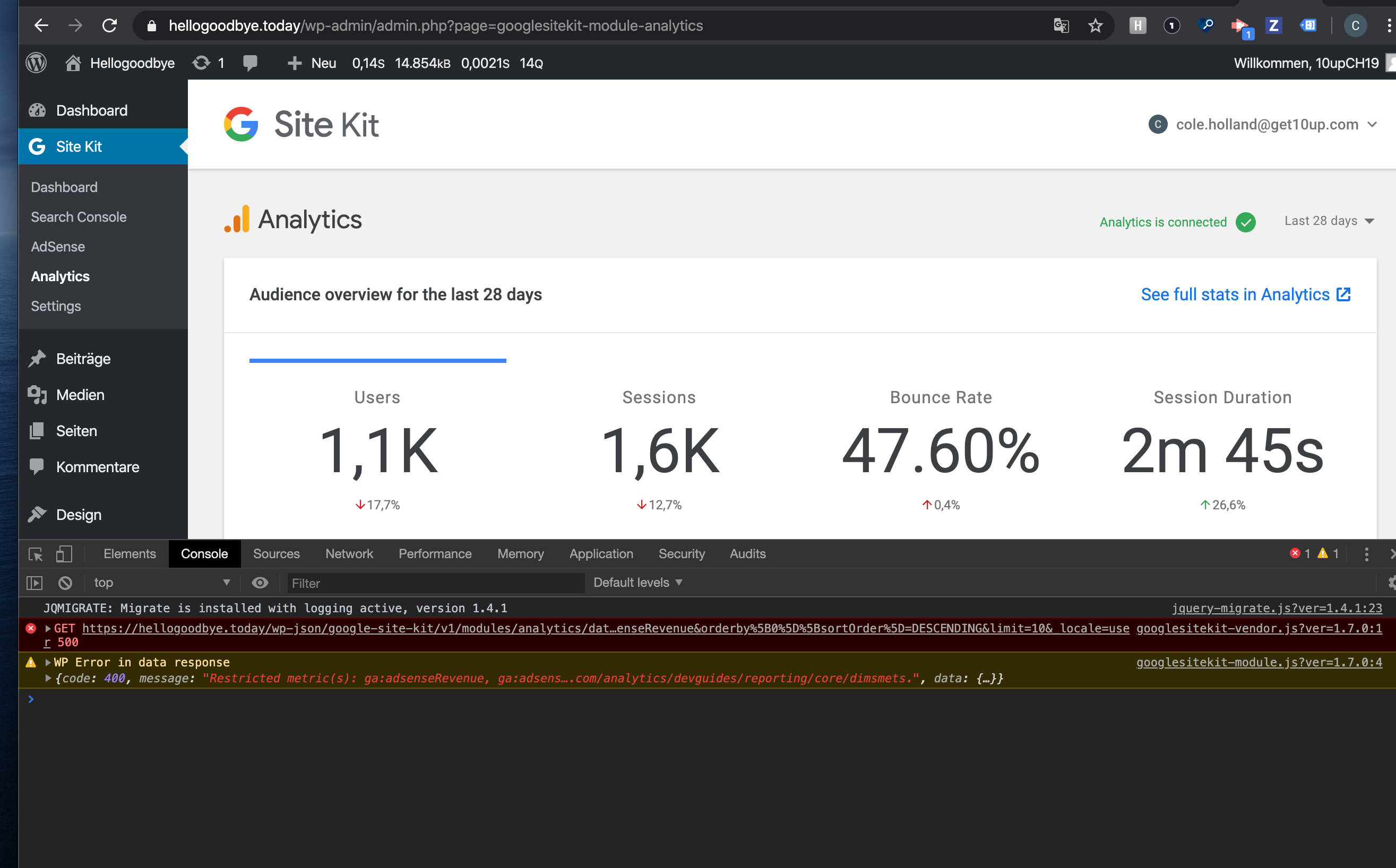
Installed 1.7.0, flipped language to Deutsch (Sie)
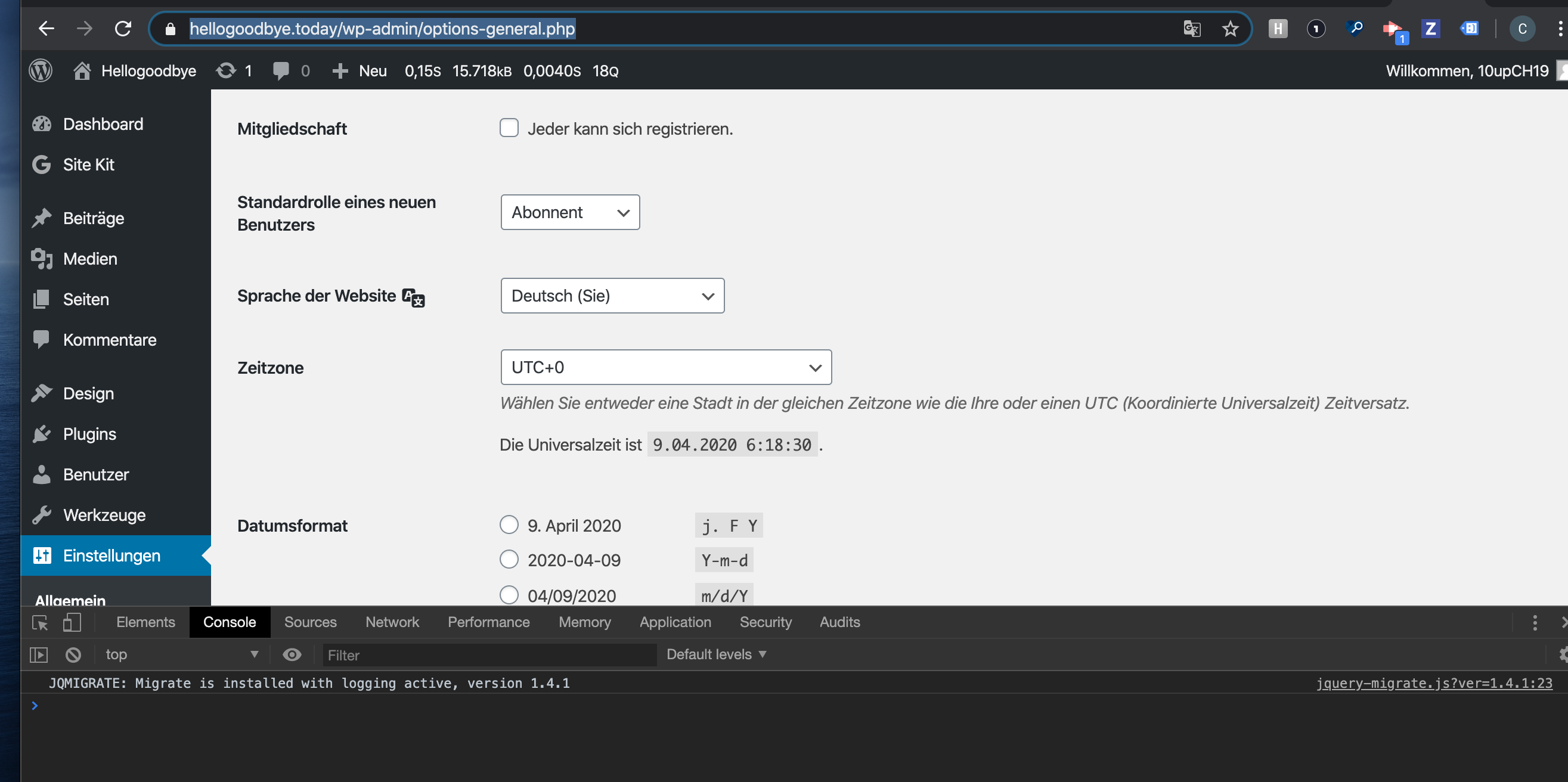
Setup SK and connected all modules
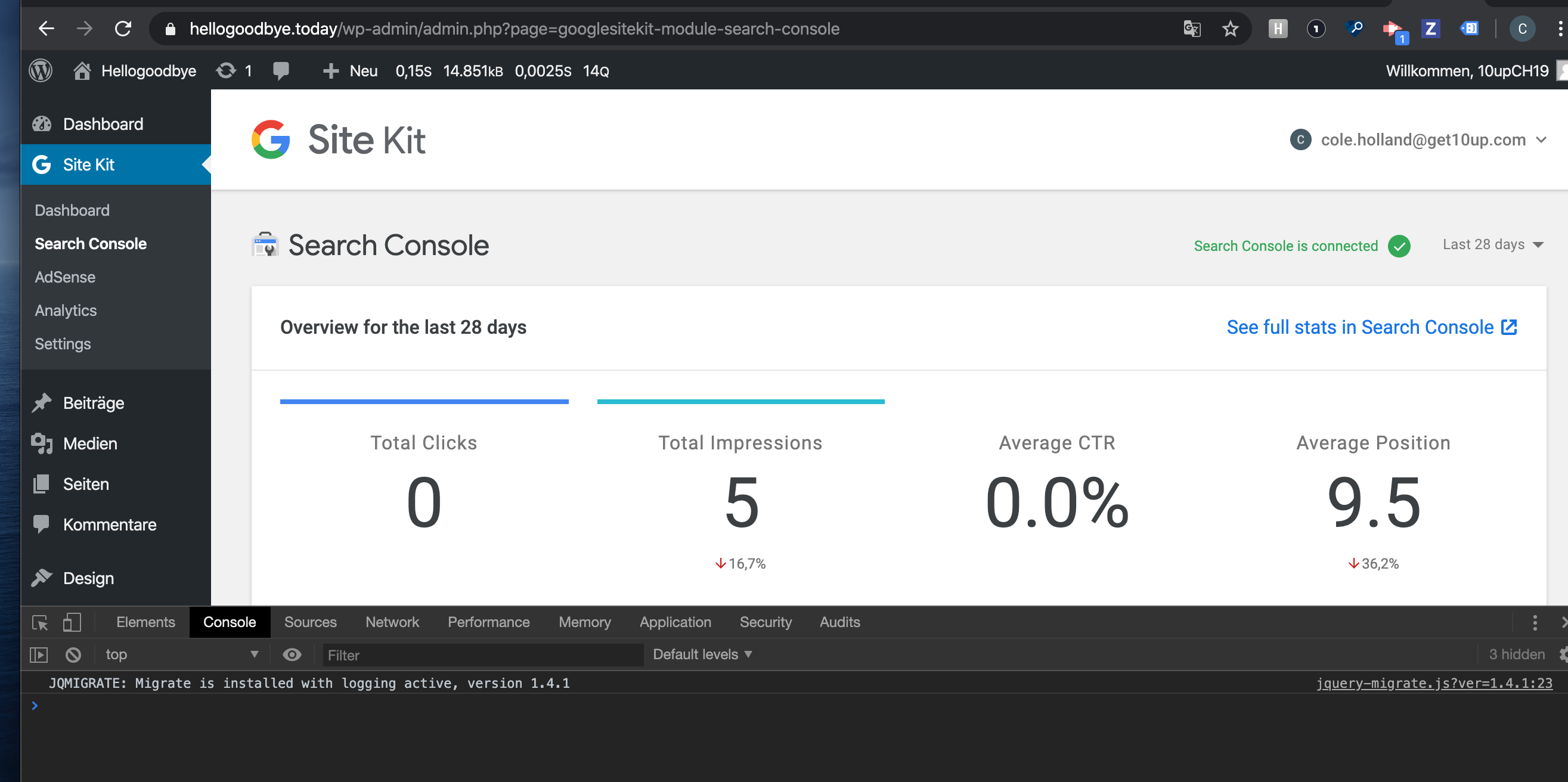
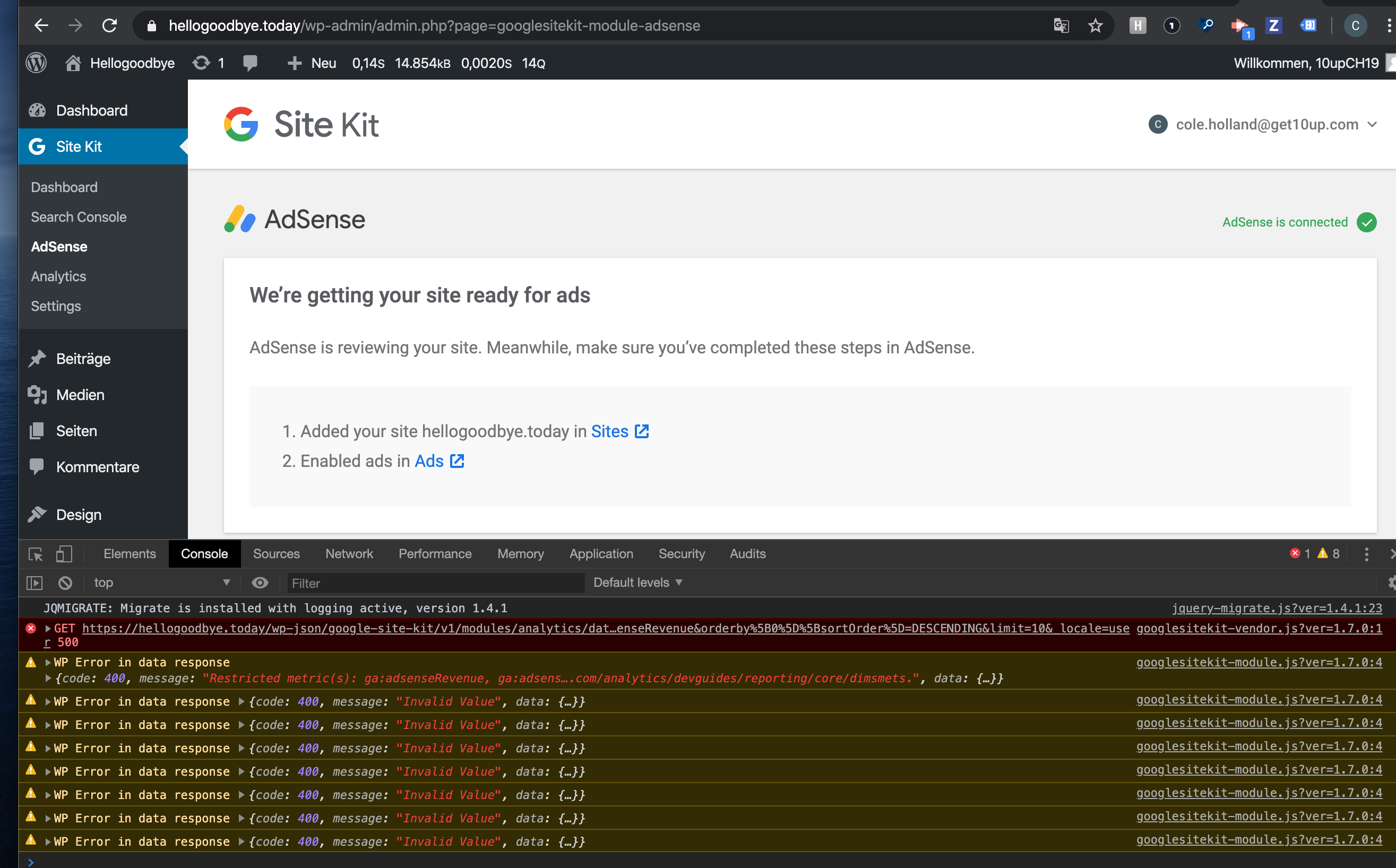
Notice:
Search Console:
Adsense:
Analytics:
Safari:
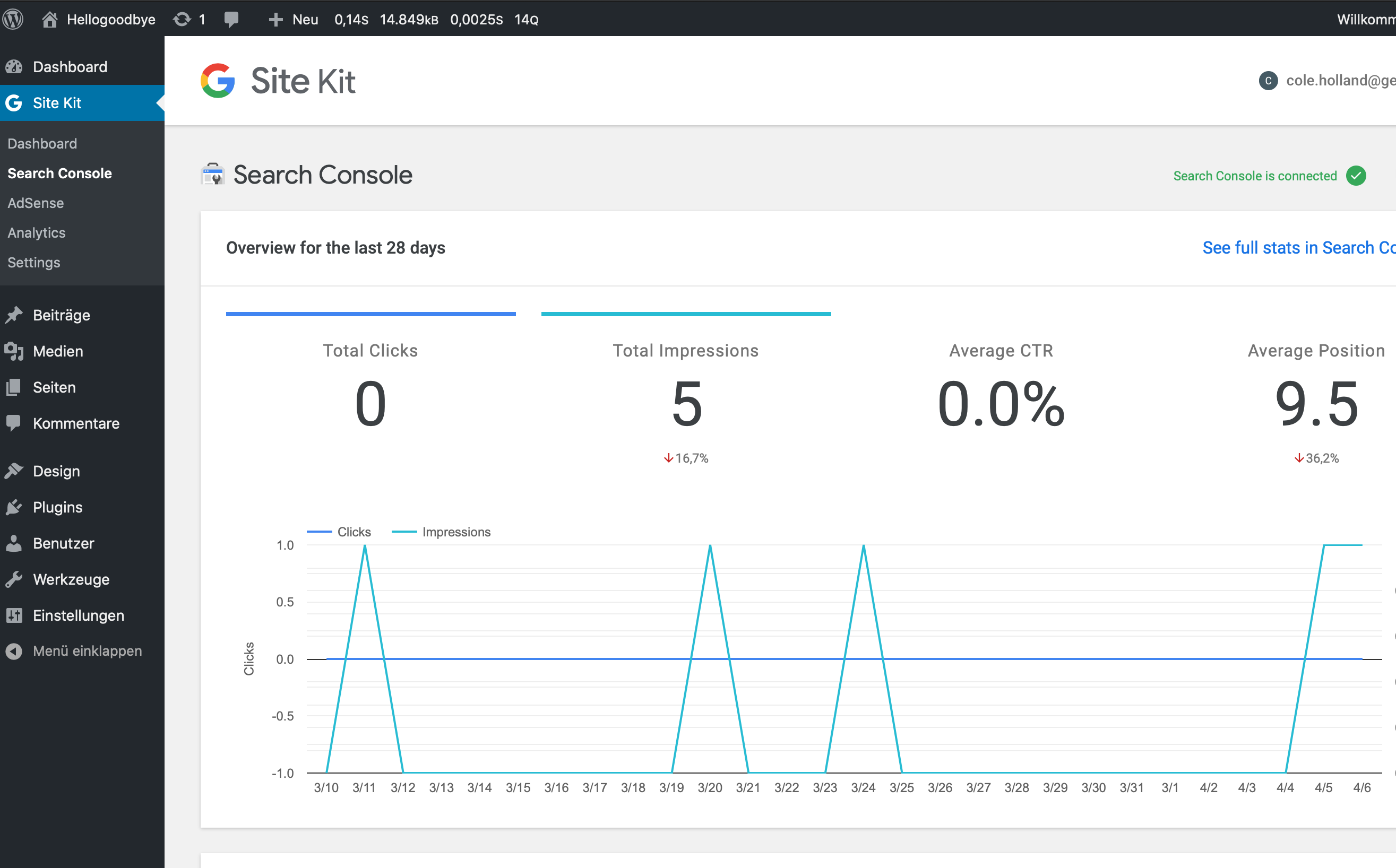
Confirmed incorrect locale issue isn't present.
One thing to note - seeing console errors but not seeing the specific error in this ticket will followup with separate bug/s for the unrelated console errors.
Passed QA ✅
 cole10up
on 9 Apr 2020
cole10up
on 9 Apr 2020
Related issues
 jsmshay
·
3Comments
aaemnnosttv
·
3Comments
jamesozzie
·
3Comments
jsmshay
·
3Comments
aaemnnosttv
·
3Comments
jamesozzie
·
3Comments
 tunakode
·
4Comments
aaemnnosttv
·
5Comments
tunakode
·
4Comments
aaemnnosttv
·
5Comments
Most helpful comment
Yes, I believe so - although you'd have to confirm. I'm not sure why the error really. The spec for these locale tags dictates that either a hyphen or an underscore can be used as a separator. I would expect the browser to fallback to a more generic locale, if the variant wasn't relevant. I tried this on several browsers and it seemed to work fine so the only problem seems to be that all of the separators weren't replaced.
Anyone who is facing this issue currently should also be able to work around it by temporarily changing their user/site's locale to a non-variant. cc: @jamesozzie @ernee