Simplenote-electron: Desktop app keeps asking to "Review You Account" even after I have
Expected
After installing 2.6.0, once I started the app, I was prompted to Review my Account, and either change or confirm my current email. After I clicked "Confirm", I followed the app's instructions of confirming my email account, clicking the link in the verification email, and the browser confirmed it was verified.
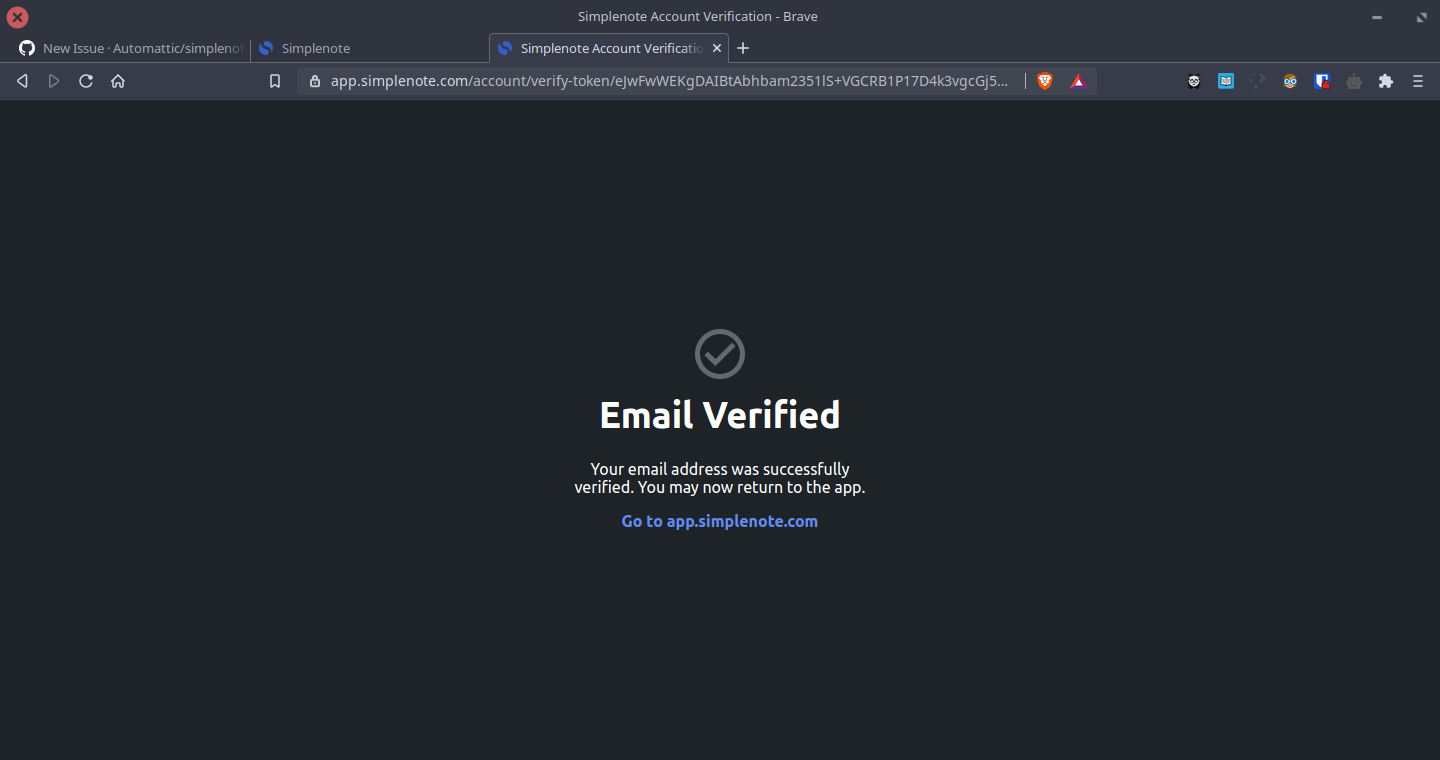
I thus expected that the desktop app, on restart, would stop asking me to Review My Account.
Observed
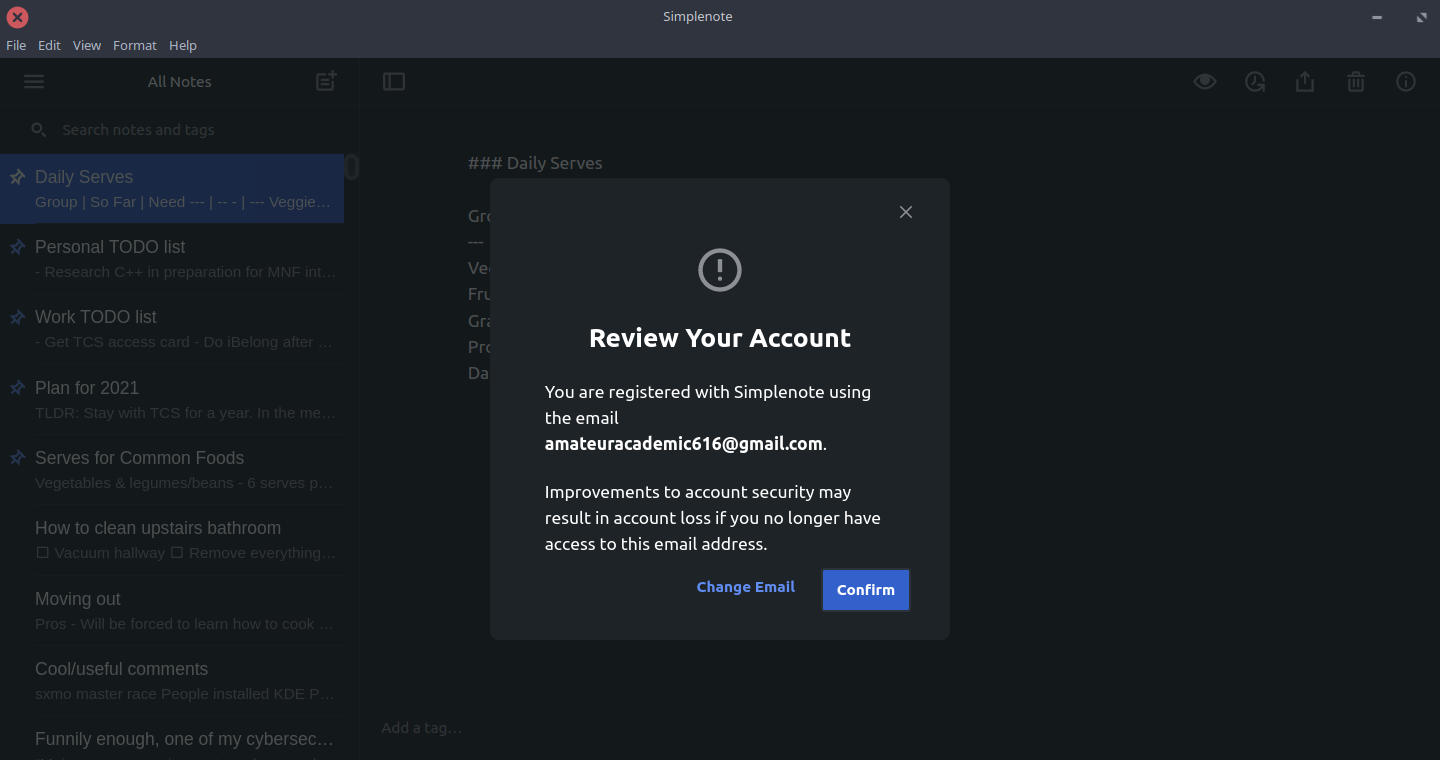
Everytime I open the desktop app, it shows me this popup, even though I've already verified my email 3 times now.
Reproduced
- Open desktop app; you should be prompted to Review Your Account
- Follow steps to successfully confirm email address for account
- Restart the app as many times as you want; you will still always be prompted to Review Your Account
Where did you see the bug
- System Make: Dell
- System Model: Dell XPS 13 9360
- OS: Kubuntu (Linux)
- OS version: Kubuntu 20.04.2 LTS
- Simplenote app version: 2.6.0 (desktop app downloaded as deb package from latest release)
 SaeedBaig
All 4 comments
Hi @SaeedBaig, please log out and log back in to refresh your account data and let me know if that still does not fix the issue. Thanks!
(Duplicate of: #2675)
 codebykat
on 22 Feb 2021
codebykat
on 22 Feb 2021
Oh thanks @codebykat . That fixed it.
I hope there will be a long-term fix in the works for this issue, so other Linux users don't just keep running into this same issue again and again.
SaeedBaig
on 22 Feb 2021
Yes, we're looking into it, but I don't really have any theories about why it has happened to a handful of people. The vast majority of folks on Linux and Windows have been able to verify without it getting stuck. Thanks for letting us know.
codebykat
on 22 Feb 2021
This happening on Windows 10 as well.
It appeared to start happening when I separately installed Simplenote on a new mobile phone.
Simplenote Windows 10 Version 2.8.0
Logout and login appears to have resolved the issue.
 campbellmc
on 30 Mar 2021
campbellmc
on 30 Mar 2021
Related issues
 sean185
·
4Comments
sean185
·
4Comments
 tavilla61
·
4Comments
tavilla61
·
4Comments
 abhijithvijayan
·
4Comments
abhijithvijayan
·
4Comments
 segeeslice
·
3Comments
segeeslice
·
3Comments
 iamgabrielma
·
3Comments
iamgabrielma
·
3Comments
Most helpful comment
Hi @SaeedBaig, please log out and log back in to refresh your account data and let me know if that still does not fix the issue. Thanks!
(Duplicate of: #2675)