Simplenote-electron: Auto logging out at first start. Solution: use only lower case on email field
Expected
After first start and log in normal work of application with viewing,editing tasks,etc...
Observed
I'm download latest AppImage version and starting application.Them I'm log in but after 1-2 seconds this app automated logging out and wish to log in again
(Optional)
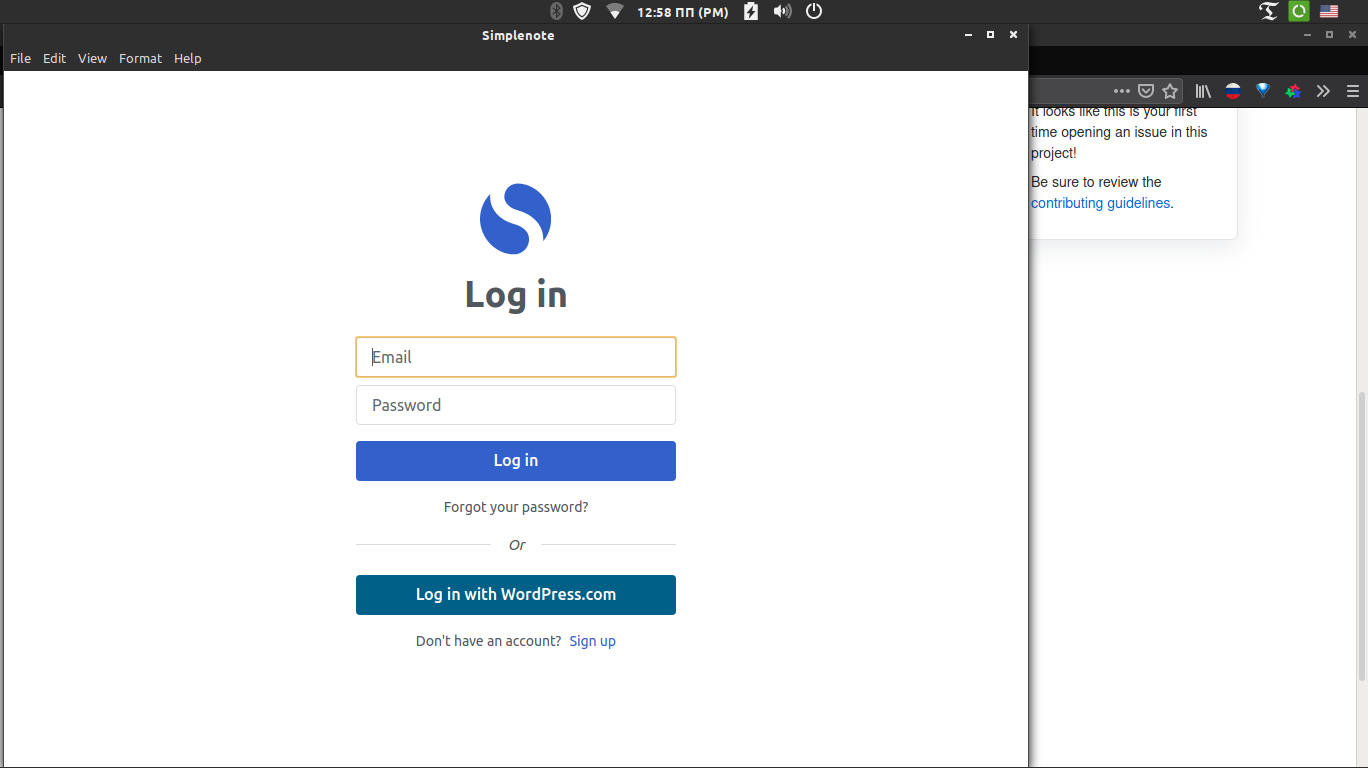
Before log in

Apps is logging in
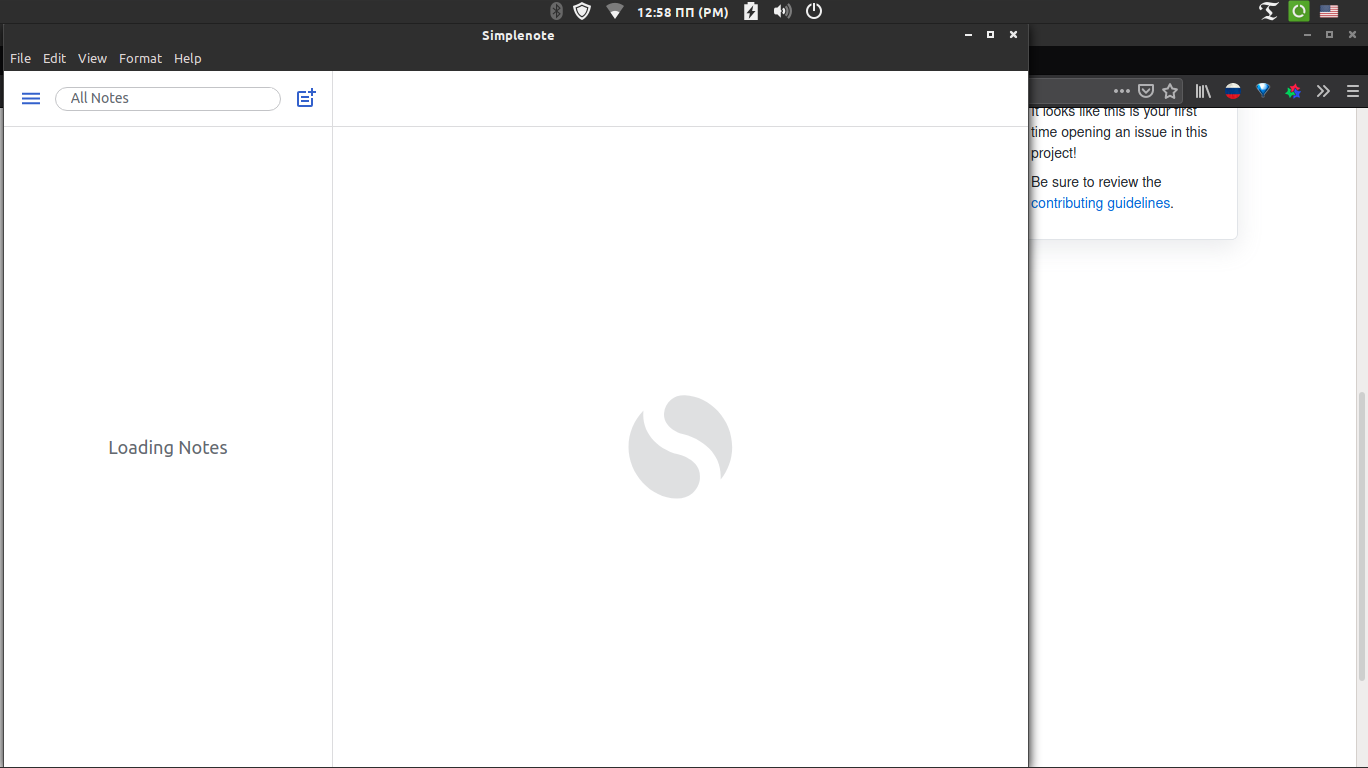
Apps log out
(Optional)
Make|Model|OS Version|App Version
-|-|-|-
AppImage|Dell Inspiron 5000 Series|Linux Mint 20 Cinnamon|1.19.0
 AVAtarMod
All 7 comments
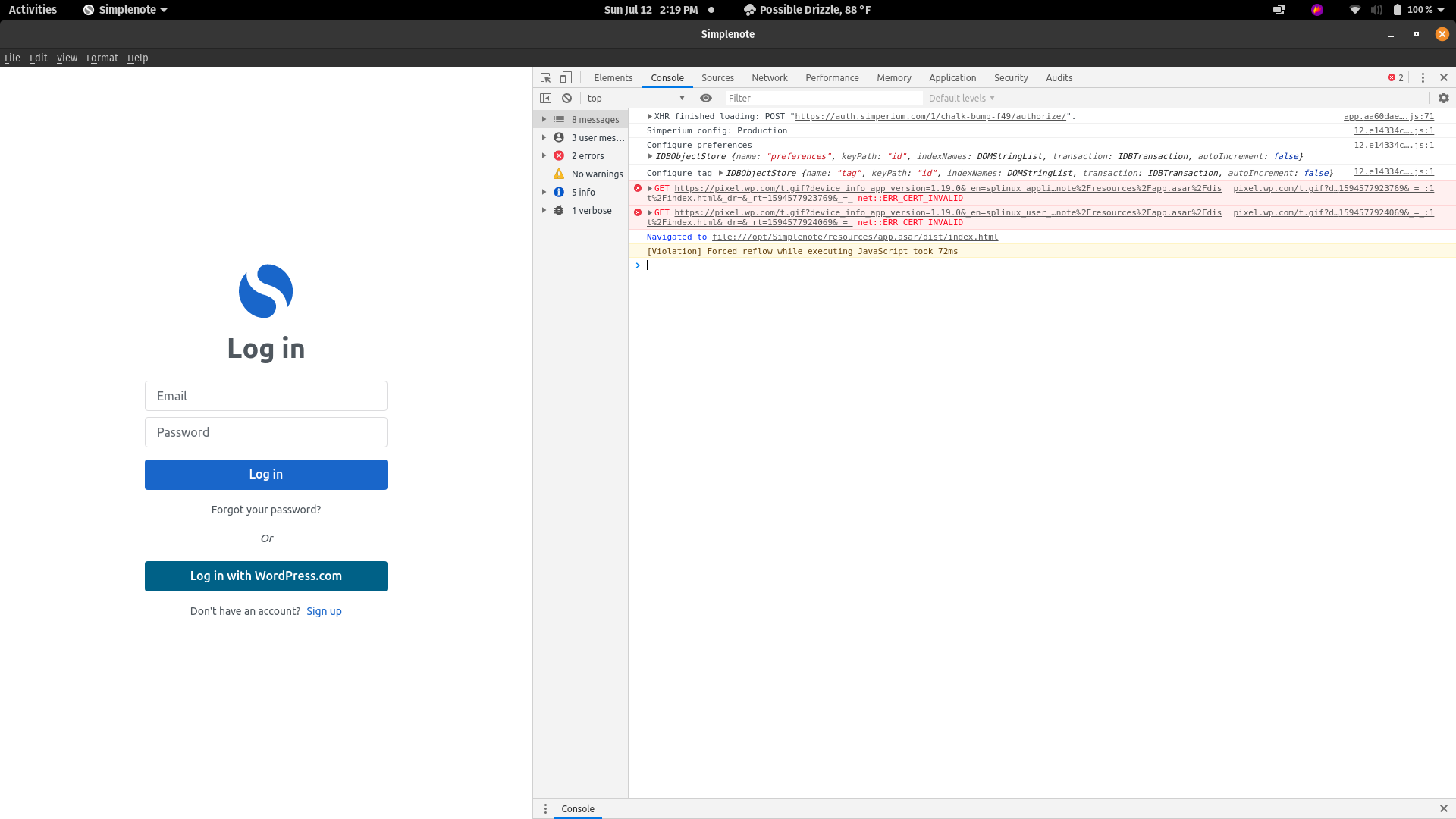
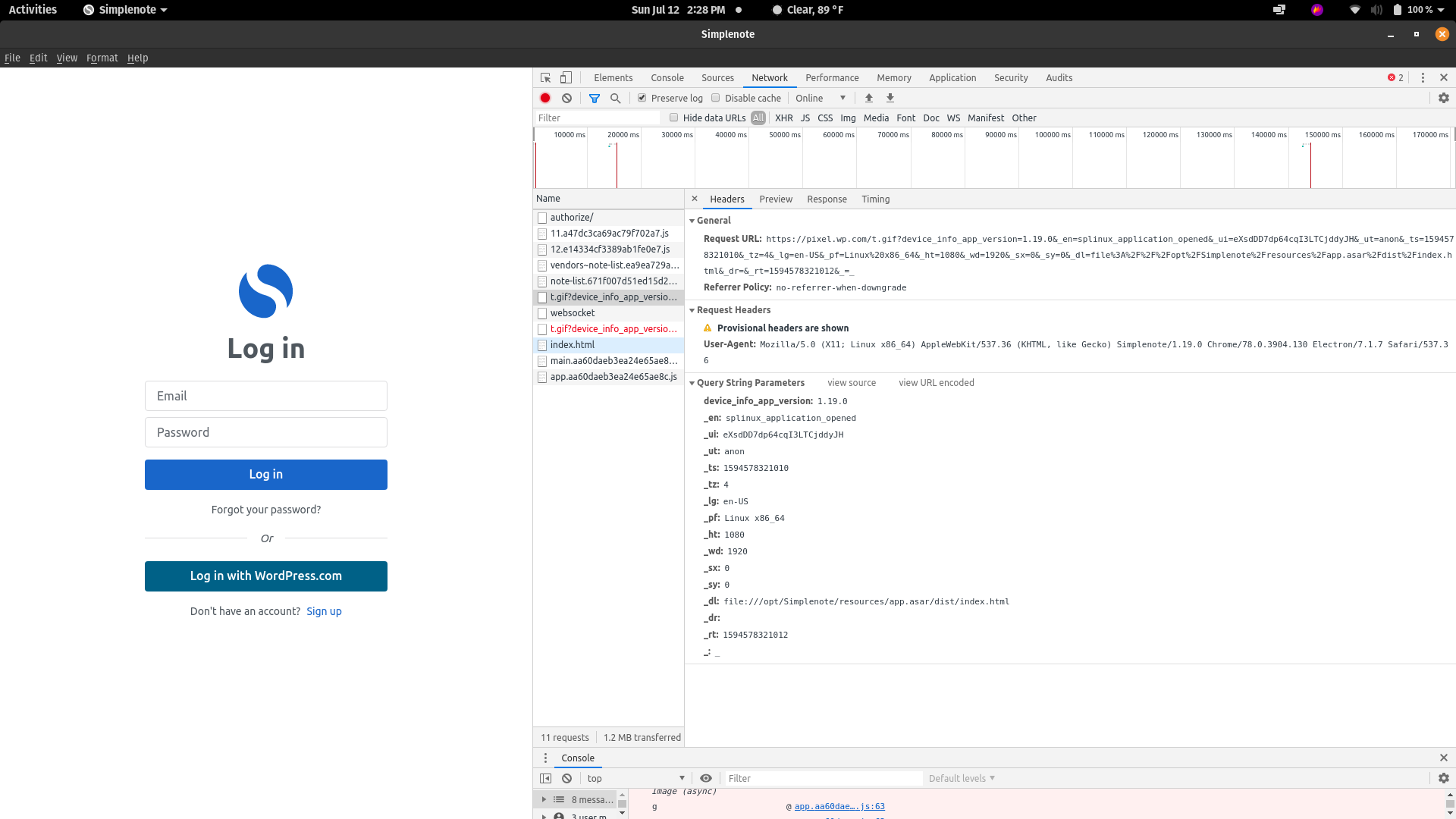
I'm also experiencing this issue. Here's some of the info I've gathered from the debugging console. Let me know if I can provide any additional information to assist with this issue.
| Make | Model | OS Version | App Version | Installation Type |
| :------ | :------- | :--------------- | :---------------- | :-------------------- |
| Gigabyte | Aero 15 | Pop OS 20.04 | 1.19.0 | Simplenote-linux-1.19.0-amd64.deb |
 CJFxTiKiMoN
on 12 Jul 2020
CJFxTiKiMoN
on 12 Jul 2020
Just logged in using all lower case in my email (force of habit to capitalize) and it worked. Hope that helps @AVAtarMod
CJFxTiKiMoN
on 13 Jul 2020
Just logged in using all lower case in my email (force of habit to capitalize) and it worked. Hope that helps @AVAtarMod
thanks, it worked for me. I had the issue in "Simplenote-linux-1.20.0-amd64.deb" version.
 EdoardoLopez
on 14 Jul 2020
EdoardoLopez
on 14 Jul 2020
I have the same issue with version 1.20.0 of the Simplenote app under Windows 10. Auto logging out happens after entering an email address with upper case characters on the log in screen.
 BPService
on 18 Jul 2020
BPService
on 18 Jul 2020
Just logged in using all lower case in my email (force of habit to capitalize) and it worked. Hope that helps @AVAtarMod
Thanks very very much! I now trying install&launch app for Windows (I use 10 version and 64bit), and me helped your suggest.
AVAtarMod
on 19 Jul 2020
Well that's fascinating. Thanks for the report and the detective work! I've made a note to fix this on the backend. (I'm leaving this issue closed because it's almost certainly an issue with the backend and not the app itself.)
 codebykat
on 20 Jul 2020
codebykat
on 20 Jul 2020
Hah - I take it back, it was totally an app-only issue. Fix will be in the next version.
codebykat
on 23 Jul 2020
Related issues
 hindsholm
·
4Comments
hindsholm
·
4Comments
 SaeedBaig
·
4Comments
SaeedBaig
·
4Comments
 RCDCL5
·
3Comments
RCDCL5
·
3Comments
 moniuch
·
3Comments
moniuch
·
3Comments
 sean185
·
4Comments
sean185
·
4Comments
Most helpful comment
Just logged in using all lower case in my email (force of habit to capitalize) and it worked. Hope that helps @AVAtarMod