Simple-tab-groups: Tab group label alongside navigation bar button
Is your feature request related to a problem? Please describe.
In Panorama-based tag groups, I was able to know which group I'm in via a text label on the navigation bar group switcher button.
Describe the solution you'd like
Alongside the icon, it would be very helpful to allow the button to include a text label containing the current active tab group name.
Describe alternatives you've considered
The name appears on hover in a tooltip but this denies the at-a-glance efficiency that would be available with a constantly visible label.
Additional context
https://i.imgur.com/pXq3lsV.png (Tab Groups 2.1.4 in Firefox 52 ESR)
 inspector71
All 6 comments
duplicate of #10
But in next release will available new option, see #304
 Drive4ik
on 23 Jan 2019
Drive4ik
on 23 Jan 2019
Actually not a duplicate, UX-wise... the solution you implemented in #304 as a potential fix for #10 only works for users who have a titlebar above the tabs; many do not anymore...
I suspect the Web Extensions API does not allow putting widgets all over the place such as "next to the tabs", but maybe it still allows putting something in the URL bar? For example, Firefox's built-in containers feature shows the container's name (and color) inside the addressbar on the right... if so, it could be worth reopening this ticket.
 nekohayo
on 8 Jun 2019
nekohayo
on 8 Jun 2019
@nekohayo I already tested this idea, and nothing came of it. Mozilla add-ons have more privileges than any other extensions ... I even thought of generating a 16x16 picture with the name of the current group :) But this is a bad idea .. maybe in the future they will add such functionality to all other extensions ...
Drive4ik
on 13 Aug 2019
Yeah, the constraints of WebExtensions APIs are unfortunate.
I do miss the menu button of Tab Groups.
Ideal UX. The name of the group – in this example, _Waterfox_:
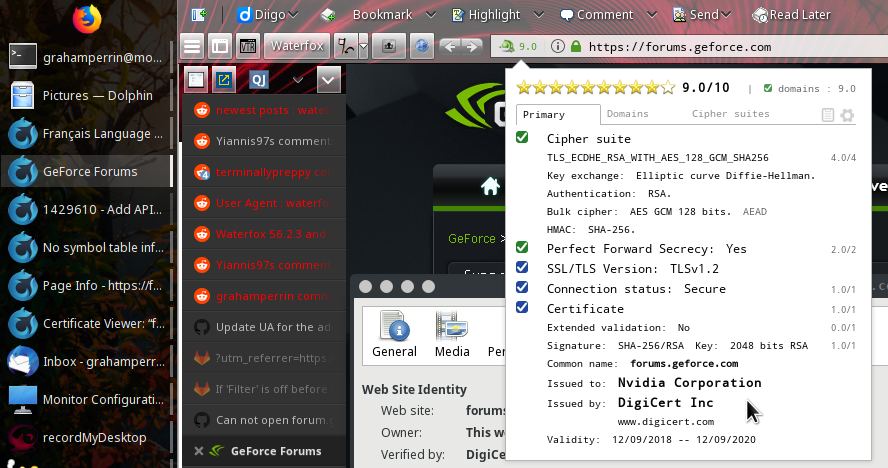
- where required
- on the button
- at the head of the menu.
 grahamperrin
on 21 Mar 2020
grahamperrin
on 21 Mar 2020
I got a very stupid idea, but it will solve this problem 😄
In general, make a folder with bookmarks, and the name of this folder - this will be the current group. The bookmark folder will be located on the topbar, and there will be groups in it in the form of bookmarks. When you click on a group (bookmark), a new tab will be created with a special URL that will switch the group. And then this tab will be deleted as unnecessary. You will only need to set the parameter browser.tabs.loadBookmarksInTabs set to true
It will look something like this:
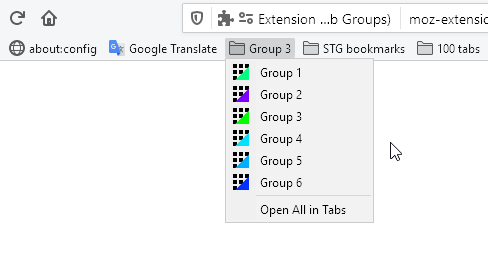
Guys, how do you like mocking FF? 😄
P.S. The idea is feasible, but may not be very stable in operation, for example, if you click "Open All in Tabs".
Drive4ik
on 21 Mar 2020
@Drive4ik thanks, after discovering the sidebar I'm happy.
Use case
FreeBSD-CURRENT.
The sidebar of Simple Tab Groups –
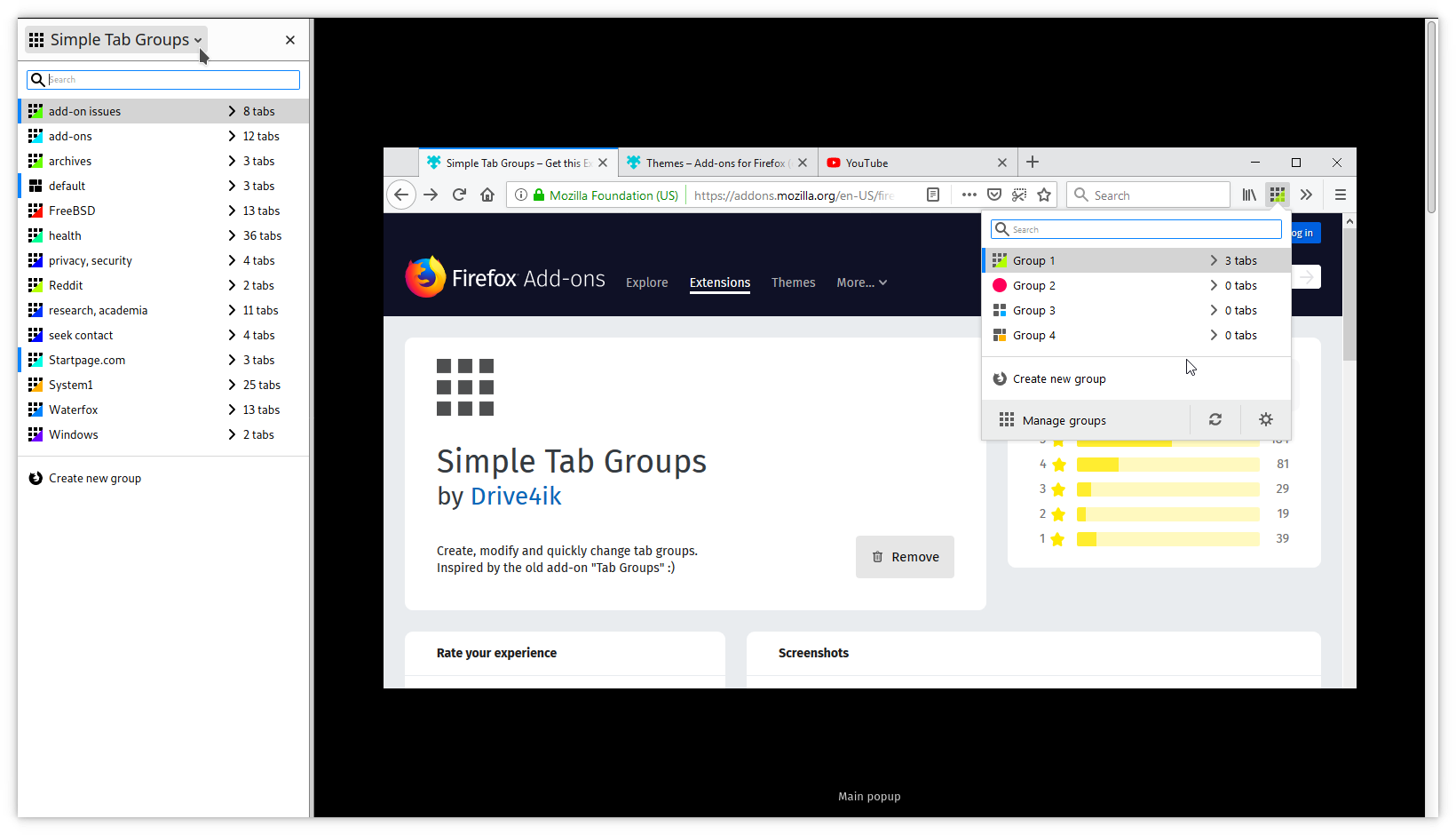
– is a neat complement to a KDE Plasma panel, far left, that includes the task manager.
I have a shed load of extensions, with my bookmarks in the menu bar (so the bookmarks toolbar can be used for extensions):
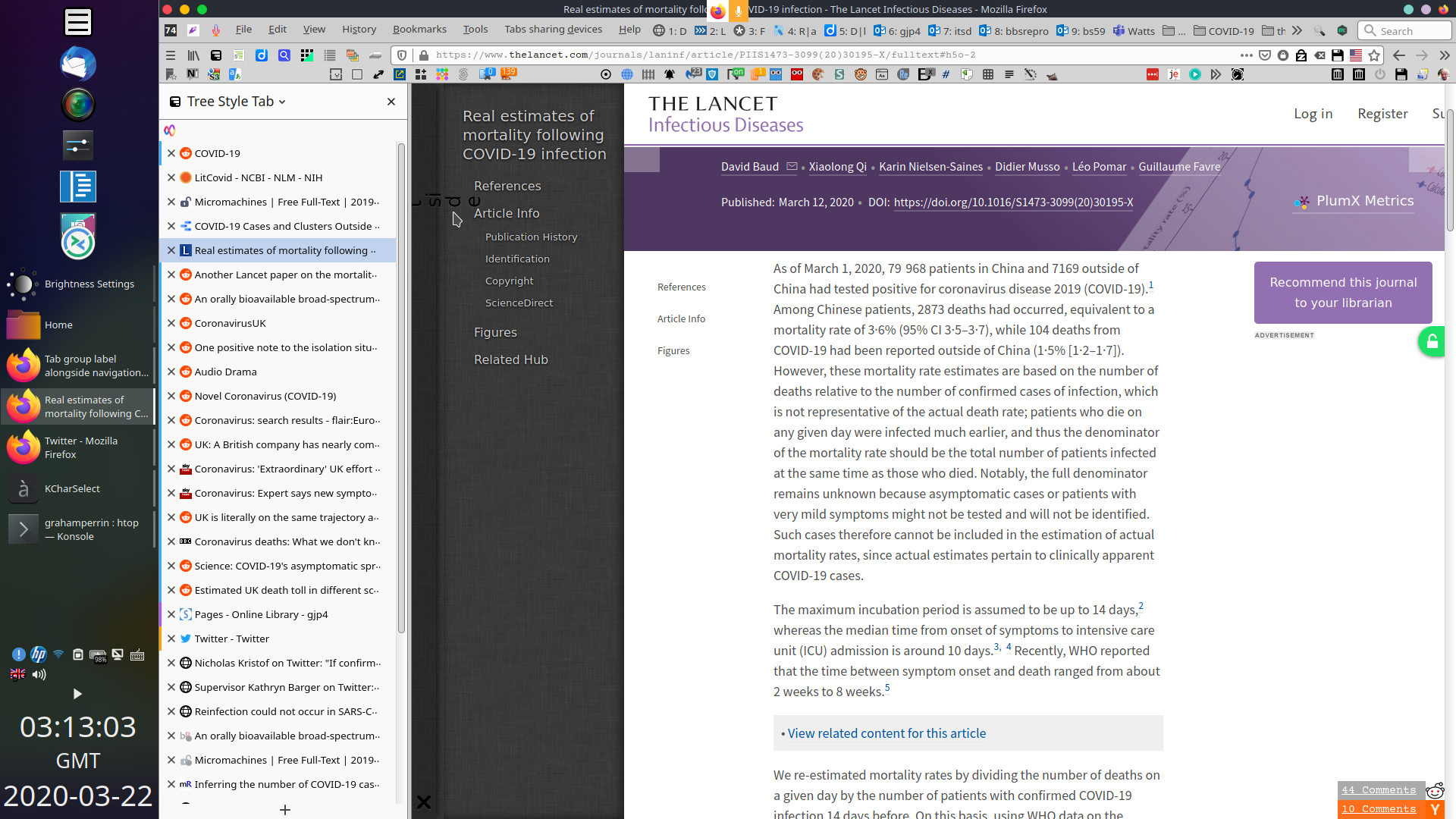
Now, just a few special extensions in the main toolbar (accessible in full screen mode), with some custom shortcuts.
A quartet
Saka – Alt-Space
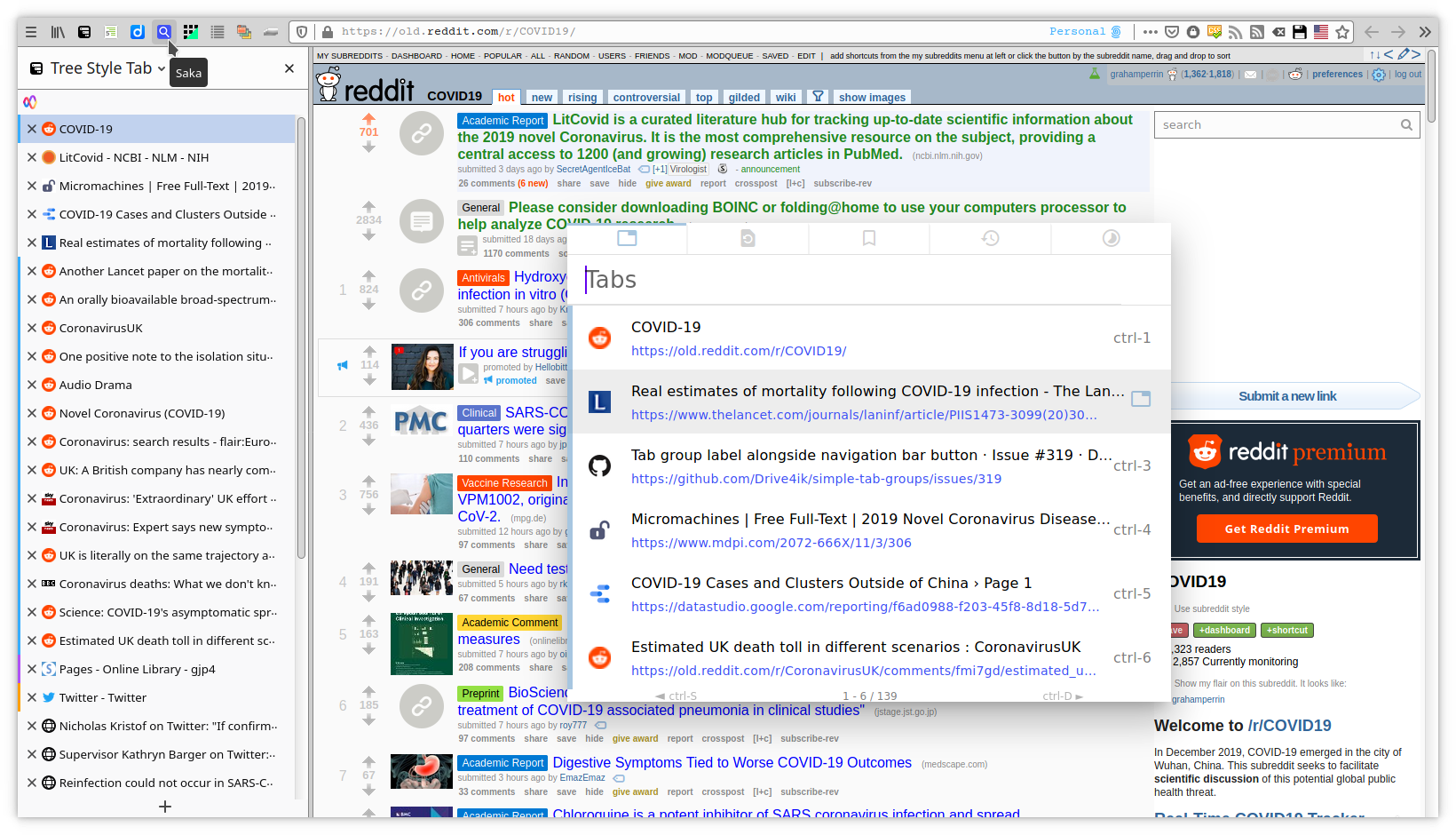
Simple Tab Groups pop-up – Control-Alt-Space
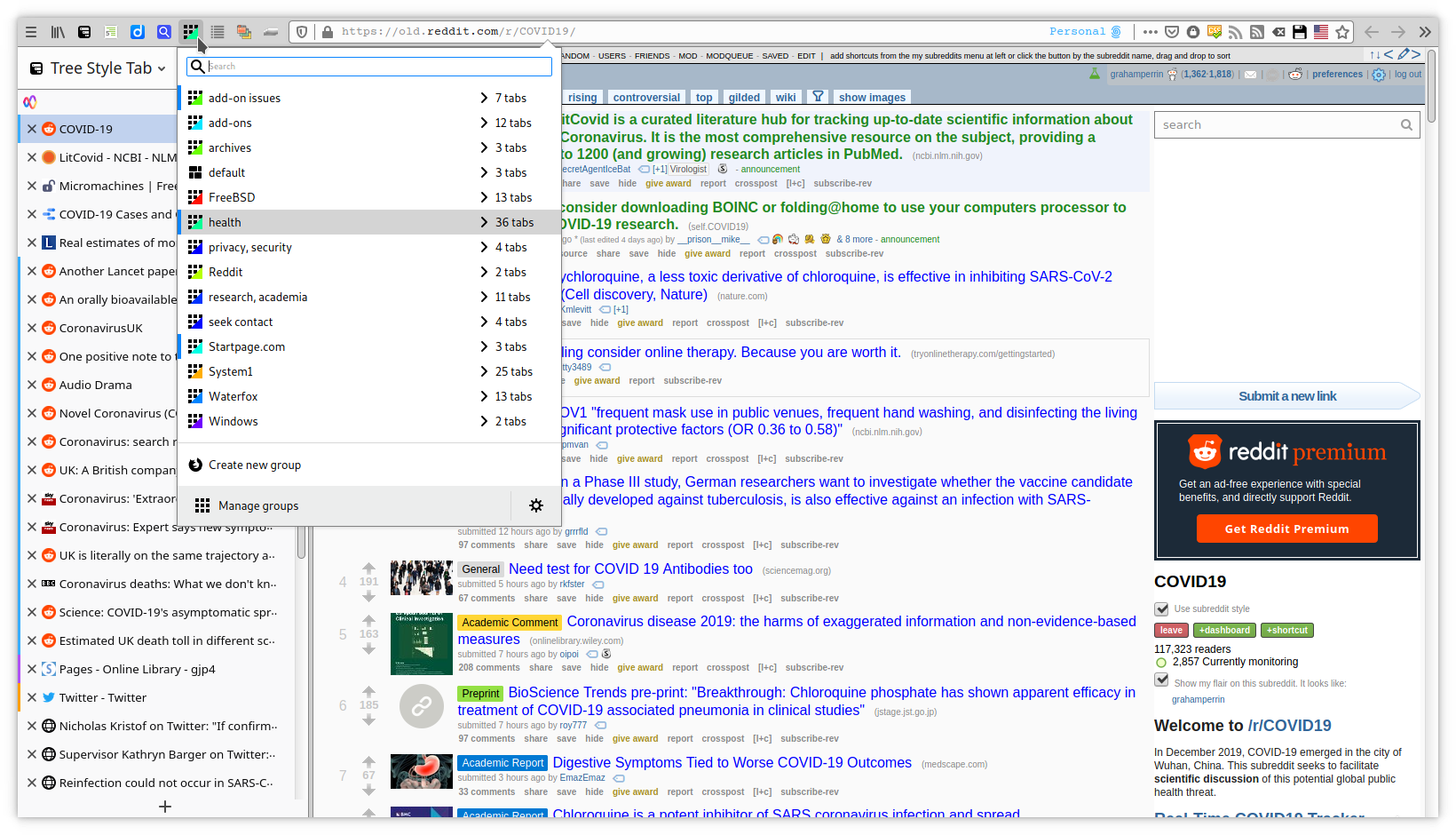
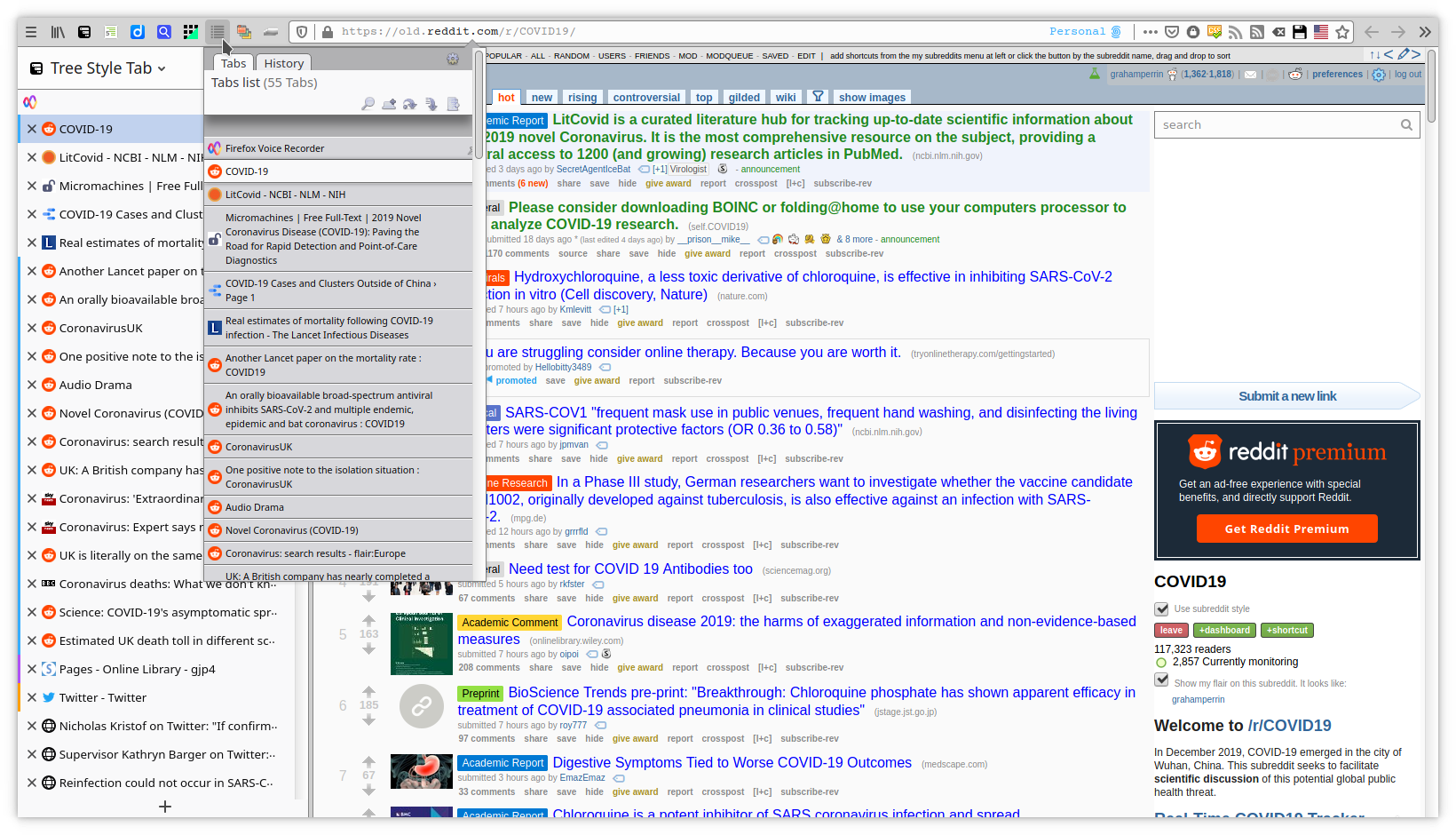
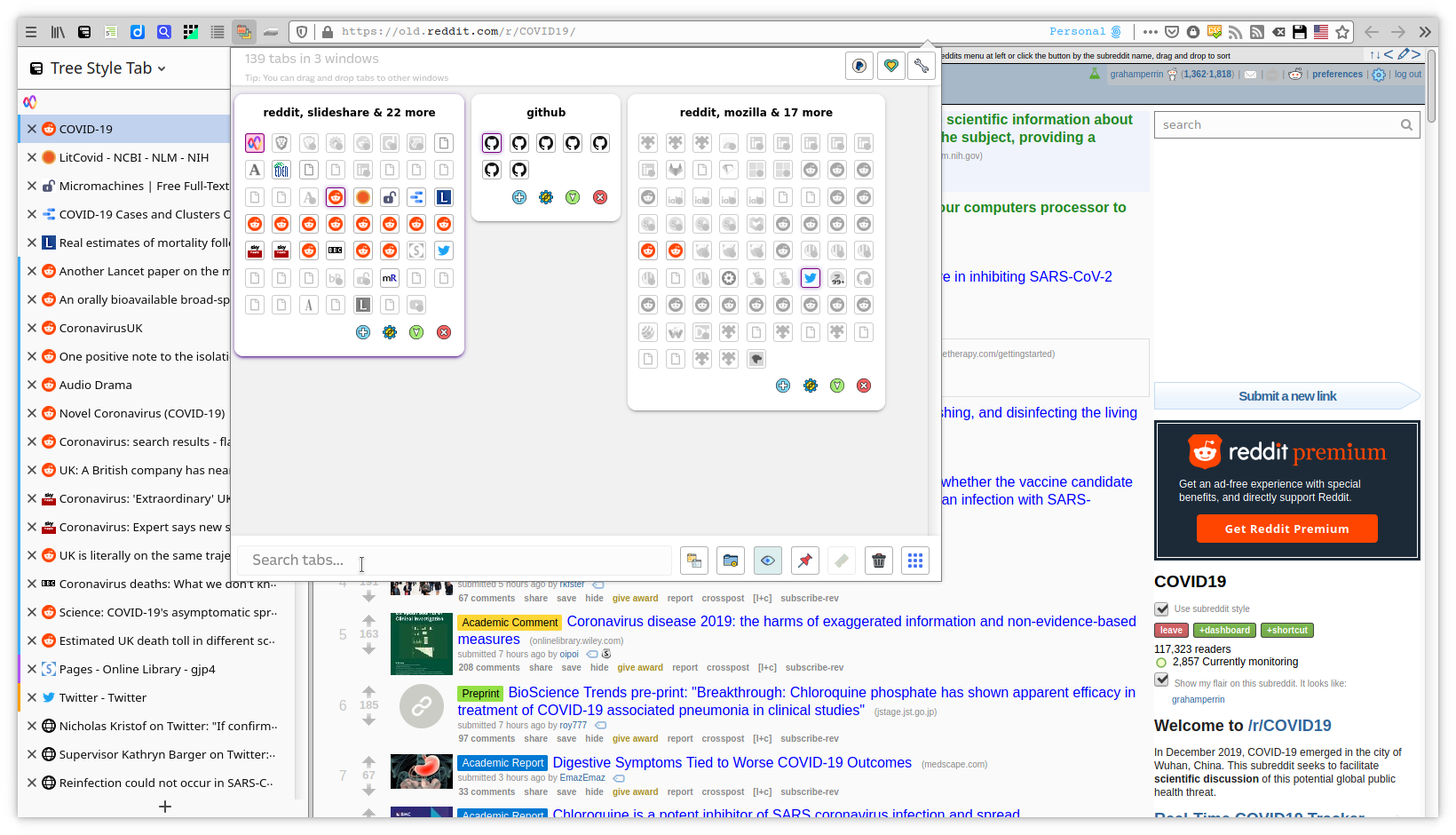
Sidebar shortcuts
I chose:
- Control-Alt-G for Simple Tab Groups
- Control-Alt-T for @piroor Tree Style Tab, which I keep flat (for grouping, I prefer Simple Tab Groups).
grahamperrin
on 22 Mar 2020
Related issues
 mzelyony
·
6Comments
mzelyony
·
6Comments
 jtagcat
·
5Comments
jtagcat
·
5Comments
 lukasjuhrich
·
5Comments
lukasjuhrich
·
5Comments
 tur-ium
·
3Comments
tur-ium
·
3Comments
 ddTech
·
4Comments
ddTech
·
4Comments