Sharex: Mouse Problem when screen recording
When I screen record, the mouse is slightly out of position in the video with where it is actually supposed to be on the screen. For example if I hover over something while screen recording, When playing back the video, the mouse is about one inch left of where it actually was when the recording was done. Does anyone know how to correct this issue?
Thank you!
Jeff
 jtjackgal220
All 17 comments
Which video source you using in FFmpeg? Did you tried other one?
 Jaex
on 20 Apr 2015
Jaex
on 20 Apr 2015
FFmpeg is what is selected. The other one does not work
jtjackgal220
on 20 Apr 2015
I meant video source in ffmpeg settings.
Jaex
on 20 Apr 2015
It is set to screen-capture-recorder
jtjackgal220
on 20 Apr 2015
I tried GDI grab but always get a an error. There is not other video source other than that to choose from.
jtjackgal220
on 20 Apr 2015
I guess your monitor dpi is different therefore your cursor position is wrong because it is bigger cursor.
Jaex
on 20 Apr 2015
Ok. That makes sense. I will see if I can modify the settings. Thanks.
jtjackgal220
on 20 Apr 2015
Thank you for the prompt help!
jtjackgal220
on 20 Apr 2015
By the way, if you are the developer of ShareX, I thank you for the great tool.
jtjackgal220
on 20 Apr 2015
Just changed the screen resolution. This fixed the problem. Thanks very much!
jtjackgal220
on 20 Apr 2015
By the way ShareX using open source https://github.com/rdp/screen-capture-recorder-to-video-windows-free for screen recording in FFmpeg so you can report your high DPI cursor problem there if you want.
Jaex
on 20 Apr 2015
Jaex
on 14 Jul 2015
1329 In latest ffmpeg release gdigrab video source cursor position fixed, can you test it?
Jaex
on 17 Feb 2016
@Jaex I just tried with latest ffmpeg. Still doesn't work :(
 mekwall
on 22 Feb 2017
mekwall
on 22 Feb 2017
I experimented with gdigrab in recent versions of FFmpeg and found that mouse pointer is offset when capturing a window (e.g. “ffmpeg -f gdigrab -i title=Calculator …”) and is OK when capturing the desktop (e.g. “ffmpeg -f gdigrab -offset_x 10 -offset_y 20 -video_size vga -i desktop …”).
 HamRusTal
on 22 Aug 2017
HamRusTal
on 22 Aug 2017
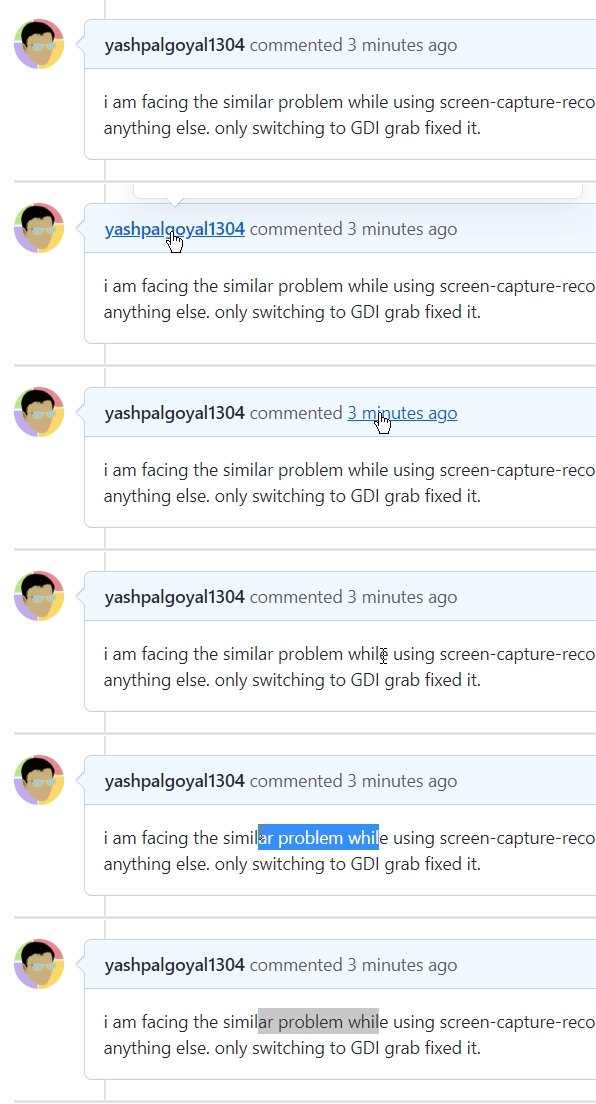
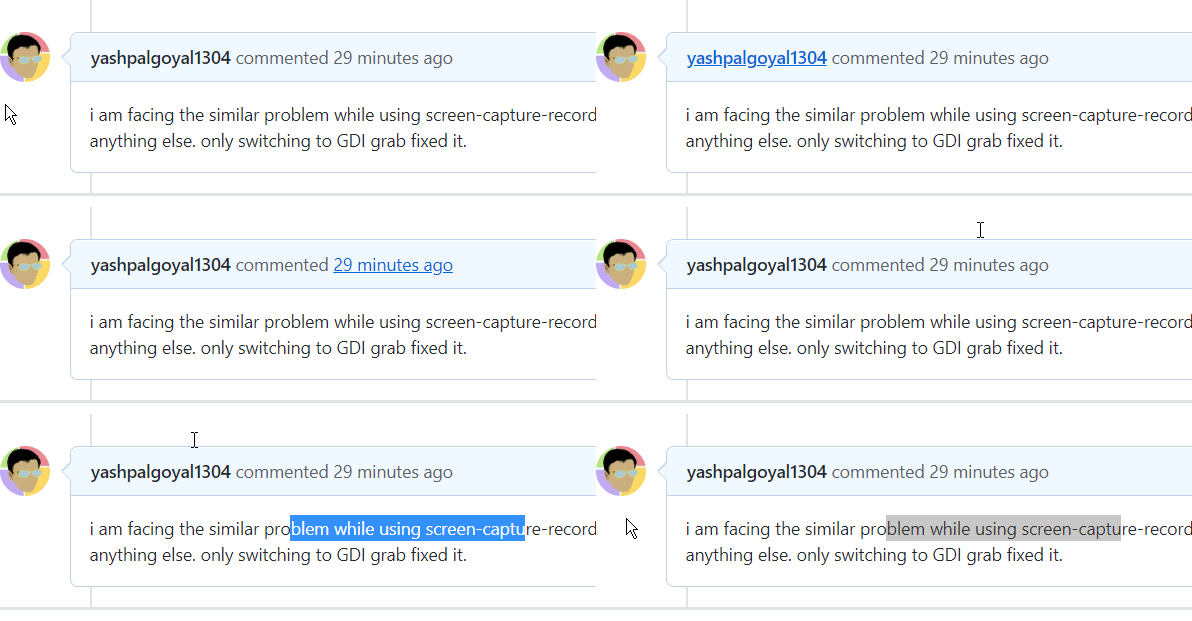
i am facing the same problem while using screen-capture-recorder. Not observed on switching to GDI-grab with all other settings same. So, seems like problem lies solely with the former. Also observed with former: dropping of initial frames on starting the gif recording. havent tried with other recordings. See the recordings in the following comment.
Versions:
- ShareX : 13.1
- Windows 10 1803
 yashpalgoyal1304
on 13 Oct 2020
yashpalgoyal1304
on 13 Oct 2020
using GDI-grab:
using screen-capture-recorder:
yashpalgoyal1304
on 13 Oct 2020
Related issues
 coggy9
·
29Comments
coggy9
·
29Comments
 makingbillions
·
28Comments
makingbillions
·
28Comments
 Zaczero
·
74Comments
Zaczero
·
74Comments
 ghost
·
27Comments
ghost
·
27Comments
 TNTUP
·
34Comments
TNTUP
·
34Comments