Sharex: Feature Request: Function to dim everything outside Rectangle for image editor
A great feature of Sharex is the ability to annotate images right as you're taking the screenshot. You can add a colored square to direct attention towards certain elements in the shot.
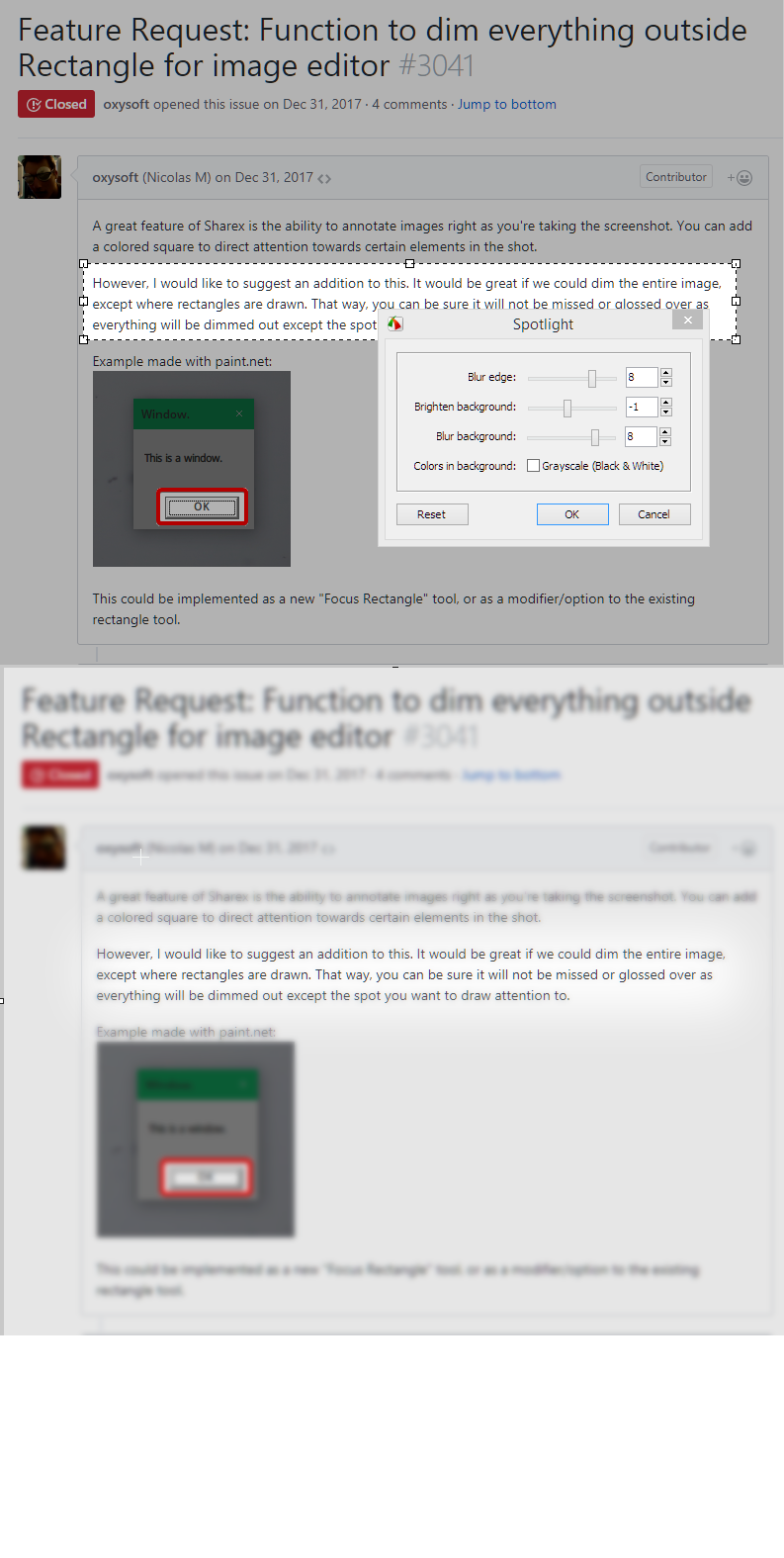
However, I would like to suggest an addition to this. It would be great if we could dim the entire image, except where rectangles are drawn. That way, you can be sure it will not be missed or glossed over as everything will be dimmed out except the spot you want to draw attention to.
Example made with paint.net:

This could be implemented as a new "Focus Rectangle" tool, or as a modifier/option to the existing rectangle tool.
 oxysoft
All 6 comments
You can already do this: https://jaex.getsharex.com/2017/12/buOQyAJ1wt.mp4
 Jaex
on 31 Dec 2017
Jaex
on 31 Dec 2017
Technically yes you can already do that.
Thats a neat trick, i've used this software for ages and never even considered doing that.
I'd consider that a hack to get the result rather than the requested feature though. Its fiddly and inconvenient to do. Especially if you have to do it to a bunch of screenshots.
Besides being fiddly, cryptic and time consuming to do. The drawing (image) tool doesn't have any options for things like corner radius and such which would make it a lot nicer.
 Garviell
on 24 Jan 2018
Garviell
on 24 Jan 2018
It is easy to tell that, implementing it gonna have a lot of challenges. Like if you try to highlight two different regions then it can darken background two times. Not to mention with current way you have more possibilities like blurring background region etc.
Jaex
on 24 Jan 2018
Well difficulty to implement is perfectly valid. I'd assume two such highlights would just merge the way highlights do today though. That said i'm perfectly ok with the reasoning "Too much effort for too little reward"
I just don't think the enhancement idea should be labled as invalid because there is a fiddly 10 step method to achieve the result.
Garviell
on 24 Jan 2018
I have been a long time user of FastStone and recently switched to ShareX and was amazed of the awesome features. Sadly one of the things I miss from FS is the ability to highlight, with a feather option.
+1 to this feature request.
 Jorjon
on 31 Jan 2018
Jorjon
on 31 Jan 2018
@Jaex commented on Dec 31, 2017
You can already do this: https://jaex.getsharex.com/2017/12/buOQyAJ1wt.mp4
I don't think anybody is going to do all that effort. At least for me it's faster to upload the image to my phone and use Snaplight app on phone to process it, than those complicated steps.
What we need is a simple rectangle tool like highlighter, which automatically darkens everything outside the selected area. if you select multiple areas, do not darken already protected areas and do not double darken already darkened area - that's what the ios app Snaplight does.
If he was able to do that on mobile, then it should be doable for pc as well (snaplight it's also just a one man hobby project https://apps.apple.com/us/app/snaplight-photo-highlighter/id977049674)
 mailinglists35
on 14 Jan 2020
mailinglists35
on 14 Jan 2020
Related issues
 Not-Kris
·
3Comments
Not-Kris
·
3Comments
 hiltronrex
·
3Comments
hiltronrex
·
3Comments
 BristolITDave
·
3Comments
BristolITDave
·
3Comments
 WebFreak001
·
3Comments
WebFreak001
·
3Comments
 Atmaks
·
3Comments
Atmaks
·
3Comments
Most helpful comment
I have been a long time user of FastStone and recently switched to ShareX and was amazed of the awesome features. Sadly one of the things I miss from FS is the ability to highlight, with a feather option.
+1 to this feature request.