Server: When opening the trashbin it doesn't show the most recently deleted files first.
Steps to reproduce
- create some files/folders
- delete one file
- delete another file
- open the trashbin/deleted files app
Expected behaviour
it should show the most recently deleted files first
Actual behaviour
It shows the least recently deleted files first
Just when clicking twice on the "deleted"-section it show the most recently deleted files first.
I am running Nextcloud 16.0.3 on Ubuntu 18.04.2 LTS and using a Chromium-75-based browser.
 szaimen
All 9 comments
@kesselb Please could you have a look on this?
szaimen
on 27 Aug 2019
Any update here?
I am now on 16.0.5. and it isn't fixed yet.
I don't know, if that is a configuration error or is it also happening to other people?
Shall I fill out the bug-template?
Maybe it is a browser-issue?

szaimen
on 5 Oct 2019
Maybe this helps in understanding the bug: (still existing on 17.0.2)
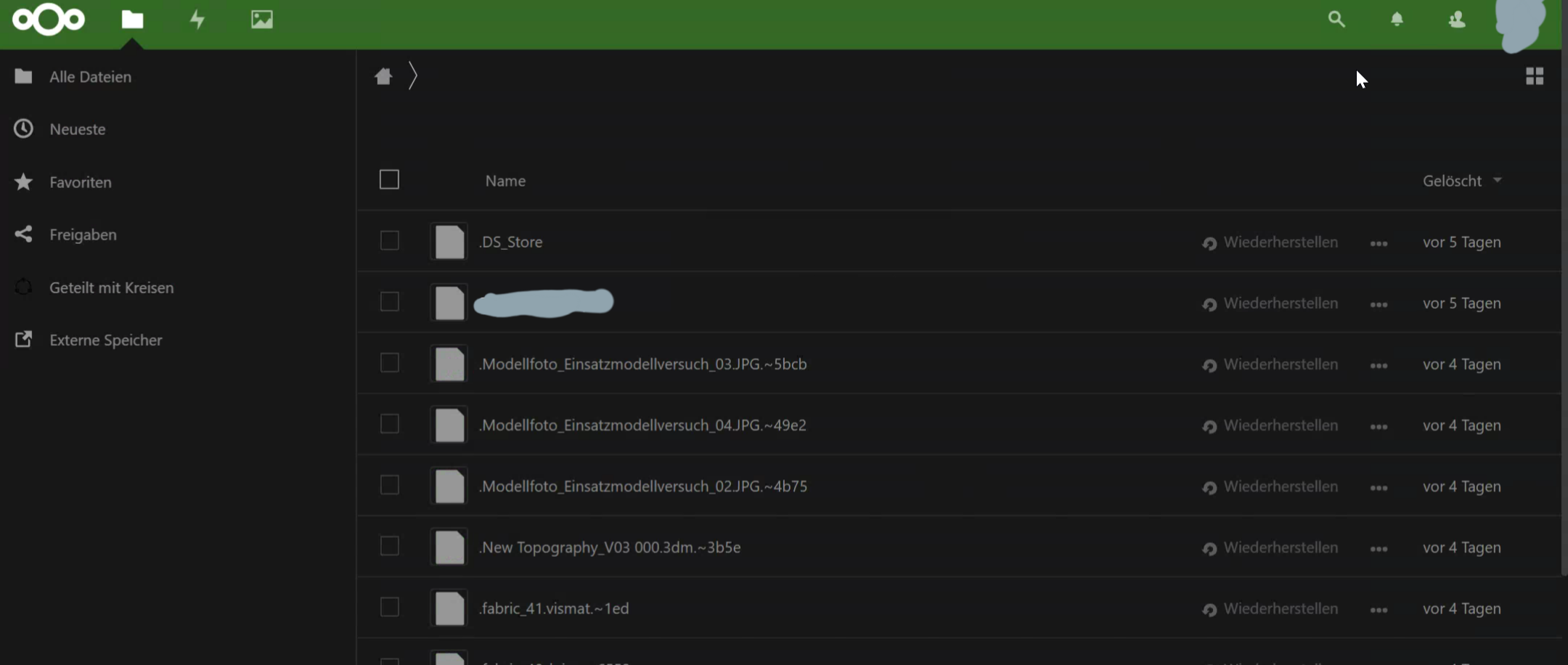
- When opening the trashbin first: (The arrow next to the "Gelöscht" button points downwards but the oldest file is on top)
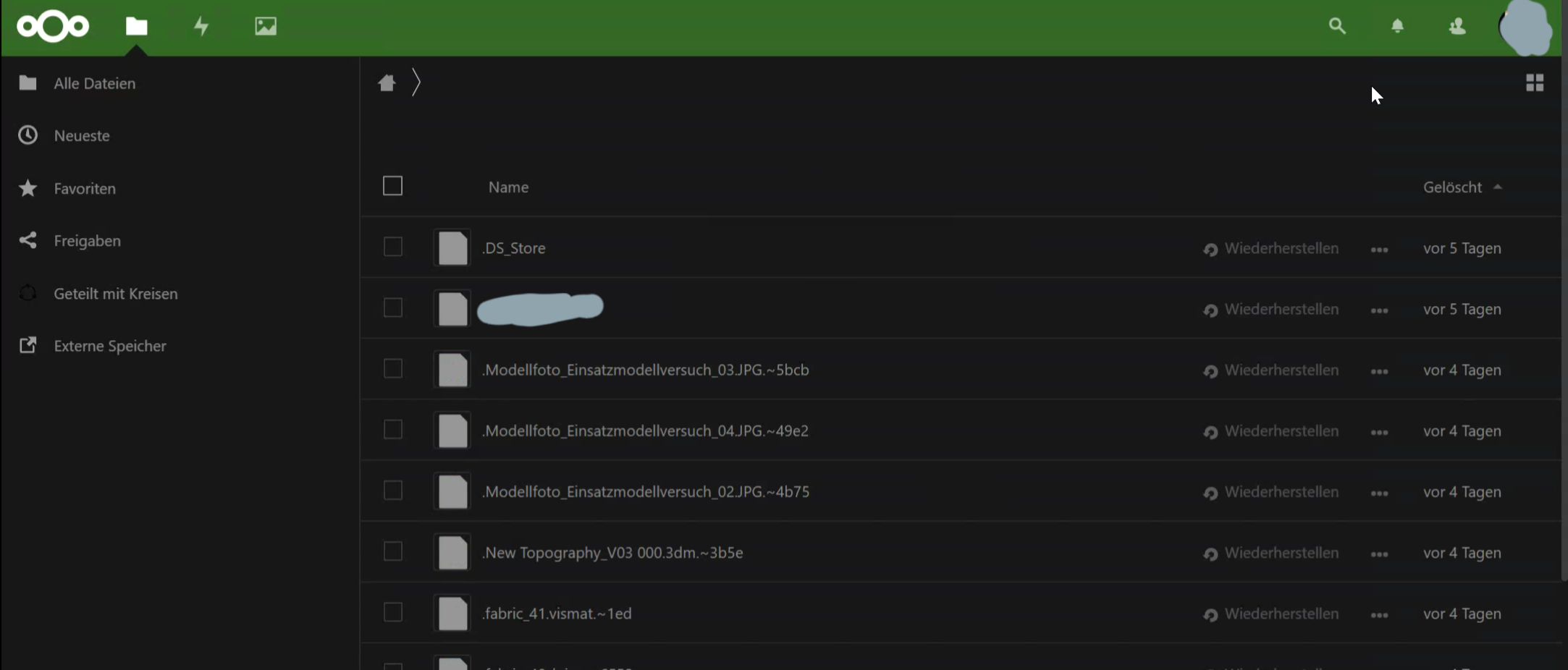
- After clicking on the "Gelöscht" button to sort the files: (the arrow points upwards and nothing else changes, still the oldest file is on top)
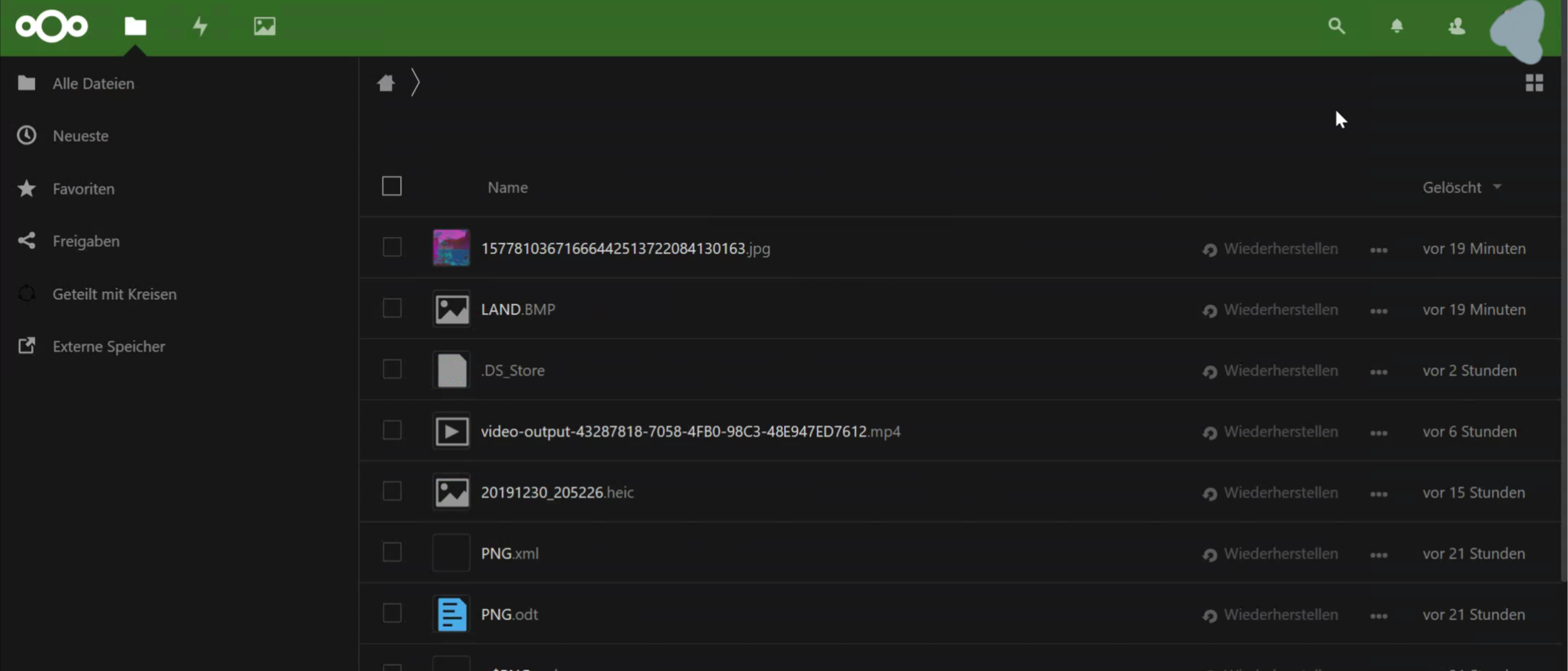
- After clicking on the "Gelöscht" button a second time: (the arrow points downwards and the newest file is shown on top - this is the way I expect it to be)
szaimen
on 31 Dec 2019
@jancborchardt do you maybe have some thoughts to share on this?
Maybe it is meant to be this way?
szaimen
on 31 Dec 2019
Yep, this absolutely is an issue, the default sorting for deleted files should be by most recently deleted first.
If someone points out where to change this in the code, it would make for a nice good first issue. :)
cc @rullzer
 jancborchardt
on 1 Jan 2020
jancborchardt
on 1 Jan 2020
I’ll take a stab at this, if the issue isn’t soon to be closed?
 JuanFarias1
on 17 Jan 2020
JuanFarias1
on 17 Jan 2020
I’ll take a stab at this, if the issue is isn’t soon to be closed?
Of course, just do it!
I don't think, that this will be addressed by the Nextcloud team any time soon.
szaimen
on 17 Jan 2020
If someone points out where to change this in the code, it would make for a nice good first issue. :)
And I'd be happy to help. I did some preliminary searching in the code, and the default files_trashbin view does not have a setting to enforce order. Only when you click on the "Deleted" column twice, it updates the file order based on mtime by doing a POST.
 sndrr
on 17 Feb 2020
sndrr
on 17 Feb 2020
@sndrr how would I implement this setting to enforce ordering based on the mtime descending by default?
BTW: I don't understand, why the files don't get listed based on their mtime, descending, since this should have been always the default setting. What am I missing here?
szaimen
on 21 Mar 2020
Related issues
 e-alfred
·
3Comments
e-alfred
·
3Comments
 MorrisJobke
·
3Comments
MorrisJobke
·
3Comments
 georgehrke
·
3Comments
georgehrke
·
3Comments
 Django-BOfH
·
3Comments
Django-BOfH
·
3Comments
 mama21mama
·
3Comments
mama21mama
·
3Comments