Important Details
How are you running Sentry?
- [x] On-Premise docker [Version 9.0.0]
- [ ] Saas (sentry.io)
- [ ] Other [briefly describe your environment]
Description
I created a project the normal way:
Add new -> project -> Django -> [input project name] -> Create project
The project is not displayed anywhere in the main page. I have several other projects displaying just fine.
If I force the url, I can find it (my-domain:9000/my-organization/project-name/), and it seem to work mostly fine, but for example it doesn't appear in the "select a project" dropdown on the top left corner of the screen:
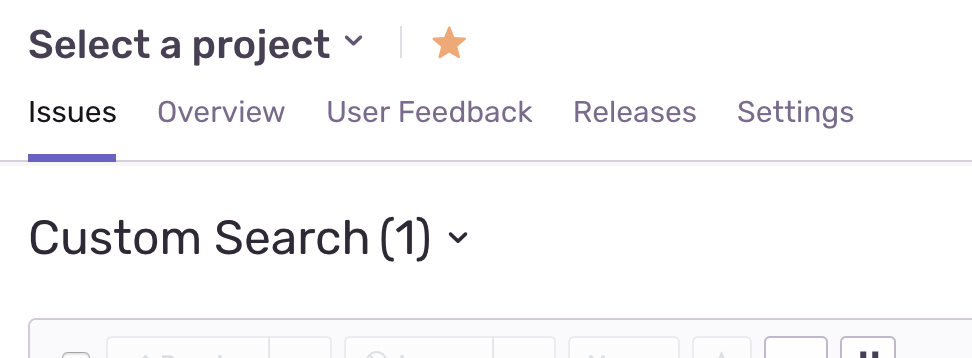
If I add it to favorties though, it does appear in the main dashboard under "bookmarked projects".
I recently migrated to another DB (postgres to postgres, I just went from a docker one to an RDS instance) so not sure if this might be the issue.
Steps to Reproduce
- Create new project
- See project doesn't appear in dashboard page
What you expected to happen
The project should be visible in the main view
 alejoar
All 2 comments
Does your project have a team assigned to it that you belong to? You can check that by going to Project > Settings > Teams.
 markstory
on 3 Oct 2018
markstory
on 3 Oct 2018
@markstory that was it. Sweet jesus.. 🤦🏻♂️
alejoar
on 3 Oct 2018
Related issues
 nie7321
·
31Comments
nie7321
·
31Comments
 adamreisnz
·
30Comments
adamreisnz
·
30Comments
 alexandervlpl
·
32Comments
alexandervlpl
·
32Comments
 benvinegar
·
39Comments
benvinegar
·
39Comments
 pensierinmusica
·
22Comments
pensierinmusica
·
22Comments
Most helpful comment
Does your project have a team assigned to it that you belong to? You can check that by going to Project > Settings > Teams.