Screentogif: [Feature request] Color limiter
Disclaimer: There might be a way to do this properly but at least with the tools I used, lowering colors didn't seem to help, probably because it creates additional changes between frames.
I got this idea while responding to #299.
Background: I use ScreenToGif to help demonstrate short processes and for writing up bug reports, frequently I don't need precise detail to explain what I'm trying to do. Currently ScreenToGif saves to the 256 color standard. With fewer colors, I think you might see file sizes decrease.
I tried to put together a process to demonstrate how taking images recorded in ScreenToGif and using other tools with converters that remove colors would result in lower file sizes. Strangely, I tried the following workaround and -- for reasons I can't explain, none if to worked. Fewer colors (black and white, 64 color, 8 color even) strangely resulted in LARGER files sizes. I really can't explain why as I've done this previously with other GIF animation tools with very different results.
Workaround:
- Record something and save as project (such as _Recording.STG_)
- Unzip the .STG file using a program like 7zip to get access to the individual images
- Run with a program like XnConvert and add all the files
- Click Add Action - Reduce Colors (make sure to disable dithering)
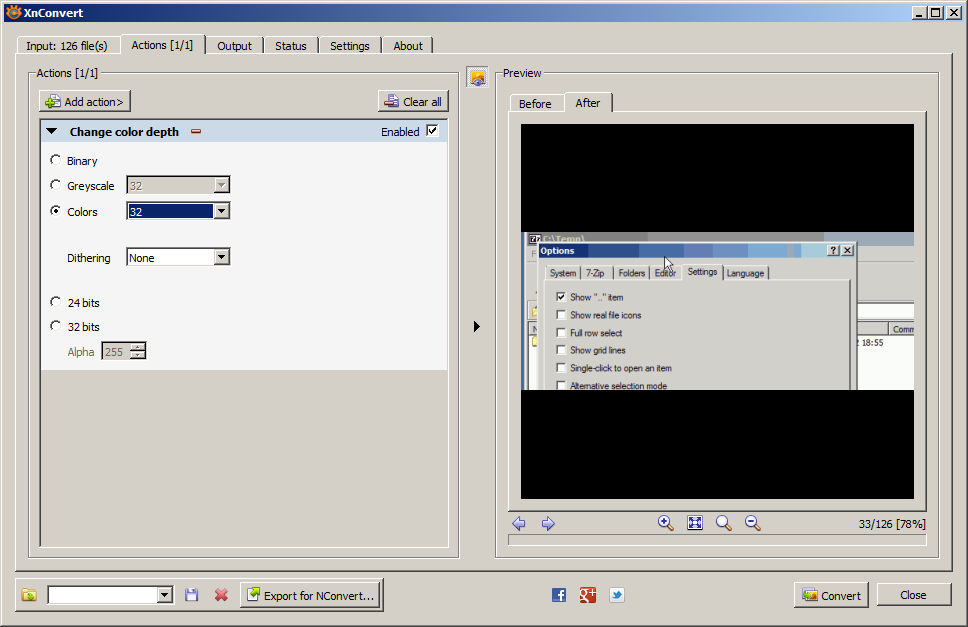
- Select an output folder and convert
- Re-import back into the program (go to the output folder and select all)
- Save to GIF or other format
Output
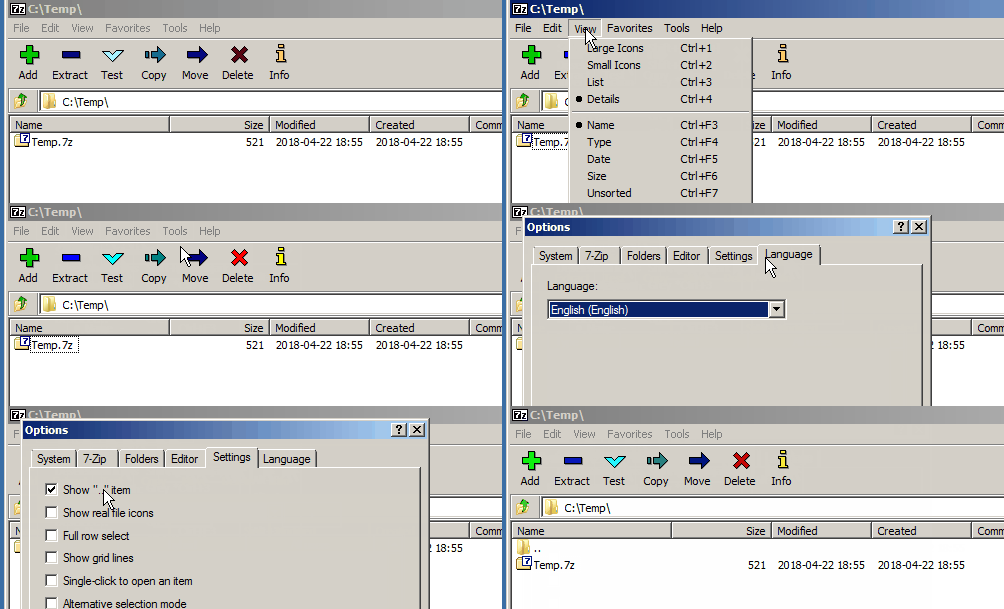
256 colors:
Black and White:
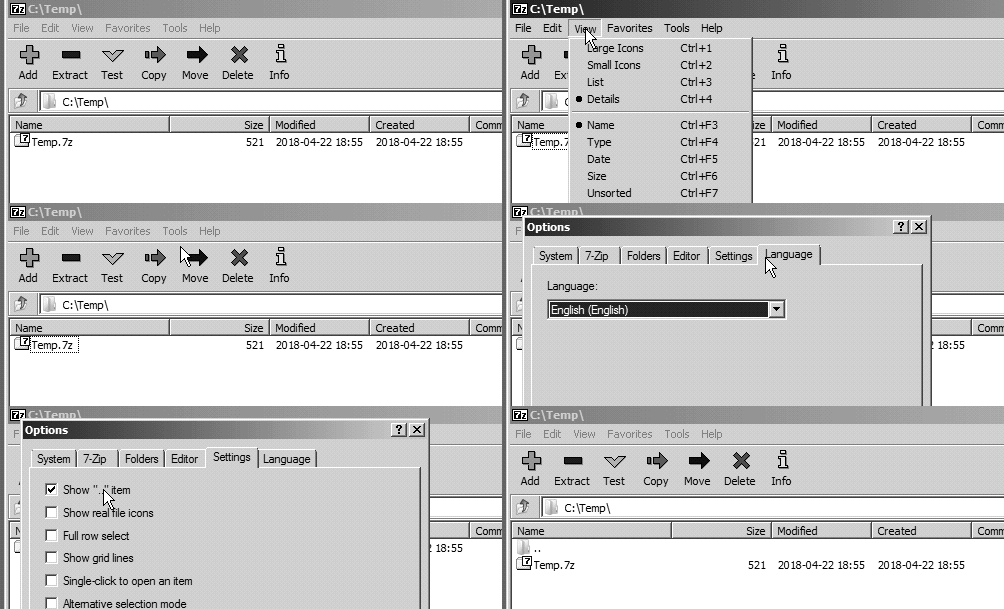
Note that converting to APNG format did nothing. The files with more colors were still somehow smaller. Maybe it's the converter I was using.
 vatterspun
All 2 comments
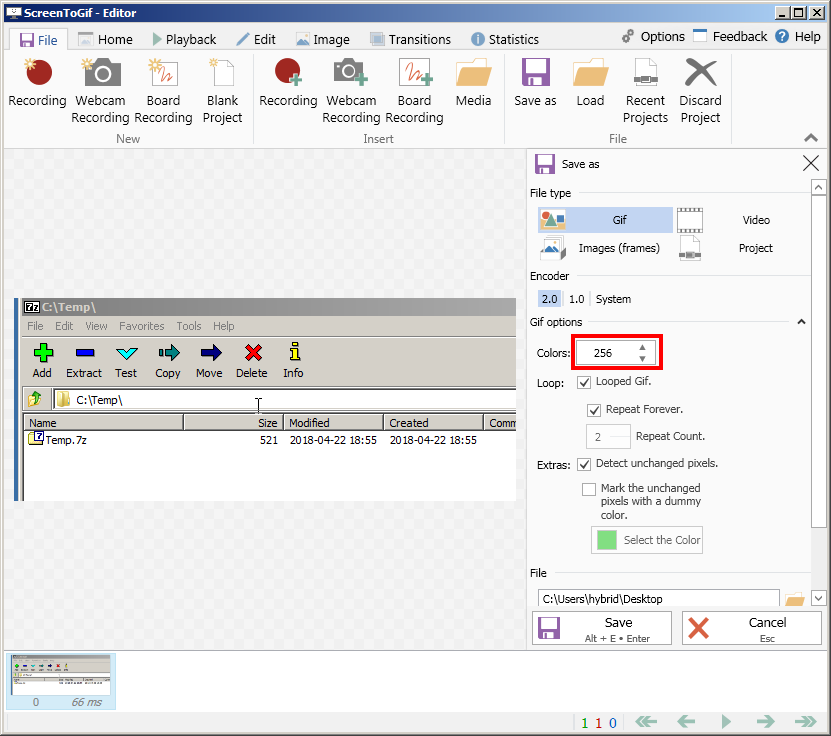
With the encoder v2.0 you can reduce the number of colors.
 NickeManarin
on 26 Apr 2018
NickeManarin
on 26 Apr 2018
Wow, it was that easy? Jeeze.
vatterspun
on 27 Apr 2018
Related issues
 AdKiller
·
5Comments
AdKiller
·
5Comments
 Kristinita
·
4Comments
Kristinita
·
4Comments
 hanzhangyu
·
3Comments
hanzhangyu
·
3Comments
 ghost
·
4Comments
ghost
·
4Comments
 daniloalonso
·
5Comments
daniloalonso
·
5Comments
Most helpful comment
With the encoder v2.0 you can reduce the number of colors.