Screentogif: [Feature request] Shadow border
1. Request
It would be nice, if would be possible to add shadow effect for frames as already existing Border feature.
2. Example

3. Argumentation
With shadow effect images look more beautiful.
4. Expected behavior
User record a video → select all frames (Ctrl+A) → Image:
Now user can select Shadow as select Border → user set shadows → Apply → shadows successful applied for all frames.
5. Examples in another apps
In Greenshot users can add shadows.
If would be possible edit in Greenshot multiple ScreenToGIF frames, it solves this request.
Thanks.
 Kristinita
All 7 comments
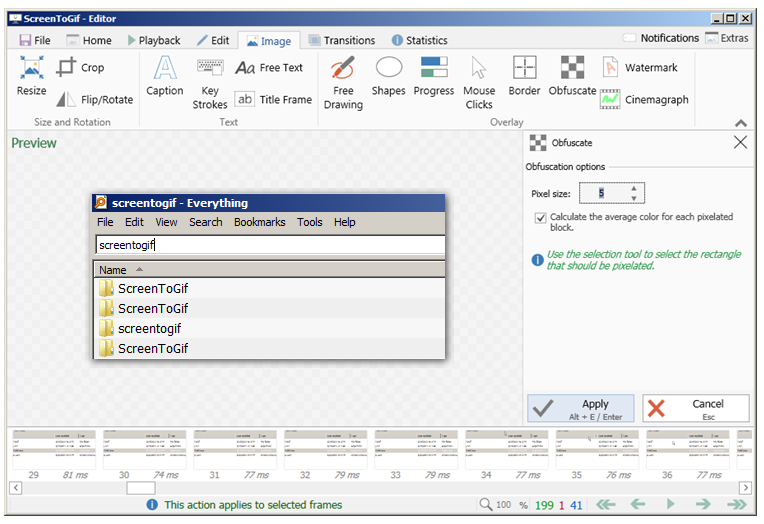
Have a copy of Greenshot so I mocked up what that might look like in ScreenToGif
 vatterspun
on 28 Jan 2019
vatterspun
on 28 Jan 2019
Done!
It will be available with the next release, v2.19 in a few days.
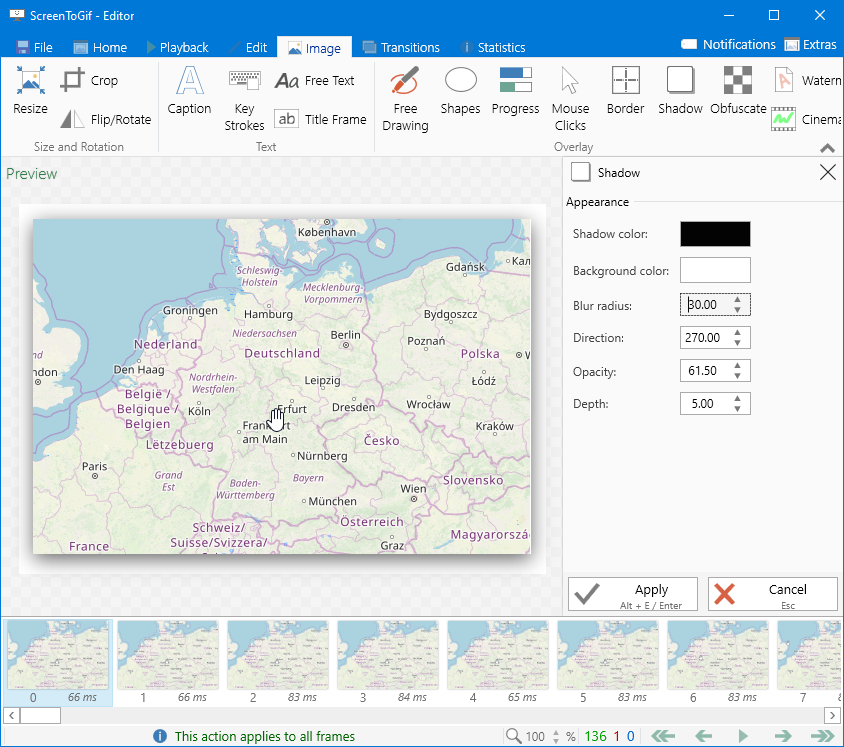
Editor UI with previewer

Samples (Gif and Apng)

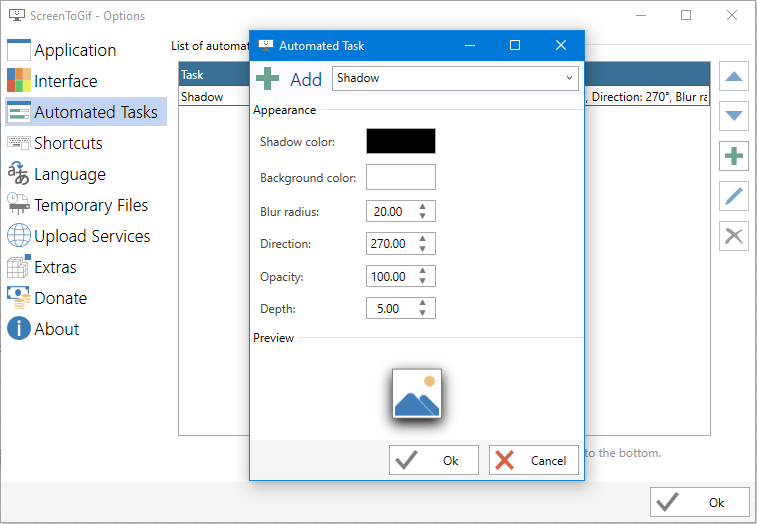
Task
 NickeManarin
on 6 Oct 2019
NickeManarin
on 6 Oct 2019
This looks great. I know I did that UI suggestion but this looks much sharper than I expected. Shadows help separate elements and give them a sense of structure, but I guess animations need it more than other things? It's a big difference. Thanks for the extra work on this.
vatterspun
on 5 Jan 2020
Status: CONFIRMED :heavy_check_mark:
1. Testing environment
- Windows 10.0.18363 Pro N for Workstations 64-bit EN
- ScreenToGIF 2.24.2
2. Testing
I created this .apng file via ScreenToGIF.

Kristinita
on 22 May 2020
@NickeManarin,
Type: Suggestion
1. Summary
You can add your answer to this Graphic Design question.
2. Benefits
- If you add an answer, I will accept it. You will get at least 25 reputation points on this Stack Exchange site.
- It can do ScreenToGIF a little more recognizable.
Thanks.
Kristinita
on 22 May 2020
Oh, nice idea. I just had to add other gifs, because of the size limit.
NickeManarin
on 22 May 2020
One issue with this amazing feature is the border is actually being clipped too short. You can notice that easily if you increase the opacity of it. It appears the blur radius and the extra margin to cover the shadow are not matching, the extra margin is falling short in comparison with the blur radius.
 ParticleCore
on 20 Jul 2020
ParticleCore
on 20 Jul 2020
Related issues
 ShGKme
·
4Comments
ShGKme
·
4Comments
 duarteframos
·
3Comments
Kristinita
·
4Comments
duarteframos
·
3Comments
Kristinita
·
4Comments
 L0Lock
·
4Comments
L0Lock
·
4Comments
 ForkandBeard
·
4Comments
ForkandBeard
·
4Comments