Salesforcedx-vscode: Lightning Web Component doesn't get deployed on Save
Summary
I am trying to save and deploy the individual HTML, JS file for a lightning web component and Salesforce CLI gives me an error saying
SfdxError: You must specify the Aura bundle folder, not an individual component.
Steps To Reproduce:
- Create a Lightning Web Component
- Edit the HTML or JS file
- Make sure save on deploy is enabled
- Save the HTML or JS file

Expected result
_Describe what should have happened_.
Actual result
_Describe what actually happened instead_.
Additional information
_Feel free to attach a screenshot_.
VS Code Version:
Version: 1.38.0
Commit: 3db7e09f3b61f915d03bbfa58e258d6eee843f35
Date: 2019-09-03T21:47:00.464Z
Electron: 4.2.10
Chrome: 69.0.3497.128
Node.js: 10.11.0
V8: 6.9.427.31-electron.0
OS: Darwin x64 18.7.0
SFDX CLI Version:
46.13.0
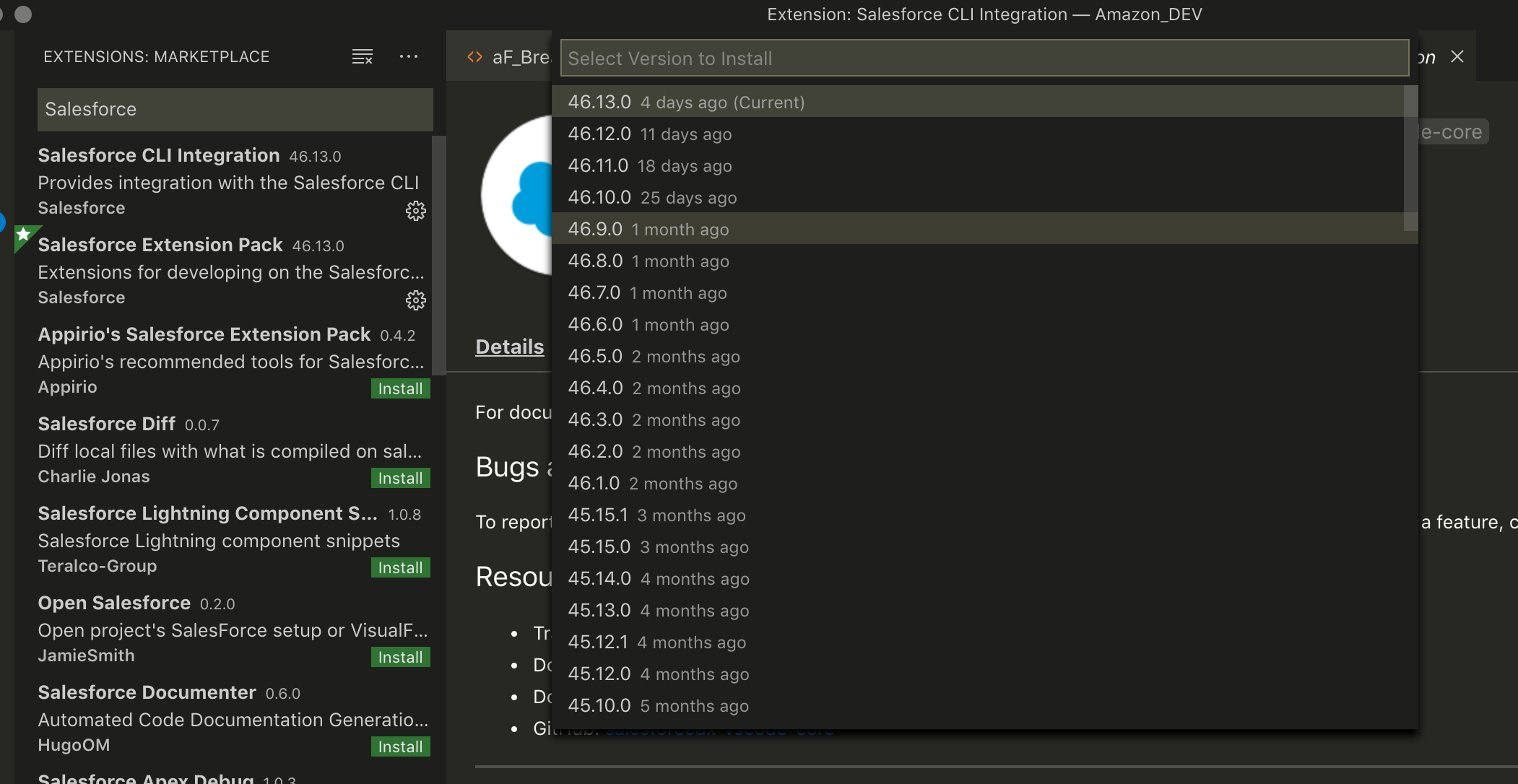
OS and version:

 pranaymistry
All 4 comments
@ntotten this is a huge roadblock for us, all my developers are screaming due to this bug. I think upgrading to the latest version of Salesforce CLI broke the save on deploy for Lightning web components. Can you please fix this ASAP!
pranaymistry
on 10 Sep 2019
I am getting this error too and makes auto deploy on save fail. Need to do it manually which is time consuming.
I guess it has been introduced recently since everything was working fine before I updated the cli
install sfdx-cli version 7.8 is working fine for me. @pranaymistry
 kevanmoothien
on 11 Sep 2019
kevanmoothien
on 11 Sep 2019
also encounter this problem. pls fix
 Blackscr33n
on 12 Sep 2019
Blackscr33n
on 12 Sep 2019
Duplicate of #1635
 ntotten
on 12 Sep 2019
ntotten
on 12 Sep 2019
Related issues
 Shokhan
·
6Comments
Shokhan
·
6Comments
 jpoonam4
·
5Comments
jpoonam4
·
5Comments
 StanZha
·
4Comments
StanZha
·
4Comments
 renatoliveira
·
6Comments
renatoliveira
·
6Comments
 quangxvu
·
5Comments
quangxvu
·
5Comments
Most helpful comment
@ntotten this is a huge roadblock for us, all my developers are screaming due to this bug. I think upgrading to the latest version of Salesforce CLI broke the save on deploy for Lightning web components. Can you please fix this ASAP!