Rpcs3: Prince of Persia Classic - Broken UI
Apparently this is a regression that's been around since 2017.
The menu is completely white.
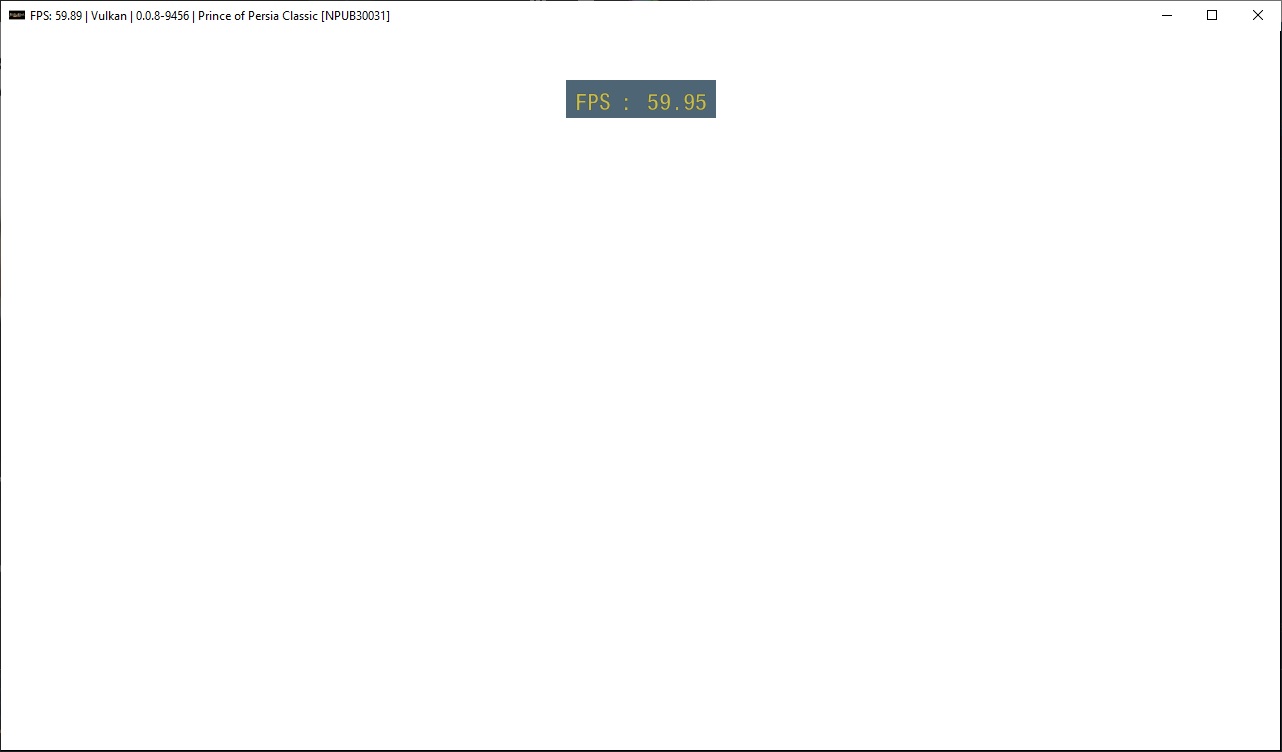
And ingame UI is has white rectangles.

Couldn't fix it with any settings, and Write color buffers causes it to crash with RSX: class std::runtime_error thrown: GetAddress(offset=0xa6b680, location=0x1): RSXIO memory not mapped after the Ubisoft logo.
 RainbowCookie32
All 8 comments
You can play this game all way through, but all the cut scene and all the text cant be read
 jokoputera
on 31 Jan 2020
jokoputera
on 31 Jan 2020
Additional information: 0.0.3-3-c6e6f4a menu and text works fine
jokoputera
on 6 Mar 2020
I'm fairly certain this is the same bug as puzzle dimension where the game loads shaders as textures because some developers are weird (or the psgl driver is just made that way?)
 kd-11
on 7 Mar 2020
kd-11
on 7 Mar 2020
The crash when Write Color Buffers is enabled is now fixed, everything else is still valid as of latest master
RainbowCookie32
on 27 Mar 2020
Strangely, this issue is fixed when using https://github.com/RPCS3/rpcs3/pull/8106 and forcing to use shader interpreters.
kd-11
on 26 Apr 2020
Prince Of Persia Classic title textures work by enable shader interpreter only, with FPS below 10fps, while in menu can achieve around 30-60. Ingame status texture load correctly, but the game itself is black.
jokoputera
on 30 Apr 2020
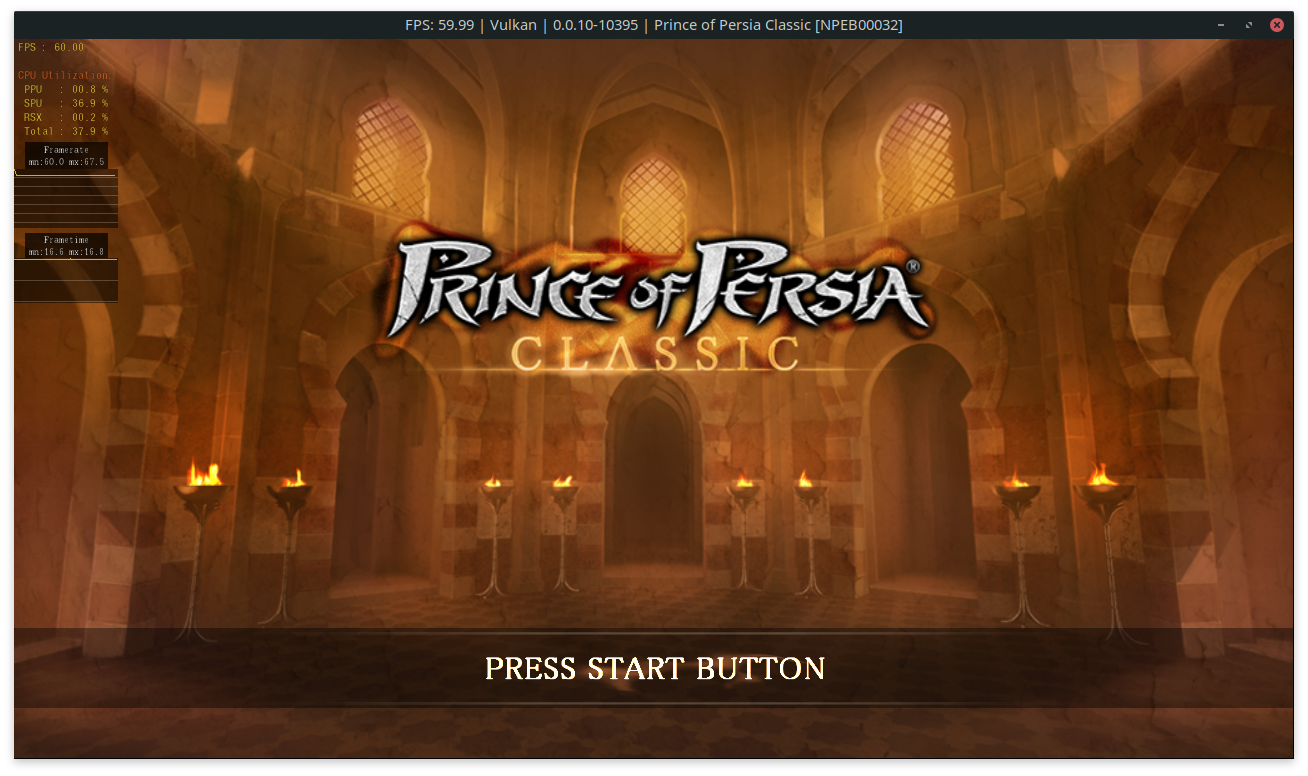
ive tried latest build (https://github.com/RPCS3/rpcs3-binaries-win/releases/download/build-37df3c6f9613b7ed517106f1c468164f1be40667/rpcs3-v0.0.10-10395-37df3c6f_win64.7z), it work without using "Shader Intpreter Only".
ive cleared all cached, and it run just fine 60FPS using Vulkan.
im using AMD Ryzen 5 3600, GTX1660
OP, please try on your end, try to clear all caches first, then run.
close thread and if its working
jokoputera
on 17 May 2020
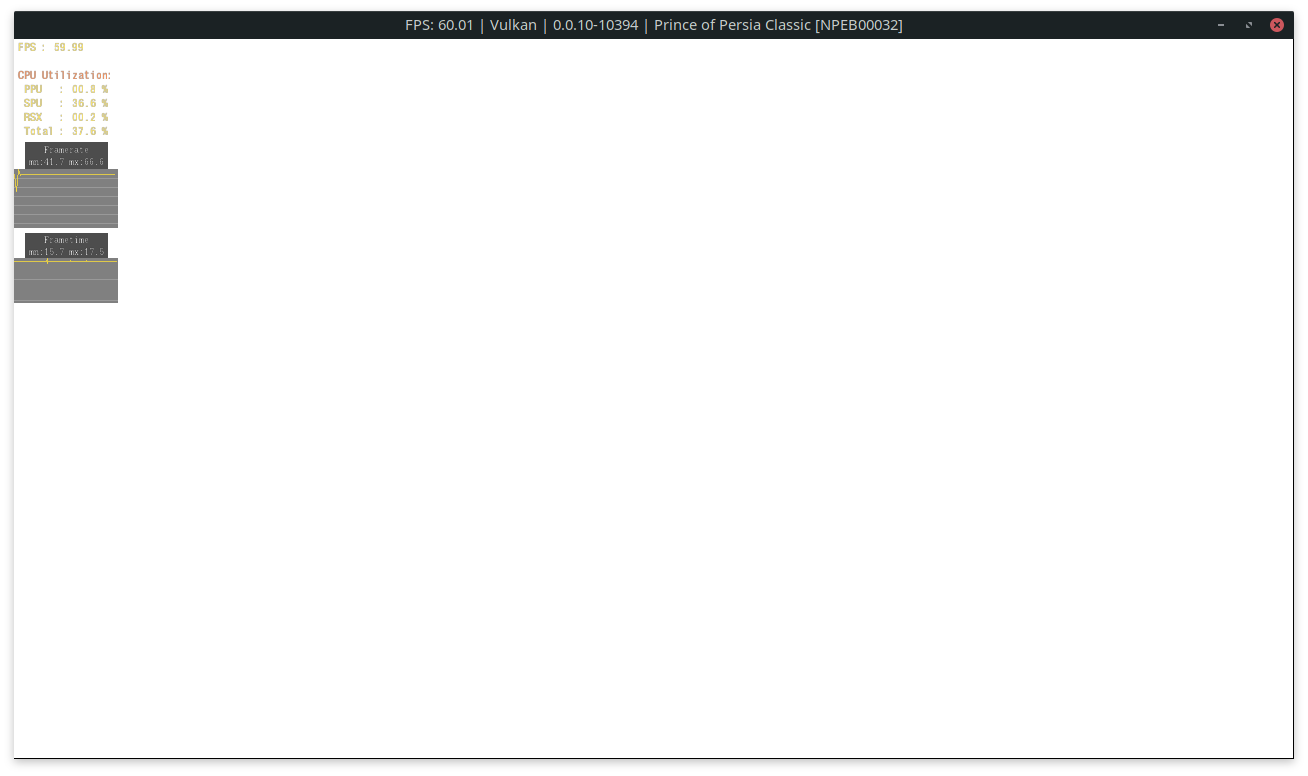
Fixed by #8243
 AniLeo
on 17 May 2020
AniLeo
on 17 May 2020
Related issues
 legend800
·
3Comments
legend800
·
3Comments
 Emulator-Team-2
·
3Comments
Emulator-Team-2
·
3Comments
 Luffykun007
·
3Comments
Luffykun007
·
3Comments
 Nezarn
·
3Comments
Nezarn
·
3Comments
 iBlackS0ul
·
3Comments
iBlackS0ul
·
3Comments
Most helpful comment
Fixed by #8243