Rpcs3: Regression: Silent Hill Downpour (#3699)
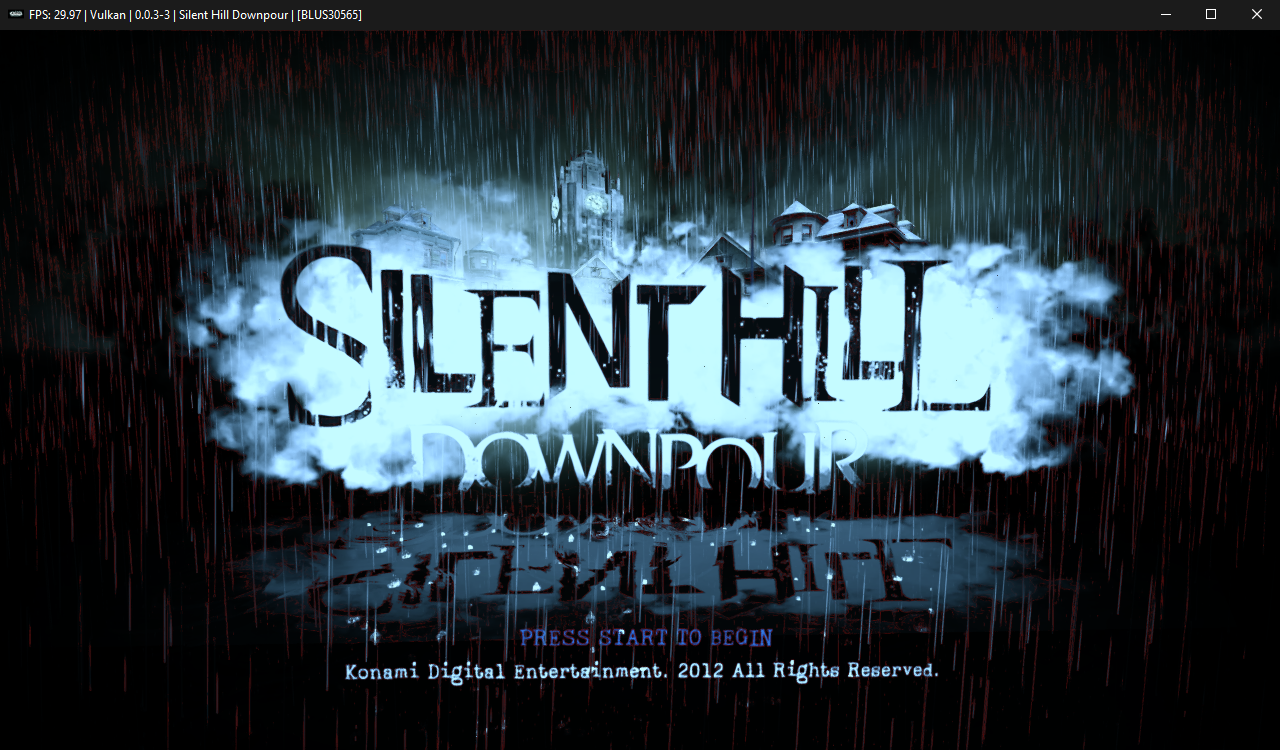
After merging PR #3699 the title screen of game displays with crappy stretching. Repeats only with OpenGL. Scaling, Strict Mode or other settings don't matter. Enabling Write Color Buffers makes game to stop after loading. My video is GeForce GTX 760Ti with latest drivers, OS Win7 x64.
Before:

After:

 Psycho-A
All 18 comments
Did you load the binary directly or launch using the main window launcher?
 kd-11
on 10 Nov 2017
kd-11
on 10 Nov 2017
@kd-11, both ways gives the same result.
Psycho-A
on 10 Nov 2017
Affects Vulkan for me too
Before:
After #3699 :
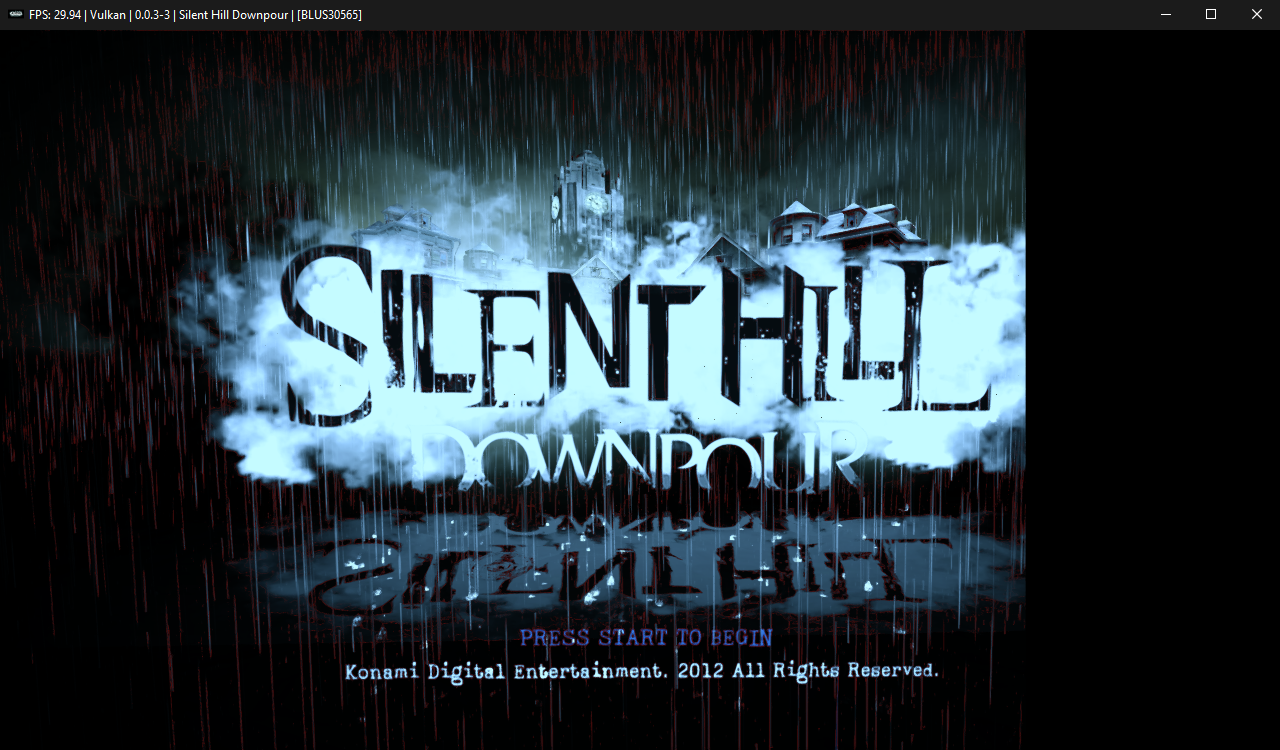
 Asinin3
on 10 Nov 2017
Asinin3
on 10 Nov 2017
Affects me too. Also I would like to notice that loading screen in original game have NO red lines. (e.g. second screen shot taken from YT stream)
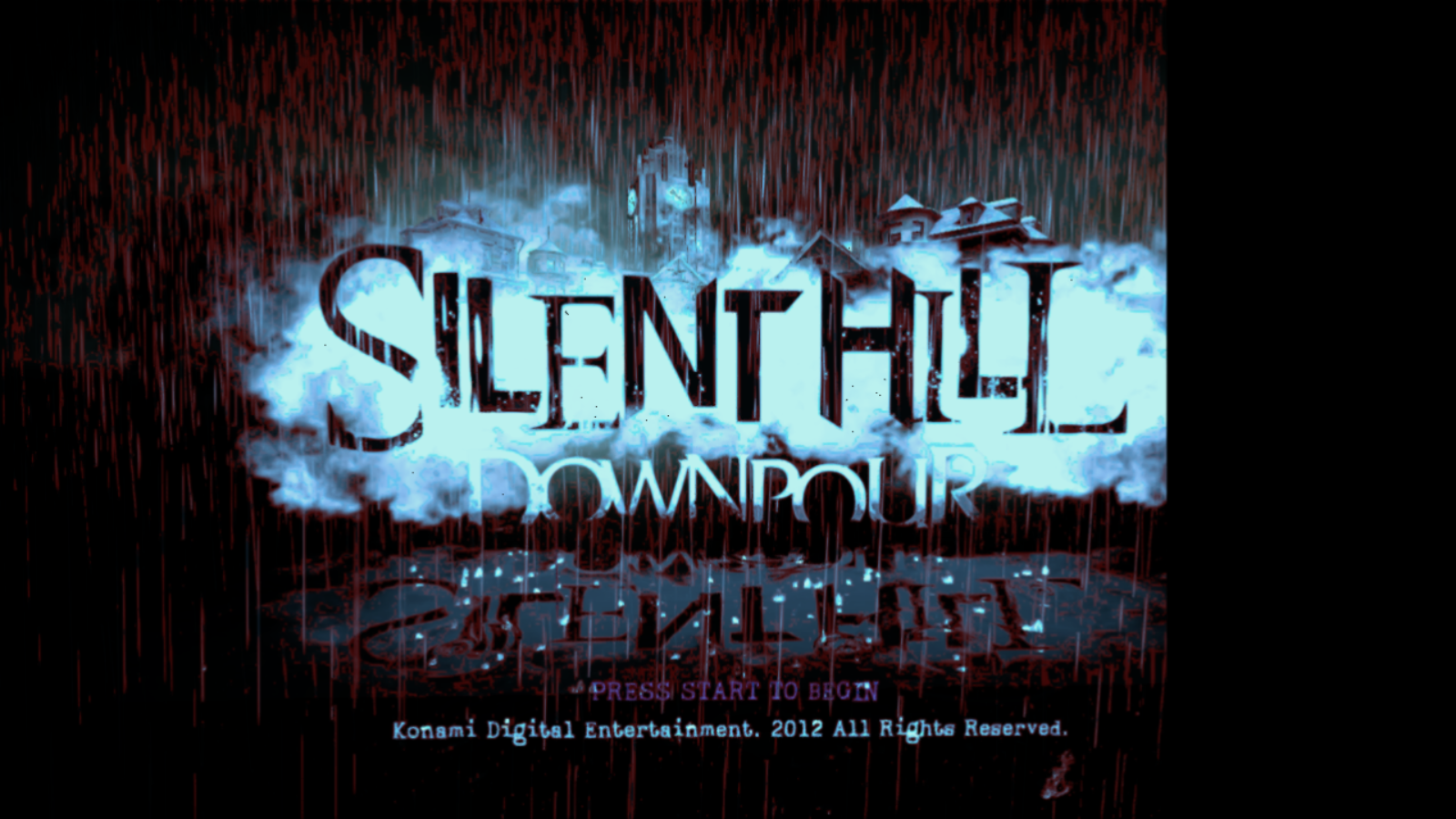
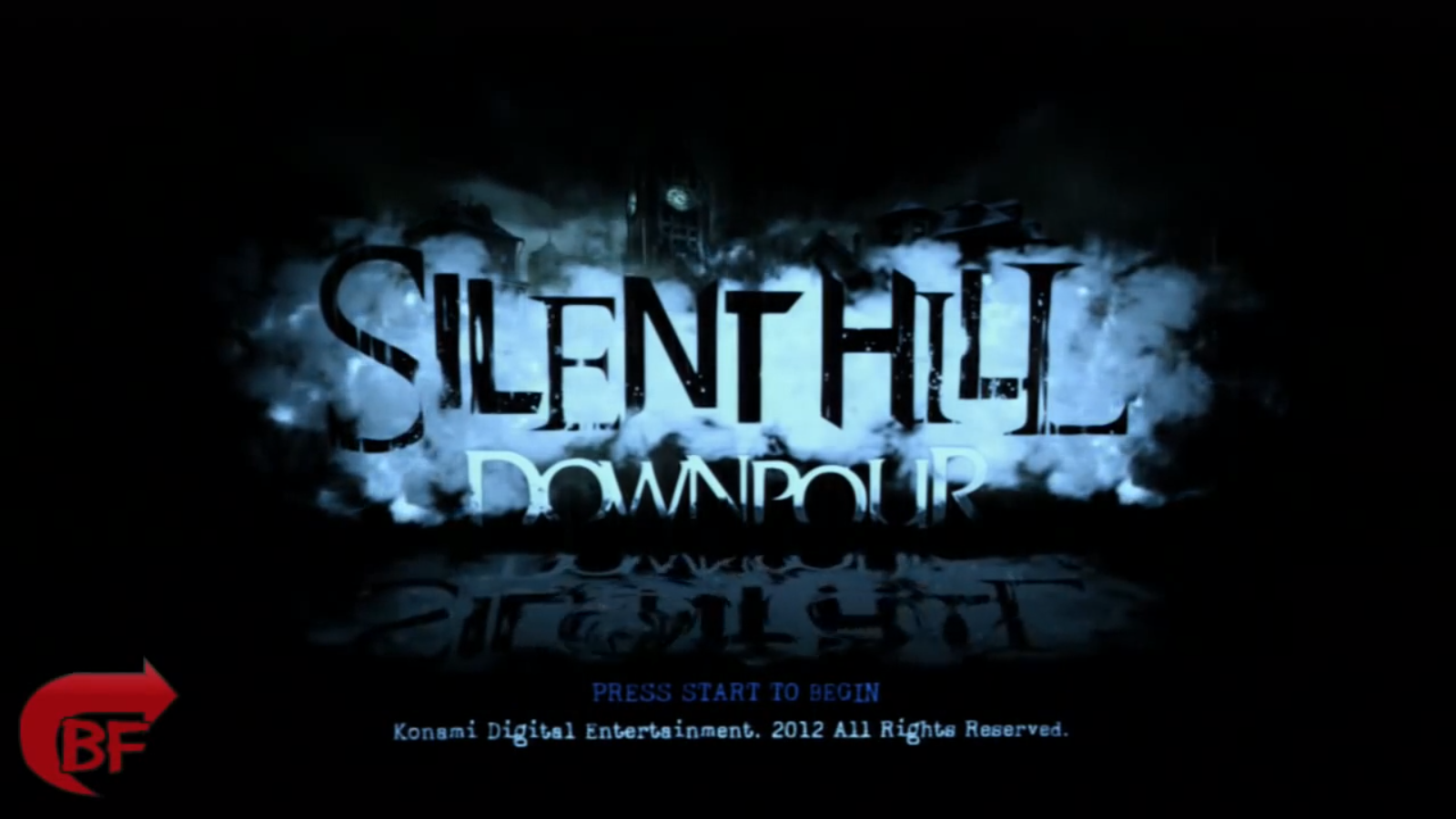
 isshininu
on 15 Nov 2017
isshininu
on 15 Nov 2017
in last build
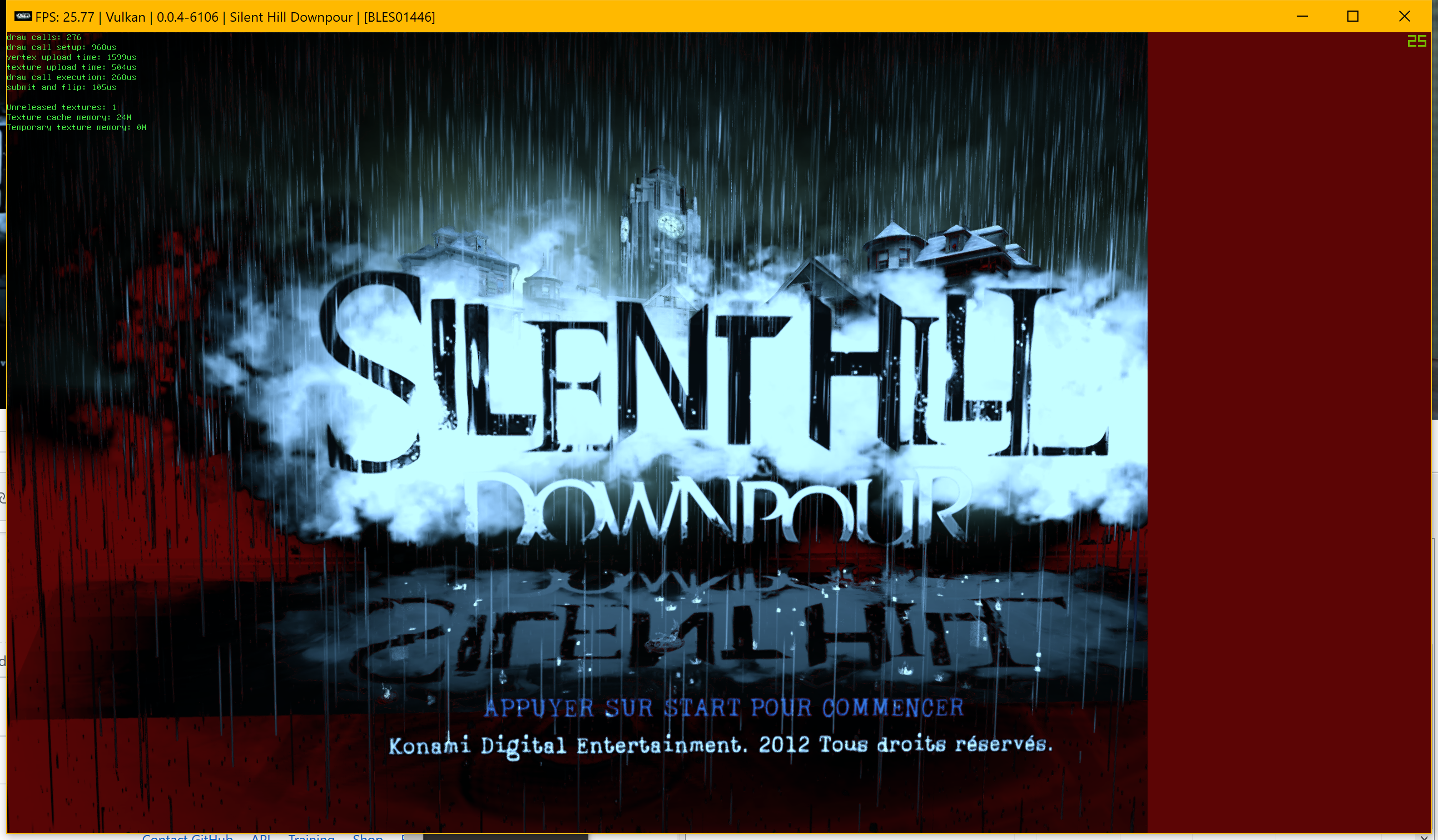
After few sec
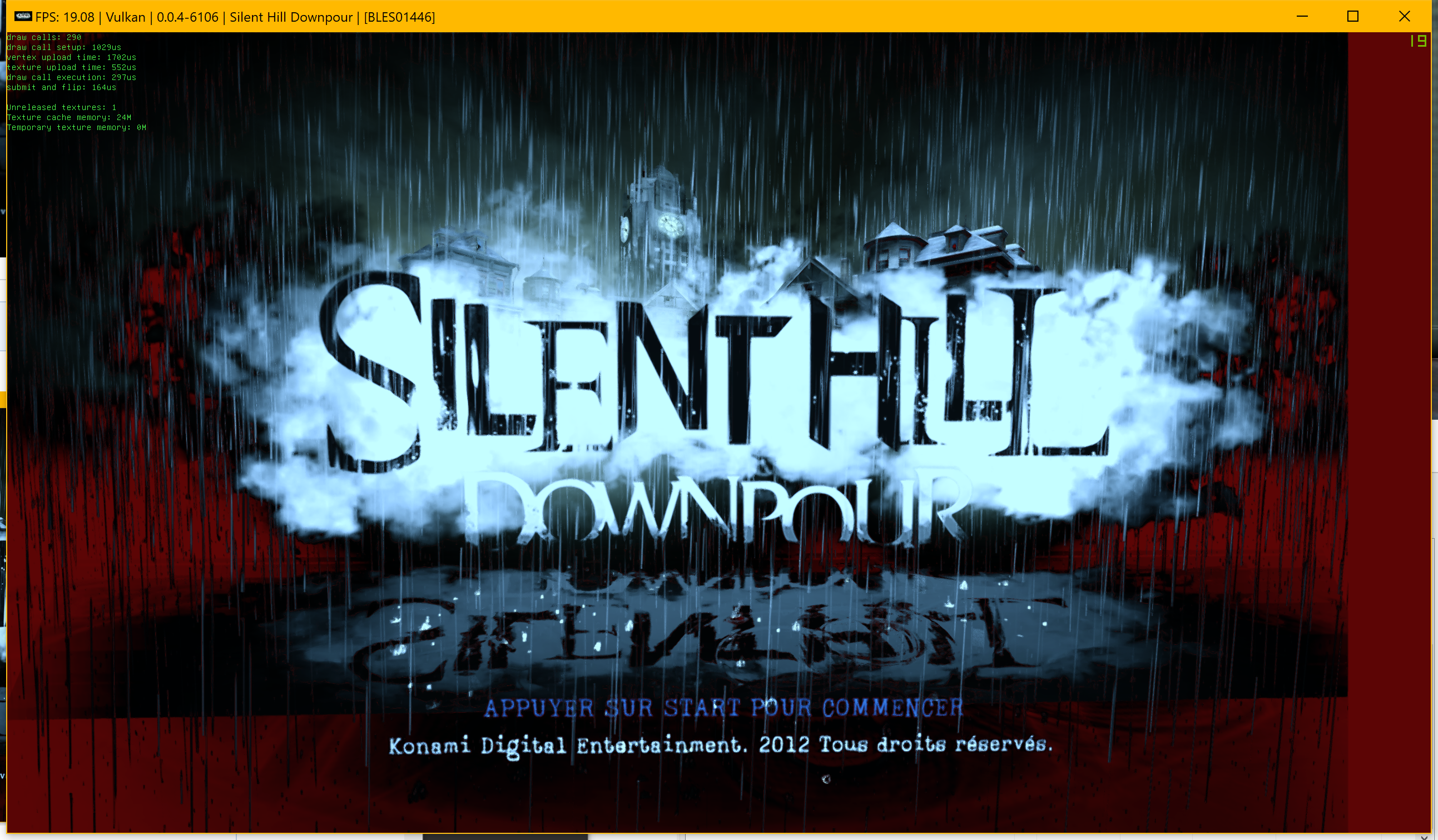
 Zangetsu38
on 15 Nov 2017
Zangetsu38
on 15 Nov 2017
LOL.
Everyone have _their own_ level of redness. But why?
isshininu
on 15 Nov 2017
Bug is still exist after #3744 and #3749.
Psycho-A
on 19 Nov 2017
Still not fixed...
Psycho-A
on 25 Dec 2017
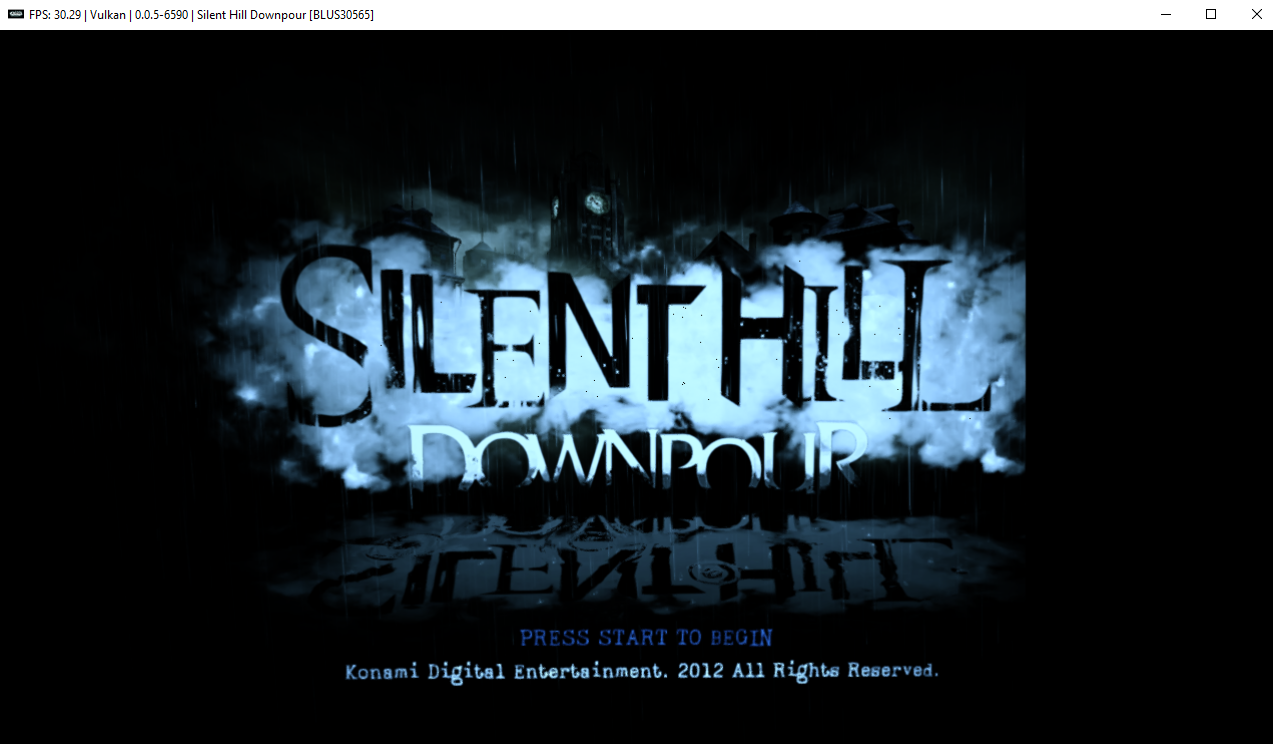
still cut off a bit.
 digitaldude555
on 29 Mar 2018
digitaldude555
on 29 Mar 2018
I figured out that enabling "Force CPU blit emulation" solves this problem without any slowdown detected. But nobody knows about it, and people will see this buggy screen all the time...
Psycho-A
on 29 Mar 2018
Improved but still not fixed with default settings.

Asinin3
on 22 May 2018
@Asinin3 How did you get the FPS 60 while game have cap to 30?
Psycho-A
on 22 May 2018
Magic? I'm not sure myself, maybe different region has different cap in the menus?
Asinin3
on 22 May 2018
@Asinin3 I have the same-coded region version, and it was never higher than 30. Is FPS in game >30 too?
Psycho-A
on 22 May 2018
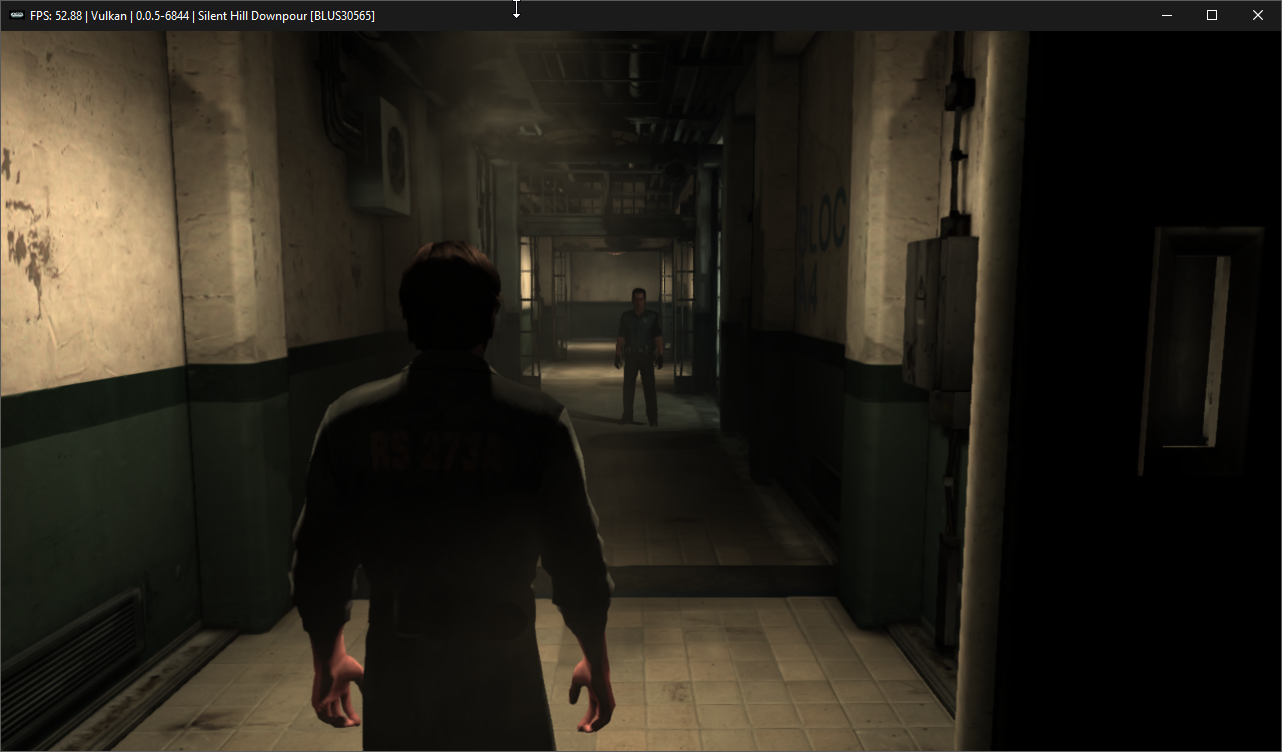
Are you sure you don't have framelimiter on :/
Asinin3
on 24 May 2018
@Asinin3 I never enable frame limiter, as well as never seen FPS more than 30 in this game...
Maybe it's somehow videodriver-sensitive, I don't know.. I have GTX 760 Ti with official drivers.
Psycho-A
on 25 May 2018
When was this fixed?
 AniLeo
on 20 Jun 2018
AniLeo
on 20 Jun 2018
I don't know exactly, but all latest builds during month shows normal picture on Vulkan and OpenGL too (probably when kd11's epic fixes for UE3 were released). Just forgot to close earlier. If you still encounter some of this, feel free to open...
Psycho-A
on 20 Jun 2018
Related issues
 altiereslima
·
3Comments
Asinin3
·
3Comments
altiereslima
·
3Comments
Asinin3
·
3Comments
 XeClutch
·
3Comments
XeClutch
·
3Comments
 xiangzhai
·
3Comments
xiangzhai
·
3Comments
 legend800
·
3Comments
legend800
·
3Comments