Rpcs3: SPU : Interpreter fast/precise is a lot faster than ASMJIT
Dynasty Warrior Gundam 3
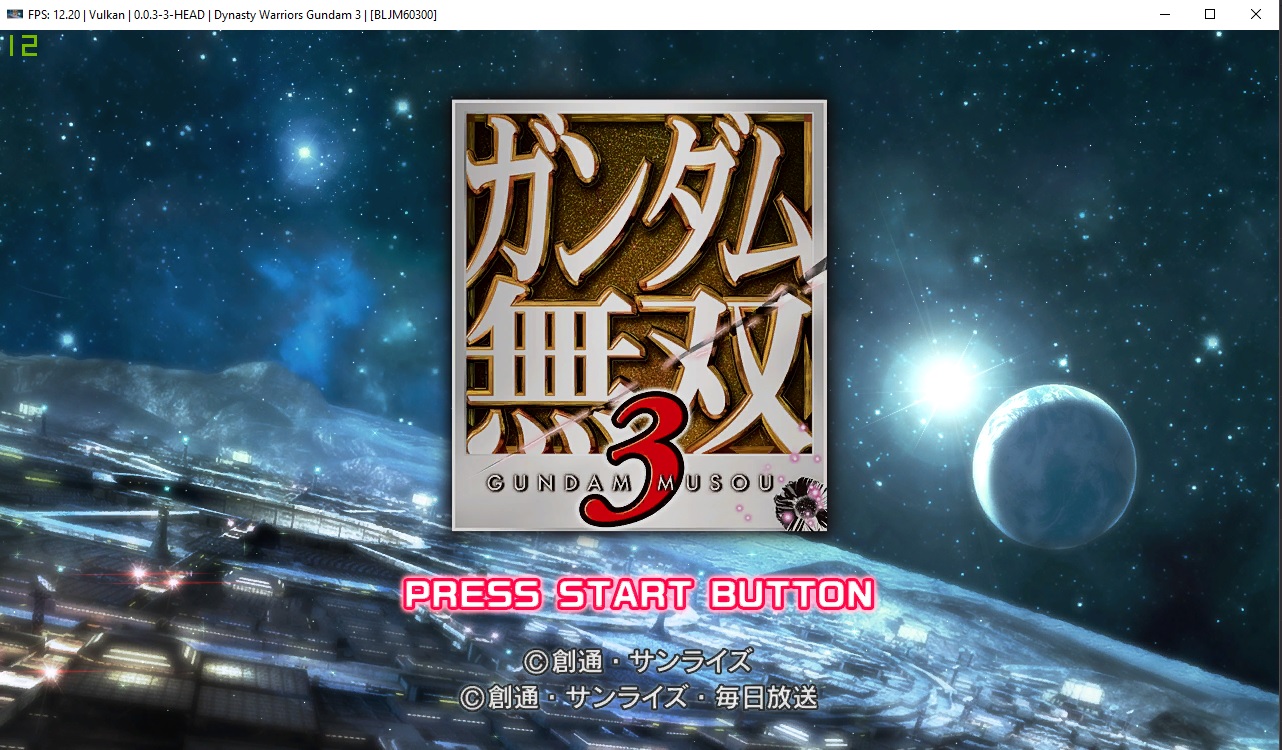
ASMJIT (12FPS)
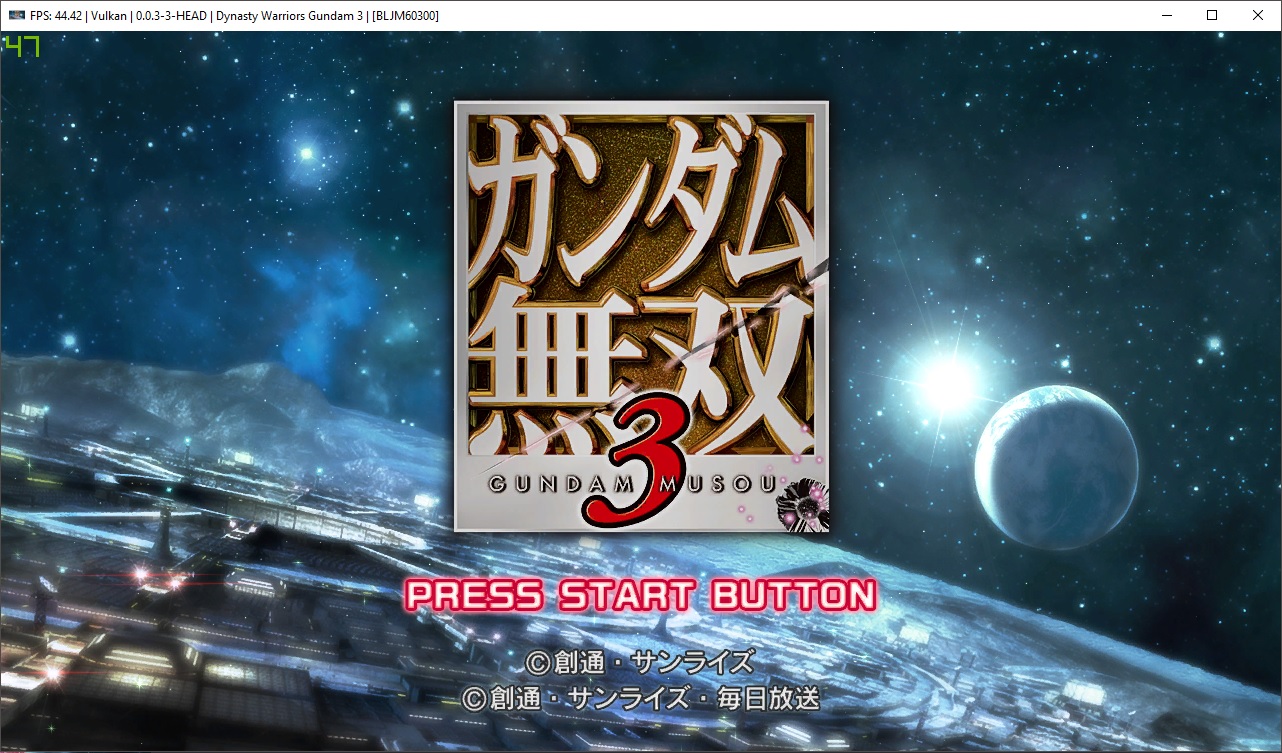
Interpreter Fast (47FPS)
 raven02
All 12 comments
Just checked latest build , still happened that Interpreter Fast is much faster than ASMJIT
raven02
on 2 Apr 2018
@raven02 Fixed by #4422?
 scribam
on 25 Apr 2018
scribam
on 25 Apr 2018
Retest
 AniLeo
on 20 May 2018
AniLeo
on 20 May 2018
Seems like it has regressed, lol.
I'm using [BLES01301] version.
i5-4670K 4.4GHz, 16GB 2133MHz RAM, R7 260X 2GB GPU, 18.3.4 drivers version, Windows 7 SP1 x64.
Tried both renderers, doesn't really matter.
rpcs3-v0.0.3-2017-10-28-1ffc1e82_win64:
Interpreter Fast - 25-60 FPS - https://i.imgur.com/u0CY0CY.png | https://i.imgur.com/EqjEdTK.png (BLJM60300)
ASMJIT - 10-20 FPS - https://i.imgur.com/XYO9QDo.png | https://i.imgur.com/rWS7ff5.png (BLJM60300)
Stuttering music on both.
rpcs3-v0.0.5-6814-6fd402bc_win64 (current master):
Interpreter (fast) - 25-60 FPS - https://i.imgur.com/69wkzJf.png | https://i.imgur.com/tv2Iuaa.png (BLJM60300)
ASMJIT - 1-2 FPS - https://i.imgur.com/PxyeMbs.png | https://i.imgur.com/T64qEFa.png (BLJM60300)
Stuttering music on both.
AND. I have a huuuge RAM leak on master using ASMJIT. There was a leak in old build too (is it true for everyone? or just me..?), but it was leaking slowly. But now (I am just wild guessing) due to SPU cache it's incredibly fast. It builds SPU cache and asks for "private bytes" before game boot. And after boot it seems like it continues to do it - till I run out of memory. And even more to it - it remembers SPU cache size, so on the next launch it builds even more SPU cache (started on ~130000 0, then launch by launch (increased while at title screen/ingame, not at logo) it's 290000+ now. wow.. ). Clearing LLVM and shader cache doesn't help. And I don't see any new files in rpcs3* directories. So maybe it will go away after reboot (can't test this now)?
RPCS3-oldBOTH.log.gz - old build, 1 log for 2 settings.
RPCS3-interpreterNEW.log.gz - master, interpreter fast
RPCS3-leakamjitNEW.log.gz - master, ASMJIT.
UPD Decided to test BLJM60300 version (don't mind me..) and take screenshots with debug overlay. I also have deadlocks (is it right term?)/long stutters on new master (rpcs3-v0.0.5-6817-72574b11_win64) now, I guess it's due to #4631 or something, but whatever.
RPCS3-bothjap.log.gz
UPD2 I finally did reboot. It did nothing.. - because there actually was one changing file - "spu-§safe-v2". After deleting it "building cache" counter has reset. Also noting - for a few seconds at start it works even at ~30fps (yes, on asmjit), then pretty fast degrades to 11-10-8-7..-2-1 fps.
 TheRibbit
on 21 May 2018
TheRibbit
on 21 May 2018
Tested with latest build and issue still remains
raven02
on 19 Aug 2018
Still an issue?
 elad335
on 31 Jan 2019
elad335
on 31 Jan 2019
Though the first boot of the game is slower, subsequent boots have performance that is equivalent or superior to that of the fast/precise interpreters (The performance boots seems to come when the SPU cache reaches a certain size). Though using ASMJIT will cause the game to crash within a minute or two with a "JIT: Out of memory" error.
 paxsyr
on 31 Jan 2019
paxsyr
on 31 Jan 2019
Needs retesting
AniLeo
on 2 May 2019
The fast/precise interpreters are still faster than ASMJIT while LLVM only displays a black screen.
paxsyr
on 10 May 2019
@raven02
@creeperjedi
Can you retest with the latest master?
 Emulator-Team-2
on 16 Jun 2019
Emulator-Team-2
on 16 Jun 2019
Retested with master (RPCS3 v0.0.6-8313) and ASMJIT, as well as LLVM, have seen massive performance increases. Both hold a constant 60 fps, with occasional dips to 40-30 fps during explosions.
Fast causes the game to run between 55-35 fps depending on the area, with a drop down to 25-20 fps once enemies appear.
Precise is insanely slow with around 20 fps and drops down to 5 once enemies appear.
All of these cause the game to freeze before I could finish the first mission with the exception of Precise, though this was likely due to the fact that I played with it for less than a minute due to its performance.
I believe that this issue can be closed but if someone such as @raven02 could confirm my findings, then that would be superb.
paxsyr
on 29 Jun 2019
Closing as fixed as reported above
If you can still reproduce this somehow, it can be reopened
AniLeo
on 12 Jul 2019
Related issues
Emulator-Team-2
·
3Comments
 xddxd
·
3Comments
AniLeo
·
3Comments
xddxd
·
3Comments
AniLeo
·
3Comments
 iBlackS0ul
·
3Comments
iBlackS0ul
·
3Comments
 LokiGrants
·
3Comments
LokiGrants
·
3Comments
Most helpful comment
Seems like it has regressed, lol.
I'm using [BLES01301] version.
i5-4670K 4.4GHz, 16GB 2133MHz RAM, R7 260X 2GB GPU, 18.3.4 drivers version, Windows 7 SP1 x64.
Tried both renderers, doesn't really matter.
rpcs3-v0.0.3-2017-10-28-1ffc1e82_win64:
Interpreter Fast - 25-60 FPS - https://i.imgur.com/u0CY0CY.png | https://i.imgur.com/EqjEdTK.png (BLJM60300)
ASMJIT - 10-20 FPS - https://i.imgur.com/XYO9QDo.png | https://i.imgur.com/rWS7ff5.png (BLJM60300)
Stuttering music on both.
rpcs3-v0.0.5-6814-6fd402bc_win64 (current master):
Interpreter (fast) - 25-60 FPS - https://i.imgur.com/69wkzJf.png | https://i.imgur.com/tv2Iuaa.png (BLJM60300)
ASMJIT - 1-2 FPS - https://i.imgur.com/PxyeMbs.png | https://i.imgur.com/T64qEFa.png (BLJM60300)
Stuttering music on both.
AND. I have a huuuge RAM leak on master using ASMJIT. There was a leak in old build too (is it true for everyone? or just me..?), but it was leaking slowly. But now (I am just wild guessing) due to SPU cache it's incredibly fast. It builds SPU cache and asks for "private bytes" before game boot. And after boot it seems like it continues to do it - till I run out of memory. And even more to it - it remembers SPU cache size, so on the next launch it builds even more SPU cache (started on
~1300000, then launch by launch (increased while at title screen/ingame, not at logo) it's 290000+ now. wow.. ). Clearing LLVM and shader cache doesn't help.And I don't see any new files in rpcs3* directories. So maybe it will go away after reboot (can't test this now)?RPCS3-oldBOTH.log.gz - old build, 1 log for 2 settings.
RPCS3-interpreterNEW.log.gz - master, interpreter fast
RPCS3-leakamjitNEW.log.gz - master, ASMJIT.
UPD Decided to test BLJM60300 version (don't mind me..) and take screenshots with debug overlay. I also have deadlocks (is it right term?)/long stutters on new master (rpcs3-v0.0.5-6817-72574b11_win64) now, I guess it's due to #4631 or something, but whatever.
RPCS3-bothjap.log.gz
UPD2 I finally did reboot. It did nothing.. - because there actually was one changing file - "spu-§safe-v2". After deleting it "building cache" counter has reset. Also noting - for a few seconds at start it works even at ~30fps (yes, on asmjit), then pretty fast degrades to 11-10-8-7..-2-1 fps.