Rocket.chat.electron: The server icon seems to increase.
My Setup
- Operating System: Windows10 Pro
- App Version: 2.11.0
- [x] I have tested with the latest version
- [x] I can simulate the issue easily
Description
The server icon seems to increase.
Move your mouse over the icon to return to the original state, but when you mouse out it will return to the increased state.
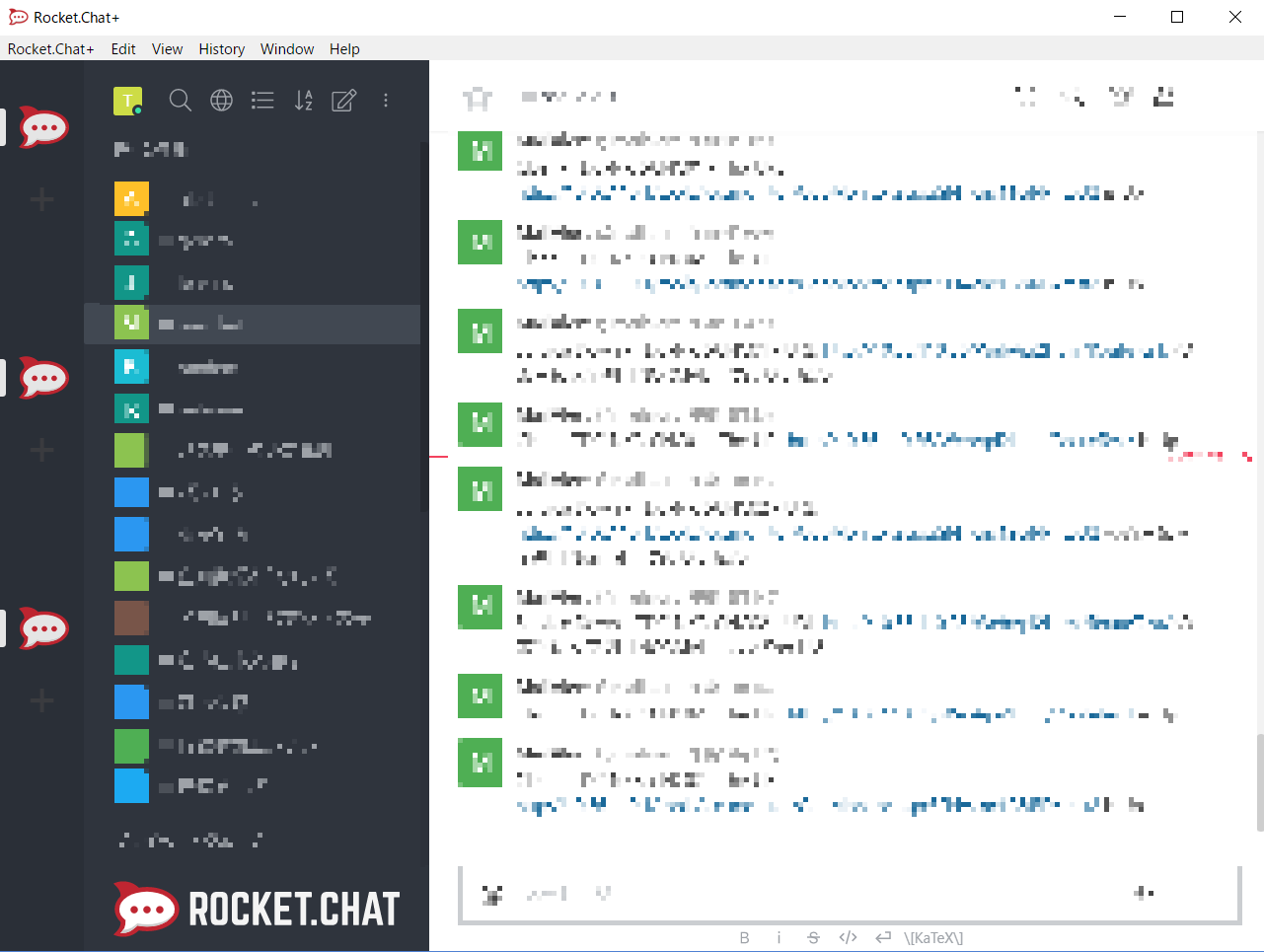
Current Behavior
The server icon seems to increase.
Expected Behavior
Nothing happens.
 noobbbbb
All 10 comments
Hi, same issue here. The issue has been introduced with this client version. I had no issue with older versions.
 sibylmarziopulcini
on 11 Jun 2018
sibylmarziopulcini
on 11 Jun 2018
Hi, same issue : Windows 10 and last rocket chat client (2.11.0).
 bigornoo
on 11 Jun 2018
bigornoo
on 11 Jun 2018
Seems to be a problem with the Electron build, and only happens on Windows. We will investigate tomorrow.
 engelgabriel
on 12 Jun 2018
engelgabriel
on 12 Jun 2018
After I tested on Windows 7, this issued didn't occur. Maybe only windows 10 is affected.
 mfa777
on 13 Jun 2018
mfa777
on 13 Jun 2018
I use Windows 8.1 Pro, and I'm also having this issue.
Rocket.Chat+ Version 2.11.0
 LucoEldritch
on 13 Jun 2018
LucoEldritch
on 13 Jun 2018
In my company, this issue is present on all Windows 10 installations with Rocket.Chat+ 2.11.0. On MacOS everything seems to look fine.
 grthr
on 14 Jun 2018
grthr
on 14 Jun 2018
We are seeing it on windows 7 with latest RC windows client. 2.11.0
 mddvul22
on 15 Jun 2018
mddvul22
on 15 Jun 2018
Testing on Windows 10, it looks like the issue goes away for us when removing filter: brightness(90%); from the .server-list element. Here is a gif of the change in action.
I'll be willing to make a PR if this seems valid! Thoughts on using a background-color (Either a straight hex, or an rgba value) instead of filter?
 DylanPaulusSEL
on 15 Jun 2018
DylanPaulusSEL
on 15 Jun 2018
Hi @DylanPaulusSEL , is there anyway do some change on client side to solve it first? If only wait a new version it takes long time.
mfa777
on 16 Jun 2018
@mfa777
If you don't need the server list you can always hide it. (Don't currently have access to RocketChat, but I believe you can find it in the menu bar under View > Toggle Server List).
A more intensive approach, if you have the option, would be to recompile the Electron app yourself--removing the filter style from the stylesheet would do it.
 ganderzz
on 17 Jun 2018
ganderzz
on 17 Jun 2018
Related issues
 nstoeckigt
·
3Comments
nstoeckigt
·
3Comments
 jswolf19
·
4Comments
jswolf19
·
4Comments
 paulz1
·
3Comments
paulz1
·
3Comments
 bbrendon
·
4Comments
bbrendon
·
4Comments
 dryabchenko
·
5Comments
dryabchenko
·
5Comments
Most helpful comment
Testing on Windows 10, it looks like the issue goes away for us when removing
filter: brightness(90%);from the.server-listelement. Here is a gif of the change in action.I'll be willing to make a PR if this seems valid! Thoughts on using a
background-color(Either a straight hex, or an rgba value) instead offilter?