React-to-print: Why are there css that don't appear when printed?
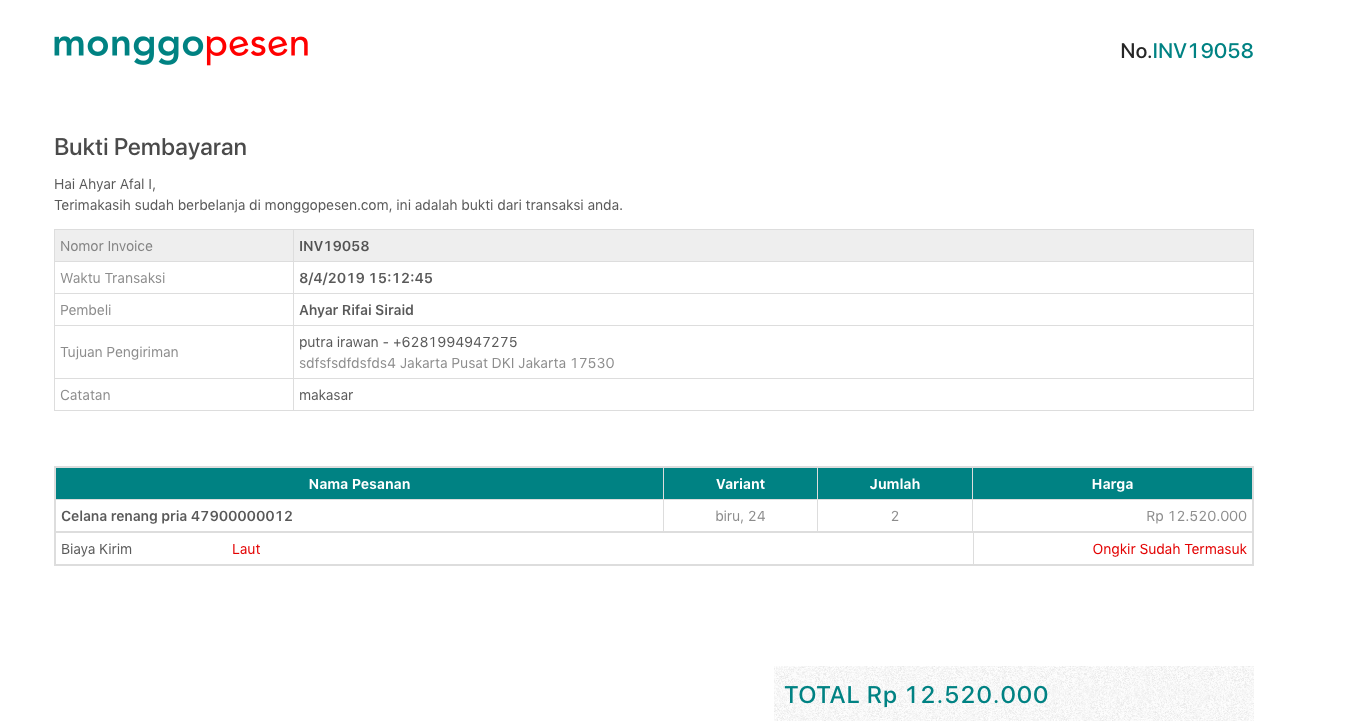
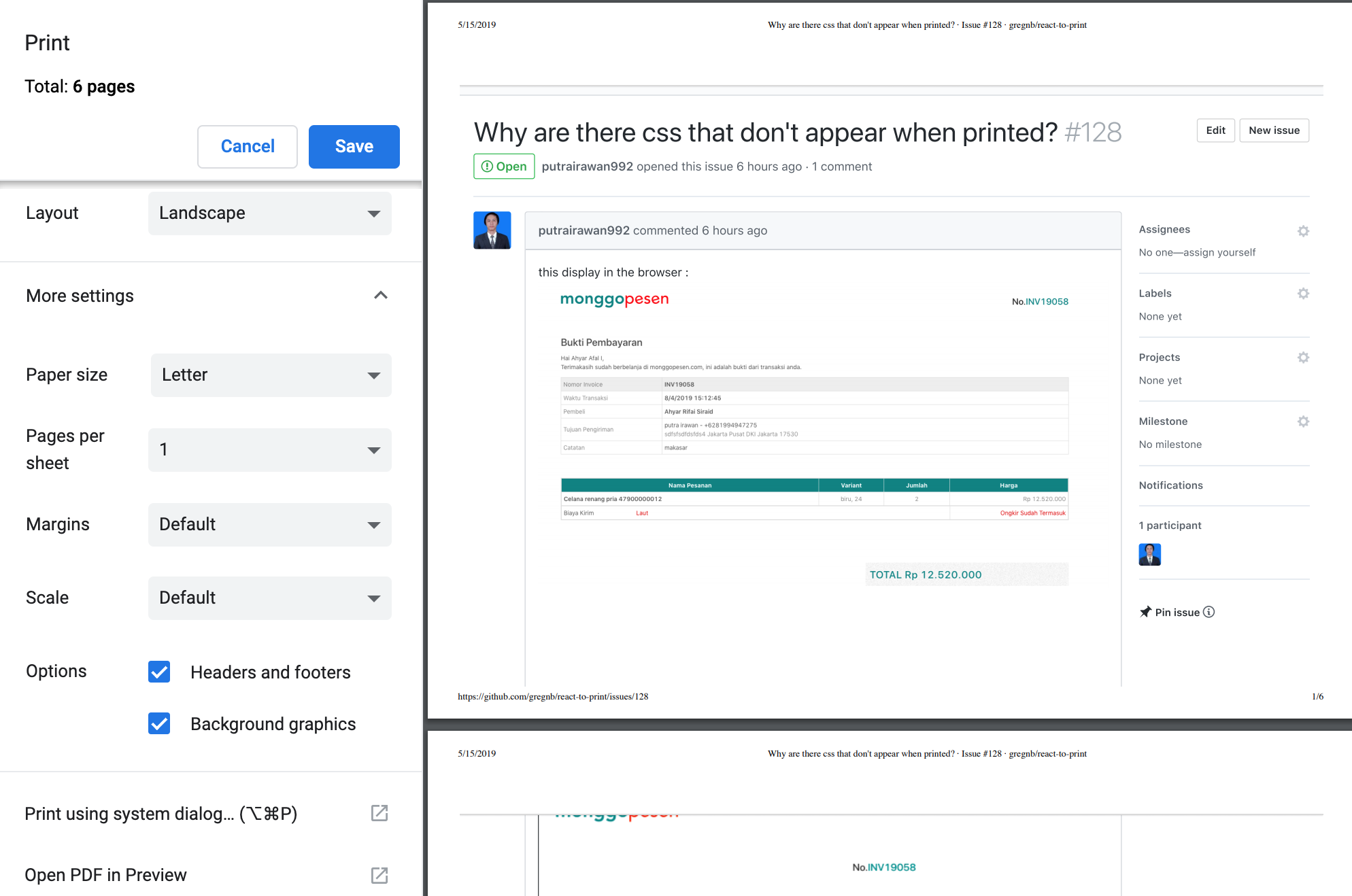
this display in the browser :
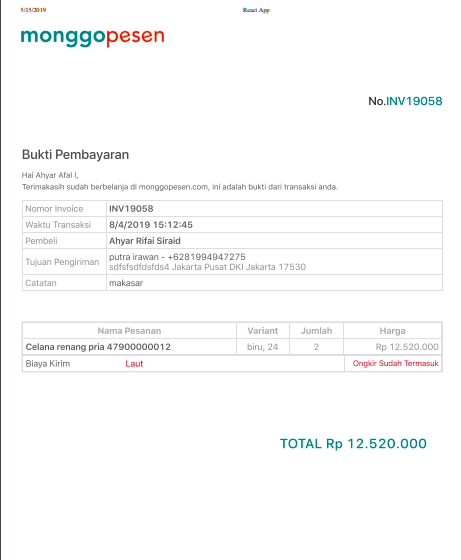
this print view :
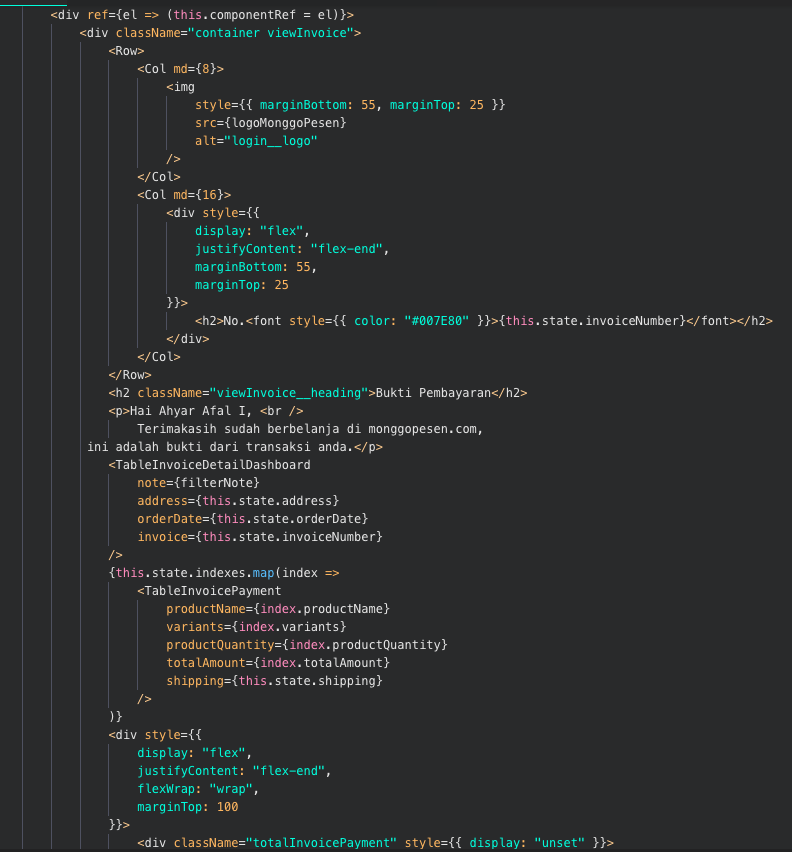
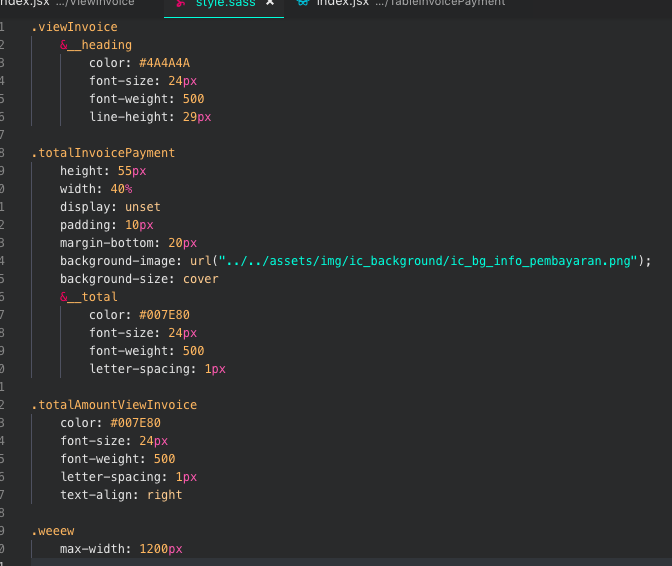
this code:
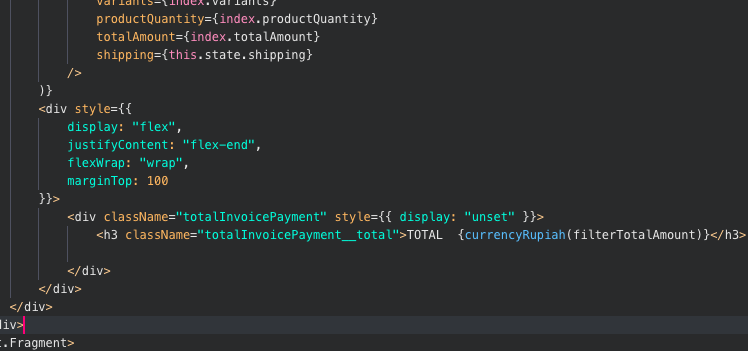
and SASS
help me thanks
 putrairawan992
All 21 comments
@MatthewHerbst
putrairawan992
on 15 May 2019
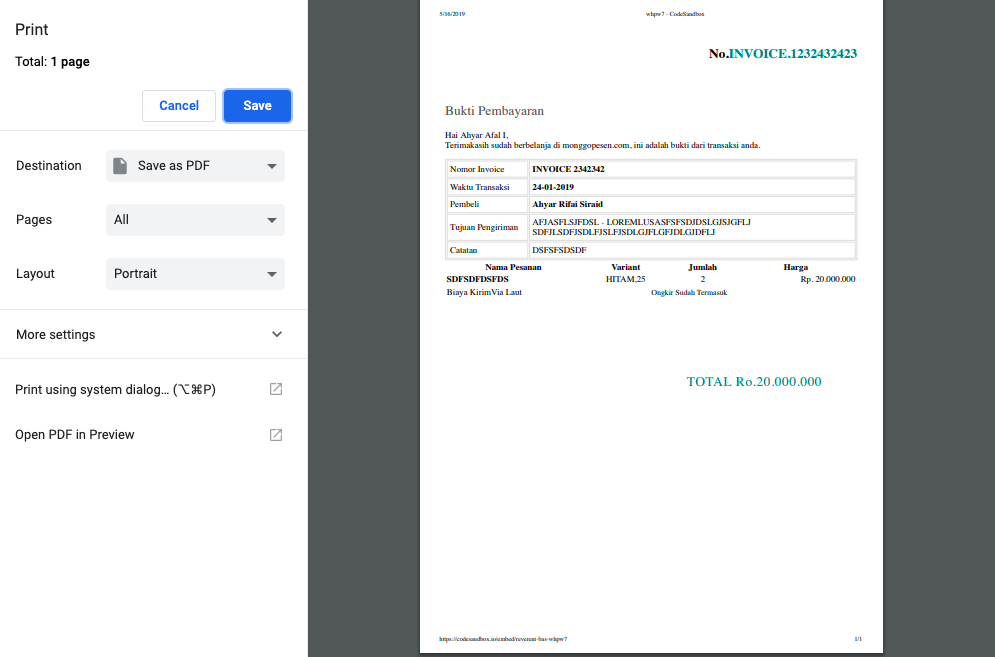
Can you please ensure that you have the background graphics options turned on when you are in the print preview?
 MatthewHerbst
on 15 May 2019
MatthewHerbst
on 15 May 2019
I have the same problem on Chrome -- with background graphics turned on
 ronmaple
on 15 May 2019
ronmaple
on 15 May 2019
What version of the library are you using @ronmaple ?
MatthewHerbst
on 15 May 2019
2.1.2
ronmaple
on 15 May 2019
@ronmaple any chance you could make a codesandbox please replicating the issue?
MatthewHerbst
on 15 May 2019
https://codesandbox.io/embed/compassionate-dew-txilb
I'm trying to center the QRCode component, and the p tag
ronmaple
on 16 May 2019
Thanks @ronmaple! I'll try and take a look tonight but may not be able to get to it until this weekend
MatthewHerbst
on 16 May 2019
@MatthewHerbst hello helpme please
putrairawan992
on 16 May 2019
@putrairawan992 can you please make a condesandbox with your code so I can see it live?
MatthewHerbst
on 16 May 2019
@ronmaple your issue is that your text-align: center is on the App class but that class is on the parent of the component being printed, not on the component itself.
MatthewHerbst
on 16 May 2019
https://codesandbox.io/embed/reverent-bas-whpw7 @MatthewHerbst
putrairawan992
on 16 May 2019
@MatthewHerbst Oh! I see, that fixes it. I didn't realise that the print view might have been different from the web view, in terms of how (I'm assuming) the library uses the component to render the view. Thanks!
ronmaple
on 16 May 2019
why can't the background color and image appear
putrairawan992
on 16 May 2019
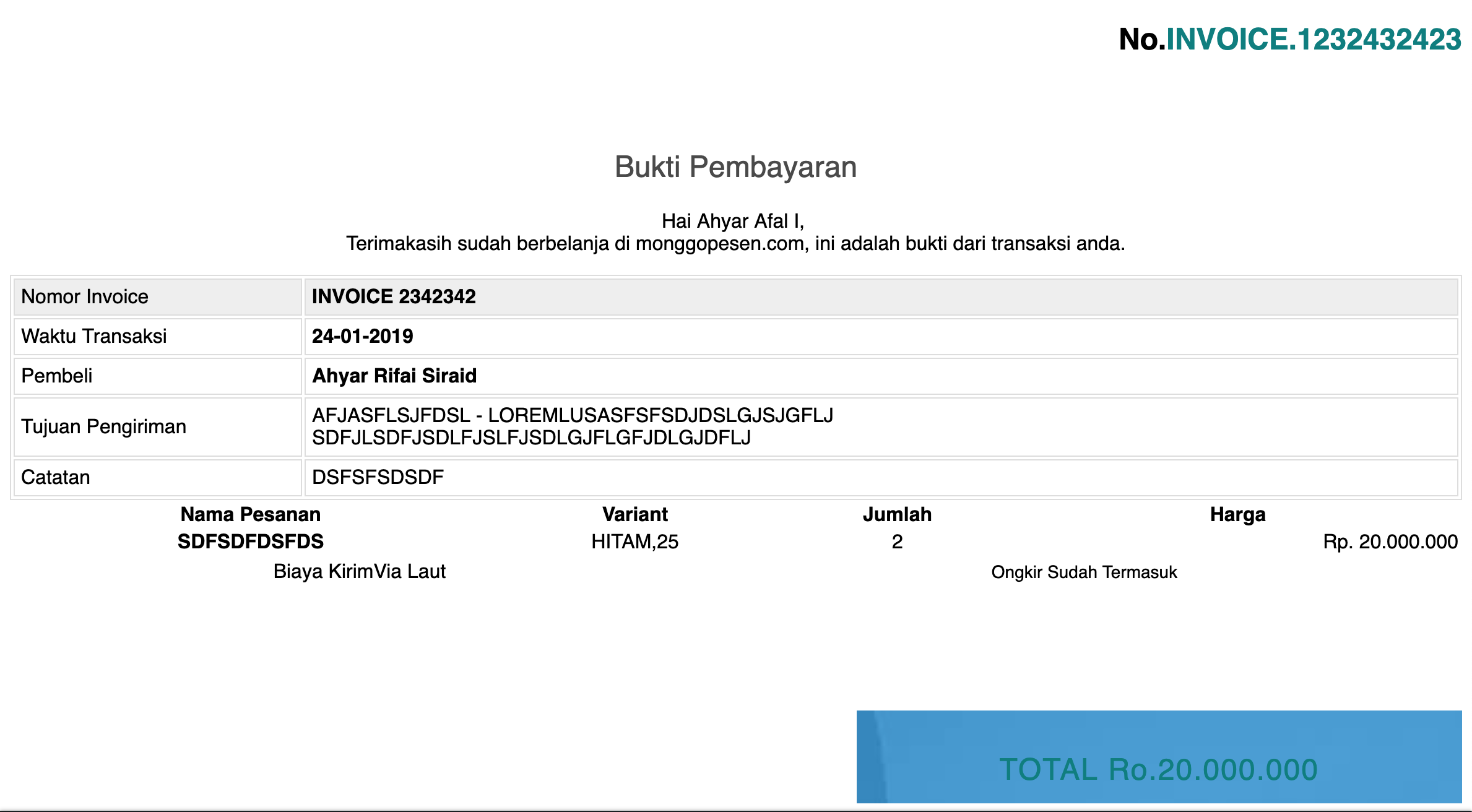
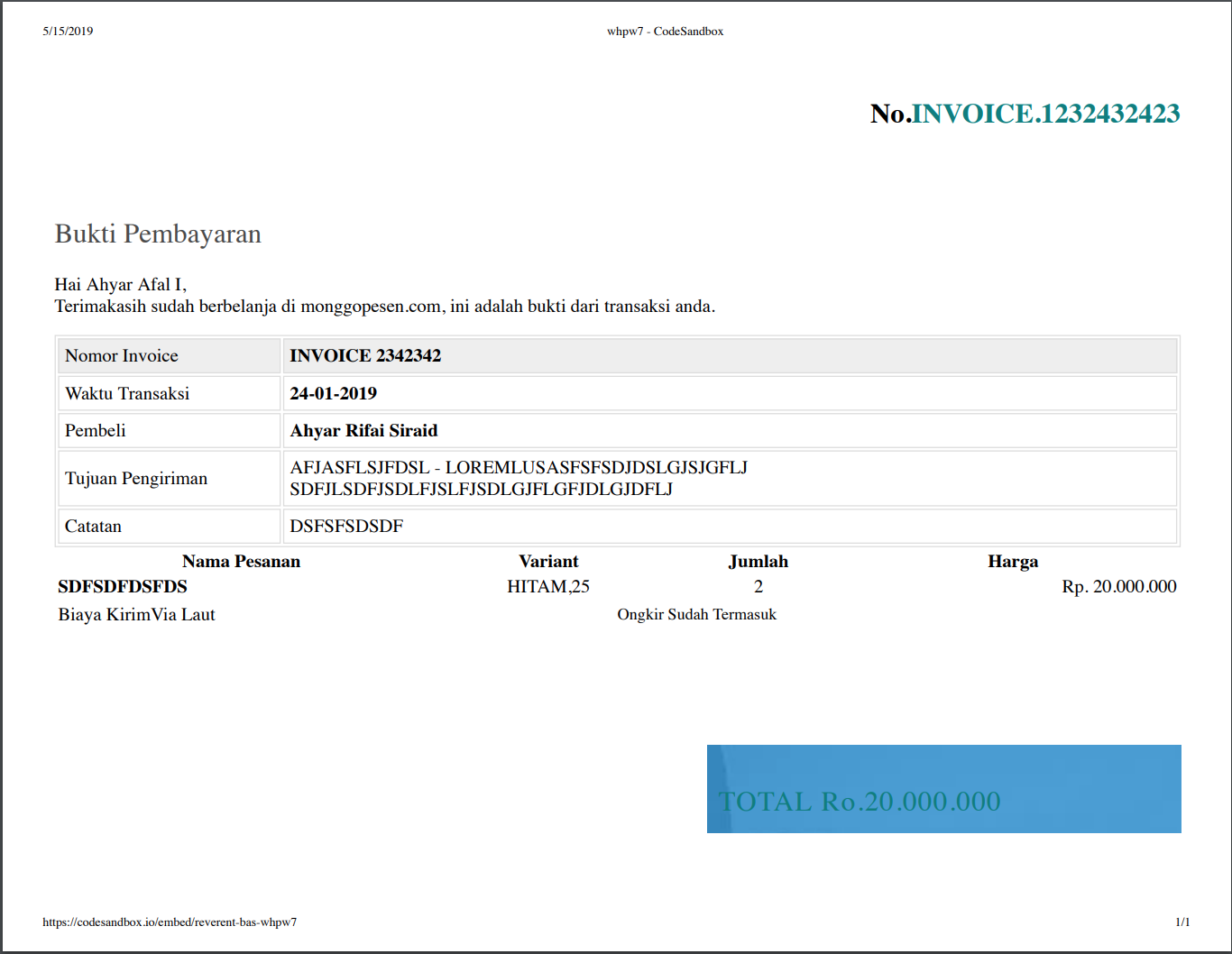
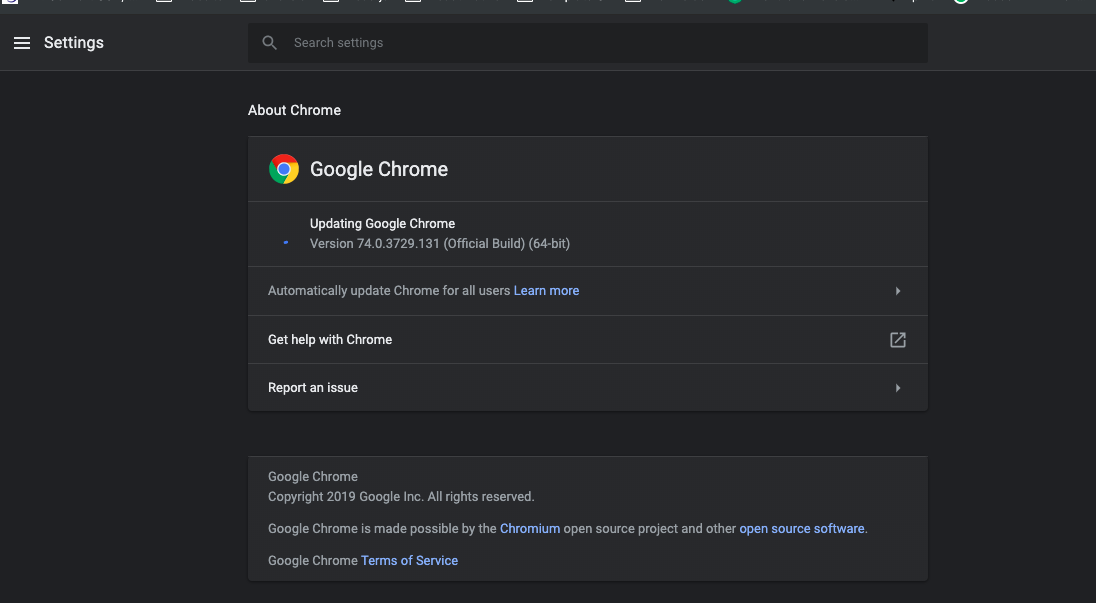
@putrairawan992 I don't see a difference between the codesandbox render and the print output. I'm on Chrome 74. What browser are you using?
MatthewHerbst
on 16 May 2019
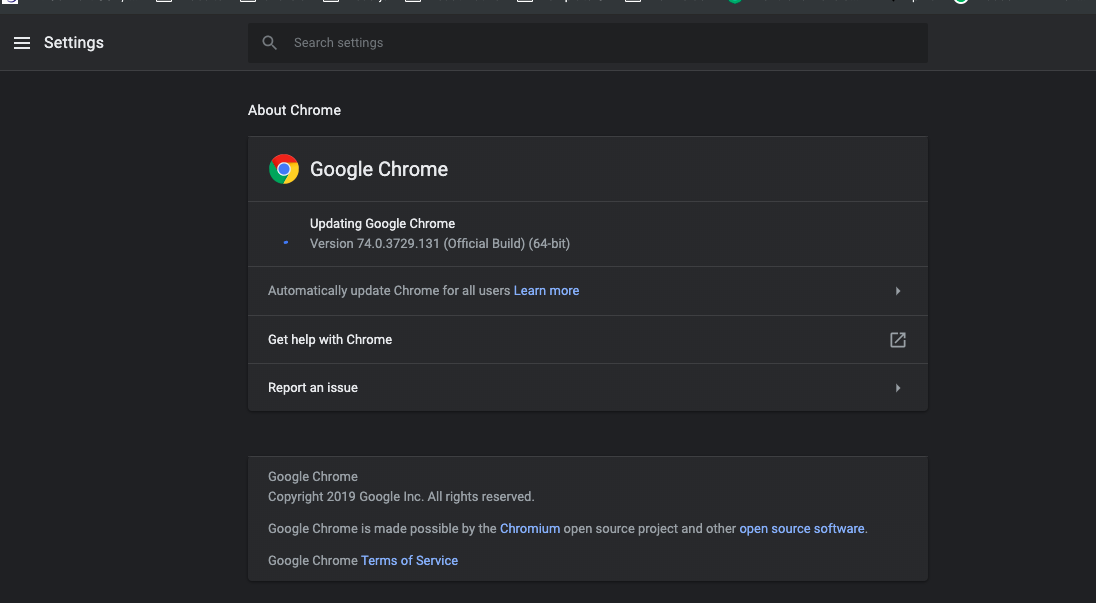
Os Macbook
putrairawan992
on 16 May 2019
@putrairawan992 is there something in the screen shots I shared that is not being displayed?
MatthewHerbst
on 16 May 2019
i dont show background
putrairawan992
on 16 May 2019
putrairawan992
on 16 May 2019
@putrairawan992 can you show me the options under "More settings"? On mine I can replicate what you see by turning "Background graphics" off. You need to turn that on.
MatthewHerbst
on 16 May 2019
solved brother thanks
putrairawan992
on 16 May 2019
Related issues
 vikmehta
·
3Comments
vikmehta
·
3Comments
 AJTJ
·
4Comments
AJTJ
·
4Comments
 quadh
·
5Comments
quadh
·
5Comments
 invious
·
4Comments
invious
·
4Comments
 404sand808s
·
7Comments
404sand808s
·
7Comments