React-native-tab-view: Invariant Violation: Element type is invalid: exprected string
Im using react-navigation (v2)
when i use createMaterialTopBarNavigator() -> it's not working properly. So slow and when only scrollEnabled properties true it's working fine.
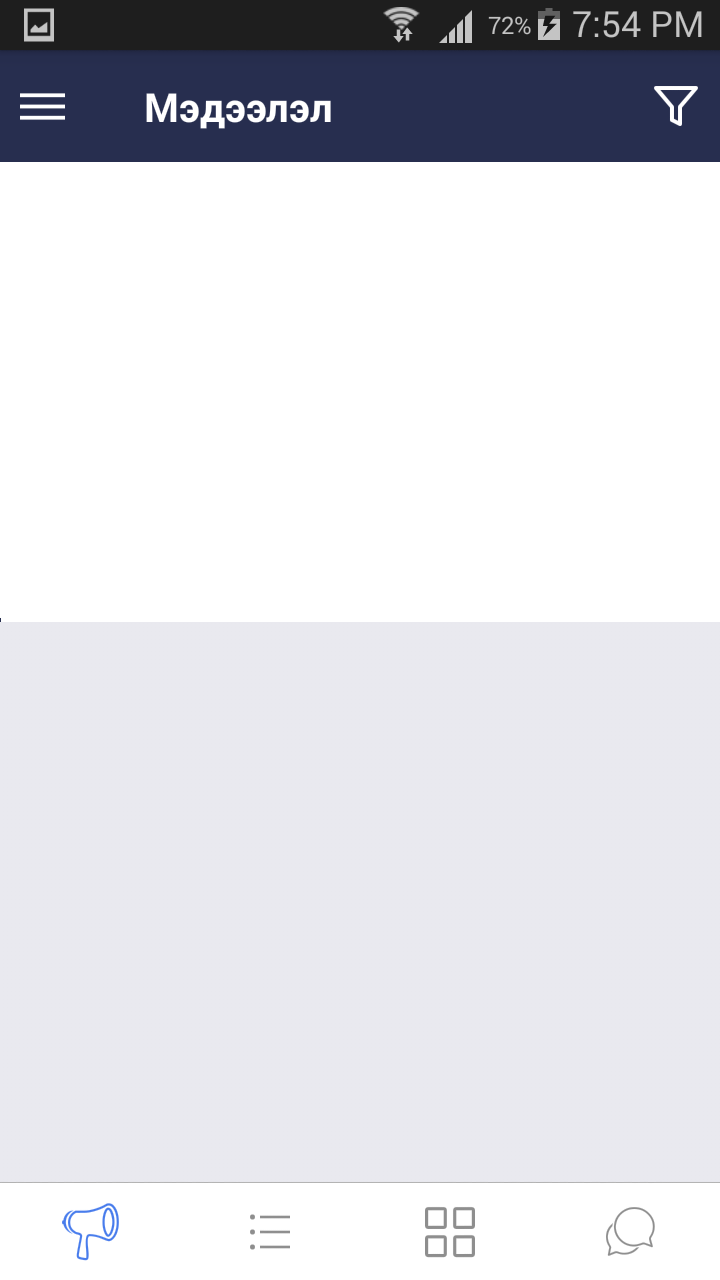
Then i use react native tab view throw me this error.

AdsTopBarNav.js file
`import * as React from 'react';
import { View, StyleSheet, Dimensions } from 'react-native';
import { TabViewAnimated, TabBar, SceneMap } from 'react-native-tab-view';
import Ads from "../screens/Ads";
import { Colors } from '../themes/index';
const initialLayout = {
height: 0,
width: Dimensions.get('window').width,
};
export default class AdsTopBarNav extends React.Component {
state = {
index: 0,
routes: [
{ key: 'first', title: 'FIRST' },
{ key: 'second', title: 'SECOND' },
{ key: 'third', title: 'THIRD' },
],
};
_handleIndexChange = index => this.setState({ index });
_renderHeader = props =>
// scrollEnabled
indicatorStyle={styles.indicator}
style={styles.tabbar}
tabStyle={styles.tab}
labelStyle={styles.label}
/>;
_renderScene = SceneMap({
first:
second:
third:
});
render() {
return (
navigationState={this.state}
renderScene={this._renderScene}
renderHeader={this._renderHeader}
onIndexChange={this._handleIndexChange}
initialLayout={initialLayout}
/>
);
}
}
const styles = StyleSheet.create({
container: {
flex: 1,
},
tabbar: {
backgroundColor: Colors.white,
},
tab: {
height: 45,
},
indicator: {
backgroundColor: Colors.skinColor,
},
label: {
alignSelf: 'center',
color: Colors.black,
fontWeight: 'bold',
},
});
`
CALLING FROM STACK NAVIGATION
`import AdsTopBarNav from './AdsTopBarNav';
export const AdsStack = StackNavigator({
Ads: {
screen: AdsTopBarNav,
navigationOptions:({navigation}) => ({
title: "INFO",
})
},
});`
 munkhbaatar999
All 4 comments
i said i use react navigation v2. Then i searching around from node-modules/react-native-tab-view/src finally fix this issue.
munkhbaatar999
on 13 Jun 2018
hey @munkhbaatar999 how did you fix this issue? I am facing same problem
 shekharskamble
on 20 Jun 2018
shekharskamble
on 20 Jun 2018
@shekharskamble I saw sources from installed module named ''react-native-tab-view". Then there are different Components that i used for old version. Example TabViewAnimated => just TabView, SceneMap key must string etc..
You should see difference between old and new version of 'react-native-tab-view' from node_modules.
munkhbaatar999
on 20 Jun 2018
import { TabBar, TabView, PagerPan, SceneMap } from 'react-native-tab-view';
....
_renderTabBar = props =>
style={styles.tabbar}
tabStyle={styles.tab}
labelStyle={styles.label}
/>;
/// YOU SHOULD INCLUDE THIS LINE
_renderPager = props =>
..............
_renderScene = SceneMap({
// "home": () => {return
"first": () => { return
"second": () => { return
"third": () => { return
});
...............
render() {
return (
style={[styles.container, this.props.style]}
navigationState={this.state}
renderScene={this._renderScene}
renderTabBar={this._renderTabBar}
renderPager={this._renderPager}
onIndexChange={this._handleIndexChange}
initialLayout={initialLayout}
/>
);
}
munkhbaatar999
on 20 Jun 2018
Related issues
 hyochan35
·
3Comments
hyochan35
·
3Comments
 t3chnoboy
·
3Comments
t3chnoboy
·
3Comments
 QuentinBrosse
·
4Comments
QuentinBrosse
·
4Comments
 ahmedrowaihi
·
3Comments
ahmedrowaihi
·
3Comments
 satya164
·
3Comments
satya164
·
3Comments
Most helpful comment
import { TabBar, TabView, PagerPan, SceneMap } from 'react-native-tab-view';
....
_renderTabBar = props =>
style={styles.tabbar}
tabStyle={styles.tab}
labelStyle={styles.label}
/>;
/// YOU SHOULD INCLUDE THIS LINE
_renderPager = props =>
..............
_renderScene = SceneMap({
// "home": () => {return
"first": () => { return
"second": () => { return
"third": () => { return
});
...............
render() {
return (
style={[styles.container, this.props.style]}
navigationState={this.state}
renderScene={this._renderScene}
renderTabBar={this._renderTabBar}
renderPager={this._renderPager}
onIndexChange={this._handleIndexChange}
initialLayout={initialLayout}
/>
);
}