React-native-swiper: swiper is displayed only after swiping
mac os
- react-native-swiper v1.5.14
- react-native v0.50.4
Expected behaviour
the slider is displayed on the page
Actual behaviour
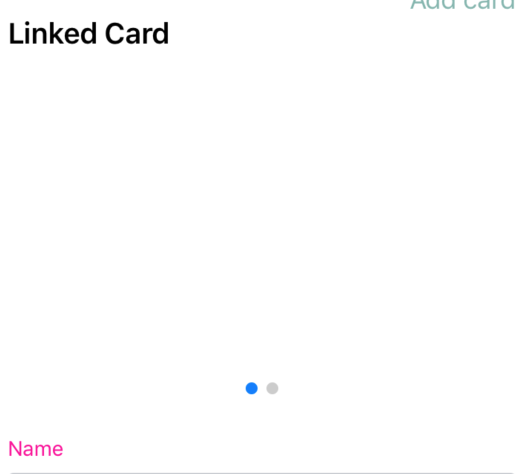
the swiper is displayed only after swiping (it does not matter which way)
How to reproduce it>
when you first open the application everything is ok
further in the application I exit my profile and log into it
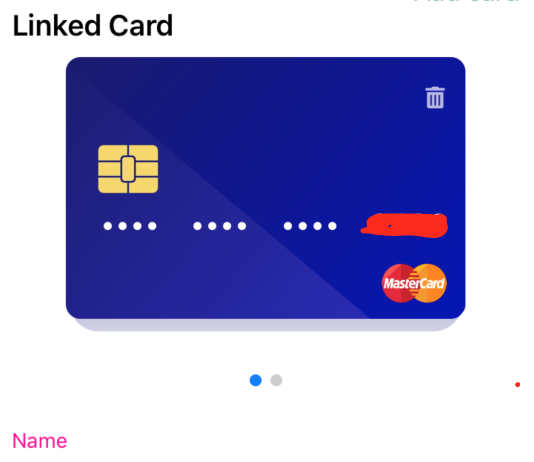
and when I open the page where the swiper is located I see an empty place. if I swipe the screen the swiper immediately appears and no longer disappears (until I exit my profile again)
tried to enter different users
-
Steps to reproduce
1.open app
2.log out
3.login
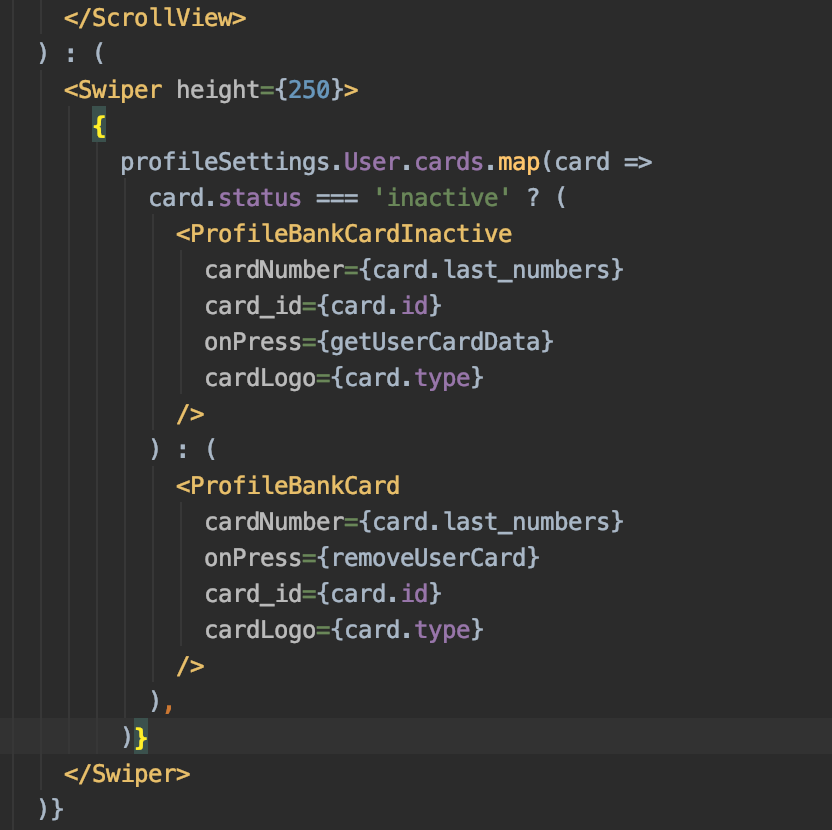
my code
when i just opened the page
swiped across the screen
 Jendyy
All 6 comments
Having a similar issue here
 fega
on 18 Sep 2019
fega
on 18 Sep 2019
+1 on ios
 halfapple
on 20 Sep 2019
halfapple
on 20 Sep 2019
Have you tried this? https://github.com/leecade/react-native-swiper/issues/906#issuecomment-449013745
 abeeralshaer
on 24 Sep 2019
abeeralshaer
on 24 Sep 2019
I had the same issue and the solution with key={Date.now()} didn't work for me. I needed to add removeClippedSubviews={false} to fix this (but I don't understand why).
 GauthierG
on 24 Sep 2019
GauthierG
on 24 Sep 2019
Hi @GauthierG @abeeralshaer
the solution with key={Date.now()} didn't work for me too
removeClippedSubviews = {false} solved the problem
Thanks!
Jendyy
on 25 Sep 2019
@Jendyy
Me either. But my problem was totally different. The problem was that the swiper doesn't update after re-rendering. So I had to put the key something that changes like email/ which first is undefined then comes as a string.
abeeralshaer
on 25 Sep 2019
Related issues
 commit-master
·
3Comments
commit-master
·
3Comments
 Liqiankun
·
3Comments
Liqiankun
·
3Comments
 chetanparakh
·
3Comments
chetanparakh
·
3Comments
 JonasOmdal
·
3Comments
JonasOmdal
·
3Comments
 wrannaman
·
3Comments
wrannaman
·
3Comments
Most helpful comment
Hi @GauthierG @abeeralshaer
the solution with key={Date.now()} didn't work for me too
removeClippedSubviews = {false} solved the problem
Thanks!