React-native-google-places-autocomplete: Can not read property 'getCurrentPosition' of undefined
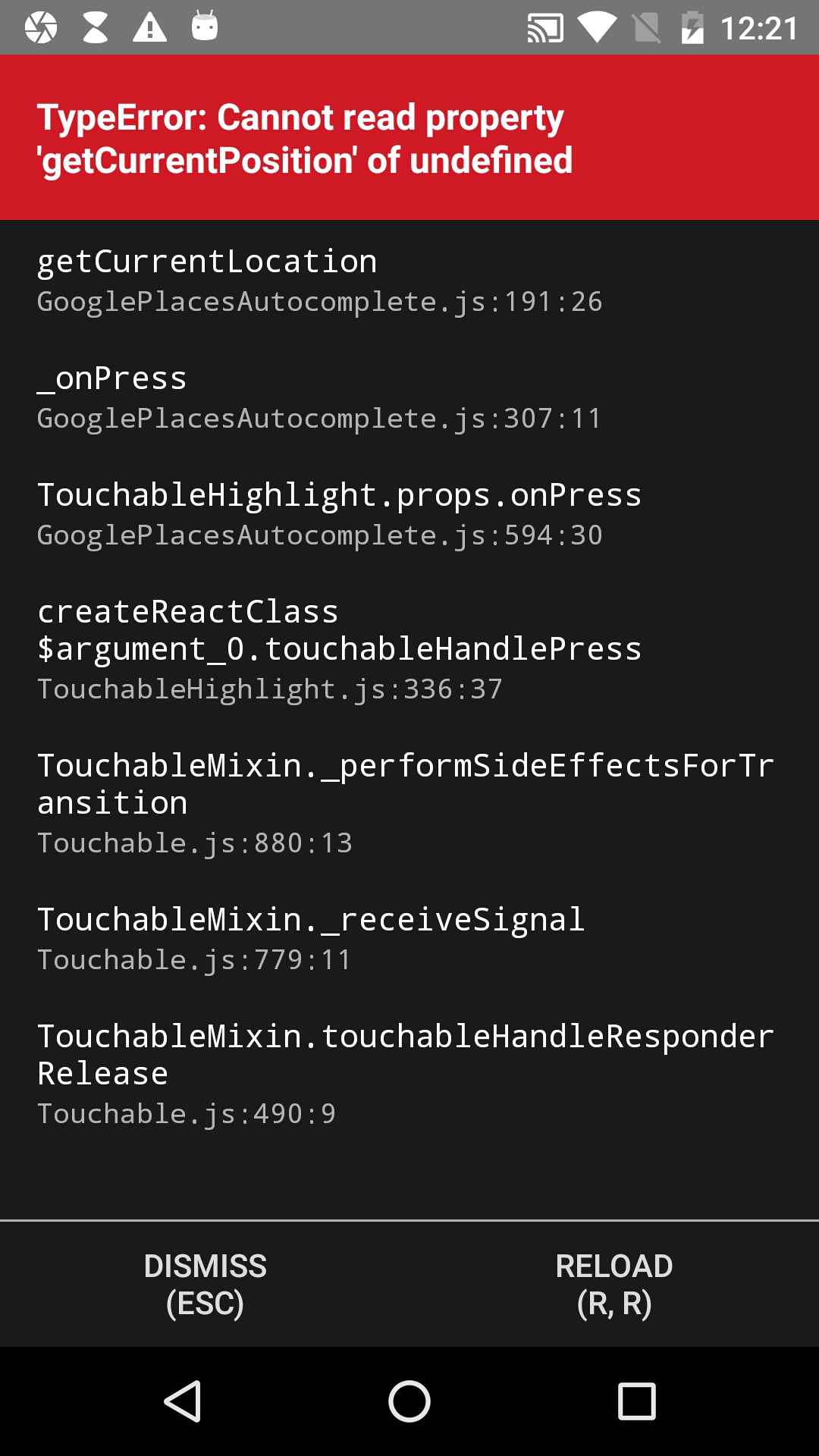
When I press on Current location so i get this error
 RonakPatel0
>All comments
Hi @RonakPatel0
I'm also getting this error, and I didn't find a way to make it work !
But I can share to you my temporary fix:
- Geoloc the user
- reverse geo thanks to your Google API geocode
- use "predefinedPlaces" props to pass your object current location
getCurrentLocation() {
Geolocation.getCurrentPosition(({ coords }) => {
      console.log(coords);
      fetch('https://maps.googleapis.com/maps/api/geocode/json?address=' + coords.latitude + ',' + coords.longitude + '&key=' + myKey)
        .then((response) => {
          response.json().then((json) => {
            console.log(json.results[0]);
            this.setState({
              currentPosition: {
                data: json.results[0],
                details: json.results[0],
                description: "current location",
              }
            })
          });
        })
    })
}
and then user "predefinedPlaces" props
const GooglePlacesInput = () => {
  return (
    <GooglePlacesAutocomplete
     // [...]
      predefinedPlaces={[this.state.currentPosition]}
     // [...]
    />
  );
}
 chassierPA
on 20 Jan 2020
chassierPA
on 20 Jan 2020
🎉2
❤1
Was this page helpful?
0 / 5 - 0 ratings
Related issues
 RajanPN
·
3Comments
RajanPN
·
3Comments
 tezahzulueta
·
3Comments
tezahzulueta
·
3Comments
 yashwanth15
·
3Comments
yashwanth15
·
3Comments
 DennisMuchiri
·
4Comments
DennisMuchiri
·
4Comments
 akhlopyk
·
3Comments
akhlopyk
·
3Comments
Most helpful comment
Hi @RonakPatel0
I'm also getting this error, and I didn't find a way to make it work !
But I can share to you my temporary fix:
and then user "predefinedPlaces" props