React-native-document-picker: How to access local files in ios.
I want to access local files. but it whenever i click on browse option.
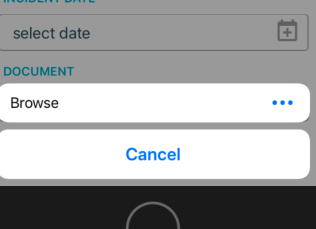
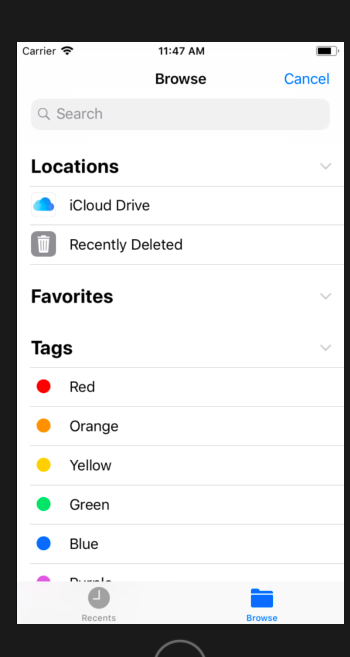
It only shows iCloud Drive Location on my simulator.
 kalyanijamunkar10
All 23 comments
+1 is there any solution?
 2vm
on 12 Sep 2018
2vm
on 12 Sep 2018
+1
 Bolik
on 13 Sep 2018
Bolik
on 13 Sep 2018
+1
 sakymar
on 9 Oct 2018
sakymar
on 9 Oct 2018
Please update if you find any solution @2vm @Bolik @sakymar @Elyx0
kalyanijamunkar10
on 9 Oct 2018
Does this happen only in the simulator? Does it happen in a real device too?
 pinstripe-potatohead
on 12 Oct 2018
pinstripe-potatohead
on 12 Oct 2018
Yes for both devices
kalyanijamunkar10
on 12 Oct 2018
+1
 krisnailafat
on 19 Oct 2018
krisnailafat
on 19 Oct 2018
I don't think this is possible due to the way the iOS file system is locked down:
Files in iOS are stored in the app that can manage them. Note in Notes, documents in Pages, pdfs in iBooks or Acrobat, etc. But those apps and their "folders" only appear in the Files app if they have been updated to support this.
Files stored on a cloud server can be viewed in the cloud server app, which may also be accessible from Files.
https://discussions.apple.com/message/32454580#message32454580
 phil-hodgson-1st
on 14 Nov 2018
phil-hodgson-1st
on 14 Nov 2018
Anyone had much luck with this?
 shangardezi
on 3 Feb 2019
shangardezi
on 3 Feb 2019
Any luck?
 wincjh
on 22 Feb 2019
wincjh
on 22 Feb 2019
Is there any solution for it?
 avinash03031991
on 10 Apr 2019
avinash03031991
on 10 Apr 2019
+1 facing the same problem
 fahidmohammad
on 16 Apr 2019
fahidmohammad
on 16 Apr 2019
I added these values to the root <dict> inside my app's Info.plist and I can now see local files:
<key>UIFileSharingEnabled</key>
<true/>
<key>LSSupportsOpeningDocumentsInPlace</key>
<true/>
 hednowley
on 29 Apr 2019
hednowley
on 29 Apr 2019
LSSupportsOpeningDocumentsInPlace
How ? I already added to and It still not showing .... plz Help me ...
 lucaspiressimao
on 28 May 2019
lucaspiressimao
on 28 May 2019
Is there any solution for it?
 maestrolsj
on 14 Jun 2019
maestrolsj
on 14 Jun 2019
Yes for both devices
Did you try it out with release mode on a real ios device by any chance?
maestrolsj
on 14 Jun 2019
It's available in iOS 13 (or at least on my iPad on iOS 13, missing from Simulator)
 dimitarnestorov
on 27 Jun 2019
dimitarnestorov
on 27 Jun 2019
any solution? it is happening in IOS 12 and above it seems
 codemeall
on 8 Jul 2019
codemeall
on 8 Jul 2019
+1
 tan-duong
on 30 Jul 2019
tan-duong
on 30 Jul 2019
+1 having the same problem
 fkhrrz
on 16 Aug 2019
fkhrrz
on 16 Aug 2019
Did anyone get a solution?
 SwathyPA
on 12 Sep 2019
SwathyPA
on 12 Sep 2019
This solution worked perfectly on Xcode 10.1 and ios 12.1 for creating a custom folder and downloading a document in it.
https://stackoverflow.com/a/56513345/7430014
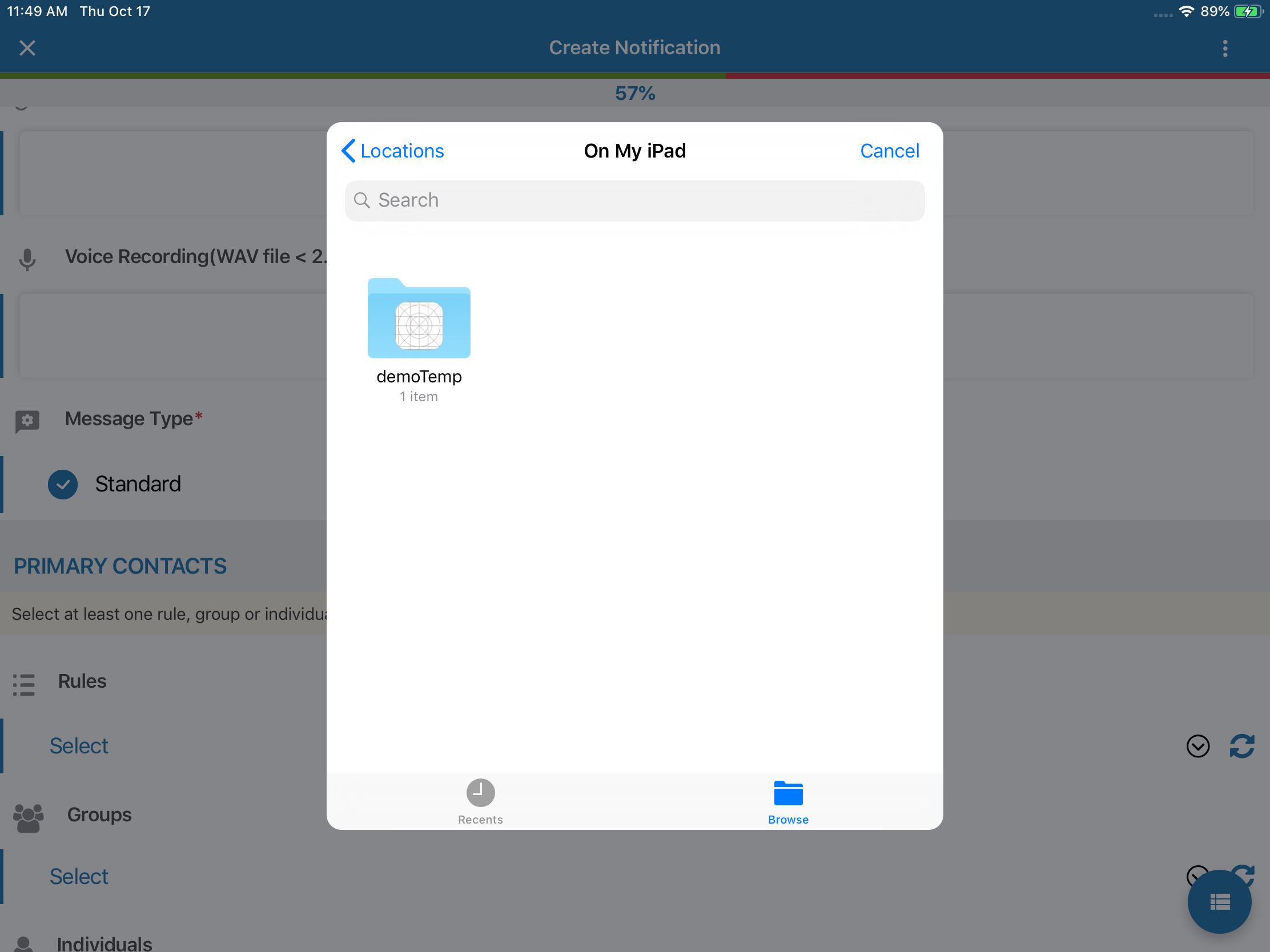
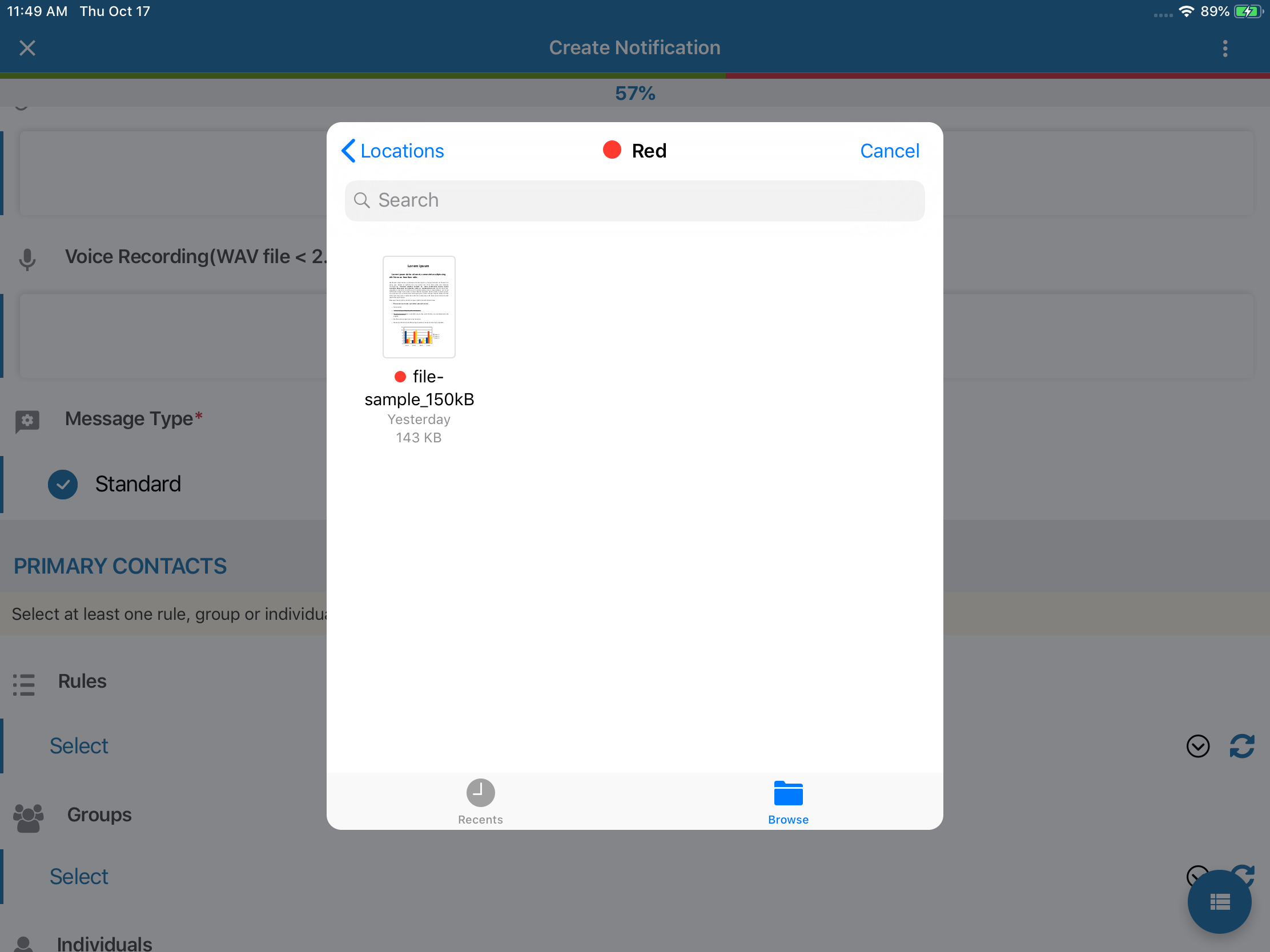
Little addition to this, colour tag your file in ios to find it later in your project application with ease.
 vrnDhmn
on 17 Oct 2019
vrnDhmn
on 17 Oct 2019
hello, I'm closing this because availability of local files is managed by the OS (the files app)
latest ios has this functionality: https://support.apple.com/en-us/HT206481
 vonovak
on 17 Apr 2020
vonovak
on 17 Apr 2020
Related issues
kalyanijamunkar10
·
5Comments
 obstruction6761
·
6Comments
obstruction6761
·
6Comments
 npomfret
·
6Comments
npomfret
·
6Comments
 vsrinivas150283
·
3Comments
vsrinivas150283
·
3Comments
 JeremyBradshaw7
·
6Comments
JeremyBradshaw7
·
6Comments