React-native-calendars: Horizontal scroll in Calendarlist calendarWidth
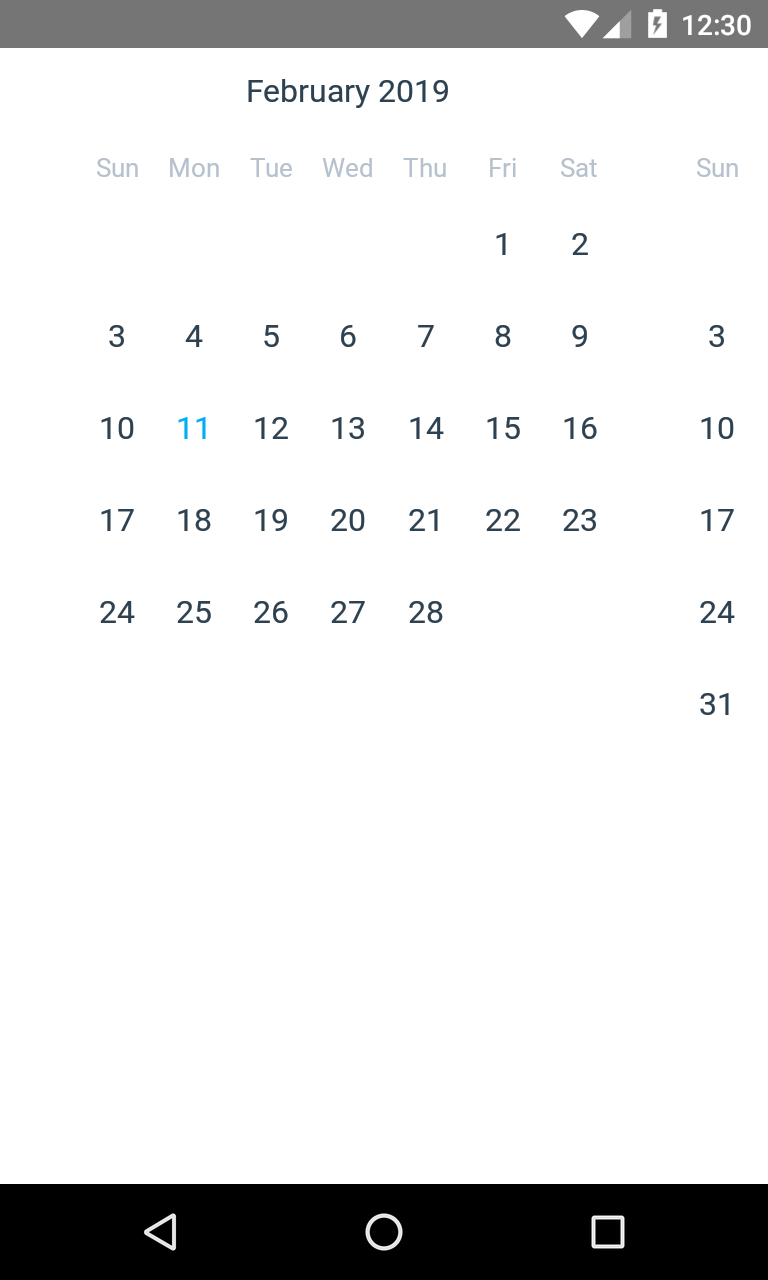
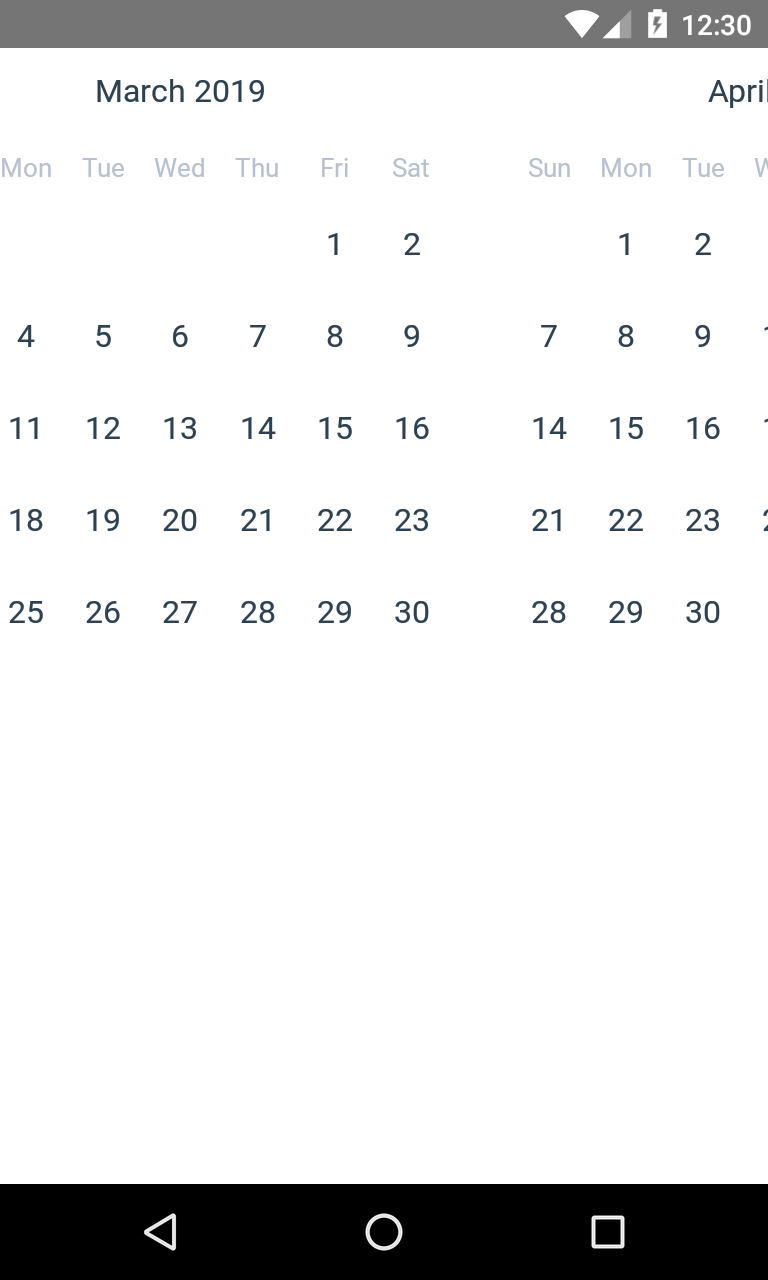
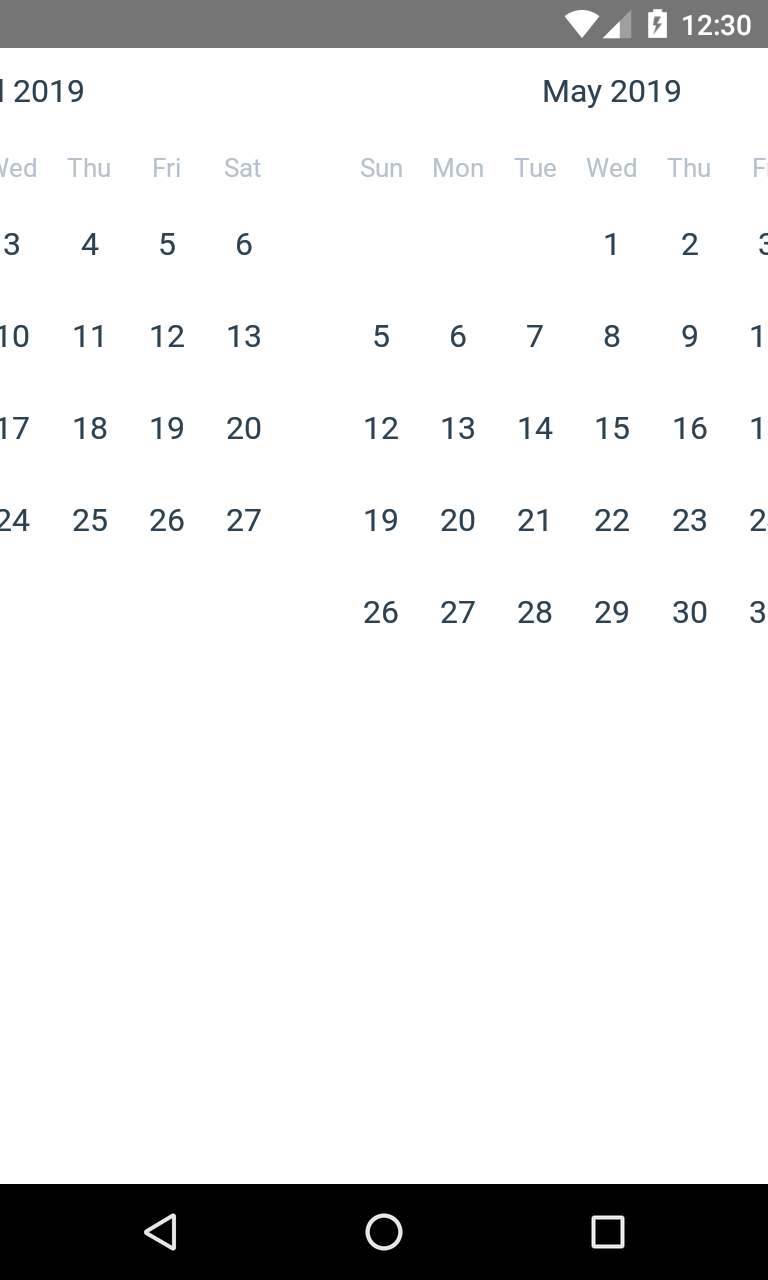
Horizontal scroll in Calendarlist but not properly render when i'm set calendarWidth
horizontal={true}
// Enable paging on horizontal, default = false
pagingEnabled={true}
// Set custom calendarWidth.
calendarWidth={300} <= Not rendering properly
/>
 Jeeva111
All 5 comments
try to add style prop:
<CalendarList
  style={{
    width,
    overflow: 'hidden',
  }}
  horizontal={true}
  pagingEnabled={true}
  calendarWidth={width}
/>
 damikdk
on 11 Feb 2019
damikdk
on 11 Feb 2019
Works Good but i want to display like this

Calendar only!
Jeeva111
on 11 Feb 2019
Oh, I got it. You want to centred month with paging, but paging or centering doesn't work? Can you give more information (GIF would be nice)
btw, I'm not a contributor in this project, but my experience tells me that if you want exactly the same design (with swipe gestures and fancy animations for both Android/iOS), there is some issues.
damikdk
on 11 Feb 2019
Everything works good i want that design means center aligned calendar previous and next months exactly red marked area

Original Gif

Jeeva111
on 11 Feb 2019
@Jeeva111 have you managed to accomplish this? I have a similar issue I want to tackle. I need to find a way to sync months header with the calendar swipe
 kubanac95
on 25 Mar 2021
kubanac95
on 25 Mar 2021
Related issues
 kewin1807
·
4Comments
kewin1807
·
4Comments
 henrikra
·
3Comments
henrikra
·
3Comments
 anishtr4
·
3Comments
anishtr4
·
3Comments
 dobiedad
·
4Comments
dobiedad
·
4Comments
 microwin168
·
4Comments
microwin168
·
4Comments
Most helpful comment
try to add style prop: