React-calendar-timeline: Moving in timeline with mouse stuck sometimes
Describe the bug
Mouse left click dragging gets sometimes stucked.
For example in this sandobox.
When user with Windows 10 machine on Chrome/Opera clicks on timeline with left button and try to drag screen with mouse, timeline gets sometimes stucked in a weird way (look at the gif).
To Reproduce
Open Chrome/Opera on Windows 10 machine and try to go right few times with left mouse click and dragging.
For example in this sandobox.
Screenshots

Not sure if it's well visible on gif, i hold left mouse button (yellow circle around cursor), on third try "horizontal scrolling" cursor icon changes into 'ban icon', and when I release the left button (no yellow circle) it keep acting like it is still clicked (scroll icon still shows up).
I tried it on multiple machines, it's happening only on Windows 10 Chrome/Opera. It's really hard to debug, i can't tell why this is happening.
Library Version
version "0.23.0"
Desktop:
- OS: Windows 10
- Browser: Chrome/Opera (All webkit probably)
- Version: Chrome 71.0.3578.98 (64-bit)
Additional context
Seems very similiar to #182
 lukasirsak
All 19 comments
@lukasirsak I've noticed that from time to time but I couldn't reproduce it. If you have a way to make reproduce easier please share it here so we can help.
 Ilaiwi
on 6 Mar 2019
Ilaiwi
on 6 Mar 2019
@Ilaiwi thanks for reply.
For me it's happening way too often to be usable. (Same demo page from sandbox above):
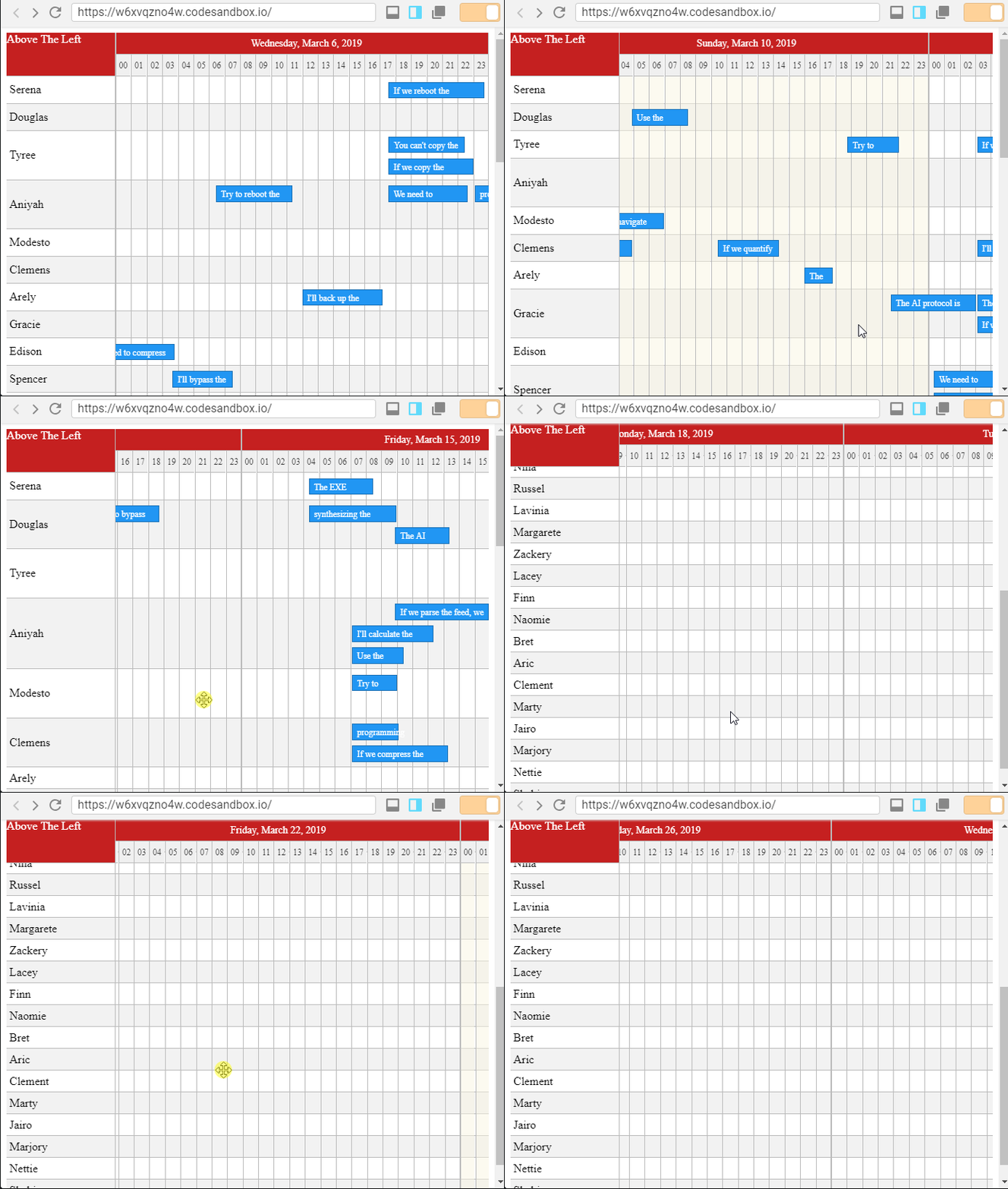
100% sure it's happening only on webkit rendering engine. Trying few times in Edge and Firefox without any scrolling stuck. Because of majority of users running on webkit (Chrome) this is problem for me.
What I tried:
- On empty timeline without items, glitchy
- Downgrade interactjs to 1.2.9, glitchy
- Upgrade interactjs to 1.4.0-aplha, glitchy
- On timeline with only one group, glitchy but much less
So I think this is somehow performance related, when there is many groups it's getting worse. Maybe there is some "time window" which is getting bigger with more groups added to timeline.
I can confirm this behaviour on three windows 10 machines with Chrome.
And that's everything that I know for this moment.
lukasirsak
on 6 Mar 2019
Any Updates on this?
Experiencing the same Bug in v0.25 and Chrome.
 megasus
on 29 May 2019
megasus
on 29 May 2019
I still cant reproduce it
@lukasirsak @megasus
Ilaiwi
on 30 May 2019
Ok, guess I'll do some more testing on different machines, Windows versions and browsers.
Will report back.
megasus
on 30 May 2019
Quick Update
Using this as a reference, I tested on multiple systems and could only reliably reproduce the bug in Google Chrome. These are my results:
OS | Status
------------ | -------------
Windows 10 | can reproduce
Windows 8.1 | can reproduce
Windows 7 | can reproduce
Mac OS 10 | can't reproduce
Ubuntu 16 | can reproduce
If the bug occurs, it happens relatively quickly. A bit of panning in one direction will trigger it.
I did some more investigation and found that sometimes the mouse up event will not fire, therefore the timeline still thinks the user is holding the mouse key down. Clicking again will stop the panning.
megasus
on 31 May 2019
@megasus thanks for update, btw I didn't get any further with this bug.
There should be definitely more users reporting this problem cause of majority of users use windows & chrome and this repository have 5K downloads weekly, so maybe there is something with our implementation.
I mean there is codesandbox which is 100% broken, but it's in iframe which is not what most of people is doing. I will try to reproduce the broken codesandbox in clean project without any other js/css, iframes.
lukasirsak
on 31 May 2019
@lukasirsak Well, i have the same problem when running the examples provided in this repo locally and in my production app. So I guess it's not codesandbox or iFrame related.
megasus
on 31 May 2019
To me it looks like if you drag it on a row that will collapse/expand and you drag it quickly then the cursor turns into a cancel icon and then won't 'let go'. Experienced it once in the wild by a user and reliably in op's sandbox .
 Aequitas737
on 9 Jul 2019
Aequitas737
on 9 Jul 2019
To me, it seems not a performance issue, I did reproduce it in chrome by doing double click on an empty cell then click again once and drag it anywhere,
seems like the browser assuming im trying to drag a row, then it shows cancel icon that i can't drag it, so the onMouseUp event is not fired which is responsible of stopping the scroll.
 KhalidArdah
on 30 Jul 2019
KhalidArdah
on 30 Jul 2019
@megasus @KhalidArdah @Aequitas737 @lukasirsak I published Khalid's solution to Beta
this is the base example with beta
https://codesandbox.io/s/timeline-demo-sticky-header-7wnlu
Ilaiwi
on 31 Jul 2019
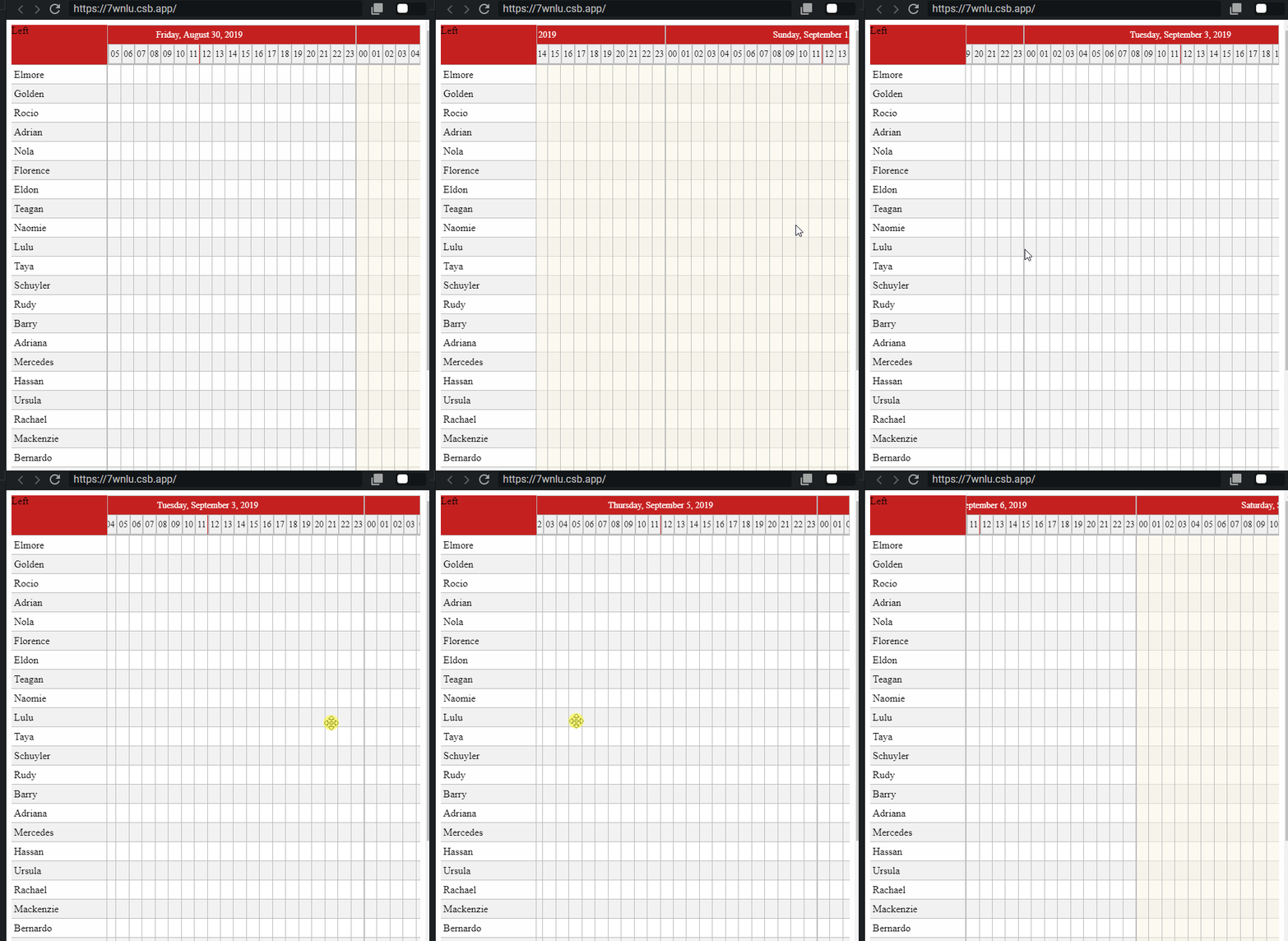
@Ilaiwi no change for me...
lukasirsak
on 31 Jul 2019
@lukasirsak could you try again now. I had a problem with the beta release try to refresh the same codesandbox example and check if it is beta-2
Ilaiwi
on 31 Jul 2019
@Ilaiwi I tried again, this time its not glitchy and its working properly.
@KhalidArdah thanks for fixing this.
I guess this issue can be closed now...
lukasirsak
on 31 Jul 2019
@lukasirsak Thanks. I will close it when I release it.
@KhalidArdah great work!
Ilaiwi
on 31 Jul 2019
@lukasirsak
Just as a side dish, can you let me know which tool you us for your screencast?
 jabidof
on 31 Jul 2019
jabidof
on 31 Jul 2019
@jabidof I used this: https://www.screentogif.com/
lukasirsak
on 1 Aug 2019
Thanks 🙏
Windows based only ☹️🙂
jabidof
on 1 Aug 2019
released in 0.26.1
https://github.com/namespace-ee/react-calendar-timeline/releases/tag/0.26.1
Ilaiwi
on 4 Aug 2019
Related issues
 nirchernia
·
3Comments
nirchernia
·
3Comments
 stahlmanDesign
·
4Comments
stahlmanDesign
·
4Comments
 kevinmeyvaert
·
4Comments
kevinmeyvaert
·
4Comments
 DHerls
·
3Comments
DHerls
·
3Comments
 capt-obvious
·
6Comments
capt-obvious
·
6Comments