Rawtherapee: Making adjustments borks Pop profile
If I select one of the Pop profiles and then make adjustments, it looks like it messes up the settings in CIECAM02.
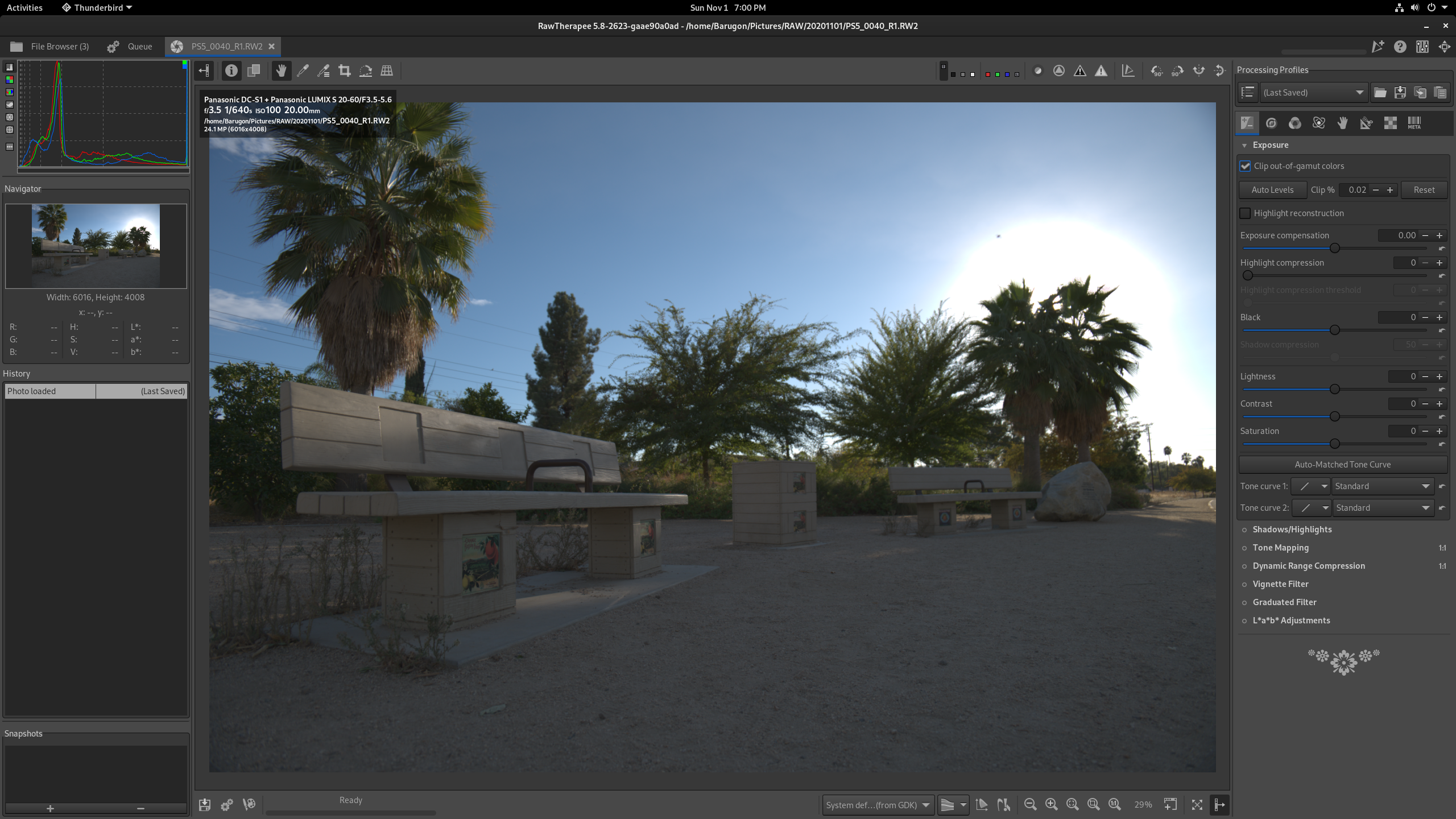
Here is the photo loaded (default profile is Neutral).
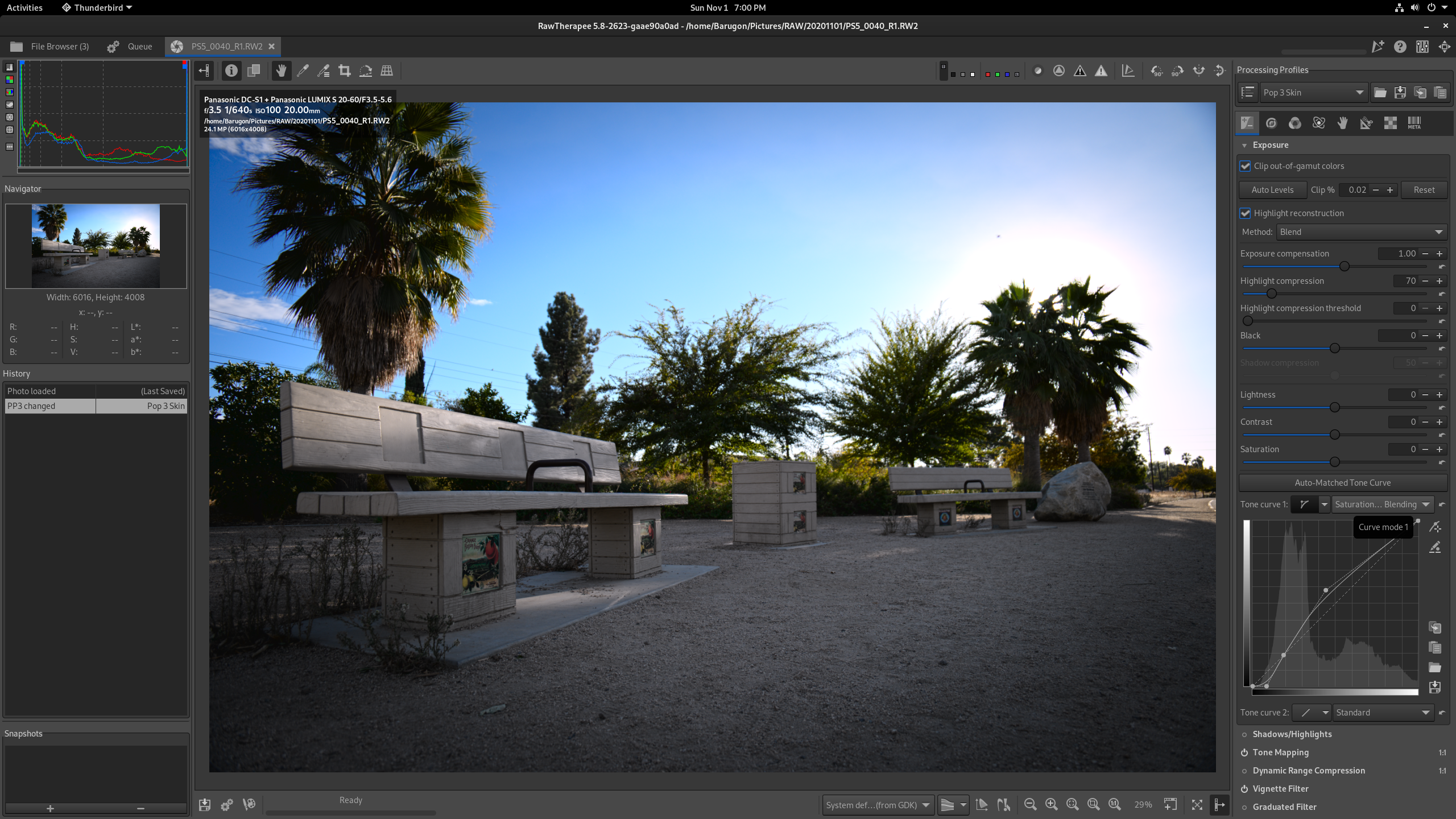
Here I select the Pop 3 Skin profile.
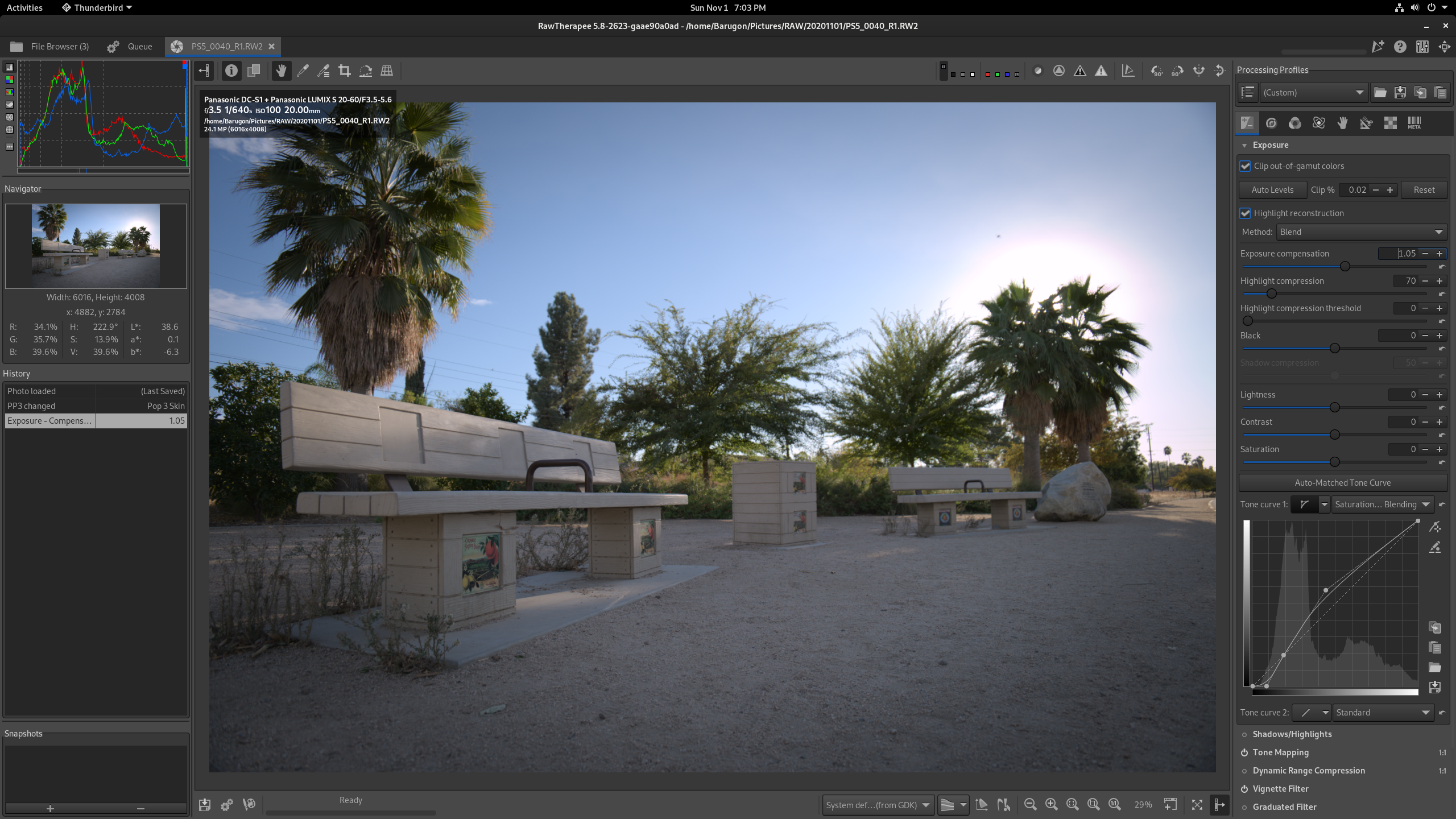
Here is after I bump the exposure compensation by +0.05.
Version: 5.8-2623-gaae90a0ad
Branch: dev
Commit: aae90a0ad
Commit date: 2020-10-27
Compiler: cc 10.2.1
Processor: x86_64
System: Linux
Bit depth: 64 bits
Gtkmm: V3.24.2
Lensfun: V0.3.2.0
Build type: release
Build flags: -std=c++11 -march=native -Werror=unused-label -Werror=delete-incomplete -fno-math-errno -Wall -Wuninitialized -Wcast-qual -Wno-deprecated-declarations -Wno-unused-result -Wunused-macros -fopenmp -Werror=unknown-pragmas -O2 -DNDEBUG -ftree-vectorize
Link flags: -march=native
OpenMP support: ON
MMAP support: ON
Build OS: Linux 5.8.16-300.fc33.x86_64 x86_64
Build date: Tue, 27 Oct 2020 21:03:59 +0000 UTC
Build epoch: 1603832639
Build UUID: 1a3603da-19fe-438b-855b-f3b4665d5fd6
 Barugon
All 11 comments
This was built a couple days ago using the build-rawtherapee script.
Barugon
on 2 Nov 2020
I confirm a bug
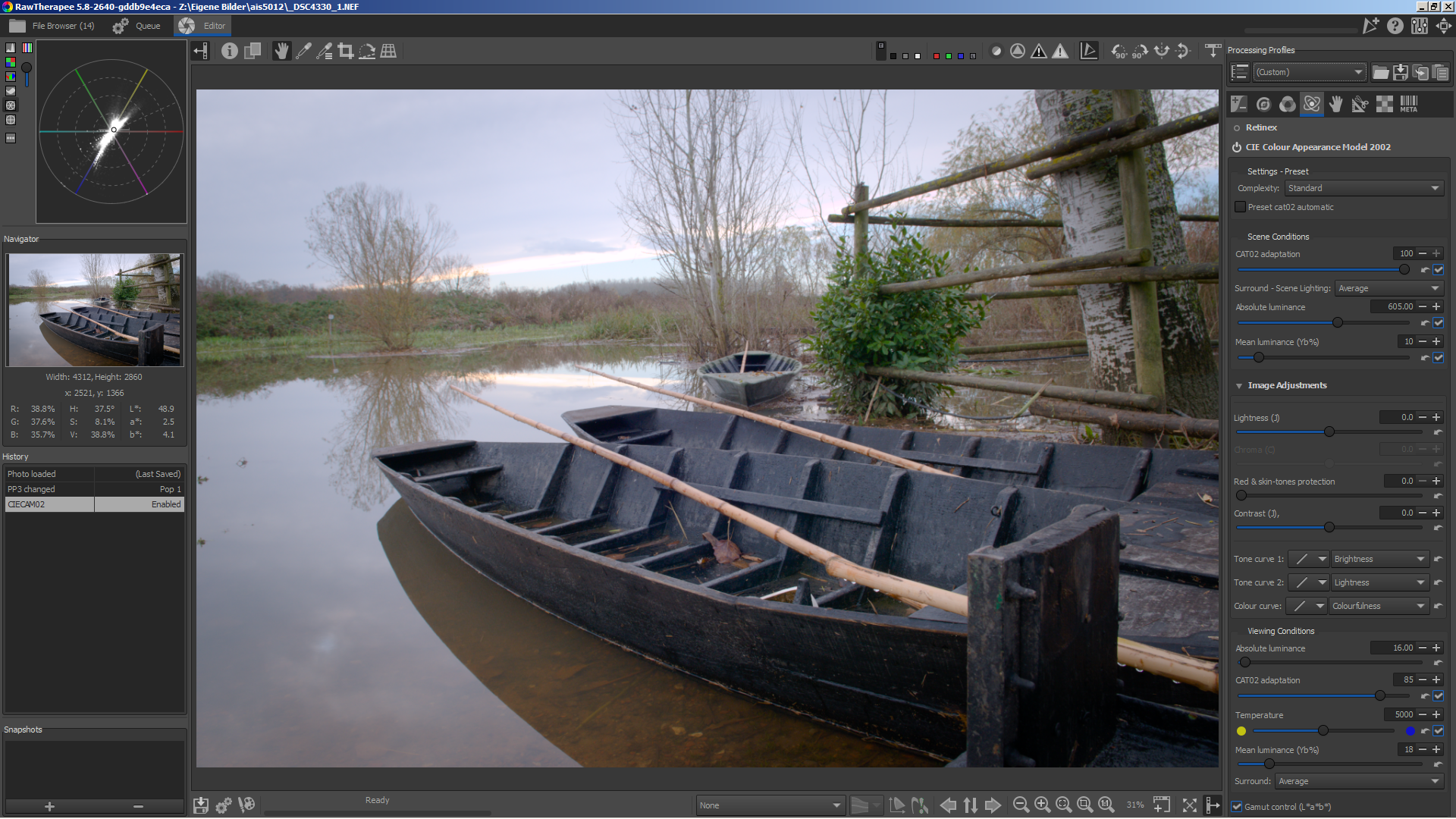
neutral + pop1
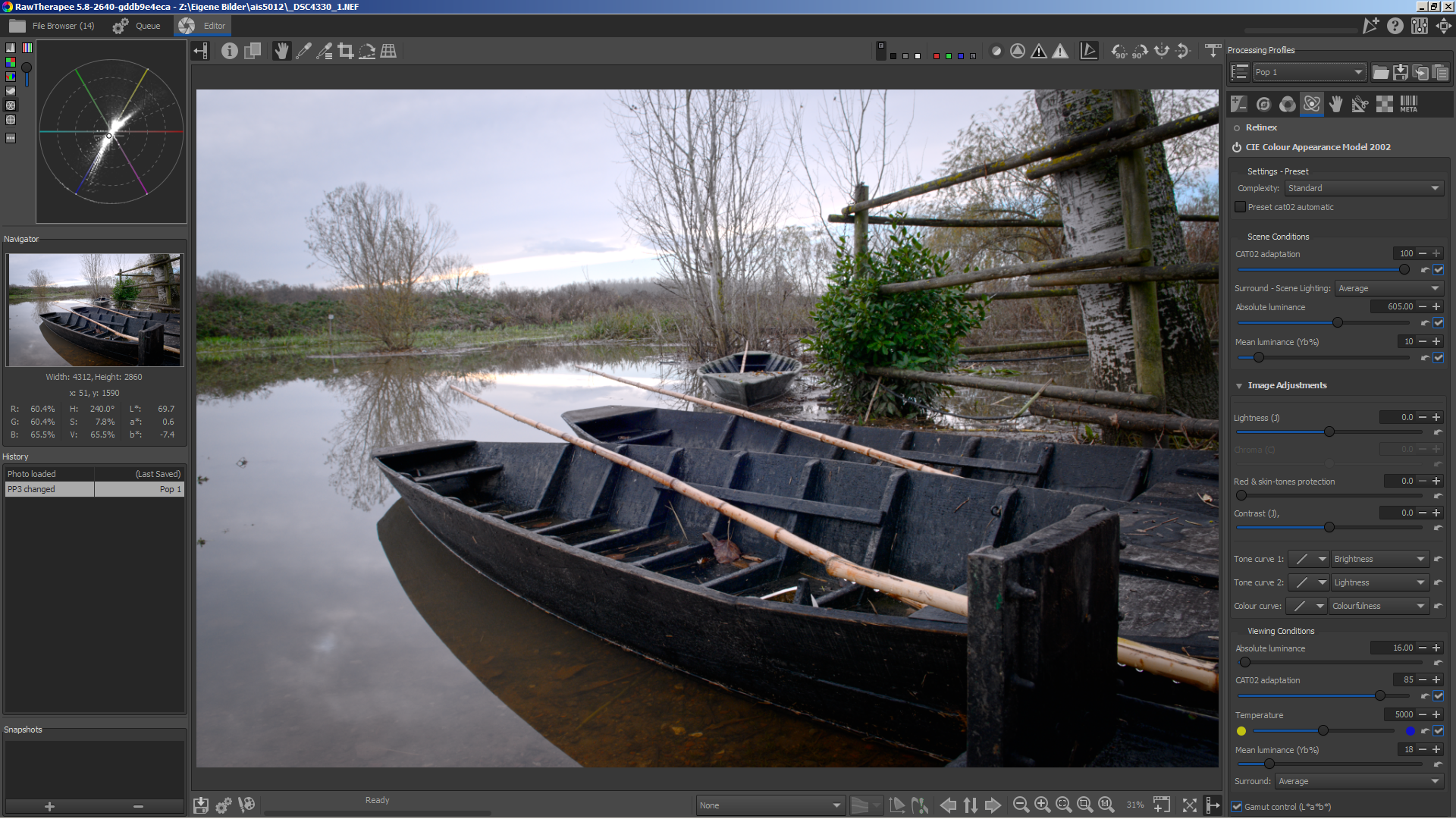
disabled ciecam02
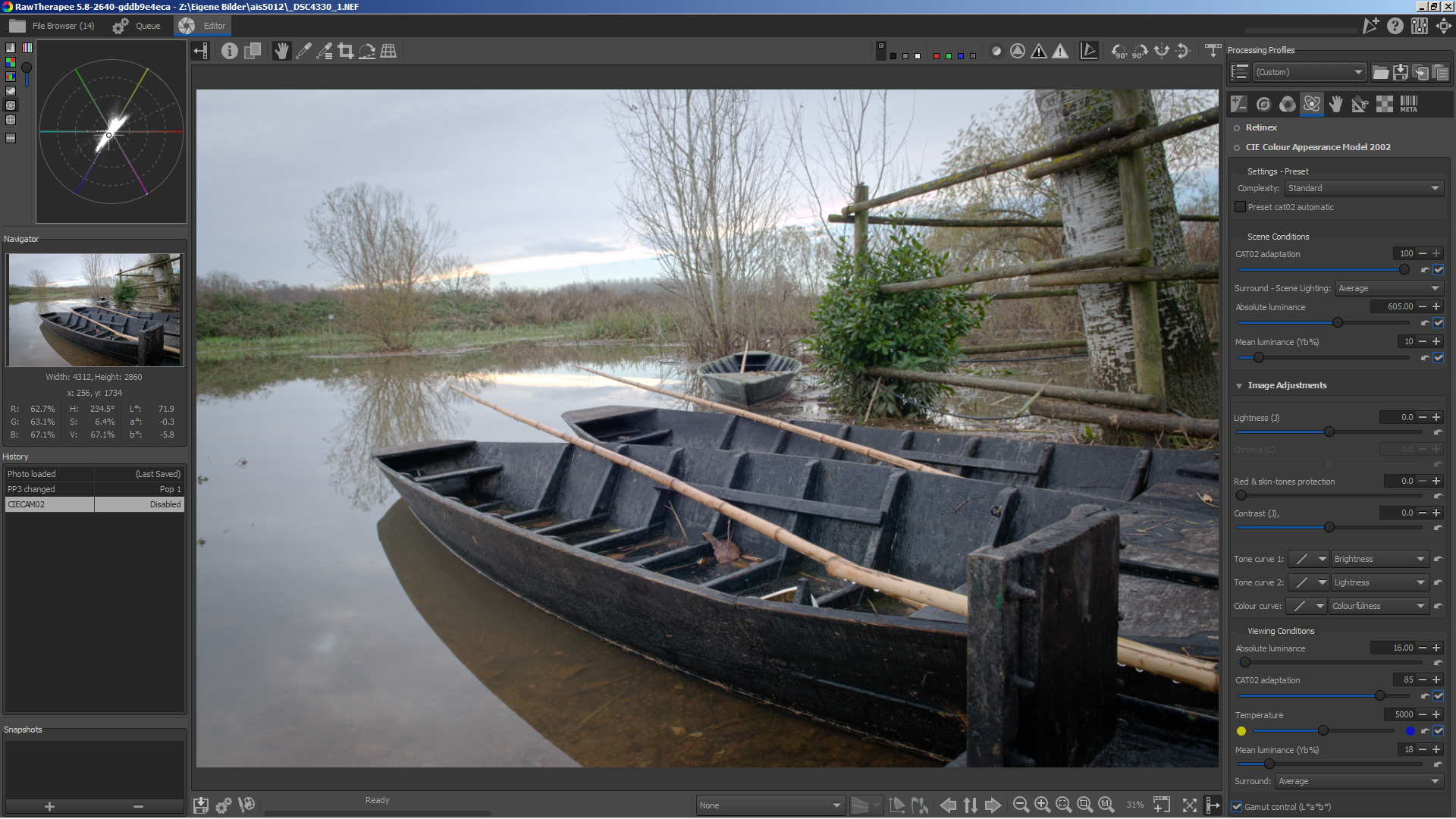
enabled ciecam02 again. Should look the same as the first screenshot
 heckflosse
on 2 Nov 2020
heckflosse
on 2 Nov 2020
Confirmed in e94b981ec, regression.
 Beep6581
on 8 Nov 2020
Beep6581
on 8 Nov 2020
I will bisect...
heckflosse
on 10 Nov 2020
It's this commit 27c4c546ef31a455539a72cc1dd5dcd91fce25b6 which causes the issue.
@Desmis Jacques, any idea?
heckflosse
on 10 Nov 2020
I guess I know how to fix it...
heckflosse
on 10 Nov 2020
@heckflosse
The commit only work on GUI and does not change, algorithm or code....
If you want all the tools (as before) select "advanced"
In "standard " all settings "advanced" are set to default values....It's the same approach with wavelet levels, and with Local adjustments
jacques
 Desmis
on 10 Nov 2020
Desmis
on 10 Nov 2020
@Desmis Jacques, the problem is, that in old .pp3 files there is no complex key. In this case we have to set expert.
I'm just trying that for colorappearance. Perhaps we have to do that as well for wavelets. Local adjustments need no change as there we do not need to be backwards compatible
heckflosse
on 10 Nov 2020
@heckflosse
Yes we must do for wavelet...
I push a change now :)
Jacques
Desmis
on 10 Nov 2020
@Desmis Jacques, thank you for fixing it in wavelet :+1:
heckflosse
on 10 Nov 2020
This is working for me now. Thanks.
Barugon
on 10 Nov 2020
Related issues
 Lawrence37
·
3Comments
heckflosse
·
3Comments
Lawrence37
·
3Comments
heckflosse
·
3Comments
 Floessie
·
5Comments
heckflosse
·
4Comments
Beep6581
·
4Comments
Floessie
·
5Comments
heckflosse
·
4Comments
Beep6581
·
4Comments