Everybody organizes their media differently.
I, personally have all of my movies on a 6tb drive. The structure of the drive is fairly straightforward:
Theatre -
|- Movies - (Year) TheNameOfMovie - (Year) TheNameOfMovie.mkv (or .mp4, .avi etc...)
| |_(Year) TheNameOfMovie.NFO
|
|- Movie Series - Marvel Movies - (Year) TheNameOfMovie.mkv (or .mp4, .avi etc...)
| |_(Year) TheNameOfMovie.NFO
|
|- DC Movies- (Year) TheNameOfMovie.mkv (or .mp4, .avi etc...)
| |_(Year) TheNameOfMovie.NFO
|
|- Star Trek -.........
And so on and so forth.
What I'm saying is that I can add every single small folder individually, but it would be nice to tick a checkbox that forces the program to scan down a level, or something to that effect.
Currently, if I scan my movie series directory, it sees Star trek, and thinks that it is a single movie instead of the 13 individual subfolders.
 deathbybandaid
All 273 comments
Referencing #112 , add the ability to have a "collections" directory, and see what movies are part of a series, but not organized that way. You could then click a button to move them into that style of directory.
deathbybandaid
on 11 Jan 2017
@deathbybandaid I am a fan of KISS when it comes to file paths. We should only support the Plex, Emby, and Kodi base standard of:
Movie Folder\Movie File.ext
You could then symlink the movie folders / files to a new folder if you want something fancy like you have.
 onedr0p
on 11 Jan 2017
onedr0p
on 11 Jan 2017
I don't think symlinking is even needed if real subfolders aren't going to be used; just pull the "collection" information out of the metadata which is how Kodi (and presumably Plex and Emby) determine if a movie is part of a collection or not.
 ShanDestromp
on 11 Jan 2017
ShanDestromp
on 11 Jan 2017
Do I understand correctly that if I have only one "Movies" folder which has all my movies inside (no subfolders) then radarr won't match any movie? Currently only supported organization is for each movie to be in separate folder?
 mmozeiko
on 11 Jan 2017
mmozeiko
on 11 Jan 2017
@mmozeiko hopefully we can add that in future releases.
onedr0p
on 11 Jan 2017
if you want to move your movies to folders, I found a great little program called file2folder.
It will search a directory you point it to can create a folder for every file in there based on the file name.
I.E. File "Avatar (2009).mp4 with create a folder called "Avatar (2009)" and place the file inside it.
Since Radarr is going to create folders for you new movies, you may as well sort them all the same way.
 bakthomas
on 12 Jan 2017
bakthomas
on 12 Jan 2017
Thanks, but I don't want to move files. I like the current setup I have - mainly because I have people accessing movies not only through Plex, but also through samba share, and making them click twice as much (to go into movie folder for actual file) is just not convenient.
I could move them all with simple bash one-liner:
for f in *; do mkdir "${f%.*}"; mv "$f" "${f%.*}"; done
No need for external programs. Or I could rearrange it with hardlinks:
for f in *; do mkdir "${f%.*}"; ln "$f" "${f%.*}/"; done
But then it would be a mess to manage. And it would be a bit ugly to migrate my backup system (I wouldn't want to copy all those "new" TB of files as new and delete current files).
mmozeiko
on 12 Jan 2017
I also store all my movies in one flat folder. I'll keep monitoring this issue :)
 ira787
on 12 Jan 2017
ira787
on 12 Jan 2017
I have similar, yet different issue. With CouchPotato I have no issues, tought.
My Movie folder is a bit of a mess:
/share/Multimedia/Video/Movies
../[ENG]
../movie1/movie1.avi
../movie2.avi
../[FRA]
../movie1/movie1.avi
../movie2.avi
I have tried to import all items in /Movies, but it fails and just a bunch (without reason) items are grabbed.
Here is the log:
QueueService failed while processing [TrackedDownloadRefreshedEvent]: Object reference not set to an instance of an object
System.NullReferenceException: Object reference not set to an instance of an object
at NzbDrone.Core.Queue.QueueService+d__6.MoveNext () [0x000db] in <91bbb96ae11440e188cfe6d98eae7292>:0
at System.Linq.Enumerable+c__Iterator2 2[TSource,TResult].MoveNext () [0x000bc] in <5f01f5aacbb346938d6f9b4e69d4383a>:0 at System.Collections.Generic.List1[T]..ctor (System.Collections.Generic.IEnumerable1[T] collection) [0x0008b] in <a8460a77e67a430a8486a9751162e5f4>:0 at System.Linq.Enumerable.ToList[TSource] (System.Collections.Generic.IEnumerable1[T] source) [0x00011] in <5f01f5aacbb346938d6f9b4e69d4383a>:0
at NzbDrone.Core.Queue.QueueService.Handle (NzbDrone.Core.Download.TrackedDownloads.TrackedDownloadRefreshedEvent message) [0x0003b] in <91bbb96ae11440e188cfe6d98eae7292>:0
at NzbDrone.Core.Messaging.Events.EventAggregator.PublishEvent[TEvent] (TEvent event) [0x000c3] in <91bbb96ae11440e188cfe6d98eae7292>:0
Where should I look at?
 giopas
on 13 Jan 2017
giopas
on 13 Jan 2017
I get this exception with completely empty movie database. So I think this is pretty unrelated to how you organize movies in folders. Seems something related to checking finished downloads with torrent or nzb clients.
mmozeiko
on 13 Jan 2017
I would make each language it's own root folder. For example Try pointing to:
/share/Multimedia/Video/Movies/[ENG]
onedr0p
on 13 Jan 2017
Chiming in as another user with a flat folder setup... Much like mmozeiko I have users accessing my files through other means which definitely is less convenient and pretty.
Push comes to shove I will respect any decision you guys make as a team and will adapt accordingly but figured I would voice my opinion in the matter :)
 theebanka
on 15 Jan 2017
theebanka
on 15 Jan 2017
I'm going to follow this issue. I'm really looking to drop CP completely. But like @mmozeiko said, the less I have to click the better.
 jrdnlc
on 15 Jan 2017
jrdnlc
on 15 Jan 2017
@onedr0p making each language it's own root folder unfortunately does not help.
giopas
on 17 Jan 2017
Make sure with in each language folder the movie files have their own folder. Then try pointing to the language folder.
onedr0p
on 17 Jan 2017
I'll just add that Plex, Emby and Kodi all support a flat directory for movies as well. For the reasons already mentioned here and others, I prefer this for my library as well.
I know there is a lot of work to be done and I really appreciate it. I'm just hoping that for the users like me that prefer to maintain their libraries this way, this will be supported in the future to allow us to move to Radarr.
 ridizy
on 22 Jan 2017
ridizy
on 22 Jan 2017
I honestly don't see it happening. We need to create a standard of each movie having its own folder. Sonarr has a standard of series and season folders. It is not a huge ordeal to Google a way to move a file into a folder of its own name.
onedr0p
on 22 Jan 2017
I respectfully disagree. Yes, putting your movies into directories is a bash one-liner. But changing the way you use your movie library because you want to use a different downloader is much more disruptive and potentially not feasible.
For TV shows (and thus Sonarr) subdirectories make absolute sense. Most shows have multiple seasons and each season has multiple episodes. A folder hierarchy works to keep this organized and manageable. XBMC required this (if not other media players before this).
On the other hand, movies are usually single video files (nowadays). While a directory hierarchy may make sense for some that have to associate multiple files with a single movie, I think for others it will just add overhead and possibly break the way they use their movie libraries.
IMHO the media library should be organized as required by the player/consumer and not the downloader. In the case of movies, all 3 of the abovementioned players also support a single directory. This has the additional benefit of making it easier to consume via other methods such CIFS, DLNA, etc.
I'm not asking to have it only one way, but it would be great if there was a supported option (like CP has) to keep all the movie files in a single directory for those that like it that way or those that are using players that will only work/work better that way.
ridizy
on 22 Jan 2017
@ridizy The problem is, this will require a significant rewrite of the Radarr backend. Additionally, I have seen a lot of movie releases that come with trailers, nfos and subtitles. I don't think we will be supporting this kind of structure for the first release (v0.2). Anyways, you do not have to add your existing collection. It will not bring you any great advantage.
 galli-leo
on 22 Jan 2017
galli-leo
on 22 Jan 2017
Thanks @galli-leo. For those additional files - my post-process script embeds the subs in the video file and nukes the rest as I don't use them. But I fully appreciate that others do and a directory structure makes sense for that.
I understand that Radarr is a great effort and still very useful without importing the existing library and I'll continue to test it and support it. I just hope that at some point in the future you're able to add this feature request. Thanks again!
ridizy
on 22 Jan 2017
@ridizy I won't pretend to know jack about Plex and the other media players, but in Kodi/XBMC's case it uses associated files (poster.jpg, movie.nfo subtitles etc) to to enhance the experience (EG showing you the poster art instead of a text list); as well as a hidden folder named .actors which is used exclusively for head-shots of the cast (in case you didn't know, you can select actors in a given movie to see what other movies you have with them in Kodi).
This is how one movie looks for me:

If that were flat-foldered with all of my other movies it would be an absolute mess (and would break the actors function in Kodi amongst other things).
As @galli-leo and others have mentioned a "custom folder" setting is a lot of work for a small benefit. Again, not an expert but I would think the only "consumer" that requires a flat-file hirearchy might be "smart" TV's and similar devices; which I would gauge are probably in the minority of most Radarr users.
In that case it's more a matter of "what people are used to / prefer" vs "what they need."
What I think would be easier (to code) would be perhaps allowing for a custom "post processing" function from Radarr. What I mean is,
- Radarr grabs the release and sends it to the downloader
- downloader marks it complete
- Radarr imports to collection, and does it's verification / scraping (making sure it meets the quality cutoff etc)
- If "post processing" is enabled, passes it along to a script which does with it what you want (eg moving it to your "final" movie directory
Think of it similar to NZBGets extension scripts.
Now please don't get me wrong, I am definitely all about choice and having it "your way" but I agree with the others that this should be a very low-priority thing.
ShanDestromp
on 22 Jan 2017
Thanks @ShanDestromp . That is the beauty (limitation?) of Plex. It pulls all of that metadata and content down without you having to supply it.
And thanks for the pos-processing idea. For now, I am just setting my "Standard Movie Format" and my "Movie Folder Format" in the renamer to the exact same thing. In my (admitedly very limited) testing, this ends up putting the movie in my root directory. But I could possibly run a script using the Connect / Notifications functionality that is already there from Sonarr if this proves to be inconsistent.
ridizy
on 22 Jan 2017
Another fringe case is that files stored on amazon cloud drive are able to scan their libraries quicker if not nested in directories.
 danielloader
on 11 Feb 2017
danielloader
on 11 Feb 2017
After deliberation, we've decided that we will only support the Plex folder structures.
/Movies/MovieName (release year).ext/Movies/MovieName (release year)/MovieName (release year).ext
Edit: Due to some confusion, we will be supporting tags other than name and year in both the folder and file names. This is meant to illustrate only supporting the two schemes of single, flat folder structure and single nested folder structure.
 fedoranimus
on 11 Feb 2017
fedoranimus
on 11 Feb 2017
Considering both Plex and CP both support the following nested structure
/Movies/Release Year/MovieName (release year).ext

id have expected the same here, else i cannot migrate to this platform cleanly without full support. To me logically this structure makes more sense for large libraries than having to query thousands of folders. Hopefully this is added as radarr has the best UX design.
 freakz81
on 17 Feb 2017
freakz81
on 17 Feb 2017
I second @freakz81. I have nearly 2k movies on my server and depend on /Movies/Release Year/Movie name/Movie name (media info and such).ext
All I really need added is the ability to add / in my Movie Folder Format.
 Mnementh
on 17 Feb 2017
Mnementh
on 17 Feb 2017
Additional folders structures could be supported in the future, but it will require a significant re-engineering effort which we do not have the bandwidth to support at this time.
We're not saying it's a bad idea, just that it's not pragmatic at this time.
fedoranimus
on 17 Feb 2017
@fedoranimus awesome news to hear you're planning to support the Plex folder structure - any rough ETA on this?
 zacdavies
on 18 Feb 2017
zacdavies
on 18 Feb 2017
Maybe I'm oversimplifying this but I don't see why this was done in the first place. It seems like more work from a coding perspective for less functionality for the user. I don't program much but I would think scanning exactly one level down from a folder would be a little more involved than scanning eveything in a folder and all subfolders.
Can't it just be changed to scan from the root folder on down? Wouldn't that cover every use case scenario? Wouldn't that work whether you like your movies in sub-folders with a bunch of other files or you prefer one folder with only video files?
Also, I think what many people fail to realize (or did until now) when saying this is low priority is that Plex (and maybe others) doesn't need all those extra files and it gets them automatically and stores them within Plex. I'm willing to bet the majority of Plex users use a flat folder for movies and this means Plex users can't use this until this is supported, unless they restructure their entire library. That is not always practical if you have other programs using the library, like a torrent program seeding hundreds of files from it that you have to manually change the download location for.
 bobbintb
on 4 Mar 2017
bobbintb
on 4 Mar 2017
Maybe I'm oversimplifying this but I don't see why this was done in the first place.
We forked Sonarr, which doesn't do it.
Feel free to help contribute if you feel like you need this functionality any faster. We're doing our best at getting other things out of the way because this feature will take a lot of time and testing before it gets released.
Also, I think what many people fail to realize (or did until now) when saying this is low priority is that Plex (and maybe others) doesn't need all those extra files and it gets them automatically and stores them within Plex. I'm willing to bet the majority of Plex users use a flat folder for movies and this means Plex users can't use this until this is supported, unless they restructure their entire library.
I've been using Plex for 4 years and I have been storing my movies like this for as long as I can remember. Some of my movies have custom subtitles and artwork that I liked included in the movies folder incase my Plex needs to be reset, or I switch away from Plex.
--
We hear the concerns of the people using radarr and we are doing our best to accompany requests.
onedr0p
on 4 Mar 2017
Ah, well I knew Sonarr organized files that way but I didn't think it scanned that way. Based on the discussion I got the impression that when Radarr was forked it was assumed everyone put movies in sub-folders and changed the code to do limited scanning. I'm not complaining though, I know how it is. I'm just excited to have this, period. I definitely don't expect it to be perfect at this stage.
Like I said, I'm not much of a programmer but I was definitely planning at looking at it too see how it works and see if I can contribute. I haven't looked at it yet but regarding the suggestion I made, does anyone think that could work?
bobbintb
on 5 Mar 2017
Not sure if this relates to this, but is there a way to add different folders so that Radarr searches all the folders in the list for a movie and auto updates the location of that movie? I have a few libraries, which are each broken down by folder, (In Theaters, Movies, Movies -Kids, etc.). Currently, Radarr thinks a certain movie is in the "Movies" folder, but it's really in the "In Theaters" folder. With CP, you were able to add all folders in your library, and it would just combine all of them in the application and update as the movies were moved so it didn't show as missing.
Great job with Radarr! Really look forward to future updates. Sonarr is amazing.
 jojogrosso
on 5 Mar 2017
jojogrosso
on 5 Mar 2017
Not sure if this relates to this, but is there a way to add different folders so that Radarr searches all the folders in the list for a movie and auto updates the location of that movie? I have a few libraries, which are each broken down by folder, (In Theaters, Movies, Movies -Kids, etc.). Currently, Radarr thinks a certain movie is in the "Movies" folder, but it's really in the "In Theaters" folder. With CP, you were able to add all folders in your library, and it would just combine all of them in the application and update as the movies were moved so it didn't show as missing.
Great job with Radarr! Really look forward to future updates. Sonarr is amazing.
Not really related but I'll try to answer. You're trying to add multiple source folders? I might be wrong, don't have access right now, but I believe you can add another folder when you search for a movie to add to you're watch queue. That's how I recall it being for Sonarr. I remember thinking it was in a weird place when I tried to change it in Sonarr.
bobbintb
on 5 Mar 2017
Not really related but I'll try to answer. You're trying to add multiple source folders? I might be wrong, don't have access right now, but I believe you can add another folder when you search for a movie to add to you're watch queue. That's how I recall it being for Sonarr. I remember thinking it was in a weird place when I tried to change it in Sonarr.
I think it works with Sonarr because all of the TV Shows are in 1 parent folder. With movies, I think many people have many different folders and I can't seem to find a way to add all these folders to a "list" that Radarr constantly searches for any changes made to any of the movie files in any folders. Currently, it seems if the movie was supposed to be in folder "A", it will always look for it in folder "A", even if you move it to folder "B", it won't see it.
Hope I explained it a little better.
jojogrosso
on 5 Mar 2017
@onedr0p Thanks, but I don't think I'm talking about the same issue. Let me try again. I'm fine with having the movies in "/Movies/MovieName (release year)/MovieName (release year).ext" format. I just have more than one "Movies" Folder. So I have some in:
/Movies/MovieName (release year)/MovieName (release year).ext
/Movies-In Theaters/MovieName (release year)/MovieName (release year).ext
/Movies-Kids/MovieName (release year)/MovieName (release year).ext
Currently, I only see a way for it to scan 1 folder (like it was in Sonarr with TV Shows). So if I select /Movies-In Theaters/MovieName (release year)/MovieName (release year).ext path for the movie when requesting it in Radarr, and then 10 days later, move it to /Movies/MovieName (release year)/MovieName (release year).ext - Radarr will see the movie as missing. The only thing I am asking here is if there is a way to add all folders your movies are stored in to the Radarr library to scan?
/Movies/
/Movies-In Theaters/
/Movies-Kids/)
CP had this in the "Manage" settings and called it "Movie Library Manager", if that helps at all. I could be missing this option as well.
Thanks again! I really like Sonarr!
jojogrosso
on 6 Mar 2017
You can add multiple root folders, just like in Sonart.
onedr0p
on 6 Mar 2017
I go to Movies, then Add movie, I tried Bulk Import Movies and Import Existing Movies on Disk - the movies aren't being picked up, and movies are being downloaded when they already exist. When I click on it, all the folders come up under "Recent Folders". Am I doing something wrong or does it have to be entered somewhere else? How often does Radarr scan the root folders after they are set?
For example, Finding Dory is in the Kids folder, which I thought scanned or added yesterday, and for some reason that movie downloaded today, probably from the TMDb lists that are configured.
jojogrosso
on 6 Mar 2017
You need to configure and bulk import per root folder.

I have 3 paths set up to use with Radarr, each containing different movies.
onedr0p
on 6 Mar 2017
Make sure your movies are showing up as downloaded after importing them. If they aren't check logs as to why they weren't added. Feel free to hit me up on discord if you need more help. Here is not the place.
onedr0p
on 6 Mar 2017
I know the above postings have their own custom requests, but I would like to submit my own suggestion below.
I have one main movies folder that contains folders (and the files inside) that utilizes the original scene names it was downloaded with. Plex has no problem deciphering them, and with a quick glance, I know from which group it came from.
Sometimes, I will add another version of the same movie into that folder; either a smaller version or version with AC3/AAC, instead of DTS, so that Plex users who can't play one format can play the other. Having multiple movie folders, with their corresponding scene names, helps me quickly determine if alternative versions exist and Plex has no issue with merging them.
Having Radarr support this would make it future proof for if/when Radarr starts allowing multiple versions of a single movie to be downloaded (see this and this).
Example:
- /movies/ORIGINAL SCENE NAME FORMAT/ORIGINAL SCENE NAME FORMAT.ext
- /movies/ORIGINAL SCENE NAME FORMAT FOR ALTERNATIVE VERSION/ORIGINAL SCENE NAME FORMAT FOR ALTERNATIVE VERSION.ext
Radarr (and Sonarr) allow the files to keep the original filename with the "{Original Filename}" tag. If Radarr allowed that tag to be used for the folder name as well, then that would work perfectly for me.
tl;dr: Would like original scene names for folder and file names; Plex has no issue recognizing them.
 desimaniac
on 11 Mar 2017
desimaniac
on 11 Mar 2017
@desimaniac That's already working on a separate branch. Needs testing and will be merged shortly afterwards.
galli-leo
on 11 Mar 2017
@galli-leo Very cool! Thanks!
desimaniac
on 12 Mar 2017
I'm another Plex + Sonarr user, and have my folders in `/Movies/[first-letter]/[movie-name]' layout - and this is the first thing I looked for when installing (though I did go look in the source as well tbh).
With just under 7,000 movies (the cloud backup of 10tb has taken 3 months so far, but limiting speed to not interfere with my normal net use), having them as separate root folders seems like an "ok" workaround for now - though would much rather be able to have a single root and do everything relative to that, so count this as another vote for wanting it together with some figures for the need ;-)
 Rycochet
on 15 Mar 2017
Rycochet
on 15 Mar 2017
@Rycochet Looks like Plex may be headed towards something that might be useful for you without having to organize folders that way. Here is a screenshot I took from the new web app...

Now if there was only a way to save that/make it a permament search filter (eg "Titles that start with letters >>> A, B, C, ... ").
Or even allowing us to save our own custom smart filters/playlist (à la iTunes). Perhaps a request on Plex forums?
desimaniac
on 16 Mar 2017
?
That's just a search filter.
bobbintb
on 16 Mar 2017
@bobbintb It is. I was just indicating that this could be a permanent search filter, if Plex allowed it, as a workaround for Ryochet's case.
desimaniac
on 16 Mar 2017
@desimaniac Actually - the movies are stored on a couple of separate external drives (my internal 40tb RAID got filled up), with hardlinks going to a root Movies/ folder - though even when on the same drive I prefer to separate them that way as it makes navigating / finding a lot quicker.
Rycochet
on 16 Mar 2017
I have been using Plex since 2008 and since then I've always had a flat movie folder structure. I've never had a single issue. I've been using CP since 2008 as well and just recently came across radarr - I love the UI and all the features but I can't get over how there's no support for flat folders. Please implement this so I can keep track of downloaded movies. Currently I have to just delete the movie out of radarr when I know it has completed successfully. I understand the concern for multiple files that may come with each movie but I've never had that conflict while running Plex. All subtitles are included inside media container and supporting artwork is stored in a separate location. I enjoy having a flat folder structure so I organize by type, size, etc... I can't do that if all my movies are stored inside another folder. This could be resolved with a UI switch to allow users a choice of flat folders or subfolders. Please take under advisement.
 iFlip721
on 16 May 2017
iFlip721
on 16 May 2017
@iFlip721 As I have explained countless oder times :), I really want to support this. The main blocker is not my concern for subtitles, etc. but rather the difficulty in implementing such a feature. We are a fork of Sonarr. And a lot of Sonarrs and thus our code is heavily dependent on movies being in one folder. I have no idea what stuff would / can break even, when we start implementing it. You could add a post processing script to hardlink/symlink the movies for you. Then you could keep using Radarr normally and a flat structure for sorting.
galli-leo
on 16 May 2017
Sonarr already has a setting to disable seasons folders. Isn't this essentially the same thing, just reworked a little?
bobbintb
on 16 May 2017
He meant that Sonarr requires each show to be in separate folder. Radarr simply replaces "show" with "movie". Can you have multiple shows in same folder in Sonarr?
mmozeiko
on 16 May 2017
No, as far as I know you will still have a folder for each series
 reknaus
on 16 May 2017
reknaus
on 16 May 2017
@bobbintb @mmozeiko That's what I meant (Sorry if that was unclear, I typed it on my phone :)).
galli-leo
on 16 May 2017
Right, but instead of replacing "show" with "movie", perhaps it should replace "season" with movie and eliminate "show". Conceptually, this is essentially trimming Sonarr down to handle only one "show", with each movie being an episode, the only episode in the season. This is strictly from a hierarchy perspective. That's kind of what I meant when I said it seemed like Sonarr had this ability in the first place but it was removed in the fork. It seems like working it from the perspective of a movie being an episode rather than a series would work. I realize it has already been forked and maybe it's more difficult now; maybe it would have been easier if it had been done this way from the beginning. Again, I haven't looked at the code much, maybe I'm oversimplifying it. I'm not trying to offend or argue. It just doesn't seem as complex to me because it still leverages Sonarr's code to a great extent, just as it does now. It doesn't seem to me like a big feature implementation. The feature is already in Sonarr. The hierarchy just needs to be trimmed from the other end than how it was when it was forked.
bobbintb
on 16 May 2017
@bobbintb Yeah it's kinda too late for that now. We already implemented all the code related to that, so no turning back now. But I don't think it would have been easy to integrate it that way anyways. A Season in Sonarr is practically nothing more than a list of episodes (AFAIK). Thus it wouldn't have really been feasible to get the complexity of movies by redoing the Seasons in Sonarr. And believe me, if it were that easy, I would have implemented this a long time ago. While it seems the feature is already in Sonarr, this is not really true and doesn't give justice to the way Seasons are handled in code. An example is the periodic disk rescan of the Series (or in Radarr's case Movie) folder. This logic will have to be completely rethought for this feature. This example also shows why the Season folder yes / no switch is not really the same feature.
galli-leo
on 16 May 2017
Ah, fair enough. It works great even in this early stage and I'm excited for the future. Hard links are good enough for the time being.
bobbintb
on 16 May 2017
I can respect the difficulty in moving from the Sonarr folder structure to a flat structure. Currently I have the renaming feature turned off and I allow SABNZBD to handle all the renaming (for the time being). The naming structure follows the exact syntax/regex as Radarr would've handled the renaming (if I was allowing Radarr to rename) = [Title - (year).%ext] and so forth. So after renaming the folder all Radarr would essentially have to do is identify if that file name exists rather than identify if the folder name exists with a file complimentary to the folder. I was hoping that would work but to no avail. I appreciate all your hard work on this project and look forward to any new updates in the future.
iFlip721
on 16 May 2017
Looks like there's already been a fair bit of discussion on this, but thought I'd contribute nonetheless :)
I use a films/decade/title (year).ext structure - no major reason for that other than when I first started collecting them, the folders were getting too big to display them all in one folder.
I actually don't have a problem per se moving to /films/title (year)/title (year).ext structure.
The issue for me though is the impact on Plex. In _theory_ I could just move everything to a new folder structure and let Plex re-scan - but quite frankly this would be a disaster for me, for two key reasons;
- I custom change a lot of the metadata - especially parental ratings, which I force to UK (as although Plex is set to use UK, it doesn't always do it, and use the ratings to allow contents for the children to watch), custom sorting titles (so James Bond films all appear together in the right order), posters etc.
Letting Plex rescan would risk remove these custom changes. Especially because of ...
- ...the other, slightly more complex reason, is that if you have ever (since you started using plex) switched to a different matching agent (and bear in mind the available agents have changed over the years), if you then do a rescan, plex won't match your moved file to the original file - you'll get a duplicate entry, as it matches based on the guid of the agent used to match it to begin with, but if the agent is different, the guid changes, and it is treated as a different file.
Granted, this is a Plex issue not a Radarr one, but I thought I'd offer a couple of reasons why it might be difficult to simply re-structure all files.
I might just try setting radarr to download in a silo'd folder and manually move them, but am also considering having a custom folder for radarr to use for new films it's grabbed, so I end up with..
films/decade1/title (year).ext
films/decade2/title (year).ext
films/radarr/title (year)/title (year).ext
Again, not mega precious, but do like things organised consistently, and a little bit of me might just feel a little sad having some files in a different structure from everything else ;-)
 extrobe
on 18 May 2017
extrobe
on 18 May 2017
@extrobe
If you want to keep your custom folders and can script a little, you can try this:
https://forums.ombi.io/viewtopic.php?f=20&t=27
You can adapt it for your purpose in an on-grab script. Have a main download folder, then query the Radarr API using the movie id variable to get the year of the movie and change the download location before it downloads. I do something similar with qualities.
bobbintb
on 18 May 2017
something like this would help separate 3D Version of the same movie. Right now it's impossible for both of them to exist.
Either we need a way to allow multiple files in the same directory (2D & 3D version) [Which I don't think is a good idea]
Or multiple file location for 2D & 3D Version... ie:
+--------Movies Title Folder
+-----------2D Movie Title Folder
+-----------3D Movie Title Folder
Or
+--------2D Movies Folder
+----------Movie Title Folder
+--------3D Movies Folder
+----------Movie Title
 mbze430
on 16 Jun 2017
mbze430
on 16 Jun 2017
I am really sad flat folder structure has not been implemented yet. Loosing hope in ever being able to test Radarr. I would absolutely love to try it, but sadly there is little point if it won't play well with my library. What a shame.
 wants-to-play-with-radarr
on 30 Jun 2017
wants-to-play-with-radarr
on 30 Jun 2017
@wants-to-play-with-radarr
At this point and the current state, I'm really only using Radarr to monitor for new stuff. I am using the flat folder structure and so I can't use Radarr to manage my collection without drastically changing my folder structure.
 darknessgp
on 3 Jul 2017
darknessgp
on 3 Jul 2017
@wants-to-play-with-radarr Currently working mostly alone on this project (in between school) so I don't really have the time to implement something as complex (to add to the Sonarr code base) as flat folder structure to Radarr. It will be in the final release of v0.2, but no idea when that's going to hit (at least a few months out still. You could circumvent the flat folder structure requirement with sym / hardlinks and scripts though. Should be relatively easy to setup.
Tbh, I still don't really see the appeal, especially when you have such good programs as Plex or Kodi for watching stuff.
galli-leo
on 3 Jul 2017
IMHO, the biggest functional downside is that it doesn't recognize movies
you already have that are organized in a flat structure. Additionally, you
forked software that was designed for television series, which has a very
specific and fairly standardized structure. There are actual reasons to
structure TV series that way. Plex documentation explains many of the
reasons. Movies, however, do not benefit from those requirements. It's a
complexity that is unnecessary (again just my opinion).
I can think of another option that, if more feasible to implement, would be
just as good as far as I'm concerned. Make the import functionality
recognize movies that are not in folders and give the user an option to
bulk select these titles for organization in the folder format that Radarr
requires. This has an important benefit: It will allow users to migrate
their existing movie collection so that it matches the format Radarr
requires, and also allows Radarr to detect those movies (whereas now it
does not recognize them at all). If you did this, you'd need to make sure
to organize all files related to a single movie (subtitles, posters, etc).
I'd go by Plex rules
https://support.plex.tv/hc/en-us/articles/200381023-Naming-Movie-files.
Having said all that I understand you're on your own and don't have much
time. But I think it's easy to complain. I simply appreciate that we have
an alternative to Couch Potato for once. I don't know what language Radarr
is primarily coded in, but if there's any C++, Python, or C# I might be
able to help out.
Thanks for everything you've done up to this point. While I recognize you
don't have much time, as far as priorities go this issue seems to be one of
the top ones based solely on the feedback you've received. Hopefully it
gets some attention at some point!
On Mon, Jul 3, 2017 at 9:18 AM Leonardo Galli notifications@github.com
wrote:
@wants-to-play-with-radarr https://github.com/wants-to-play-with-radarr
Currently working mostly alone on this project (in between school) so I
don't really have the time to implement something as complex (to add to the
Sonarr code base) as flat folder structure to Radarr. It will be in the
final release of v0.2, but no idea when that's going to hit (at least a few
months out still. You could circumvent the flat folder structure
requirement with sym / hardlinks and scripts though. Should be relatively
easy to setup.Tbh, I still don't really see the appeal, especially when you have such
good programs as Plex or Kodi for watching stuff.—
You are receiving this because you are subscribed to this thread.
Reply to this email directly, view it on GitHub
https://github.com/Radarr/Radarr/issues/153#issuecomment-312657608, or mute
the thread
https://github.com/notifications/unsubscribe-auth/ABr6dk7a43l_GpafB4kKwuQOYWoTHwFgks5sKPgygaJpZM4LgpZl
.
 rcdailey
on 3 Jul 2017
rcdailey
on 3 Jul 2017
@rcdailey Radarr is mostly written in C#, so you could try digging around the source code and see if you can help with something.
Regarding the thing about the bulk importer recognising / transitioning to the other structure. I agree that that would be a very cool solution, though with the current bulk import pretty much impossible to integrate without rewriting it.
I have started working on such a thing (as it also would require some api changes), but kinda abandoned it since it was still very slow. Once I have enough time, I might get back to it, but redoing how Radarr sees folder / files might be the better option in the long term. (Though I just don't have the time for that currently and - tbh - not really interested in adding it, since I wont be using it. Nevertheless, I should get around to it maybe late August)
galli-leo
on 4 Jul 2017
Would you be willing to provide just a quick overview of which parts of the
code are responsible for the internal folder structure? At face value,
we're talking about a simple change in theory: Just modify parts of code
that expect a subdirectory. But based on your concerns with the complexity
of the work, this theory seems naive.
I will dig into the code when I can but having some pointers from you on
where to focus, architectural explanations, etc. will be very helpful and
will speed things along.
Thanks in advance!
On Tue, Jul 4, 2017 at 4:49 AM Leonardo Galli notifications@github.com
wrote:
@rcdailey https://github.com/rcdailey Radarr is mostly written in C#,
so you could try digging around the source code and see if you can help
with something.Regarding the thing about the bulk importer recognising / transitioning to
the other structure. I agree that that would be a very cool solution,
though with the current bulk import pretty much impossible to integrate
without rewriting it.I have started working on such a thing (as it also would require some api
changes), but kinda abandoned it since it was still very slow. Once I have
enough time, I might get back to it, but redoing how Radarr sees folder /
files might be the better option in the long term. (Though I just don't
have the time for that currently and - tbh - not really interested in
adding it, since I wont be using it. Nevertheless, I should get around to
it maybe late August)—
You are receiving this because you were mentioned.Reply to this email directly, view it on GitHub
https://github.com/Radarr/Radarr/issues/153#issuecomment-312835324, or mute
the thread
https://github.com/notifications/unsubscribe-auth/ABr6do8Tn_ztHIAXhiFY8cj9R6uoe5isks5sKgqjgaJpZM4LgpZl
.
rcdailey
on 4 Jul 2017
@rcdailey Tbh, I haven't really looked where exactly I would have to change things, but from my point of view, basically everything that has something to do with the movie object, so:
Adding movies
Importing existing movies on disk
Importing movies from download client
Renaming files
Moving extra files
Scanning the Movie Folder
and much more I think
Regarding general pointers, prolly best to discuss this over on our discord. Also prolly best to fix a few small bugs or enhancements before tackeling an architectural change, since the project is very complex.
Lastly, I thought a lot about this, and imo it would prolly be best to redo the whole Movie Path thing from the ground up, to be more like CP, where it does not really rely on the movie folder that much. (e.g. no more scanning the folder, etc.)
galli-leo
on 4 Jul 2017
Any progress on this?
 LanMan04
on 22 Nov 2017
LanMan04
on 22 Nov 2017
This is the only issue keeping me from switching to radarr. I don't use subfolders in Movies. Plex recognizes them just fine and pulls all metadata. This seems like a pretty hot topic, hopefully it's being worked on...
 j0ckinjz
on 16 Dec 2017
j0ckinjz
on 16 Dec 2017
Nothing will change about that - I’ve asked for an update and it’s not gonna happen any time soon.
On Dec 16, 2017, at 12:40 PM, Jason notifications@github.com wrote:
This is the only issue keeping me from switching to radarr. I don't use subfolders in Movies. Plex recognizes them just fine and pulls all metadata. This seems like a pretty hot topic, hopefully it's being worked on...
—
You are receiving this because you were mentioned.
Reply to this email directly, view it on GitHub https://github.com/Radarr/Radarr/issues/153#issuecomment-352198373, or mute the thread https://github.com/notifications/unsubscribe-auth/AbZBtAaA-wx_7hJVlsTPo1F2Yk9nVK-7ks5tBAB6gaJpZM4LgpZl.
iFlip721
on 16 Dec 2017
That's too bad, this is the only feature that keeps me from switching to Radarr (from CouchPotato).
 f00kie
on 18 Dec 2017
f00kie
on 18 Dec 2017
Don't mean to derail the discussion here as I really like Radarr and am patiently awaiting this feature...but there are alternatives to CouchPotato, such as Watcher, that support flat directory structures for those that want other options.
ridizy
on 18 Dec 2017
@ridizy thanks for the suggestion. this is probably the most wanted feature in radarr. I don't want to start messing around with my folder structure; I like it, it works fine for everything else so no way I'm going to start moving xxxx movies into seperate folders. will keep montoring this but will give watcher a go.
 nrosier
on 21 Dec 2017
nrosier
on 21 Dec 2017
Hello, hopefully okay to post this here. I forked Radarr today and added support for scanning flat files into the database.
I've not done any work on downloading or management, but at least now I can use Radarr without worrying about duplicates and such.
https://github.com/andrewiankidd/Radarr-flat
I'm going to use it on my home server and fix things as they occur, once it seems stable enough I'll send through a pull request
Cheers
Andrew
 andrewiankidd
on 29 Dec 2017
andrewiankidd
on 29 Dec 2017
I would love to get off CP, and the update released yesterday still doesn't address this issue. Will this ever be addressed? If not then ill delete Radarr.
 marshgm
on 6 Feb 2018
marshgm
on 6 Feb 2018
Yes, it will be addressed. No, nobody knows when. Yes, you can delete your radarr instance now.
mmozeiko
on 6 Feb 2018
Cool. Thanks for the reply.
marshgm
on 6 Feb 2018
Sorting files has always been a big issue. Not supporting different options is not fun.
At the basic level, root folder scanning of movies should be an option as that is the most useful.
 Crenor
on 7 Feb 2018
Crenor
on 7 Feb 2018
I don't understand why this simple functionality hasn't been implemented yet. Scanning for files of known media extensions recursively is pretty basic stuff. Still waiting for radarr to add this so i can get away from couch.
I don't understand the comment from @galli-leo above as to why you would have to change anything other than the bulk import behavior. I can't imagine that radarr is built in a way that this matters. During bulk import scan the specified folder recursively for media files. Then add them at the paths they're located at. As far as supporting the folder structure for adding movies, radarr just needs something similar to sonarrs renaming engine. I don't know who clients need to be touched at all. I'm not sure how other people have their setups, but sonarr/radarr only handle tracking files and sending requests to clients. I wrote a script to handle placement and structure and anyone else could easily use filebot.
In the end it seems like Radarr was developed for private use to only be used one specific way instead of everyone to use the way they need to use it. It's very frustrating.
 Grimshad
on 14 Feb 2018
Grimshad
on 14 Feb 2018
You need to change how movies are stored in database when imported. Otherwise they will be put under one entry - root folder "movie".
Read these comments:
https://github.com/Radarr/Radarr/issues/153#issuecomment-301684507
https://github.com/Radarr/Radarr/issues/153#issuecomment-301697093
https://github.com/Radarr/Radarr/issues/153#issuecomment-301809248
Radarr is based on Sonarr. And Sonarr code assumes that each TV show is stored in separate folder. You cannot have multiple TV shows in one parent folder in Sonarr. Replace "TV show" with "movie" and you get - cannot have multiple movies in one parent folder in Radarr. Unless a lot of code is changed to avoid this assumption. That requires time and effor.
mmozeiko
on 14 Feb 2018
@mmozeiko your explanation is moot as you said "Sonarr code assumes that each TV show is stored in separate folder." and my movies are each individually in their own folders as expected. They are just multiple levels deep, as are my shows with sonarr. However, sonarr handles my shows fine, but radar does not handle my movies fine.
Ie:
My shows are stored like this:
Shows/TV shows/year/TV show name/season/episode name.ext
I just point sonarr at the shows root folder and it picks up all my TV shows in the TV shows folder sorted by year, as well as all my shows in my anime folder sorted by year etc. Etc.
And my movie structure is the same:
Movies/singles/year/movie name year/movie name year.ext
With couch potato I just point it to my movies root folder and it picks up all the movies in singles sorted by year so we'll as all the movies In series sorted by year as well as all the movies in documentaries sorted by year.
However, when I pointed radarr there it sat there scanning forever never finding anything because it only checks the names of the folders inside the folder you point to, it doesn't scan recursively so it will never look inside my singles folder or any of my year folders to actually find the movies. It's a bummer too because I like radarr more than couch, but radarr can't detect my existing library without massive restructuring of files and it seems like many others are stuck in the same boat.
Grimshad
on 14 Feb 2018
@Grimshad
I don't understand why this simple functionality hasn't been implemented yet. Scanning for files of known media extensions recursively is pretty basic stuff. Still waiting for radarr to add this so i can get away from couch.
While it would probably be easy to implement, it would only cause more confusion without supporting custom folder structures. If we just imported them normally, we would probably have around 10 new issues every week, where people would ask why their new movies are not ending up in Movies/2018/Deadpool.2 but Movies/Deadpool.2 (We already get some of these issues, but imagine what would happen, if we didn't complain during bulk import). Also if it's sooo easy to implement, why haven't I seen a pr doing it? I have people for every feature that yell at me, for not including it in the latest release. I know not everyone has the technical know how to help, but maybe someone could try? Even if they just provided a starting point to improve upon, it helps me a lot.
Furthermore, a lot of people are using cloud storage providers for their movies. Bulk import is already exceptionally slow for them, scanning all subfolders would only increase that by a large magnitude. (You would probably have to add an option). Then you also have people with nested movie files. What do you do with that? Most of the time is not as simple as just adding a flag saying scan all subfolders. You also need to consider edge cases, performance impacts, etc.
As far as supporting the folder structure for adding movies, radarr just needs something similar to sonarrs renaming engine.
We are already using sonarr's renaming engine. I don't think they changed anything major since last year.
I don't understand the comment from @galli-leo above as to why you would have to change anything other than the bulk import behavior.
Again, while I can look into adding subfolder scanning to the bulk import, it would probably only generate more support issues without implementing fully dynamic paths (i.e. this issue).
In the end it seems like Radarr was developed for private use to only be used one specific way instead of everyone to use the way they need to use it. It's very frustrating.
Well Radarr started out as a small side project for me, since I wanted something better than CP. So obviously in the beginning I mostly focused on features and bugs that directly affected me. I still do that to some degree, which imo is pretty understandable. But I do try to get as much community feedback as possible. Thus, I encourage you and all others in this thread to read the following blogpost: https://blog.radarr.video/blog/post/1-year-of-radarr. You can vote on the next features we should work on there (e.g. this one). However, this issue only came 5. when put to vote, so obviously I am not currently working on this. This has nothing to do with personal motivation, but just which feature got the most votes.
just point sonarr at the shows root folder and it picks up all my TV shows in the TV shows folder sorted by year, as well as all my shows in my anime folder sorted by year etc. Etc.
Not sure what you did, but last I checked the Sonarr codebase, they didn't do that. Again, we should still have a relatively similar import process.
I will check the poll again when I finish with the current feature (custom qualities). If it's in 4. place, I will work on this issue next.
Feel free to move back to cp, if you don't feel like waiting on this feature. It's not like we are gonna run away and take all that movie you gave us :P.
galli-leo
on 14 Feb 2018
@Crenor See above. It's not like I am purposefully withholding this feature just to spite people.
@marshgm Also see above (especially the blog post). I hope to finish version 1.0 by late August, so this feature should be in there latest by then. Since it's currently ranked 5. it will probably get worked on before that. (1. is currently being worked on, 3. is finished, 2. is worked on by other people)
galli-leo
on 14 Feb 2018
I really didn't expect a year old thread that I started to still be going.
Honestly, I sucked it up and added EVERY movie-series folder to radarr individually (and yes it sucked).
Radarr outperforms CouchPotato in every facet.
For those in this thread that are "threatening" to go back to CP,, really? they are both free and the devs have enough to do without reading complaints.
Yes, I would like to see this feature become a reality someday, but I'm not going to have a fit about it if they don't code it.
deathbybandaid
on 14 Feb 2018
@galli-leo First: I'd like to say thank you for taking the time to write up a well thought out response addressing my concerns.
Second: I am a programmer and would be happy to contribute, however, I don't use and have never used git as my versioning system and don't understand how it works or how to contribute. While I could probably read an article on how to do it, i don't really have the time with all of the other projects i have + work (i'm sure you can relate). So if someone is willing to get with me on discord to explain git to me real quick i'm certainly down to learn it and help contribute if i can (I don't normally code web stuff, but i'm sure it couldn't be too different than what i normally do).
Third: I understand your concerns about allowing bulk import recursively then having confusion when people see newly managed movies be placed in the root folder. This in no way affects me because i built my own management system and would only use radarr to scan indexers and send download information to clients, not for management. For the people who do use radarr/sonarr/nzbget/sab for actual renaming and management purposes... if radarr has the naming engine built in just like sonarr then it should be too easy to do something like this example from my sonarr: /TV Shows/{Series Year}{Series Title}/Season (season:00}/{Series Title} - S{season:00}E{episode:00} - {Episode Title}
And for @deathbybandaid I know there are many others that have and you may have no been talking specifically to me, but I am by no means threatening to return to cp. I am still on cp and the whole reason i'm posting here is because i don't want to be. I just can't make the switch until i can import my existing library which is being prevented inherently by the way sonarr/radarr was designed. Since radarr was originally sonarr I guess I was right when I said someone built it for a specific purpose.. yeah.. for shows. Movies don't work the same, but i hope one day we can get there and everyone can enjoy their folder structures the way they need them. For some people it may be easy to convert their structure to this format, but I have a massive library and i've built all of my backend programs specifically to run on this structure. If I switched it would require much more than just a quick script to move files around, but an entire rewriting of many backend programs I've built. I think i would prefer to just help with or wait for the alteration of radarr.
Grimshad
on 14 Feb 2018
Well said Death, there is a huge sense of entitlement from some people.
Personally I use Radarr just to grab stuff and then manually move the downloaded file into the root of my movies folder and delete the extra movie specific sub-folder. I'd love to have Radarr manage my flat movie folder structure and not have any manual interaction but I've no coding skills and no right to demand other people spend their free time doing it for me.
If it happens great, if not, I'll live. I didn't know about the vote though so just voted to bump that feature up the priority list!
Thanks to the devs for all the hard work on projects like this.
 Devo-McDuff
on 14 Feb 2018
Devo-McDuff
on 14 Feb 2018
@Grimshad
... /TV Shows/{Series Year}{Series Title}/Season (season:00}/{Series Title} - S{season:00}E{episode:00} - {Episode Title}
Unfortunately, each of these "folders" is a seperate db entry: Root folder (TV Shows), Series Folder Naming Scheme ({Series Year}{Series Title}) and Season Folder Naming Scheme (Season (season:00}). So while we could just add more fields in the db for subfolders, that doesn't really scale well.
Regarding git, the easiest way is to completely ignore the cli and use something like Github for Desktop. As for contributing:
- Fork this repo (Click the fork icon on the top of this page)
- When you are looking at your fork (github.com/username/Radarr), click on Clone or Download, then open in Desktop (provided you installed it already).
- You should be able to follow the instructions in the desktop app.
- Change whatever you like on your local setup.
- When you are satisfied with your changes, enter a descriptive message and commit inside the Github desktop app.
- https://services.github.com/on-demand/github-desktop/pull-request-github-desktop
galli-leo
on 14 Feb 2018
So... Just posting a question here for @galli-leo
First off: great stuff I use radarr regularly and love it! But I have the same issues as others (changing folder structure is not practical) though I've been waiting patiently...
So my question is probably very obvious, is this issue being worked on or in the planning? I'm asking because I saw in the vote that it's number 3 now....?
 mvdkleijn
on 2 Apr 2018
mvdkleijn
on 2 Apr 2018
@mvdkleijn I am currently working on #1 on the list. #2 is already finished. So when #1 is finished and tested, I can start working on this. No idea when that’s gonna be, but you will know. Probably gonna open a project like for #1, since it’s gonna take a lot of time to finish. And the project will be posted here.
galli-leo
on 3 Apr 2018
Please note while I did open a project for this, I still have a lot of stuff to fix on Custom Formats. So don't expect any work on this for a while.
galli-leo
on 10 Apr 2018
Can't wait for this to be implemented, it's the one thing preventing me from upgrading to this. Even if moving my movies to their own folder is as simple as a few terminal commands, it looks ugly, so this will be a welcome feature whenever you have the time to implement it.
 Brian-Graham
on 5 May 2018
Brian-Graham
on 5 May 2018
In the same boat, this is the reason I still use CouchPotato as opposed to this -- Look forward to this being implemented!
 Kyrluckechuck
on 26 May 2018
Kyrluckechuck
on 26 May 2018
While I'm aware this might still be off in the distance, I'm interested in how you are going to solve the issue.
I had an idea that if you could add multiple folders that only scans to a single folder depth. eg.
If you had your movies setup in a /movies/a/Movie A (2018)/Movie A.mkv , then you'd add the folder 'a' and 'b' and so forth.
You can select one of the folders as a default folder that movies your downloaded movies into that, or select one of the added folders when adding a movie so it knows where to move it to.
Reasoning behind my thinking is, if we can add multiple folders, then it wouldn't really matter how people have organised their media, it would just change the amount of folders they would add. Anywho I have no clue if that would be the best solution and like I said, I'm interested in how you are planning on solving the problem.
Keep up the good work, I'm using the software regardless.
 Sw00dle
on 2 Jul 2018
Sw00dle
on 2 Jul 2018
@Sw00dle what you're describing is basically the current situation. People can already add multiple folders, however, this is a pain in the ass to do and doesn't allow for moview to be placed in the correct path on download.
For me personally: I have all my movies stored in subdirectories based on the year they where released. So /root/movies/2017/some movie/some movie.mkv
However in the template for the storage loacation, a slash gets replaced by a plus. So this: {year}/{moviename} turns into {year}+{moviename}
Very annoying for sorting your movies properly.
mvdkleijn
on 2 Jul 2018
But why reinvent the wheel? Why not include an option to tap into kodi or plex or whatever and just leech of the movies from there? There is no point in radarr mapping out a file structure that is already mapped by other programs that do it better already. None of us are using radarr alone, it is always used in conjunction with several other programs, right?
 PoulKalff
on 3 Jul 2018
PoulKalff
on 3 Jul 2018
I think what @PoulKalff has suggested may be the simplest solution. Since this already integrates with PleX (and other services) for other use, maybe use the same link to query for library metadata, and if we opt to use an integration instead of a folder (or offer both?) we can instead just select a Library from PleX and the integration with PleX just queries for the metadata and can read from there to build the collection in radarr.
Leave it to PleX to write metadata, this way it doesn't get overly complicated.
Brian-Graham
on 4 Jul 2018
So an option to either:
1) get data from plex
2) get data from kodi
3) revert to data from radarr itself, which would then mean limit to the non-flat directory structure that radarr supports
PoulKalff
on 4 Jul 2018
This issue is (as far as I'm concerned) not about metadata... It is purely about Radarr allowing the same flexibility in the folder structure as for example Couchpotato.
If Radarr is not planning to meet user's needs (one of which is this kind of flexibility) then I for one will need to drop Radarr in favor of another tool.
In my setup, Sonarr and Radarr control metadata and Kodi picks it up. Requiring users to rely on Kodi/Plex or force a very limiting folder structure on them seems illogical.
mvdkleijn
on 4 Jul 2018
You can't just assume the user is using Plex or Kodi. That's just asking for a maintenance nightmare.
Neither Plex nor Kodi actually place and organize media, so that isn't useful anyway. The issue isn't the file structure, it's the logic behind what files go where.
bobbintb
on 4 Jul 2018
It's my opinion that supporting custom folder structures is a must. Radarr already supports multiple sources, just as Sonarr does. Sonarr only supports, as far as I know, downloading to one source though. There would have to be some sort of logic engine in place to save to multiple locations and that can get very complicated and unwieldy and will never cover every user which is why they have never done it and it is my opinion Radarr do the same. It's best that functionality be left for advanced users using custom scripts, which is how it is currently done.
bobbintb
on 4 Jul 2018
@PoulKalff No idea what we would gain by querying plex. The point of this issue has nothing to do with metadata or mapping out any folder structures. It‘s about allowing users to tell Radarr to not have subfolders or have multiple subfolders.
Also as pointed out above, a lot of users don‘t actually use plex or kodi, which is why this feature is requested in the first place.
Anyways, for how I plan on implementing this see this (mostly technical) run down: https://www.icloud.com/iclouddrive/02-Jr2l_73g7wZ2D340n4wG1g#Dynamic_Folders
Note: By Relative Path, the path from a root folder (e.g. /media/movies) to the actual movie file is meant. In the current Radarr version, this is locked to one subdirectory and must contain the movie name and year. By making the relative path more flexible, you can fully customize it with subdirectories (e.g. {YEAR}/{FIRST_LETTER}/{Movie Title} -> 2018/M/My Movie). Additionally, by completely leaving it blank you would be able to have all movie files in one folder.
Lastly, I know this is a feature that‘s requested a lot and I really want to implement this. But it‘s going to take a lot of time and I would appreciate it, if there isn‘t a new comment here every two hours.
galli-leo
on 4 Jul 2018
Yes, well, different people use software differently...... fair enough. The
only reason I can think of why radarr would need to know about existing
files is to not get existing movies... or to get better quality, perhaps.
If you care about how it would place downloaded files, why not just point
to a root dir? Radarr could then place files as
My idea was to get (as an option! IF you use Kodi, not necessarily) movie
info from different software, in order to be able to compare sougt files
with
existing files. Again, no need for caring about peoples' file structure
On Wed, Jul 4, 2018 at 11:33 PM, Leonardo Galli notifications@github.com
wrote:
@PoulKalff https://github.com/PoulKalff No idea what we would gain by
querying plex. The point of this issue has nothing to do with metadata or
mapping out any folder structures. It‘s about allowing users to tell Radarr
to not have subfolders or have multiple subfolders.Also as pointed out above, a lot of users don‘t actually use plex or kodi,
which is why this feature is requested in the first place.Anyways, for how I plan on implementing this see this (mostly technical)
run down: https://www.icloud.com/iclouddrive/02-Jr2l_
73g7wZ2D340n4wG1g#Dynamic_FoldersNote: By Relative Path, the path from a root folder (e.g. /media/movies)
to the actual movie file is meant. In the current Radarr version, this is
locked to one subdirectory and must contain the movie name and year. By
making the relative path more flexible, you can fully customize it with
subdirectories (e.g. {YEAR}/{FIRST_LETTER}/{Movie Title} -> 2018/M/My
Movie). Additionally, by completely leaving it blank you would be able to
have all movie files in one folder.Lastly, I know this is a feature that‘s requested a lot and I really want
to implement this. But it‘s going to take a lot of time and I would
appreciate it, if there isn‘t a new comment here every two hours.—
You are receiving this because you were mentioned.
Reply to this email directly, view it on GitHub
https://github.com/Radarr/Radarr/issues/153#issuecomment-402562194, or mute
the thread
https://github.com/notifications/unsubscribe-auth/ANC0y3wl-XTmLUUH7QRe4XQE1CozANeSks5uDTS2gaJpZM4LgpZl
.
PoulKalff
on 5 Jul 2018
My idea was to get (as an option! IF you use Kodi, not necessarily) movie info from different software, in order to be able to compare sougt files with existing files. Again, no need for caring about peoples' file structure
I don't understand at all. What's the point of that? How does that help anything?
bobbintb
on 5 Jul 2018
@PoulKalff This whole issue is specifically about people who care where their files are put because they want to organise their file structure. While the media player might not care where the file is, I do. With over 8k movies I'm watching this issue carefully so when it's finally implemented I can actually start using Radarr, until then I'm saving myself a lot of extra manual work by doing things manually and not using Radarr...
Rycochet
on 5 Jul 2018
@Rycochet
I understand that, and I agree. I too want to have exact control over my
file structure. But if radarr knows your
be enough? Then just either place new material at
or
Would that not be enough?
PoulKalff
on 5 Jul 2018
It needs at the very least the ability to have a folder based on the first letter of the filename, or special rules if not alphabetical (ie, I use # instead of numbers, and all other letters are locale translated to the standard latin a-z). The movies themselves go directly into those folders, and not into a folder per movie.
If it can't follow those simple rules then it's simply not useful - and breaks anyone trying to use multiple drives that are mapped / linked to various base folders, as you'd simply end up filling the wrong drive with the wrong movie.
In other words, it's worth reading this issue from the top, as your suggestion seems to be missing the majority of the comments already made...
Rycochet
on 5 Jul 2018
You don't understand because you only see one of two separate issues;
1) what movies are known to radarr?
2) where should radarr place new files?
You believe that question 1 is only relevant in regard to question 2,
whereas I do not. I see them as separate issues, with little or no relation
On Thu, Jul 5, 2018 at 8:37 AM, bobbintb notifications@github.com wrote:
My idea was to get (as an option! IF you use Kodi, not necessarily) movie
info from different software, in order to be able to compare sougt files
with existing files. Again, no need for caring about peoples' file structureI don't understand at all. What's the point of that? How does that help
anything?—
You are receiving this because you were mentioned.
Reply to this email directly, view it on GitHub
https://github.com/Radarr/Radarr/issues/153#issuecomment-402620584, or mute
the thread
https://github.com/notifications/unsubscribe-auth/ANC0y7dMYL09_ZU_6kW-_Eqg4QzT4mKWks5uDbRHgaJpZM4LgpZl
.
PoulKalff
on 5 Jul 2018
Sorry, rycochet, that was not for you, of course, but for the prev. post,
@bobbintb
On Thu, Jul 5, 2018 at 9:14 AM, Poul Kalff poulkalff@gmail.com wrote:
You don't understand because you only see one of two separate issues;
1) what movies are known to radarr?
2) where should radarr place new files?
You believe that question 1 is only relevant in regard to question 2,
whereas I do not. I see them as separate issues, with little or no relationOn Thu, Jul 5, 2018 at 8:37 AM, bobbintb notifications@github.com wrote:
My idea was to get (as an option! IF you use Kodi, not necessarily) movie
info from different software, in order to be able to compare sougt files
with existing files. Again, no need for caring about peoples' file structureI don't understand at all. What's the point of that? How does that help
anything?—
You are receiving this because you were mentioned.
Reply to this email directly, view it on GitHub
https://github.com/Radarr/Radarr/issues/153#issuecomment-402620584, or mute
the thread
https://github.com/notifications/unsubscribe-auth/ANC0y7dMYL09_ZU_6kW-_Eqg4QzT4mKWks5uDbRHgaJpZM4LgpZl
.
PoulKalff
on 5 Jul 2018
@PoulKalff No worries - it is relevant to know what already exists so it can decide on whether to download something new - and if downloading a different (quality) version of an existing file it needs to be able to replace the correct original file so you don't end with two copies.
They're also the same issue, because initial custom file paths need to be coded to be the same everywhere (though once it's found a file it can obviously have a completely different path to the "correct" path) ;-)
Rycochet
on 5 Jul 2018
I see that your file structure and thus, needs, are far more complex than
mine.... what about scripting OnDownload? I haven't tried it on radarr, but
perhaps I should, I have lots of Python scripts running for sonarr, and
that works flwelessly there.
On Thu, Jul 5, 2018 at 9:19 AM, Rycochet notifications@github.com wrote:
@PoulKalff https://github.com/PoulKalff No worries - it is relevant to
know what already exists so it can decide on whether to download something
new - and if downloading a different (quality) version of an existing file
it needs to be able to replace the correct original file so you don't end
with two copies.They're also the same issue, because initial custom file paths need to be
coded to be the same everywhere (though once it's found a file it can
obviously have a completely different path to the "correct" path) ;-)—
You are receiving this because you were mentioned.
Reply to this email directly, view it on GitHub
https://github.com/Radarr/Radarr/issues/153#issuecomment-402628585, or mute
the thread
https://github.com/notifications/unsubscribe-auth/ANC0y3vrk6KOSNNzSxE22Sg5z-u52ZZtks5uDb4VgaJpZM4LgpZl
.
PoulKalff
on 5 Jul 2018
You don't understand because you only see one of two separate issues;
1) what movies are known to radarr?
2) where should radarr place new files?
You believe that question 1 is only relevant in regard to question 2,
whereas I do not. I see them as separate issues, with little or no relation
No, I see then as separate, but related issues. There is just nothing to be gained from getting the folder structure from Plex/Kodi. Even if there were, there are so many assumptions being made that it would be impractical to even implement.
The core issue is that currently every movie has to be in a sub-folder, which many people don't have their media organized that way, many have then in one folder or many folders. While it is one issue to be able to traverse folder depth differently, the discussion has now led to the issue of everybody having all sorts of different rules about how they organize their media across multiple folders. Sonarr has had similar issues and their way of handling that was to not handle it as they said it was outside the scope and I suggest Radarr do the same.
Radarr should be able to read multiple folders of varying depths, the core of this issue, but setting up some complex logic engine so that everyone can have their way as to organizing their media should be out of scope, just as it is currently with Sonarr. Anything beyond a flat folder or every movie in a folder scenario is out of scope. Radarr/Sonarr is not meant to be a media organizer/library. For another, it's never going to please everyone and just lead to a nightmare of support tickets. Third, I'm willing to bet the Sonarr devs would say one reason they haven't done it is because it's a 1% issue. Most people aren't going to have their folder structure so complex that it would be worth the support, and I say that as one of those 1%. Lastly, for those that really need this, this is an advanced issue that can already be currently handled by other products and custom scripts. For example, I currently have my movie all download to a 'sort' folder by default. An 'on download' script handles the logic of where to place them based on the data passed to the script and the download location immediately gets changed. I think a simple example in the wiki and a statement that this is out of scope would suffice in this matter.
Although...
on closer thought, putting some sort of setting to the file rename builder might work well. You would have a root directory and you could build the folder structure with the values available similar to the file renamer. This is already partially set up as you can pick how your movie folder is named. Maybe it's just a matter of expanding that a little. But again, all the issues I mentioned previously might come into play regardless. For the time being, I think it best to stick with the flat vs individual folder structure until the devs can more fully analyze the situation.
bobbintb
on 5 Jul 2018
I don't know how this can still be a wanted feature after more than a year. All I want is to drop my renamed files into a root directory. If the program can rename and move files, what forces it to also create a sub directory for each file?
 hodgeac
on 31 Jul 2018
hodgeac
on 31 Jul 2018
I don't know how this can still be a wanted feature after more than a year.
Because this is an open-source project that's getting around one week's worth of funding a year so can't afford to pay someone to actually spend a lot of time on things - but as open-source it also means you're welcome to code this feature yourself... As for why it creates a sub folder - it's mentioned in this thread several times, as well as on the main page...
Rycochet
on 1 Aug 2018
I've just written a pretty basic python-script to handle this stuff, and it does it quite well; move main file to my movie-directory, see if there are any subtitles-files, if so rename and move those too, then delete anything left in source-directory. So, for anyone interested in this approach, it is not difficult to do.... ;-)
PoulKalff
on 1 Aug 2018
It seems that a script can only be run when Completed Download Handling is enabled..... is that correct? Is this the intended behavior? It makes little sense that my script parses the files and moves them to a flat directory structure, but can ONLY do so, when Radarr itself moves the same files (or rather, all downloaded files, really) into a new directory in the same directory..... I let my script handle this too, of course, looking for the directory and removing it, but it seems illogical that you can only do download handling if the program is set to do the same, thus doing the exact thing that you are trying to avoid in the first place......which an external script must then also take care of
PoulKalff
on 9 Aug 2018
It seems that a script can only be run when Completed Download Handling is enabled..... is that correct?
Scripts can be run at various points in the process, such as on grab, on import, etc.
My folder structure isn't quite the same as yours but what I ended up doing was have a script change the destination path on grab, instead of moving it after it downloaded.
bobbintb
on 9 Aug 2018
Maybe we should share scripts, to change ideas, you know? Well, anyway, I know that scripts can be run at various points in the process, but they will not run I ANY CASE, if "Completed Download Handling" is not ENABLED, it seems; if you enable ON DOWNLOAD, and disable, elsewhere, Completed Download Handling, it will not run, it seems. Not very logical
PoulKalff
on 10 Aug 2018
Maybe we should share scripts, to change ideas, you know? Well, anyway, I know that scripts can be run at various points in the process, but they will not run I ANY CASE, if "Completed Download Handling" is not ENABLED, it seems; if you enable ON DOWNLOAD, and disable, elsewhere, Completed Download Handling, it will not run, it seems. Not very logical
I don't recall that being the case but I haven't messed with it in a while. I'll try to get my scripts posted at some point in the next week. Just really busy lately.
bobbintb
on 17 Aug 2018
Just wanted to give a hug to the devs working on this, Looking forward to a great release!
 Naesstrom
on 13 Sep 2018
Naesstrom
on 13 Sep 2018
Hopefully this is an Issue that is being looked at. Myself and many others are all waiting patiently in the bushes watching everyone use this wonderful program while we are too stubborn to change our D:Moviesmoviename.ext structure. It's really the only reason that we are not using this program. Hang in there people!!
 mrasstits
on 20 Sep 2018
mrasstits
on 20 Sep 2018
Waiting on this to work as well, ill stick with CP and doing somethings manually until then.
 randmvilnce
on 11 Nov 2018
randmvilnce
on 11 Nov 2018
sigh all I wanted was to be able to set a movie path of "/movies/{year}/{movie name}/{movie name}.{ext}"
seems far off unfortunately...
mvdkleijn
on 14 Nov 2018
It actually works very well with scripting; just have a script trigger "on
download", and make it move, rename and whatever you need. I don't even
care about custom folders anymore, although that would obviously be a more
elegant solution
On Wed, Nov 14, 2018 at 11:15 PM Martijn notifications@github.com wrote:
sigh all I wanted was to be able to set a movie path of
"/movies/{year}/{movie name}/{movie name}.{ext}"seems far off unfortunately...
—
You are receiving this because you were mentioned.
Reply to this email directly, view it on GitHub
https://github.com/Radarr/Radarr/issues/153#issuecomment-438839159, or mute
the thread
https://github.com/notifications/unsubscribe-auth/ANC0y1yMvt4zd3LEpiVy_Sz4DVzClbSBks5uvJYRgaJpZM4LgpZl
.
PoulKalff
on 15 Nov 2018
_sigh_ all I wanted was to be able to set a movie path of "/movies/{year}/{movie name}/{movie name}.{ext}"
Yup... exactly the same structure I'm using to... having a couple of thousand movies in a single folder as the standard way with radarr is seems illogical to me...
It actually works very well with scripting; just have a script trigger "on download", and make it move, rename and whatever you need. I don't even care about custom folders anymore, although that would obviously be a more elegant solution
Would you care to share some more info about that, what kind of script? Seems like it could be a ok solution while waiting for a solution from the devs.
Naesstrom
on 20 Nov 2018
Well, any scripting language you're comfortable with would work, I guess...
I used Python, I can share it here when I get back home, for
inspiration.....
On Tue, Nov 20, 2018 at 11:46 AM Erik Näsström notifications@github.com
wrote:
sigh all I wanted was to be able to set a movie path of
"/movies/{year}/{movie name}/{movie name}.{ext}"
Yup... exactly the same structure I'm using to... having a couple of
thousand movies in a single folder as the standard way with radarr is seems
illogical to me...It actually works very well with scripting; just have a script trigger "on
download", and make it move, rename and whatever you need. I don't even
care about custom folders anymore, although that would obviously be a more
elegant solution
Would you care to share some more info about that, what kind of script?
Seems like it could be a ok solution while waiting for a solution from the
devs.—
You are receiving this because you were mentioned.
Reply to this email directly, view it on GitHub
https://github.com/Radarr/Radarr/issues/153#issuecomment-440228640, or mute
the thread
https://github.com/notifications/unsubscribe-auth/ANC0yzdDiJ2XQjfs279nJ5pykjYKVJcTks5uw92UgaJpZM4LgpZl
.
PoulKalff
on 20 Nov 2018
Well, pulled it from the server, here it is: it runs under docker:
klf@overlord:/home/dockerVolume/radarr/config$ cat moveFilm.py
!/usr/bin/env python
import os
import sys
import datetime
import logging as log
import shutil
--------------- Variables ------------------------
logFile = '/config/logs/moveFilm.log'
--------------- Functions ------------------------
def logEntry(level, msg):
""" Tilfoejer entry til log-filen. Fejler SILENTLY hvis filen ikke kan
oprettes (pga. manglende rettigheder). """
if not os.access(logFile, os.W_OK):
fh2 = open("logerrorfile", "w")
fh2.write('Error')
fh2.close()
return 0
else:
logLevel = ['NONE', 'INFO', 'WARNING', 'ERROR', 'CRITICAL']
ts = datetime.datetime.now().strftime('%Y-%m-%d|%H:%M:%S')
fh = open(logFile, "a")
if msg.endswith('started'):
fh.write('n')
fh.write(ts + " " + logLevel[level] + " " + msg + "n");
fh.close();
return 1;
def mapFiles(directory):
""" Returns a dict of all files in downloaded dir, and their respective
paths """
fileDict = {}
for root, subdirs, files in os.walk(pathArray[1]):
for file in os.listdir(root):
filePath = os.path.join(root, file)
if os.path.isdir(filePath):
pass
else:
fileDict[file] = filePath
return fileDict
--------------- Variables ------------------------
logEntry(0, 'n') # Clearing line for new entry
if len(sys.argv) == 2: # Only for testing
if os.path.exists(sys.argv[1]):
cmdArg = sys.argv[1]
logEntry(1, 'Recieved commandline argument, value is "' + cmdArg +
'"')
else:
sys.exit('Recieved bad commandline argument (Path does not exist),
exiting')
else:
cmdArg = None
subExts = ['.srt', '.sub', '.idx']
destPath = '/movies'
rawPath = os.environ.get('radarr_moviefile_sourcepath')
if type(rawPath) != type(None):
logEntry(1, 'rawPath was received = : ' + rawPath)
elif type(cmdArg) != type(None):
logEntry(1, 'rawPath was received from cmd : ' + cmdArg)
rawPath = cmdArg
else:
logEntry(3, 'No value for radarr_moviefile_sourcepath, program was
probably called directly without valid path, exiting')
sys.exit('No value for radarr_moviefile_sourcepath, program was
probably called directly without valid path, exiting')
if not os.path.isfile(rawPath):
logEntry(3, 'Path "' + str(rawPath) + '" does not exist or i not a
file!')
sys.exit('Cannot continue')
pathArray = [None, None, None] # base path, moviedir, file
pathArray[1], pathArray[2] = os.path.split(rawPath)
pathArray[0] = os.path.split(pathArray[1])[0]
movieFileName, movieFileExt = os.path.splitext(pathArray[2])
--------------- Main Program ---------------------
processedFiles = []
move main file
mainFile = os.path.join(destPath, pathArray[2])
logEntry(1, 'PathArray is "' + str(pathArray) + '"')
logEntry(1, 'Mainfile is "' + str(mainFile) + '"')
processedFiles.append(mainFile)
shutil.move(rawPath, mainFile)
logEntry(1, 'Main file moved to "' + destPath + '"')
get list of remaining files
fileList = mapFiles(pathArray[1])
try:
logEntry(1, 'FileList collected : ' + str(list(fileList.keys())) )
except:
logEntry(3, 'Something fucked op with fileList!')
assemble list of all subtitles-files
subList = {}
for fileName, path in fileList.items():
filename, ext = os.path.splitext(str(fileName))
if ext in subExts:
subList[fileName] = path
if filename == movieFileName: # if subtitle-file is named as main
file
shutil.copy(path, destPath)
processedFiles.append(os.path.join( destPath, filename + ext))
logEntry(1, ' Moved subtitle-file (' + ext + ') with correct name
to "' + destPath + '"')
elif 'ENG' in fileName.upper():
shutil.move(path, os.path.join(destPath, movieFileName + '.en' +
ext))
processedFiles.append(os.path.join(destPath, movieFileName + '.en'
- ext))
logEntry(1, ' Renamed and moved subtitle-file (' + ext + ') to "' - movieFileName + '.en' + ext + '"')
else:
logEntry(1, ' Did not use "' + fileName + '", since it did not
seem to be in English')
else:
logEntry(1, ' Did not use "' + fileName + '", not a subtitle-file')
remove downloaded source-dir
try:
shutil.rmtree(pathArray[1])
logEntry(1, 'Removed directory "' + pathArray[1] + '"')
except:
logEntry(2, 'Failed to removed directory "' + pathArray[1] + '"')
change permissions of accepted files
logEntry(1, 'Collected files are: "' + str(processedFiles) + '"')
for f in processedFiles:
try:
os.chmod(f, 0o777)
logEntry(1, 'Changed permissions of "' + f + '"')
os.chown(f, 65534, 65534)
logEntry(1, 'Changed owner of "' + f + '"')
except:
logEntry(2, 'Failed to change permissions/owner of "' + f + '"')
fix wrongly move directories
for root, subdirs, files in os.walk(destPath):
for file in os.listdir(root):
filePath = os.path.join(root, file)
if os.path.isdir(filePath):
try:
shutil.rmtree(filePath)
logEntry(1, 'Removed directory "' + filePath + '"')
except:
logEntry(2, 'Failed to removed directory "' + filePath + '"')
logEntry(1, 'All done!')
- TODO : use REST to remove torrent from download
On Tue, Nov 20, 2018 at 12:25 PM Poul Kalff poulkalff@gmail.com wrote:
Well, any scripting language you're comfortable with would work, I
guess... I used Python, I can share it here when I get back home, for
inspiration.....On Tue, Nov 20, 2018 at 11:46 AM Erik Näsström notifications@github.com
wrote:sigh all I wanted was to be able to set a movie path of
"/movies/{year}/{movie name}/{movie name}.{ext}"
Yup... exactly the same structure I'm using to... having a couple of
thousand movies in a single folder as the standard way with radarr is seems
illogical to me...It actually works very well with scripting; just have a script trigger
"on download", and make it move, rename and whatever you need. I don't even
care about custom folders anymore, although that would obviously be a more
elegant solution
Would you care to share some more info about that, what kind of script?
Seems like it could be a ok solution while waiting for a solution from the
devs.—
You are receiving this because you were mentioned.
Reply to this email directly, view it on GitHub
https://github.com/Radarr/Radarr/issues/153#issuecomment-440228640, or mute
the thread
https://github.com/notifications/unsubscribe-auth/ANC0yzdDiJ2XQjfs279nJ5pykjYKVJcTks5uw92UgaJpZM4LgpZl
.
PoulKalff
on 20 Nov 2018
bobbintb commented on Jul 5, 2018
[snip] The core issue is that currently every movie has to be in a sub-folder, which many people don't have their media organized that way, many have then in one
folder or many folders. While it is one issue to be able to traverse folder depth differently, the discussion has now led to the issue of everybody having
all sorts of different rules about how they organize their media across multiple folders. Sonarr has had similar issues and their way of handling that was
to not handle it as they said it was outside the scope and I suggest Radarr do the same.
Radarr should be able to read multiple folders of varying depths, the core of this issue, but setting up some complex logic engine so that everyone can have
their way as to organizing their media should be out of scope, just as it is currently with Sonarr. Anything beyond a flat folder or every movie in a folder
scenario is out of scope. Radarr/Sonarr is not meant to be a media organizer/library. [snip]
I totally agree with the above statements!!!!!!!
I would like to see an option on the "Settings" -> "Media Management" tab under the "Folders section" along the lines of "Don't add subfolders". Radarr then should know that my movie library probably does NOT follow its standard of each movie goes in its own folder, and instead will follow whatever organization I have setup.
Ideally Radarr then should scan ALL folders under the defined "Root Folder" for any and all movies
(I think this should be Radarrs default behavior, but it does not act like it is in my experience) (If Radarr at least did this I think I could actively use Radarr today, and just move movies out of the new subfolders Radarr created when it got movies for me.),
and start monitoring them, if I Toggled the monitor State option on.
As for when Radarr then downloads a new movie.... It would just dump it in the "Root Folder" directory (or maybe a "Downloaded" folder), and it would be up to us to manage it from there (move it or don't).
 henryschade
on 3 Apr 2019
henryschade
on 3 Apr 2019
(I think this should be Radarrs default behavior, but it does not act like it is in my experience) (If Radarr at least did this I think I could actively use Radarr today, and just move movies out of the new subfolders Radarr created when it got movies for me.),
and start monitoring them, if I Toggled the monitor State option on.
As for when Radarr then downloads a new movie.... It would just dump it in the "Root Folder" directory (or maybe a "Downloaded" folder), and it would be up to us to manage it from there (move it or don't).
It's default behaviour should be to download and move the file, everything else should be lower down the chain. So the .actor folders and all that such stuff ideally should come as a lower priority. If it must be written, then we should get a choice of how it is written (into a format the client can read, ie. Kodi etc). Usually being a file named the same as the video.
 MalakymR
on 24 Apr 2019
MalakymR
on 24 Apr 2019
Do we know if Radarr are planning to eventually cater to different directory structures? I ask as, if they are and it's coming soon, I'll just carry on with Couch Potato until they support it. If not or if it is a long way away, I'll bite the bullet and find a way to organise all of my movies into their own unique directories.
I'm good either way, I'd just like to know :)
 NobQuaffer
on 7 May 2019
NobQuaffer
on 7 May 2019
Hey guys, any news on this?
Just moved to Radarr from CouchPotato.
I have over 800 movies in a single folder... I can't see myself manually creating a folder for each of them.
Is there a work around or a renamer script that could do the job?
I don't mind switching to one subfolder per movie, I just don't want to do it manually!
I'm running Radarr in a FreeBSD jail.
Also using PLEX media server.
 UgoCloutier
on 23 May 2019
UgoCloutier
on 23 May 2019
Can't you just write a script, if that's what you want? Just iterate over
files, make dir, move to dir, 5-10 lines max.... Otherwsie, just set radarr
up to use my above script, or some modified version of it.. Works fine, at
least for what I want, I never even think about this problem anymore.
However, if you really don't mind having a folder-per-file, that would
probably be a better solution, since it would be how Radarr is designed to
work....even though it is an idiotic design, IMHO
On Thu, May 23, 2019 at 6:39 AM UgoCloutier notifications@github.com
wrote:
Hey guys, any news on this?
Just moved to Radarr from CouchPotato.
I have over 800 movies in a single folder... I can't see myself manually
creating a folder for each of them.Is there a work around or a renamer script that could do the job?
I don't mind switching for one folder per movie, I just don't want to do
it manually!I'm running Radarr in a FreeBSD jail
—
You are receiving this because you were mentioned.
Reply to this email directly, view it on GitHub
https://github.com/Radarr/Radarr/issues/153?email_source=notifications&email_token=ADILJS5S7D5D474L4US6VLLPWYNWXA5CNFSM4C4CSZS2YY3PNVWWK3TUL52HS4DFVREXG43VMVBW63LNMVXHJKTDN5WW2ZLOORPWSZGODWBBKVA#issuecomment-495064404,
or mute the thread
https://github.com/notifications/unsubscribe-auth/ADILJSZJIL2SCVKBGYODCNDPWYNWXANCNFSM4C4CSZSQ
.
PoulKalff
on 23 May 2019
$6 for a 1-year license and it'll help you reorganize your entire library to fix this issue. I did this within an afternoon.
 FoxBJK
on 23 May 2019
FoxBJK
on 23 May 2019
I'm sure someone could find a one liner to sort each file into a named folder.
something like find . -type f -exec mkdir ... -exec mv ... etc
And I wouldn't say this _fixes_ the issue - the issue is the request of custom folders.
A link from Radarr's github itself... https://github.com/Radarr/Radarr/wiki/How-to-Create-a-Folder-for-Each-Movie
MalakymR
on 23 May 2019
Just to contribute to this feature, some movies have a series of 10+ separate movies, so my movie library is currently set up like:
/movies/franchise1/all
/movies/franchise2/all
Currently, Radarr requires every single movie to have its own folder, so my set up isn't possible to import without adding either another folder layer:
/movies/franchise1/movie1/movie1
/movies/franchise1/movie2/movie2
or
/movies/franchise1/movie1
/movies/franchise1-2/movie2 etc
either of which adds a ton of clicking through for media players/samba share.
If the planned revamp could support this sort of setup as well, that would be brilliant. Thank you.
 Gamertech
on 30 May 2019
Gamertech
on 30 May 2019
Come on guys... This isn't about that we can't reorganize our library... It's about that we don't want to and shouldn't have to.
It's kinda silly to assume that a movie library is accessed only by Radarr and that all tools / accessing systems can handle the overly simplistic layout forced upon users by Radarr.
I'm a very happy user of Sonarr because it has loads of flexibility. Radarr is still a "maybe I could use it sometime" kinda deal because of its rigid attitude towards directory structure.
Besides, isn't the fact that this issue was high on the list of most voted items to work on enough of a reason already?
mvdkleijn
on 14 Jun 2019
Sonarr has the same strict file organization requirement, series must be in a series folder that's directly in a root folder.
 Qstick
on 15 Jun 2019
Qstick
on 15 Jun 2019
Why does this limitation exist though? Seems like a more than reasonable request.
 mnarrell
on 15 Jun 2019
mnarrell
on 15 Jun 2019
It makes sense in Sonarr, here its due to the porting.
Ideally we need custom folder/file masks.
From what I understand, there are files named without the movie title in it, so has to be in separate folders, else they would clash.
These data files should be movietitle.whatever etc. Or allow us to dump details to a standard format (ie. kodi) or not at all (and let Kodi write its own).
Its easy to manage a movie by assuming title.* files are to be moved/renamed/deleted with the video file.
MalakymR
on 15 Jun 2019
I'm sure someone could find a one liner to sort each file into a named folder.
something like find . -type f -exec mkdir ... -exec mv ... etc
And I wouldn't say this _fixes_ the issue - the issue is the request of custom folders.
A link from Radarr's github itself... https://github.com/Radarr/Radarr/wiki/How-to-Create-a-Folder-for-Each-Movie
Tried the one from the Radarr wiki and had trouble getting it to work as advertised so wrote an enhanced version. It offers a 'dry run' mode to try it out first for testing before running it against actual files. Supper kludged together in a tired state, but seems to work as expected... with my files anyway.
 bverkron
on 15 Aug 2019
bverkron
on 15 Aug 2019
It still doesn't address the problem that it is, at least IMHO idiotic to
have one directory for each movie... I would never arange data like that,
it is like having a table for each piece of data in a DB
On Thu, Aug 15, 2019 at 8:14 AM bverkron notifications@github.com wrote:
I'm sure someone could find a one liner to sort each file into a named
folder.something like find . -type f -exec mkdir ... -exec mv ... etc
And I wouldn't say this fixes the issue - the issue is the request of
custom folders.A link from Radarr's github itself...
https://github.com/Radarr/Radarr/wiki/How-to-Create-a-Folder-for-Each-MovieTried the one from the Radarr wiki and had trouble getting it to work as
advertised so wrote an enhanced version. It offers a 'dry run' mode to try
it out first for testing before running it against actual files. Supper
kludged together in a tired state, but seems to work as expected... with my
files anyway.https://github.com/bverkron/folderize
—
You are receiving this because you were mentioned.
Reply to this email directly, view it on GitHub
https://github.com/Radarr/Radarr/issues/153?email_source=notifications&email_token=ADILJS3GU3CSSWJU4LVPW43QETX4DA5CNFSM4C4CSZS2YY3PNVWWK3TUL52HS4DFVREXG43VMVBW63LNMVXHJKTDN5WW2ZLOORPWSZGOD4K6EAA#issuecomment-521527808,
or mute the thread
https://github.com/notifications/unsubscribe-auth/ADILJS56QLJJYTL6WQIYC63QETX4DANCNFSM4C4CSZSQ
.
PoulKalff
on 15 Aug 2019
It still doesn't address the problem that it is, at least IMHO idiotic to have one directory for each movie... I would never arange data like that, it is like having a table for each piece of data in a DB
…
On Thu, Aug 15, 2019 at 8:14 AM bverkron @.*> wrote: I'm sure someone could find a one liner to sort each file into a named folder. something like find . -type f -exec mkdir ... -exec mv ... etc And I wouldn't say this fixes the issue - the issue is the request of custom folders. A link from Radarr's github itself... https://github.com/Radarr/Radarr/wiki/How-to-Create-a-Folder-for-Each-Movie Tried the one from the Radarr wiki and had trouble getting it to work as advertised so wrote an enhanced version. It offers a 'dry run' mode to try it out first for testing before running it against actual files. Supper kludged together in a tired state, but seems to work as expected... with my files anyway. https://github.com/bverkron/folderize — You are receiving this because you were mentioned. Reply to this email directly, view it on GitHub <#153?email_source=notifications&email_token=ADILJS3GU3CSSWJU4LVPW43QETX4DA5CNFSM4C4CSZS2YY3PNVWWK3TUL52HS4DFVREXG43VMVBW63LNMVXHJKTDN5WW2ZLOORPWSZGOD4K6EAA#issuecomment-521527808>, or mute the thread https://github.com/notifications/unsubscribe-auth/ADILJS56QLJJYTL6WQIYC63QETX4DANCNFSM4C4CSZSQ .
I wouldn't say it's idiotic. Keep in mind, the reason it stores it in one folder is because it's a holdover from how Sonarr did it with TV shows. I just keep them in one folder myself as I only have the movie files but others tend to have the movie files, subtitles file, extras, etc. So keeping each movie in it's own folder makes sense for some. Just because it doesn't for you doesn't mean it's idiotic.
bobbintb
on 16 Aug 2019
Supporting one format vs trying to support every possible format is much easier and it doesn’t seem the devs are interested in opening that can of worms.
However I’m sure they’d look at a PR if somebody wanted to submit one.
On Aug 15, 2019, at 18:49, bobbintb notifications@github.com wrote:
It still doesn't address the problem that it is, at least IMHO idiotic to have one directory for each movie... I would never arange data like that, it is like having a table for each piece of data in a DB
…
On Thu, Aug 15, 2019 at 8:14 AM bverkron @.*> wrote: I'm sure someone could find a one liner to sort each file into a named folder. something like find . -type f -exec mkdir ... -exec mv ... etc And I wouldn't say this fixes the issue - the issue is the request of custom folders. A link from Radarr's github itself... https://github.com/Radarr/Radarr/wiki/How-to-Create-a-Folder-for-Each-Movie Tried the one from the Radarr wiki and had trouble getting it to work as advertised so wrote an enhanced version. It offers a 'dry run' mode to try it out first for testing before running it against actual files. Supper kludged together in a tired state, but seems to work as expected... with my files anyway. https://github.com/bverkron/folderize — You are receiving this because you were mentioned. Reply to this email directly, view it on GitHub <#153?email_source=notifications&email_token=ADILJS3GU3CSSWJU4LVPW43QETX4DA5CNFSM4C4CSZS2YY3PNVWWK3TUL52HS4DFVREXG43VMVBW63LNMVXHJKTDN5WW2ZLOORPWSZGOD4K6EAA#issuecomment-521527808>, or mute the thread https://github.com/notifications/unsubscribe-auth/ADILJS56QLJJYTL6WQIYC63QETX4DANCNFSM4C4CSZSQ .I wouldn't say it's idiotic. Keep in mind, the reason it stores it in one folder is because it's a holdover from how Sonarr did it with TV shows. I just keep them in one folder myself as I only have the movie files but others tend to have the movie files, subtitles file, extras, etc. So keeping each movie in it's own folder makes sense for some. Just because it doesn't for you doesn't mean it's idiotic.
—
You are receiving this because you are subscribed to this thread.
Reply to this email directly, view it on GitHub, or mute the thread.
 Krandor1
on 16 Aug 2019
Krandor1
on 16 Aug 2019
You don't have to support "all formats", you can basically have path masks which would allow any choice required. Users can create their own can-of-worms.
MalakymR
on 16 Aug 2019
Inevitable some user would have a format not supported and then there would be a bunch of support my organization format that I can’t get to work. It’s a rabbit hole.
On Aug 15, 2019, at 19:13, MalakymR notifications@github.com wrote:
You don't have to support "all formats", you can basically have path masks which would allow any choice required. Users can create their own can-of-worms.
—
You are receiving this because you commented.
Reply to this email directly, view it on GitHub, or mute the thread.
Krandor1
on 16 Aug 2019
You are right, of course... ;-)
On Fri, Aug 16, 2019 at 12:49 AM bobbintb notifications@github.com wrote:
It still doesn't address the problem that it is, at least IMHO idiotic to
have one directory for each movie... I would never arange data like that,
it is like having a table for each piece of data in a DB
… <#m_-7263102773715058684_>
On Thu, Aug 15, 2019 at 8:14 AM bverkron @.*> wrote: I'm sure someone
could find a one liner to sort each file into a named folder. something
like find . -type f -exec mkdir ... -exec mv ... etc And I wouldn't say
this fixes the issue - the issue is the request of custom folders. A
link from Radarr's github itself...
https://github.com/Radarr/Radarr/wiki/How-to-Create-a-Folder-for-Each-Movie
Tried the one from the Radarr wiki and had trouble getting it to work as
advertised so wrote an enhanced version. It offers a 'dry run' mode to try
it out first for testing before running it against actual files. Supper
kludged together in a tired state, but seems to work as expected... with my
files anyway. https://github.com/bverkron/folderize — You are receiving
this because you were mentioned. Reply to this email directly, view it on
GitHub <#153 https://github.com/Radarr/Radarr/issues/153?email_source=notifications&email_token=ADILJS3GU3CSSWJU4LVPW43QETX4DA5CNFSM4C4CSZS2YY3PNVWWK3TUL52HS4DFVREXG43VMVBW63LNMVXHJKTDN5WW2ZLOORPWSZGOD4K6EAA#issuecomment-521527808>,
or mute the thread
https://github.com/notifications/unsubscribe-auth/ADILJS56QLJJYTL6WQIYC63QETX4DANCNFSM4C4CSZSQ
.I wouldn't say it's idiotic. Keep in mind, the reason it stores it in one
folder is because it's a holdover from how Sonarr did it with TV shows. I
just keep them in one folder myself as I only have the movie files but
others tend to have the movie files, subtitles file, extras, etc. So
keeping each movie in it's own folder makes sense for some. Just because it
doesn't for you doesn't mean it's idiotic.—
You are receiving this because you were mentioned.
Reply to this email directly, view it on GitHub
https://github.com/Radarr/Radarr/issues/153?email_source=notifications&email_token=ADILJS5IGOD52GHZ6BXUO23QEXMRHA5CNFSM4C4CSZS2YY3PNVWWK3TUL52HS4DFVREXG43VMVBW63LNMVXHJKTDN5WW2ZLOORPWSZGOD4NGQJQ#issuecomment-521824294,
or mute the thread
https://github.com/notifications/unsubscribe-auth/ADILJS6EP5E5EH3JWA4L5WTQEXMRHANCNFSM4C4CSZSQ
.
PoulKalff
on 16 Aug 2019
Well this is pretty much how most other projects handle directories, and don't seem to suffer for it.
MalakymR
on 16 Aug 2019
The thing is, many if not most users have their movies organized in a flat directory, without one sub-directory per movie. You can't force people to reorganize their library just to be compatible with your software. For me it's the single reason why I don't use Radarr.
Someone mentioned the Sonarr codebase as a justification, but 1) for series it's very different, a hierarchichal structure makes total sense 2) even then, Sonarr is very flexible regarding the naming of episodes and even the hierarchy (e.g. option "use season folders").
From a programming point of view I don't see how this is a big deal, so hopefully it will be implemented some day.
 ogerardin
on 16 Aug 2019
ogerardin
on 16 Aug 2019
Sonarr is the reason _why_ its like this, not a justification of why it should stay like it.
MalakymR
on 16 Aug 2019
I’m with Olivier, I’ve been watching this thread for like 2 years and I cannot believe they haven’t implemented a little tick box for “no sub directories”
It’s also the single reason I’m not using radarr.
I stick with a crappier app “couch potato’ simply because it lets me organize my media how I want it.
Even with all its problems CP is still a better solution for me because of this.
This is like one of the oldest radarr requests and it still goes unanswered.. It’s likely the Dev has a personal preference here and doesn’t like a big flat directory so none of us should want it either ..... so it just gets ignored. If they were going to allow this it would have happened by now is my thought. We’re probably SOL.
Ty.
On Aug 16, 2019, at 7:30 AM, Olivier Gérardin notifications@github.com wrote:
The thing is, many if not most users have their movies organized in a flat directory, without one sub-directory per movie. You can't force people to reorganize their library just to be compatible with your software. For me it's the single reason why I don't use Radarr.
Someone mentioned the Sonarr codebase as a justification, but 1) for series it's very different, a hierarchichal structure makes total sense 2) even then, Sonarr is very flexible regarding the naming of episodes and even the hierarchy (e.g. option "use season folders").
From a programming point of view I don't see how this is a big deal, so hopefully it will be implemented some day.—
You are receiving this because you are subscribed to this thread.
Reply to this email directly, view it on GitHub, or mute the thread.
randmvilnce
on 16 Aug 2019
many if not most users
Never make statements that are blatantly guesswork as if they are fact ;-)
I used to store in an almost flat structure - but then started adding things like subtitles to various movies, which then started getting messy. Once I started adding movies that Plex couldn't automatically recognise I started wanting to have a .nfo file next to it too so I could override the default Matching in there - so while getting them into that structure in the first place was annoying, it's far better that way.
My issue with it was more to do with wanting to store movies in [first letter]/[movie title] - also taking care that The should be ignored - and even Sonarr can't handle that ;-)
I think the reason it's taking so long to do something about it is far more simple - how many developers are actually helping out, and what is their motivation - are you donating to the project so the developers don't burn out because everybody is just complaining without actually doing anything helpful?
Have a look at the amount of work that's been put into this, and if you think the millions of lines of code and thousands of hours of work are absolutely useless because of this specific issue, then all I can say is tough - either grow a backbone and take some coding lessons so you can help, or put your money where your mouth is and donate...
Rycochet
on 16 Aug 2019
A flat folder option would be great. The more choice we have, the better.
But I understand it's not easy to code.
What is needed : a motivated folk knowing how to code it and do a PR.
As far as i'm concerned, i did it with some custom script i wrote that creates symlink for each downloaded movie to fake a folder structure that suits radarr needs. And my script communicates with radarr via its API.
Radarr API helps doing custom things, it's not the best and easiest solution but it works.
 twolaw
on 16 Aug 2019
twolaw
on 16 Aug 2019
many if not most users
Never make statements that are blatantly guesswork as if they are fact ;-)
I took care to word it in such a way that it can't be proven wrong ;)
Anyway I'd happily contribute if it was Java, and if I had time. I know better than to complain about free software, I'm just stating why I'm not using it...
ogerardin
on 16 Aug 2019
As far as i'm concerned, i did it with some custom script i wrote that creates symlink for each downloaded movie to fake a folder structure that suits radarr needs.
I'd be interested in that!
ogerardin
on 16 Aug 2019
Personally, if this ever gets development time, I think the most flexible option is flat, single directory. It's the simplest option and easy to post-process/manipulate files (if you need something custom) when you know they'll all initially be put in a single root directory.
As far as how in-demand this is, I can tell you from the perspective of being in IT for nearly 20 years that end users don't typically care much about directory structure and don't typically even follow any particular patterns when they store data. It's usually a mess. So, most people don't probably notice or care that Radarr stores movie files in such a non-intuitive, illogical manner. Most users probably don't look much at the files themselves so much as they watch them in a media player that obfuscates the paths. That said, the amount of people that have taken the time to come to github and comment about how terrible the directory structure currently is should speak volumes. This is the second most commented thread on the project and it's a feature request. I mean seriously.
hodgeac
on 16 Aug 2019
At the very least I would like for it to read Plex's recommended folder structure.
/Movies/MovieName (release year)/MovieName (release year).ext
I can't even have Radarr inventory my current downloaded movies.
marshgm
on 16 Aug 2019
At the very least I would like for it to read Plex's recommended folder structure.
/Movies/MovieName (release year)/MovieName (release year).ext
This is basically the default structure for Radarr as well, is it not? It should have no problem reading that AFAIK.
bverkron
on 16 Aug 2019
Clearly there are some shortcomings in terms of getting flat directories into Radarr. At first I was annoyed that a flat directory could not _at least be read_ and re-organzied into the folder-per-movie structure if need be. However, as others have pointed out, you can't look a gift horse in the mouth when it comes to free and open-source software. Devs work long hours for FREE to give us something that overall is a great tool that didn't exist before. We quickly forget what life was like before we had anything like Radarr. I'll happily use it with it's quirks until (if) something better comes along because I shudder thinking of the old days of doing everything in the chain entirely manually or with custom scripts, etc.
Edit: Looking at the commit history pointed out by @rycochet the development for the last couple years seems to be primarily by 1 person who, presumably, has a life and other projects too.
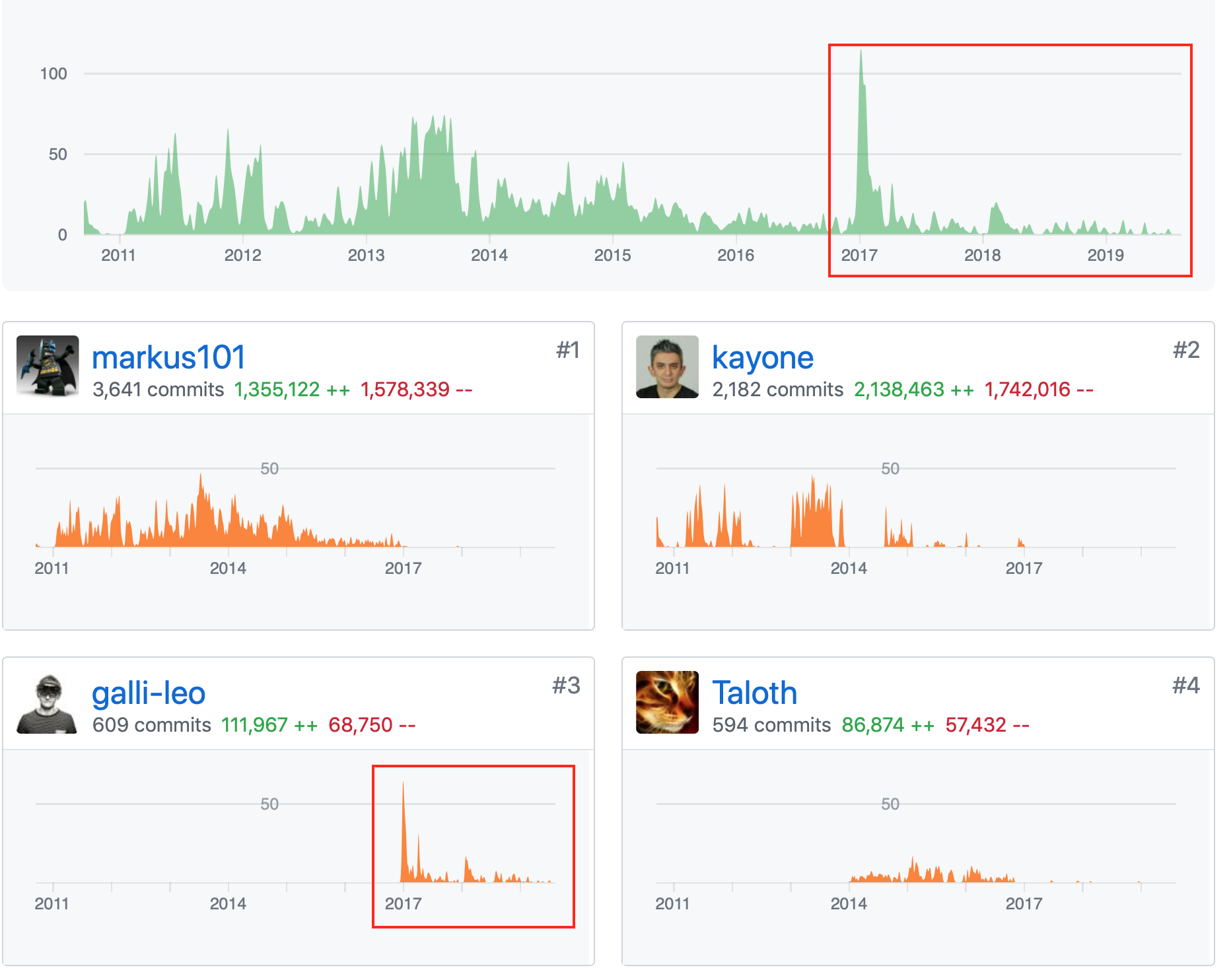
bverkron
on 16 Aug 2019
As for the flat vs folder philosophy in most ways it shouldn't matter in the end. Tools like Radarr and Plex exist in large part to remove us from having to worry about what the directory structure looks like because in theory it will 'automagically' handle it all for us once its setup. The UI gives us an abstraction layer and ultimately we shouldn't need to care how the files are stored on disk. There are actually several benefits to using folders over flat too and we will never see 100% of users on one side of the debate or the other.
Yes I'm aware that's an oversimplification and there are other factors, edge cases, etc but at the end of the day I'm not going to lose sleep over having to change my structure if I get a nice layer on top of everything that saves me a ton of work and time elsewhere.
bverkron
on 16 Aug 2019
Even though the likes of Plex, emby and others categorize and does other things to shape the look of my movies , TV etc I would like RADARR to be able to log sub folders
I have mine in categories such as
/Movies/Action Drama/ * files in root
/Movies/Horror/ * files in root
/Movies/War/ ** files in root
And so on...
As my movies get accessed in different ways I would like RADARR to have the ability to store sub layers from the /movies data point.
 GFRoSTY
on 21 Aug 2019
GFRoSTY
on 21 Aug 2019
I'm in the same boat. While I use (and have users using) Plex, I also have people accessing media directly with NFS/CIFS. Having to go through a folder just to find a single movie file is inconvenient.
Also, this structure is good enough for Kodi, Plex, and Emby/Jellyfin...I feel like it ought to be fine for read-write tools like Radarr as well.
If I had a C# build environment and knew more C# than just how to ask where the bathroom is, I'd take a crack at it, but alas, I lack the skillset.
 mcronce
on 28 Aug 2019
mcronce
on 28 Aug 2019
I do not expect, demand, or even WANT radarr to file my movies, for me in /movies/action/ or in /movies/1990s /movies/1980s/
I'm just not silly enough to expect it to write to my idiotic and neurotic filing system.
HOWEVER
Much like kodi / emby / plex / jellyfin / _everything else_, I would very much appreciate it, being able to _/scan in/ and recognise the existence of data in non standard folders._
I dump my stuff into /incoming/
I then move it, once a month to /whatever/
I'd like it to not lose it's mind when the data is moved from incoming to whatever.
 jaxjexjox
on 29 Aug 2019
jaxjexjox
on 29 Aug 2019
All the other programs you list are only ever seeing the file in its final
location. expecting radarr to put files one place and then recognize that
you moved them somewhere else is a bit much.
Regardless it doesn't look like anything like this is coming anytime soon.
On Wed, Aug 28, 2019 at 7:43 PM jaxjexjox notifications@github.com wrote:
I do not expect, demand, or even WANT radarr to file my movies, for me in
/movies/action/ or in /movies/1990s /movies/1980s/
I'm just not silly enough to expect it to write to my idiotic and neurotic
filing system.HOWEVER
Much like kodi / emby / plex / jellyfin / everything else, I would very
much appreciate it, being able to /scan in/ and recognise the existence
of data in non standard folders.I dump my stuff into /incoming/
I then move it, once a month to /whatever/I'd like it to not lose it's mind when the data is moved from incoming to
whatever.—
You are receiving this because you commented.
Reply to this email directly, view it on GitHub
https://github.com/Radarr/Radarr/issues/153?email_source=notifications&email_token=ABBHJKU3O7UWBP737II3LNTQG4ERDA5CNFSM4C4CSZS2YY3PNVWWK3TUL52HS4DFVREXG43VMVBW63LNMVXHJKTDN5WW2ZLOORPWSZGOD5MZFAY#issuecomment-525963907,
or mute the thread
https://github.com/notifications/unsubscribe-auth/ABBHJKU7ZN433WQHJTM6U3TQG4ERDANCNFSM4C4CSZSQ
.
Krandor1
on 29 Aug 2019
The difference between /data/movies/movie name.mp4 and /data/movies/movie name/movie name.mp4 may be negligible for Plex and the like but it sure is stupid for those of us who look at files / the file structure directly.
A single movie is different than a TV show of 1 to many seasons with 1 to many episodes and, as such, there needs to be different organization options in Radarr. There's an option to make a season based folder structure in Sonarr, why can't there be a similar option to not have the extra, unnecessary, folder for each movie in Radarr?
@jaxjexjox When adding a movie, you can specify the parent folder and thus organize/file the movie that way. However, you will end up with a folder for each movie with the current design.
 insolentgeek
on 29 Aug 2019
insolentgeek
on 29 Aug 2019
All the other programs you list are only ever seeing the file in its final location. expecting radarr to put files one place and then recognize that you moved them somewhere else is a bit much. Regardless it doesn't look like anything like this is coming anytime soon.
All the other programs do exactly that
If you move it, they either A.
Don't care (!) because they aren't constantly monitoring the file system, per file
or B
Do a routine scan so they know if it's moved.
Furthermore, it is infact being looked at by the developers apparently.
https://blog.radarr.video/development/update/2018/11/11/roadmap-update.html
Project Proteus.
I have whined and begged and been frustrated, confused and supported for 18 months on and off trying to mess with this software, I find it baffling and intrusive when it decides to freak out on me when I move files. It's constantly "monitoring" it's constantly "observing" and it's trying to be in control.
Let it relinquish a little, know it's downloaded a file, if the file goes missing, do a scan of X Y Z root paths again - OH there it is, no worries.
Just like couchpotato, JUST like Kodi, JUST like Plex...
jaxjexjox
on 29 Aug 2019
Plex and Kodi never put a file in a certain location. They see where the
file is. radarr Puts a file in a certain location. To move it later and
then radarr needing to decide it is somewhere else is a major major
change.
Plex/kodi/Omni are read only programs. They only look at what is. Radarr
is read/write. It is writing data and then you want it later to see that
what it itself wrote changed. That is not the same at all.
On Wed, Aug 28, 2019 at 10:18 PM jaxjexjox notifications@github.com wrote:
All the other programs you list are only ever seeing the file in its final
location. expecting radarr to put files one place and then recognize that
you moved them somewhere else is a bit much. Regardless it doesn't look
like anything like this is coming anytime soon.All the other programs do exactly that
If you move it, they either A.
Don't care (!) because they aren't constantly monitoring the file system,
per fileor B
Do a routine scan so they know if it's moved.Furthermore, it is infact being looked at by the developers apparently.
https://blog.radarr.video/development/update/2018/11/11/roadmap-update.html
Project Proteus.
I have whined and begged and been frustrated, confused and supported for
18 months on and off trying to mess with this software, I find it baffling
and intrusive when it decides to freak out on me when I move files. It's
constantly "monitoring" it's constantly "observing" and it's trying to be
in control.Let it relinquish a little, know it's downloaded a file, if the file goes
missing, do a scan of X Y Z root paths again - OH there it is, no worries.
Just like couchpotato, JUST like Kodi, JUST like Plex...—
You are receiving this because you commented.
Reply to this email directly, view it on GitHub
https://github.com/Radarr/Radarr/issues/153?email_source=notifications&email_token=ABBHJKSE7PZZPRRM2JYPKITQG4WVNA5CNFSM4C4CSZS2YY3PNVWWK3TUL52HS4DFVREXG43VMVBW63LNMVXHJKTDN5WW2ZLOORPWSZGOD5NAIOA#issuecomment-525993016,
or mute the thread
https://github.com/notifications/unsubscribe-auth/ABBHJKV4HZLB2TVHYXH5VPDQG4WVNANCNFSM4C4CSZSQ
.
Krandor1
on 29 Aug 2019
Plex and Kodi never put a file in a certain location. They see where the file is. radarr Puts a file in a certain location. To move it later and then radarr needing to decide it is somewhere else is a major major change.
I agree! That's why it's part of a project and an ongoing thing.
Plex/kodi/Omni are read only programs.
Couchpotato isn't
Couchpotato works fine and can do exactly what we're asking for.
jaxjexjox
on 29 Aug 2019
Your proposed change to the radarr would have a major impact on me and the
way I have my media setup in a bad way. I would not want it at all.
However, in the end, radarr basically has one developer and this is does
not appear to be a priority to him and based on my looking at the code it
would take a whole lot of work to do what you want. The file structure in
very ingraed into many many modules that expect things to be in certain
locations.
So unless you are willing to submit a PR to change he behavior I don't
think it is going to happen.
On Wed, Aug 28, 2019 at 11:10 PM jaxjexjox notifications@github.com wrote:
Plex and Kodi never put a file in a certain location. They see where the
file is. radarr Puts a file in a certain location. To move it later and
then radarr needing to decide it is somewhere else is a major major change.I agree! That's why it's part of a project and an ongoing thing.
Plex/kodi/Omni are read only programs.
Couchpotato isn't
Couchpotato works fine.—
You are receiving this because you commented.
Reply to this email directly, view it on GitHub
https://github.com/Radarr/Radarr/issues/153?email_source=notifications&email_token=ABBHJKW4PDC3KS6EUJEOEGLQG44ZXA5CNFSM4C4CSZS2YY3PNVWWK3TUL52HS4DFVREXG43VMVBW63LNMVXHJKTDN5WW2ZLOORPWSZGOD5NCT4Y#issuecomment-526002675,
or mute the thread
https://github.com/notifications/unsubscribe-auth/ABBHJKX5QGHE4BNPGIPLL53QG44ZXANCNFSM4C4CSZSQ
.
Krandor1
on 29 Aug 2019
Your proposed change to the radarr would have a major impact on me and the way I have my media setup in a bad way. I would not want it at all.
You clearly misunderstand what we're asking for, this would not impact existing users in any way, PERIOD. It would just give you flexiblity _IF YOU CHOOSE_, to move or store your existing data in locations other than one file, per folder.
It would also give you the ability, upon first setup / install, to import data in locations nested multiple folders deep / multiple files in one folder.
However, in the end, radarr basically has one developer and this is does not appear to be a priority to him and based on my looking at the code it would take a whole lot of work to do what you want.
https://blog.radarr.video/development/update/2018/11/11/roadmap-update.html
Project Proteus.
The file structure in very ingraed into many many modules that expect things to be in certain locations. So unless you are willing to submit a PR to change he behavior I don't think it is going to happen.
https://blog.radarr.video/development/update/2018/11/11/roadmap-update.html
Project Proteus.
jaxjexjox
on 29 Aug 2019
I do not expect, demand, or even WANT radarr to file my movies, for me in /movies/action/ or in /movies/1990s /movies/1980s/
I'm just not silly enough to expect it to write to my idiotic and neurotic filing system.HOWEVER
Much like kodi / emby / plex / jellyfin / _everything else_, I would very much appreciate it, being able to _/scan in/ and recognise the existence of data in non standard folders._
You have actually rephrased the Robustness principle which all programs should stick to: "Be conservative in what you do, be liberal in what you accept from others".
ogerardin
on 29 Aug 2019
So sounds like what you want is coming. So why is this thread continuing then if it’s being worked on!?
Sent from my iPhone
On Aug 28, 2019, at 23:36, jaxjexjox notifications@github.com wrote:
Your proposed change to the radarr would have a major impact on me and the way I have my media setup in a bad way. I would not want it at all.
You clearly misunderstand what we're asking for, this would not impact existing users in any way, PERIOD. It would just give you flexiblity IF YOU CHOOSE, to move or store your existing data in locations other than one file, per folder.
It would also give you the ability, upon first setup / install, to import data in locations nested multiple folders deep / multiple files in one folder.However, in the end, radarr basically has one developer and this is does not appear to be a priority to him and based on my looking at the code it would take a whole lot of work to do what you want.
https://blog.radarr.video/development/update/2018/11/11/roadmap-update.html
Project Proteus.The file structure in very ingraed into many many modules that expect things to be in certain locations. So unless you are willing to submit a PR to change he behavior I don't think it is going to happen.
https://blog.radarr.video/development/update/2018/11/11/roadmap-update.html
Project Proteus.—
You are receiving this because you commented.
Reply to this email directly, view it on GitHub, or mute the thread.
Krandor1
on 29 Aug 2019
And you yourself indicated you wanted to be able to move a file after fit was downloaded without Radarr freaking out. That is a lot more then just finding the files on initial setup. That is the ability to notice a file has been moved and look elsewhere for it. That I personally don’t want. My daily scans take forever to run as they are. I don’t want to add time to them by Radarr trying to decide and figure out if I moved the movie to a different location. No thank you.
On Aug 28, 2019, at 23:36, jaxjexjox notifications@github.com wrote:
Your proposed change to the radarr would have a major impact on me and the way I have my media setup in a bad way. I would not want it at all.
You clearly misunderstand what we're asking for, this would not impact existing users in any way, PERIOD. It would just give you flexiblity IF YOU CHOOSE, to move or store your existing data in locations other than one file, per folder.
It would also give you the ability, upon first setup / install, to import data in locations nested multiple folders deep / multiple files in one folder.However, in the end, radarr basically has one developer and this is does not appear to be a priority to him and based on my looking at the code it would take a whole lot of work to do what you want.
https://blog.radarr.video/development/update/2018/11/11/roadmap-update.html
Project Proteus.The file structure in very ingraed into many many modules that expect things to be in certain locations. So unless you are willing to submit a PR to change he behavior I don't think it is going to happen.
https://blog.radarr.video/development/update/2018/11/11/roadmap-update.html
Project Proteus.—
You are receiving this because you commented.
Reply to this email directly, view it on GitHub, or mute the thread.
Krandor1
on 29 Aug 2019
Why would that add any appreciable amount of time? If the files are still where Radarr thought they were, there's no reason to do any additional work.
mcronce
on 29 Aug 2019
So sounds like what you want is coming. So why is this thread continuing then if it’s being worked on!?
Probably because no developers (or even commenters, until now) has pointed this out.
The whole thread has devolved into people saying why this feature request shouldn't be a request, or is such a problem etc...
MalakymR
on 29 Aug 2019
So sounds like what you want is coming. So why is this thread continuing then if it’s being worked on!?
Probably because no developers (or even commenters, until now) has pointed this out.
The whole thread has devolved into people saying why this feature request shouldn't be a request, or is such a problem etc...
Yep, there's a small group of whiny people who don't actually understand how almost every other program works and are worried it'll "break" Radarr.
This is a pretty standard feature. The unique identifier for the movies becomes the movie ID not the path, this is a big piece of code change.
Then you just do a routine scan once a day.
Couchpotato has worked like this for what, 5 years? Kodi can handle movies that move.
I would hate for the developers to misunderstand what people want in this thread.
jaxjexjox
on 30 Aug 2019
I don't need (or necessarily want) it to constantly scan directories, it merely needs to scan once and get in the database. The purpose of this feature request, which is actually a bug considering radarr is the only tool (I have encountered) with such a design flaw, is to operate with multiple movies in a single directory.
If you select the desired parent directory your movies as you add them, you won't need radarr to scan directories on a regular basis.
insolentgeek
on 30 Aug 2019
If I delete a movie that I’ve watched now Radarr is going to go search my whole mad to make sure I didn’t move it somewhere else.
Sorry but asking Radarr to figure out you moved a file and where you loved it to Is stupid. If you move it change the directory in Radarr.
Sent from my iPhone
On Aug 29, 2019, at 08:48, Mike Cronce notifications@github.com wrote:
Why would that add any appreciable amount of time? If the files are still where Radarr thought they were, there's no reason to do any additional work.
—
You are receiving this because you commented.
Reply to this email directly, view it on GitHub, or mute the thread.
Krandor1
on 30 Aug 2019
Radarr still need to know where the movie is. Saying the uqique identifier
is the movie ID and not the path doesn't change the fact that radarr either
needs to know where the movie is or has to re-scan and find the movie every
scan which I do not want at all. I don't need it to rescan my whole gdrive
every day when it knows where the movies are.
On Thu, Aug 29, 2019 at 6:44 PM jaxjexjox notifications@github.com wrote:
So sounds like what you want is coming. So why is this thread continuing
then if it’s being worked on!?Probably because no developers (or even commenters, until now) has pointed
this out.The whole thread has devolved into people saying why this feature request
shouldn't be a request, or is such a problem etc...Yep, there's a small group of whiny people who don't actually understand
how almost every other program works and are worried it'll "break" Radarr.This is a pretty standard feature. The unique identifier for the movies
becomes the movie ID not the path, this is a big piece of code change.
Then you just do a routine scan once a day.Couchpotato has worked like this for what, 5 years? Kodi can handle movies
that move.I would hate for the developers to misunderstand what people want in this
thread.—
You are receiving this because you commented.
Reply to this email directly, view it on GitHub
https://github.com/Radarr/Radarr/issues/153?email_source=notifications&email_token=ABBHJKVI6XXPWWJKIOCGSSLQHBGLBA5CNFSM4C4CSZS2YY3PNVWWK3TUL52HS4DFVREXG43VMVBW63LNMVXHJKTDN5WW2ZLOORPWSZGOD5QA6OY#issuecomment-526389051,
or mute the thread
https://github.com/notifications/unsubscribe-auth/ABBHJKT6SGXEVWWGASZK47TQHBGLBANCNFSM4C4CSZSQ
.
Krandor1
on 30 Aug 2019
It sounds like you think this file system scanning is a big deal. As if
indexes don't exist and it's not 2019 with file systems and databases that
have no problems easily keeping track of and managing millions of files.
Jesus people.
This feature is basic functionality of software written 30+ years ago.
Outside of sonarr/radarr I can't think of another media management
application that doesn't support user defined paths.
Stop being obtuse. Clearly this is a desired feature and it's been added to
the roadmap. Rejoice!
On Thu, Aug 29, 2019, 9:13 PM Krandor1 notifications@github.com wrote:
Radarr still need to know where the movie is. Saying the uqique identifier
is the movie ID and not the path doesn't change the fact that radarr either
needs to know where the movie is or has to re-scan and find the movie every
scan which I do not want at all. I don't need it to rescan my whole gdrive
every day when it knows where the movies are.On Thu, Aug 29, 2019 at 6:44 PM jaxjexjox notifications@github.com
wrote:So sounds like what you want is coming. So why is this thread continuing
then if it’s being worked on!?Probably because no developers (or even commenters, until now) has
pointed
this out.The whole thread has devolved into people saying why this feature request
shouldn't be a request, or is such a problem etc...Yep, there's a small group of whiny people who don't actually understand
how almost every other program works and are worried it'll "break"
Radarr.This is a pretty standard feature. The unique identifier for the movies
becomes the movie ID not the path, this is a big piece of code change.
Then you just do a routine scan once a day.Couchpotato has worked like this for what, 5 years? Kodi can handle
movies
that move.I would hate for the developers to misunderstand what people want in this
thread.—
You are receiving this because you commented.
Reply to this email directly, view it on GitHub
<
https://github.com/Radarr/Radarr/issues/153?email_source=notifications&email_token=ABBHJKVI6XXPWWJKIOCGSSLQHBGLBA5CNFSM4C4CSZS2YY3PNVWWK3TUL52HS4DFVREXG43VMVBW63LNMVXHJKTDN5WW2ZLOORPWSZGOD5QA6OY#issuecomment-526389051
,
or mute the thread
<
https://github.com/notifications/unsubscribe-auth/ABBHJKT6SGXEVWWGASZK47TQHBGLBANCNFSM4C4CSZSQ.
—
You are receiving this because you commented.
Reply to this email directly, view it on GitHub
https://github.com/Radarr/Radarr/issues/153?email_source=notifications&email_token=AB322BDJ235LKHBVES5P5HLQHCM6DA5CNFSM4C4CSZS2YY3PNVWWK3TUL52HS4DFVREXG43VMVBW63LNMVXHJKTDN5WW2ZLOORPWSZGOD5QPP2A#issuecomment-526448616,
or mute the thread
https://github.com/notifications/unsubscribe-auth/AB322BARKYBDM5KQBGPCOG3QHCM6DANCNFSM4C4CSZSQ
.
hodgeac
on 30 Aug 2019
Exactly, some of the people here clearly don't get it.
There's a huge difference between a first time data import / scan, pulling metadata and downloading images and then a maintenance scan, re-scanning a path, identifying a movie already in the database and simply updating the data for the file location.
A heap of other software ALREADY DO THIS, stop thinking the sky will fall.
jaxjexjox
on 30 Aug 2019
Why does Radarr even need to know its still there?
Once its in the index(database) it shouldn't ever attempt to download it again... If I had deleted the file I wouldn't want it to reappear.
I'm not 100% sure on what Radarr is supposed to do different than Couchpotato. Queue(, Search), Download, Move to final location... Done?
Pulling Metadata is nice, other clients can do this (someone mentioned Kodi was readonly... Wrong). Adding metadata in formats the client end uses is important and should be selectable/modular.
MalakymR
on 30 Aug 2019
Wow, so their argument in favor of "Movies/Movie Name/Move Name.ext" is, "That's how Sonarr does it so that's how Radarr is going to do it.
News Flash... Movies are not the same as TV shows. Movies do not have seasons. Movies do not have episodes. Movies are DIFFERENT than TV shows.
The Folder structure should be different as well. Forcing users to change their file structure because someone thinks every file should have it's own personal folder is ridiculous.
Is that how you organize the data on your computer? Does every single file have it's own personal folder? Didn't think so.
 pj-hunt
on 19 Oct 2019
pj-hunt
on 19 Oct 2019
I hope you're not replying to me. That is the reason why it does it currently - fork of Sonarr - not a reason why it should stay this way.
MalakymR
on 19 Oct 2019
Not a reply to you, simply a general comment to those who have the ability to change it.
pj-hunt
on 19 Oct 2019
It's open source thus everyone has the ability to change it, including you! You want it so bad, quit being a critic and submit a PR. Simple as that. Otherwise it'll happen when it happens. The issue remains open meaning we do have the intention of implementation at some point.
Qstick
on 20 Oct 2019
PR’s have been being submitted for over two years. It’s as simple as that.
Sent from my iPhone
On Oct 19, 2019, at 16:11, Qstick notifications@github.com wrote:
It's open source thus everyone has the ability to change it, including you! You want it so bad, quit being a critic and submit a PR. Simple as that. Otherwise it'll happen when it happens. The issue remains open meaning we do have the intention of implementation at some point.
—
You are receiving this because you commented.
Reply to this email directly, view it on GitHub, or unsubscribe.
pj-hunt
on 20 Oct 2019
My understanding is it's very difficult to do, considering how the program was designed.
End of the day. I switched back to couch potato, I found the extremely stringent folder behaviour really messes up my workflow.
I like being able to manually move data and my other programs detect the moves on a rescan and then update their databases.
(Plex, Kodi, couch)
Promised myself I wouldn't troll people here anymore whining though, they'll get to it eventually..... Then I might come back. Maybe
jaxjexjox
on 20 Oct 2019
@jaxjexjox correct, as @galli-leo pointed out earlier in this thread, there are many aspects of the backend which rely on the folder structure assumptions which were inherited from Sonarr. The beauty of things is that you do have a choice. CP, Radarr, etc.. We appreciate constructive feedback on how we can make Radarr better, but realize its not going suit everyone's needs.
@pj-hunt next time you have a sweet burn like that, you may want to get the math right. Oldest open PR is from Oct '18, its currently Oct '19. Also, there are no PRs open that are remotely related to this issue.
We all do this for free, in our free time, because we love this and the community. I'm more than happy to listen to your guys feedback about this and other issues when it is constructive and adds something to the conversation, but rambling on bout nothing and saying the same thing as everyone else has said for 2 years really gets no one motivated to actually work on this. We all know its not ideal and could be better.
Qstick
on 20 Oct 2019
As far as i'm concerned, i did it with some custom script i wrote that creates symlink for each downloaded movie to fake a folder structure that suits radarr needs.
I'd be interested in that!
Here is my python script that makes radarr work with my flat folder structure.
It is triggered upon finished download. How it works : radarr look for movies in a fake folder structure containing 0 files but only folders (one folder for each movie, as expected) and symlinks to real files (in the flat folder).
When a movie is downloaded to my flat folder, the script creates the symlink to the one-folder-by-movie directory watched by radarr so that radarr can recognize it properly.
Completed Download Handling is disabled of course, movies are sent to the flat folder by the torrent client.
It works pretty well, but like everyone here i'd like to see radarr implement it natively.
twolaw
on 20 Oct 2019
Any news to this issue? Is the fix in planning?
 R-Studio
on 10 Jan 2020
R-Studio
on 10 Jan 2020
Just curious... does @Qstick started working on Project Proteus yet?
i was almost happy with Radarr (it's missing many filters, but i can
live without them), but i've found out that it isn't working with my folder strucutre (nested folders for collections) and without Project Proteus, i cant' use Radarr, so i'm switching to CP.
 Kedryn
on 24 Feb 2020
Kedryn
on 24 Feb 2020
Nobody is working on this, it is very low priority. Thankfully CP does. :)
 fryfrog
on 24 Feb 2020
fryfrog
on 24 Feb 2020
That's unfortunate. This one thing is preventing so many people from using this.
Grimshad
on 24 Feb 2020
Honestly, it is a pretty niche use case. Most people w/ a setup like this just adapt to the flat folder / folder/file structure that Radarr requires. It is rarely a blocking issue for most. And thankfully, CP does support it, so there are options.
If this is an important feature to you, I'd bet $1 you can learn .NET and work w/ the developers to implement it before they run out of more impactful things to work on.
fryfrog
on 24 Feb 2020
I don't think it's that niche, seemingly there's plenty of people interested in this. It's the only thing stopping me going all in on Radarr, I don't want a separate folder for every movie.
Devo-McDuff
on 24 Feb 2020
I don't think it's that niche, seemingly there's plenty of people interested in this. It's the only thing stopping me going all in on Radarr, I don't want a separate folder for every movie.
Changing your flow to suit the software is the deal of the day.
Lets just sit back and wait for everyone who doesn't want this feature to tell people who want this feature, why others don't need it.
MalakymR
on 24 Feb 2020
I'm not using flat folders because i usually keep posters and other media within movie folder.
But i group movies to have less folders in the root.
Anyway, Radarr is the first software i've found. Now i'm going to CP. I need a sofware that helps me in what i want to do, not one that want me to work for it.
Kedryn
on 24 Feb 2020
Feature is the key word, it being optional would be nice. Everyone is a winner then
I'm not prepared to change my folder structure for multiple reasons, it's why I barely use Radarr. If it ever becomes and option, great. I'll be fully on-board. If not, oh well, I'm not a dev so I'm not going to demand it of anyone.
Devo-McDuff
on 24 Feb 2020
Oh, I don't think anyone objects to a feature like this. It'd be quire cool indeed.
But it does need someone to spend time working on and developing it and that hasn't happened for years because it doesn't really matter to the people developing it.
If that means you use another software that works better, that is great! Alternatives are nice.
Some day, this will matter enough to someone who can implement the feature and it'll get done.
fryfrog
on 24 Feb 2020
Unfortunately CP doesn't work for me either, my library is too large and it just crashes it and makes it run really terribly. I completely understand that it's up to the available developers to put time into it. I'm not complaining, I just feel bad for everyone who needs it. Hopefully it will make it in at some point in the future.
Grimshad
on 24 Feb 2020
Oh, I don't think anyone _objects_ to a feature like this.
Look farther up the thread :)
mcronce
on 24 Feb 2020
Sorry, can you link to the comment that says this feature shouldn't be done? I don't see how anyone could object, it obviously wouldn't be required so people who like things as they are would be happy... and people who want things differently would be happy. Done correctly, it'd literally be a win-win.
There just isn't anyone who wants to invest their time into this "simple" request that is vastly more complicated than people imagine.
fryfrog
on 24 Feb 2020
https://github.com/Radarr/Radarr/issues/153#issuecomment-274350672
https://github.com/Radarr/Radarr/issues/153#issuecomment-274355794
https://github.com/Radarr/Radarr/issues/153#issuecomment-526005484
https://github.com/Radarr/Radarr/issues/153#issuecomment-526447840
https://github.com/Radarr/Radarr/issues/153#issuecomment-526448616
mcronce
on 25 Feb 2020
Ah, fair enough. :)
fryfrog
on 25 Feb 2020
My solution was called "PyMedusa" it's fantastic.
jaxjexjox
on 25 Feb 2020
Medusa is for TV shows, not movies as we are discussing here. Not relevant to this thread.
Demand for nested & flat folders is still here, I’ve been watching this thread for SEVERAL years now lol.
Always lots of people justifying how it works currently, telling others to adapt or move to their folder structure.
Just stop. Users want to store their data how they want to. End of story.
Most users taking the time to actually post in this thread asking for a fix are not going to be the ones to just “adapt” to how radar works. We have our media laid out how we like it, and probably won’t take the time to move away from a working solution (Couchpotato) for Radarr that they are going to have to reconfigure how everything flows and is stored. Regardless if it “works better” for some things.
I’m not a software Dev and have zero interest in programming anything. For me it’s just easier to stick to CP until something changes with Radarr, if it never does. Oh well. I’ll make due with other options.
I would gladly donate a few bucks to an aspiring dev to make this a reality though. As I’m sure many others would.
Just so sick of hearing people say it’s a “niche” request, and no one cares including the Devs if it happens or not.
That’s just not true. Lots of us care.
This whole situation/software is “Niche” technically. “Most” people you run into daily are not using these kinds of programs day to day. A pretty small group of users overall use this kind of custom downloading / sorting programs.
My point is it’s all niche software filling a very small demand overall. And the people asking about it are your core customers/target market not just a few random users.
Like I said, Radarr can work on or not work on anything they want , it’s their software package too develop as they see fit. And as a user I can accept that or use something else.
I’m not trying to say what work they should prioritize as I have no idea how big this request would actually be work wise. But I know I would kick in a few bucks if they ever did decide it’s worth there time.
Cheers.
Ty.
On Feb 24, 2020, at 8:50 PM, jaxjexjox notifications@github.com wrote:
My solution was called "PyMedusa" it's fantastic.—
You are receiving this because you are subscribed to this thread.
Reply to this email directly, view it on GitHub, or unsubscribe.
randmvilnce
on 25 Feb 2020
Is it worth while (to the developers/a developer) if a bounty was started?
MalakymR
on 25 Feb 2020
I would also put money towards this.
Grimshad
on 25 Feb 2020
Good point well made randmvilnce, I concur with everything you said. I've also been watching this thread for years haha.
Devo-McDuff
on 25 Feb 2020
Also concur with everything randmvilnce said and Been following this for years also. I would also put money towards this as I would love to get off CP.
marshgm
on 25 Feb 2020
Agreed, watched the thread for years, would also chip into a bounty.
 nickwolf
on 25 Feb 2020
nickwolf
on 25 Feb 2020
Medusa is for TV shows, not movies as we are discussing here.
Damnit you're right, I'm confusing the discussions I'm a part of!
Couch for life
jaxjexjox
on 26 Feb 2020
MalakymR
on 26 Feb 2020
Awesome!
Get out those wallets my dudes lol..
Ty.
On Feb 26, 2020, at 6:42 AM, MalakymR notifications@github.com wrote:
Bounty: https://www.bountysource.com/issues/40846843-support-custom-folders—
You are receiving this because you are subscribed to this thread.
Reply to this email directly, view it on GitHub, or unsubscribe.
randmvilnce
on 26 Feb 2020
Lets do this. Just added to the bounty. I store my movies
Video>Movies>year>movie (year)>movie (year).ext
Video>New Movies>year>movie (year)>movie (year).ext
Grimshad
on 26 Feb 2020
Lets do this. Just added to the bounty. I store my movies
Video>Movies>year>movie (year)>movie (year).ext
Video>New Movies>year>movie (year)>movie (year).ext
Ideally we want to see a mask for the path with variables like the first charater (A-Z folders), the year, and for the people who want one folder per movie the movie title.
eg. /root/%firstchar%/%title%/%title% (%year%).ext
MalakymR
on 26 Feb 2020
Happy to donate to the bounty, but is this to achieve custom folders or just another particular option as different people seem to one different things from the Radarr norm? Personally I just want to be able to keep one flat Movies directory with everything in it.
Devo-McDuff
on 26 Feb 2020
Deco, that’s a good point,
What you want is exactly what I want though. 1 folder, all movies inside it. Exactly how I have my CP library.
I rarely download any subs as plex takes care of that for me so it’s just as clean as looking at a bunch of folders without the folder hassle..
Ty.
On Feb 26, 2020, at 7:10 PM, Devo-McDuff notifications@github.com wrote:
Happy to donate to the bounty, but is this to achieve custom folders or just another particular option as different people seem to one different things from the Radarr norm? Personally I just want to be able to keep one flat Movies directory with everything in it.—
You are receiving this because you are subscribed to this thread.
Reply to this email directly, view it on GitHub, or unsubscribe.
randmvilnce
on 26 Feb 2020
Deco, that’s a good point, What you want is exactly what I want though. 1 folder, all movies inside it. Exactly how I have my CP library. I rarely download any subs as plex takes care of that for me so it’s just as clean as looking at a bunch of folders without the folder hassle.. Ty.
…
On Feb 26, 2020, at 7:10 PM, Devo-McDuff @.*> wrote: Happy to donate to the bounty, but is this to achieve custom folders or just another particular option as different people seem to one different things from the Radarr norm? Personally I just want to be able to keep one flat Movies directory with everything in it. — You are receiving this because you are subscribed to this thread. Reply to this email directly, view it on GitHub, or unsubscribe.
Most of the discussion seems to be in regards of this, though the main issue post isn't that clear about it.
It may be better to post this as a separate issue/request - with its own bounty?
MalakymR
on 26 Feb 2020
That does seem like a better idea tbh mate
Devo-McDuff
on 27 Feb 2020
as long as the "custom folder" functionality handles multiple movies in 1 directory, it should solve our wants/needs/desires
insolentgeek
on 27 Feb 2020
Being a Software Developer about to have a week or three in between jobs, and a being a "partial" user of Radarr I may tackle this (and hopefully take that bounty).
Here are my thoughts/input as a follower of this issue, and one who wants this feature too so I can fully commit to Radarr. This, to me, is 2 issues very closely tied together (I believe others have said the same).
1) Radarr should "watch" a (definable) root folder, AND any subfolders under that.
2) Allow files Radarr downloads to be put in some kind of customized structure. i.e. a single download directory (probably under the root), or some variable/mask configurable path/file structure (again probably under the root).
I personally REALLY want issue #1 addressed, with a static "downloaded" folder for all new stuff, and I'll move things manually, or script the moves (I think 90ish% of the requests I have seen for this feature would be happy/ok with this solution).
But if issue #2 can be done that would be sprinkles with a cherry AND whip cream on top.
henryschade
on 27 Feb 2020
That sounds great Henry. So stick with the original bounty then? I'll sign up if so
Devo-McDuff
on 27 Feb 2020
The bounty had all of its donations added today, I don't think a second one is necessary.
Henry, I think detection of existing films is important but I think #2 is really what people want, since they are picky about how their future library will look.
 Rumpick
on 27 Feb 2020
Rumpick
on 27 Feb 2020
One thing I would really like to see is the ability to have multiple root
folders, not just a single root folder that is recursively scanned.
Barring that, the ability to exclude folders under the root folder.
On Wed, Feb 26, 2020, 5:51 PM Rumpick notifications@github.com wrote:
The bounty had all of its donations added today, I don't think a second
one is necessary.
Henry, I think detection of existing films is important but I think #2
https://github.com/Radarr/Radarr/issues/2 is really what people want,
since they are picky about how their future library will look.—
You are receiving this because you commented.
Reply to this email directly, view it on GitHub
https://github.com/Radarr/Radarr/issues/153?email_source=notifications&email_token=AA7BSAYHHWOXFRW4NVKXVODRE36AZA5CNFSM4C4CSZS2YY3PNVWWK3TUL52HS4DFVREXG43VMVBW63LNMVXHJKTDN5WW2ZLOORPWSZGOENCK5PY#issuecomment-591703743,
or unsubscribe
https://github.com/notifications/unsubscribe-auth/AA7BSAZDNPXZE5XFKN66LSDRE36AZANCNFSM4C4CSZSQ
.
LanMan04
on 27 Feb 2020
One thing to note to anyone planning to attempt this, start from Aphrodite(v3) as we are not going to accept any PRs to v0.2 related to this feature.
Qstick
on 27 Feb 2020
One thing to note to anyone planning to attempt this, start from Aphrodite(v3) as we are not going to accept any PRs to v0.2 related to this feature.
Roger that Qstick.
I'll see about creating a branch/fork in the next couple days and see what I can figure out on my own. I assume/hope there is someone I can ask questions of if needed?
And I agree that the bounty, at this point, is probably best left as it is.
henryschade
on 27 Feb 2020
@henryschade feel free to join Discord and chat about it in the #Aphrodite channel. Myself of @ta264 can help you with things... Did a bit of work to support nested folders in #4199. This should allow download, processing and naming with nested folders to work at least.
Initial library import will still not like it on an existing library so that needs to be worked on.
The flat folder structure is really the problem child here, it will take a bit more work as it would require ability to have a blank movie path and then many other checks and logic to prevent users from doing stupid things with extra files, metadata creation...etc .
Qstick
on 27 Feb 2020
Hey - I'm new to Radarr after using Sonarr for a couple of weeks, and just want to voice my own desire for support of a flat file structure as a configuration option (with bonus points to being able to search and support sub folders that are used to group different collections). I too am a Plex user who also supports users hitting the movie directory as a share directly.
Just put some more money into the pot for the bounty!
 gr8rdb8r
on 2 May 2020
gr8rdb8r
on 2 May 2020
The issue with that bounty, is that everyone would like Radarr to operate differently, so the bounty might not please everyone.
I wouldn't be surprised if my idea of a flat folder vs someone else would be totally different!
At the end of the day, I like that couchpotato, will constantly scan my /import/ ]folder for me and if I put a movie in there EVEN IF IT'S NOT IN WANTED!! it will detect the movie, look it up, rename it to the correct name from the internet and migrate it into my /download/new-stuff
That's a wonderful feature if I'm getting movies from elsewhere and one of the primary reasons I don't use Radarr.
Better still, using Windows Explorer I can move the movie from /new-stuff/ to /archive/watched/classic/movies and Kodi, Plex, Couchpotato will simply detect it's been moved and update their internal databases. Radarr will lose it's mind and try grabbing it again or claiming I don't have it, or whatever.
For those 2 reasons, Couch is superior to Radarr, depending on your file system and use case.
(I don't want flat folders, but I want something flexibility similar to flat folders)
jaxjexjox
on 2 May 2020
Id like a single folder with all movies inside of it.
main reason- trying to avoid ANY 256+ character file path length issues with windows.
I also use plex
its also easier to use without an extra folder which has the same name as the video file.
i was really surprised this is not an option in radarr, and would pay/donate just for this feature.
thanks
 bob454522
on 12 Jun 2020
bob454522
on 12 Jun 2020
On Windows, I think you can prepend your paths with \\?\ to dodge the character limits. Like \\?\D:\Movies.
You should probably also find the flat folder issue and comment on that. But if it means a lot to you, you'll have better luck learning .NET yourself and writing the feature. Even if it takes you years, it'll probably still happen before one of the few active developers works on it because there is almost no tangible value in it, especially compared w/ the amount of work. Or maybe you could find and hire another .NET developer to work on it? But it'll be weeks of work, so hopefully you have deep pockets. :)
fryfrog
on 12 Jun 2020
I will definitely pay a bounty for this feature. anytime I want to add a pack so say /incoming/movies/2019-horror I have to add all 30-50 movies manually
 dcquence
on 22 Jun 2020
dcquence
on 22 Jun 2020
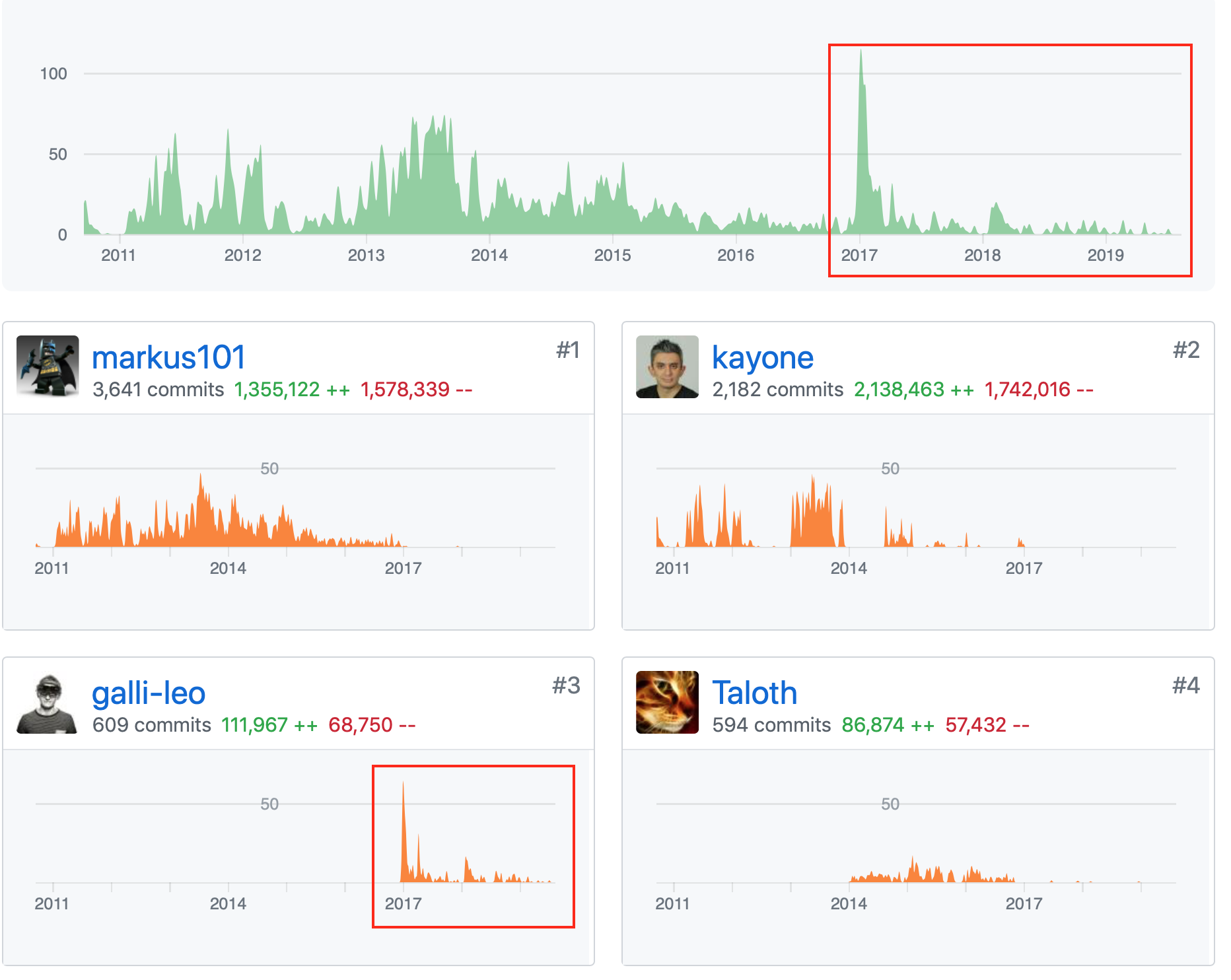
Radarr is dead and needs to be forked.
For anyone interested: There is a bounty for this much desired feature: https://www.bountysource.com/issues/40846843-support-custom-folders
 hanthecat
on 9 Jul 2020
hanthecat
on 9 Jul 2020
Why'd you chop off @Qstick and @ta264, the ones currently working on Radarr's v3? You don't need to fork it, except to have your own copy to work on and contribute fixes. Or, you're of course welcome to fork it if you wish.
fryfrog
on 9 Jul 2020
@fryfrog don't you know you need at least 40 commits in a week to be considered not dead... we only have 35
But since that is 35X what @hanthecat has had in the last year, that must me they are dead as well.
Qstick
on 10 Jul 2020
You know, couchpotato is still tried and true. Heck I haven't got the (0) year bug in a while either for some reason.
Always worth considering, let Radarr go, it's always going to be a very messy job of a TV downloading package retrofitted and stubborn about how it works with files I expect.
jaxjexjox
on 10 Jul 2020
It'd be much better to merge into Sonarr than to fork. I'm guessing a majority of the code is duplicated.
 Jon12345
on 10 Jul 2020
Jon12345
on 10 Jul 2020
I've basically already stopped using Radarr and went back to Couchpotato. Too many issues with Radarr and no real problems with Couchpotato... and stuff like this topic is easy to configure.
If this ever happens fine, if not, also fine. Good luck guys and gals! :smile:
mvdkleijn
on 30 Jul 2020
I just made folders for everything... :( . It's fine, I guess.
nickwolf
on 30 Jul 2020
It will never be fine
On Thu, Jul 30, 2020, 14:49 Nick Wolf notifications@github.com wrote:
I just made folders for everything... :( . It's fine, I guess.
—
You are receiving this because you were mentioned.
Reply to this email directly, view it on GitHub
https://github.com/Radarr/Radarr/issues/153#issuecomment-666597360, or
unsubscribe
https://github.com/notifications/unsubscribe-auth/AEBQLPOJ7VQPRMXFWCSSGB3R6G6BZANCNFSM4C4CSZSQ
.
Grimshad
on 30 Jul 2020
Hello, is this still needed I could step in and get it fixed
 alromh87
on 18 Oct 2020
alromh87
on 18 Oct 2020
always
Il giorno dom 18 ott 2020 alle ore 07:08 Alejandro Romero <
[email protected]> ha scritto:
Hello, is this still needed I could step in and get it fixed
—
You are receiving this because you commented.
Reply to this email directly, view it on GitHub
https://github.com/Radarr/Radarr/issues/153#issuecomment-711117548, or
unsubscribe
https://github.com/notifications/unsubscribe-auth/ADBLEUH5AF75NWX3KZHDEM3SLJZ5VANCNFSM4C4CSZSQ
.
--
Marco Paglioni
Telegram: @Kedryn - SKYPE: kedryn
PEC: [email protected]
Kedryn
on 18 Oct 2020
I confirm.
 altaroinj
on 18 Oct 2020
altaroinj
on 18 Oct 2020
As OP of the thread, yes. I can't use the API to obtain root folders with the current behavior of Radarr, as the amount is too large.
deathbybandaid
on 18 Oct 2020
Hello, is this still needed I could step in and get it fixed
Absolutely!
 sasiij
on 19 Oct 2020
sasiij
on 19 Oct 2020
Do it. Don't let your dreams be dreams.
 blackwind
on 19 Oct 2020
blackwind
on 19 Oct 2020
I'm replacing my current server and wanted to upgrade to radarr, but given the fact that it requires a folder per movie I sadly uninstalled radarr again and went back to CP
monitoring this ticket, maybe one day it will be possible :)
 roberkules
on 8 Nov 2020
roberkules
on 8 Nov 2020
There are no plans to implement this. Especially given that with future multiple movie file / multiple edition support would us only facilitated by 1 movie per folder
 bakerboy448
on 8 Nov 2020
bakerboy448
on 8 Nov 2020
I don't honestly mind setting up all the root folders, but I really wish radarr didn't freeze up doing so. And even once fully setup, the api hangs when connecting to other applications.
deathbybandaid
on 8 Nov 2020
How many root folders do you have?
Also Use v3 and not v0.2 if you haven't switched already.
bakerboy448
on 8 Nov 2020
What?
Sent from my iPhone
On Nov 8, 2020, at 07:16, bakerboy448 notifications@github.com wrote:
There are no plans to implement this. Especially given that with future multiple movie file / multiple edition support would us only facilitated by 1 movie per folder—
You are receiving this because you were mentioned.
Reply to this email directly, view it on GitHub, or unsubscribe.
pj-hunt
on 8 Nov 2020
Well over 50, and v3 seems to freeze faster than the old versions.
deathbybandaid
on 8 Nov 2020
Each and every movie series is it's own root folder,,, star wars, star trek, men in black, MCU, etc. Multiple my examples by a hundred.
It's easier for me to manually manage my movie library than to use radarr, and I'm not going back to CP
deathbybandaid
on 8 Nov 2020
Yeah, you're gonna have a rough life w/ Radarr.
I think Couch Potato is a lot friendlier w/ "different" folder layouts.
fryfrog
on 8 Nov 2020
Q made some changes recently for root folders that made a huge difference on load time. A user had 100+ and it was killing radarr but testing after the changes worked quite well in comparison.
There is also some native sharding options related to a-z & collections built in.
Other than that though there isn't much more on the docket in the near future for these 2 subjects.
 austinwbest
on 8 Nov 2020
austinwbest
on 8 Nov 2020
I’ve never seen a computer with more than 1 root folder.
Sent from my iPhone
On Nov 8, 2020, at 13:10, nitsua notifications@github.com wrote:
Q made some changes recently for root folders that made a huge difference on load time. A user had 100+ and it was killing radarr but testing after the changes worked quite well in comparison.There is also some native sharding options related to a-z & collections built in.
Other than that though there isn't much more on the docket in the near future for these 2 subjects.
—
You are receiving this because you were mentioned.
Reply to this email directly, view it on GitHub, or unsubscribe.
pj-hunt
on 8 Nov 2020
We don't mean / or /root like literal root folders. In Sonarr/Radarr, they're the base folders you can select when adding a movie. Like on my system, I have /data/videos/Movies and /data/videos/Kids Movies.
fryfrog
on 8 Nov 2020
I confirm what fryfrog says. I have ./movies ./movies_animation ./movies_horror , and so on.
BUT
I also have/had subfolders with, like, ./movies_animation/studio_ghibli or ./movies/transformer_collection that are also unsupported (i added most subfolders as other root folders, but it's ugly and time consuming)
Those work perfectly in Plex.
Kedryn
on 9 Nov 2020
I'm a little confused as to the meaning of this issue now.
There is the "movie per folder" (allow flat folder) request and custom folders part. Though the single folder per movie issues are closed in reference to this one.
I am a little perplexed as to why a downloader should be trying to make users conform to a layout. I realise the technical issue with having non-unique file names in each folder for details would cause a problem. Not all of us want this, and a lot of us are expecting a format which could be read by the likes of Kodi etc, thus movie_filename.nfo etc which would not clash.
If this is to be more than a downloader, and its out to organise the file layout, there needs to be more flexibility to do this.
I've seen a comment (dev I think?) that plans to handle multiple versions of a movie (not sure here, qualities? easy tag it, extended editions?) will entirely stop the possibility of having a flat file layout. Although the end clients that read this are going to have fun handling all that since I am not aware they have awareness when they're mostly checking against imdb etc. If there is sub naming for the different versions in one folder (so the video file itself does not clash) that can be done in a flat format.
MalakymR
on 9 Nov 2020
I think you hit on the issue with implementing this request. This request
means many things to different people. Some people just want everything in
a single folder. Some want multiple layers of folders subject to different
conditions (studio, decade, genre, etc). It is probably going to be hard
to find a way to please everybody.
Basically this request has become "something other then
Really somebody who really wants this to happen should step up and take on
the lead role to code this while working with the main devs to make sure it
is something that can be merged.
On Mon, Nov 9, 2020 at 12:56 PM MalakymR notifications@github.com wrote:
I'm a little confused as to the meaning of this issue now.
There is the "movie per folder" (allow flat folder) request and custom
folders part. Though the single folder per movie issues are closed in
reference to this one.I am a little perplexed as to why a downloader should be trying to make
users conform to a layout. I realise the technical issue with having
non-unique file names in each folder for details would cause a problem. Not
all of us want this, and a lot of us are expecting a format which could be
read by the likes of Kodi etc, thus movie_filename.nfo etc which would not
clash.If this is to be more than a downloader, and its out to organise the file
layout, there needs to be more flexibility to do this.I've seen a comment (dev I think?) that plans to handle multiple versions
of a movie (not sure here, qualities? easy tag it, extended editions?) will
entirely stop the possibility of having a flat file layout. Although the
end clients that read this are going to have fun handling all that since I
am not aware they have awareness when they're mostly checking against imdb
etc. If there is sub naming for the different versions in one folder (so
the video file itself does not clash) that can be done in a flat format.—
You are receiving this because you commented.
Reply to this email directly, view it on GitHub
https://github.com/Radarr/Radarr/issues/153#issuecomment-724174438, or
unsubscribe
https://github.com/notifications/unsubscribe-auth/ABBHJKWRYKGYYH6DAL77GKLSPAULVANCNFSM4C4CSZSQ
.
Krandor1
on 9 Nov 2020
^ This is the way. Radarr works for 95% of people and these two requests are hard and have very little overall impact. They need someone who deeply cares about them to work on them. Outside of that, there are plenty of other more important and more impactful for the very few active developers to work on.
fryfrog
on 9 Nov 2020
^ This is the way. Radarr works for 95% of people and these two requests are _hard_ and have _very little_ overall impact. They need someone who _deeply_ cares about them to work on them. Outside of that, there are plenty of other more important and more impactful for the very few active developers to work on.
Generally users using a product it will work how they want, hence why they're using it in the first place, not the greatest metric. There are more out there that are willing to move etc.
I could imagine it wouldn't be that hard to implement, but having something that fits in with the devs plans ongoing etc is the problem. Ideally one of the devs would need to say "if I did it, I would do it like this, and keep in mind this..." to at least give a clue to another contributor that their work isn't for naught.
I think you hit on the issue with implementing this request. This request means many things to different people. Some people just want everything in a single folder. Some want multiple layers of folders subject to different conditions (studio, decade, genre, etc). It is probably going to be hard to find a way to please everybody. Basically this request has become "something other then
/ /
It's not just the request itself, but its the scope of what Radarr covers. For Sonarr it makes sense it wants to keep track of everything, and that still works with naming masks etc. Radarr has "one" file to handle and some meta data. Add naming mask, put meta data into unique files (preferably an existing format), done?
MalakymR
on 9 Nov 2020
Until you've had a go at implementing it yourself I'd avoid statements like "I could imagine it wouldn't be that hard to implement" :)
There's a lot of baggage coming from Sonarr that makes this difficult. As fryfrog says, outside of the handful of users for whom this is a deal breaker, most people don't really care. It's pretty much filed as "would be nice if someone else did the work, but we don't plan to do it". If you don't want an opinionated media manager then look elsewhere 😁
 ta264
on 9 Nov 2020
ta264
on 9 Nov 2020
If this is that easy to implement it, then take it on. That is what the
request needs - somebody who wants to take on the task of implementing it.
On Mon, Nov 9, 2020 at 2:12 PM MalakymR notifications@github.com wrote:
^ This is the way. Radarr works for 95% of people and these two requests
are hard and have very little overall impact. They need someone who
deeply cares about them to work on them. Outside of that, there are
plenty of other more important and more impactful for the very few active
developers to work on.Generally users using a product it will work how they want, hence why
they're using it in the first place, not the greatest metric. There are
more out there that are willing to move etc.I could imagine it wouldn't be that hard to implement, but having
something that fits in with the devs plans ongoing etc is the problem.
Ideally one of the devs would need to say "if I did it, I would do it like
this, and keep in mind this..." to at least give a clue to another
contributor that their work isn't for naught.I think you hit on the issue with implementing this request. This request
means many things to different people. Some people just want everything in
a single folder. Some want multiple layers of folders subject to different
conditions (studio, decade, genre, etc). It is probably going to be hard to
find a way to please everybody. Basically this request has become
"something other then //new structure should be. That is what makes it a tough request for the
devs. Really somebody who really wants this to happen should step up and
take on the lead role to code this while working with the main devs to make
sure it is something that can be merged.It's not just the request itself, but its the scope of what Radarr covers.
For Sonarr it makes sense it wants to keep track of everything, and that
still works with naming masks etc. Radarr has "one" file to handle and some
meta data. Add naming mask, put meta data into unique files (preferably an
existing format), done?—
You are receiving this because you commented.
Reply to this email directly, view it on GitHub
https://github.com/Radarr/Radarr/issues/153#issuecomment-724217687, or
unsubscribe
https://github.com/notifications/unsubscribe-auth/ABBHJKQ7EPX2BC5UBPPIZUTSPA5JXANCNFSM4C4CSZSQ
.
Krandor1
on 9 Nov 2020
how do you know it works for "95%" of people?
it works for people who are using radarr... I uninstalled radarr after a few hours because of this limitation and you don't know how many more would be using radarr if that limitation wouldn't be there.
of course, everybody is thankful for you guys creating and working on this project. it's not that I'm demanding this feature, but merely stating the fact that until radarr supports flat folders, I'm not going to use it. that's all
roberkules
on 9 Nov 2020
“ As fryfrog says, outside of the handful of users for whom this is a deal breaker, most people don't really care.”
The only reason there’s only a ‘handful’ of users is because they've all moved on to something better. Your not hearing from them.
Why can’t Radarr work the same way Sonarr works?
On Sonarr I can choose any folder on my system to place content on. But in Radarr I HAVE to place my content in the folder YOU deem appropriate.
Just my opinion.
Thanks.
Sent from my iPhone
On Nov 9, 2020, at 12:17, ta264 notifications@github.com wrote:
Until you've had a go at implementing it yourself I'd avoid statements like "I could imagine it wouldn't be that hard to implement" :)There's a lot of baggage coming from Sonarr that makes this difficult. As fryfrog says, outside of the handful of users for whom this is a deal breaker, most people don't really care. It's pretty much filed as "would be nice if someone else did the work, but we don't plan to do it". If you don't want an opinionated media manager then look elsewhere 😁
—
You are receiving this because you were mentioned.
Reply to this email directly, view it on GitHub, or unsubscribe.
pj-hunt
on 9 Nov 2020
Radarr works the exact same way as Sonarr - a series in Sonarr corresponds to a movie in Radarr. You have all the same limitations specifying a series folder in Sonarr.
The misapprehension here is that our goal is to add users... If you don't like it we're quite happy for you to use alternative tools :)
ta264
on 9 Nov 2020
In fact, you should let us know what those much better tools are because we're happy to help people w/ these issues find something that works better for them. I usually point them at CouchPotato, but Watcher might be reasonable too.
fryfrog
on 9 Nov 2020
@pj-hunt
"On Sonarr I can choose any folder on my system to place content on. But in Radarr I HAVE to place my content in the folder YOU deem appropriate."
This is false. You can choose any root folder in Radarr you want. This is the exact same logic as Sonarr.
You have the following native sharding options: a-z & collections
i.e. /movies/a ; movies/c
and /movies/The Lord of the Rings Collection
etc
alternatively use multiple root folders as Fry as suggested
bakerboy448
on 9 Nov 2020
The misapprehension here is that our goal is to add users... If you don't like it we're quite happy for you to use alternative tools :)
That...
Im not going to single anyone out but there are some comments in here that can easily push a dev to not want to consider doing this let alone prioritize it. Demanding type comments, rude ones, being a db in general is not going to help the case. It will (and i guarantee you this) delay things for quite some time.
There is no love loss by not using Radarr and using something else. This is a free app made in peoples free time to be used by those who find it to fit their needs. If not dont use it. If you like it enough to work through what doesn't fit and want to make a request then make a request. Unless one of the devs explicitly say no then there is hope.
FYI to all the ones who fit in the above statement (rude, db, asshole in general, think your request is a requirement, etc) i am pretty sure this feature is actually done by another user and just never pushed up to be tested and checked. I can only imagine the attitude of many in here drives that decision. Let that sink in before you fire off another stupid response.
Keep in mind i singled out no one here so if you take this personal.. well.. guess that speaks for its self right.
austinwbest
on 9 Nov 2020
@austinwbest which user/github account has done that? Are you saying that asking for a feature (even if some are rude about it...) somehow makes another person who has already done the work not want to file a pull request?
>
Until you've had a go at implementing it yourself I'd avoid statements like "I could imagine it wouldn't be that hard to implement" :)
You didn't read the rest of the comment that it would be helpful with some input/clarification before someone else went ahead with the work? Just because someone hasn't contributed yet doesn't mean someone can take an educated guess at what would need to be done. The big problem with _new_ contributors and the "just go ahead and do it" throught process, is seeing work be rejected for various reasons. So you have to appreciate why someone might be apprehensive?
I have also mentioned I have seen comments that would suggest progressing further with this would be basically impossible.
MalakymR
on 9 Nov 2020
Q made some changes recently for root folders that made a huge difference on load time. A user had 100+ and it was killing radarr but testing after the changes worked quite well in comparison.
There is also some native sharding options related to a-z & collections built in.
Other than that though there isn't much more on the docket in the near future for these 2 subjects.
I just fired up my proxmox container for Radarr (which has been offline for a couple months), I'm updating to the most recent nightly, and I'll see if this helps
deathbybandaid
on 9 Nov 2020
@MalakymR
If they want it to be known, they can respond in here and broadcast that. I'm not going to blast them out and have everyone nailing them with messages about it. Absolutely, peoples attitudes and conversation makes a difference.
I have done it myself and have been on the other side as well so i am no saint about it.
I did read it all and was not responding to a specific comment, i was responding to this thread and the direction(s) it has taken
It is not impossible, just difficult in the bigger picture of things.
@deathbybandaid
sounds good, hopefully it'll help
austinwbest
on 9 Nov 2020
Related issues
 silentw
·
3Comments
silentw
·
3Comments
 jurpeedurp
·
3Comments
jurpeedurp
·
3Comments
 DaveidWeba
·
3Comments
DaveidWeba
·
3Comments
 willmonahan
·
4Comments
onedr0p
·
3Comments
willmonahan
·
4Comments
onedr0p
·
3Comments
Most helpful comment
I respectfully disagree. Yes, putting your movies into directories is a bash one-liner. But changing the way you use your movie library because you want to use a different downloader is much more disruptive and potentially not feasible.
For TV shows (and thus Sonarr) subdirectories make absolute sense. Most shows have multiple seasons and each season has multiple episodes. A folder hierarchy works to keep this organized and manageable. XBMC required this (if not other media players before this).
On the other hand, movies are usually single video files (nowadays). While a directory hierarchy may make sense for some that have to associate multiple files with a single movie, I think for others it will just add overhead and possibly break the way they use their movie libraries.
IMHO the media library should be organized as required by the player/consumer and not the downloader. In the case of movies, all 3 of the abovementioned players also support a single directory. This has the additional benefit of making it easier to consume via other methods such CIFS, DLNA, etc.
I'm not asking to have it only one way, but it would be great if there was a supported option (like CP has) to keep all the movie files in a single directory for those that like it that way or those that are using players that will only work/work better that way.