Qownnotes: Reopening QON after closing in maximized distraction-free mode results in mixed state
Expected behaviour
- enable 'Distraction free' mode
- close QON
- reopen QON
- enter 'Distraction free' mode
Actual behaviour
- enable 'Distraction free' mode
- close QON
- reopen QON
- QON is in a mixed state:
- panels are shows as if QON is in 'normal' mode
- 'Editor width' is active as if QON is in 'Distraction free' mode
Version: 19.11.20
 sanderboom
All 26 comments
How often have I already fixed that Zombie-bug... :laughing:
 pbek
on 24 Nov 2019
pbek
on 24 Nov 2019
But I just tried your steps and it worked fine for me on KDE Neon.
Can you please post the output from the debug settings (see issue template).
And can you please explain in step by step what you exactly you did (which buttons you clicked, which shortcuts you used, especially how exactly you did close the application).
pbek
on 24 Nov 2019
And maybe a screenshot how it looked before entering DFM, one how it looked in DFM and one how it looked after open QOwnNotes again.
pbek
on 24 Nov 2019
Hmm I tried to reproduce with a fresh session, but everything works like it should - I can't get it to break when mixing shortcuts/ways of closing QON. Maybe something in my profile, and not worth your time in this case..
sanderboom
on 24 Nov 2019
I was hoping to get every possible combination of states and settings working. :grin:
pbek
on 24 Nov 2019
It seems to be related to QON being maximized...
Here are 2 screenrecordings (sorry about the flickering - wtf is that anyway).
sanderboom
on 24 Nov 2019
Here are 2 screenrecordings (sorry about the flickering - wtf is that anyway).
It can happen if you don't use KDE :rofl:
Meanwhile I am able to reproduce it every time.
The main menu disappears, the text edit has huge padding. Looks like this:
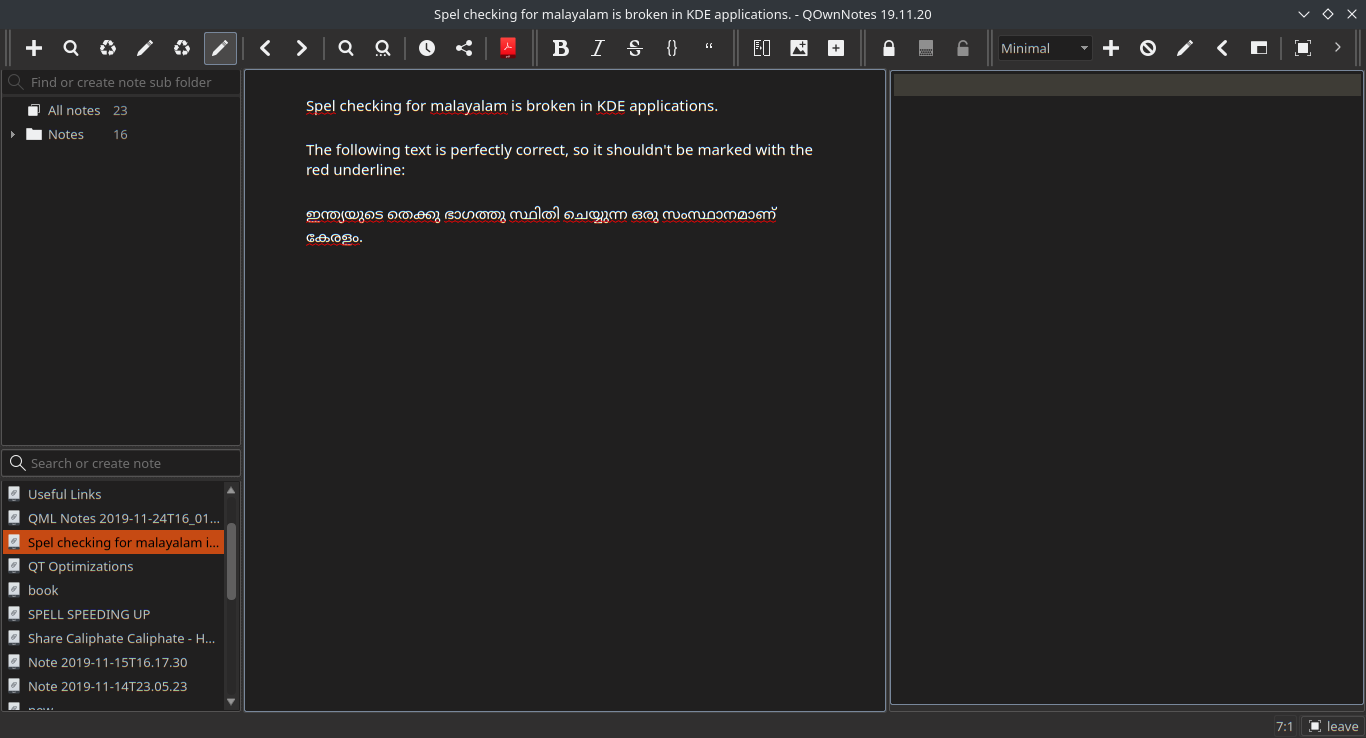
Happens regardless of whether I use shortcut or menu to switch to the 'Distraction free mode`
 Waqar144
on 24 Nov 2019
Waqar144
on 24 Nov 2019
It can happen if you don't use KDE
You mean if you DO use KDE...?
sanderboom
on 24 Nov 2019
It can happen if you don't use KDE
You mean if you DO use KDE...?
I said that about the flickering (as a joke). Apologies if it caused any offense :(
Waqar144
on 25 Nov 2019
Apologies if it caused any offense :(
Haha no offense at all - I just thought you made a typo (and meant 'happen if you do use KDE') as I am using KDE in the screencast :yum:
sanderboom
on 25 Nov 2019
I don't get any padding if I leave the DFM after a restart of the application on KDE Neon.
pbek
on 25 Nov 2019
Steps to reproduce from my side:
- Open QON
- Press Ctrl+Shift+D (DFM)
- Close QON while it is in DFM
- reopen
DFM mode isn't restored properly.
I have completely reset the app, still the same.
Waqar144
on 25 Nov 2019
Close QON while it is in DFM
which way to close the app did you use?
pbek
on 25 Nov 2019
which way to close the app did you use?
Just clicking the close button(x) of the window on "top right corner". (Since that's the only button available to close QON in DFM)
Waqar144
on 25 Nov 2019
I managed to reproduce it.
Key was that the window must be maximized before closing it.
- maximize application window
- enter DFM
- quit (regardless of how)
- open app again
seems like a side-effect because of the safety measures in conjunction with full-screen mode...
pbek
on 26 Nov 2019
seems like a side-effect because of the safety measures in conjunction with full-screen mode...
Yep,
if you increase the delay to 1000, you see the distraction mode get restored for a split second and then all the panels appear
What if we do this instead:
    if (isMaximized() || isFullScreen()) {
        if (isInDistractionFreeMode()) {
             restoreCurrentWorkspace();
        } else {
            QTimer::singleShot(500, this, SLOT(restoreCurrentWorkspace()));
       }
    }
Nice, let's go for it if it works :)
pbek
on 26 Nov 2019
@Waqar144, do you want to make a PR?
pbek
on 26 Nov 2019
@Waqar144, do you want to make a PR?
Yes, i am on it.
And I will revert the previous change from #1458 and ammend it as discussed (if you haven't already)
Waqar144
on 26 Nov 2019
And I will revert the previous change from #1458 and ammend it as discussed (if you haven't already)
I've done that already, my changes will be committed in the next hours. You only need to change above code.
pbek
on 26 Nov 2019
And I will revert the previous change from #1458 and ammend it as discussed (if you haven't already)
I've done that already, my changes will be committed in the next hours. You only need to change above code.
You were a minute too late :grimacing:
I will revert it again. And do this one only
Waqar144
on 26 Nov 2019
19.11.22
- fixed distraction free mode not restored properly on app restart if the app
previously was maximized (for #1448, thank you @Waqar144)
pbek
on 26 Nov 2019
There now is a new release, could you please test it and report if it works for you?
pbek
on 26 Nov 2019
Working great!👍
Waqar144
on 26 Nov 2019
Great, thank you for testing!
pbek
on 26 Nov 2019
NICE GUYS :+1: :rocket:
sanderboom
on 26 Nov 2019
Related issues
 sunjam
·
4Comments
sanderboom
·
5Comments
sunjam
·
4Comments
sanderboom
·
5Comments
 RealDrJester
·
7Comments
RealDrJester
·
7Comments
 tveyben
·
6Comments
tveyben
·
6Comments
 anmsh
·
7Comments
anmsh
·
7Comments