Qksms: Photo cropping and aspect ratio
When displaying an MMS conversation with photos, QKSMS seems to crop the photos to a roughly square shape. This is not good, because important parts of the photo may be hidden by the cropping. Photos should be displayed in the original aspect ratio without any cropping.
The current behavior could be retained as an option if desired, but I don't think it should be the default behavior.
 spocko
All 3 comments
The current implementation isn't meant to be a permanent solution. If I can figure out how to maintain the aspect ratio without any issues, I'd love to do so
The problem is that the app needs to load the photo info in order to determine the aspect ratio, which can take a few frames. This means that it will only be determined after it's already being displayed, and because you're scrolling in a list, it causes the UI to jump around
 moezbhatti
on 25 Jun 2018
moezbhatti
on 25 Jun 2018
Personally I'd be willing to sacrifice a little scrolling smoothness to allow photos to show in original aspect ratio.
A few ideas that might help minimize the UI jumping:
- Use a fixed vertical image height
- Cache the image dimensions in the database
spocko
on 25 Jun 2018
just wanted to spin out this bug from #1220 , thanks @spocko ;)
(can you just edit / refine the title to not only address "cropping" but "aspect")
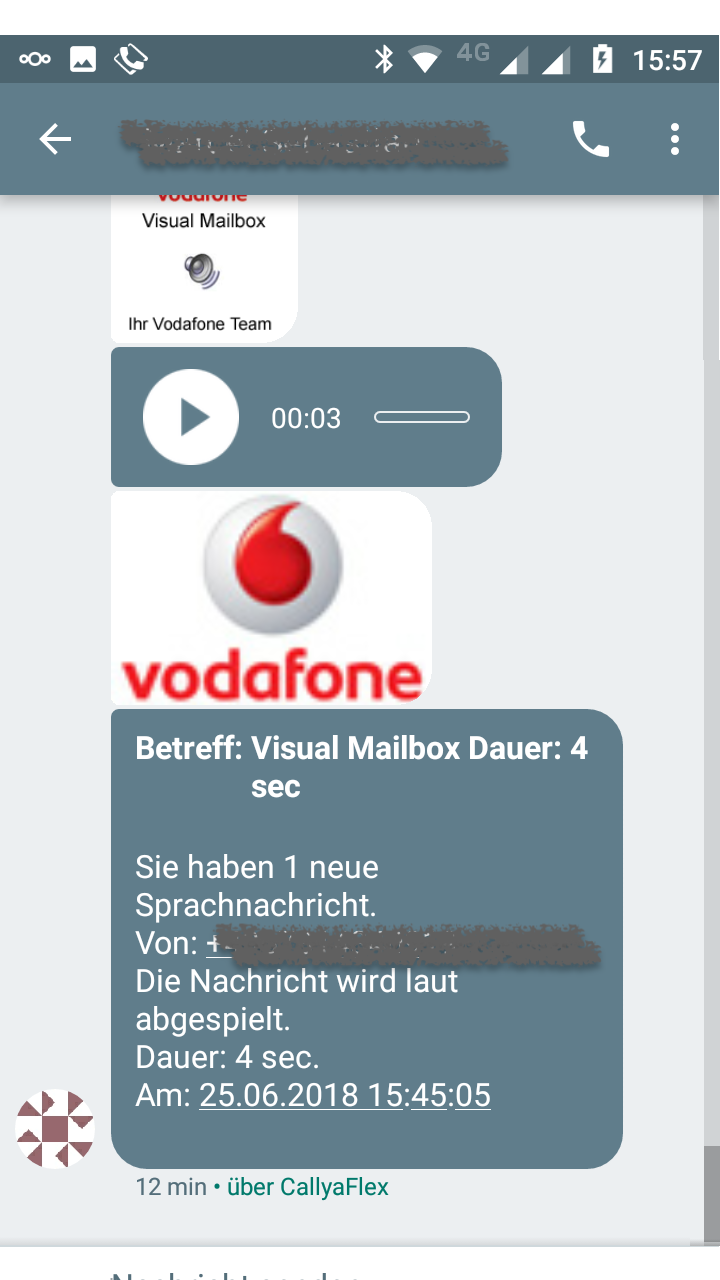
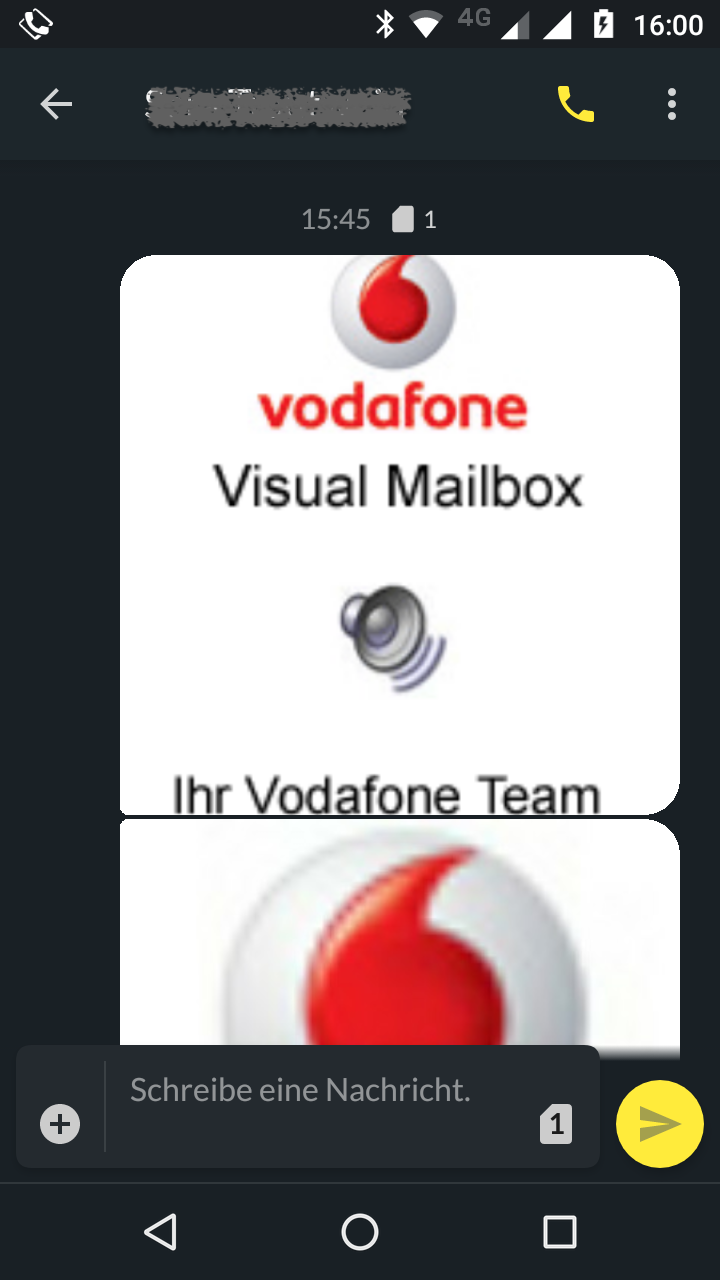
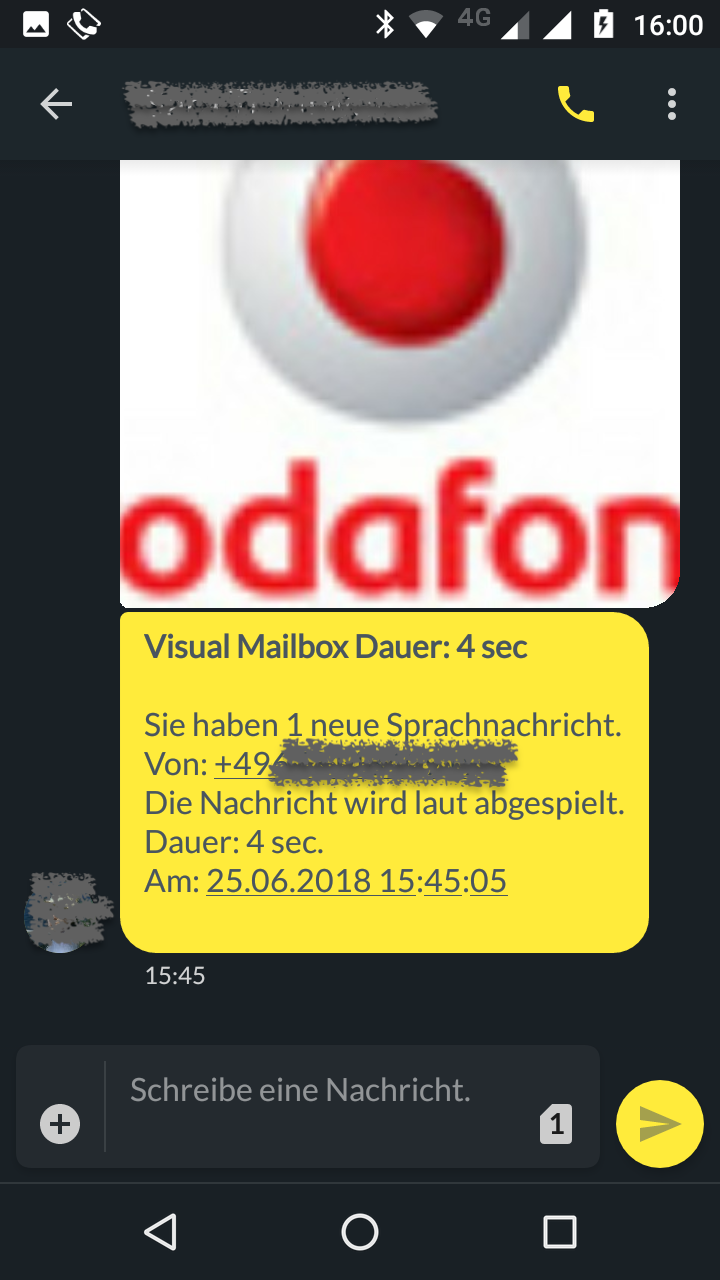
here are some screenshots
Google Messages:
QKSMS
 childnode
on 31 Jul 2018
childnode
on 31 Jul 2018
Related issues
 nosoop
·
4Comments
nosoop
·
4Comments
 ZenithRogue
·
5Comments
ZenithRogue
·
5Comments
 SeriousTube
·
3Comments
SeriousTube
·
3Comments
 xavihernandez
·
4Comments
moezbhatti
·
3Comments
xavihernandez
·
4Comments
moezbhatti
·
3Comments
Most helpful comment
Personally I'd be willing to sacrifice a little scrolling smoothness to allow photos to show in original aspect ratio.
A few ideas that might help minimize the UI jumping: