Qksms: Navigation bar icons invisible with the light theme
DESCRIPTION
When using the light theme, the navigation bar icons on my Huawei Nova 2i (Mate 10 Lite) running 8.0 Oreo become invisible. I've switched back to the default EMUI Explorer theme and uninstalled Navbar Apps, thinking one of them was the cause of the bug. Still the same thing. No problem with the dark mode, however.
I'm using the latest v3.3.0, but I also noticed this on v3.2.2.
STEPS
- Open QKSMS
- Disable dark mode (if it's on)
EXPECTED
The nav bar icons should be visible at all times.
OBSERVATIONS
The nav bar icons are invisible and the nav bar itself is black.
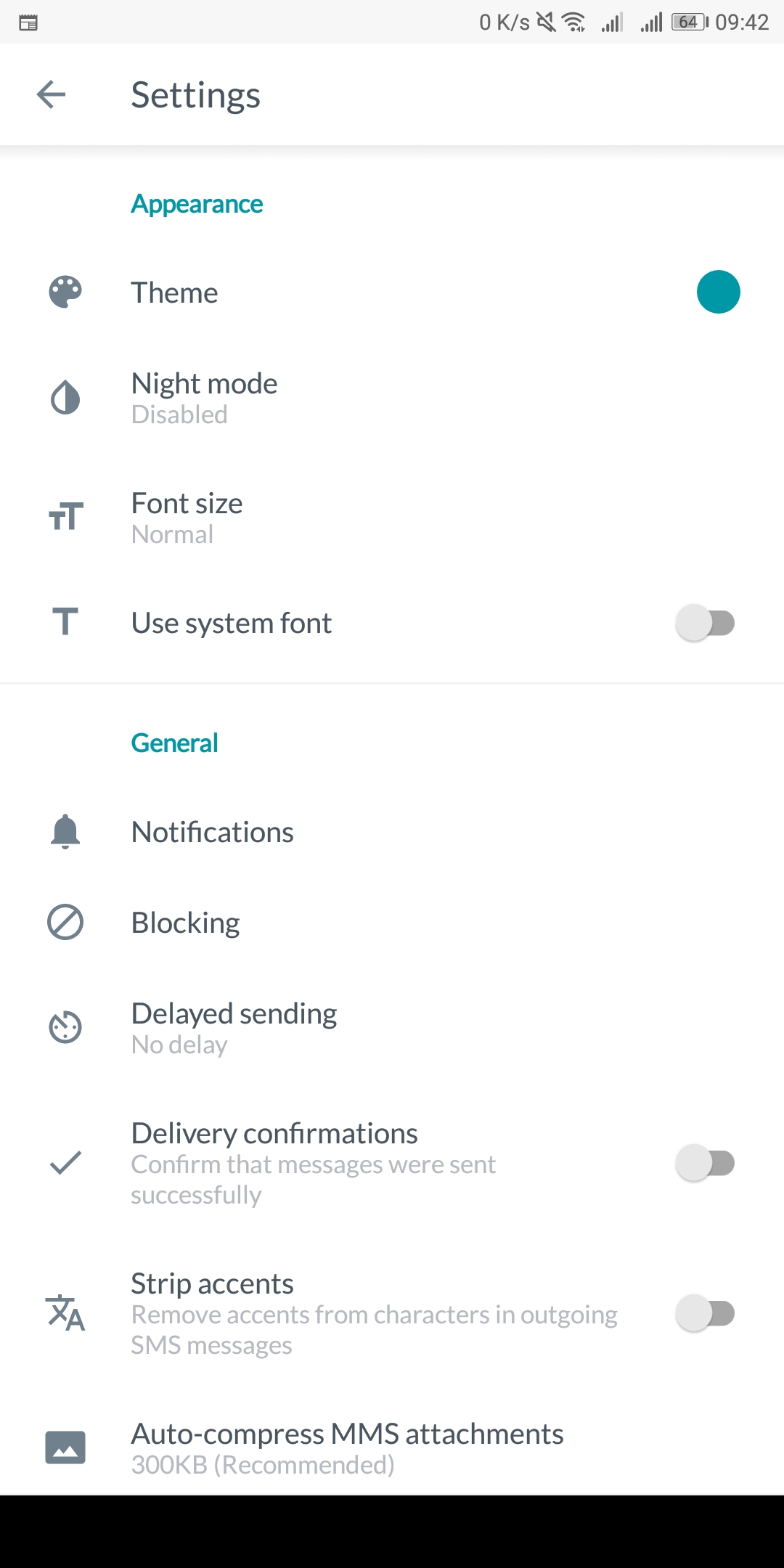
 gabkomarnicki
All 12 comments
Another user has also reported this issue on a SONY XPERIA XA1 ULTRA running 8.0
 moezbhatti
on 7 Jun 2018
moezbhatti
on 7 Jun 2018
@gkomarnicki could you give thie APK a test and let me know if it solves the issue?
moezbhatti
on 8 Jun 2018
I was able to do some testing with the other user who reported it via email, and managed to figure out the root of the issue
moezbhatti
on 8 Jun 2018
@moezbhatti Still have the same issue with that APK.
gabkomarnicki
on 8 Jun 2018
@gkomarnicki yeah, that APK didn't end up working. Here's the one that did
moezbhatti
on 8 Jun 2018
@moezbhatti Working perfectly now. Thanks
gabkomarnicki
on 8 Jun 2018
Does not work for me. Xperia XZ1 Compact Android 8.0
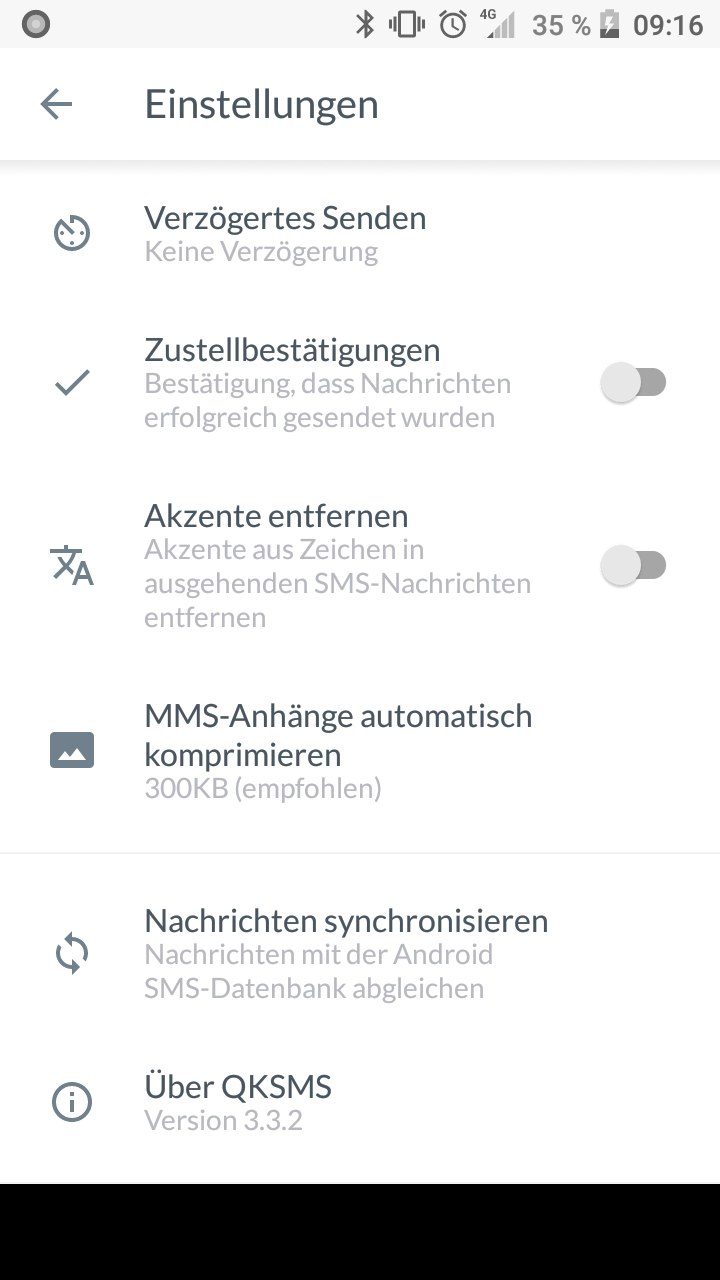
 jay1109
on 11 Jun 2018
jay1109
on 11 Jun 2018
@jay1109 by default does your phone have a light nav bar or a dark one?
moezbhatti
on 12 Jun 2018
A dark one
jay1109
on 12 Jun 2018
Another user reported it still happening on a Huawei p20 lite running 8.0
moezbhatti
on 13 Jun 2018
I've got the same problem again on my Huawei Nova 2i. This is with the latest v3.3.2, but the icons appeared ok with the QKSMS 2 apk
gabkomarnicki
on 13 Jun 2018
Same problem on my Huawei P9 Plus running Android 8.0 , But the _QKSMS 2.apk_ above is OK.
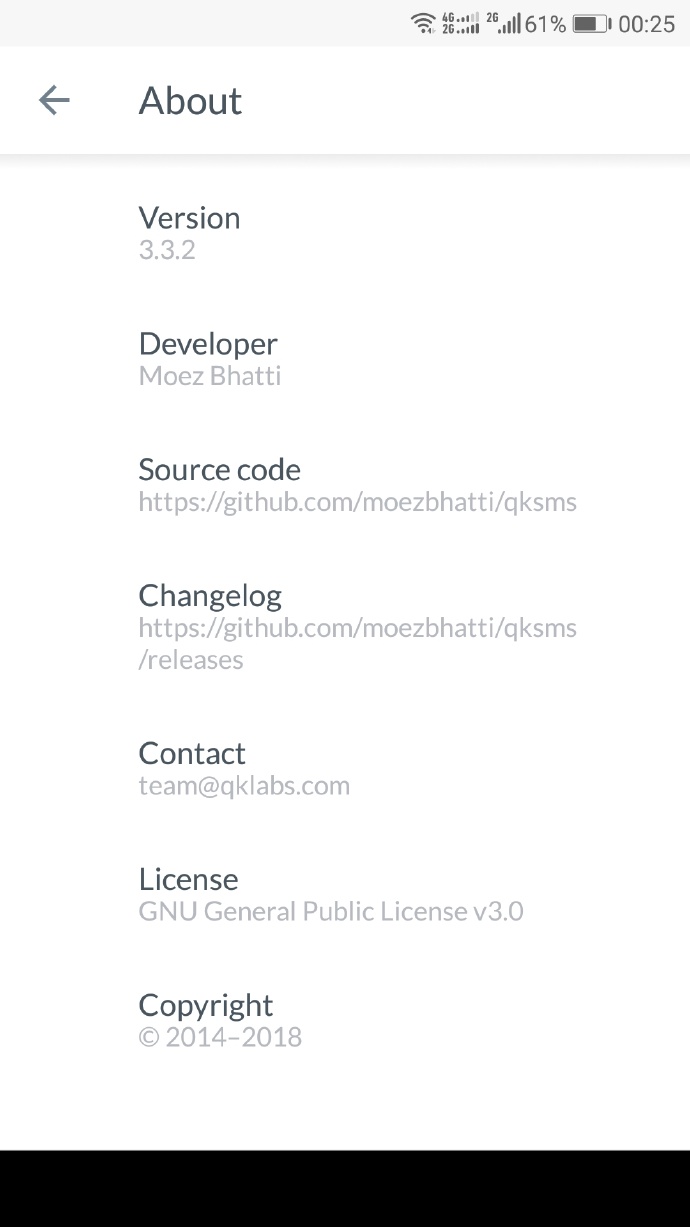
 KruziikG
on 17 Jun 2018
KruziikG
on 17 Jun 2018
Related issues
gabkomarnicki
·
4Comments
 xavihernandez
·
4Comments
xavihernandez
·
4Comments
 zawyer1
·
5Comments
zawyer1
·
5Comments
 spocko
·
3Comments
spocko
·
3Comments
 phileastv
·
4Comments
phileastv
·
4Comments