Pyfa 2.16.2/3 Started flipping the UI to "RTL"
A picture is worth a thousand words:
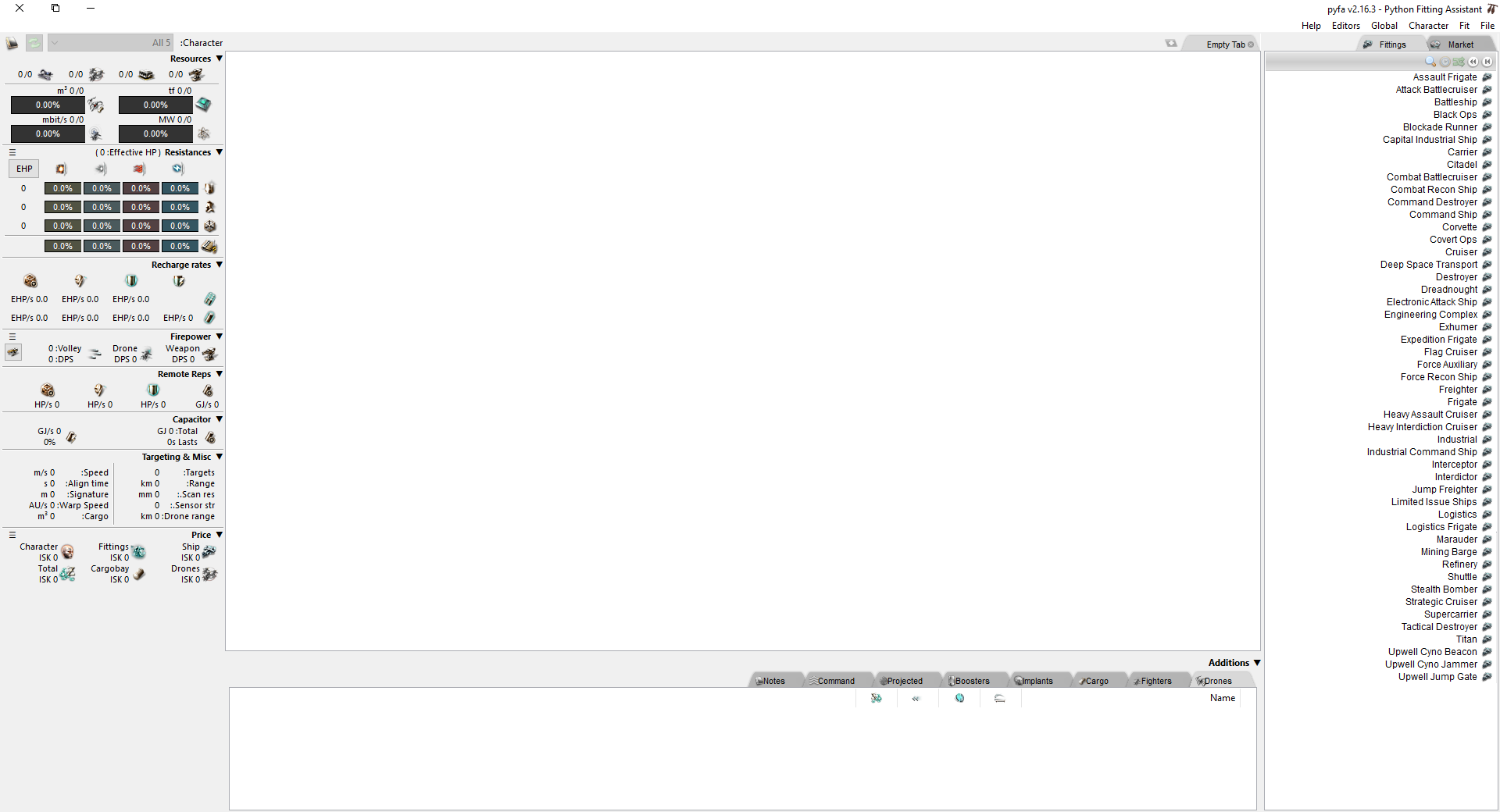
This started as I updated from 2.16.0 to 2.16.2 as well as 2.16.3.
I am located in the middle east but my Windows is localed to EN-US.
Environment:
Windows 10 64bit, Python 3.6.
 leonbur
All 10 comments
This is likely caused by update of wxpython 4.0.7. Could you make screenshots of all relevant regional settings in windows? I will try to reproduce it.
 DarkFenX
on 29 Jan 2020
DarkFenX
on 29 Jan 2020
https://github.com/wxWidgets/Phoenix/issues/1008 this ticket contains more info, please try changing the setting the ticket mentions
DarkFenX
on 29 Jan 2020
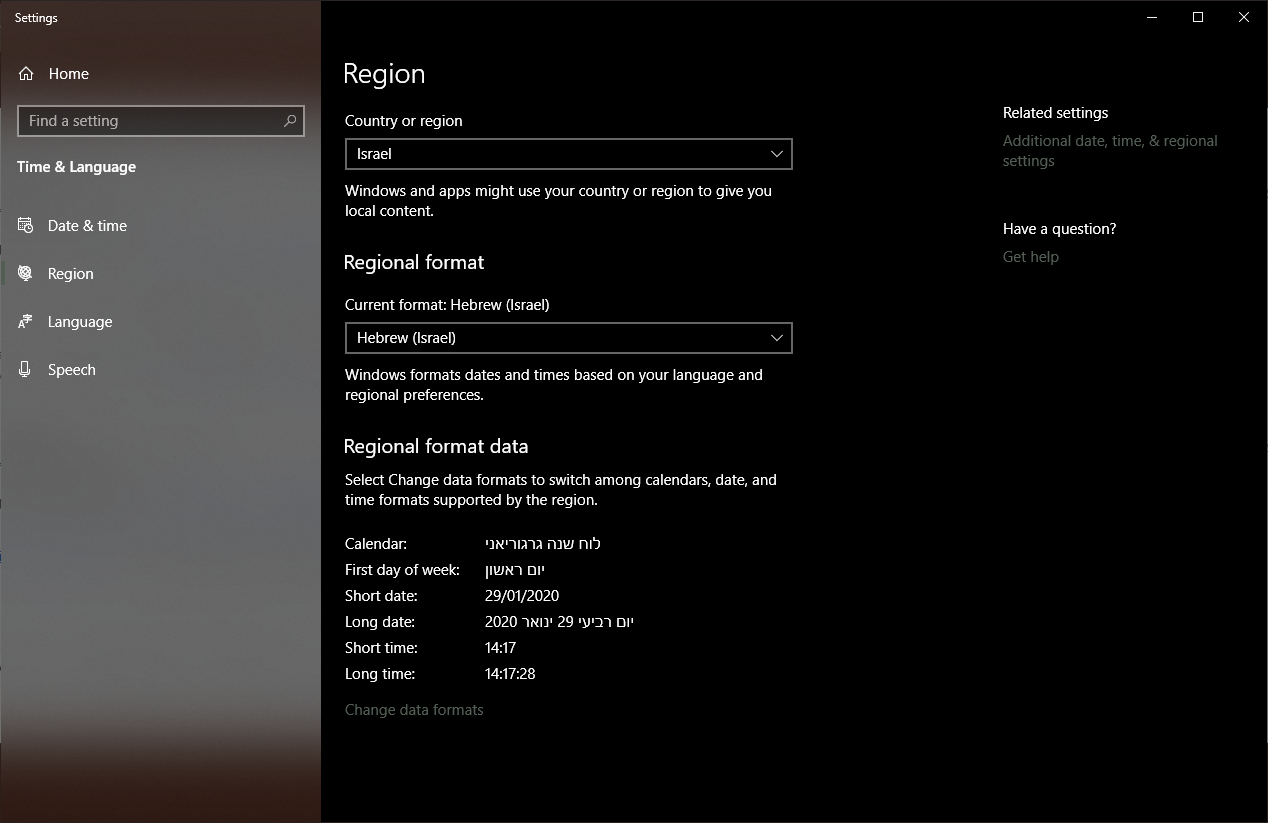
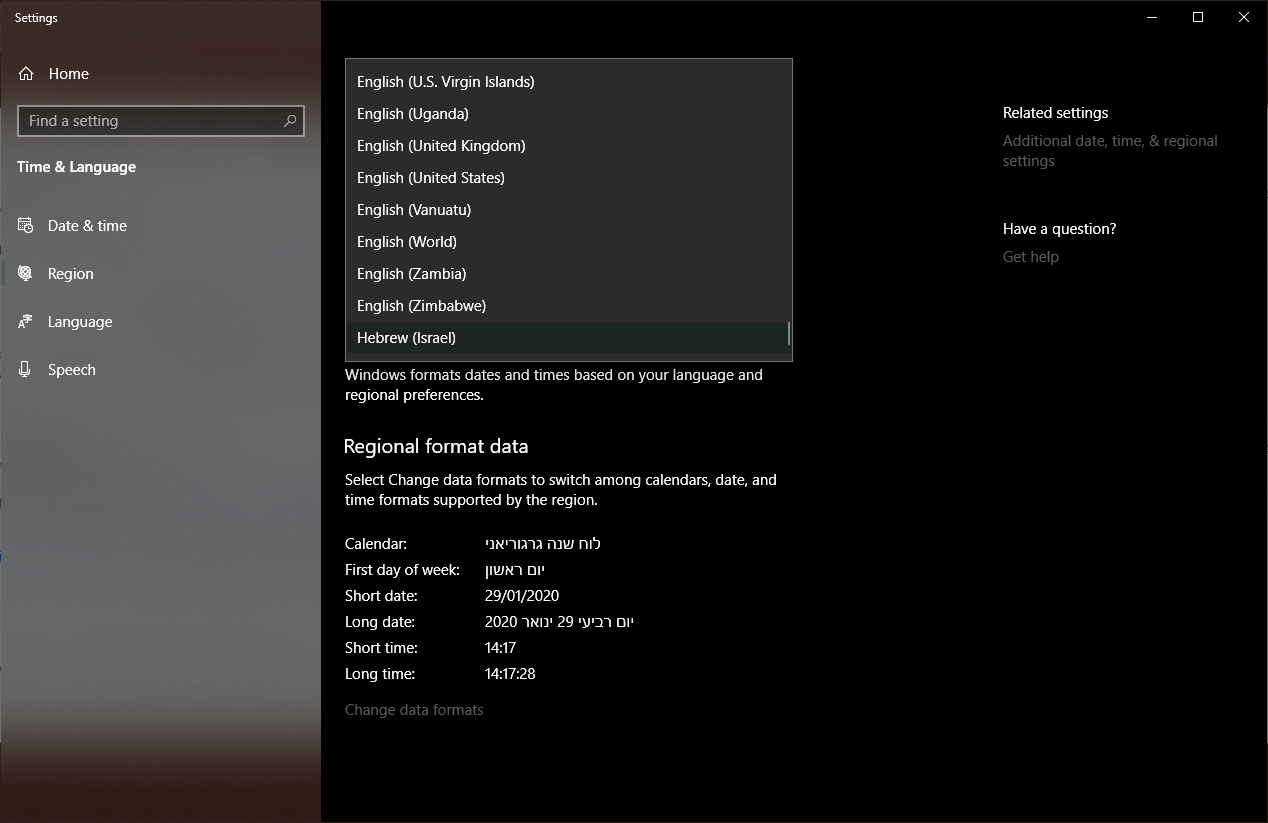
My mistake, it appears that my region is set to Israel (even though the UI localization remains English). When I set it to United States the Pyfa UI goes back to normal.
It's still a bug though, right?
Current Region:
All Regions:
leonbur
on 29 Jan 2020
Ok as a next step, could you confirm again that 2.16.1 worked for you even if it's set to Israel?
DarkFenX
on 29 Jan 2020
Tested both 2.16.1 and 2.16.0:
2.16.1 is incorrect just like the newer versions
2.16.0 works correctly
leonbur
on 29 Jan 2020
I posted a comment to the issue i linked above. I do not think there's anything I can do, except for switching back to wxpython 4.0.6 (which I will probably do, as 4.0.7 doesn't seem to fix anything from our other upstream bugs).
DarkFenX
on 29 Jan 2020
@leonbur https://ci.appveyor.com/project/pyfa-org/pyfa/builds/30533956/artifacts try one of these builds.
To fix several issues (not just this one), I had to update multiple libraries and make pyfa a 64-bit application. Among those library updates there was python update to 3.8, which should fix this issue for you (if info from wxpython maintainers is correct).
DarkFenX
on 3 Feb 2020
The new build doesn't solve the issue.
leonbur
on 9 Feb 2020
I reproduced the issue on my win8.1. Just setting "formats" to Hebrew seems to lead to this issue. Both ways suggested by wxpython maintainers did not work so far.
DarkFenX
on 11 Feb 2020
Worked around it in 61a01805cc28d2c1e17d8c76a05f58ec5ba11102
DarkFenX
on 13 Feb 2020
Related issues
 rinakondur
·
7Comments
rinakondur
·
7Comments
 UsernameByCommittee
·
9Comments
UsernameByCommittee
·
9Comments
 Dawnkeeper
·
5Comments
Dawnkeeper
·
5Comments
 hotleadsingerguy
·
8Comments
hotleadsingerguy
·
8Comments
 fonsui
·
12Comments
fonsui
·
12Comments