Prestashop: Shop logo has problem if enabled the pagespeed apache module
Hi
if you add this code in the .htaccess
<IfModule pagespeed_module>
ModPagespeed On
</IfModule>
and if the apache module is enabled in the server, it is possible to compress all the images from jpg to webp format
all is ok except for the logo images present in the page
I try to change
<img class="logo img-responsive" src="{$shop.logo}" alt="{$shop.name}">
to
<img class="logo img-responsive" src="{$urls.shop_domain_url}{$shop.logo}" alt="{$shop.name}">
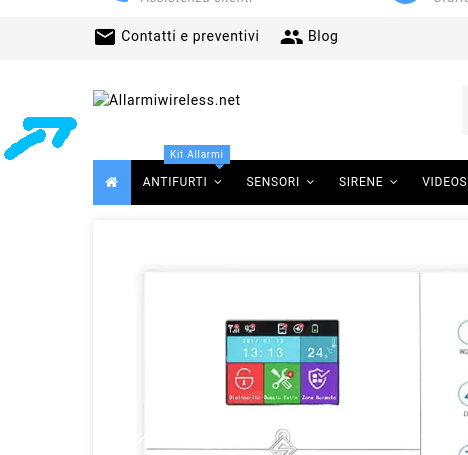
but I get the same problem, these images are missing from the page
if I set the logo url
https://allarmiwireless.net/shop/img/allarmiwirelessnet-logo-1560628089.jpg
I get the same problem
Screenshots
Additionnal information
PrestaShop version: 1.7.5.2
PHP version: 7.0
 maofree
All 5 comments
the issue is done from the .htaccess file present in the img folder
removing it I can see the logo in webp format changed from the pagespeed module of apache
maofree
on 16 Jun 2019
it is necessary to edit this .htaccess to be compatible with pagespeed
maofree
on 16 Jun 2019
Hi @maofree,
Thanks for your report.
I installed mod_pagespeed for apache
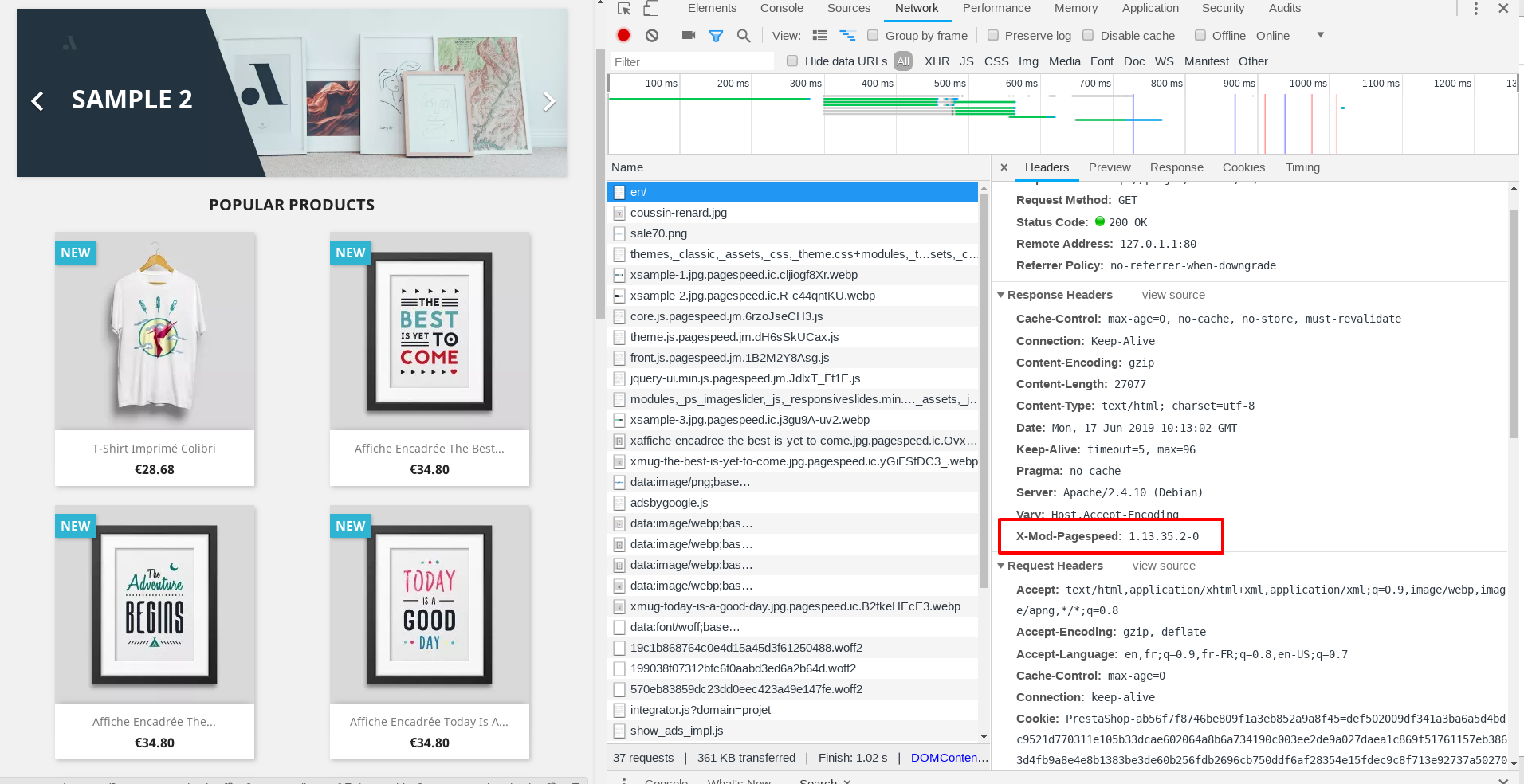
I added those lines to the .htaccess file
<IfModule pagespeed_module>
  ModPagespeed on
  ModPagespeedEnableFilters rewrite_css,combine_css
  ModPagespeedEnableFilters recompress_images
  ModPagespeedEnableFilters convert_png_to_jpeg,convert_jpeg_to_webp
  ModPagespeedEnableFilters collapse_whitespace,remove_comments
</IfModule>
In the BO => Design => Theme & Logo, when we try to add a logo with this type .webp
I have an exception
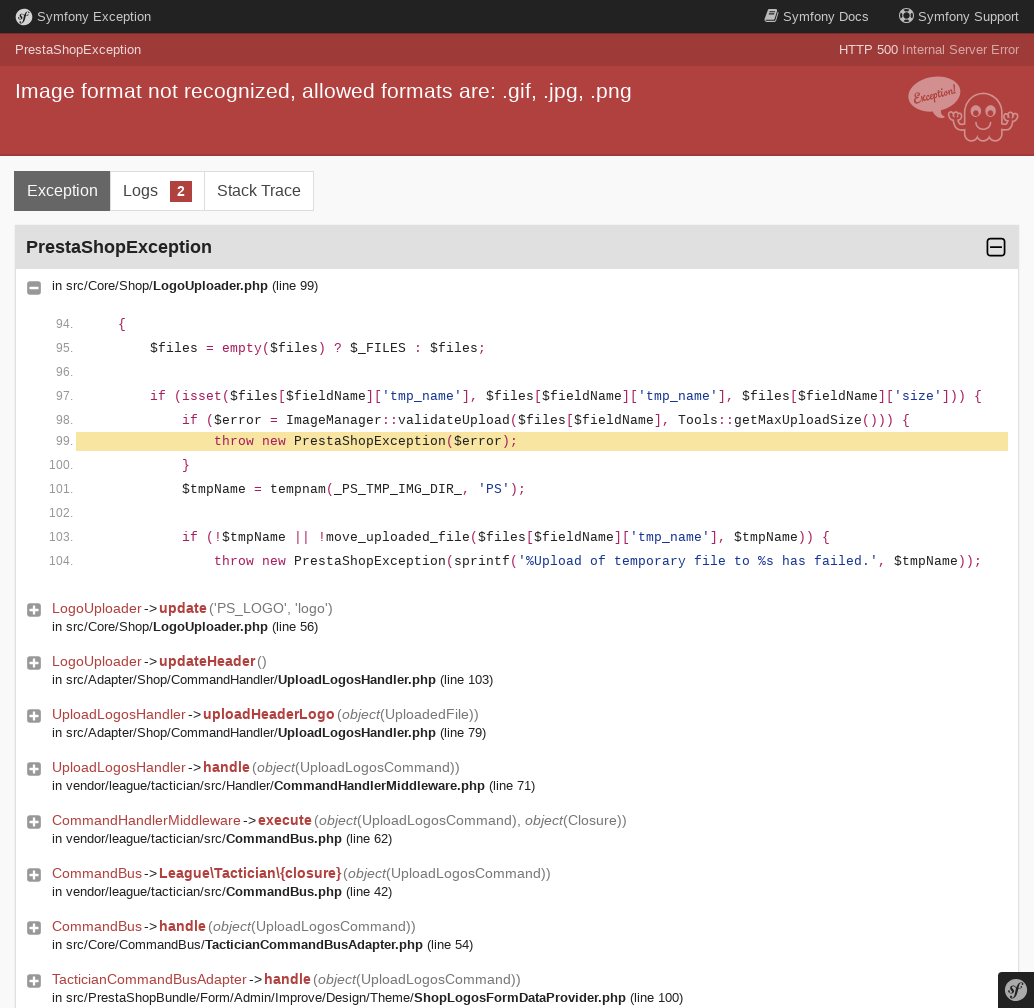
It is similar to this ticket: https://github.com/PrestaShop/PrestaShop/issues/10356
Is it?
Thanks to check & feedback.
 khouloudbelguith
on 17 Jun 2019
khouloudbelguith
on 17 Jun 2019
Hi @maofree,
Since we had no news from you for more than 30 days, I'll close this ticket. Feel free to open another one if you can give specific details.
Thanks!
khouloudbelguith
on 17 Jul 2019
hi
in this case it is missing only the image without errors
maofree
on 17 Jul 2019
Related issues
 rGaillard
·
3Comments
rGaillard
·
3Comments
 hiousi
·
3Comments
khouloudbelguith
·
3Comments
hiousi
·
3Comments
khouloudbelguith
·
3Comments
 matks
·
3Comments
matks
·
3Comments
 Van-peterson
·
3Comments
Van-peterson
·
3Comments
Most helpful comment
the issue is done from the .htaccess file present in the img folder
removing it I can see the logo in webp format changed from the pagespeed module of apache