Prestashop: Error 500 - Back Office Login
Describe the bug
Noticed that Import option was not working properly, turned on debugger and now BO is showing Error 500
To Reproduce
Steps to reproduce the behavior:
- Go to BO
- See error
Screenshots
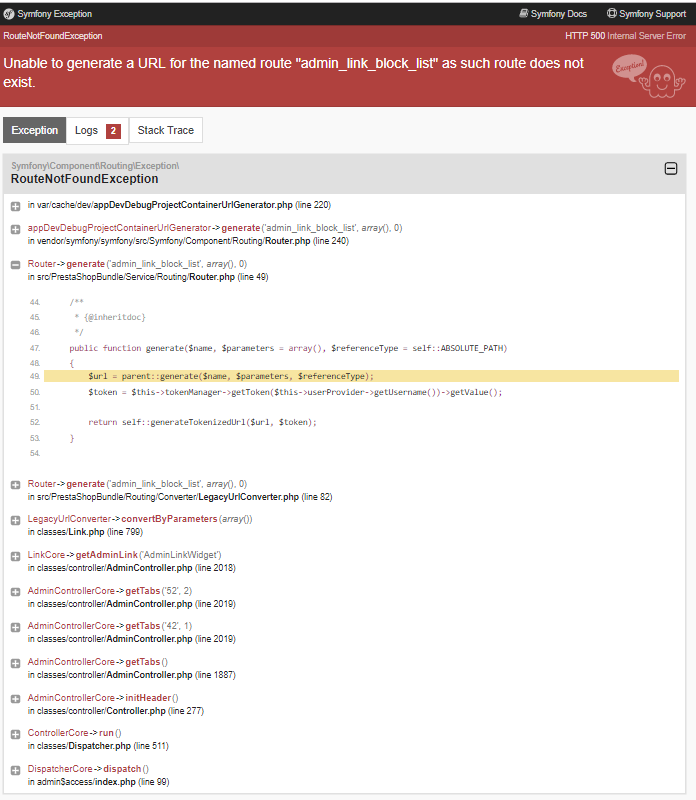
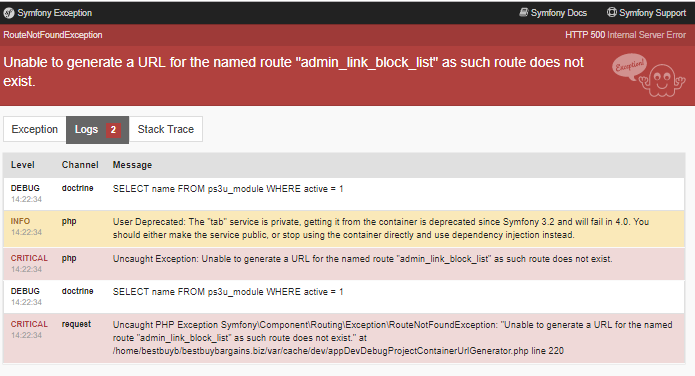
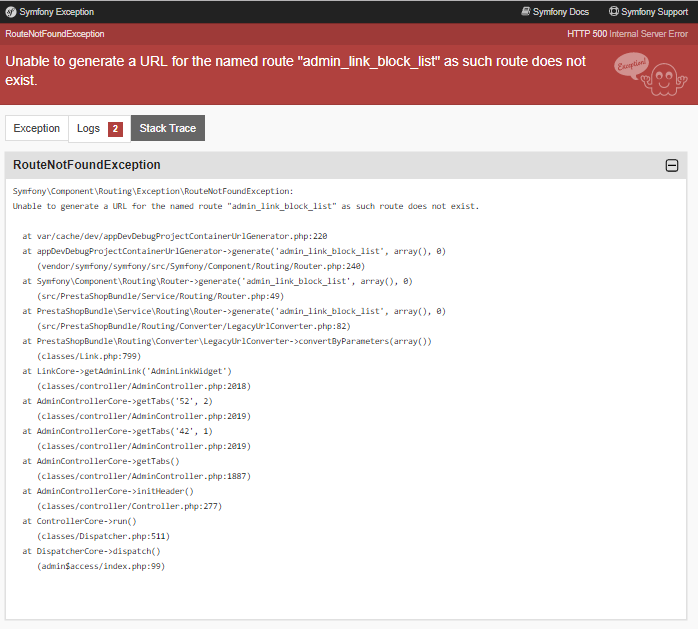
Additionnal information
PrestaShop version: 1.7.5.2
PHP version: N/A
 bestbuybargains
All 26 comments
bestbuybargains
on 23 May 2019
I have manually turned off the debugger in my server however Import option is throwing error 500
bestbuybargains
on 23 May 2019
Hi @bestbuybargains,
Could you please try to clear the cache manually by deleting all the folder into var/cache (prod & dev).
After removal of cache try with those commands:
php -d memory_limit=-1 ./bin/console cache:clear
php -d memory_limit=-1 ./bin/console cache:clear --env=prod
Thanks to check and feedback.
 khouloudbelguith
on 24 May 2019
khouloudbelguith
on 24 May 2019
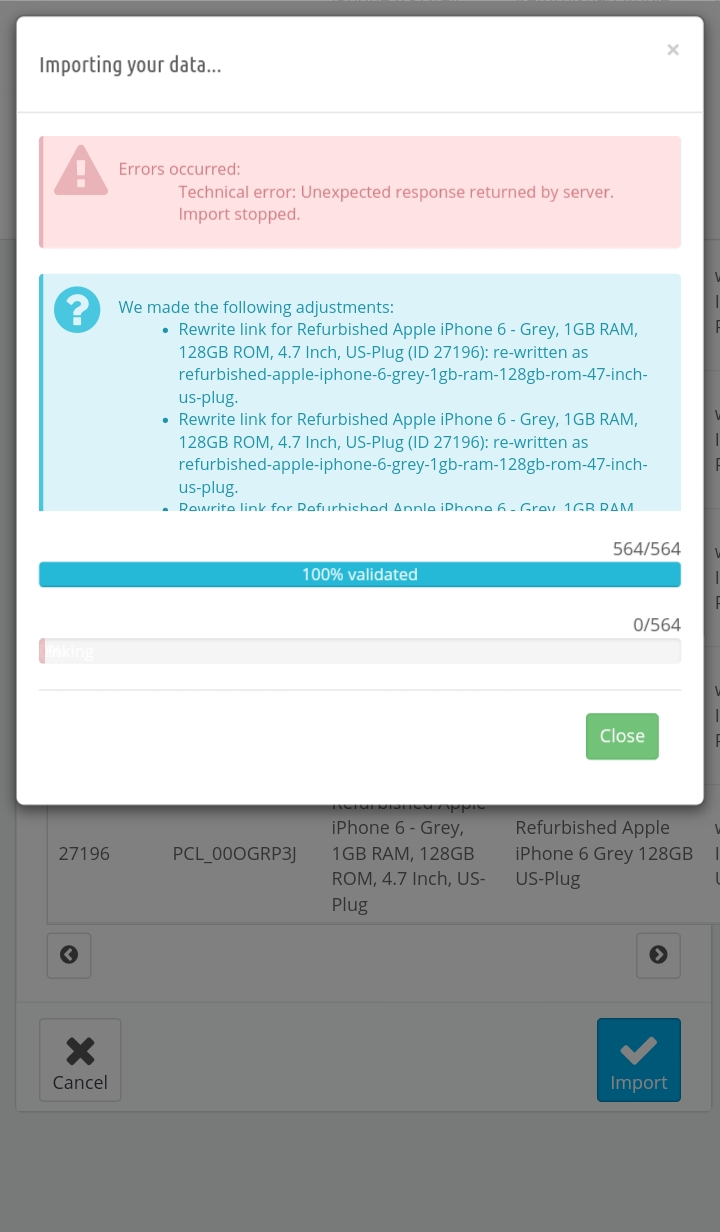
Thank you. After manually deleting the folders, I can now access the import section, however, after validation, i receive this error.
bestbuybargains
on 24 May 2019
@bestbuybargains, could you please provide me the first product in your file csv that you need to import.
Thanks!
khouloudbelguith
on 24 May 2019
Hi! I sent the csv file to your email just in case you need it as i am importing a bunch of iphones
bestbuybargains
on 24 May 2019
@bestbuybargains, thanks!
I just received the email.
I will check & feedback
khouloudbelguith
on 24 May 2019
@bestbuybargains, I imported the 3 first product & it is OK.
https://drive.google.com/file/d/1gARv9tI8vmsQapCYCD7gpvV1uj3ScQ95/view
I have a question about
- what is the difference between Main_Product_Picture & image?
- you have column Height_mm/Width_mm/.. Height_cm, we only have one column height, width & depth
Thanks!
khouloudbelguith
on 24 May 2019
Great question! I actually ignore image as its extra sizes of photos and i also ignore the mm sizes as it is better to use cm.
bestbuybargains
on 24 May 2019
@bestbuybargains, same!
I ignored those columns & it is OK as described in my screen record
Thanks!
khouloudbelguith
on 24 May 2019
Understanding that the csv document is acceptable, what else may i try to get the file to import? The same file has imported successfully on my other sites.
bestbuybargains
on 24 May 2019
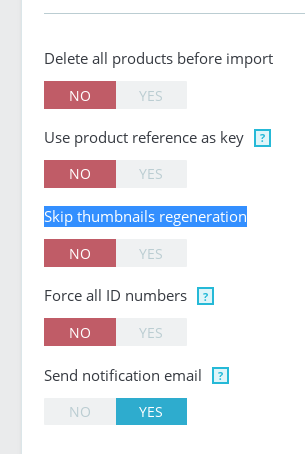
@bestbuybargains, what is the exact configuration used in your case?
Thanks!
khouloudbelguith
on 24 May 2019
Another great question! I always enable Force all ID numbers and disable the rest.
bestbuybargains
on 24 May 2019
Okay, i have an update. So, I've tried all possible combinations with the importing options with no success, however, when i look at my products, i see that up to 5 will import (amount is always random) and the pictures are doubled, tripped, etc. Do you want a screenshot or access to the BO?
bestbuybargains
on 24 May 2019
Hi @bestbuybargains,
Could you please provide me the credentials of your shop to check it.
This is a public space.
You can provide me the access by email.
My address mail: khouloud.[email protected]
Let's be safe!
Thanks!
khouloudbelguith
on 27 May 2019
All set my friend. Let me know if you have any questions!
bestbuybargains
on 27 May 2019
@bestbuybargains, thanks!
I just received the email.
I will check & feedback
khouloudbelguith
on 27 May 2019
@bestbuybargains, in your file csv, you have a lot of products.
I will try to import them
Can you please confirm this action?
Thanks!
khouloudbelguith
on 27 May 2019
Yes, you can import all. Let me know if you have any questions!
bestbuybargains
on 27 May 2019
Hi @bestbuybargains,
After importing the file csv, I have this error: Attempted to call function "idn_to_ascii" from the global namespace.
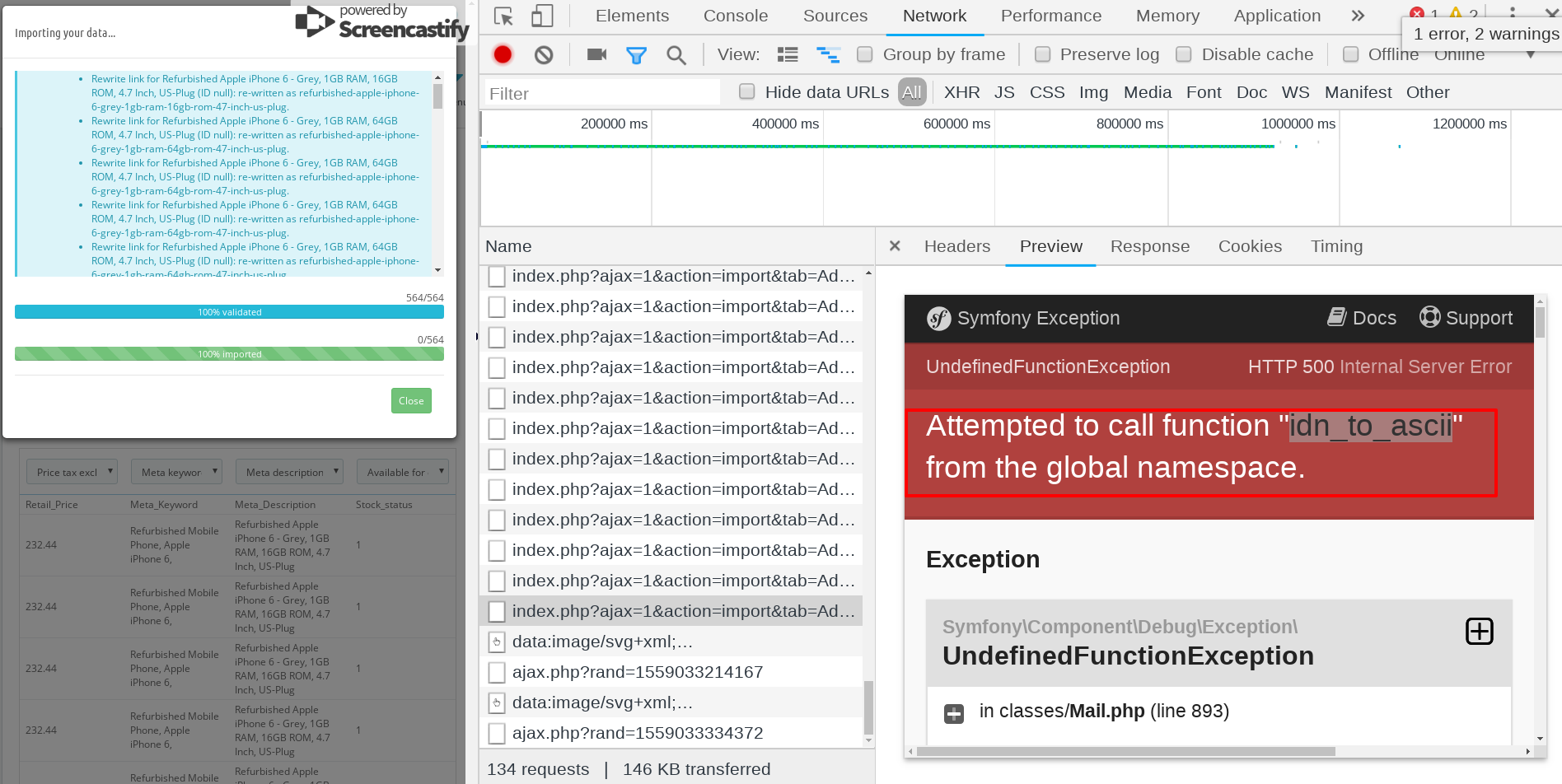
You need to enable & install php-intl extension on your server.
Thanks to check & feedback.
khouloudbelguith
on 28 May 2019
Alright. Intl is installed and functioning. Let me know if you see anything else
bestbuybargains
on 28 May 2019
@bestbuybargains, can I try to re-import products again?
Thanks!
khouloudbelguith
on 28 May 2019
Absolutely! Thanks for your help 😄
bestbuybargains
on 28 May 2019
@bestbuybargains, Now the import is OK
I sent you via email a video record
Thanks to check & feedback.
khouloudbelguith
on 28 May 2019
Thank you so much!!!
bestbuybargains
on 28 May 2019
@bestbuybargains, you are welcome!
Feel free to open a new one when needed.
Thanks!
khouloudbelguith
on 28 May 2019
Related issues
 nrcjea001
·
3Comments
nrcjea001
·
3Comments
 zuk3975
·
3Comments
zuk3975
·
3Comments
 wikao2
·
3Comments
khouloudbelguith
·
3Comments
wikao2
·
3Comments
khouloudbelguith
·
3Comments
 itisco
·
3Comments
itisco
·
3Comments