Prestashop: Some CSS Problems in Backoffice (RTL Languages)
Describe the bug
on some pages in back office, there are some css problems (Font, Position,...).
there are two 'theme_rtl.css' files in two different paths
1)admin/themes/new-theme/public/theme_rtl.css
2)admin/themes/default/public/theme_rtl.css
pages that load 'admin/themes/default/public/theme_rtl.css' are ok but remaining pages that load this css file (admin/themes/new-theme/public/theme_rtl.css) are not!
To Reproduce
below is list of links on menu that have problems.
Orders -> Invoices / Delivery Slips
Catalog -> Products / Stocks
Modules -> Module Manager
Design -> positions
Shipping -> Preferences
Payment -> Payment Methods / Preferences
International -> Localizations / Translations
Shop Parameters -> General / Order Settings / Product Settings / Customer Settings / Traffic & SEO
Advanced Parameters -> Information / Performance / Administration / E-mail / Import / Logs
Screenshots
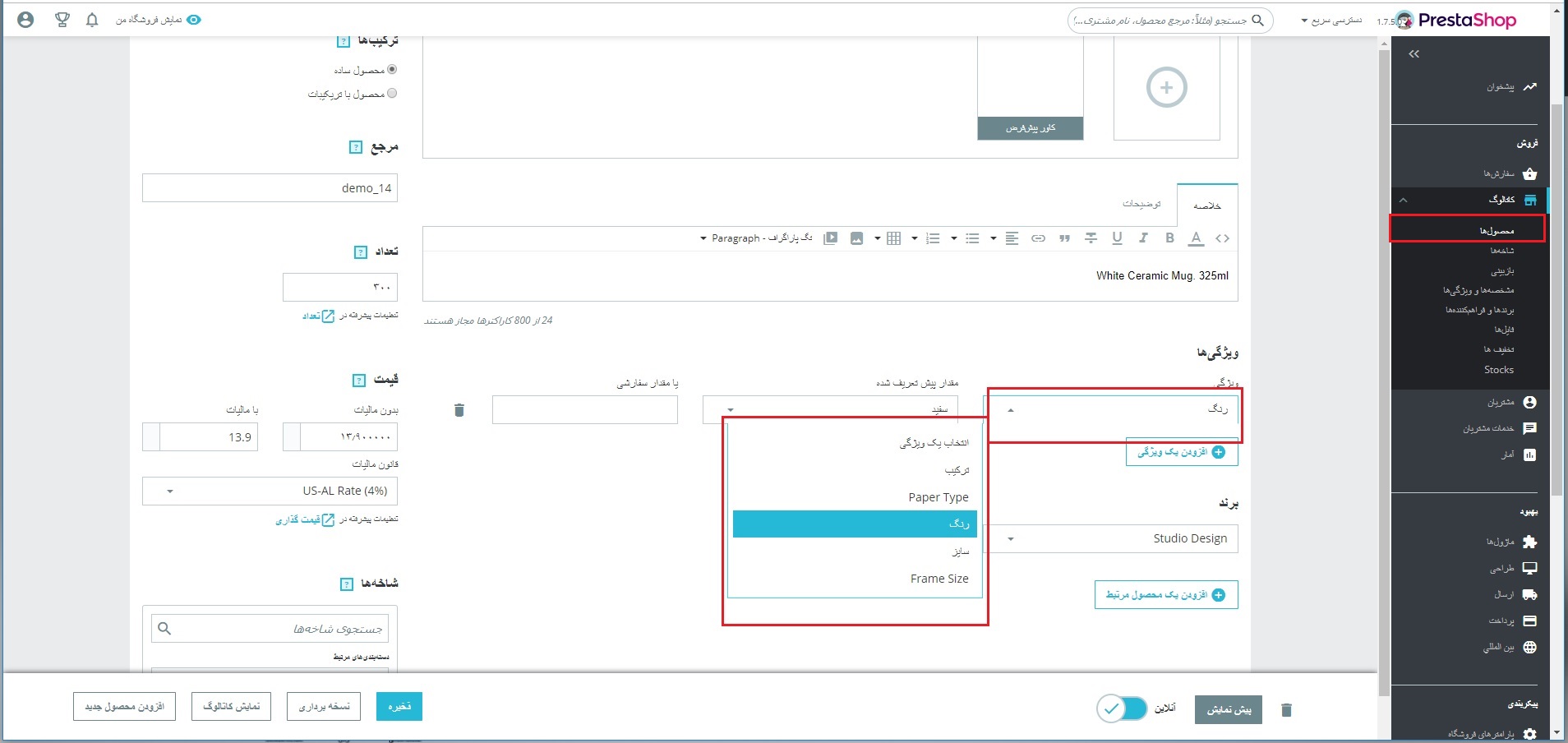
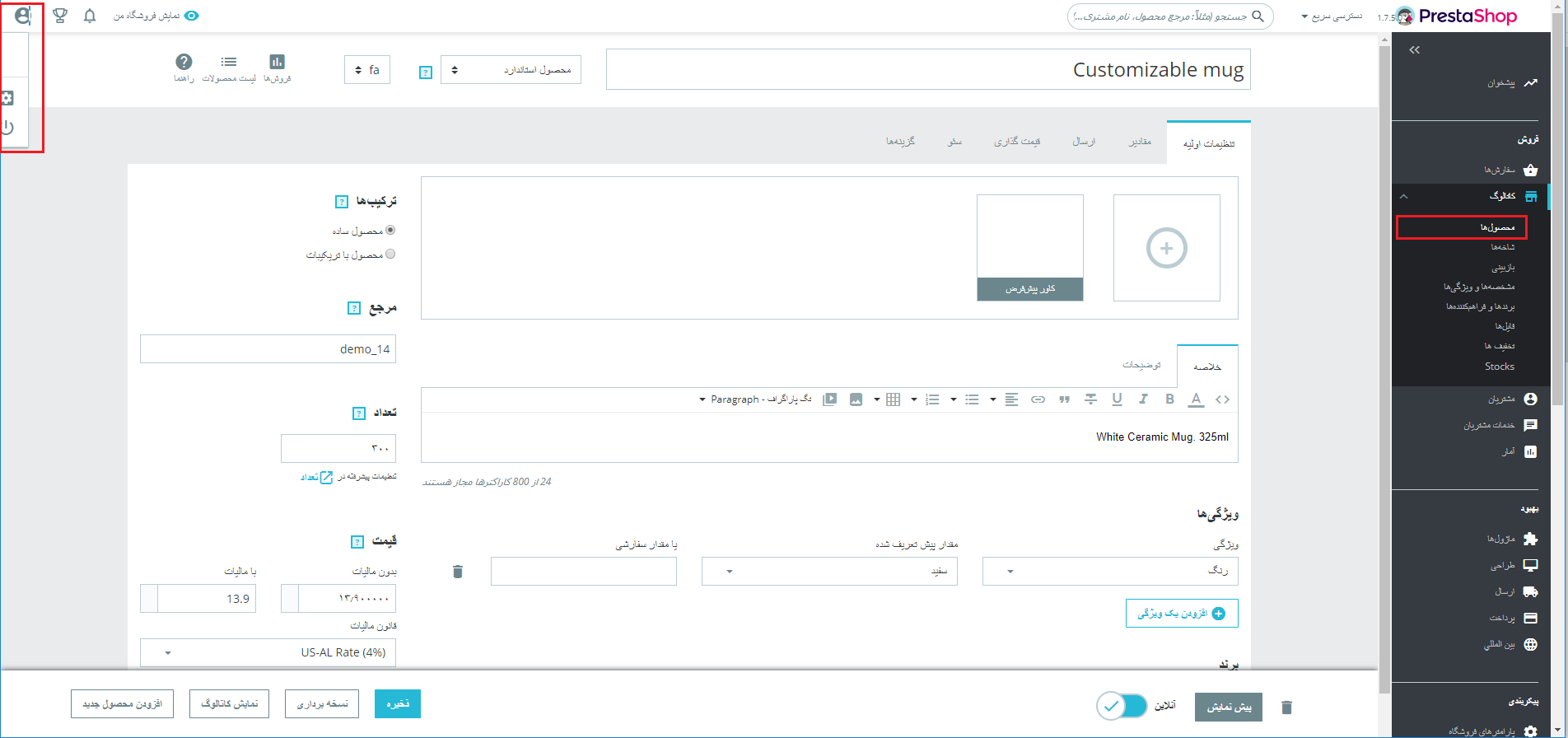
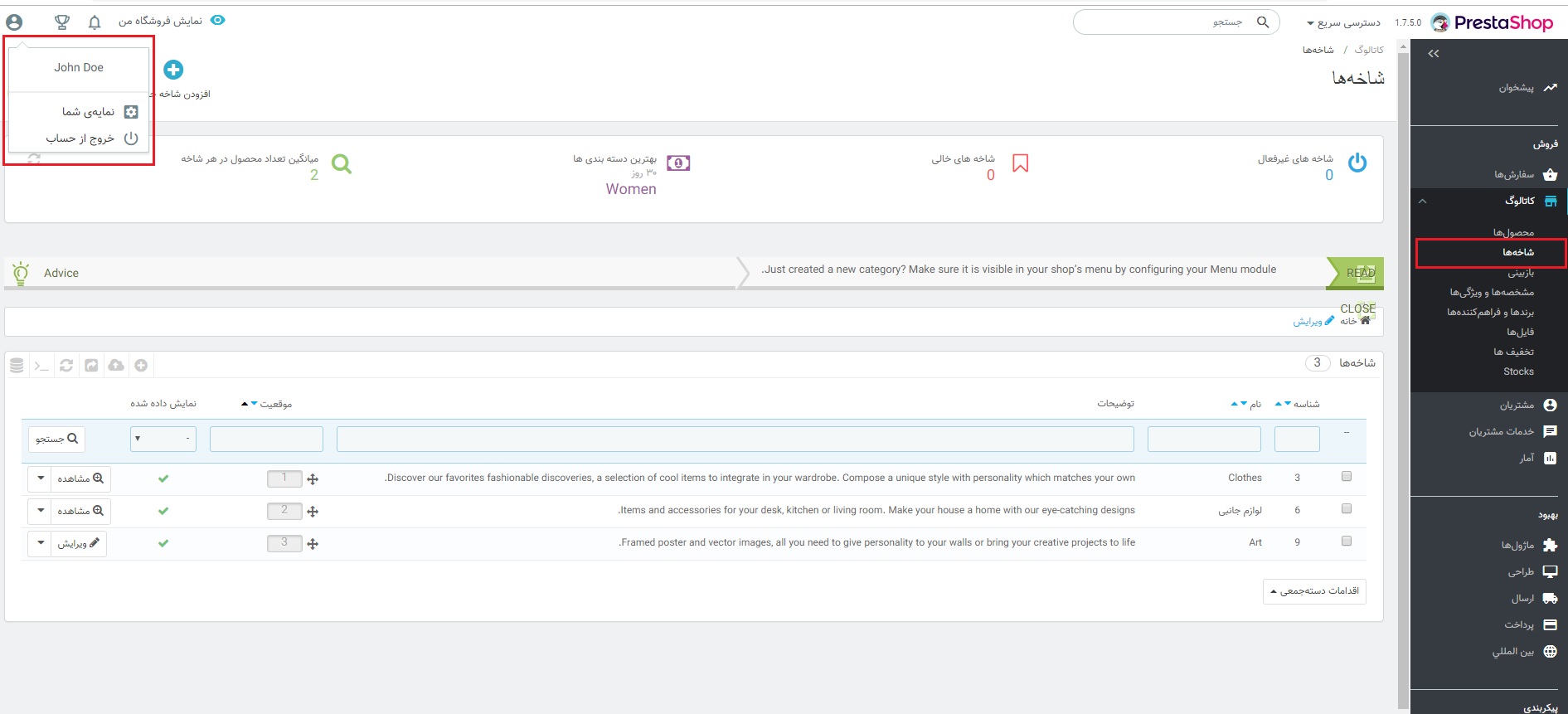
i attached 3 images, in 1 and 2 you can see font issue and css position issues. in image number 3, every thing is ok!
Additionnal information
Language: Persian (RTL)
PrestaShop version: 1.7.5
PHP version: 7.2
img-1
img-2
img-3
 shahin0x
All 10 comments
Hi
same issue for me.
there's also a problem in add a new product page. When a persian number is used in friendly url, this error appears : persian rewrite link field is not valid.
فیلد link_rewrite (پارسی (Persian)) نامعتبر است.
 alibt
on 14 Jan 2019
alibt
on 14 Jan 2019
Hi. This is upgraded or clean version?
 PrestaShark
on 14 Jan 2019
PrestaShark
on 14 Jan 2019
Hi. This is upgraded or clean version?
Hello
This is clean version
shahin0x
on 14 Jan 2019
Hi @shahin0x,
Is it the same issue: #11403 reported previously.
Thanks!
 khouloudbelguith
on 15 Jan 2019
khouloudbelguith
on 15 Jan 2019
Hi @khouloudbelguith
No this issue is different. both of them is related to css actually, but i don't have this problem in version 1.7.4.
some pages are OK and some pages are not! for example, go to catalog -> category and check text's font and then go to catalog -> products and check again.
shahin0x
on 15 Jan 2019
HI @shahin0x,
Thanks for this clarification.
I manage to reproduce the issue with PS1.7.5.0
PS1.7.5.0 => Product page => NOK
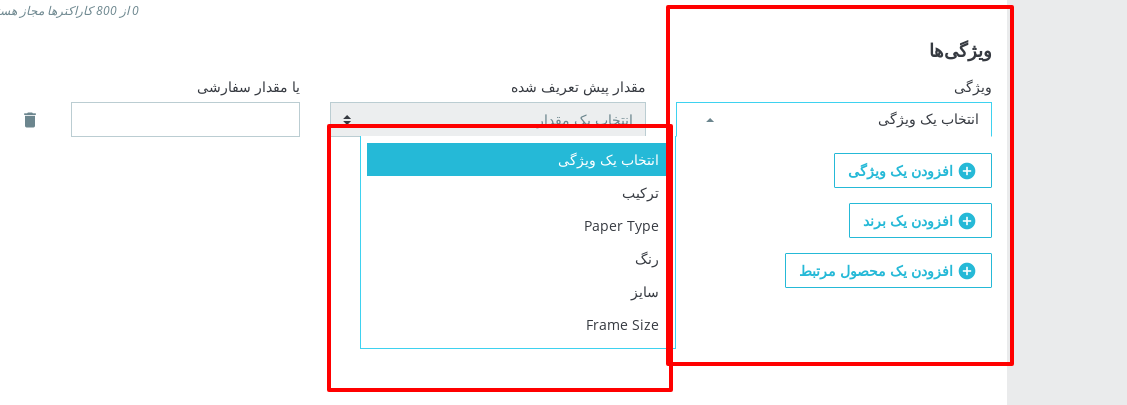
PS1.7.4.4 => Product Page => OK
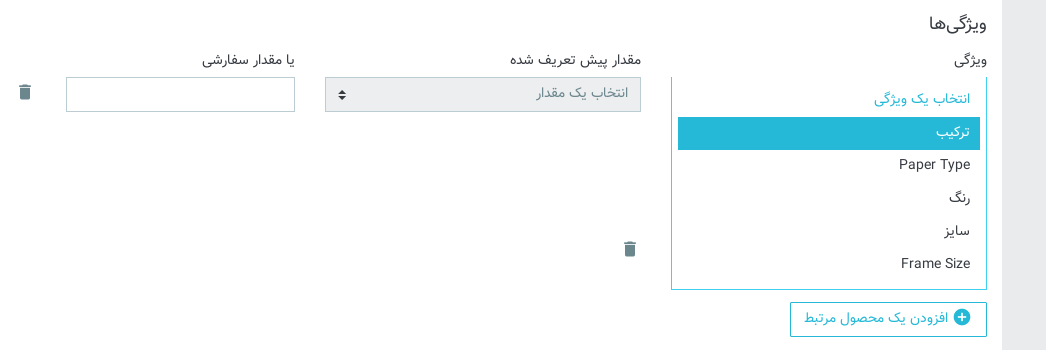
PS1.7.5.0 => Product page => NOK
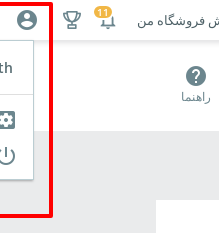
PS1.7.4.4 => Product Page => OK
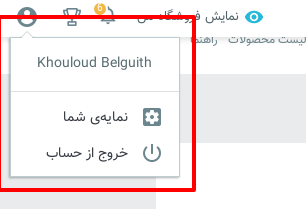
We will see how to fix it.
Related to https://github.com/PrestaShop/PrestaShop/issues/11403
Thanks!
khouloudbelguith
on 16 Jan 2019
I have the same issue, I followed the Fix RTL glitches but problem persists.
 vhessam
on 29 Jan 2019
vhessam
on 29 Jan 2019
i tried to fix the problem using #12196 even the first commit which should fix the logo and version view conflict problem, is not working for me.
alibt
on 29 Jan 2019
Hi all,
This issue is not fixed yet, it is added to our bug roadmap.
PrestaShop is an open source project, so it can be solved before if someone submits a pull request to solve it.
If you think you can do it, please do send us a pull request!
Thanks!
khouloudbelguith
on 29 Jan 2019
@vhessam @alibt did you see in https://github.com/PrestaShop/PrestaShop/pull/12196 this part ?
Install an RTL language or set an existing one to RTL. If you already have one, make sure to delete this file beforehand: admin-dev/themes/new-theme/public/theme_rtl.css. Go to a migrated page, eg. Product Catalog.
In fact the dedicated CSS for RTL is generated when someone installs a RTL language on his shop (or switches a language to RTL). This is when the theme_rtl.css file is created. But if it exists before, it is not replaced.
What I mean is that if you currently have a theme_rtl.css file with bad CSS in it, you need to 1) apply the patch 2) remove the bad CSS file 3) re-generate the CSS file (for ex. turn the RTL mode of your shop's language off and on).
This might help if the PR https://github.com/PrestaShop/PrestaShop/pull/12196 fixes your bug. However maybe there are more RTL bugs and some not fixed yet 😉(in this case, as @khouloudbelguith said: this is a community project : we welcome all contributions)
 matks
on 29 Jan 2019
matks
on 29 Jan 2019
Related issues
 zuk3975
·
3Comments
matks
·
3Comments
zuk3975
·
3Comments
matks
·
3Comments
 prestonBot
·
3Comments
prestonBot
·
3Comments
 vincent-dp
·
3Comments
khouloudbelguith
·
3Comments
vincent-dp
·
3Comments
khouloudbelguith
·
3Comments