Postprocessing: LUTEffect produces incorrect results
Description of the bug
The newly added LUTEffect currently produces inaccurate results. With a neutral LUT, the image becomes darker even when using HalfFloatType buffers and a highp LUT sampler with FloatType data. Upscaling with the TetrahedralUpscaler via LookupTexture3D.scaleUp() produces banding artifacts.
To Reproduce
The following example uses a neutral LUT which incorrectly darkens the image: https://codesandbox.io/s/fervent-kapitsa-3jikk
When using a 2x2x2 LUT, the image quality is greatly reduced which does not happen here: https://threejsfundamentals.org/threejs/lessons/threejs-post-processing-3dlut.html
Expected behavior
An identity LUT should not change the image. Color space should also not matter if a neutral LUT is used, but linear input colors currently produce even worse results.
Screenshots
Images taken from https://github.com/vanruesc/postprocessing/issues/231#issuecomment-753638346:
| Neutral LUT 32 | Neutral LUT scaled up to 128 |
|-|-|
|  |
|  |
|
Library versions used
- Three: 0.124.0
- Post Processing: 6.19.0
Desktop
- Windows 10
- Firefox 84.0.1
- NVIDIA GTX 1060
 vanruesc
All 34 comments
I took a little time to look into some of the differences and pulling the samples by half a pixel so sampling begins at the edge pixel center as I suggested in https://github.com/vanruesc/postprocessing/issues/231#issuecomment-754894171 reduces the amount of color differences with the neutral LUT.
I also found that the sampling of 2d texture sampling was not exactly matching the 3d texture sampling especially in the 2³ sized LUT case so I've updated that shader function, as well. The sampling in 2D vs 3D texture mode matches very well at 32³ LUTs and higher but there are some noticeable differences with lower sizes. A second set of eyes on that would be very helpful. I'll try the version you referenced at three.js fundamentals and see if that implementation looks more right.
I haven't updated the TetrahedralUpscaler yet but that should probably account for the half pixel inset, as well, because you can see there is a darkening when upscaling.
Here's the commit with the changes:
https://github.com/gkjohnson/threejs-sandbox/commit/ff17335a976f0938d722c9673e7175caa622c610
And here's the new demo:
https://gkjohnson.github.io/threejs-sandbox/3d-lut/
It includes more neutral LUTs of various sizes and a new "sponza" image for testing -- select neutral LUTs and toggle the effect to see the differences. 32³ and higher sizes don't have noticeable differences to me unless I zoom in in an image editing app. @AlexDaniel take a look and let me know if this is more what you expect.
@vanruesc
When using a 2x2x2 LUT, the image quality is greatly reduced which does not happen here: https://threejsfundamentals.org/threejs/lessons/threejs-post-processing-3dlut.html
~Can you elaborate on this?~ I see -- an 2x2x2 identity LUT is created but it seems to have no effect on the image. I'll have to study the function to see more exactly what it's doing.
_Edit:_ I was too hasty in my reply. I fixed one more issue in the the pixel size calculation (here) and the 2³ neutral LUT looks exactly correct, now, when using the 3d texture. The three fundamentals implementation of the 2D LUT sampling is better than the one I have and the colors look correct with that implementation, as well.
 gkjohnson
on 6 Jan 2021
gkjohnson
on 6 Jan 2021
@gkjohnson Taking a quick look, I can't see any differences in colors at all.
Except for this bug:
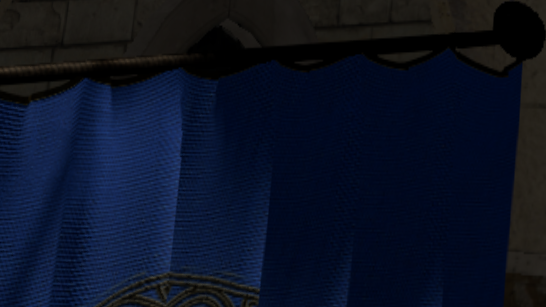
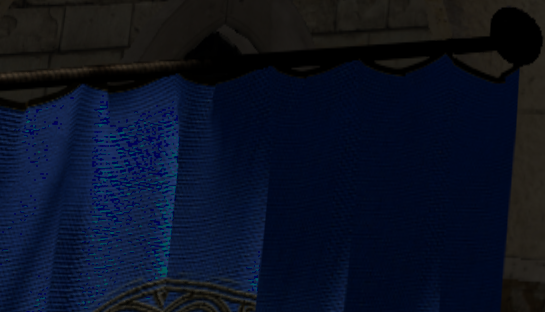
Note that these differences are very sharp and completely off. Definitely a bug somewhere. These appear only with 4³ luts. Bigger and smaller luts are fine, and the issue disappears when using tetrahedralResize.
That said, apart from that bug, the result is fantastic. Yes, this is what I expected. Amazing work!
 AlexDaniel
on 6 Jan 2021
AlexDaniel
on 6 Jan 2021
OK, maybe I spoke too soon because tetrahedralResize definitely affects overall image brightness (it becomes darker). The effect is really small though.
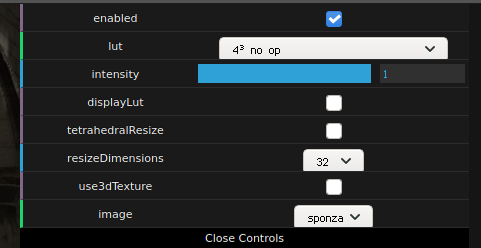
As for reproducing the bug above, here are the settings:
AlexDaniel
on 6 Jan 2021
@gkjohnson thanks for taking the time to look into this. The latests changes greatly improve results, but I still noticed slight darkening and imperfections with the neutral LUTs.
I found this article which says that the sampling coordinates for LUTs should be adjusted like so:
(lutSize - 1.0) / lutSize * oldCoord + 1.0 / (2.0 * lutSize)
Which boils down to a constant scale and offset:
const float scale = (lutSize - 1.0) / lutSize;
const float offset = 1.0 / (2.0 * lutSize);
vec3 uvw = scale * rgb + offset;
This is similar to what you're already doing, but not quite the same formular.
After adopting this scale/offset calculation, I no longer see any darkening or banding. This also fixes linear input colors. However, with linear input, 2³ and 4³ LUTs produce artifacts which might just be due to insufficient precision in the darker spectrum.
I don't know how the scale/offset change translates to the tetrahedral upscaling algorithm. I've applied your latest changes and the upscaler seems to work correctly; scaling a 2³ LUT up to 32³ works as intended. I think we should add a unit test to check if the result matches a 32³ neutral LUT, just in case.
vanruesc
on 6 Jan 2021
This is similar to what you're already doing, but not quite the same formular.
Sorry got confused by the math there. The result should be the same.
I wonder why I don't see any darkening in my local setup. Maybe it's because I'm using half float frame buffers 🤔
vanruesc
on 6 Jan 2021
@AlexDaniel
Except for this bug:
Ugh -- that 2D LUT sampling function is so difficult. It seems the referenced implementation isn't perfect, either, unless I've ported it incorrectly. I'll have to fiddle with it more when I have more time.
@vanruesc
I still noticed slight darkening and imperfections with the neutral LUTs.
Looking at it with fresh eyes I do see a _very_ small change but just in the background color when toggling the effect with the 2³ LUT but it's only off by 1 bit: the background should be 0x151515 but it's converted to 0x151615. I'm using HalfFloatType buffers, now too and if I change the background to a different color it no longer changes. Is that what you're referring to? Perhaps you can try the same value to see if it happens in your implementation. I'm wondering if this is _actually_ a result of using linear interpolation.
However, with linear input, 2³ and 4³ LUTs produce artifacts which might just be due to insufficient precision in the darker spectrum.
Can you elaborate on this? Are you still seeing issues after you second post? Is the issue I mentioned above the only change you're seeing (aside from the 2d lut sampling case)?
I don't know how the scale/offset change translates to the tetrahedral upscaling algorithm.
It's possible this is already correct and the issues I was seeing previously after upscaling were due to the sampling bug I fixed in my edit. I'll have to take another look to verify.
gkjohnson
on 6 Jan 2021
I don't know if this is of any use, but another open-source project with lut filter implementation is obs studio:
- shader here: https://github.com/obsproject/obs-studio/blob/master/plugins/obs-filters/data/color_grade_filter.effect
- other processing here: https://github.com/obsproject/obs-studio/blob/master/plugins/obs-filters/color-grade-filter.c
- Tetrahedral interpolation seems to be supported as well: https://github.com/obsproject/obs-studio/commit/34d70c6832348ef37a70b25d2c2a9a757a00833e
AlexDaniel
on 6 Jan 2021
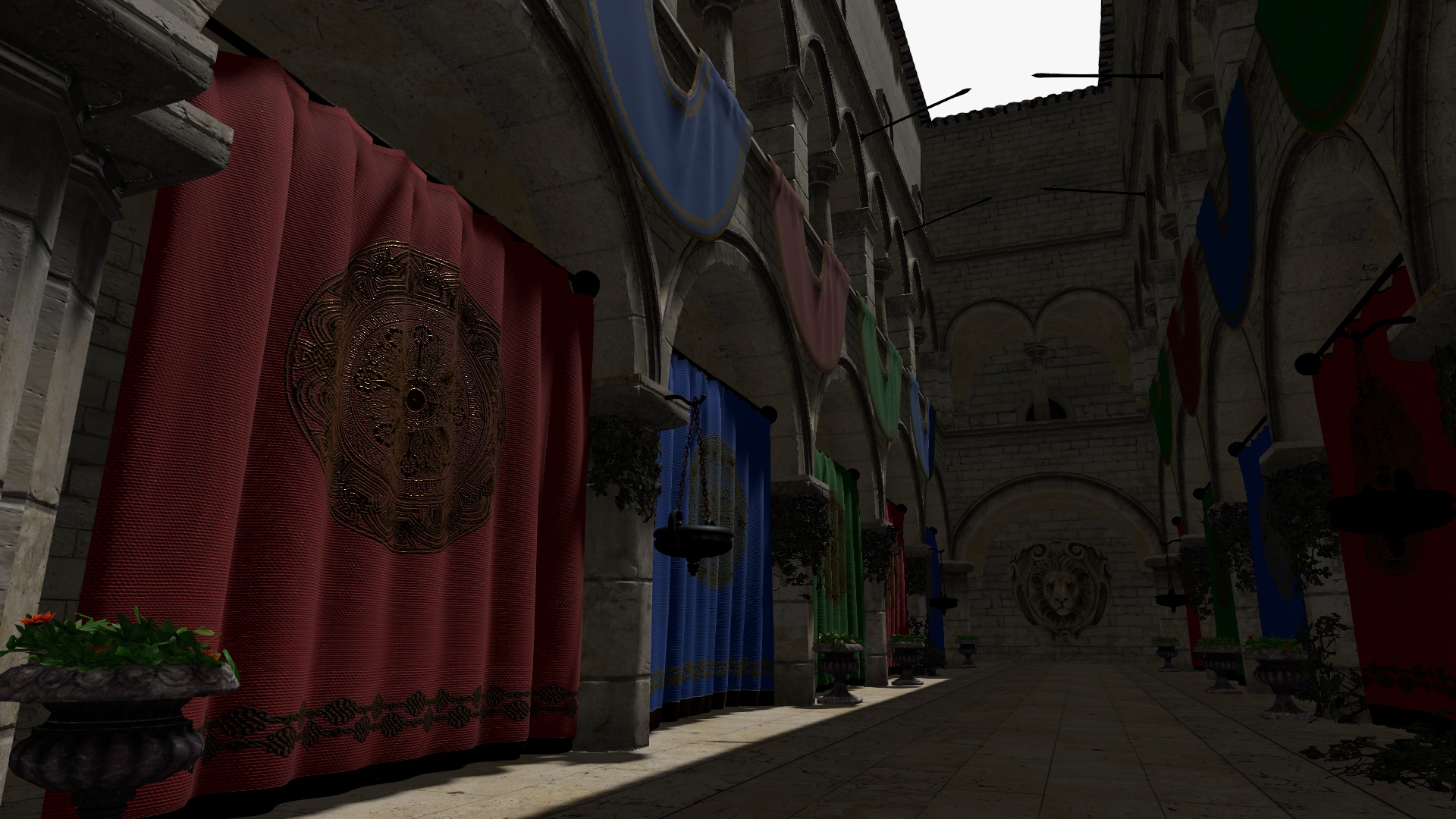
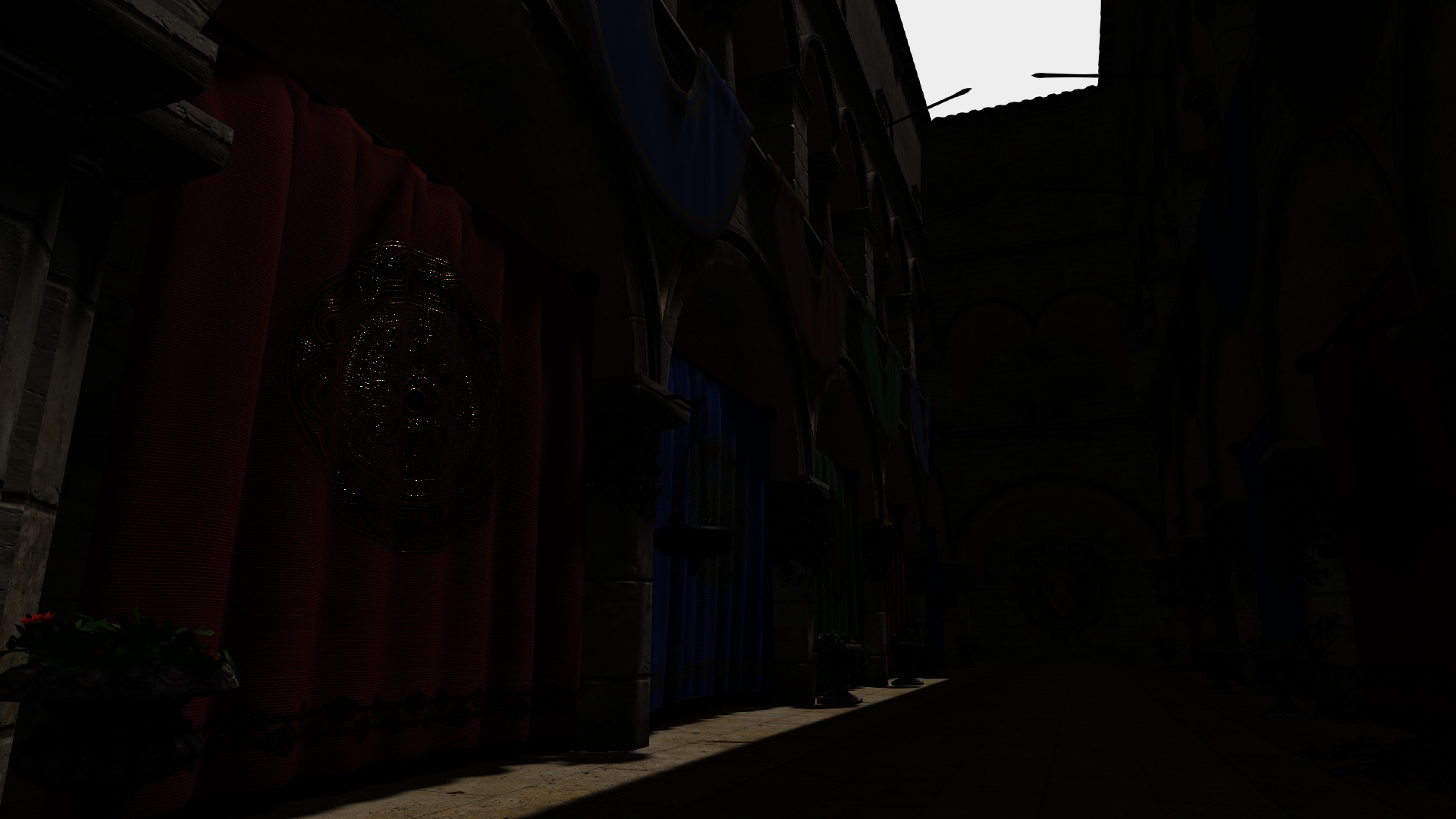
@gkjohnson I should've mentioned that I was using a 3D sampler during my tests earlier. With the new scale/offset adjustment, the hardware interpolation produces great results even with a 2³ LUT. The artifacts I was talking about appear when I move the gamma correction after the LUT effect. The artifacts disappear when a 8³ LUT or larger is used. It's worth noting that the linear colors of the Sponza scene are very dark which is a bit of a challenge for a LUT.
For the following comparisons I have used FloatType LUTs and the new sampling algorithm for 2D samplers.
| Ground truth | Linear version |
|-|-|
|  |
|  |
|
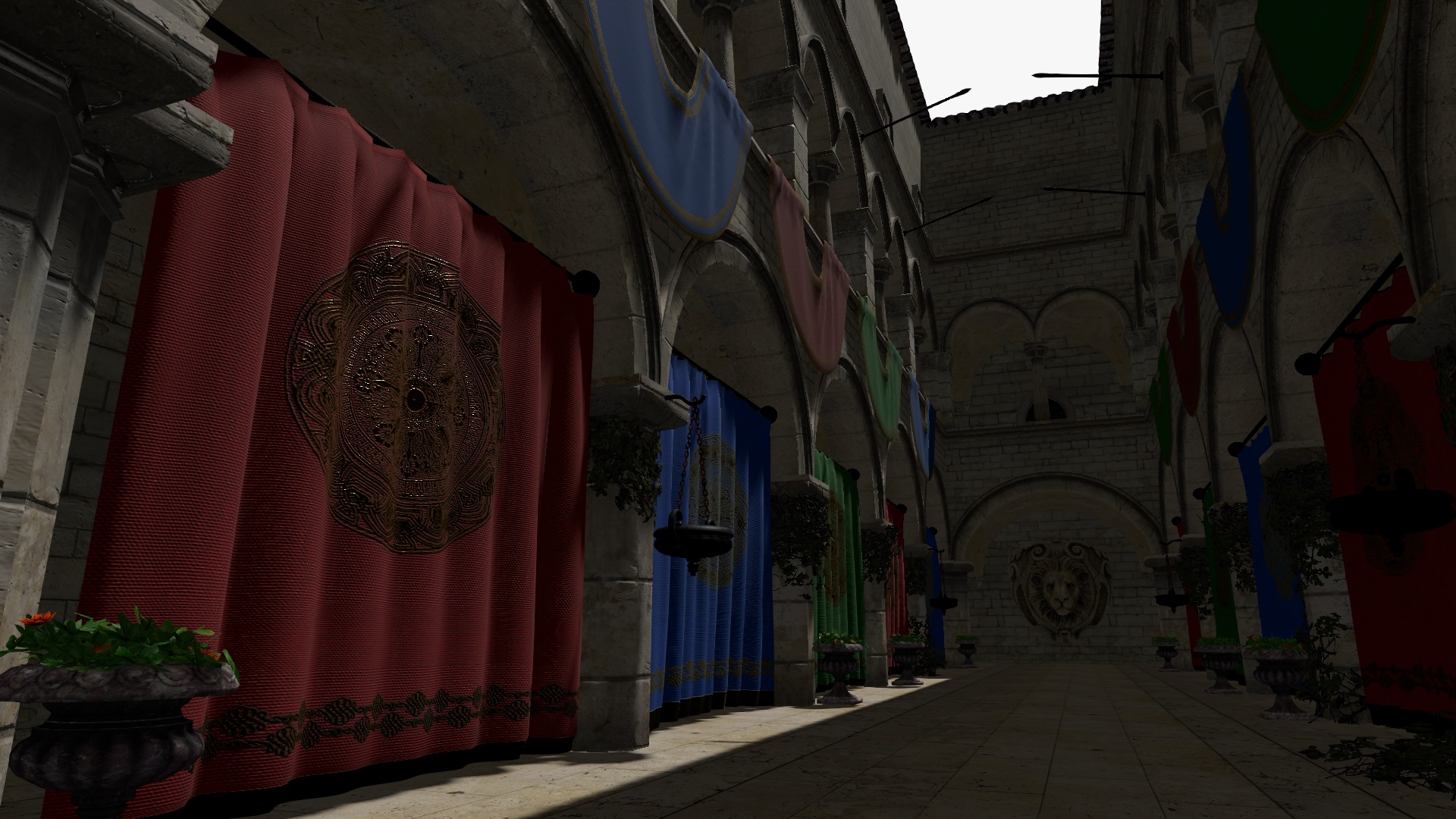
sRGB Input
Colors are converted to sRGB prior to being used as coordinates to sample the neutral LUT.
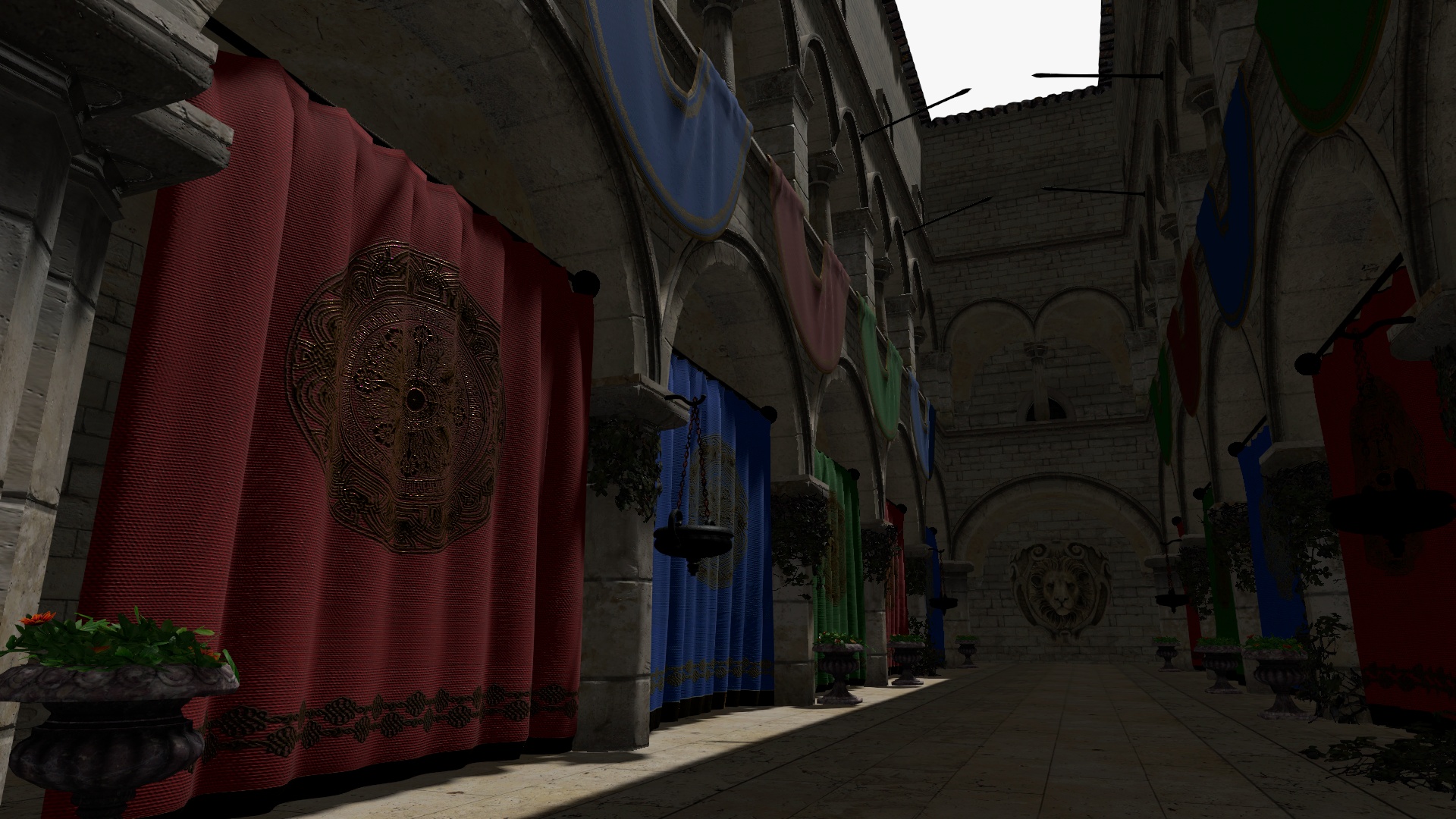
| Size | 3D sampler | 2D sampler |
|-|-|-|
| __2³__ | 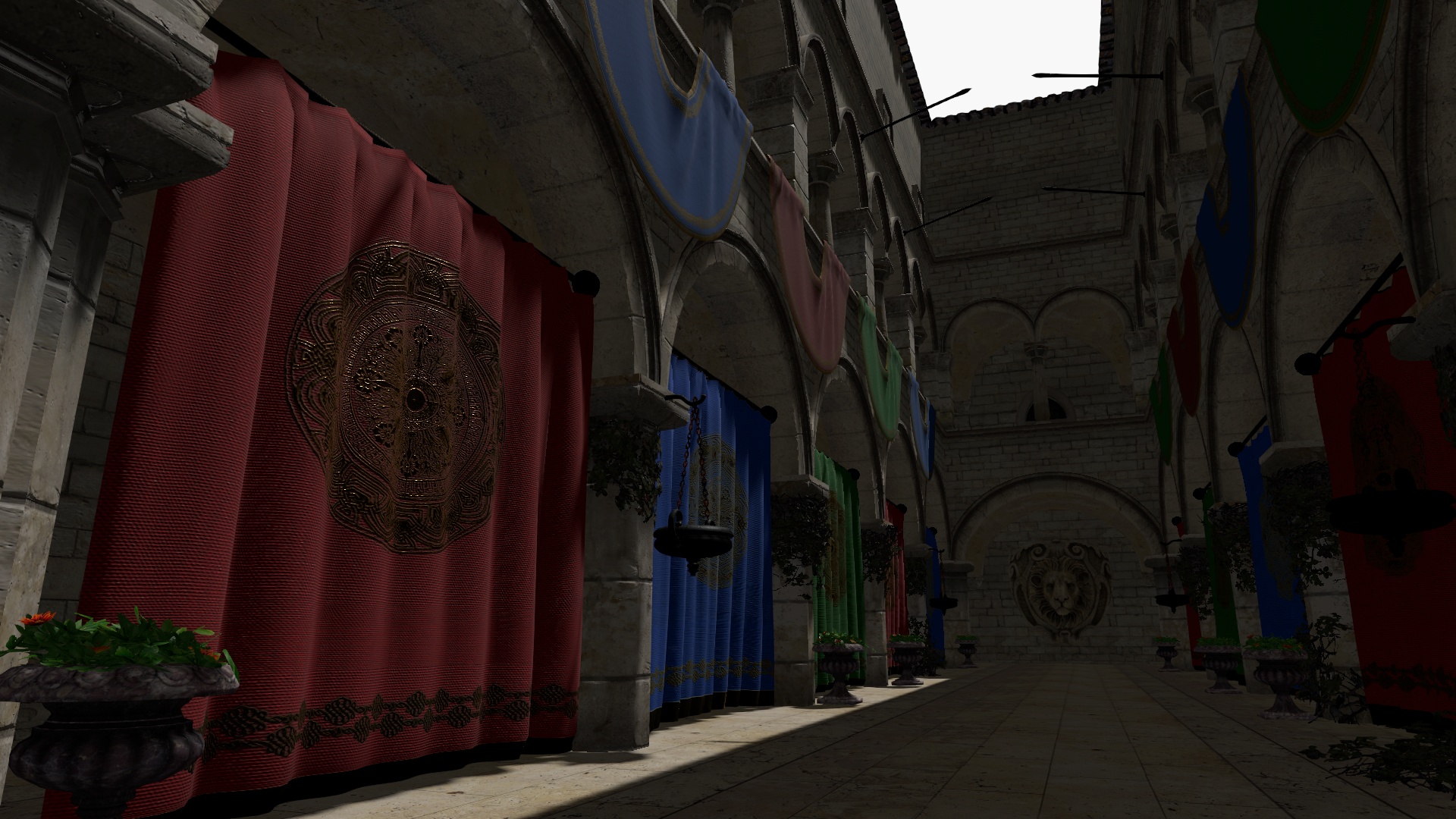 |
|  |
|
| __32³__ | 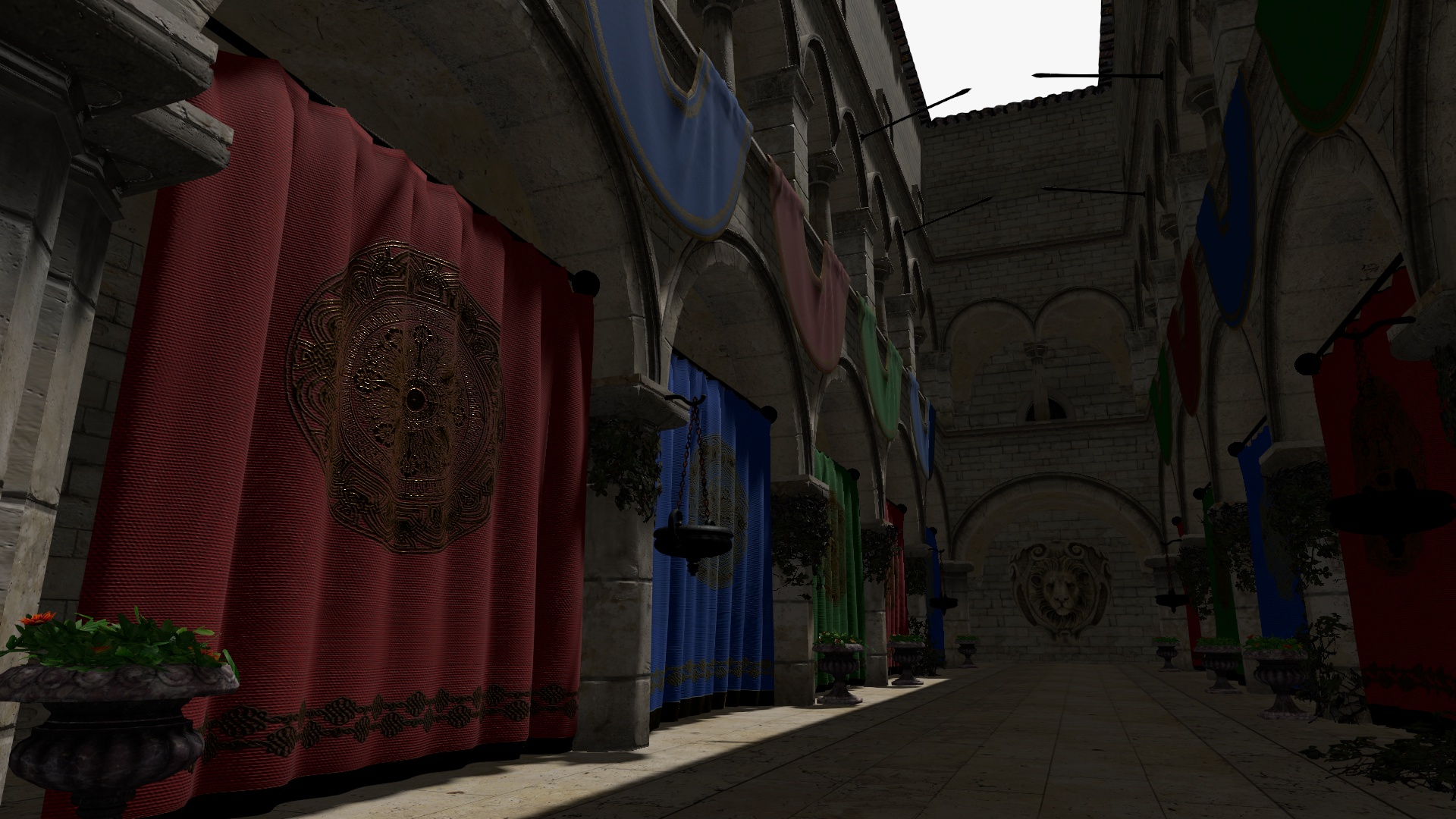 |
|  |
|
3D: No issues.
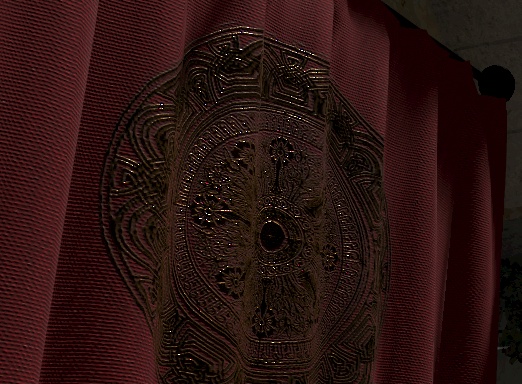
2D: Artifacts in the golden embroidery on the red curtain.
Linear Input
Colors are not converted and are used as-is (linear) to sample the neutral LUT.
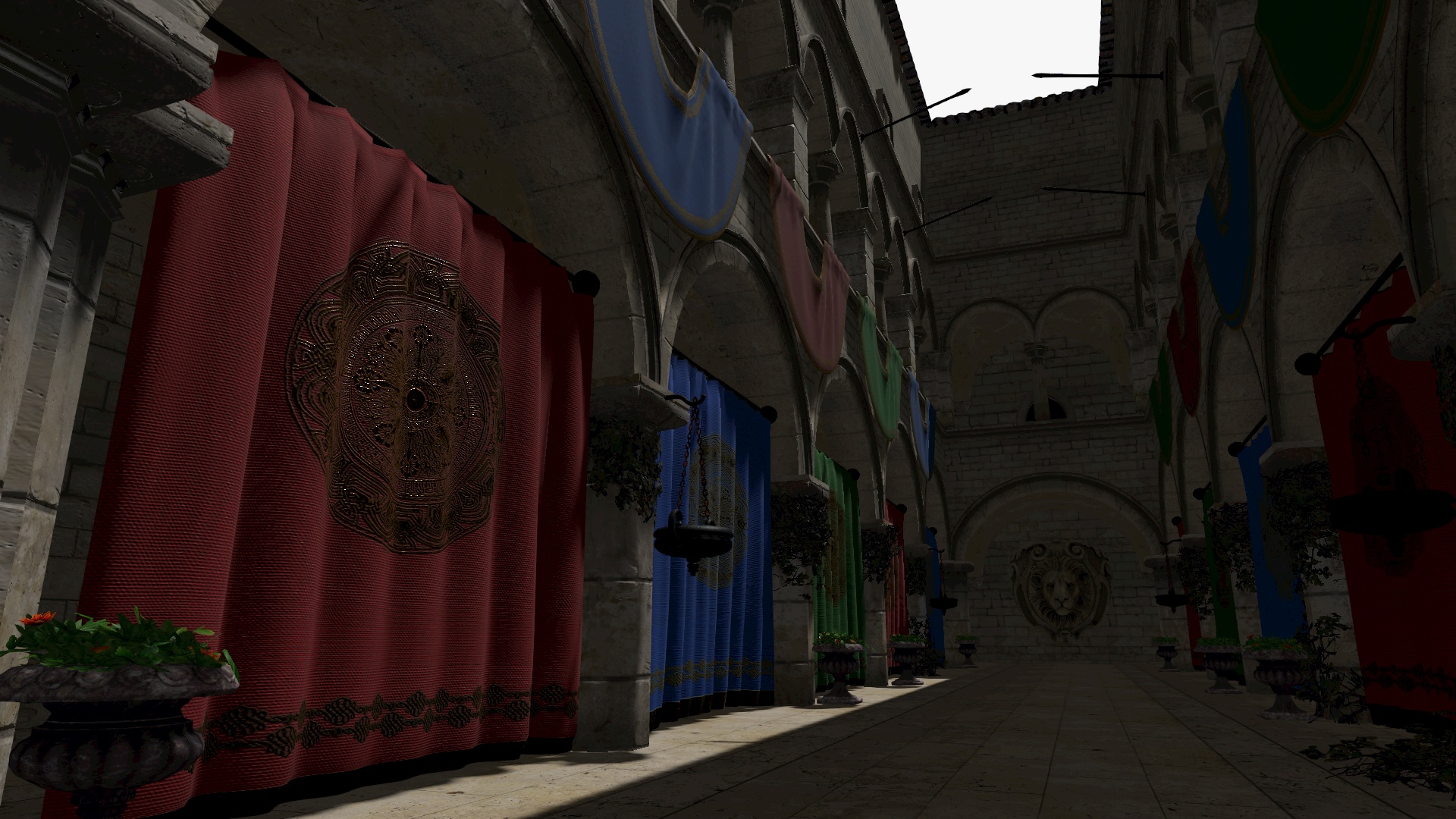
| Size | 3D sampler | 2D sampler |
|-|-|-|
| __2³__ | 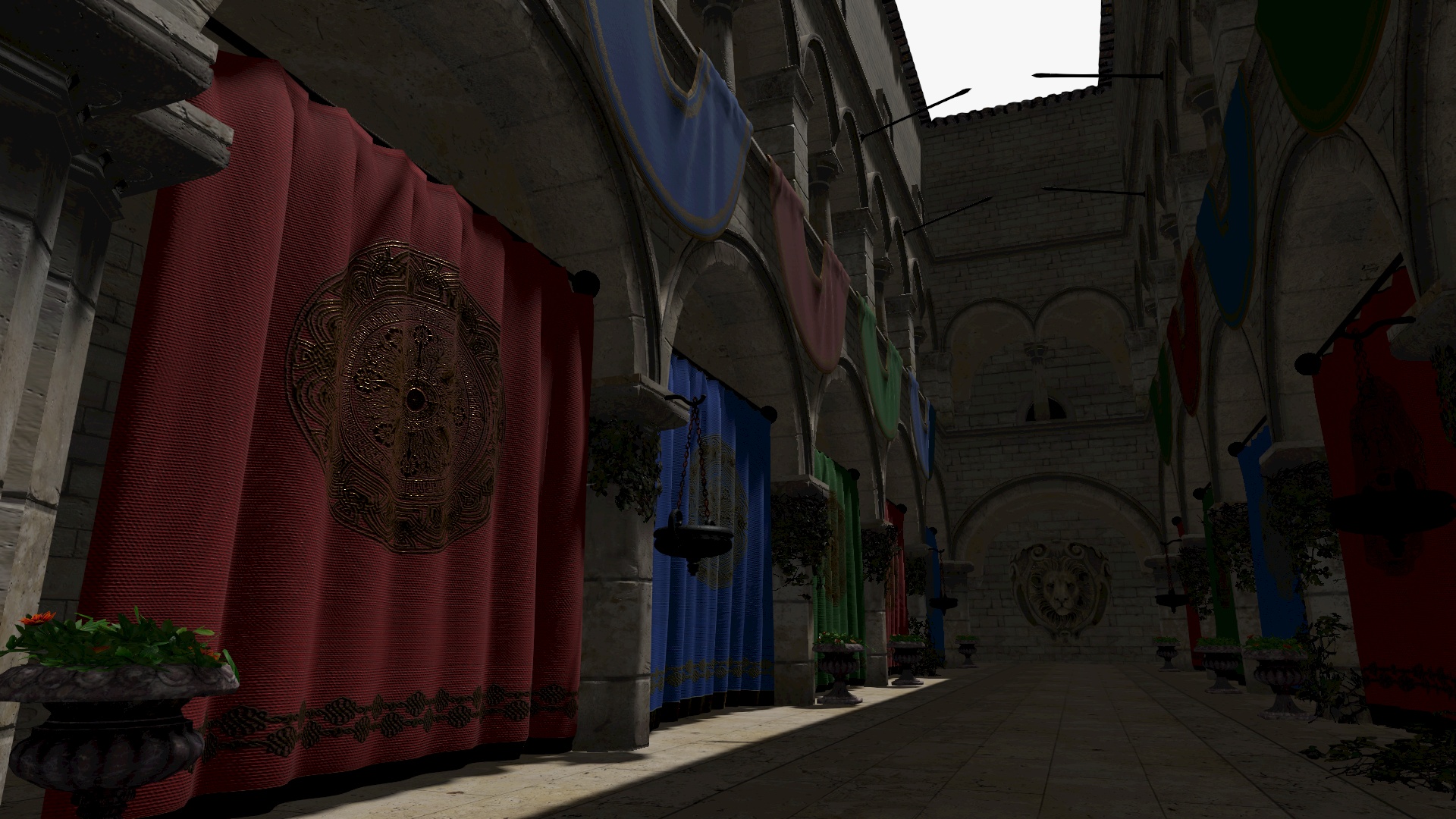 |
|  |
|
| __32³__ | 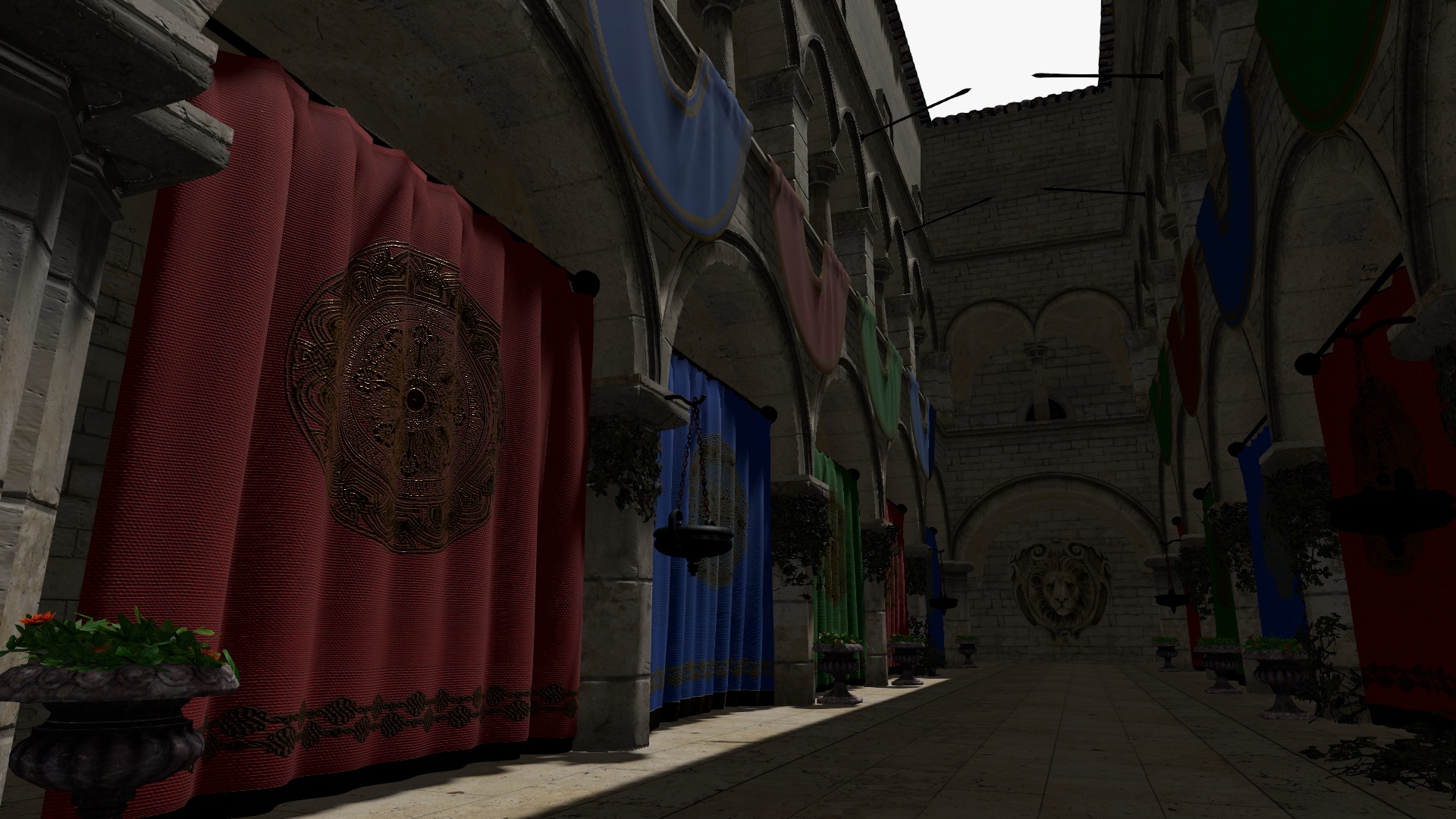 |
| 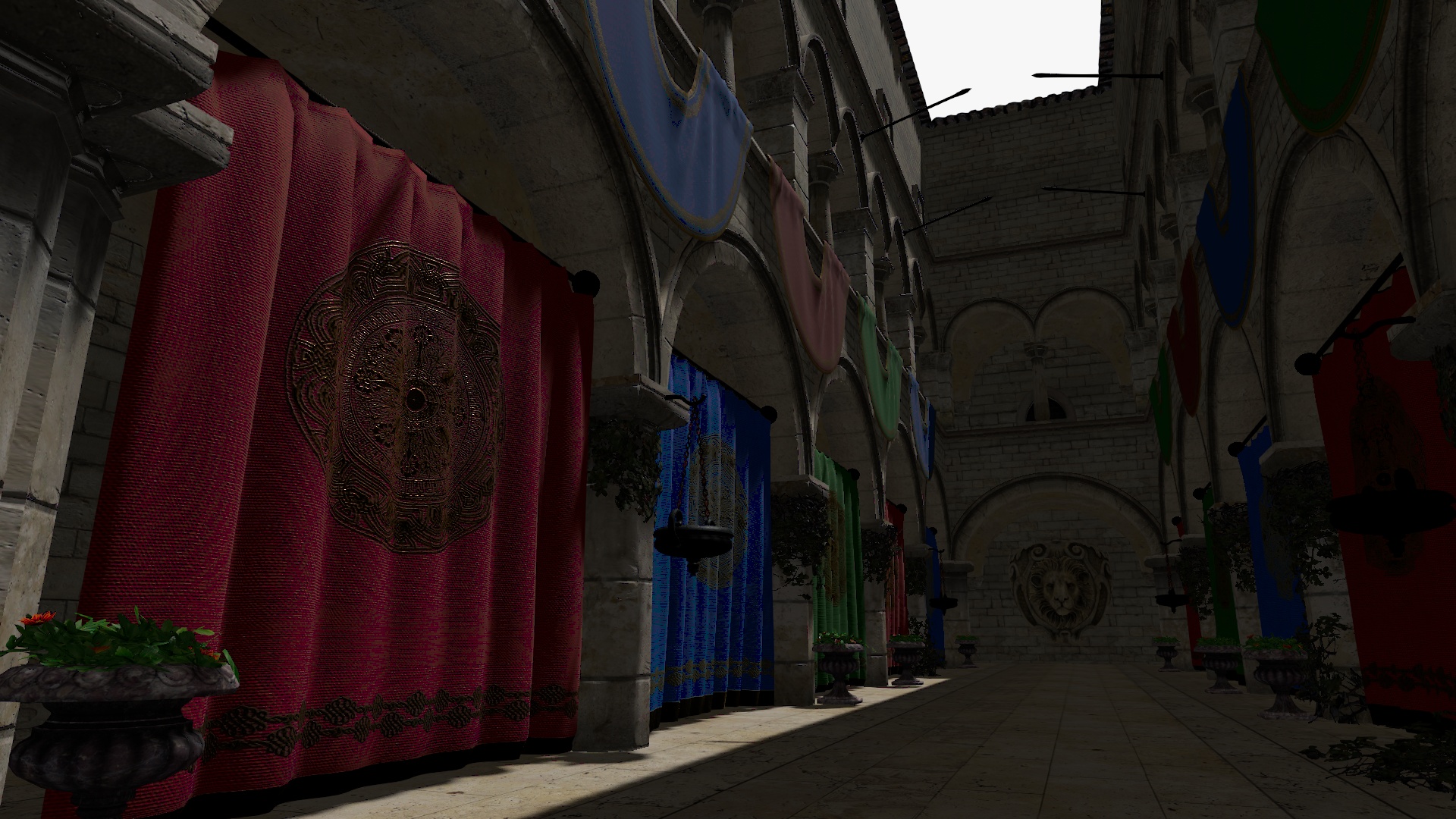 |
|
3D: Inaccurate colors when using a LUT smaller than 8³.
2D: Similar results as 3D LUT when using 2³, but lots of artifacts on curtains when using larger LUTs.
@AlexDaniel Thanks for those references. That shader does indeed use tetrahedral interpolation with 3D samplers which might come in handy if we add that feature in the future. Unfortunately, this implementation can probably not be used to fix our LUT 2D sampling/interpolation problem.
I'm currently very tempted to drop support for 2D LUTs / WebGL 1 😄
vanruesc
on 7 Jan 2021
Sorry, I had a mix-up in the Linear Input comparison table: 3D 32³ and 2D 2³ were swapped. Fixed now.
vanruesc
on 7 Jan 2021
I'm using HalfFloatType buffers, now too and if I change the background to a different color it no longer changes. Is that what you're referring to? Perhaps you can try the same value to see if it happens in your implementation.
Yes, that is what I meant by slight darkening and imperfections. I tried out 0x151515 with half float buffers and observed the following:
| Size | 3D sampler | 2D sampler |
|-|-|-|
| __2³__ | 0x151615 | 0x151515 |
| __32³__ | 0x151515 | 0x151515 |
I think that the 3D sampler case is actually the correct behaviour even though it's off by one bit at 2³.
vanruesc
on 7 Jan 2021
I'm currently very tempted to drop support for 2D LUTs / WebGL 1 😄
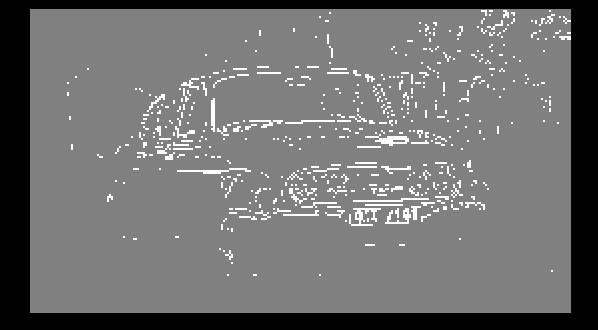
Heh, I wouldn't blame you. But it was driving me nuts because it should definitely be solvable so I think I got to the bottom of the 2d sampling artifacts. I rewrote the sampling function from scratch (https://github.com/gkjohnson/threejs-sandbox/commit/c426602df8668884601dc23144eb98564e5998d4) and in doing so found a graphics API (or NVidia driver?) quirk that caused sampling the LUT to produce unexpected results. Specifically the important change is that the LUTs minFilter field must be set to LinearFilter otherwise samples seem to have artifacts. I set it on the 3d texture, as well. There are a couple fixes I made in the sample function compared to my previous version, too.
If you're interested in seeing the raw artifacts here's a JSFiddle with a minimum repro case using the car image. The comments above the data texture initialization and in the shader should explain the important bits: https://jsfiddle.net/mbqyazsj/1/.
I'm no longer seeing the artifacts in the blue curtain with a 4³ 2D LUT and I'll say I'm more confident in the 2d lut sampling strategy now until you guys inevitably find something else that's wrong 😄
I think that the 3D sampler case is actually the correct behaviour even though it's off by one bit at 2³.
Yeah I'm not exactly sure what could be causing that otherwise. It's correct in the R and B dimensions 🤔
Regarding gamma correction I'm seeing some color precision loss when moving the gamma correction step after the LUT sampling (I'm using three.js' postprocessing as a foundation) but I'm gonna chalk that up to something else related to that stack. Do you mind trying the new sample function and texture settings (hopefully for a last time) to see if you still see issues?
gkjohnson
on 8 Jan 2021
in doing sound found a graphics API (or NVidia driver?)
I see this with amdgpu on linux:
AlexDaniel
on 8 Jan 2021
That's what I see, too.
Thinking about it more it's probably intended behavior. With a high gradient for the sampled pixels around edges of the car it probably switches to minification filtering which defaults to NEAREST_FILTER whereas the rest of the pixels are using magnified filtering with LINEAR_FILTER giving the above image. I guess it hadn't occurred to me that you could get different sampling behavior based on the samples of another image like this but I suppose it makes sense!
gkjohnson
on 8 Jan 2021
@gkjohnson can you elaborate? Is it because the image is scaled? So it's not a concern for the purposes of postprocessing library? I'm trying to understand how this affects real world usage of luts.
AlexDaniel
on 8 Jan 2021
It does effect the library -- the minFilter and magFilter of the 2D and 3D LUT textures must be set to LINEAR_FILTER.
In order for the GPU to determine whether to use minification filtering or which mipmap to use when sampling a texture the derivative of the value passed into the uv argument of the texture( sampler, uv ) function is taken. See here for more on how mip map levels are calculated. A higher gradient means the value is changing faster and should use a smaller mip map. Typically a UV coordinate that's been interpolated over a triangle is passed in which means the value gets larger as the triangle gets smaller or tilts relative to the camera.
In this case, though, we're passing the sampled color from an image into the texture() function meaning the gradient is how much the color of a pixel is changing which is highest at high contrast parts of the image such as at the edges of the car in this case.
gkjohnson
on 8 Jan 2021
@gkjohnson Thanks for the super fast fix and great explanation!
I've tested the new shader with a neutral LUT applied to linear input colors and found no issues.
| Size | 3D sampler | 2D sampler |
|-|-|-|
| __2³__ | | 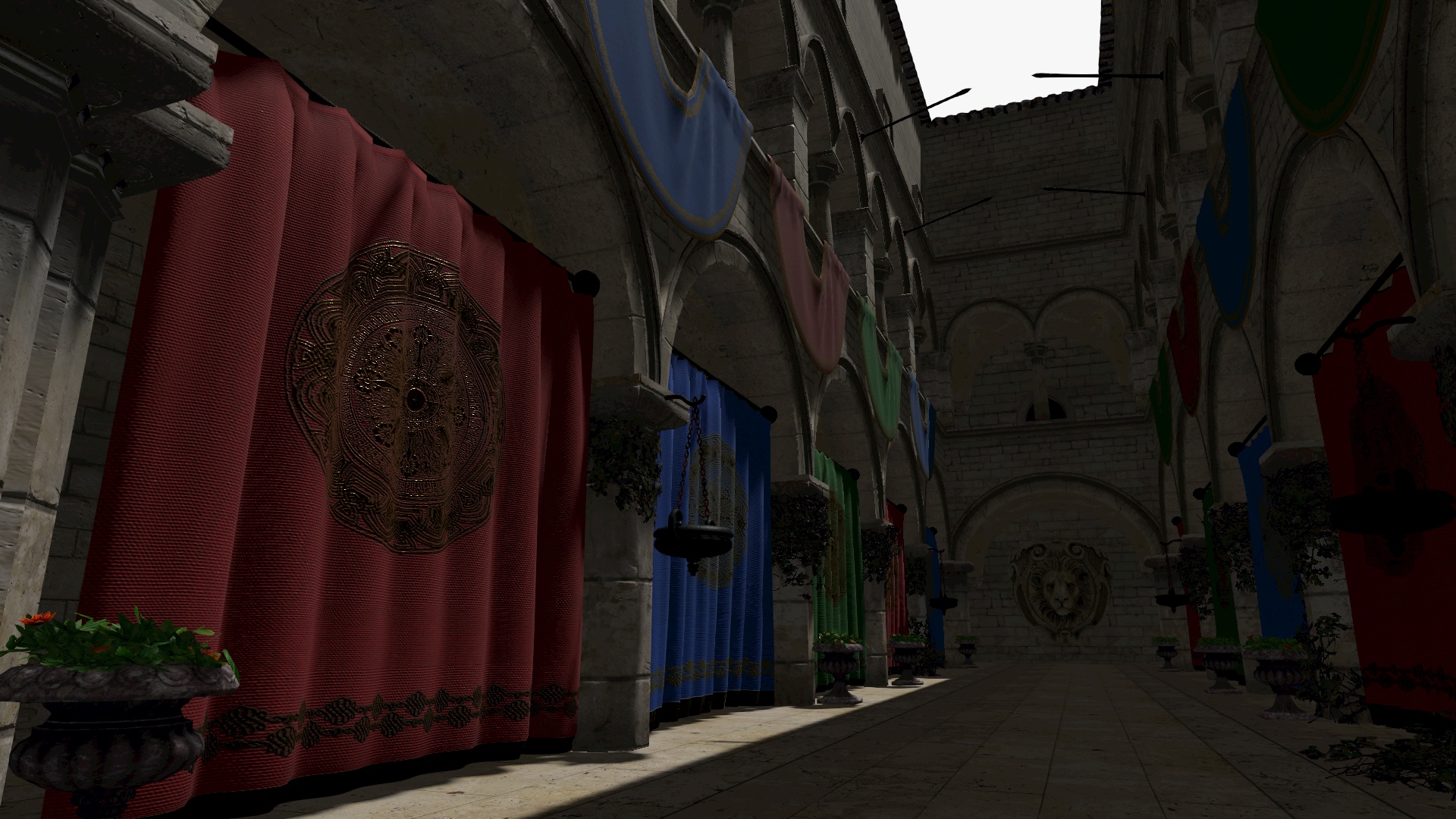 |
|
| __32³__ | | 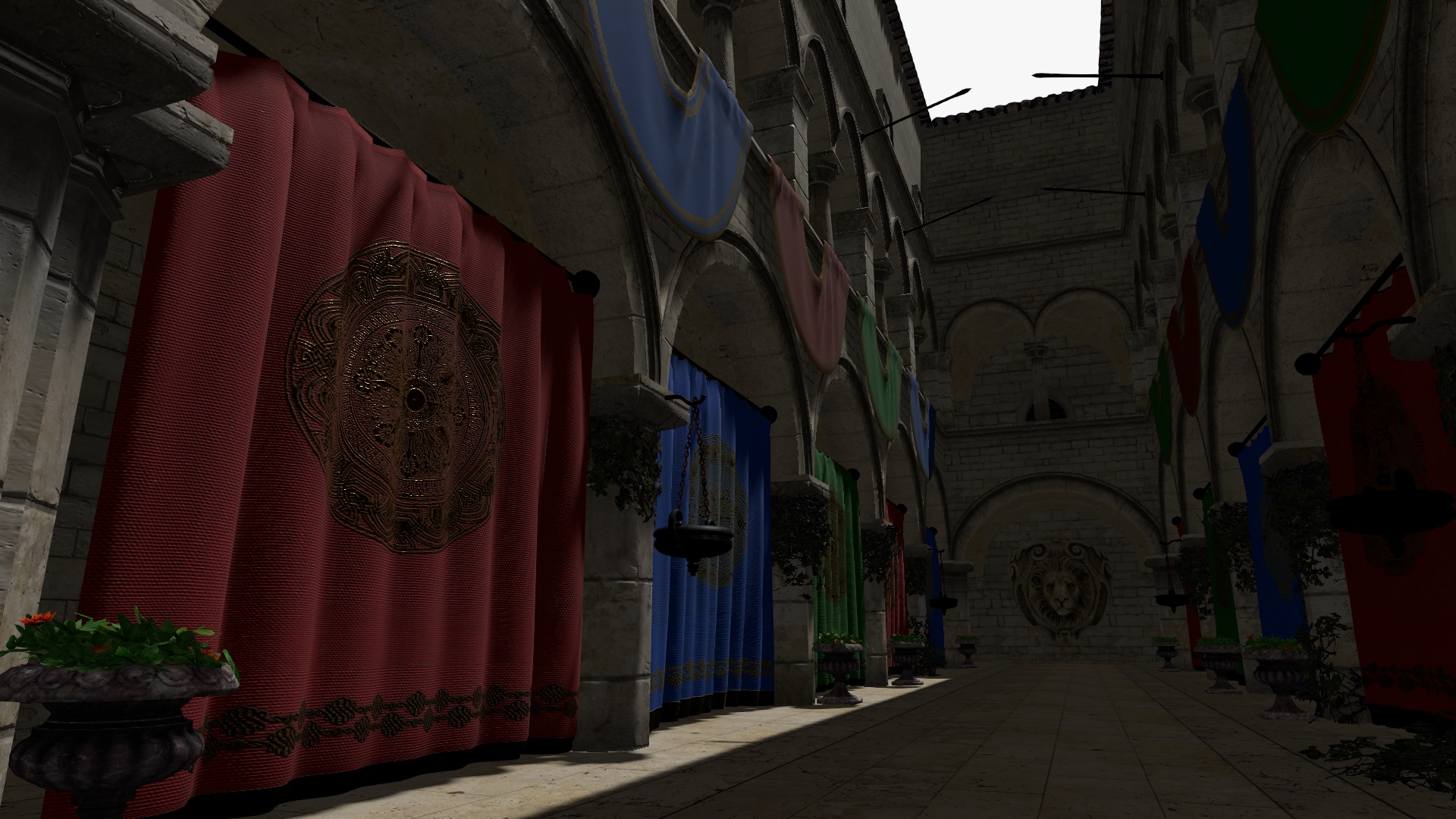 |
|
The artifacts are gone and the results match perfectly at both sizes. I've also tested with sRGB input and saw the same results.
When the neutral 2D/3D LUTs are applied to 0x151515, we get these results:
| Size | 3D sampler | 2D sampler |
|-|-|-|
| __2³__ | 0x151615 | 0x161615 |
| __32³__ | 0x151515 | 0x151515 |
The small difference at 2³ is interesting but shouldn't be a problem.
One thing I had to change in the shader was this modf which is not supported in WebGL 1. I replaced it with this:
float interp = fract(slice);
float slice0 = slice - interp;
The artifacts are gone and the results match perfectly at both sizes.
I spoke too soon this time. There is a small difference at 2³. I was wondering whether the uvw calculation is correct for the 2D case. I think this should also account for the actual texel size of the LUT strip but I'm not sure.
vanruesc
on 8 Jan 2021
I've tested again with sRGB input and found that both 2D and 3D samplers produce the same _correct_ results in this case.
vanruesc
on 8 Jan 2021
🎉
One thing I had to change in the shader was this modf which is not supported in WebGL 1. I replaced it with this:
Good catch! Didn't realize it wasn't supported. Your fix looks good.
I was wondering whether the uvw calculation is correct for the 2D case.
I've tested again with sRGB input and found that both 2D and 3D samplers produce the same results in this case.
Can you clarify if you are seeing issues? Between these two comments it's not clear to me if there is still a problem and in what cases.
Regarding the UVW calculation the 2D LUT sampling function is intended to sample colors in the same way as the texture 3d sampling function so the input for both functions should be the same.
gkjohnson
on 8 Jan 2021
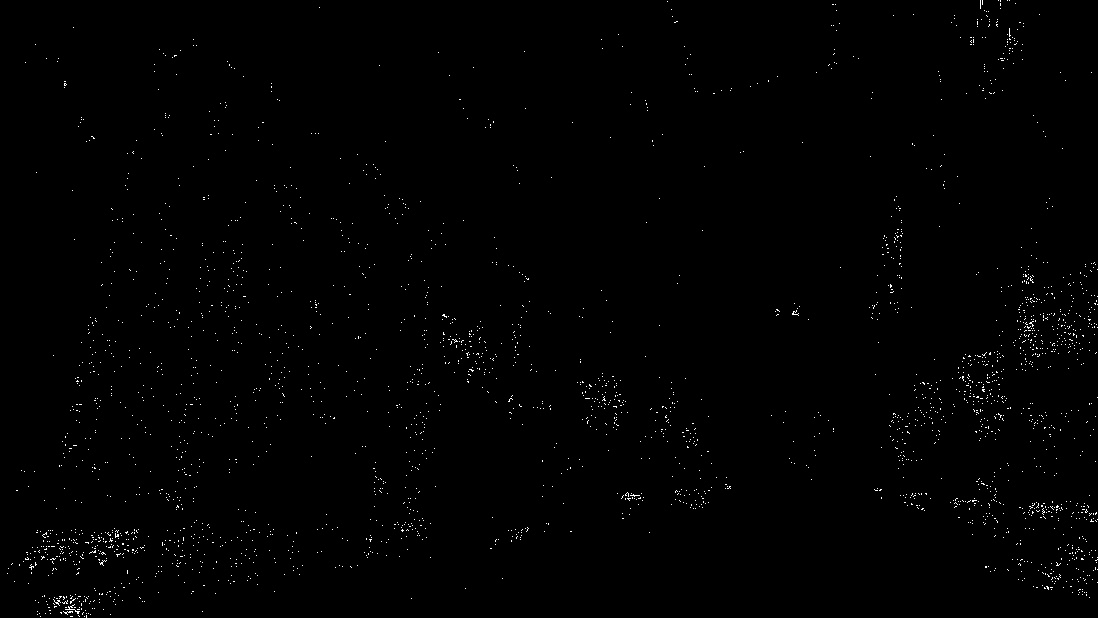
The new interpolation algorithm matches the 3D interpolation very closely, but when the input colors are darker, as is the case with linear input colors, then there are small differences in results, even with LUTs of size 32³. Here's a diff of the 3D/2D results with dark linear input colors:
| | 2³ | 32³ |
|-|-|-|
| Diff | 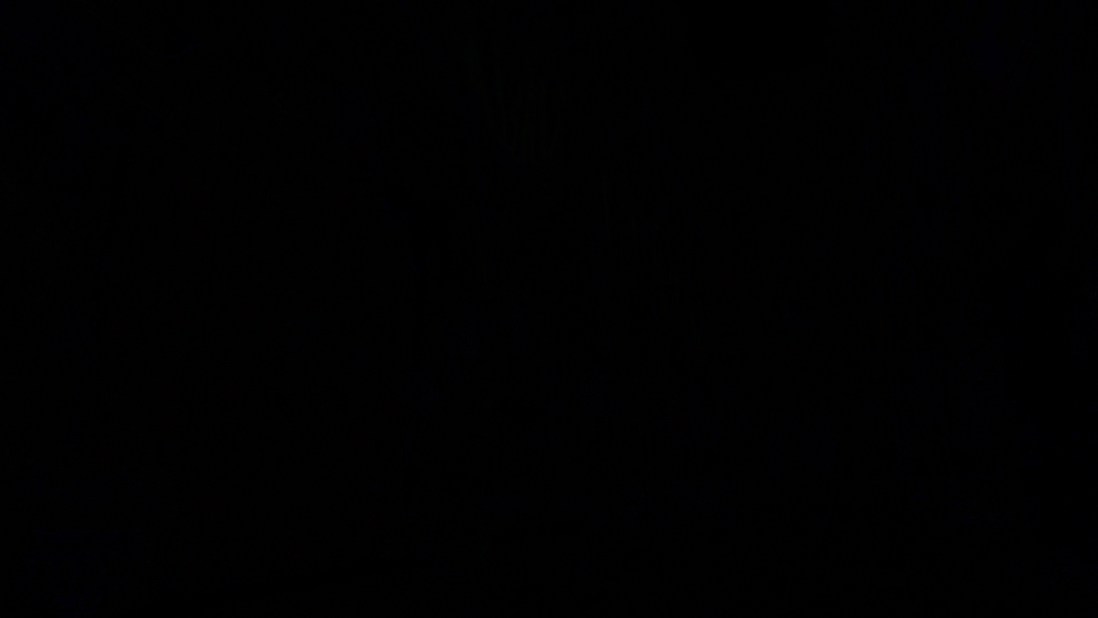 |
| 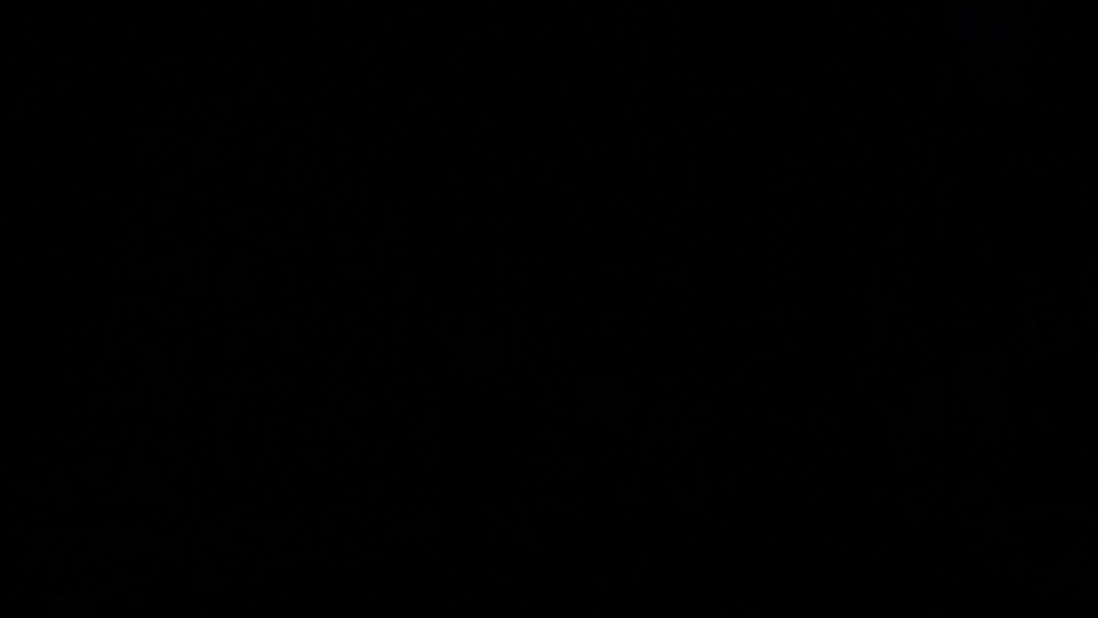 |
|
| Enhanced | 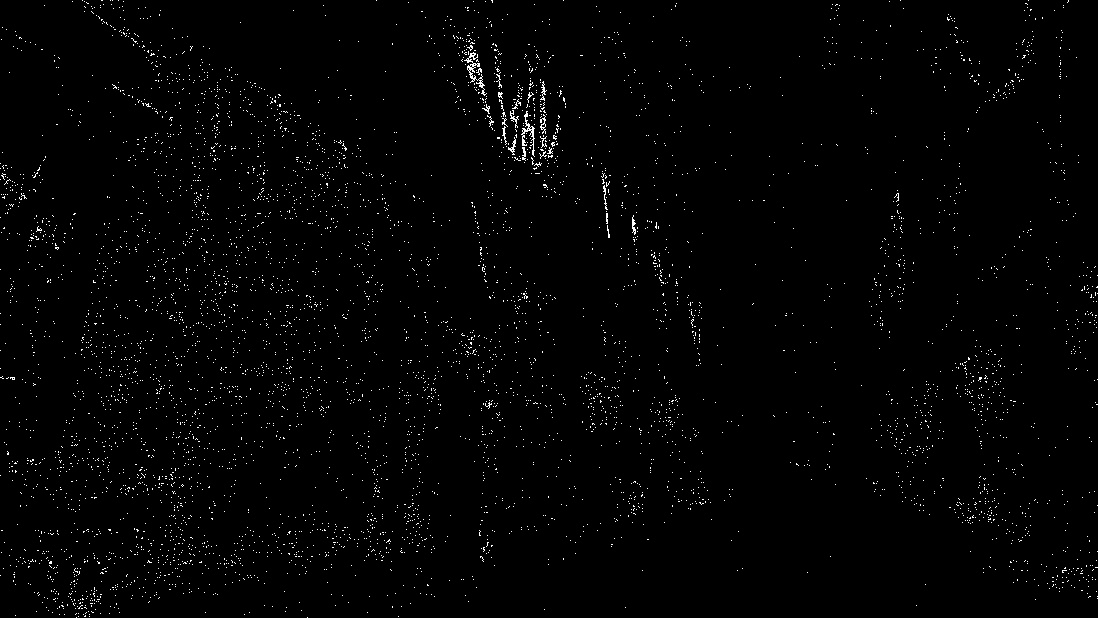 |
|  |
|
There are also differences when brighter sRGB input colors are used, but those are much harder to notice:
| | 2³ | 32³ |
|-|-|-|
| Diff |  |
|  |
|
| Enhanced | 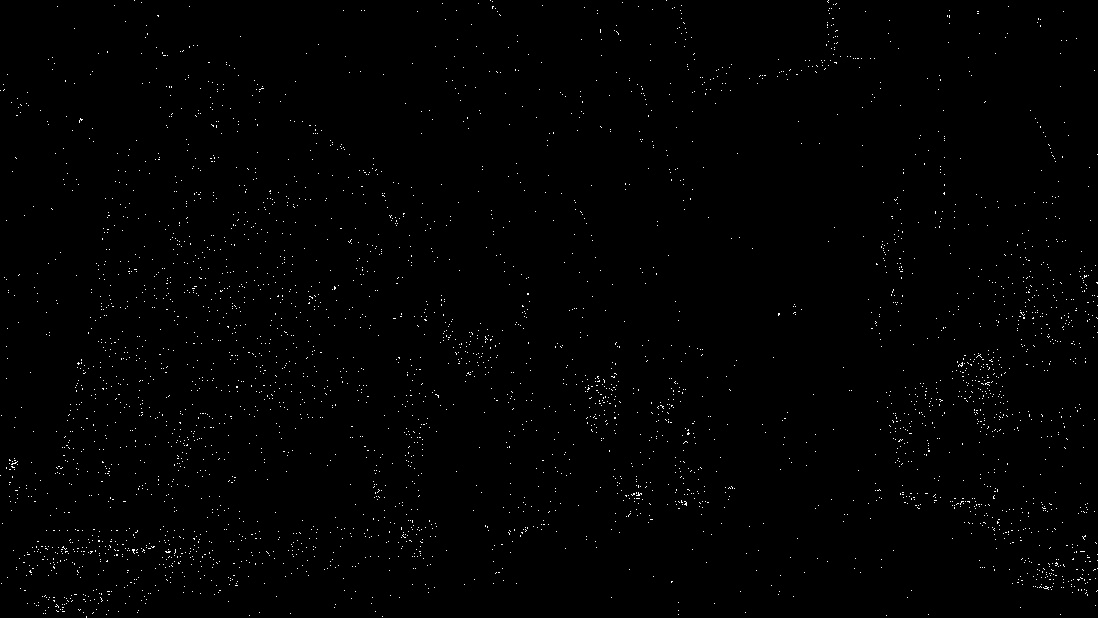 |
|  |
|
Regarding the UVW calculation the 2D LUT sampling function is intended to sample colors in the same way as the texture 3d sampling function so the input for both functions should be the same.
Got it. That just stuck out to me because the shader is calculating the actual texel height using size² here while the scale/offset calculation assumes a square texel size. I've also come across some implementations that calculate the scale/offset a bit differently for the 2D case: line 254.
vanruesc
on 8 Jan 2021
Got it -- how are you generating the diffs? Are you just comparing the sampled values in the shader? And is the difference noticeable visually?
gkjohnson
on 8 Jan 2021
I'm using https://www.diffchecker.com/image-diff and I saved the results (screenshots) as compressed JPGs. This could indeed exaggerate the differences, but if the source images were identical, compression wouldn't matter. The difference is not very noticeable.
vanruesc
on 8 Jan 2021
Good to know that looks like a useful site!
If the visual result looks good I think I'm content to leave it for now. I won't rule out the sampling function still having some issues but with more calculations happening in the 2d sampling case I'd imagine you'd get some differences from floating rounding error, as well, so aiming for literally identical images may be an impossible goal.
And after taking a quick look at the TetrahedralUpscaler again I don't think the sampling approach needs to be adjusted as I suggested in https://github.com/vanruesc/postprocessing/issues/250#issuecomment-755074282 and the visual result looks okay so I think that component is good.
gkjohnson
on 9 Jan 2021
This should now be fixed in [email protected].
@AlexDaniel It would be great if you could take a look at the updated demo to check if you notice any remaining issues. I'll keep this issue open until we're certain that everything's fixed.
@gkjohnson I've added a unit test for the TetrahedralUpscaler which confirms that it generates accurate data. The test scales a neutral LUT of size 4³ up to 32³ and compares it with a baseline neutral LUT of size 32³. The difference of individual values is below 1e-7 which is floating point inaccuracy territory.
vanruesc
on 9 Jan 2021
@vanruesc My main concern was that the previous implementation was, frankly, pretty close to being unusable. When creating luts in separate software, there are certain expectations as to how the LUT will behave, and having banding (!!) or differences in colors was making it questionable whether trying to use this was worth the trouble.
Looking at the last demo, all of that has been fixed. My only use case is color grading, so I see no issues whatsoever. This is absolutely fantastic, and all the extras like upscaling make me so happy. For me, there's nothing left to do, it is perfect.
That said, I do have some additional comments, but all of this is extra that won't make my life any easier.
When it comes to working with video, there's this idea of having generational stability. Some explanation:
The peak signal-to-noise ratio (PSNR) of the NDI codec exceeds 70dB for typical video content. Uniquely, and importantly, NDI is the first ever codec to provide multi-generational stability. This means that once a video signal is compressed, there is no further loss. As a practical example, generation 2 and generation 1000 of a decode-to-encode sequence would be identical.
This may sound too good to be true, and it is. NDI in obs-studio actually fails completely to do that, so there is more marketing fluff in that than actual substance. As you can imagine, it may be related to colorspace conversions, and maybe the actual issue is not in NDI itself. But their SDK is not open-source, so who freaking knows. (By the way, here's a fun story about their SDK and GPL violations)
But this brings the question. If you take an image that has all possible sRGB colors (let's say a PNG from here), and apply a neutral LUT on that, what happens? Does it produce exactly the same output on the first generation? If not, when does it stabilize? I could try this myself but I guess you were already writing a test for doing something like that.
My understanding is that it does not produce the same result on the first step. Testing this seems to be surprisingly easy in the demo itself. In the blend mode, choose DIFFERENCE (other options like SUBTRACT also seem to work?). You'll see this:
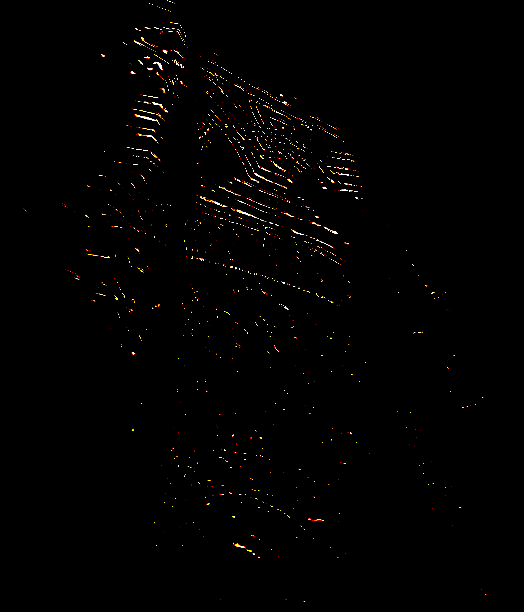
So what's the meaning of the DIFFERENCE blend mode in this case, and why are we seeing this?
As for comparing the images, the easiest tool is probably imagemagick's compare:
compare a.png b.png diff.png
And here's the output:
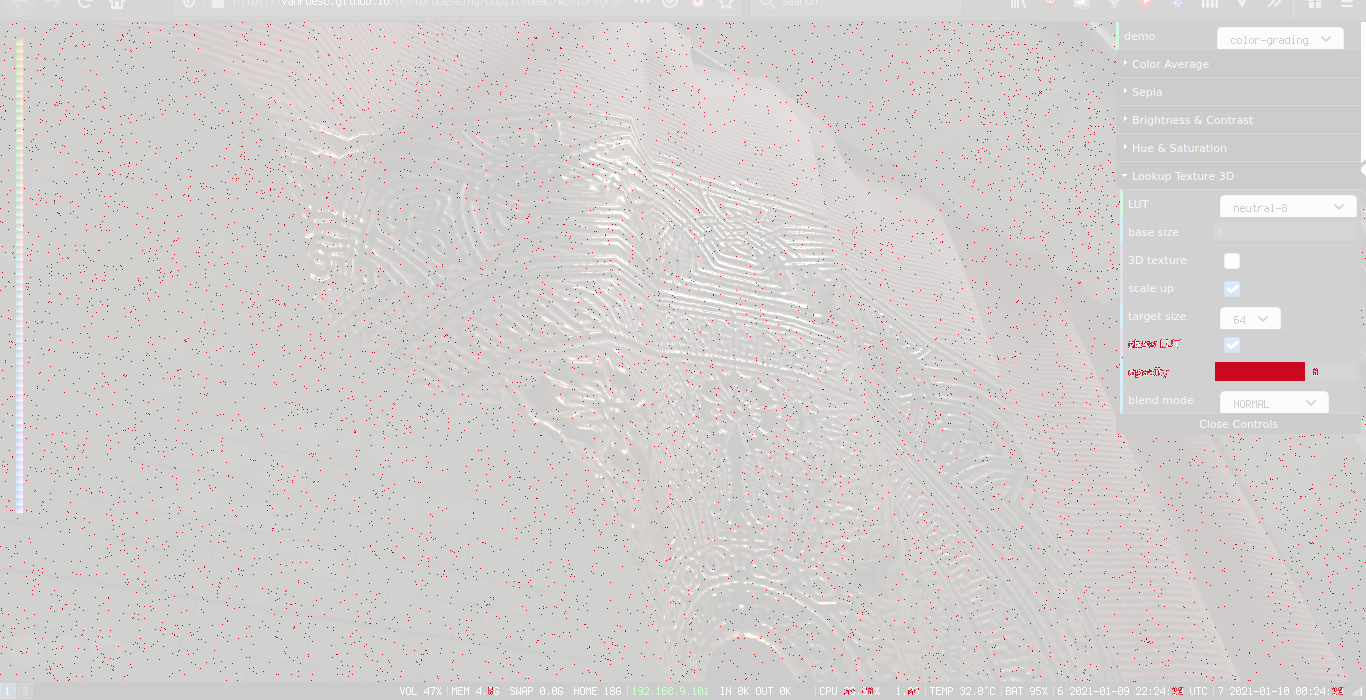
(3D texture is not selected on the screenshot, but the result seems to be the same regardless of that setting)
While this is completely unnoticeable to the eye, a lot of pixels seem to be off. Generational stability does matter in some use cases. Let's say you were making a LUT-based node editor to create some sort of image processing tool in three.js. If there's no generational stability, then just adding more nodes (even if they do nothing) will increasingly distort the final image.
Note, however, that even if that is fixed, more extreme LUTs can later reveal more issues. That is, the values in the LUT can be very peaky so to say, so that the interpolation between the values has a much harder time. The testing will need to be done in two steps though, so the first LUT should distort the colors to some precisely predicted values, and a second LUT will then need to restore them. This is actually a fascinating topic, it'd be very interesting to create a sort of LUT stress test suite and see how different software behaves. However, that is a completely different can of worms and I personally don't need any of that, although I'm very curious.
AlexDaniel
on 9 Jan 2021
Actually, you can probably ignore the blend mode stuff. Now that I look at it, it's probably caused by pixels that are way too bright. Hm, actually, what's the behavior for colors outside the LUT range? Either way, it's not an issue I think, but the diff done by imagemagick is.
AlexDaniel
on 10 Jan 2021
My main concern was that the previous implementation was, frankly, pretty close to being unusable.
I agree and I appreciate your feedback. I expected minor bugs but didn't know enough about LUTs to spot these issues.
So what's the meaning of the DIFFERENCE blend mode in this case, and why are we seeing this?
DIFFERENCE does abs(oldColor - newColor) and SUBTRACT does max(oldColor + newColor - 1.0, 0.0).
Now that I look at it, it's probably caused by pixels that are way too bright.
Right, since we're using HalfFloatType buffer, colors can be greater than 1.0. You'd normally use tone mapping before applying the LUT to map HDR to LDR first. The demo currently doesn't do that, but it probably should since there are bright highlights. The LUTEffect always clamps input values to [0.0, 1.0], either via the 3D texture wrap mode ClampToEdgeWrapping or manually in the shader when a 2D texture is used.
While this is completely unnoticeable to the eye, a lot of pixels seem to be off.
As @gkjohnson pointed out, we can't avoid floating point rounding issues. If you type 0.4 * 0.4 in your browser's console, you'll get 0.16000000000000003 which already differs from 0.16. Perfect generational stability would probably require rounding error safe guards in the interpolations which would be unfeasible.
If you take an image that has all possible sRGB colors (let's say a PNG from here), and apply a neutral LUT on that, what happens? Does it produce exactly the same output on the first generation? If not, when does it stabilize?
In theory it should but in practice you'll get floating point rounding errors and the result will rarely, if ever, match perfectly. It would never stabilize; errors would accumulate. At least that's what I'd expect.
3D texture is not selected on the screenshot
If there is a difference between the 3D/2D sampling algorithms then I'd assume the 3D sampling to be more accurate and less error-prone since it's only doing this: texture(lut, rgb)
What could further improve accuracy is tetrahedral interpolation inside the shader.
vanruesc
on 10 Jan 2021
As @gkjohnson pointed out, we can't avoid floating point rounding issues. If you type 0.4 * 0.4 in your browser's console, you'll get 0.16000000000000003 which already differs from 0.16. Perfect generational stability would probably require rounding error safe guards in the interpolations which would be unfeasible.
In theory it should but in practice you'll get floating point rounding errors and the result will rarely, if ever, match perfectly. It would never stabilize; errors would accumulate. At least that's what I'd expect.
Well, not exactly. That value (0.16000000000000003) will still map to the same color on the screen. And that's the issue currently – the values on the screen are off, not that their floating point representation is not spot on.
The LUTEffect always clamps input values to [0.0, 1.0],
Hmmmm. I think that's something to think about. For example, Davinci Resolve does allow a node to go above the limits, and then the next node can bring the colors back into the usable range. Here's an article that talks about it.
I don't know, maybe the clamping should be configurable, or maybe there's a way to make it work outside the range (even if at first it sounds like that doesn't make any sense).
AlexDaniel
on 11 Jan 2021
That value will still map to the same color on the screen.
Tiny float imprecisions can flip bits in the final uint8 image. I'm not saying that this is the root cause, but it can contribute to the differences between the original data rendered to screen and the interpolated data rendered to screen.
I'm currently looking into the tretrahedral interpolation shader from OpenColorIO and noticed this comment. Hardware quantization of fractions down to 8 bit could be the reason why we're still seeing errors.
maybe the clamping should be configurable
Custom input domains could be implemented by adding a range check to the input values in the shader. I'll keep it in mind.
vanruesc
on 11 Jan 2021
I've investigated this further and ended up implementing tetrahedral interpolation and custom input domains. I found out that the noisy errors we're still seeing are indeed caused by hardware interpolation. This article by iq explains the details.
The tetrahedral interpolation algorithm performs all interpolations manually to avoid the quantization of fractional components. The following comparison shows the difference between the input colors and the output colors of the LUTEffect using a neutral 2³ LUT:
| HW Trilinear 2D | HW Trilinear 3D | Manual Tetrahedral 3D |
|-|-|-|
|  |
|  |
|  |
|
Tetrahedral interpolation eliminates all remaining errors.
@gkjohnson FYI: I learned that fract() actually uses floor() internally: "This is calculated as x - floor(x)." So the following is probably a bit more efficient for the 2D sampling algorithm:
float slice0 = floor(slice);
float interp = slice - slice0;
Fixed in [email protected].
The visual differences between tetrahedral interpolation and built-in trilinear interpolation are very hard to spot unless they are highlighted. Tetrahedral interpolation can be enabled via LUTEffect.setTetrahedralInterpolationEnabled(true) if high accuracy is desired, but trilinear interpolation remains the default as it is faster and produces great results.
vanruesc
on 12 Jan 2021
Looks great! And thanks for the links and extra research.
gkjohnson
on 12 Jan 2021
Absolutely fantastic!
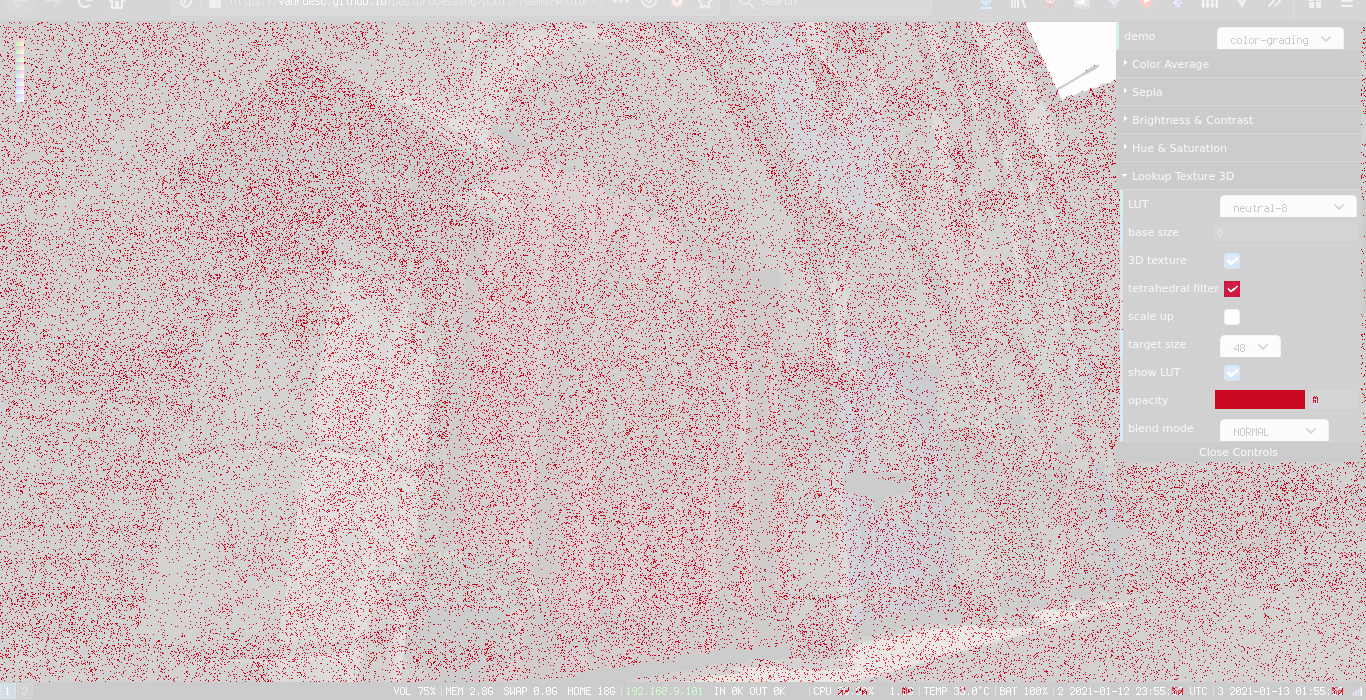
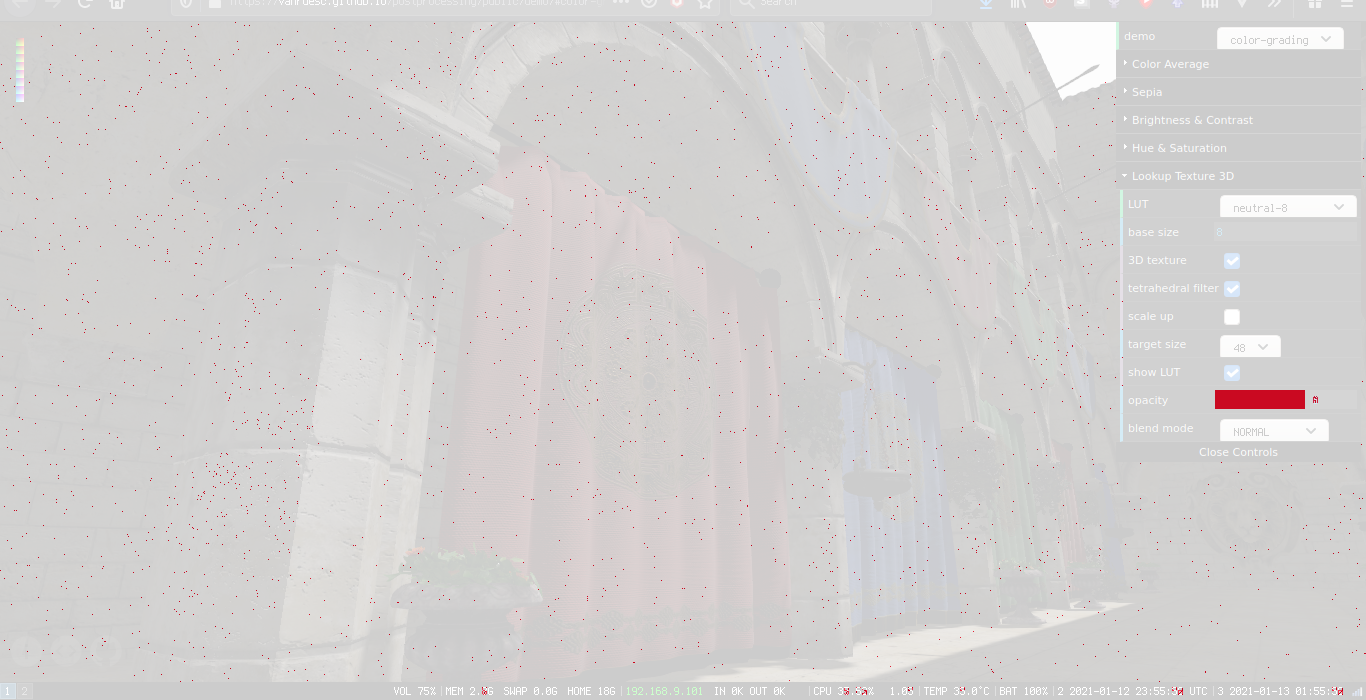
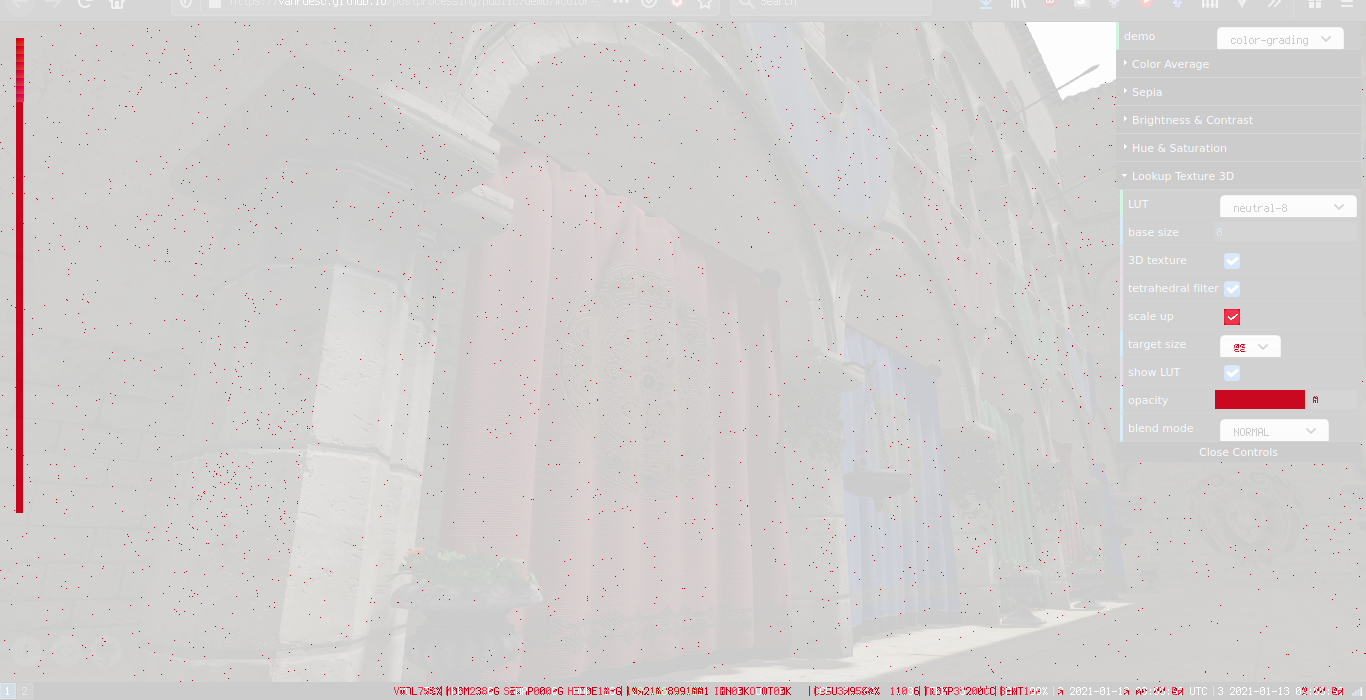
I did some tests:
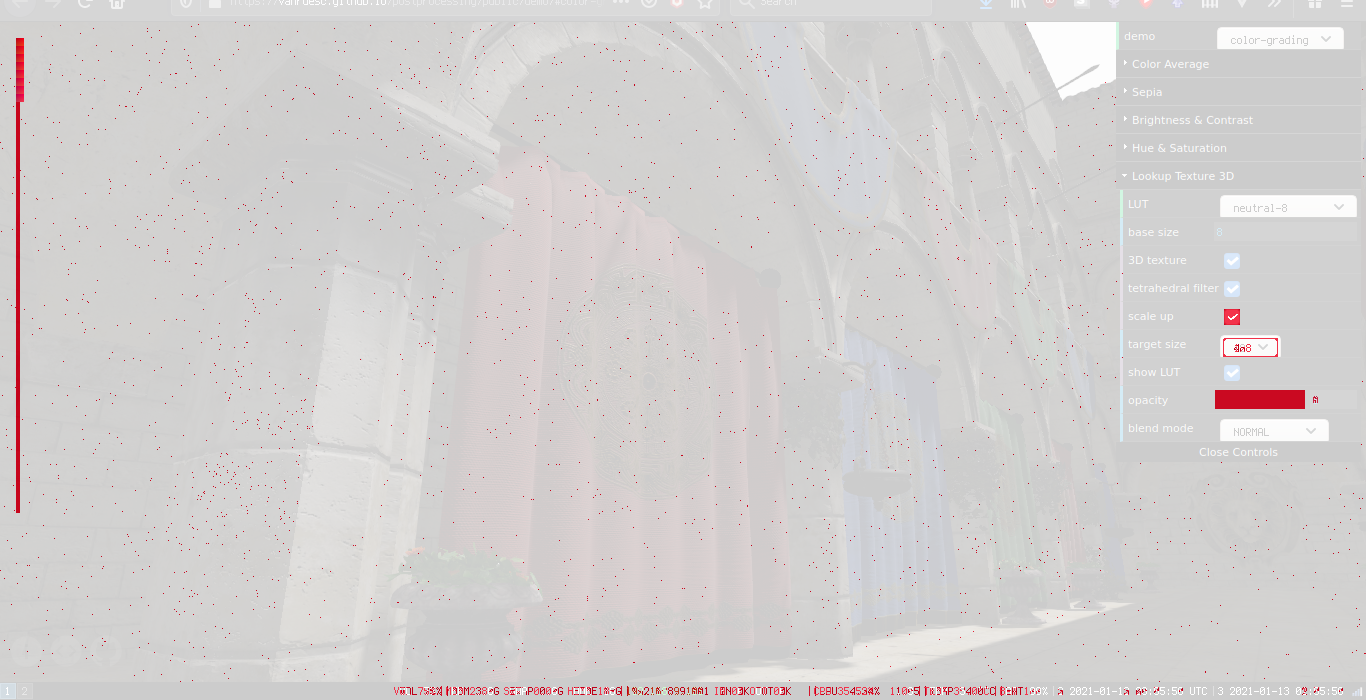
| neutral-8, 3D | neutral-8, 3D + tetrahedral | neutral-8, 3D + tetrahedral + upscale | neutral-8, 3D + tetrahedral + upscale 128 |
|-----|-----|-----|-----|
|  |
|  |
|  |
|  |
|
If we're speaking about neutral luts and pixel-perfect results, then looking at the results above, turning on tetrahedral interpolation gives the biggest win, while upscaling makes no difference whatsoever (as long as tetrahedral interpolation is on).
AlexDaniel
on 13 Jan 2021
while upscaling makes no difference whatsoever (as long as tetrahedral interpolation is on)
I wouldn't expect tetrahedral upscaling on the CPU to make a difference if you're using tetrahedral sampling on the GPU. Tetrahedral sampling in the shader is likely much more expensive than just performing built in trilinear sampling with the 3d texture so it's a trade you can make.
gkjohnson
on 13 Jan 2021
Related issues
 brunoimbrizi
·
4Comments
brunoimbrizi
·
4Comments
 erosb
·
4Comments
erosb
·
4Comments
 Monder87
·
3Comments
Monder87
·
3Comments
 scarletsky
·
3Comments
scarletsky
·
3Comments
 dghez
·
4Comments
dghez
·
4Comments
Most helpful comment
I've investigated this further and ended up implementing tetrahedral interpolation and custom input domains. I found out that the noisy errors we're still seeing are indeed caused by hardware interpolation. This article by iq explains the details.
The tetrahedral interpolation algorithm performs all interpolations manually to avoid the quantization of fractional components. The following comparison shows the difference between the input colors and the output colors of the
LUTEffectusing a neutral 2³ LUT:| HW Trilinear 2D | HW Trilinear 3D | Manual Tetrahedral 3D | |
|  |
|  |
|
|-|-|-|
|
Tetrahedral interpolation eliminates all remaining errors.
@gkjohnson FYI: I learned that fract() actually uses floor() internally: "This is calculated as x - floor(x)." So the following is probably a bit more efficient for the 2D sampling algorithm: