Postprocessing: Question: Alpha channel of the canvas prevents rendering of two separate scenes with an OutlinePass?
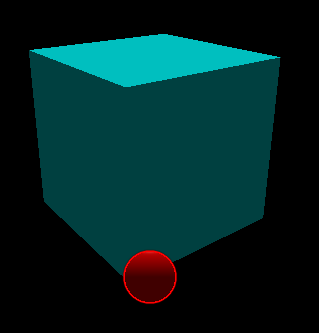
In the following fiddle https://jsfiddle.net/g9bzk2y1/44/ I have two scenes: A "normal" 3D scene with a cube, and an orthographic scene which is used as a simple HUD. I use an OutlinePass to render a highlight (if the user hovers it, but this is not implemented to keep the example "simple"). The chain looks like this:
const outlineEffect = new POSTPROCESSING.OutlineEffect(hudScene, hudCamera, {
...
});
//set this value to ALPHA to see the whole scene
outlineEffect.blendMode.blendFunction = POSTPROCESSING.BlendFunction.ALPHA

outlineEffect.selectObject(hudMesh);

const renderPass = new POSTPROCESSING.RenderPass(scene, camera);
const hudRenderPass = new POSTPROCESSING.RenderPass(hudScene, hudCamera);
hudRenderPass.clear = false;
const outlinePass = new POSTPROCESSING.EffectPass(hudCamera, outlineEffect);
outlinePass.renderToScreen = true;

 composer.addPass(renderPass);
 composer.addPass(hudRenderPass);
 composer.addPass(outlinePass);
If I instantiate the WebGlRenderer with alpha = true then I only see the highlight from the last pass. If I set the BlendFunction to "ALPHA" I see everything as expected (the cube, the sphere and the highlight) and I'm wonderin why? (As a side note: Is it better to ask such questions on StackOverflow?)
 nimloth05
All 7 comments
Thanks for reporting this issue!
This does seem like a render texture format and/or shader bug. I'll investigate further when I get a chance.
Is it better to ask such questions on StackOverflow?
If you run into an issue that could be a potential bug, then this issue tracker is the right place to report it. I also don't mind answering questions that have to do with this library.
 vanruesc
on 8 Mar 2019
vanruesc
on 8 Mar 2019
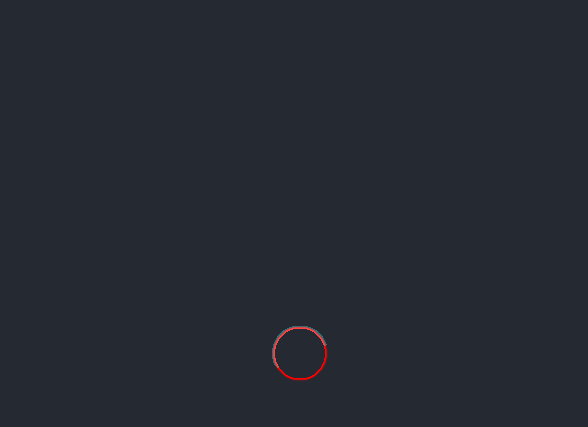
If I instantiate the WebGlRenderer with alpha = true then I only see the highlight from the last pass.
Are you sure about this? I can see the scene even when the blend function is not set to ALPHA. The scene is brighter than it should be, though. Can you see the cube in the following example? https://jsfiddle.net/v0gcdo8f/1/
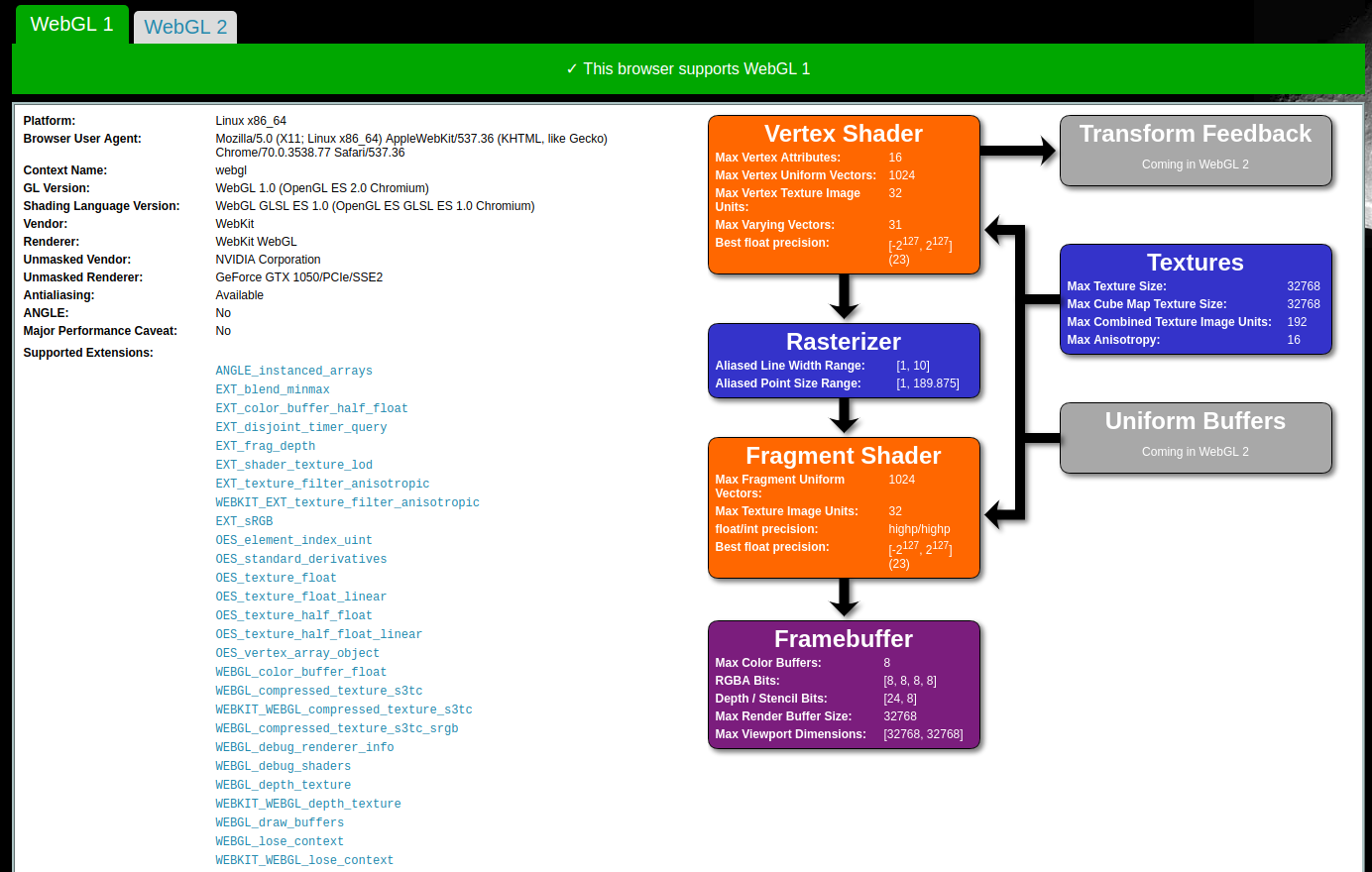
If not, what are the system specs of your test machine?
After checking the code, I found out that the OutlineEffect currently doesn't support transparent render targets. Since the effect works as intended in normal scenes where alpha is disabled, I'll treat this as a feature-request. I'm not sure when I'l be able to add this feature, but it shouldn't be too long.
vanruesc
on 12 Mar 2019
No. I attached the picture of what I see.
My machine is a Dell XPS 9560 with Ubuntu 17.10, using chrome Version 70.0.3538.77 (Official Build) (64-bit). WebGlReport shows me this:
Do you need more information?
I tested it also under a windows machine with FireFox and Chrome in both browsers the cube and the sphere are rendered as expected.
nimloth05
on 12 Mar 2019
If I set the blend function to alpha, I get this result:
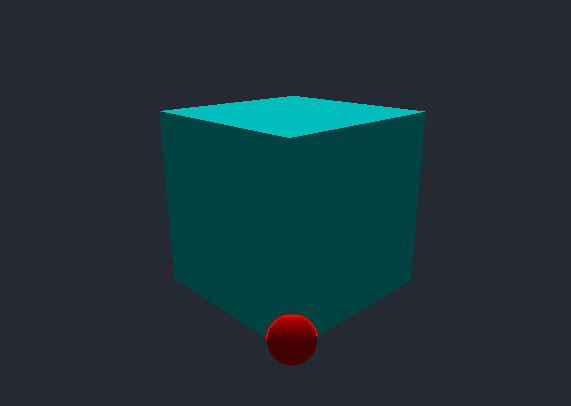
Notice how the outline effect is only visible over the cube (top half of the sphere)
nimloth05
on 12 Mar 2019
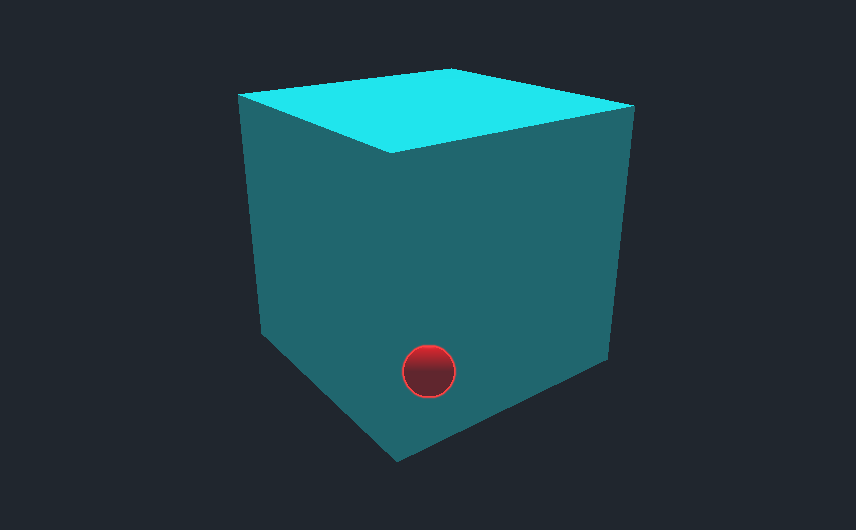
Thanks for the additional information. I think Ubuntu is rendering it correctly in this case.
Here's what I see with alpha: true and different blend functions:
| SCREEN (default) | ALPHA |
|--------------------|------------------|
|  |
| 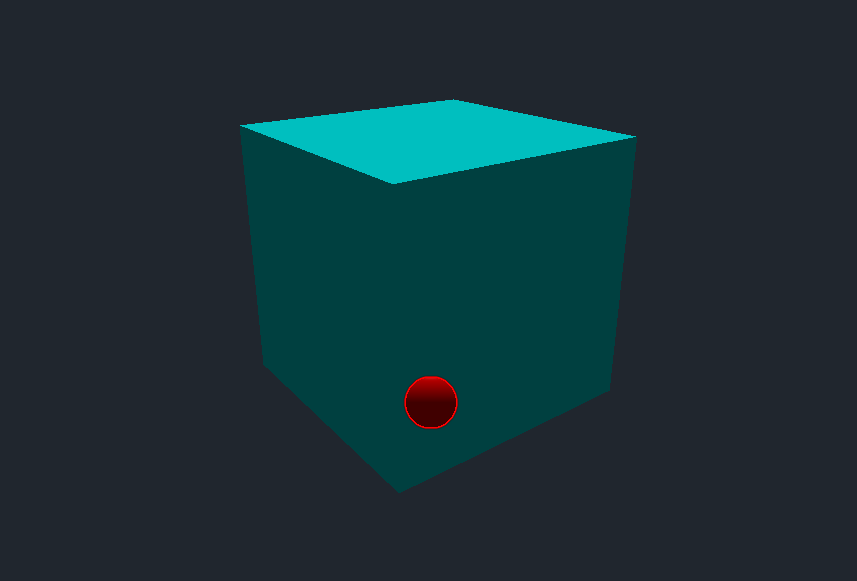 |
|
Hopefully this will be resolved with the changes I have in mind.
vanruesc
on 12 Mar 2019
I've updated the OutlineEffect in [email protected]. Please check if the following example works properly on your Ubuntu system: https://jsfiddle.net/L3cp49bo/
I get the following output on my system (Windows 10, Chrome 73.0.3683.86):
Alpha Enabled
| SCREEN (default) | ALPHA |
|--------------------|------------------|
| 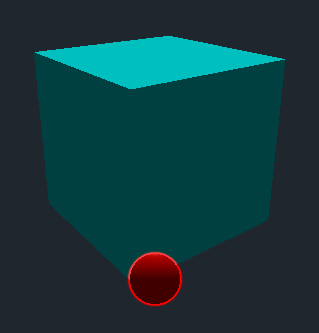 |
| 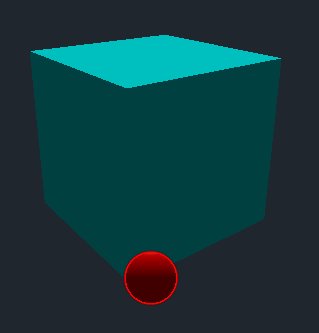 |
|
Alpha Disabled
| SCREEN (default) | ALPHA |
|--------------------|------------------|
| 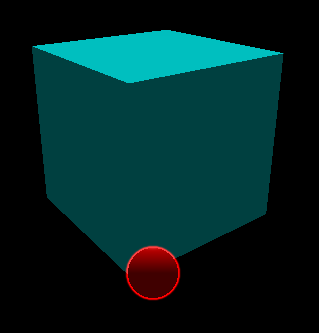 |
|  |
|
Additive Blending
I've experimented a bit and found that it's possible to set the transparent property of a fullscreen material to true and the blending property to THREE.AdditiveBlending. This removes black halos and semi-transparent edges in some situations but may require additional ClearPass instances between effect passes to work properly. The fullscreen material of a pass can be retrieved via Pass.getFullscreenMaterial().
vanruesc
on 23 Mar 2019
On my chrome / Ubuntu its rendered the same as in your screenshots. Thx for fixing this!
nimloth05
on 24 Mar 2019
Related issues
 brunoimbrizi
·
4Comments
brunoimbrizi
·
4Comments
 erosb
·
4Comments
erosb
·
4Comments
 thewizardwand
·
3Comments
thewizardwand
·
3Comments
 dghez
·
4Comments
dghez
·
4Comments
 arpu
·
3Comments
arpu
·
3Comments
Most helpful comment
Thanks for the additional information. I think Ubuntu is rendering it correctly in this case.
Here's what I see with
alpha: trueand different blend functions:| SCREEN (default) | ALPHA | |
|  |
|
|--------------------|------------------|
|
Hopefully this will be resolved with the changes I have in mind.