Pnpframework: Missing WebPartType Stream
Hello,
I'm trying to build a new SharePoint page through a netcore5.0 console application with PnP.Framework 1.1.0 but I can't find a way to add a WebPart of type Stream, since PnP WebPartType enum contains only VideoEmbed.
For what I've seen Stream and VideoEmbed share the same GUID, so even with a WebPartType.Custom and the GUID I'm ending up with a VideoEmbed.
I'm missing something? If not, there's a way workaround?
Thanks
 MattiaBonanni
All 4 comments
Hi @MattiaBonanni,
You need to use the VideoEmbed webpart type for Stream:
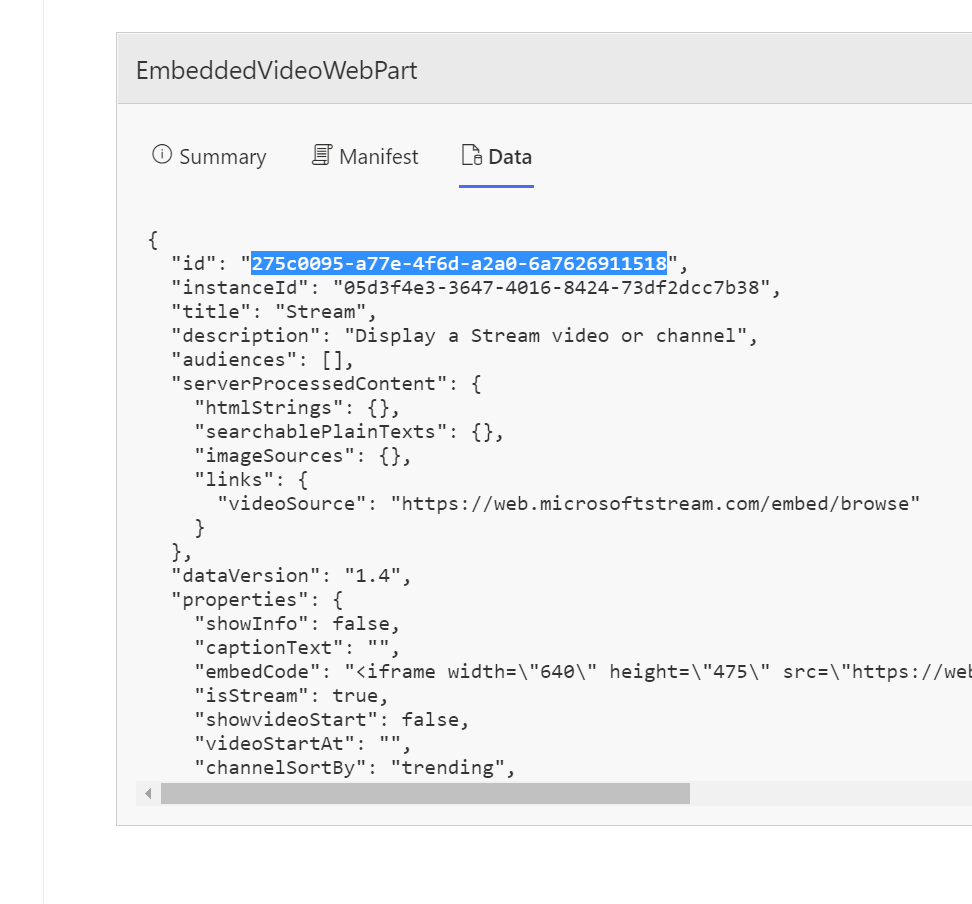
This corresponds with GUID 275c0095-a77e-4f6d-a2a0-6a7626911518 in our code, I don't see any duplicate GUIDs here. See https://github.com/pnp/pnpcore/blob/dev/src/sdk/PnP.Core/Model/SharePoint/Pages/Internal/Page.cs#L2228 for the used code.
 jansenbe
on 5 Mar 2021
jansenbe
on 5 Mar 2021
Hi @jansenbe,
thanks for the reply.
I probably didn't express myself correctly.
If I use the WebPartType.VideoEmbed the results on my SharePoint Page is this:
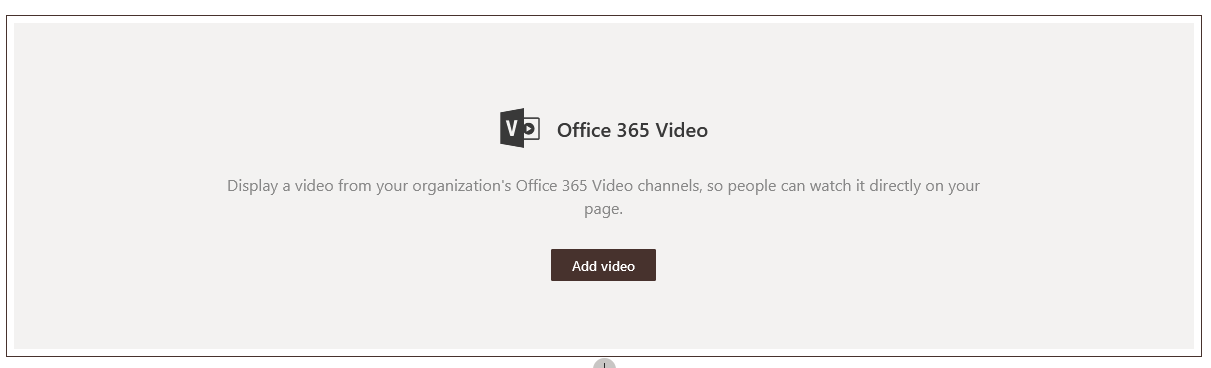
But, if I understand correctly, this WebPart will be retired soon.
The WebPart I want to add is the following:

With "same GUID", I didn't mean a duplicate in the code base, but that inspecting the SharePoint page with a tool (React Develop Tool for FireFox) I can see that both WebPart share the same GUID:
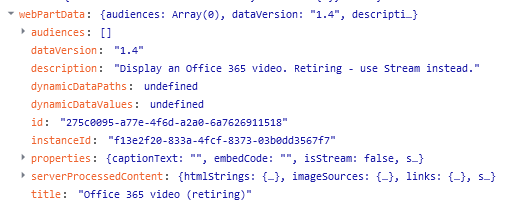
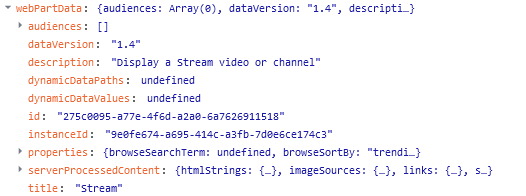
MattiaBonanni
on 5 Mar 2021
@MattiaBonanni : this is not actually a bug, SharePoint will automatically pick the web part based upon the configuration date provided...if no configuration data provided the old video embed is selected, but when you create a configured default stream web part it shows up as stream web part. See this test for a sample: https://github.com/pnp/pnpcore/blob/dev/src/sdk/PnP.Core.Test/SharePoint/PagesTests.cs#L766. Also see https://pnp.github.io/pnpcore/using-the-sdk/pages-webparts.html#working-with-web-parts to learn more on how you can work with web parts on pages
jansenbe
on 9 Mar 2021
@jansenbe thank you so much!
MattiaBonanni
on 9 Mar 2021
Related issues
 roberAlb
·
5Comments
roberAlb
·
5Comments
 Swampen
·
3Comments
Swampen
·
3Comments
 YannickRe
·
6Comments
YannickRe
·
6Comments
 reidav
·
7Comments
reidav
·
7Comments
 PrasadMadhavan
·
10Comments
PrasadMadhavan
·
10Comments