Plyr: iOS 12 No True FullScreen or Pause.
Using iOS 12 and no longer is there any true fullscreen. I noticed the Plyr now uses the Plyr skin on iOS instead of the mobile Youtube player, but the player doesn't go into a true full screen any longer. It just fills up the browser but you can still scroll beyond it.
Also when you pause a video, it just starts auto-playing again a second later.
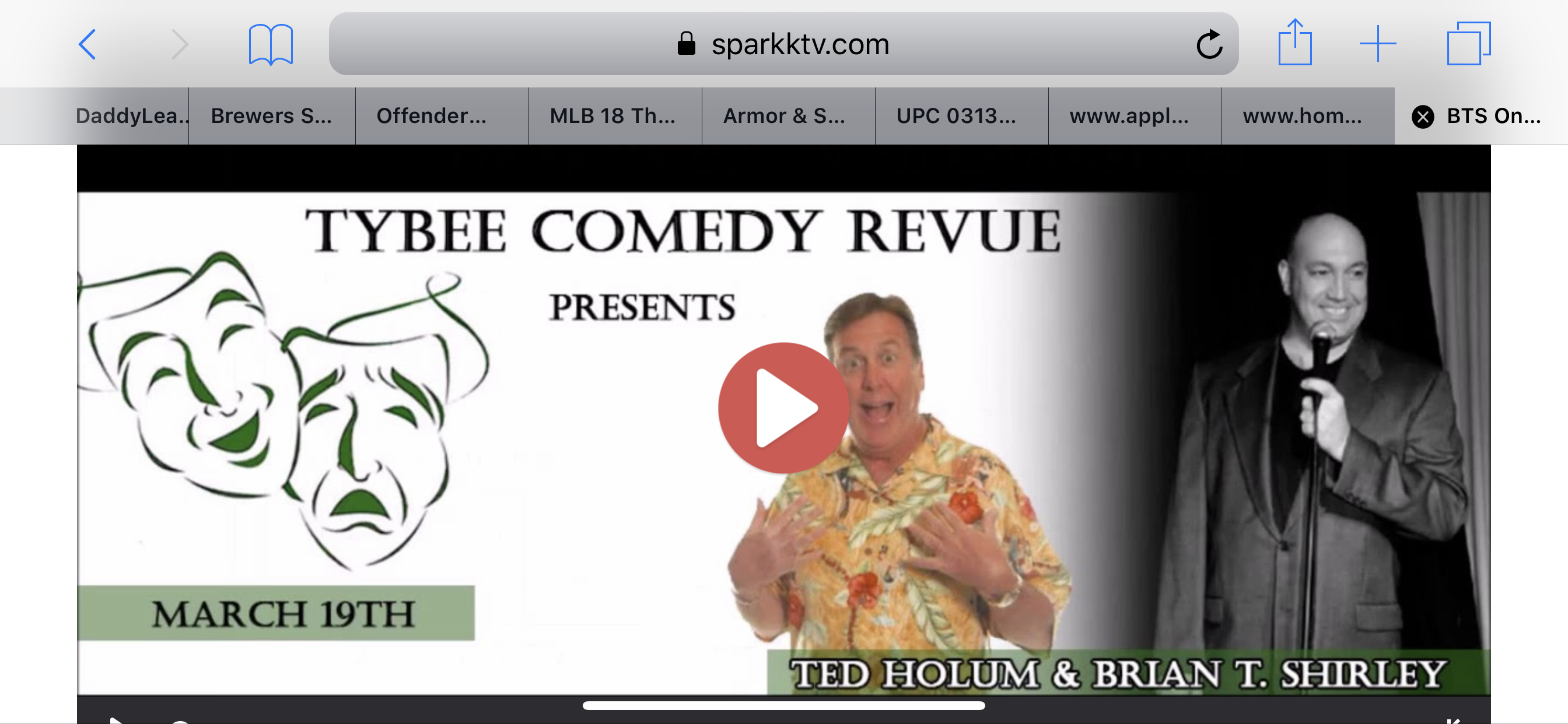
I'm hoping for a fix on both of these as it really hurts the quality of video on iOS using the Plyr skin. I love the fact that the skin is available on iOS now but I miss the true fullscreen, I can't take advantage of the video on the new phones and you can just scroll by mistake out of the video. I've attached a screenshot so you can see, it's scrolled past the full screen and full screen no longer takes advantage of the full width of the phone.
UPDATE: I tried the iOS native command after I wrote this and that does not work either, the fullscreen button becomes useless using that command.
 sparkktv
All 16 comments
Hi sparktv. Please post a link to a codepen (or similar) of the issue. The issue being that the fullscreen button doesn't work when using the iosNative option with a youtube video.
As for the pause button not working, that's already an issue, with an open PR https://github.com/sampotts/plyr/pull/1184
 jamesoflol
on 25 Sep 2018
jamesoflol
on 25 Sep 2018
I think Sam is on holidays or something. If you want to run a previous version, last known good for the pause issue is v3.3.23
jamesoflol
on 25 Sep 2018
Hey, yep I was on vacation but I'll get to fixing this one asap. With regards to the fullscreen. You can try the iosNative option as @jamesoflol pointed out but the other way should block scrolling. I'll look into that. I'm also going to see if I can get the fullscreen working correctly (so it fills the viewport) on the iPhone XS when I get mine 👍
 sampotts
on 25 Sep 2018
sampotts
on 25 Sep 2018
This is the code I'm using. I have never used Codepen so I just thought I'd post the code here, The Fullscreen button just doesn't work on iOS 12 with the iosNative on true. If you turn off the iosNative it works but again it's the first problem of the video not going into fullscreen fully and being able to scroll around it.
After Head <link rel="stylesheet" href="https://cdn.plyr.io/3.4.3/plyr.css">
Before Body <script src="https://cdn.plyr.io/3.4.3/plyr.js"></script>
<script>const player = new Plyr('#player', {
controls:["play-large","play","progress","current-time","mute","volume","captions","settings","fullscreen","pip","airplay"],tooltips:{controls:!0},fullscreen{iosNative:true},quailty:{ default: 'default', options: ['hd2160', 'hd1440', 'hd1080', 'hd720', 'large', 'medium', 'small', 'tiny', 'default'] }
});</script>
Embed <div id="player" data-plyr-provider="youtube" data-plyr-embed-id="bTqVqk7FSmY"></div>
sparkktv
on 25 Sep 2018
The pause issue should be resolved in v3.4.4. I've also pushed some code to improve the fullscreen on iPhone X/XS with the notch.
I'm unable to replicate the issue with the iosNative option. For me it triggers the native fullscreen player in both the simulator for iPhone XS and a physical iPhone 8.

sampotts
on 25 Sep 2018
https://www.sparkktv.com/bts-on-the-road/episodes/s2-e16-snee-farm-cc-2
Just use that link on iOS. On both iPad Pro & iPhone Xs Max, the fullscreen button doesn't work at all. I have iosNative turned to true for right now, as soon as you check the link I'll turn it back off so my users can atleast have semi-fullscreen until I can fix this issue.
Also I'm using the old style embed code still. <div id="player" data-plyr-provider="youtube" data-plyr-embed-id="bTqVqk7FSmY"></div>
Also could it be a Youtube issue?
sparkktv
on 25 Sep 2018
The reason I ask for a Codepen (or similar) example is largely because it will help determine if the issues is with your own code, or a bug with Plyr itself. It's the process itself, of re-producing the issue in Codepen, that provides you a huge amount of insight into the issue - whether it's with your own code, at Youtube's end, or in Plyr. Please give it a shot, reproduce the issue in the simplest way possible.
jamesoflol
on 26 Sep 2018
https://codepen.io/sparkktv/pen/YJzqRr/
I can't figure it out though on how to get it to run. I've never used Codeine before. But It put everything in there but it won't run at all, if someone can fix it... It's the JS I can't figure out, I put it exactly how I have it on my site. But I guess Codepen doesn't work that way.
sparkktv
on 28 Sep 2018
your are missing a : after fullscreen in the javascript. Ad that and the codepen will work.
im having the same issue with the fullscreen and scrolling while in "fullscreen" on ios 11.4. Using embed youtube videos.
 budevor
on 29 Sep 2018
budevor
on 29 Sep 2018
https://codepen.io/sparkktv/pen/YJzqRr/
Still does not work on iOS. Fullscreen button does nothing, so it's not my website because it happens on Codepen also.
And thank you budevor for that, I totally missed that :
sparkktv
on 29 Sep 2018
Well done, you've reproduced the issue 👏
I can confirm, the issue exists on my phone.
@sampotts iOS fullscreen for embedded players looks.. impossible? By my understanding: iOS only allows fullscreening of native html5 video elements (hence the need for plyr's iosNative option), but the youtube html5 video element is inside a cross-origin iFrame, which means plyr JS code can't touch it
jamesoflol
on 30 Sep 2018
is there a way to use the youtube player on mobile instead of the ios native as a backup?
budevor
on 2 Oct 2018
It's also showing open tabs in the browser such as Safari, on your demo page when you go to full screen. Hopefully these issues can be fixed soon.
If it helps any, I noticed Afterglow Player when using Youtube, they fixed some of the issues by going to the native iOS player when hitting the fullscreen button.
sparkktv
on 26 Oct 2018
@sampotts iOS fullscreen for embedded players looks.. impossible? By my understanding: iOS only allows fullscreening of native html5 video elements (hence the need for plyr's iosNative option), but the youtube html5 video element is inside a cross-origin iFrame, which means plyr JS code can't touch it
i agree with this assessment. i scoured the web reading about this and looking for other ways to do it and it seems to be a restriction in iOS for embeds. apparently it can be enabled in Safari on iOS 12 through the experimental features settings, but otherwise it's not currently possible.
https://www.imobie.com/support/safari-experimental-features.htm
https://twitter.com/rmondello/status/1041739671775043596?lang=en
 mattbarnicle
on 12 Nov 2018
mattbarnicle
on 12 Nov 2018
I'm having this issue too.
Can't get to make the video to fullscreen on iPad (iOS only).
 jagoncalves14
on 12 Mar 2019
jagoncalves14
on 12 Mar 2019
+1
 loehx
on 24 May 2019
loehx
on 24 May 2019
Related issues
 oyeanuj
·
21Comments
oyeanuj
·
21Comments
 donnygunawan93
·
83Comments
donnygunawan93
·
83Comments
 calvinthefreak
·
22Comments
calvinthefreak
·
22Comments
 tolew1
·
27Comments
tolew1
·
27Comments
 stanvanheumen
·
22Comments
stanvanheumen
·
22Comments