Plyr: Vimeo: Non-standard aspect ratio in fullscreen: adjust instead of crop
I've noticed one more bug (or, lacking of a feature :)) with 4:3 aspect ratio:
https://codepen.io/yuriyku/pen/BrmgpQ
Expected behaviour
I'd like to see the video adjusted, preserving aspect ratio
Actual behaviour
In fullscreen the video is cropped. See screenshots.
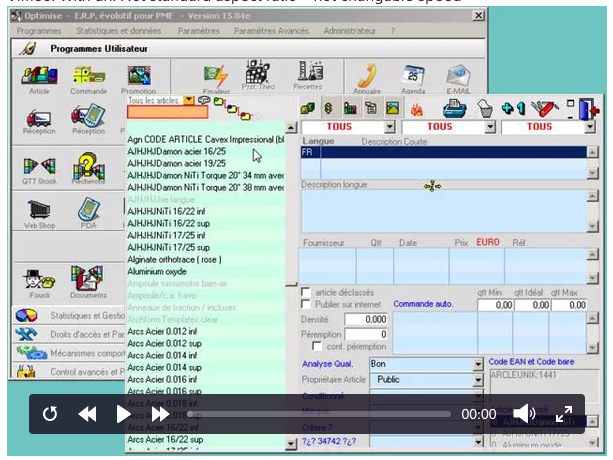
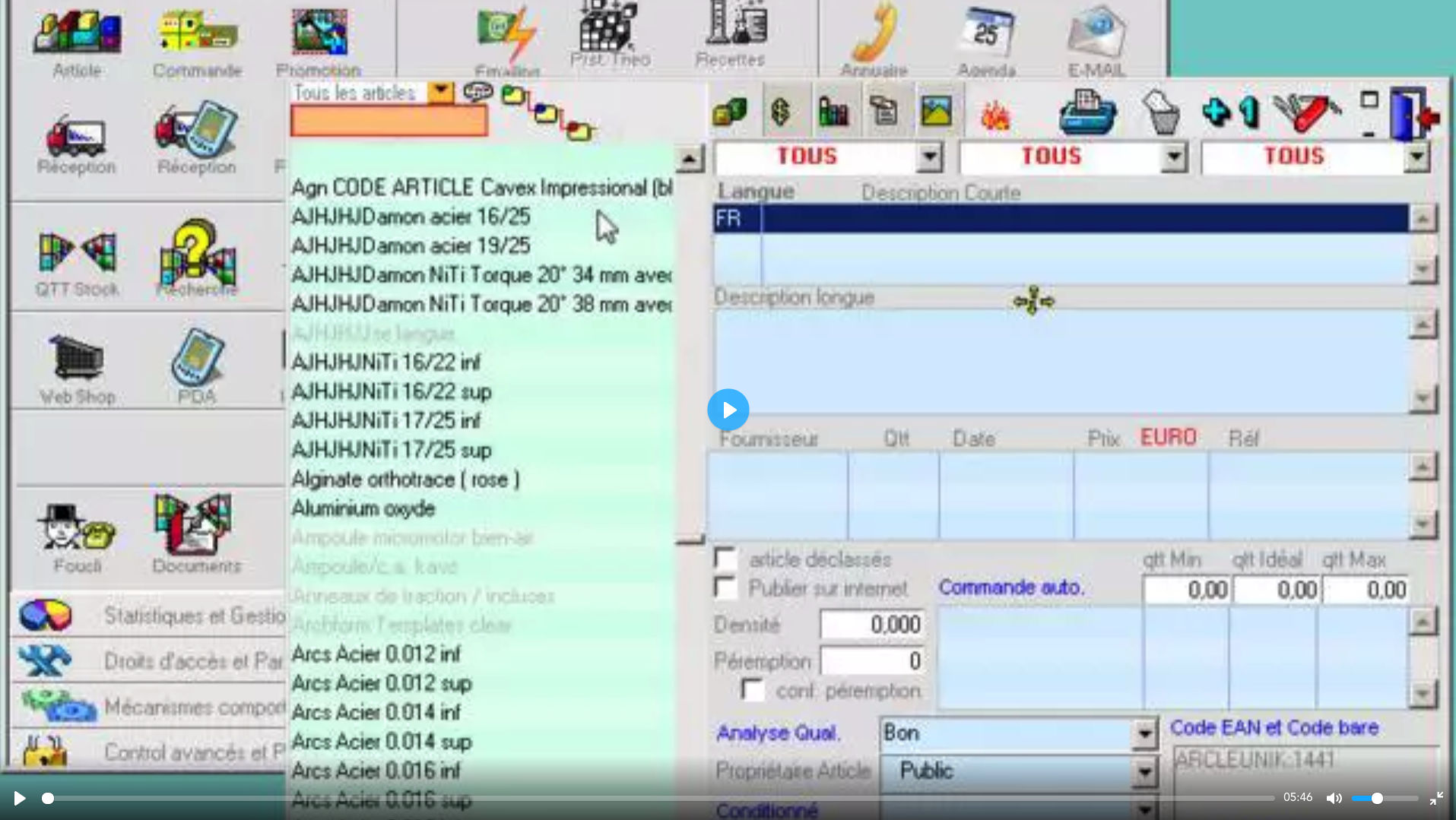
p.s. And thanks for your active support. Plyr is getting better and nicer every day :)
 yuriykuzin
All 6 comments
It's been raised before. It's a tricky one though due to the responsive requirement. I'll keep looking into it though and see what I can do....
 sampotts
on 2 Apr 2018
sampotts
on 2 Apr 2018
I renamed this to clarify it's only for vimeo. Will change it back in case I got that wrong?
Also, the default behavior should probably be pad, not stretch (which is how I interpret the suggestion).
 friday
on 26 May 2018
friday
on 26 May 2018
I have a similar scaling issue with Vimeo and Youtube videos (HTML5 is okay) when on my 21:9 screen:

 dacostafilipe
on 26 Oct 2018
dacostafilipe
on 26 Oct 2018
Hi, is there no temporary fix for this? I just built quite a large project on Plyr using Vimeo files and found this quite critical bug in the final testing phase. I consider it to be serious enough to throw away weeks of development and replace Plyr with another player,
 rklabal
on 8 Nov 2018
rklabal
on 8 Nov 2018
Hey @rklabal , could you check the latest version? I've pushed a fix which should mean that non standard aspect ratios will now be catered for in fullscreen.
sampotts
on 8 Nov 2018
Hi @sampotts , I honestly didnt expect a reply, let alone an extremely fast one, but yes - it seems like the latest Plyr version works perfectly with different resolutions of Vimeo videos in fullscreen! Thank you so much for the quick fix!
rklabal
on 8 Nov 2018
Related issues
 Lycanthrope
·
4Comments
Lycanthrope
·
4Comments
 frumbert
·
3Comments
frumbert
·
3Comments
 sparkktv
·
4Comments
sparkktv
·
4Comments
 osamay
·
4Comments
osamay
·
4Comments
 TheZoker
·
4Comments
TheZoker
·
4Comments