Platformio-atom-ide-terminal: Terminal Not Responding in Atom
Whenever I open my terminal in atom, it only shows an empty console and the cursor blinking. It also does not respond to anything I type. Please help!!!!

 Georjay
All 20 comments
I'm having this issue as well
 cacondie
on 10 Apr 2018
cacondie
on 10 Apr 2018
I've solved this problem by upgrade Atom to 64bit version.
 miklik72
on 10 Apr 2018
miklik72
on 10 Apr 2018
I upgraded Atom to 64bit version and it's still not working.
 OsBlaineOra
on 10 Apr 2018
OsBlaineOra
on 10 Apr 2018
Would like to reported that I experienced the same issue after updating my Atom editor 64-bit (intentionally set to manual update) to version 1.25.1; prior to the update, it was working fine.
 at9924
on 11 Apr 2018
at9924
on 11 Apr 2018
Hi everyone.... I got mine working now (Atom 64-bit v.1.25.1 running Windows 8.1).
Here's what I did:
- Go to File -> Settings -> Packages.
- In the Installed Packages window/page, look for the '_platformio-ide-terminal_' package by scrolling down the list of installed packages.
- Once found, click the Uninstall button.
- After uninstalling the package successfully, close or exit the Atom editor.
- Restart the Windows operating system.
- After logging in back to Windows, launch the Atom editor.
- Go to File -> Settings -> Install.
- In the Install Packages window/page, type '_platformio-ide-terminal_' on the text box, followed by pressing Enter key.
- Once the '_platformio-ide-terminal_' package is found, click the Install button.
After successfully installing the package, it should be working back as it was before.
However, would like to note that this 'solution' has not been tested on Atom editors (of the same version) running on Linux or OS X operating systems.
Hope this helps.
at9924
on 11 Apr 2018
Thanks for the input @atx900 and @miklik72
However, I noticed a few things whiles trying to get platformio-ide-terminal to work.
I would usually open a project in the Atom editor using the default windows command prompt (cmd) using the "atom ." command (without the quotes).
Each time I do that and launch the platform-ide-terminal in Atom, it only shows an empty console with the blinking cursor.
So I decided to open the Atom editor directly and when I opened the platformio-ide-terminal in Atom, it works.
Kindly let me know if this helps.

Georjay
on 11 Apr 2018
Glad to be of help, @Georjay
Tested the command-line recommendation on another Windows computer (a backup dev machine running same the OS and Atom editor versions) that experienced the same platformio-ide-terminal issue.
As advised, ran the "atom ." command (w/o the quotes) via default Windows command prompt from inside a project directory/folder.

It successfully launched the Atom editor and loads the project folder but the platformio-ide-terminal displayed an empty console with a blinking cursor.
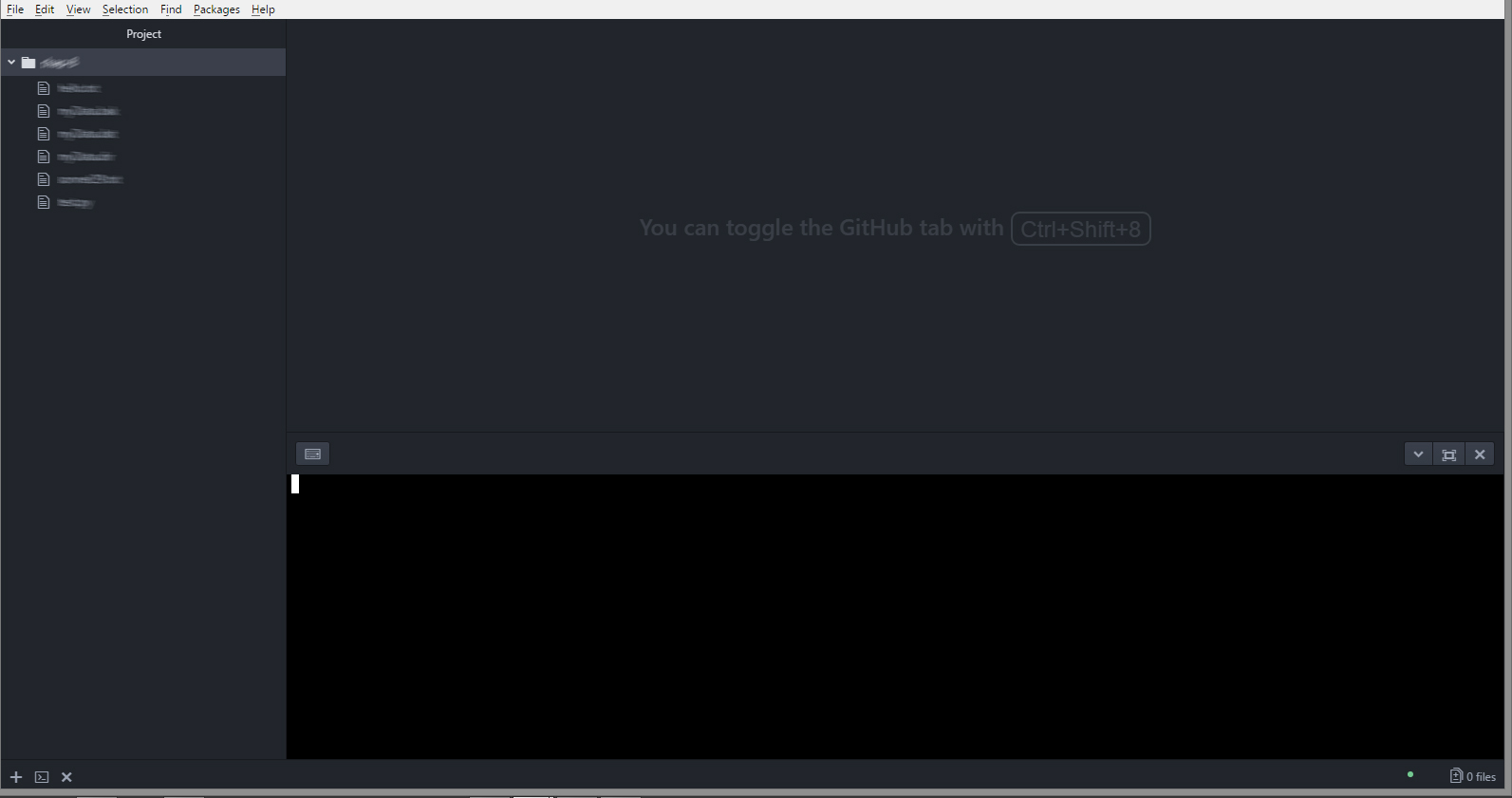
Haven't implemented the 9-steps fix posted earlier so as not to 'contaminate' the Atom editor while finding a much better (and shorter) solution.
at9924
on 11 Apr 2018
Yeah, so I'd encourage anyone who is facing the challenge of an empty console and a blinking cursor to simply open their Atom editor directly (from the desktop). Thanks.
Georjay
on 12 Apr 2018
I almost always run my editor from the icon on the desktop or taskbar.
This does not work for me.
OsBlaineOra
on 12 Apr 2018
Thanks
 gethimG99
on 21 Apr 2018
gethimG99
on 21 Apr 2018
Guys, i also installed Nodejs (https://nodejs.org/en/download/) at some point. You could also try.
Note: I sincerely can't tell if it had any impact on getting the terminal to work.
Georjay
on 24 Apr 2018
Hi, guys, platformio is finally working fine for me on Windows 7 with the latest Atom version (1.26.1 x64)!
 rhkina
on 10 May 2018
rhkina
on 10 May 2018
I'm using the latest Atom version 64-bit on Windows 7, just added Git Bash to Settings > Shell Override (pasted in C:Program FilesGitbingit.exe, with or without quotes), and just get the blinking cursor. The program runs just fine when run from command-line or double-clicked in Windows Explorer.
 davegear
on 13 May 2018
davegear
on 13 May 2018
Please retest again with platformio-atom-ide-terminal 2.9.0 which since f64888d is using node-pty-prebuilt instead unmaintained and outdated pty.js. This is good news for stability and compatibility.
if issues persist, please open a new ticket with requested information.
Thx =)
 the-j0k3r
on 7 Feb 2019
the-j0k3r
on 7 Feb 2019
Hi guys,
I have the same issue on platformio-atom-ide-terminal 2.9.1, and i have done all the above mentioned cases but still get the issue. Please help...

 12xman
on 3 Mar 2019
12xman
on 3 Mar 2019
@12xman
please open a new issue and fill in all template details, not leaving anything out and adding full screenshots or (preferably) gif captures and relevant portions of the config files for atom.
Thanks.
the-j0k3r
on 4 Mar 2019
I have had the same issue for quite some time, having done the 9 steps above again and again... I am using the windows terminal at the moment which is of much more ponderous.
I have also tried launching Atom from the cmd window. Same issue.
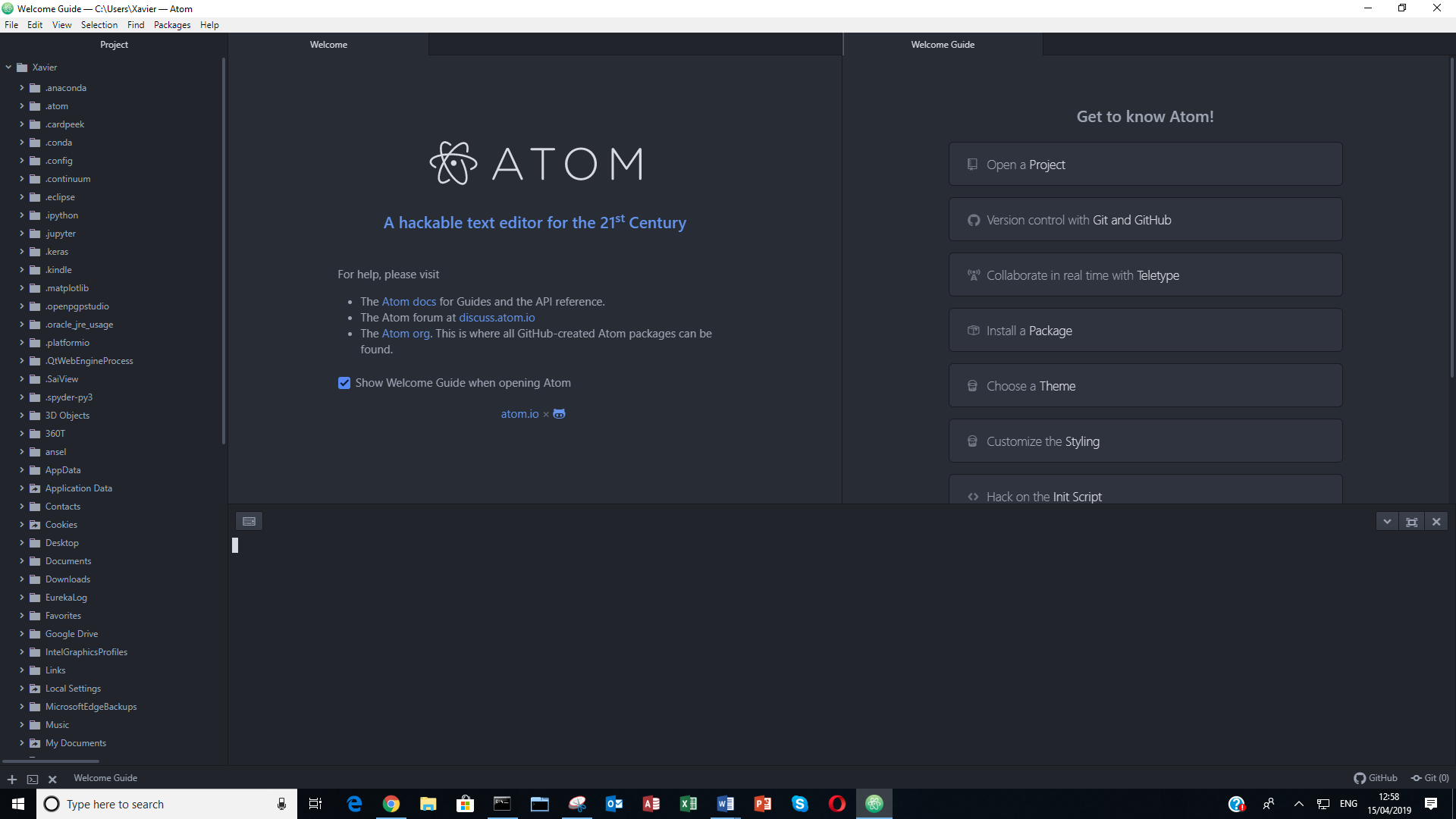
Platformio-ide-terminal is only package I have installed .

I have also uninstalled Atom completely and re-installed. Still the same issue.
I am using Windows 10 Home. Curiously, the platformio terminal opened without issue for a long time. This might be a case of some kind of update that went wrong.
 xavalex
on 15 Apr 2019
xavalex
on 15 Apr 2019
@xavalex
You are using WIndows 10 1809 right? If so set your terminal to bash, see https://github.com/platformio/platformio-atom-ide-terminal/issues/668#issuecomment-482838020
I advise you also read the post above.
Also, this issue is for an outdated version of platformio-ide terminal, if you still have an issue after this, reopen a new ticket.
Thank you.
the-j0k3r
on 15 Apr 2019
Hi everyone.... I got mine working now (Atom 64-bit v.1.25.1 running Windows 8.1).
Here's what I did:
- Go to File -> Settings -> Packages.
- In the Installed Packages window/page, look for the '_platformio-ide-terminal_' package by scrolling down the list of installed packages.
- Once found, click the Uninstall button.
- After uninstalling the package successfully, close or exit the Atom editor.
- Restart the Windows operating system.
- After logging in back to Windows, launch the Atom editor.
- Go to File -> Settings -> Install.
- In the Install Packages window/page, type '_platformio-ide-terminal_' on the text box, followed by pressing Enter key.
- Once the '_platformio-ide-terminal_' package is found, click the Install button.
After successfully installing the package, it should be working back as it was before.
However, would like to note that this 'solution' has not been tested on Atom editors (of the same version) running on Linux or OS X operating systems.
Hope this helps.
This worked for me. I uninstalled platformio-ide-terminal and installed again. Just that. I didn't restart the pc
 onlinepresident
on 21 Jan 2020
onlinepresident
on 21 Jan 2020
This is outdated and solution already exists in other topic.
the-j0k3r
on 21 Jan 2020
Related issues
 tjapro
·
21Comments
12xman
·
131Comments
tjapro
·
21Comments
12xman
·
131Comments
 VitaliyAT
·
40Comments
VitaliyAT
·
40Comments
 upeshjindal
·
23Comments
upeshjindal
·
23Comments
 jiangfengming
·
22Comments
jiangfengming
·
22Comments