Is your feature request related to a problem? Please describe.
I'm an iPhone user, and my phone shoots photos in HEIC format (rather than JPEGs). I chose to disable the "Maximum Compatibility" in the nextcloud app for iPhone, and prefer to upload HEIC files rather than in-phone converted JPEGs.
I'm fine with the Apple eco system, and all devices understand HEIC just fine.
Describe the solution you'd like
Show HEIC files as well as JPEG files in the photos app.
Describe alternatives you've considered
Enable "Maximum Compatibility" is not an option for me.
Additional context
Given the support for HEIC exists in the local imagemagick installation, nextcloud can handle HEIC files pretty well. The files app shows thumbnails and previews. However, photos ignores the files completely.
I've changed the MIMES array in lib/AppInfo/Application.php to include 'image/heic', and the thumbnails appear just fine. However, when clicking on the file, nothing happens, where I would expect the lightbox to appear and give a bigger view of the image.
 steiny2k
All 11 comments
Hi! :)
This is because we need this https://github.com/nextcloud/viewer/issues/4
 skjnldsv
on 27 Apr 2020
skjnldsv
on 27 Apr 2020
Describe alternatives you've considered
Enable "Maximum Compatibility" is not an option for me.
What does that means?
skjnldsv
on 27 Apr 2020
What does that means?
It means, I do not want to upload the files to nextcloud as JPEGs but rather keep using HEIC as the file format I upload from the nextcloud iOS app to the nextcloud server. And I would like to have the photos app to deal gracefully with them, if the system supports it (imagemagick has support it).
I'll have a look at nextcloud/viewer#4 and see whether I can help there with a PR to get that feature. Thanks for pointing me in the right directions.
steiny2k
on 27 Apr 2020
You're welcome! Thanks for your interest :)
Let me know if I can help pointing other stuff or if you're confused about some part :wink:
skjnldsv
on 27 Apr 2020
Hi @skjnldsv, just did the change and sent a PR. Please check https://github.com/nextcloud/viewer/pull/485 as well.
steiny2k
on 29 Apr 2020
I'm also an iPhone user with the same wish to use heic format in my nextcloud. I also changed the viewer app like steiny2k instructions. That works for me in the viewer app without any issues.
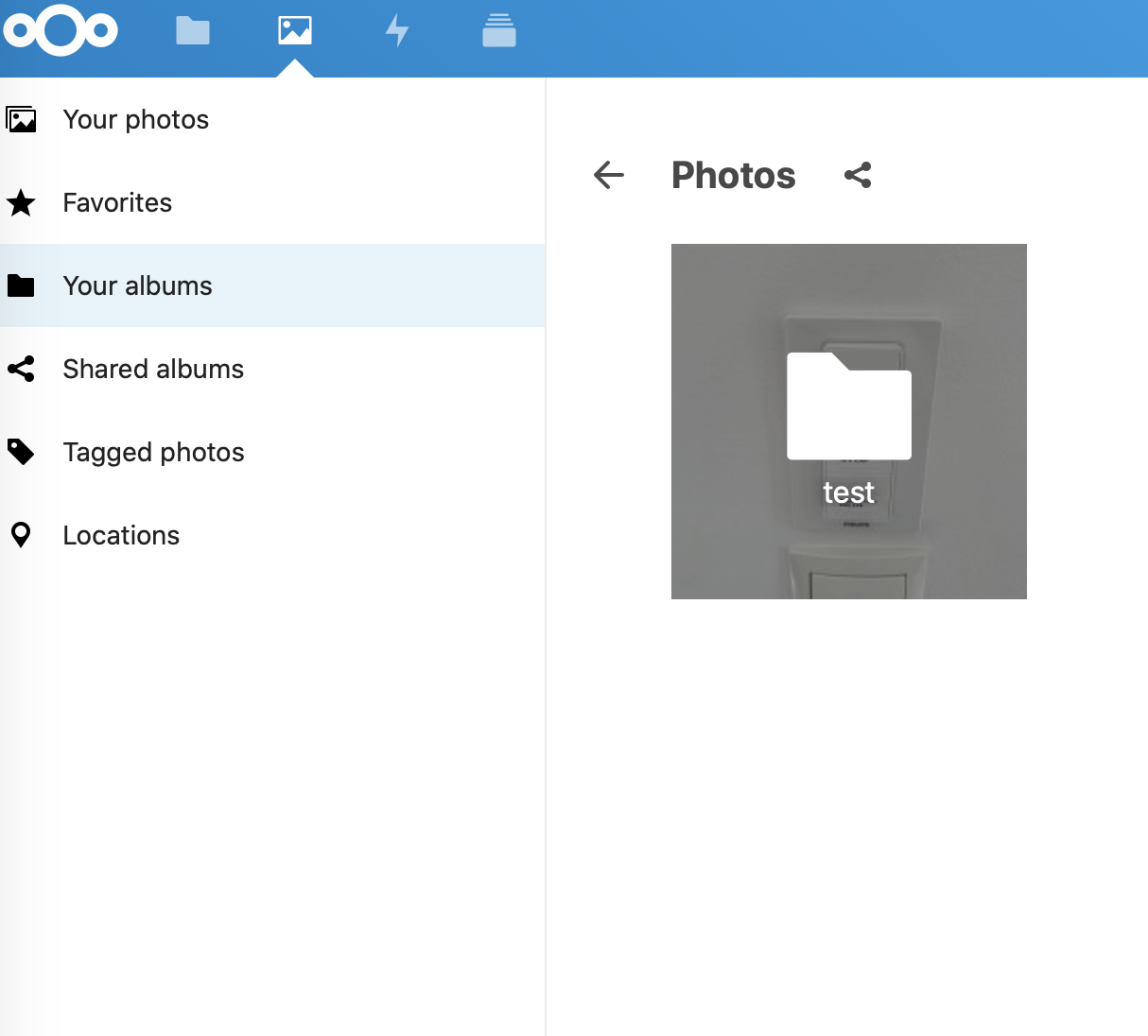
No I want also use heic format in the new photo app. So, I add the heic (mime) support to application.php. My test folder structure looks like this: /Photos/test/image.heic
But if I open a heic photo in the photo app I see an error (Your Albums View) :
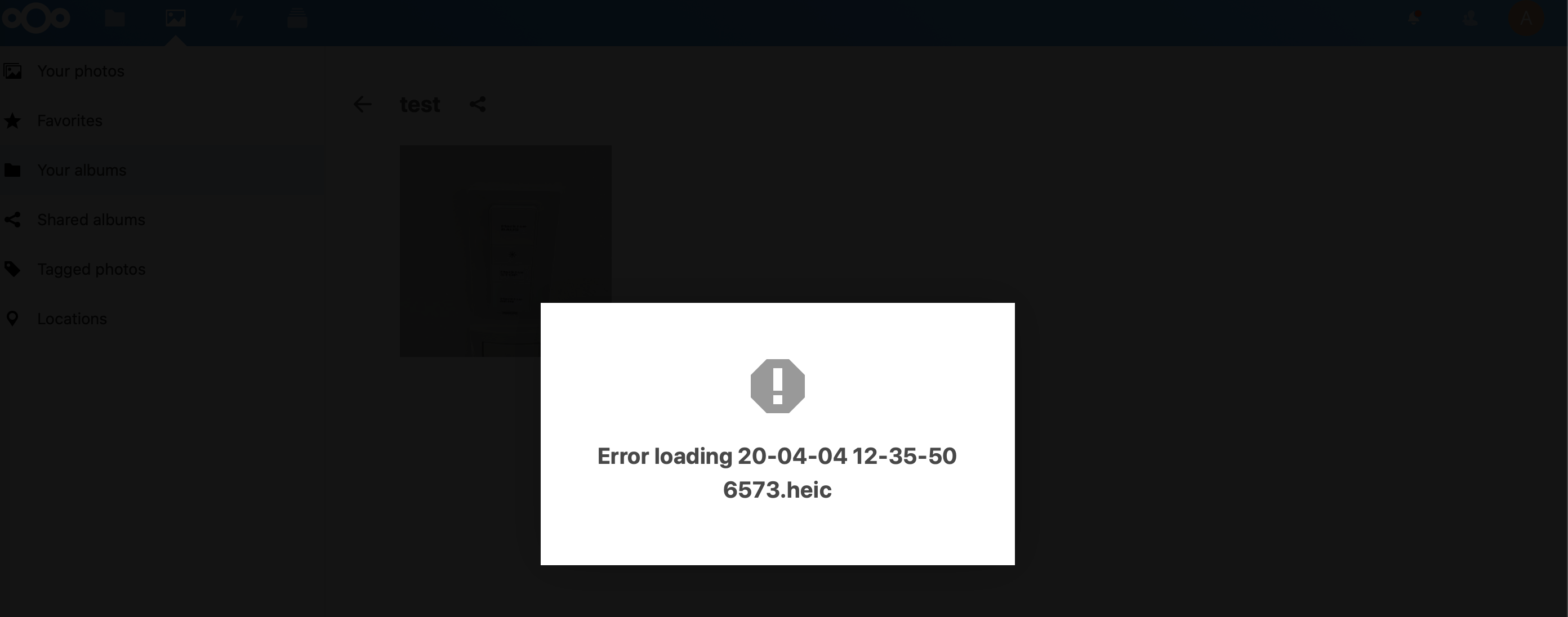
That's the browser console output:

If I open the same heic photo in the photo (Your photos view) the photo will be displayed
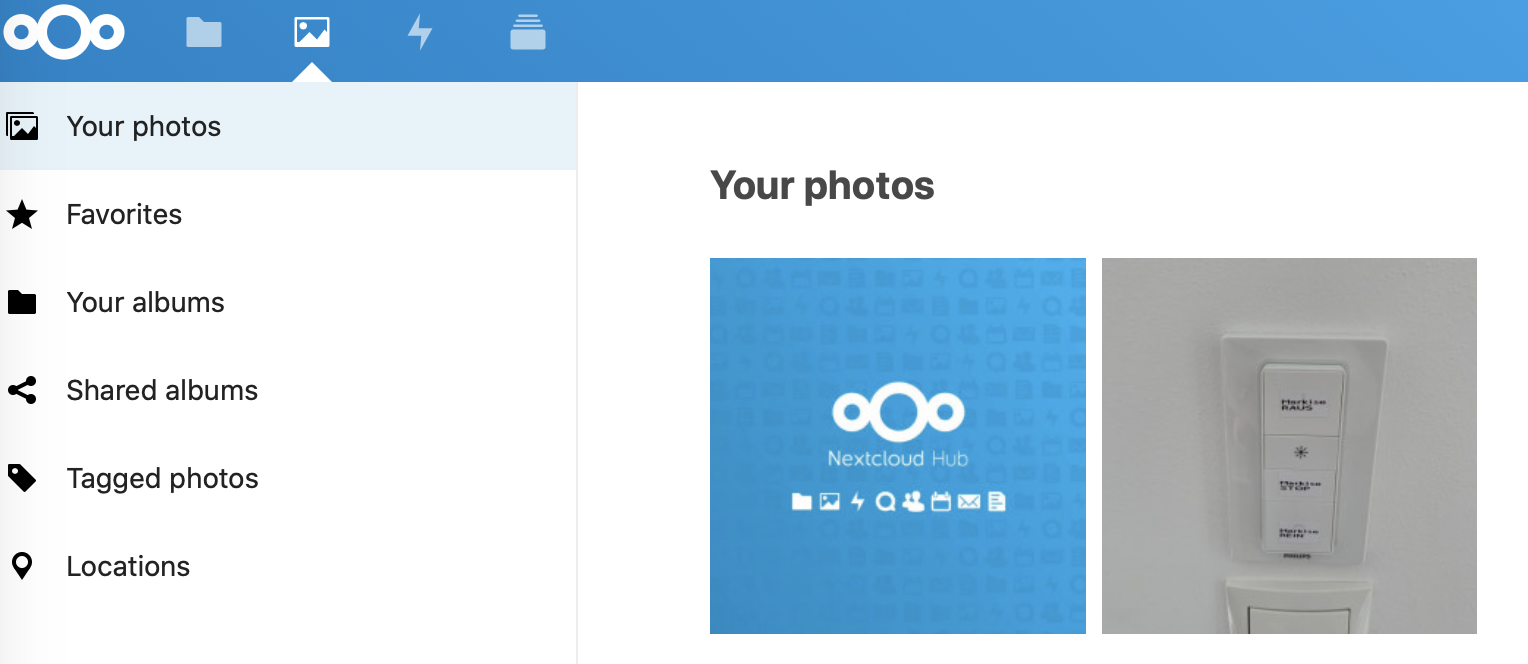
Very strange behavior, where I have no clue to solve the error. The error occur in nextcloud 18.0.4 and 19rc3.
 manolo4711
on 27 May 2020
manolo4711
on 27 May 2020
Because the viewer doesn't support heic @steiny2k
see https://github.com/nextcloud/viewer/pull/485
skjnldsv
on 9 Jun 2020
@skjnldsv Is this solved as well?
 MorrisJobke
on 16 Sep 2020
MorrisJobke
on 16 Sep 2020
is this working in Nextcloud 21?
 manojknaikade
on 1 Apr 2021
manojknaikade
on 1 Apr 2021
Yes if you enable the heic preview provider (see docs)
skjnldsv
on 1 Apr 2021
I have it enabled in the config file but the HEIC preview does not work. I opened a help thread on the forum https://help.nextcloud.com/t/heic-in-browser/111656/7
manojknaikade
on 1 Apr 2021
Related issues
 OlavStornes
·
4Comments
OlavStornes
·
4Comments
 JonOfUs
·
13Comments
JonOfUs
·
13Comments
 dlauper
·
13Comments
dlauper
·
13Comments
 iwanttobefreak
·
7Comments
iwanttobefreak
·
7Comments
 tillwf
·
14Comments
tillwf
·
14Comments